Travel
Remove an accidental tourist from a landscape or city photo.

REMOVE PERSON · BACKGROUND REBUILD
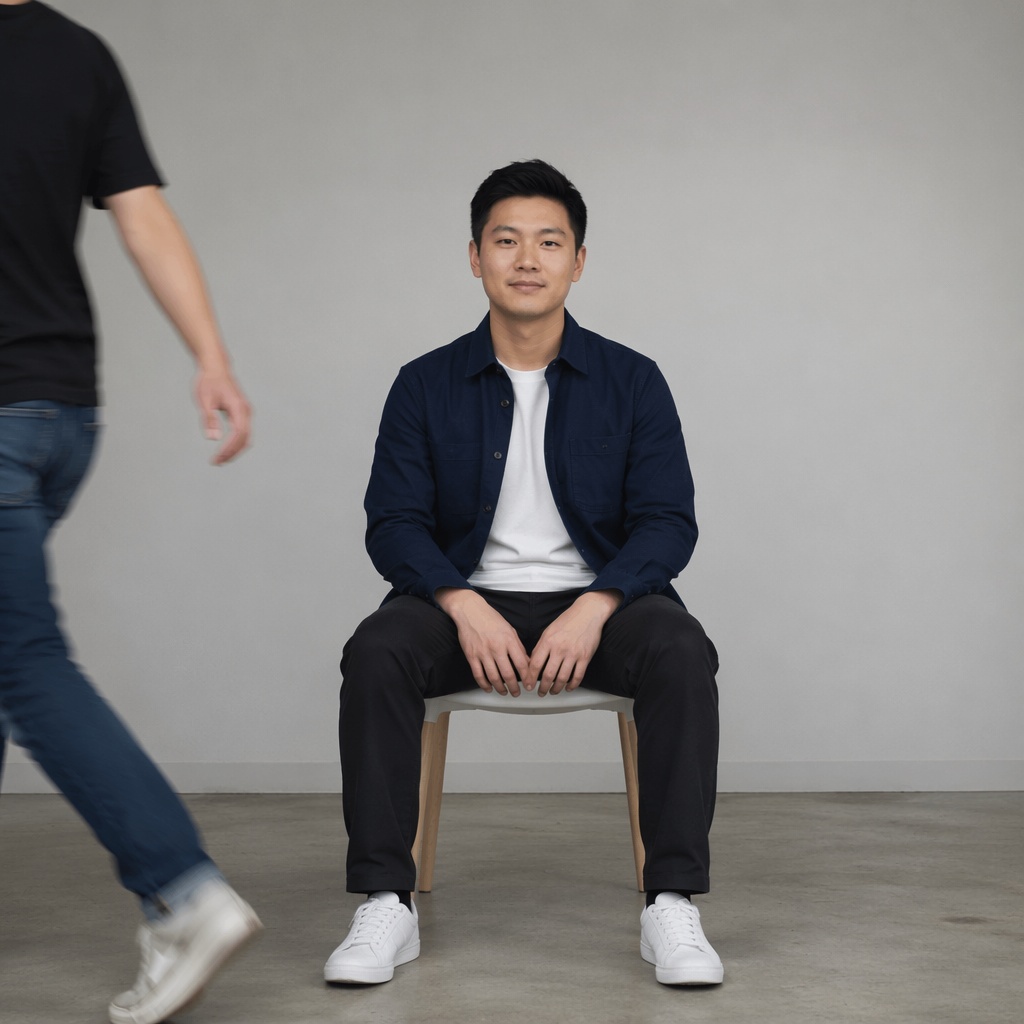
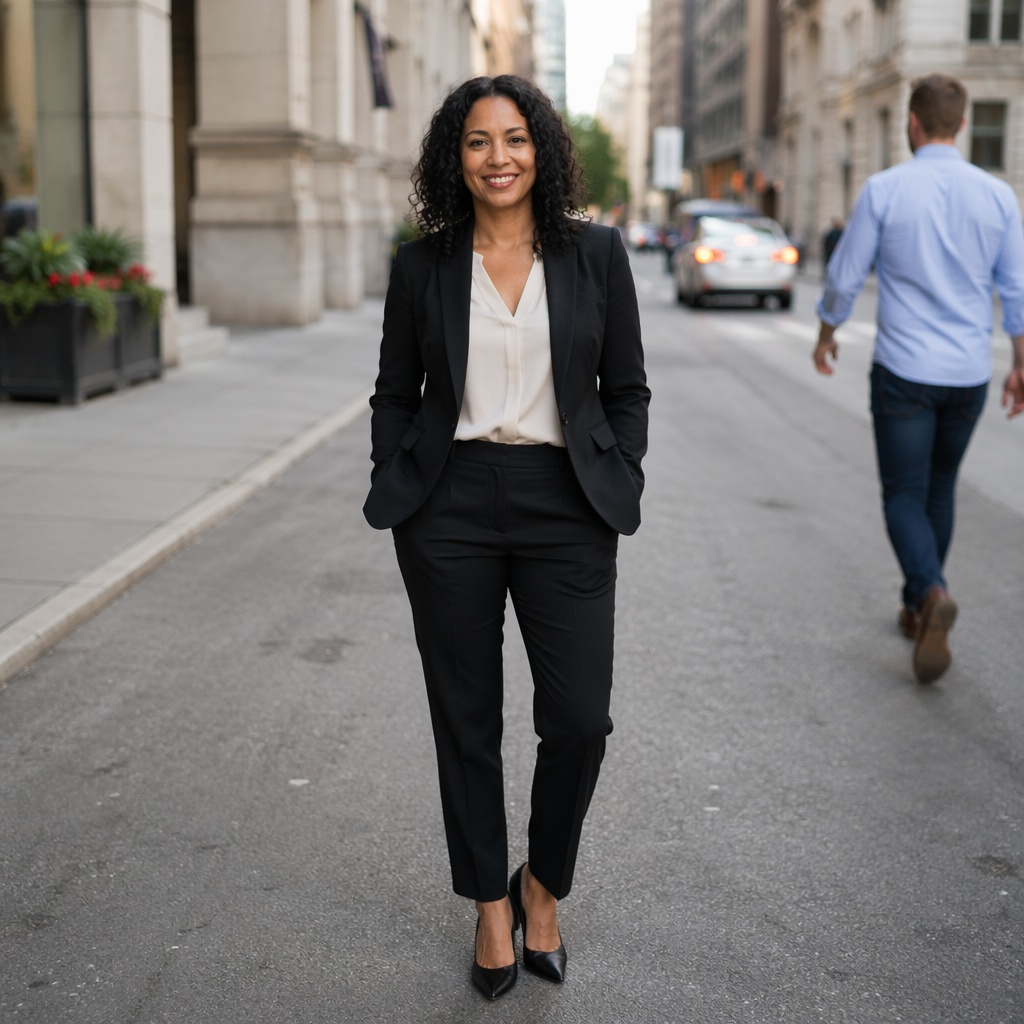
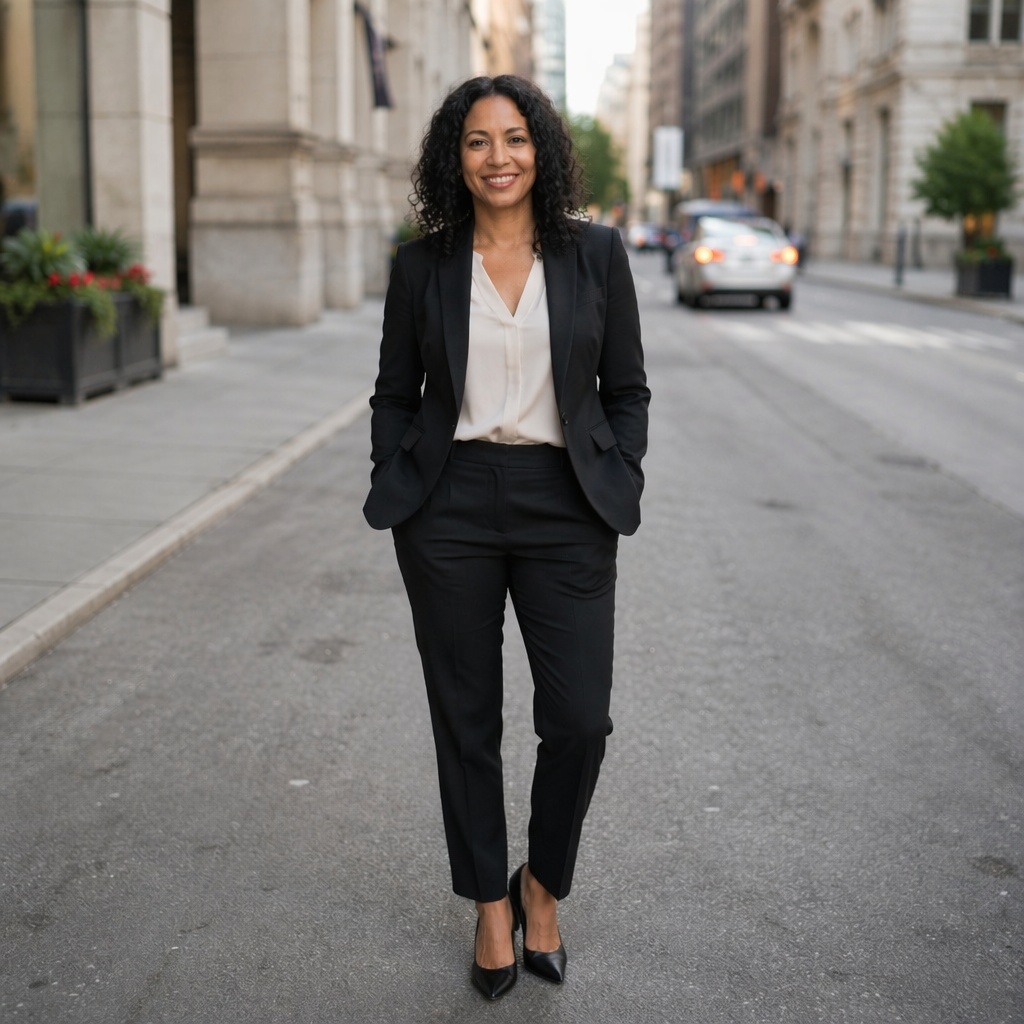
Remove an unwanted passerby or one extra participant and reconstruct the scene behind them. The main subject, other faces, and overall composition should remain recognizable.


TOOL SCOPE
A person can cover complex background, cast a shadow, or appear in reflections, so this workflow is deliberately separated from object removal.
The face, pose, and clothing of the person you want to keep should not change.
Architecture, ground, landscape, and surfaces are rebuilt from the surrounding context.
If the removed person creates a shadow or reflection, inspect those areas separately.
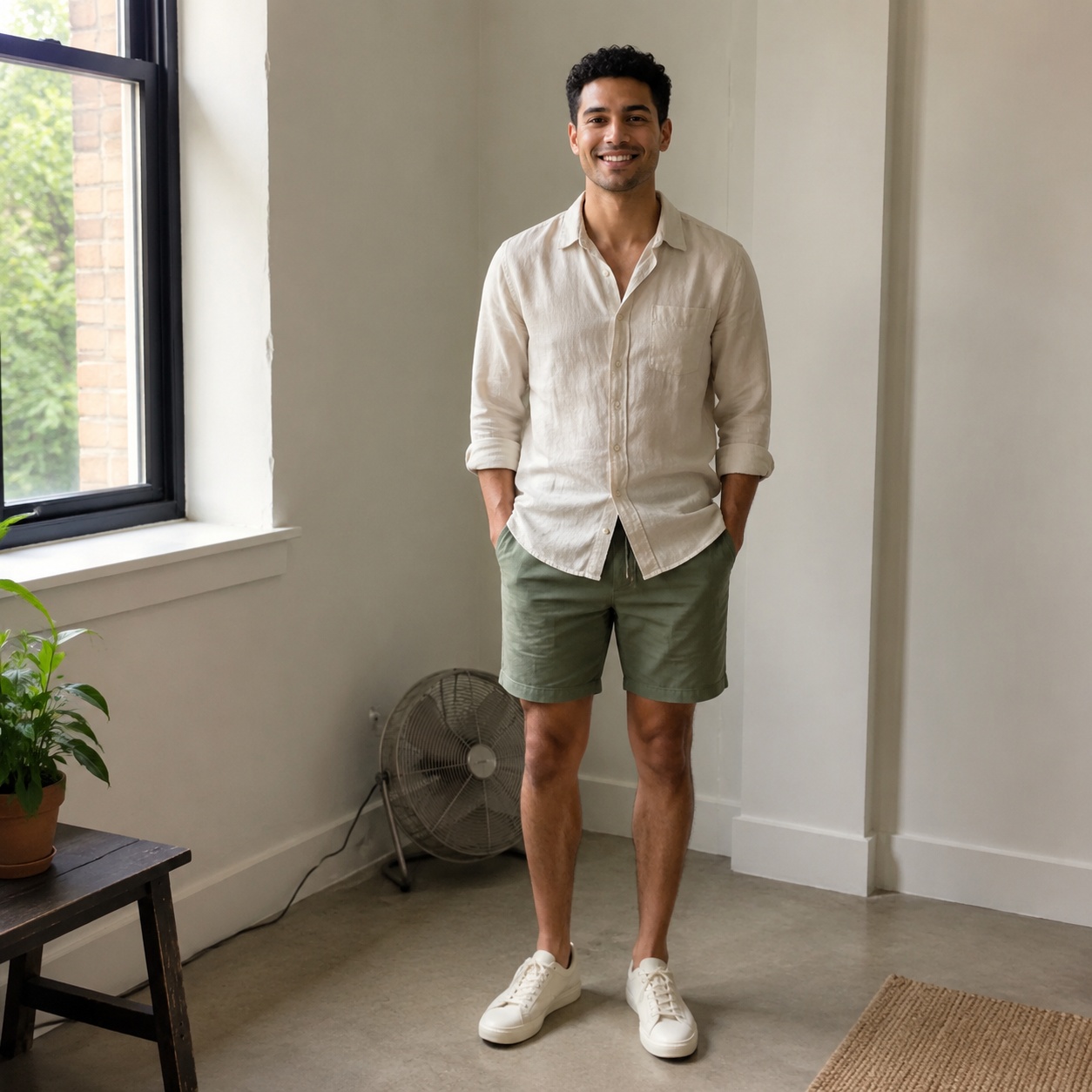
BEFORE / AFTER
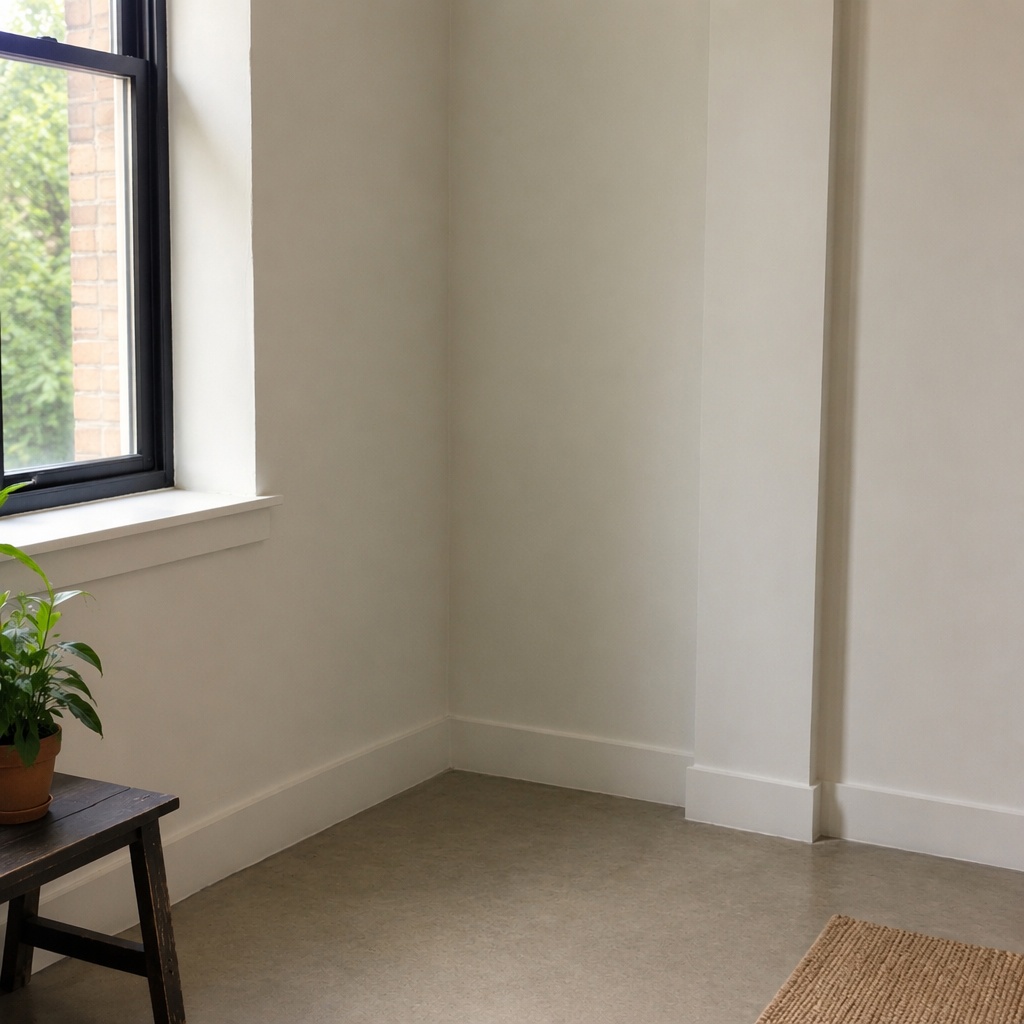
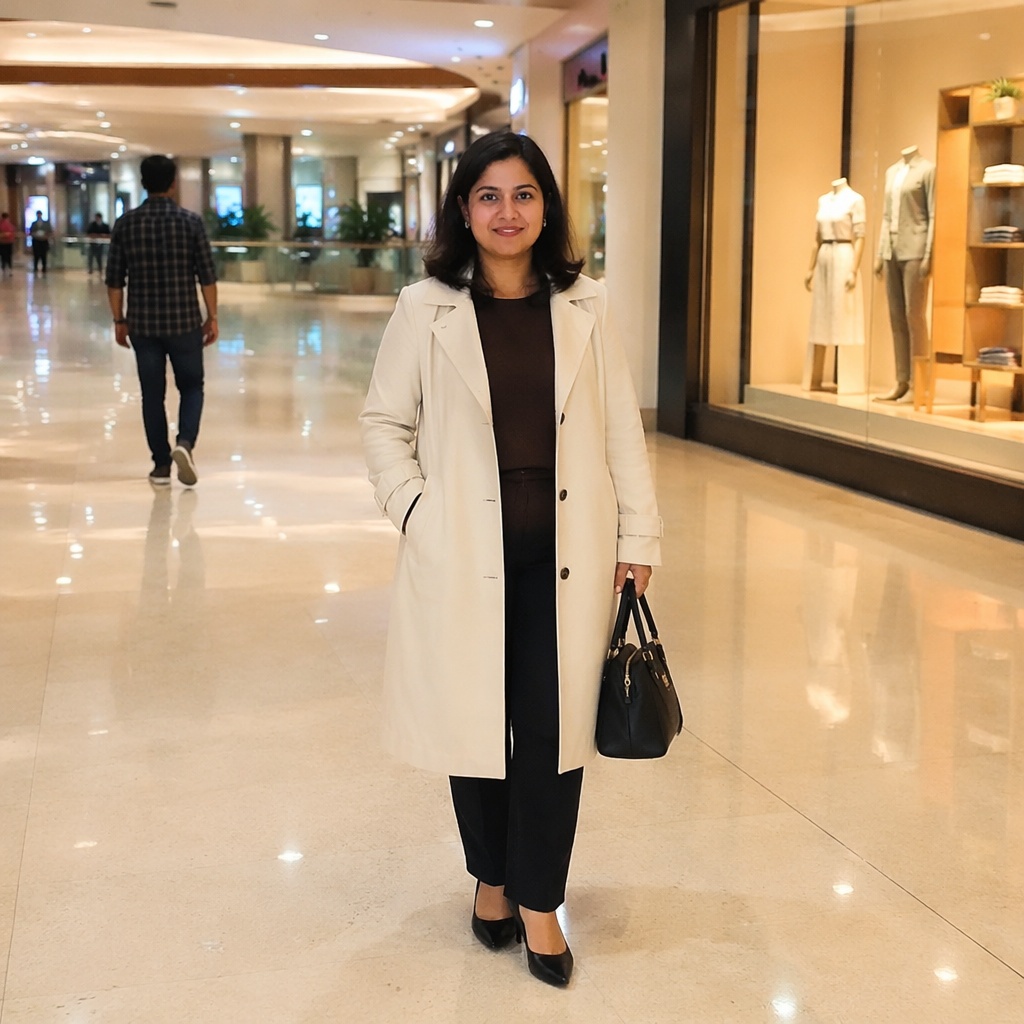
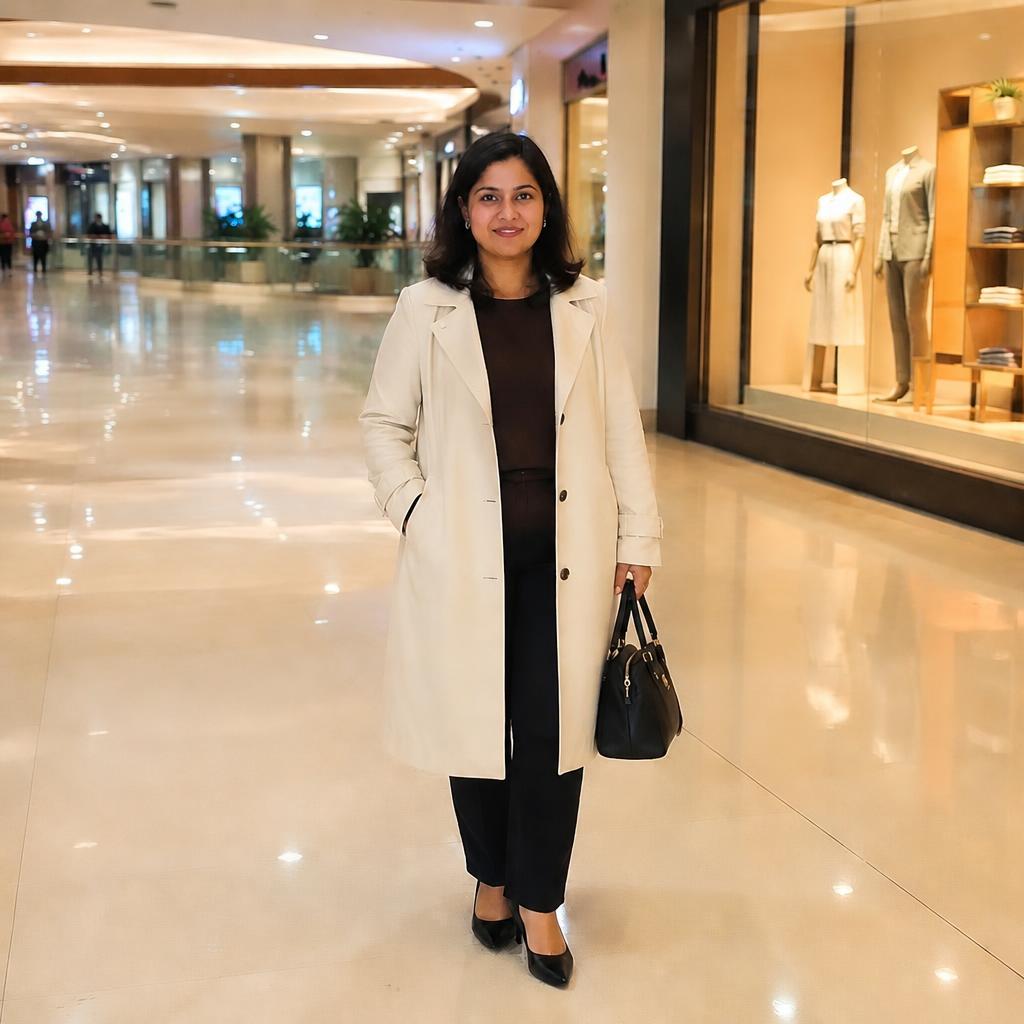
Compare the source frame with the edited version. Every example belongs to this focused task.

USE CASES
Remove an unwanted passerby or one extra participant and reconstruct the scene behind them. The main subject, other faces, and overall composition should remain recognizable.
Remove an accidental tourist from a landscape or city photo.
Remove one participant while keeping everyone else recognizable.
Remove a passerby from the background without changing the main subject.
Remove a person accidentally captured near a product or storefront.
For a passerby or one person in a group.
For a prop, furniture, sign, or another non-human item.
PROMPT / TASK
A person can cover complex background, cast a shadow, or appear in reflections, so this workflow is deliberately separated from object removal.
Remove the background passerby and rebuild the architecture, ground, and shadows. Keep the main subject unchanged.
Remove the selected tourist and continue the landscape, horizon, and textures naturally.
Remove one person while preserving the faces, bodies, and clothing of everyone else.
Remove the person together with their reflection or shadow while preserving scene lighting.
FAQ · REMOVE-PERSON
Clear boundaries for this tool and what to expect from the result.
Yes, that is the primary intent. Results are best when the scene behind the person is visually inferable.
The workflow explicitly asks the model to preserve the main subject and all other people.
Yes, although overlapping people create more hidden content that must be reconstructed.
AI tries to account for them, but glass, mirrors, and complex shadows deserve an extra check.
Cleanup targets many small distractions; this page targets a specific person.
SMARTGENIUSAI · CORRECTION
Remove an unwanted person and rebuild the scene without manual clone-stamping.
Гостьові AI-обробки недоступні. Новий акаунт, створений після початку акції, отримує одну успішну безкоштовну обробку будь-яким інструментом редактора, включно з Premium. Далі потрібні токени. Спроба спільна для акаунта, не для кожної сторінки.
Наступні AI-обробки оплачуються токенами за тарифом інструмента. Технічна помилка не повинна витрачати безкоштовну спробу. Зміна режиму проєкту не відновлює використані спроби. Куплені токени й постійний Premium зберігаються; Premium відкривається після покупки.