After AI generation
Repair extra fingers, duplicated details, and other typical generation artifacts.

FIX PHOTO · AI ARTIFACT REPAIR
Repair local AI-generation and retouching errors: extra fingers, broken anatomy, damaged edges, fused details, and unnatural texture. This is not a global Photo Enhancer or old-photo restoration page.
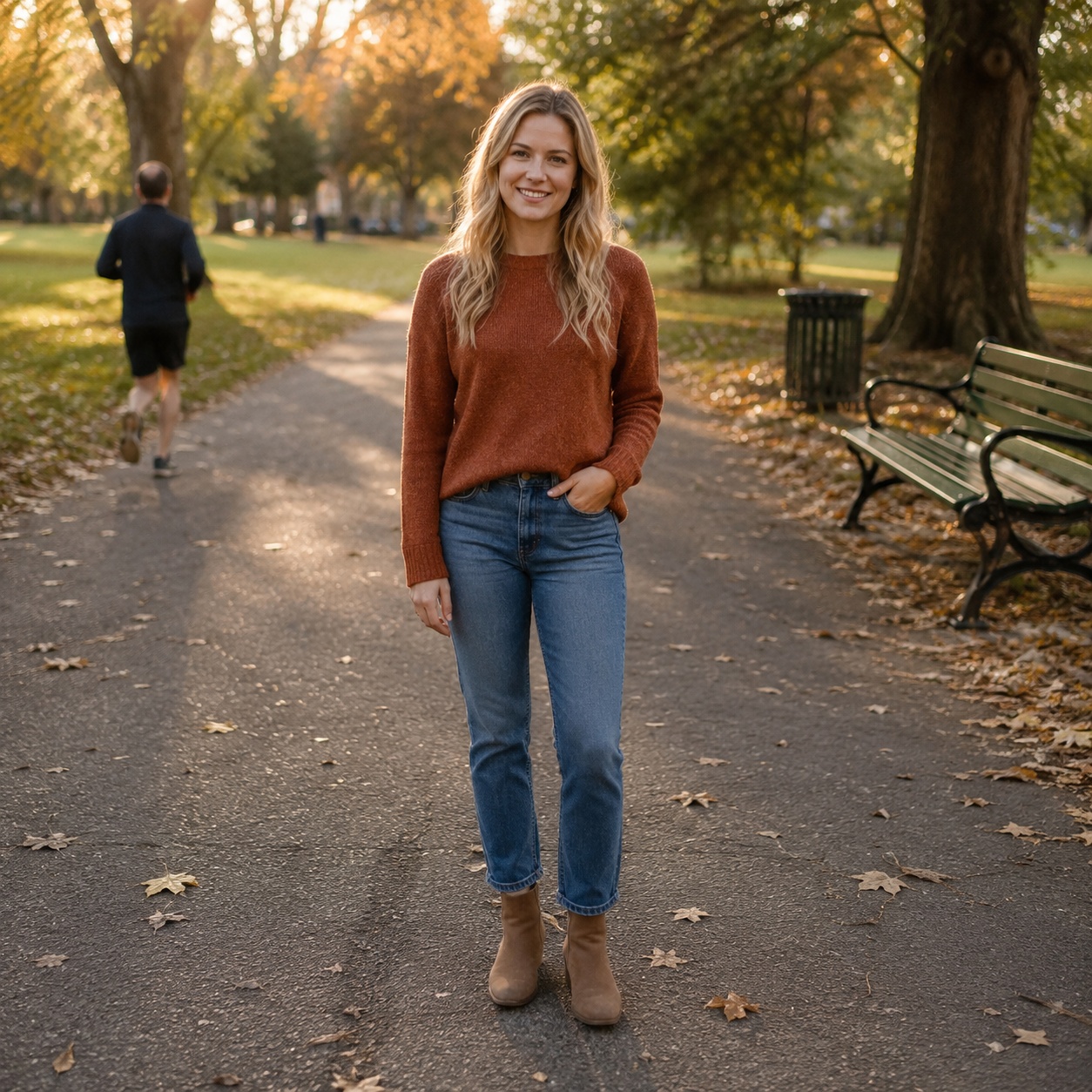
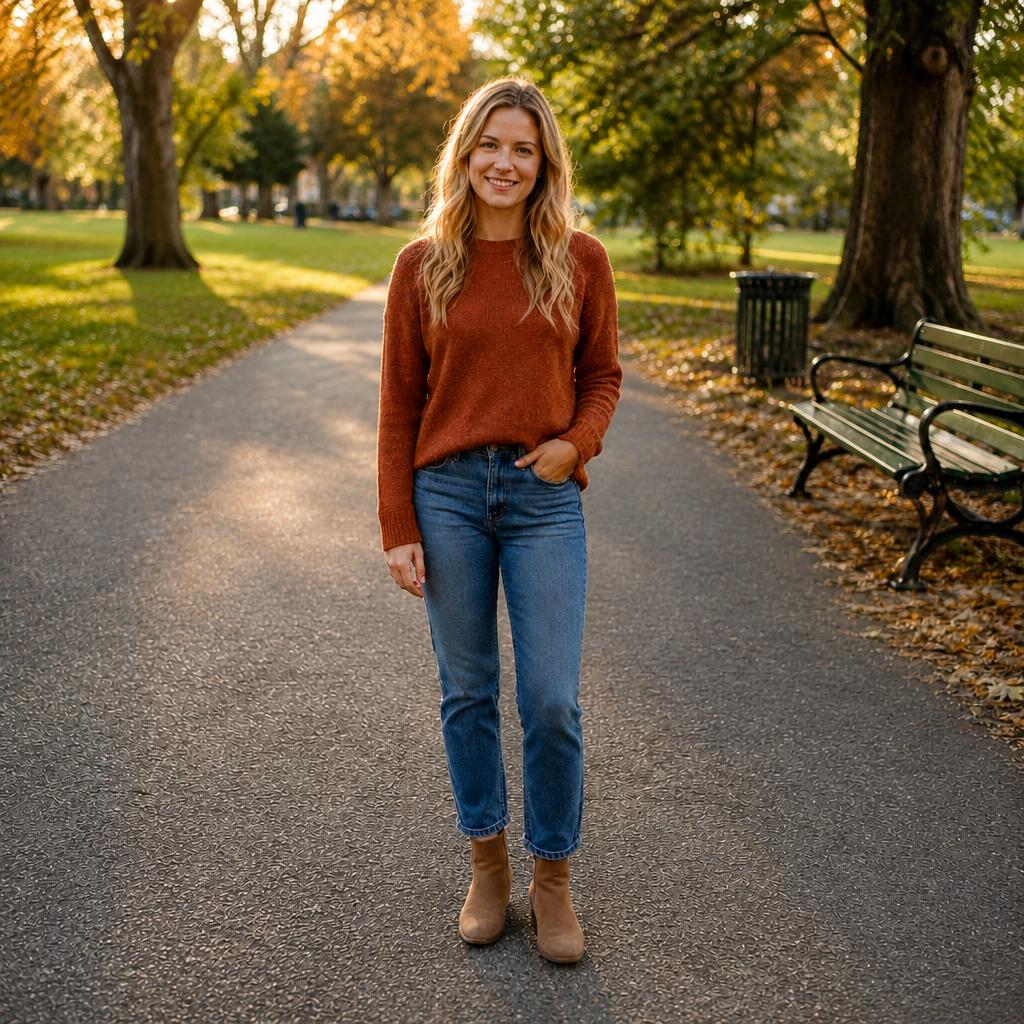
TOOL SCOPE
It repairs a local visual error, especially after AI generation or editing. Light, color, blur, and old-photo damage already have dedicated workflows.
Extra fingers, fused hands, unnatural joints, and other localized body errors.
A broken object outline, warped clothing edge, duplicated or fused detail.
A smeared patch, generation seam, or incorrect material only in the problem area.
USE CASES
Repair local AI-generation and retouching errors: extra fingers, broken anatomy, damaged edges, fused details, and unnatural texture. This is not a global Photo Enhancer or old-photo restoration page.
Repair extra fingers, duplicated details, and other typical generation artifacts.
Blend a local seam or damaged edge without reworking the entire frame.
Restore shape and material only on the defective part of a product or object.
Inspect hands, faces, edges, and small forms before saving the final version.
BEFORE / AFTER
Compare the source frame with the edited version. Every example belongs to this focused task.
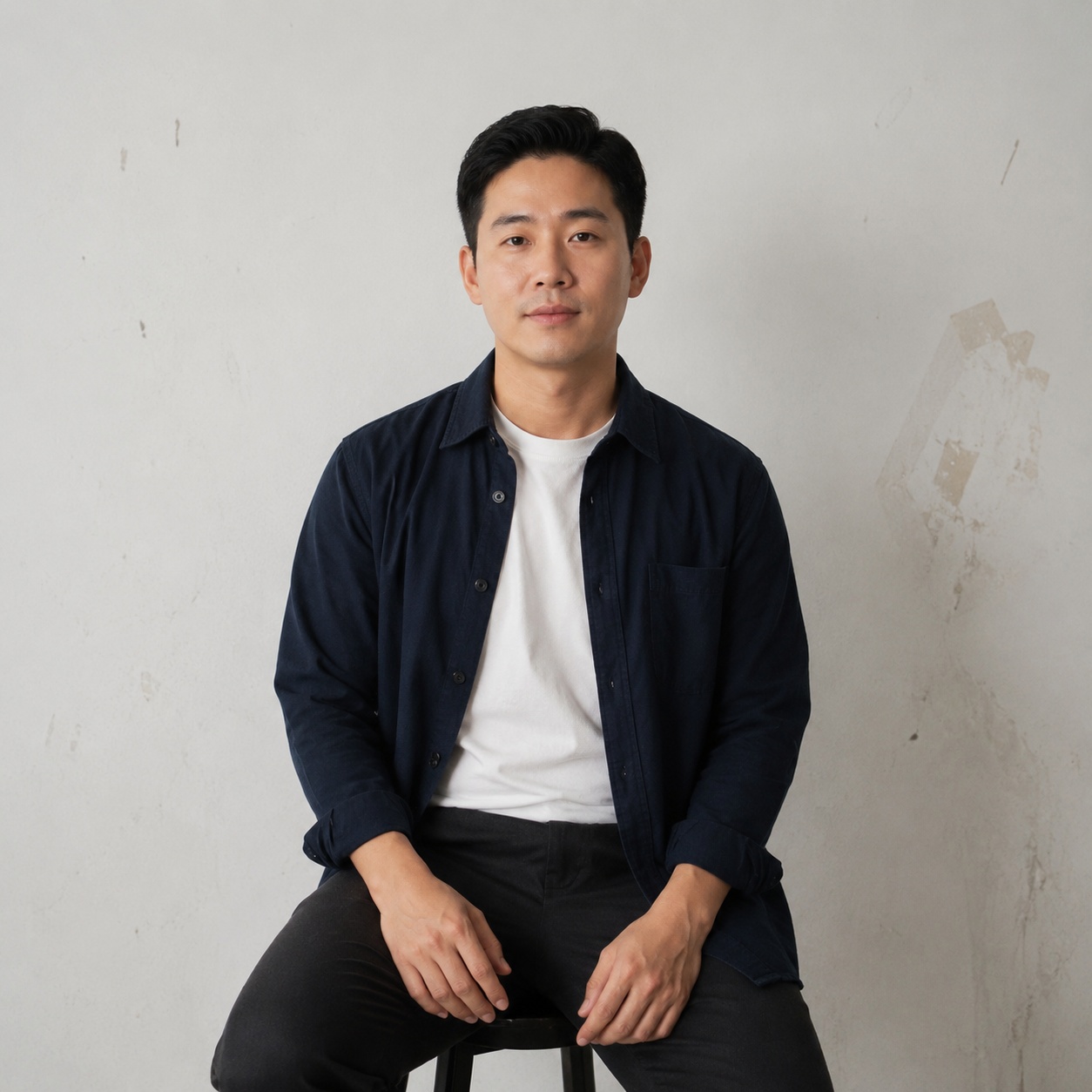
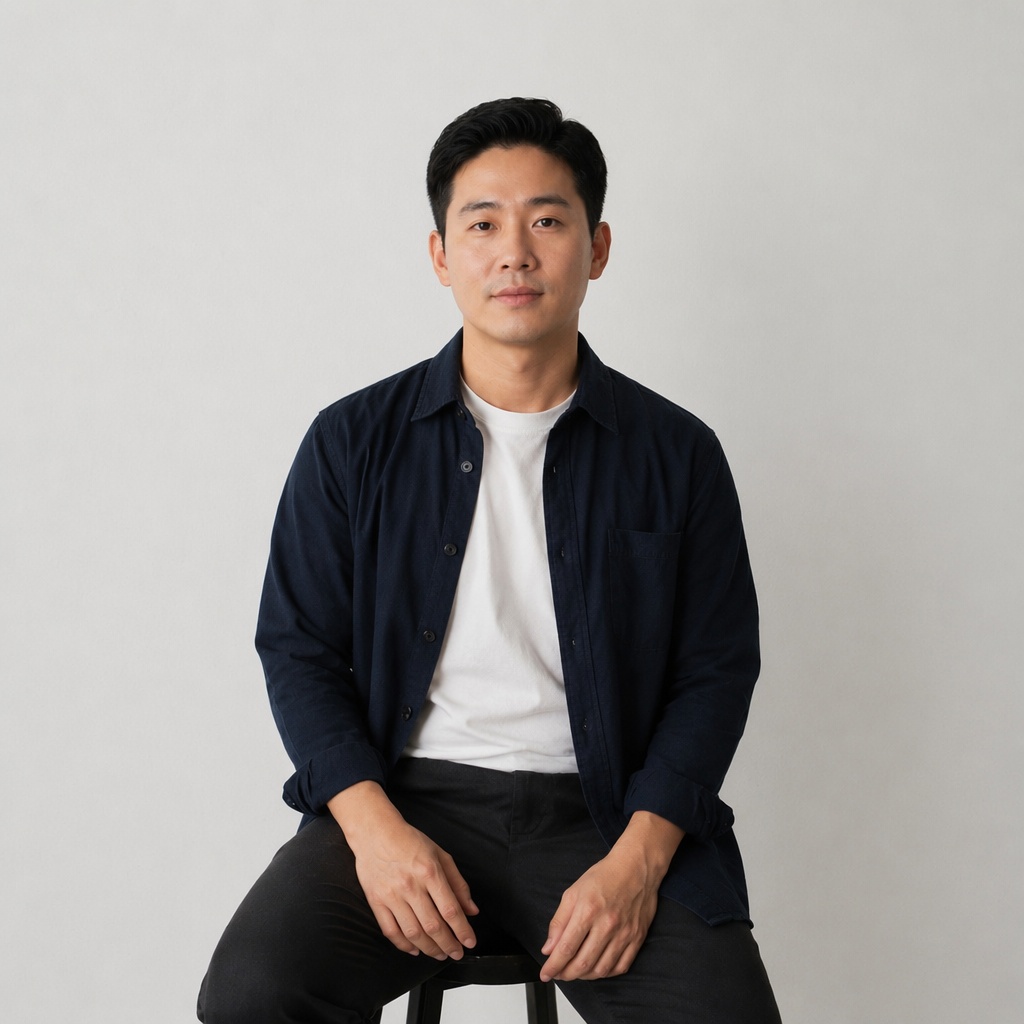
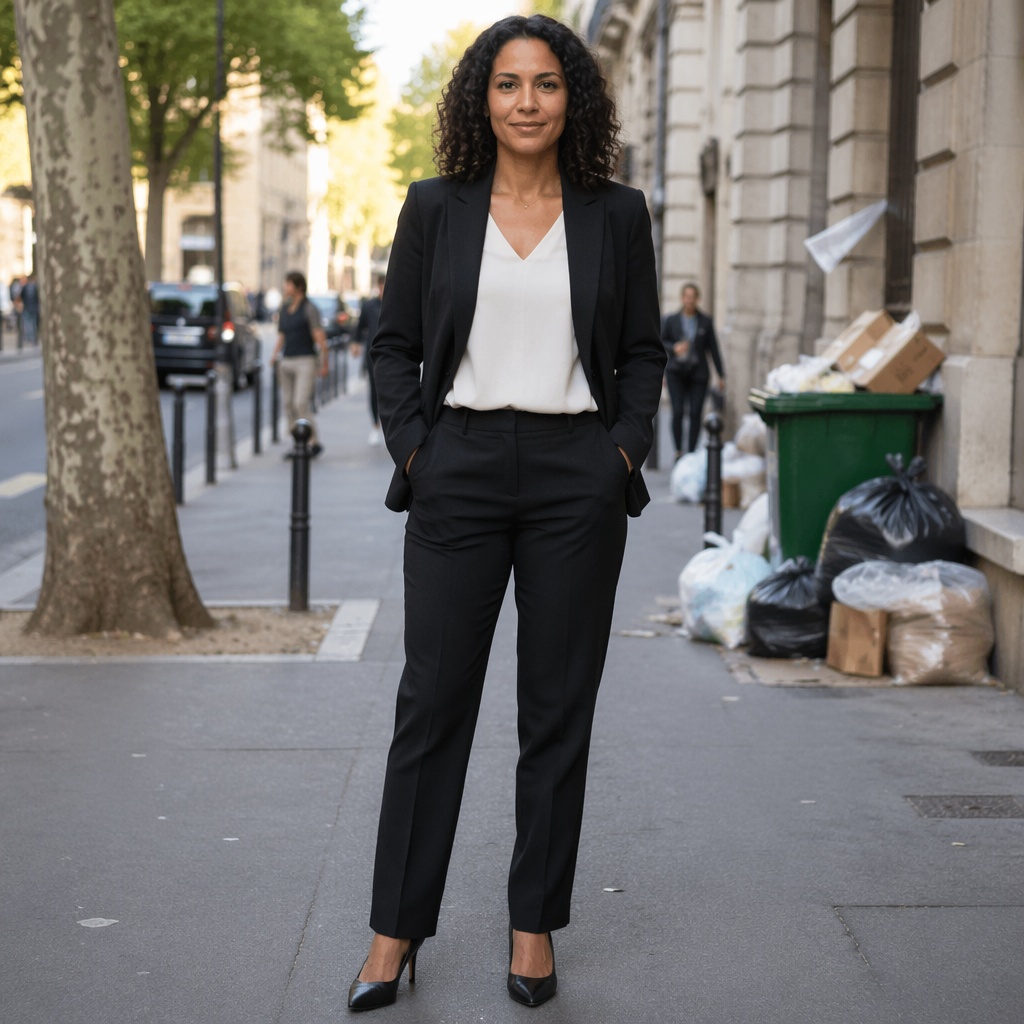
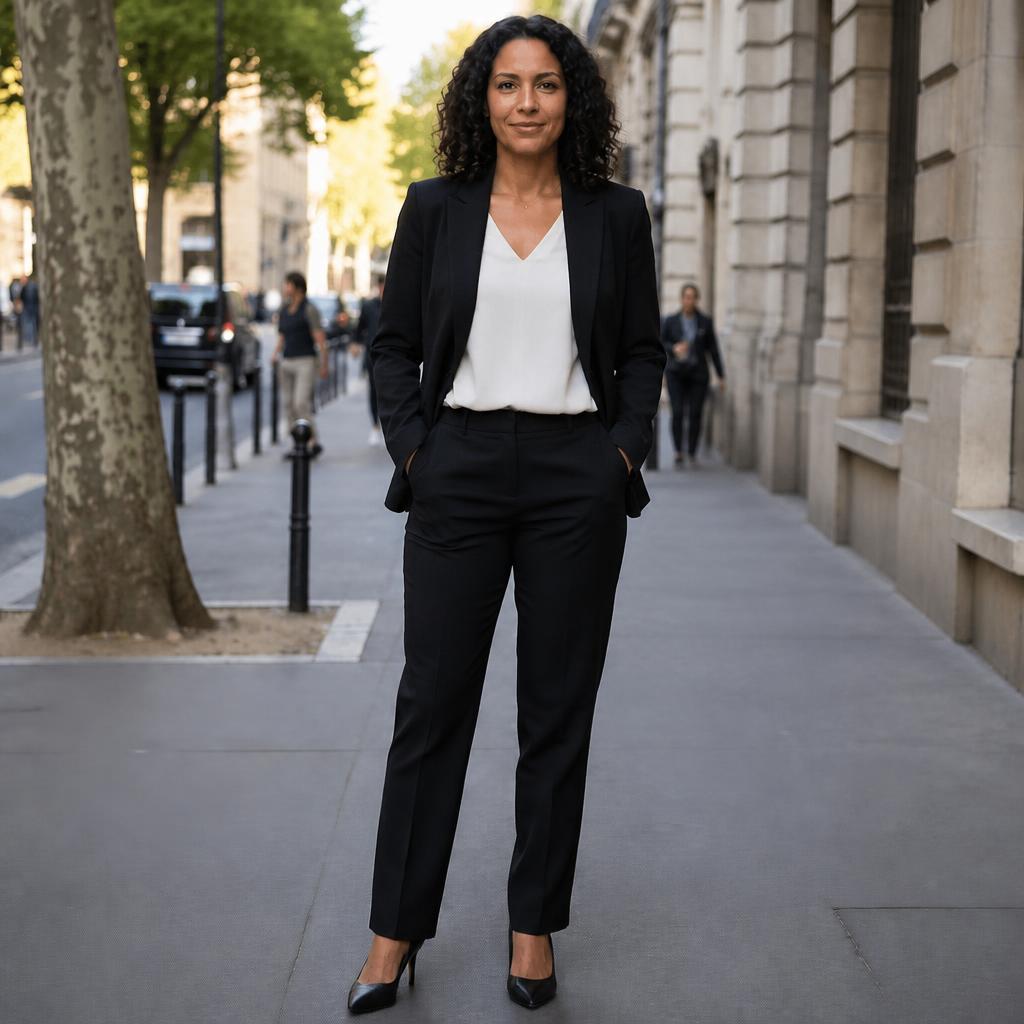
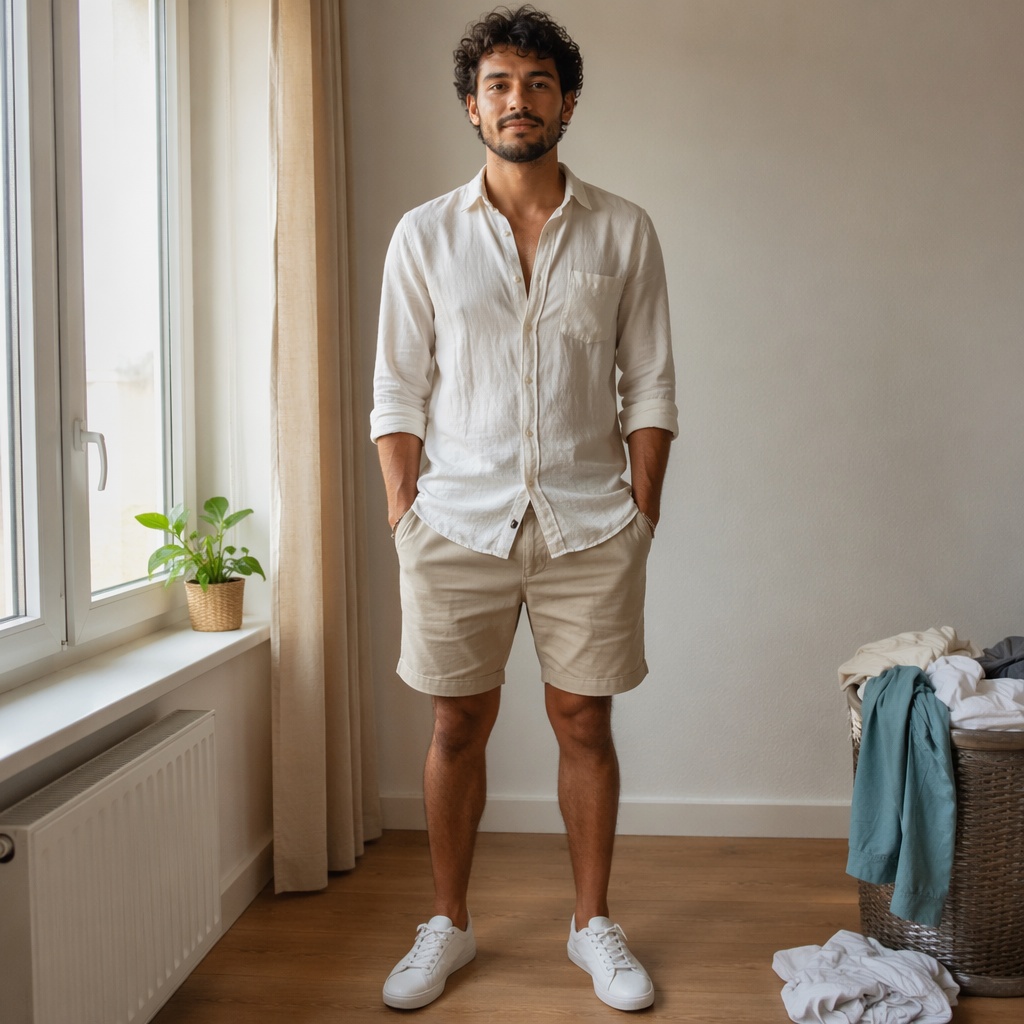
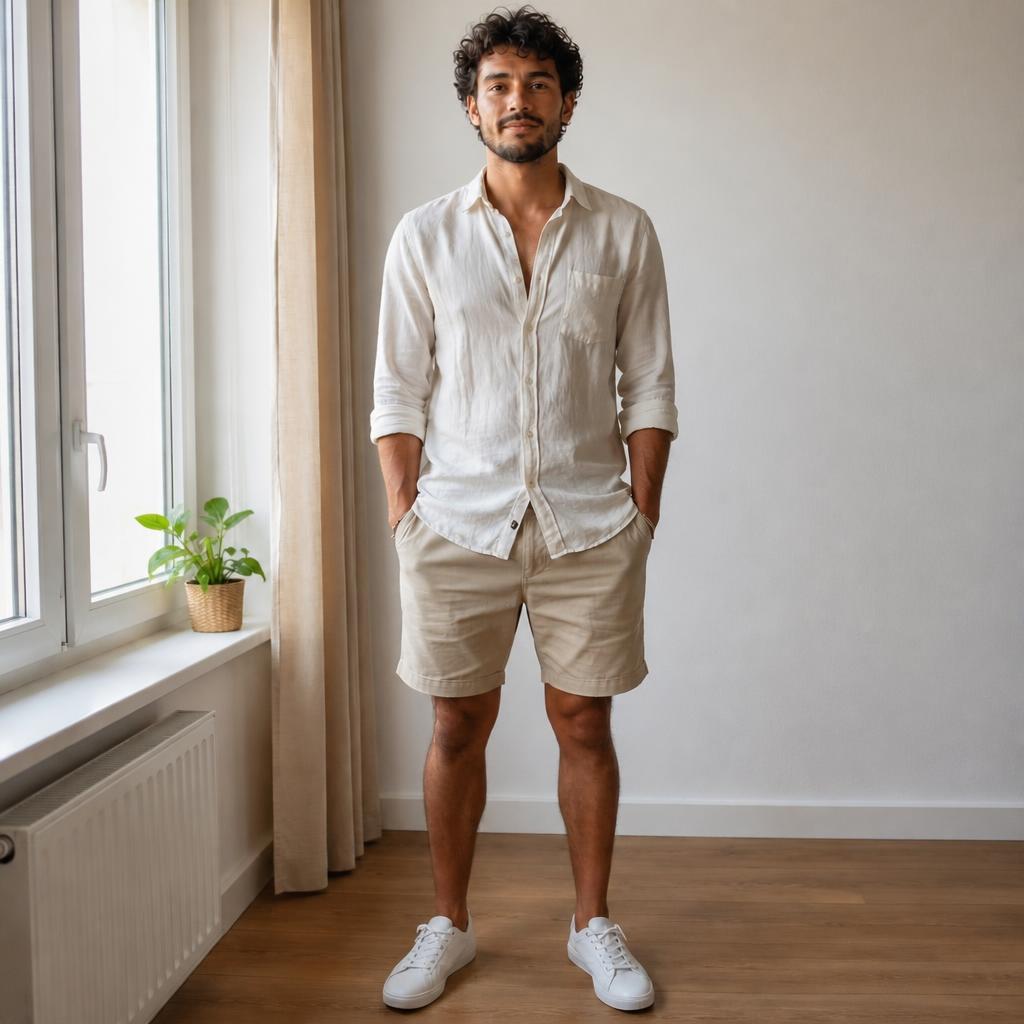
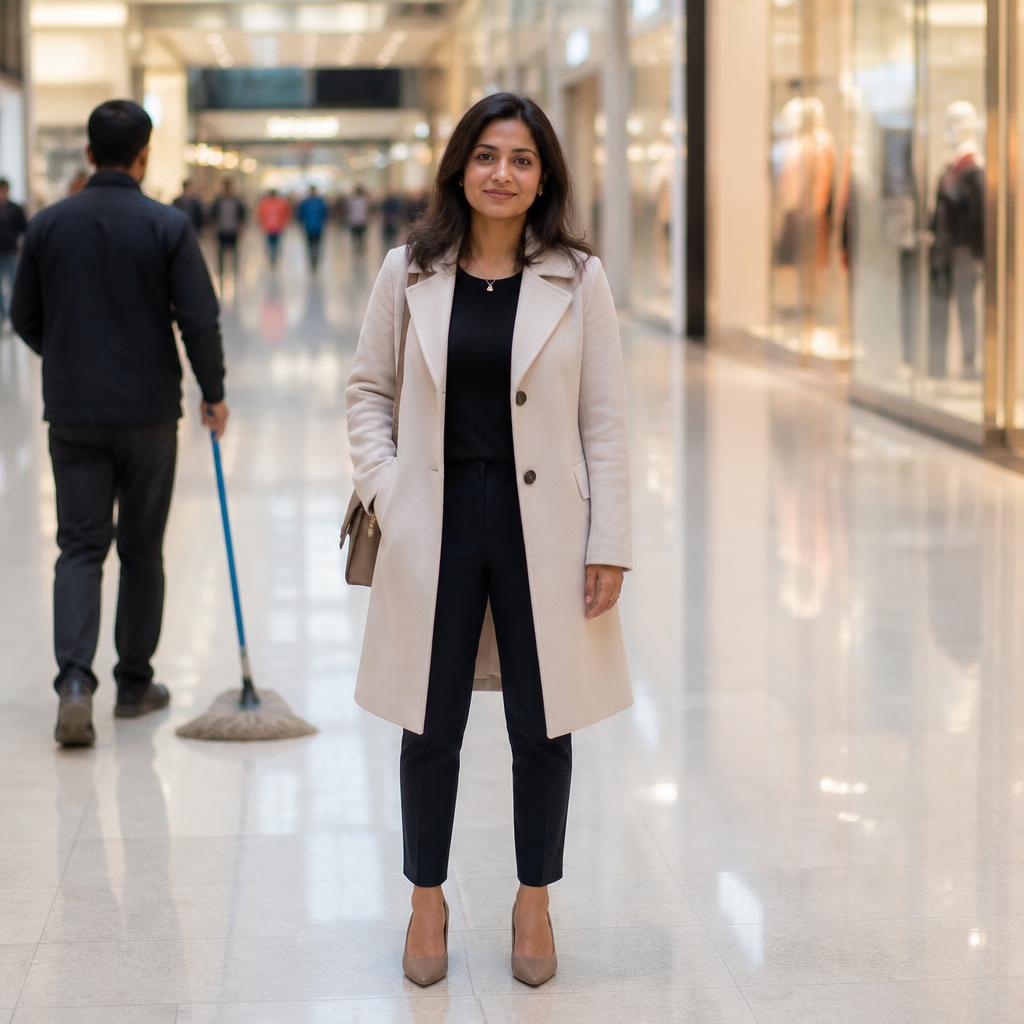
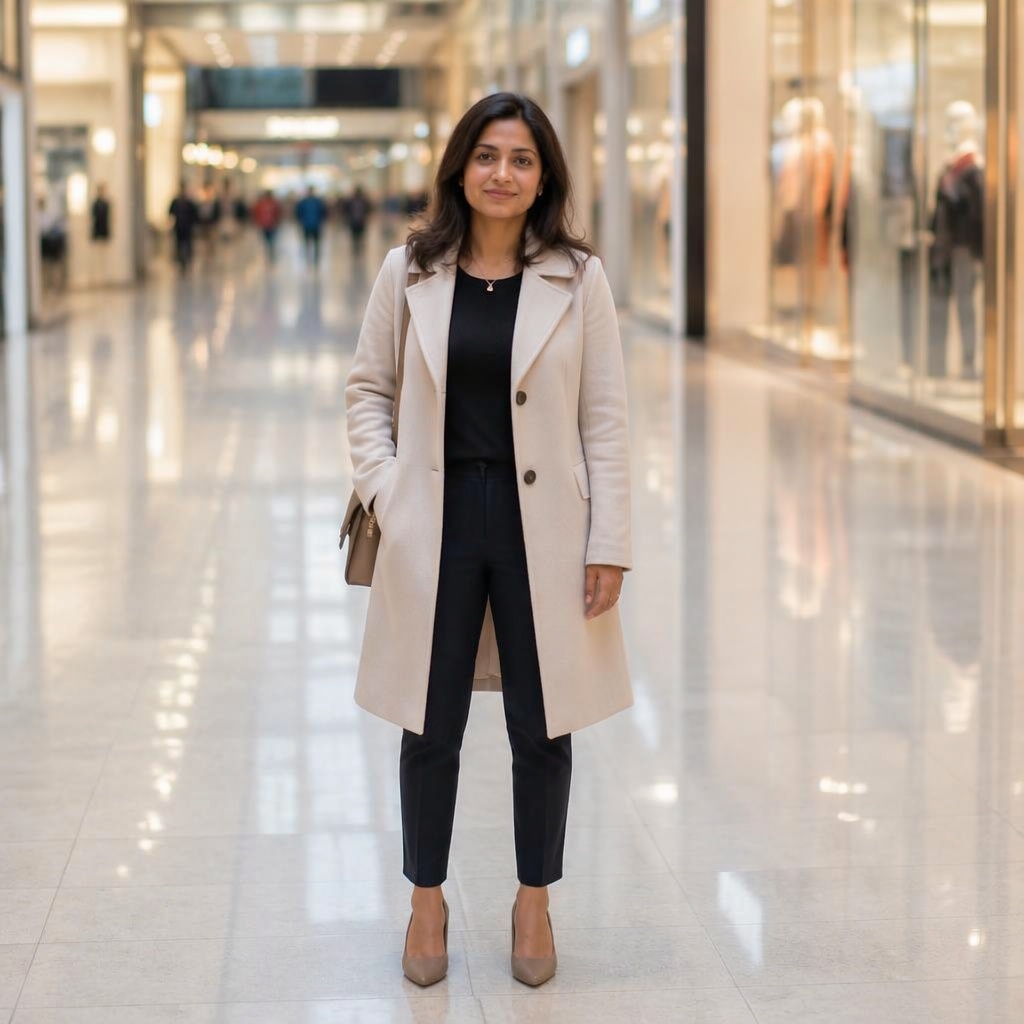
For a localized artifact or visibly wrong shape.
Other jobs already have dedicated pages.
PROMPT / TASK
It repairs a local visual error, especially after AI generation or editing. Light, color, blur, and old-photo damage already have dedicated workflows.
Repair only the visible AI artifact and leave every unaffected part of the image unchanged.
Restore the damaged object edge with the correct shape, material, and shadow.
Make the problematic hand anatomically natural without changing the face, pose, or clothing.
Blend the repaired area with nearby texture, color, grain, and lighting.
FAQ · FIX-PHOTO
Clear boundaries for this tool and what to expect from the result.
No. The revised page is intentionally limited to local defects and AI artifacts.
Yes. Local anatomy errors are one of the primary scenarios.
Photo Enhancer improves overall image quality. Fix Photo repairs a specific wrong shape or artifact.
Restore Old Photo targets scratches, creases, dust, and fading in old photographs; Fix Photo targets modern local AI or retouching errors.
No. The prompt instructs the model to preserve all unaffected regions.
SMARTGENIUSAI · CORRECTION
Repair a local AI artifact without sending the whole photograph through another global restyle.
Guest AI edits are unavailable. A new account created after the offer started gets one successful free edit with any editor tool, including Premium. Further edits require tokens. This is one account-wide attempt, not one per page.
Further AI edits use tokens at the tool rate. Technical failures should not consume a free attempt. Switching project modes does not reset used attempts. Purchased tokens and permanent Premium remain intact; Premium unlocks after a purchase.