

Pixie cut
Interactive comparison

AI hairstyle try-on
Upload a portrait, choose a women’s or men’s hairstyle, and compare the new look directly on this page.


Results
Drag the divider to compare each original portrait with its virtual hairstyle result.


Try it on your own photo
A personal portrait makes it easier to judge length, volume, and overall silhouette than a generic hairstyle example.
AI reshapes the hair area to match the selected look, adjusting length, shape, texture, and volume.
Your face, pose, clothing, background, and overall camera angle stay as close to the original photo as possible.
Use a sharp portrait without a hat, with the face, hairline, and most of the hairstyle clearly visible.
Three steps
Upload a photo, choose a style, and generate a result — the main try-on happens directly on this page.
Choose a JPEG, PNG, or WebP up to 20 MB. A clear portrait usually works best.
Switch between women’s and men’s options and select the hairstyle shape you want to preview.
Use the Before / After slider after processing, then download the result if you want to keep it.
Choose a direction
If you already know what you want to explore, open a focused page for length, curls, braids, wedding hair, men’s styles, or hair color.
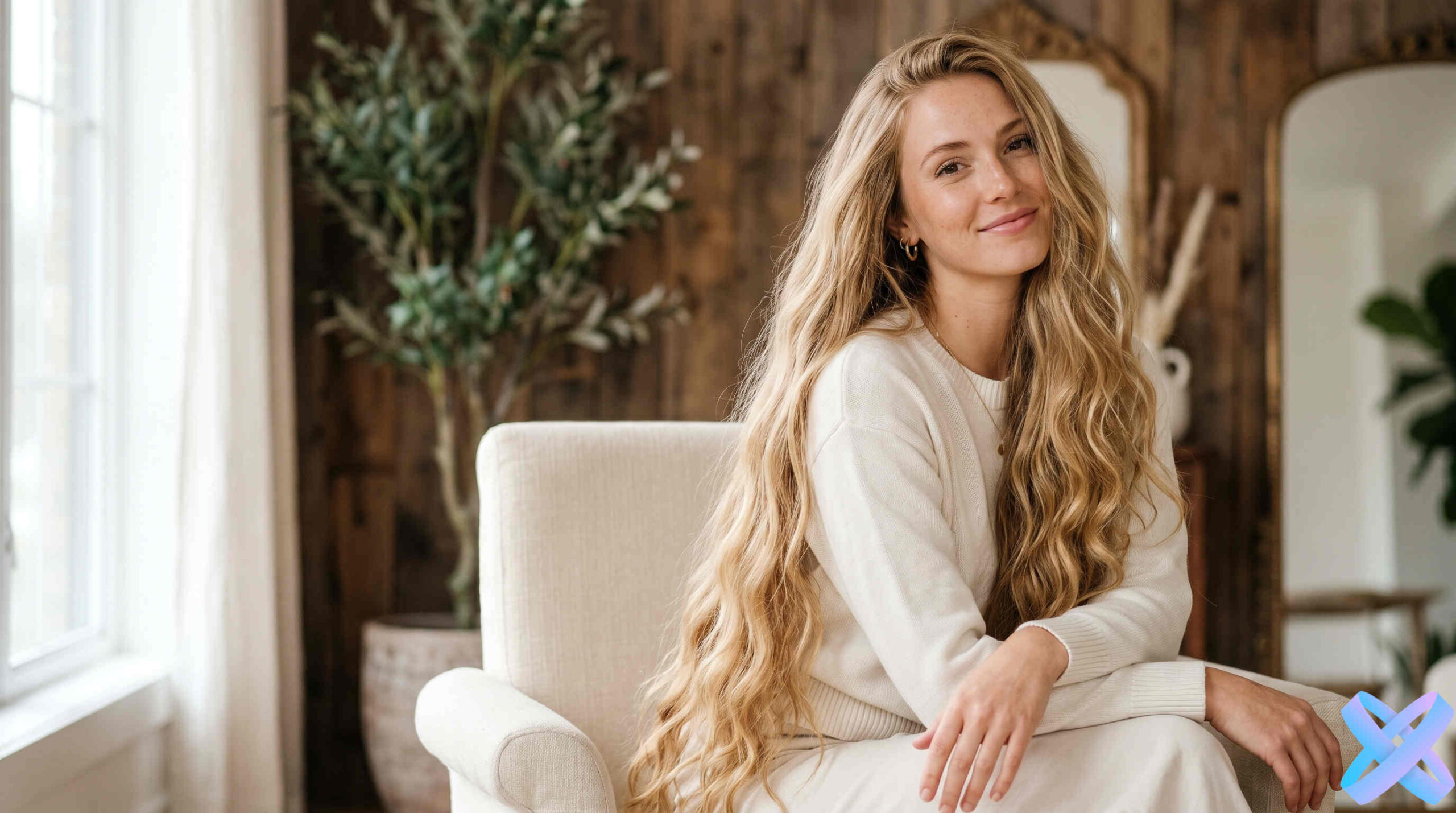
Try added length, soft waves, and fuller long-hair looks on your portrait.
Explore styles
Preview curls, waves, and more voluminous textures online.
Explore styles
See how braids, plaits, and structured updos may suit your portrait.
Explore styles
Explore bridal and occasion hairstyles before the important day.
Explore styles
Compare modern men's haircuts and styling directions.
Explore styles
Try blonde, brunette, red, and creative shades before coloring your hair.
Explore stylesBuild the rest of the look
After choosing a hairstyle, you can separately adjust clothing, photo quality, visual style, or manual corrections.
Try a different outfit and assess the complete look.
Improve lighting, color, and image detail.
Explore an artistic treatment for your image.
Adjust exposure, color, and sharpness in the browser.
FAQ
Practical details before your first try-on.
Guest AI edits are unavailable. A new account created after the offer started gets one successful free edit with any editor tool, including Premium. Further edits require tokens. This is one account-wide attempt, not one per page.
Yes. The finished image can be downloaded from the result area.
The tool is designed to change the hair while keeping your face and the rest of the photo as stable as possible. Small variations can still happen, so treat the result as a visual preview.
Sharp portraits with the face and hair clearly visible. Hats, heavy occlusion, or very dark images may reduce result quality.
Look beyond the haircut itself: compare face-framing volume, length, parting, and the overall balance of the silhouette.
Try it on your photo
Choose a style, upload a portrait, and compare the result before and after.
Guest AI edits are unavailable. A new account created after the offer started gets one successful free edit with any editor tool, including Premium. Further edits require tokens. This is one account-wide attempt, not one per page.
Further AI edits use tokens at the tool rate. Technical failures should not consume a free attempt. Switching project modes does not reset used attempts. Purchased tokens and permanent Premium remain intact; Premium unlocks after a purchase.