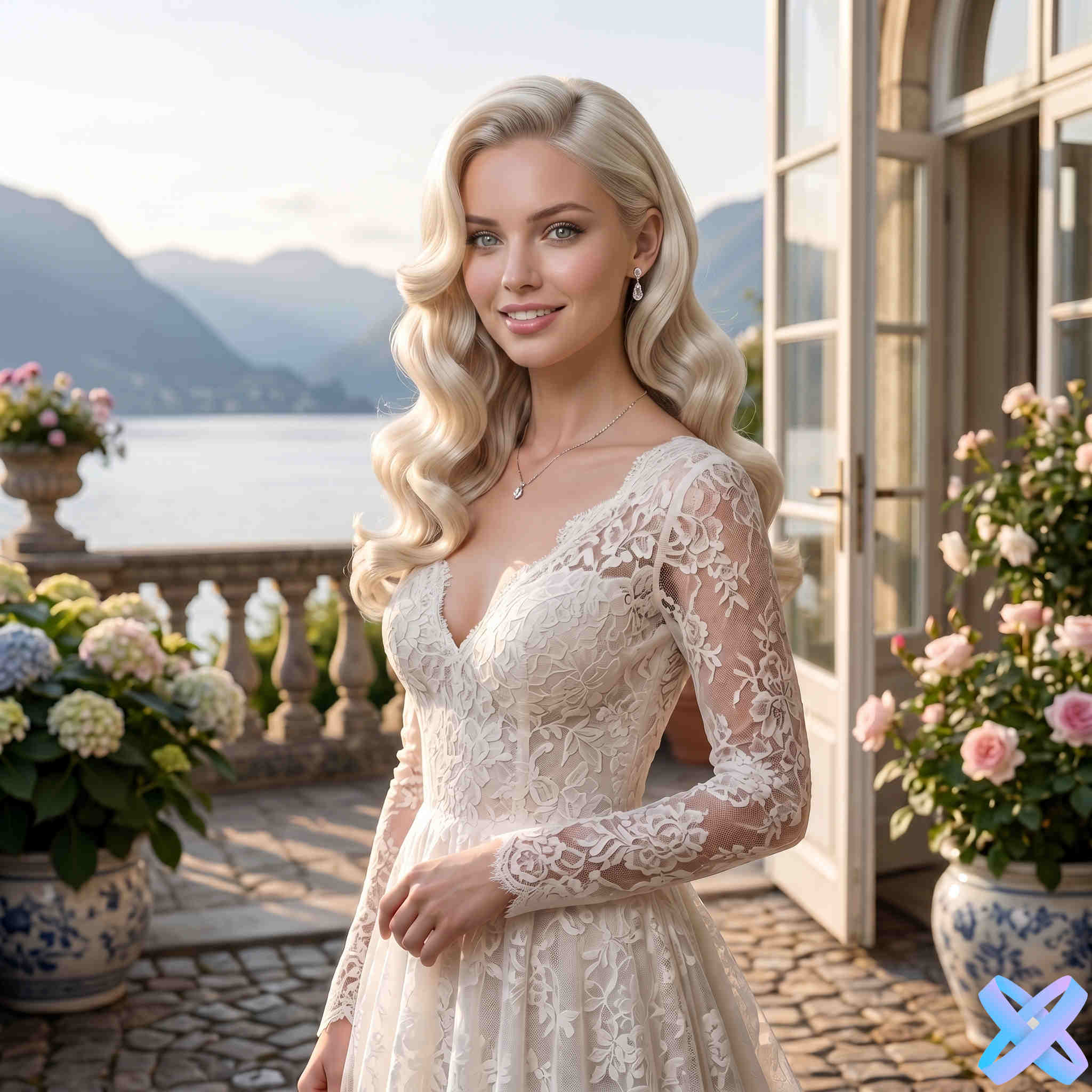
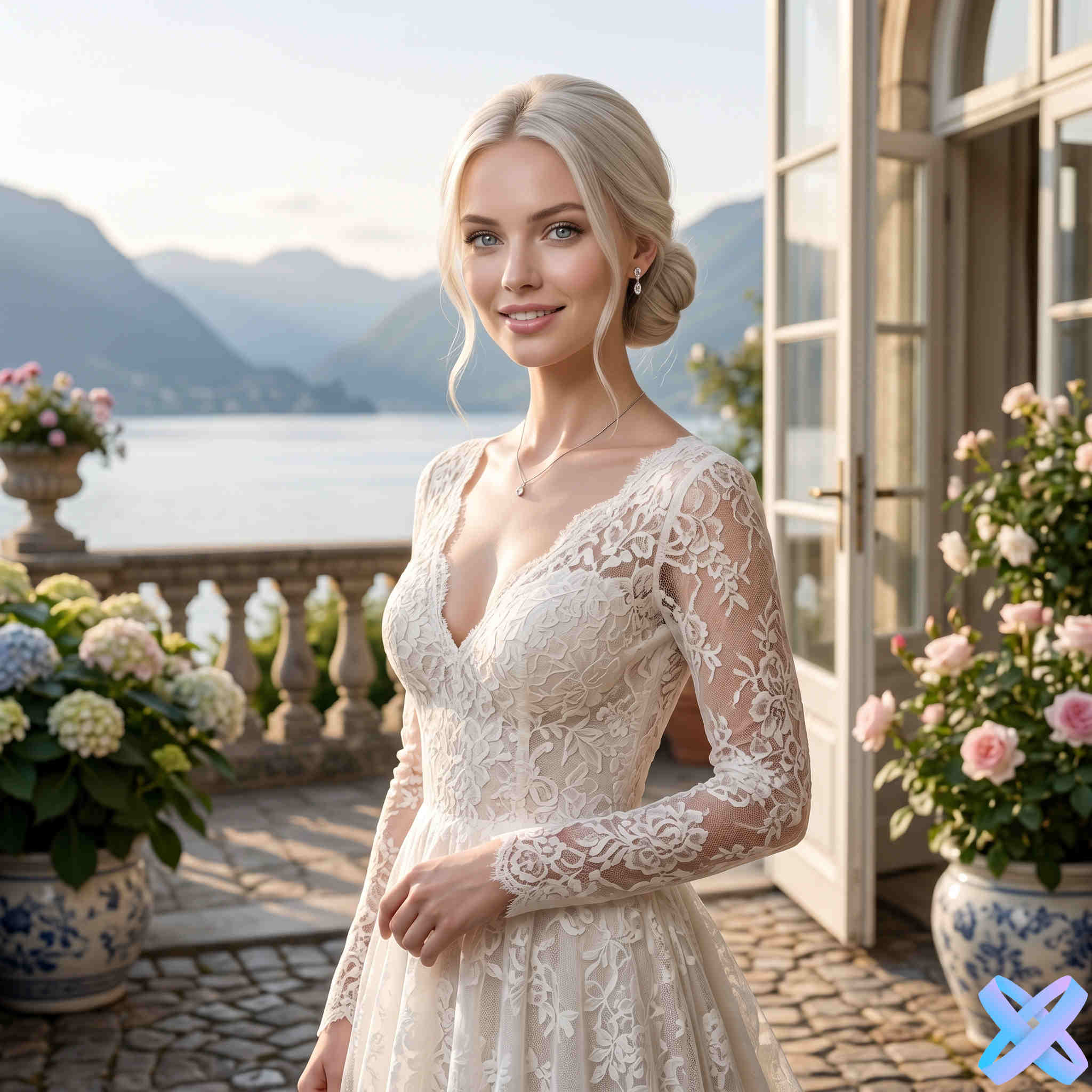
Soft bridal curls
Straight hair → soft curls

AI bridal hairstyle try-on
Upload a portrait and compare bridal updos, curls, braids, veils, tiaras and floral details directly on your own photo.
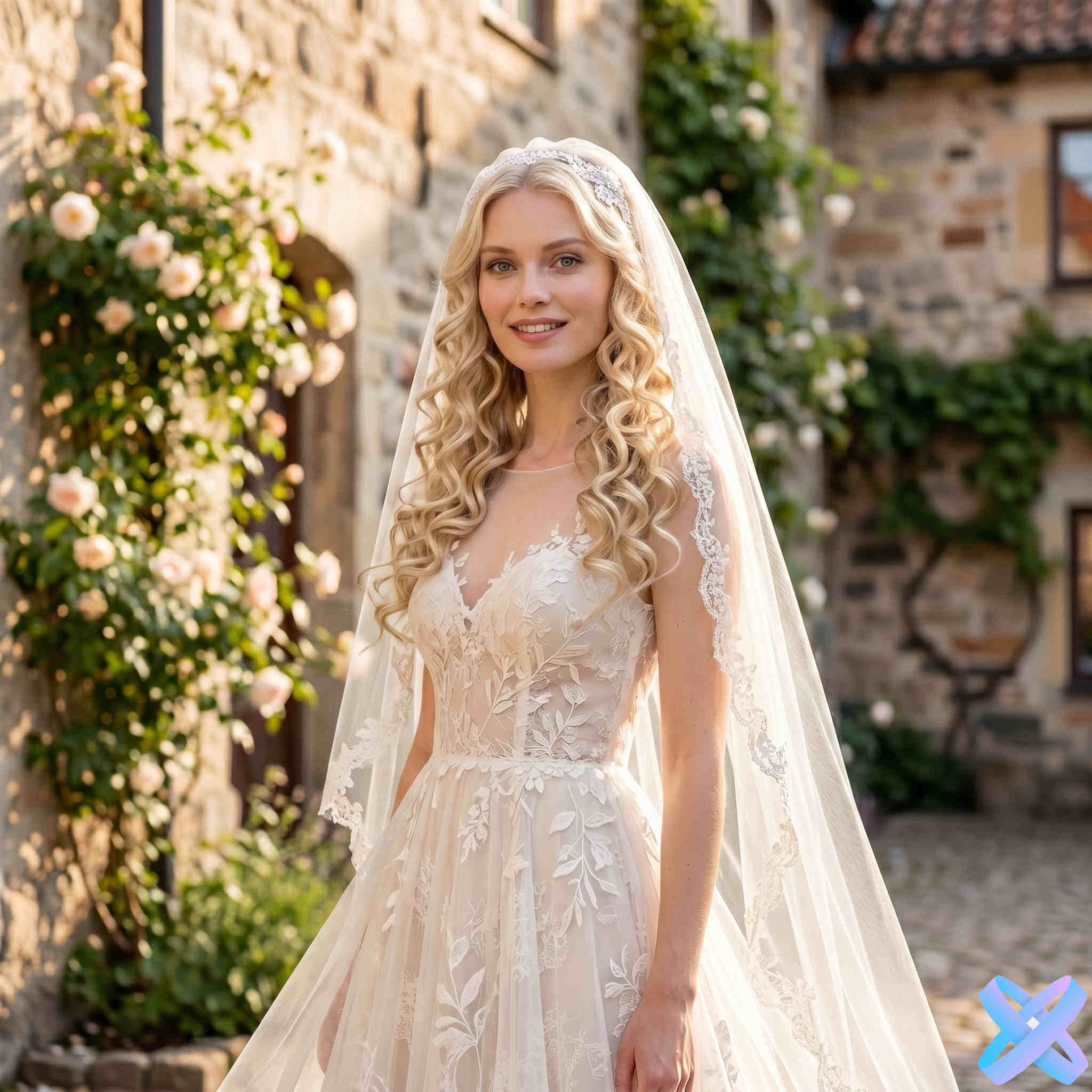
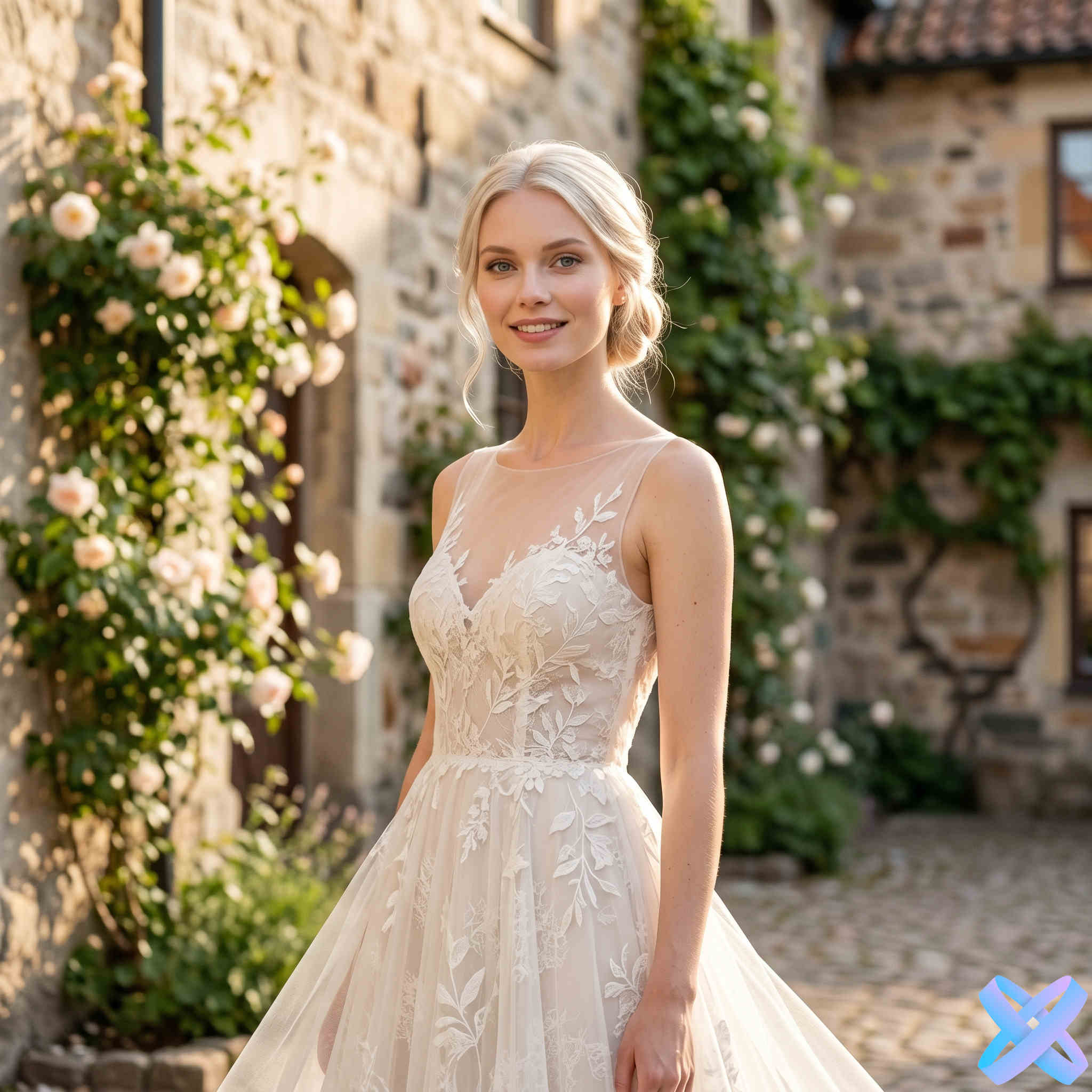
Real examples
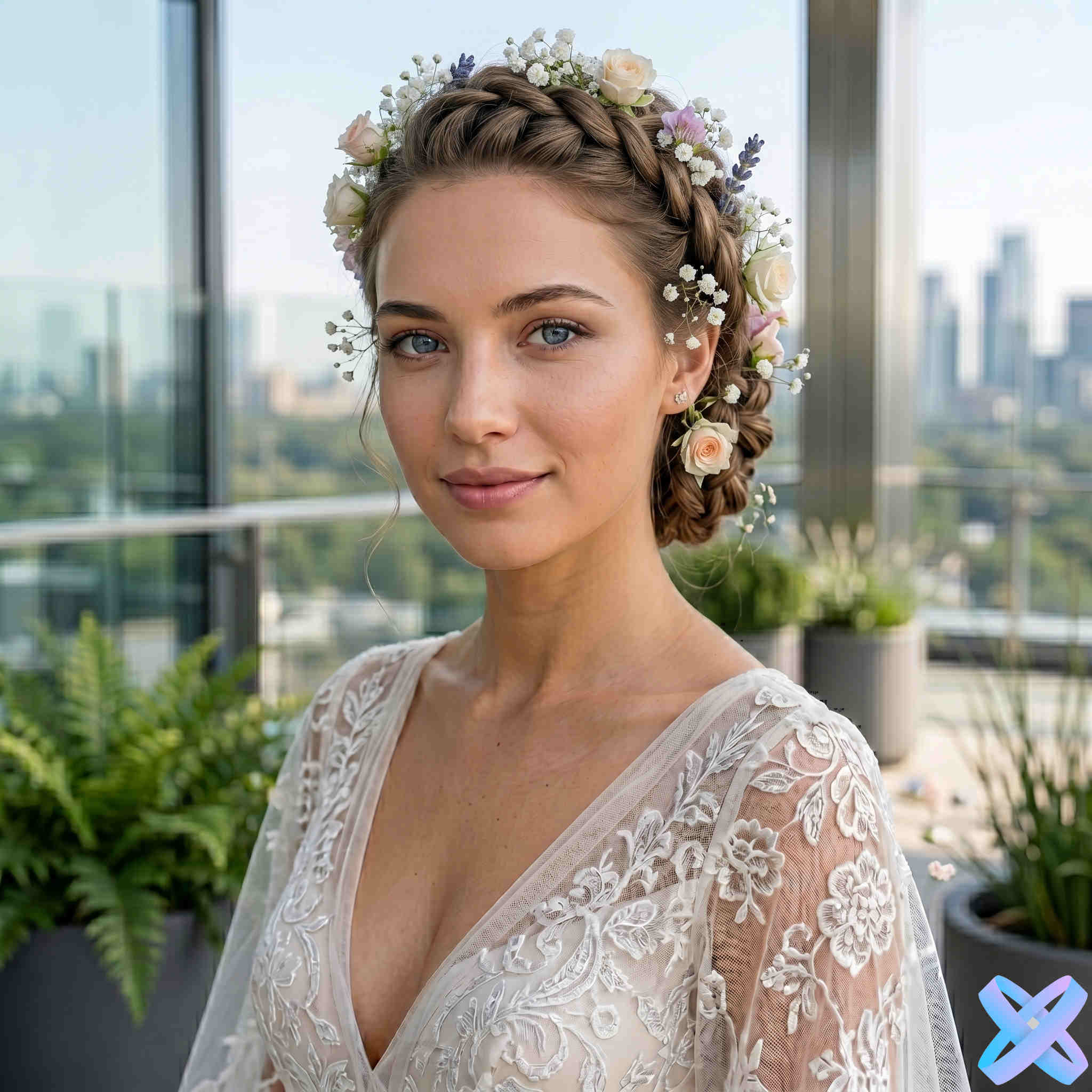
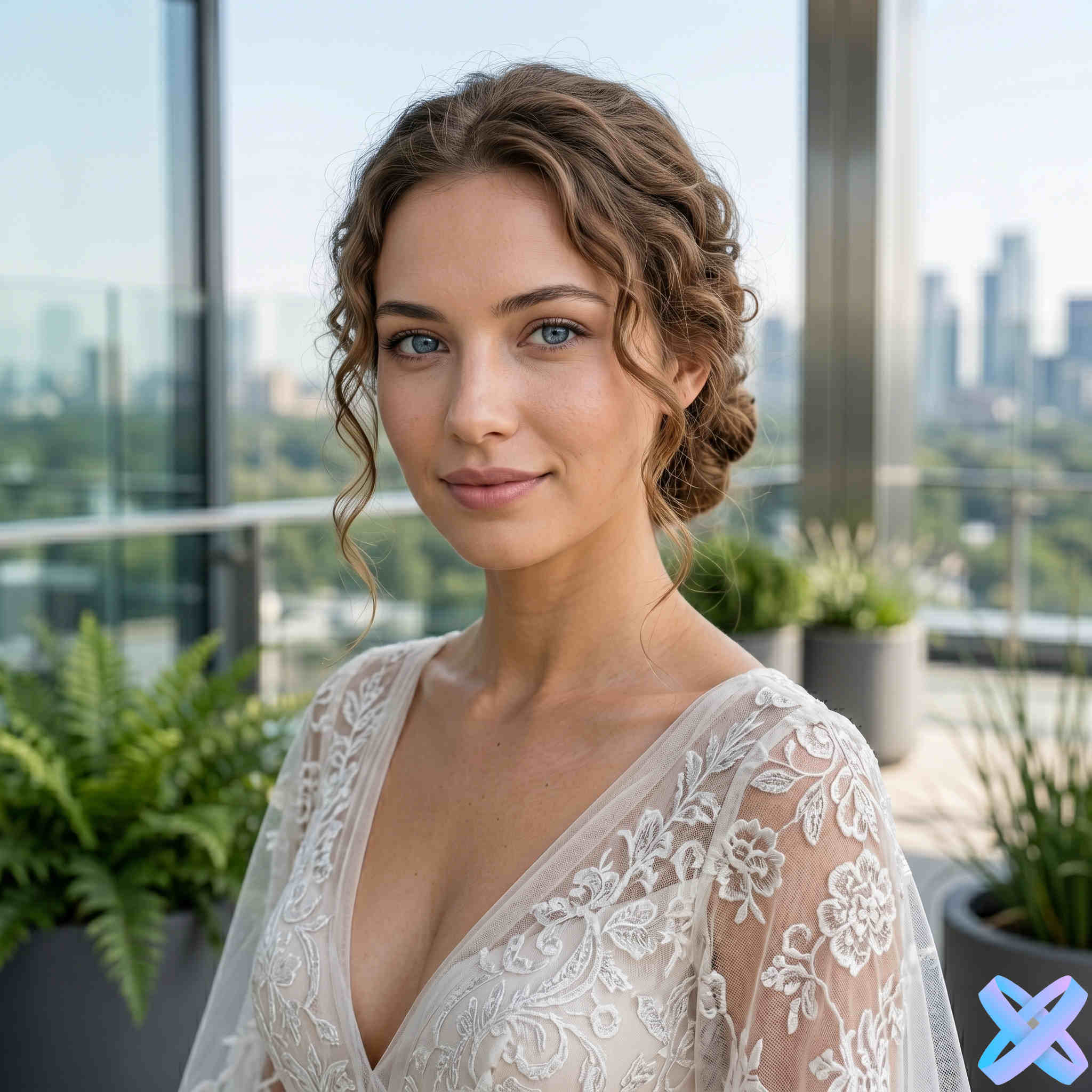
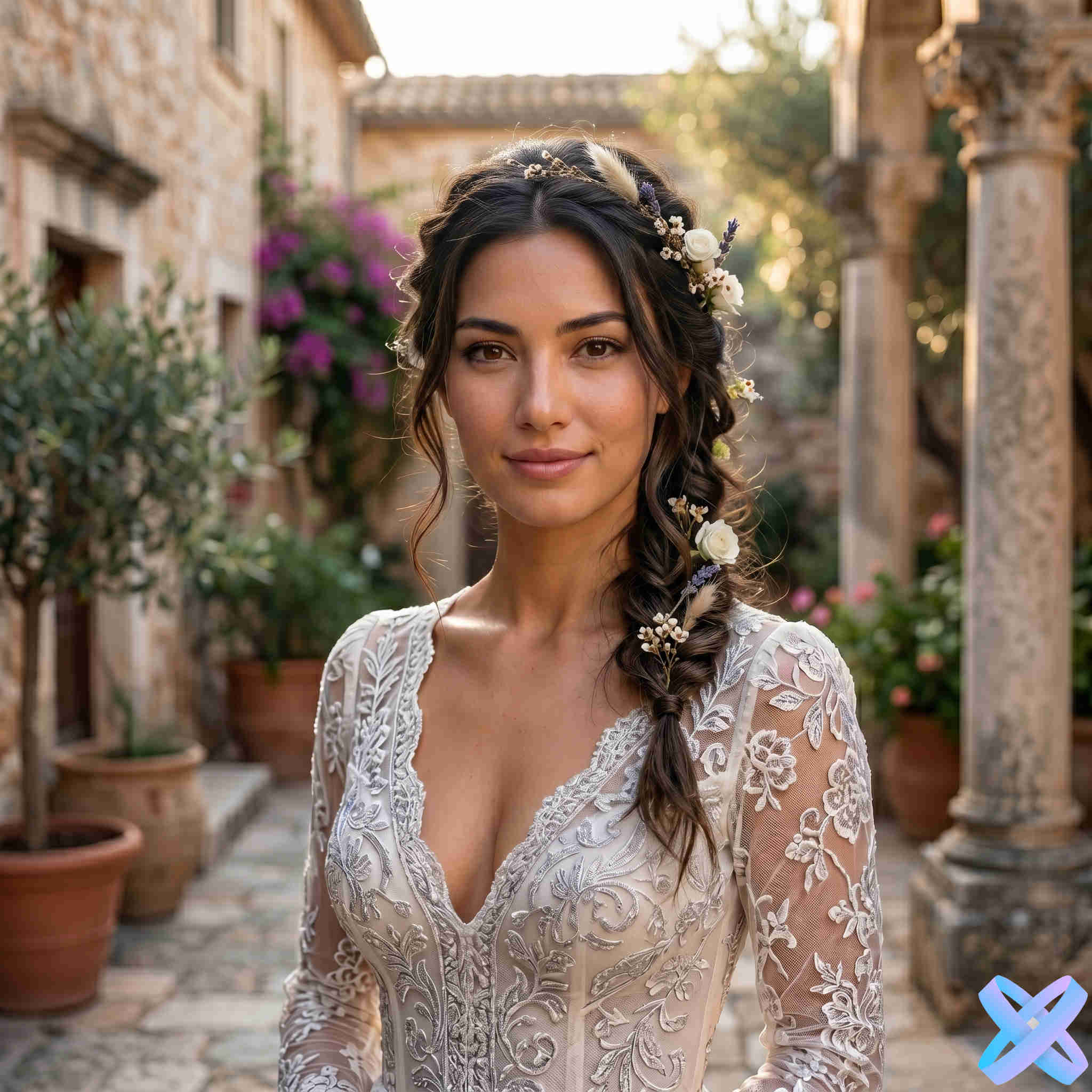
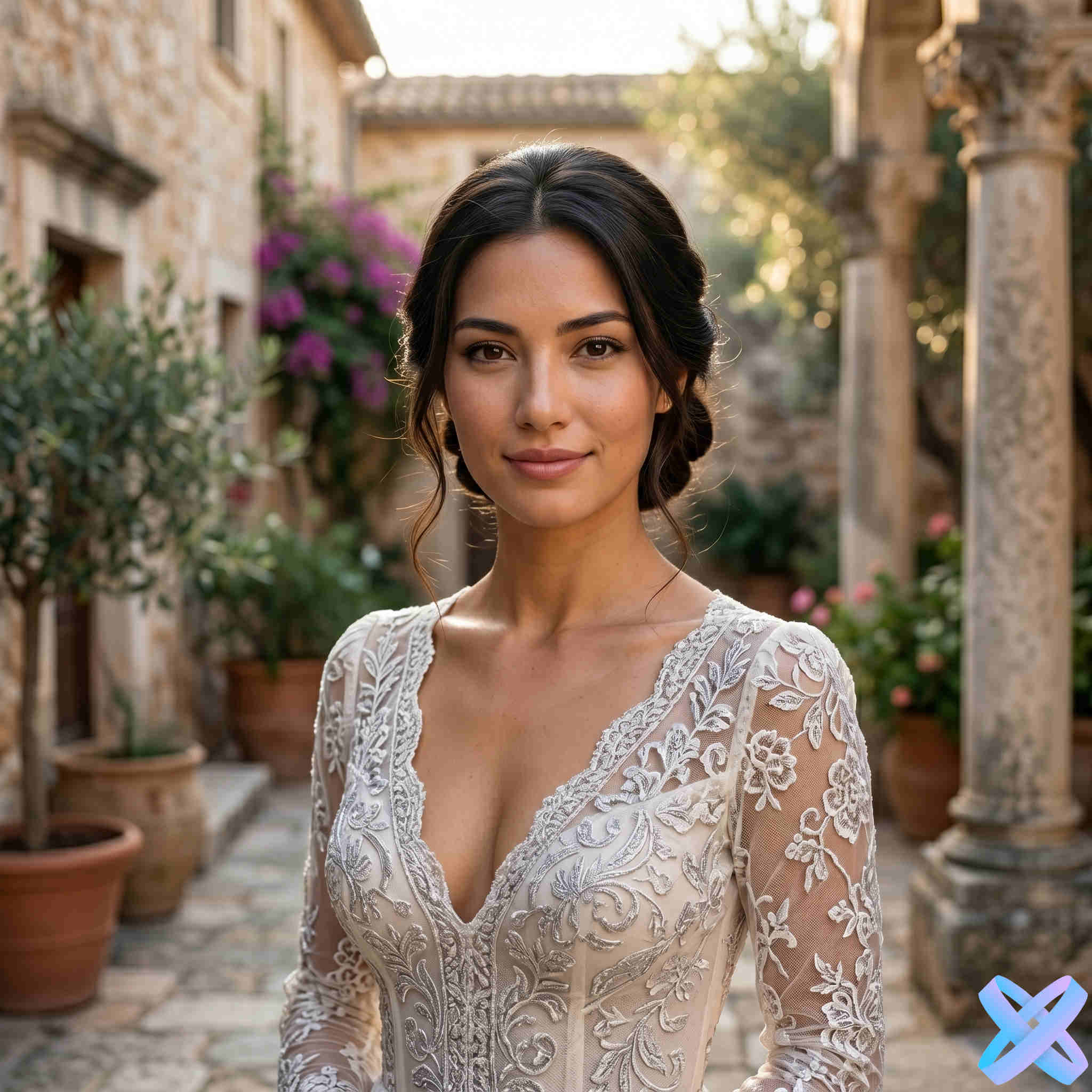
Move the divider to compare shape, volume and how a pinned-up or looser style changes the overall portrait.
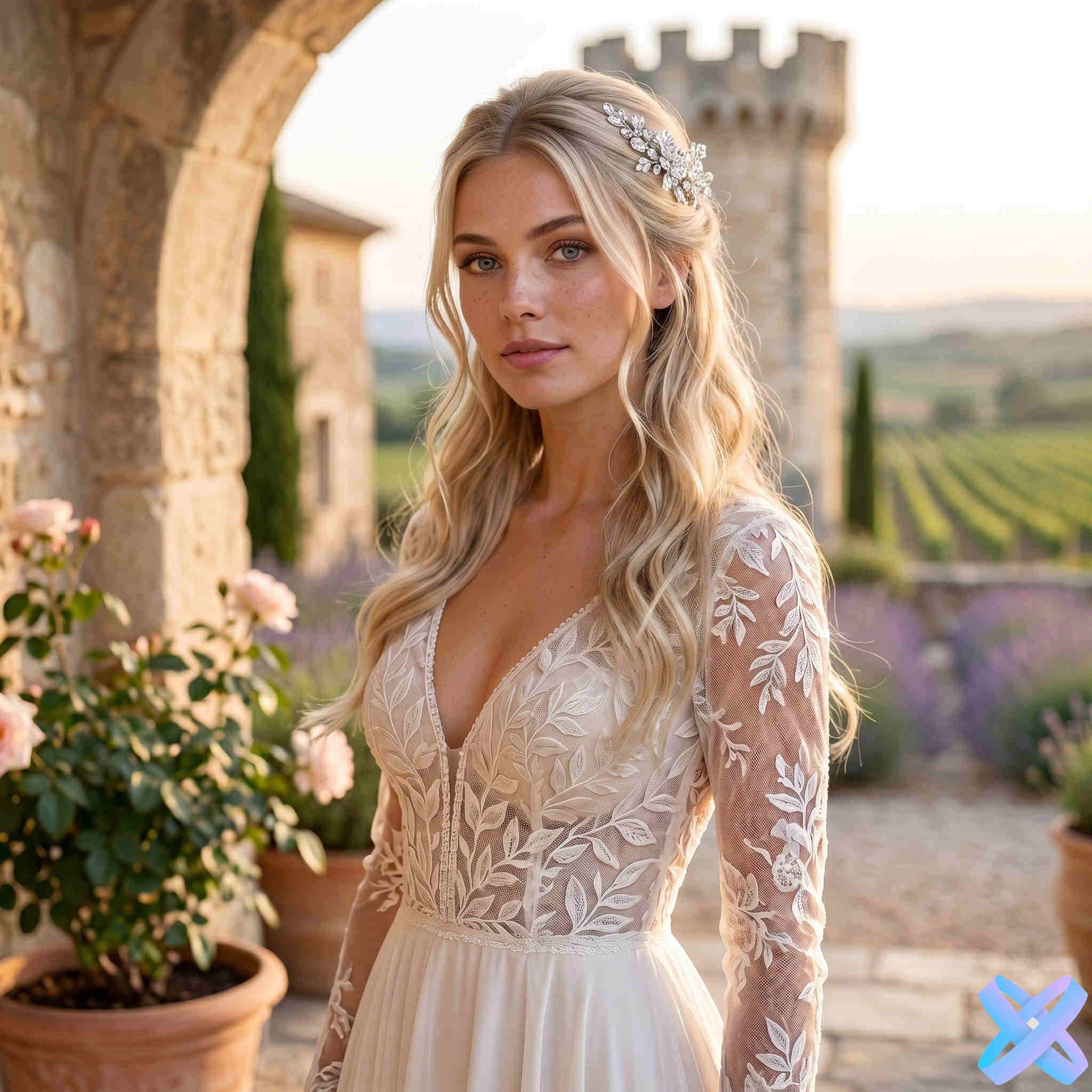
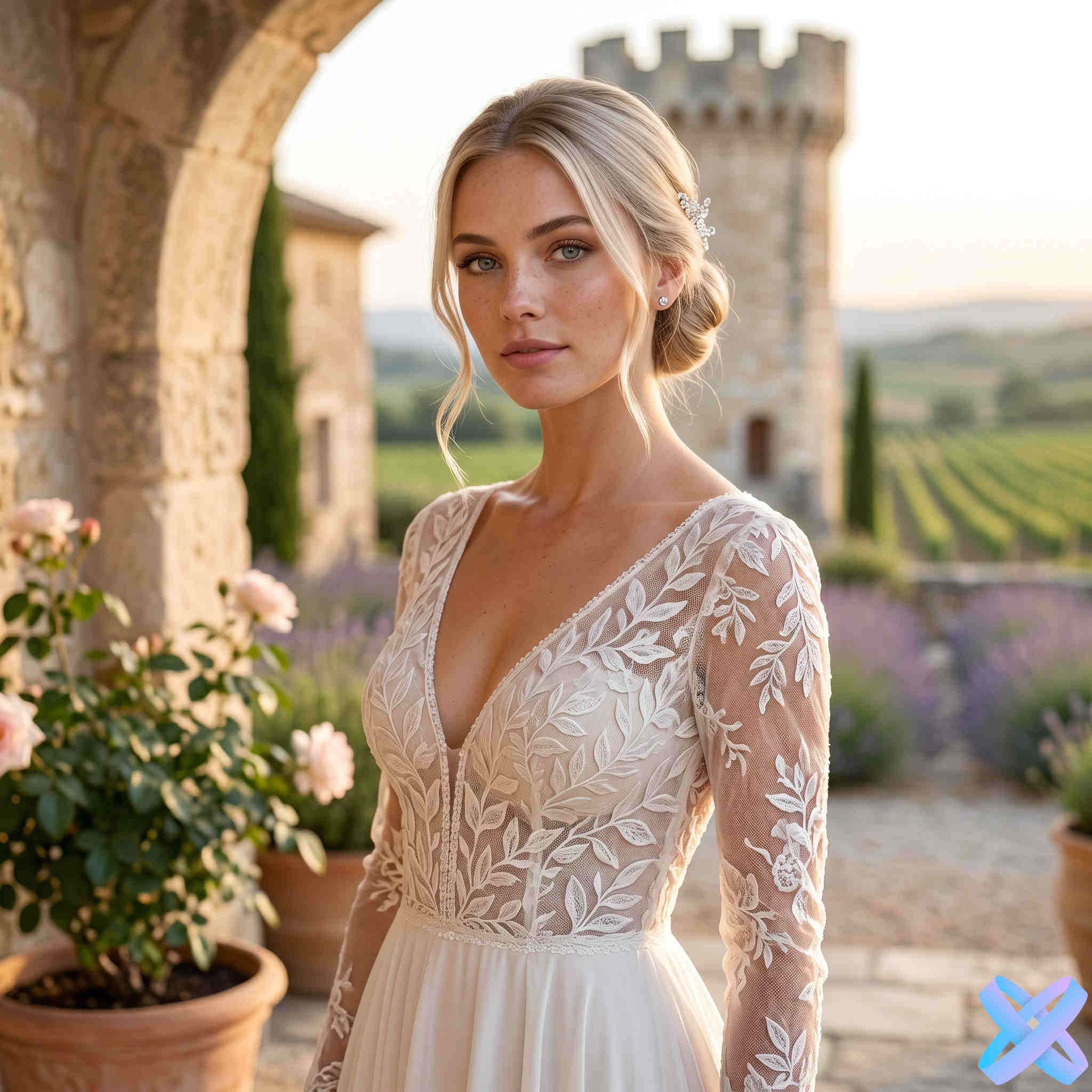
Hairstyle shape
A bridal hairstyle changes more than the hair itself. Compare several silhouettes so you can see what works with your face, neckline and accessories.
Chignons, French twists and curly updos open the neck and create a cleaner silhouette around earrings, veils and open shoulders.
Keep the length and movement of the hair while pulling some sections away from the face. They sit between loose curls and a full updo.
Keeps a softer, longer silhouette. Pay attention to the part, face-framing volume and which shoulder the curls fall over.
Veils and accessories
Veils, flowers and tiaras can change the composition as much as the hair itself. Accessories appear only when the selected bridal style calls for them.
Check where it attaches relative to the bun or updo and whether it hides the details you want to keep visible.
Usually reads best with polished or pinned-up styles where the hairline and upper shape stay clearly visible.
Soften braids and textured styles, especially crown braids and more romantic arrangements.
A few soft tendrils near the temples can change the balance of the portrait even when the back is fully pinned up.
Three steps
Start with a clear portrait and compare several options before you settle on a direction for the real hairstyle.
Use a clear photo where the face, hairline, neck and current hair length are visible.
Pick from different women-only bridal looks: updos, braids and curls with appropriate accessories.
Look at face openness, volume, accessory placement and the overall silhouette, not just the hair texture.
Before you choose
A virtual result is a visual reference. The final hairstyle will still depend on your real hair length, density and texture, so compare several practical details.
High necklines, open shoulders and deep necklines interact differently with loose hair and pinned-up styles.
Side volume can soften and widen the silhouette, while sleek updos reveal the cheekbones and jawline more clearly.
Some structured buns and braids may require extra volume, extensions or a different styling technique in real life.
For an all-day event, consider veil attachment, accessory weight and how securely face-framing pieces can stay in place.
Related looks
If you are still choosing a direction, compare bridal styling with long hair, curls, braids or a different hair color.
Return to the main hairstyle try-on.
Compare length, layers and flowing waves.
Try stronger curl patterns and more volume.
Compare different braid structures and silhouettes.
See how a new shade works with the hairstyle you choose.
FAQ
Short answers about trying wedding hairstyles online.
Guest AI edits are unavailable. A new account created after the offer started gets one successful free edit with any editor tool, including Premium. Further edits require tokens. This is one account-wide attempt, not one per page.
Yes. This page focuses on bridal looks, so the catalog contains women-only wedding hairstyles.
Yes, when the selected bridal style includes that accessory. The AI keeps it only where it is naturally visible from the original camera angle.
No. A clear portrait is enough to try the hairstyle. Clothing and background stay unchanged unless you edit them with another tool.
Use it as a visual reference. A real result depends on your hair length, density and texture, styling products and the stylist’s technique.
Choose the direction in advance
Upload a portrait and try several distinctly different bridal styles before deciding what to recreate for the day itself.
Guest AI edits are unavailable. A new account created after the offer started gets one successful free edit with any editor tool, including Premium. Further edits require tokens. This is one account-wide attempt, not one per page.
Further AI edits use tokens at the tool rate. Technical failures should not consume a free attempt. Switching project modes does not reset used attempts. Purchased tokens and permanent Premium remain intact; Premium unlocks after a purchase.