Realistic portraits
Studio photos, characters, business and creative portraits.

TEXT TO IMAGE · PROMPT CANVAS
Describe your idea in words and SmartGenius will create a new image from scratch. Generate realistic photos, anime, illustrations, product visuals, architecture, and ad creatives directly in your browser.
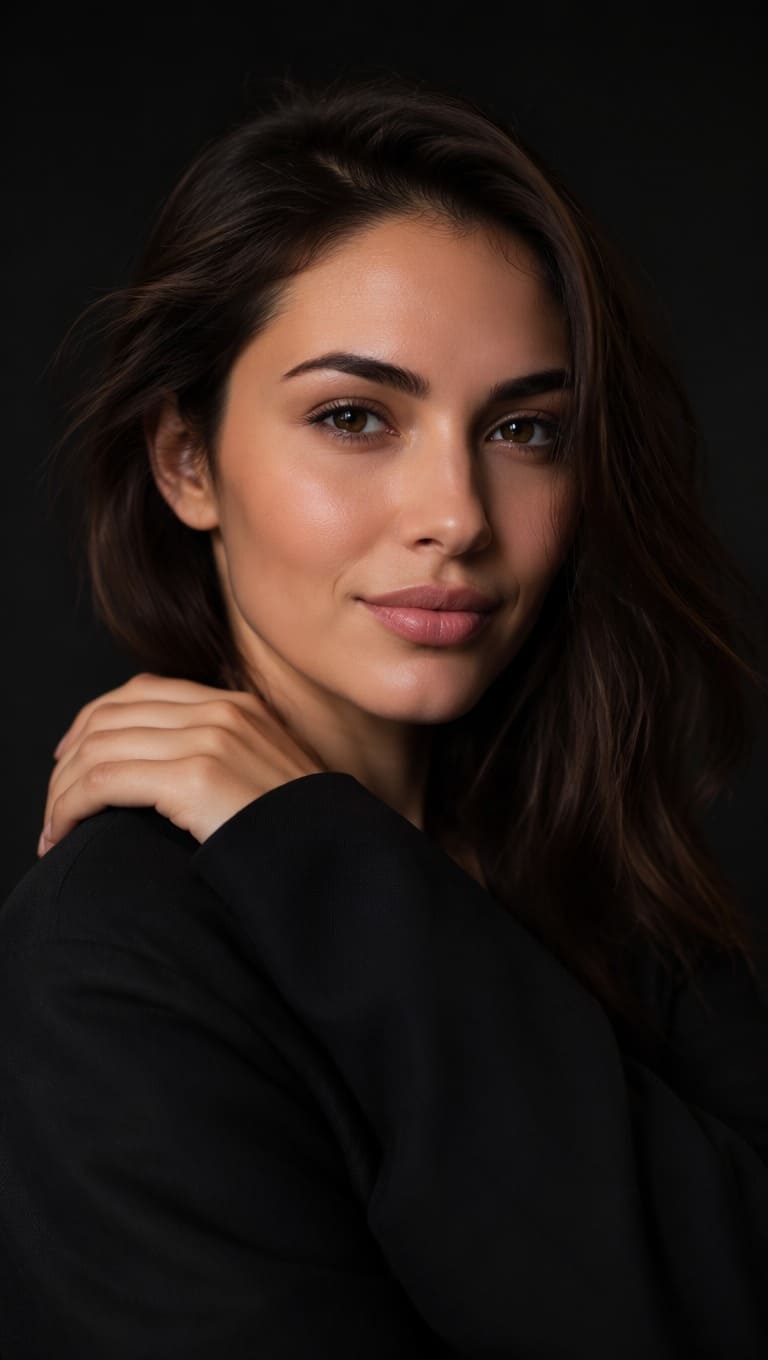
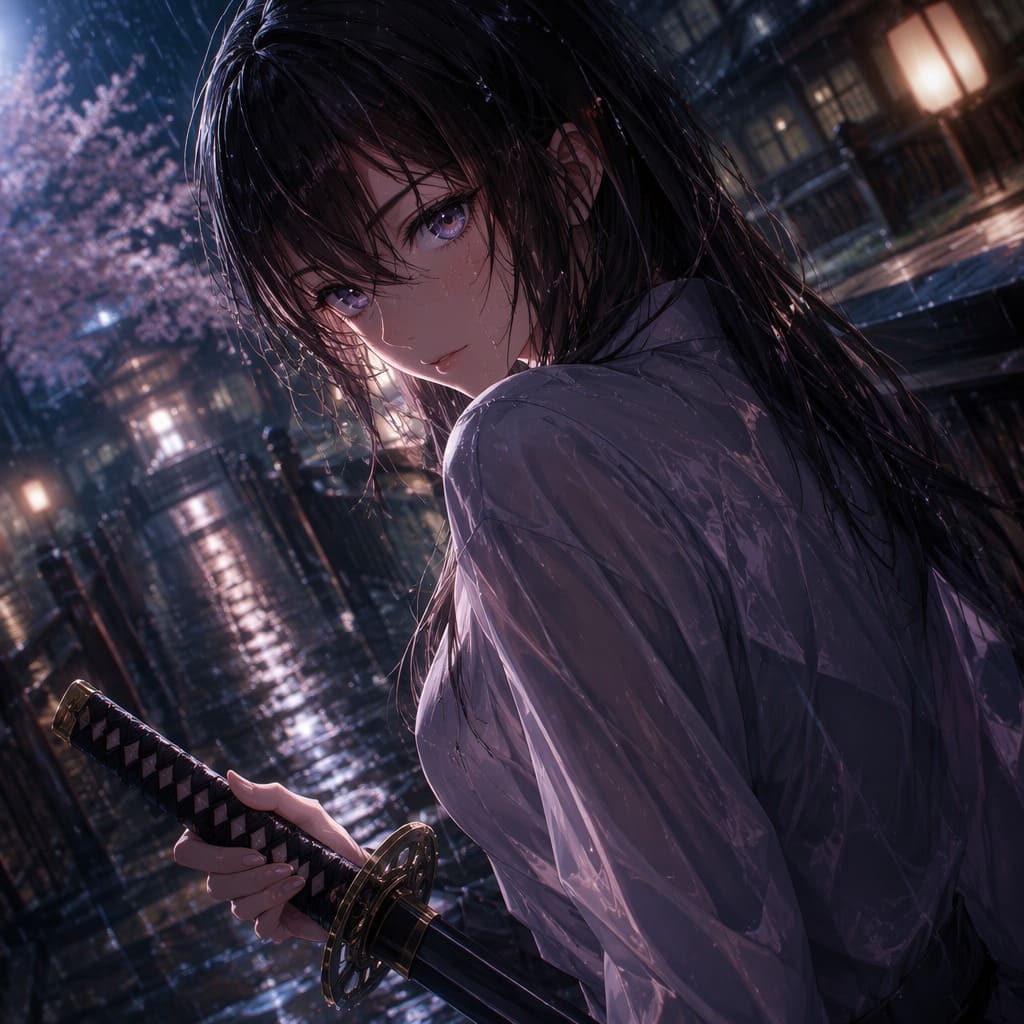
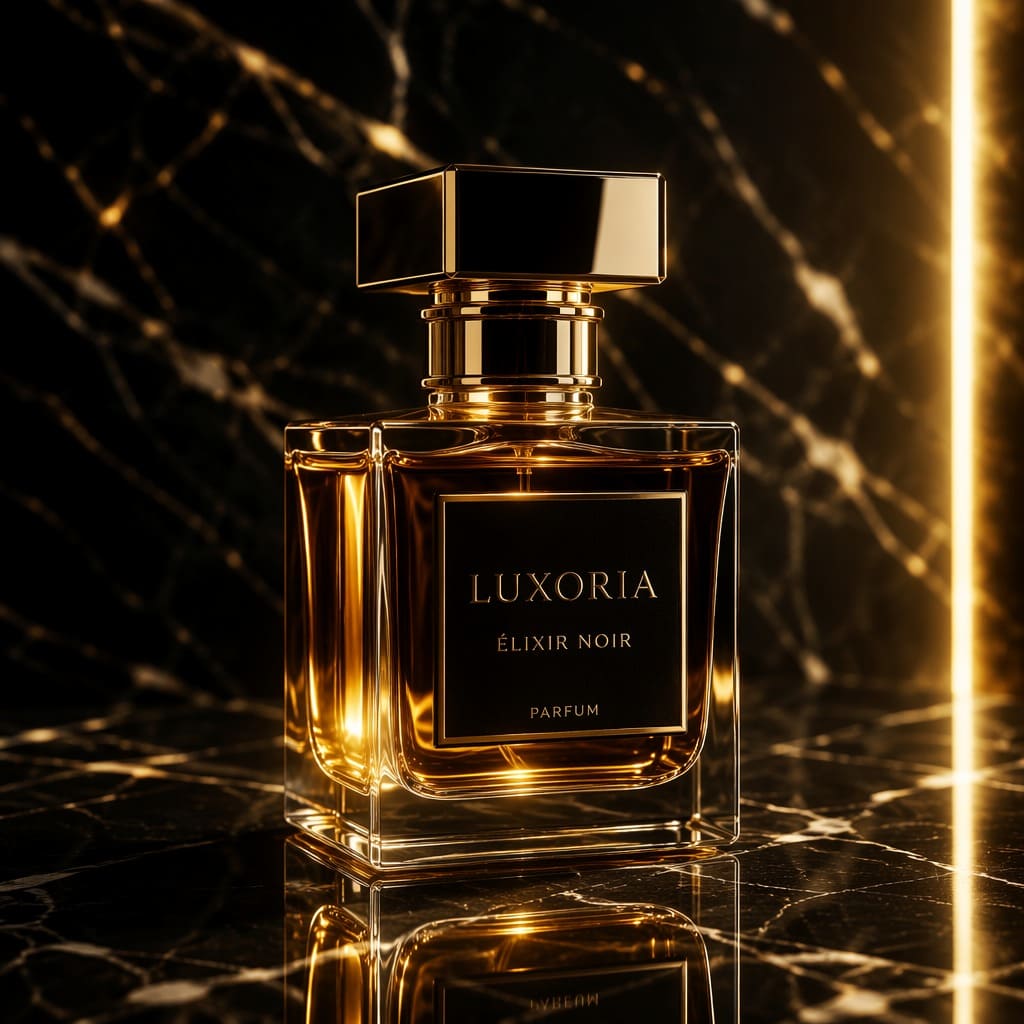
From a portrait to an advertising scene, the same generator can handle very different visual tasks.
Studio photos, characters, business and creative portraits.
Heroes, avatars, and scenes in illustrated styles.
Product photography, podiums, ad scenes, and packaging.
Visual ideas for ads, banners, and social posts.
Nature, architecture, interiors, and imaginary places.
Covers, concept art, drawings, and visual stories.
Vertical images, covers, and attention-grabbing posts.
Interiors, houses, and spatial concept visualization.
Every image below comes from the supplied SmartGenius source page and shows a different generation use case.
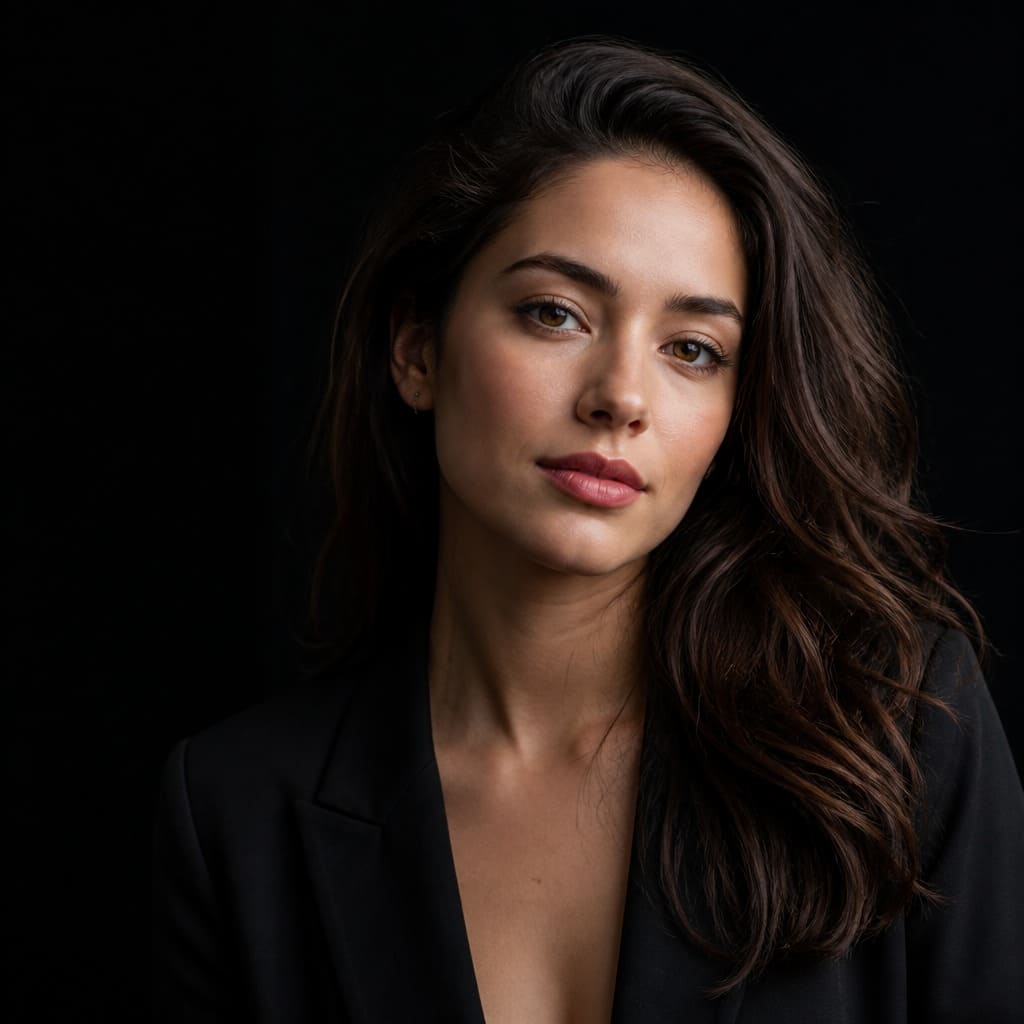
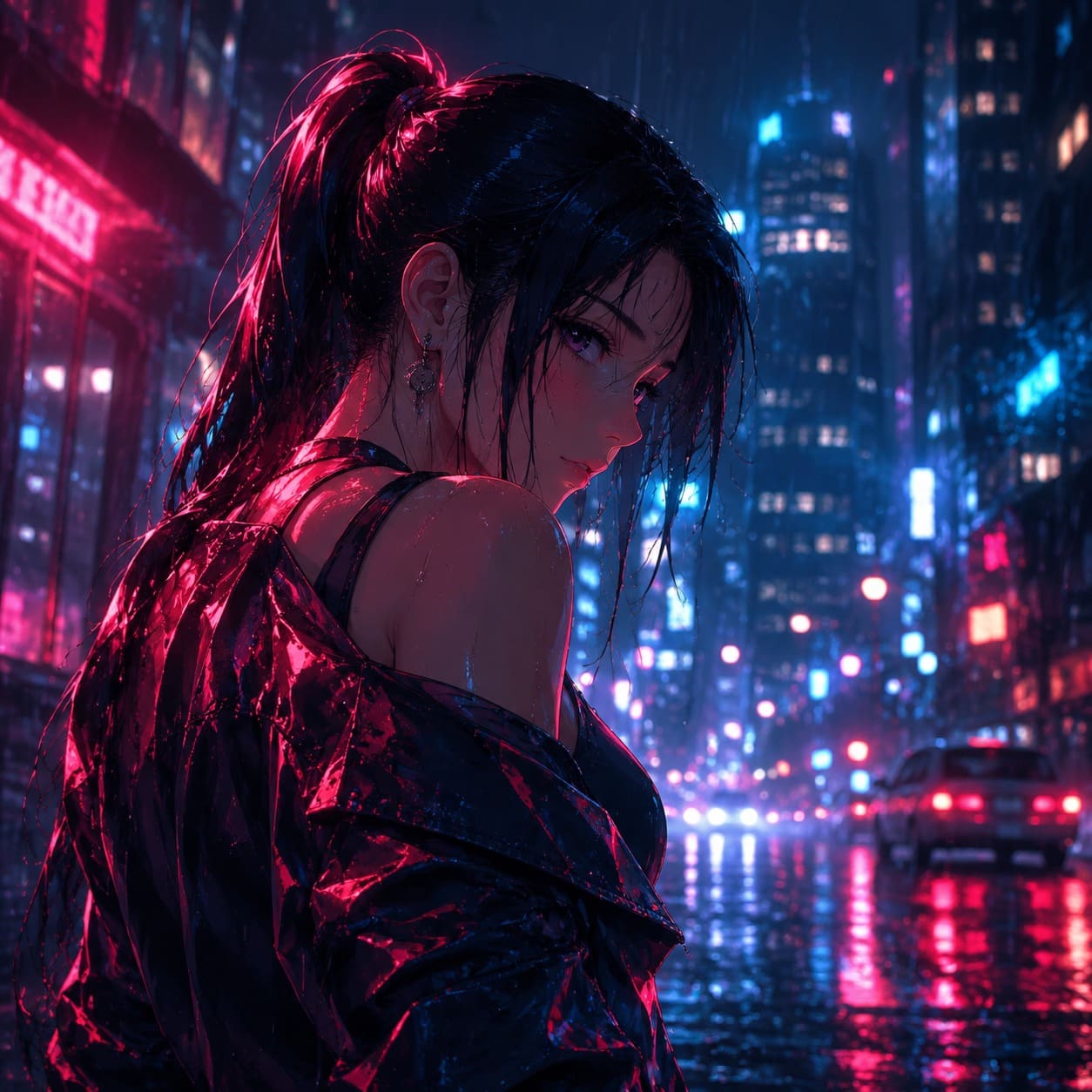
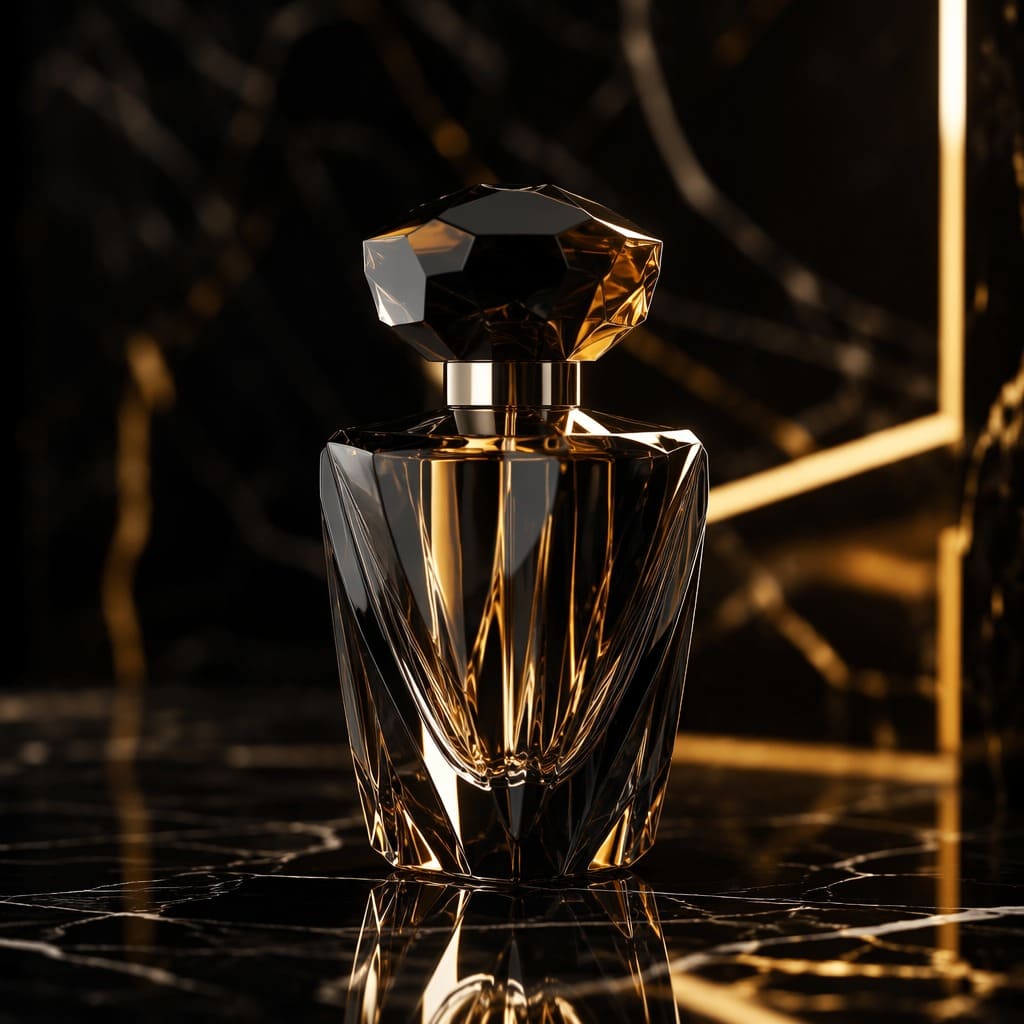
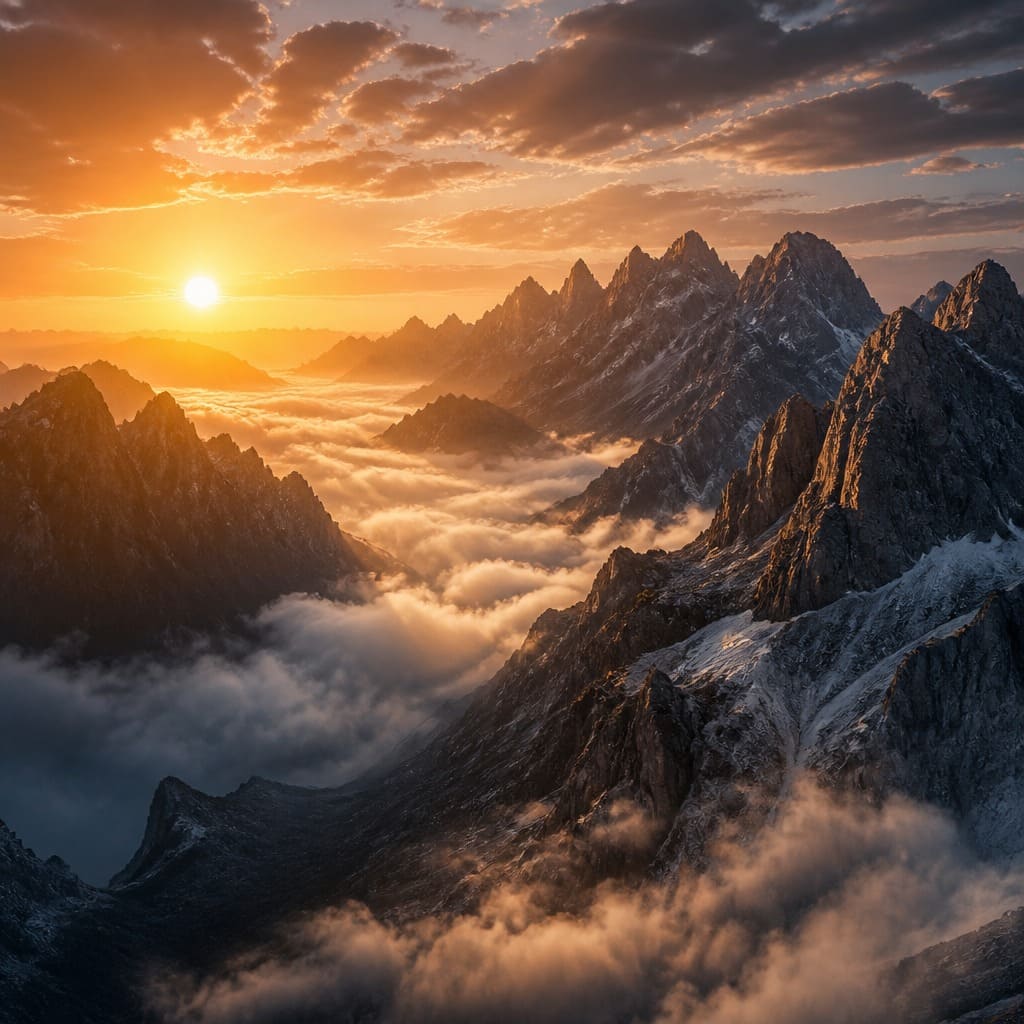
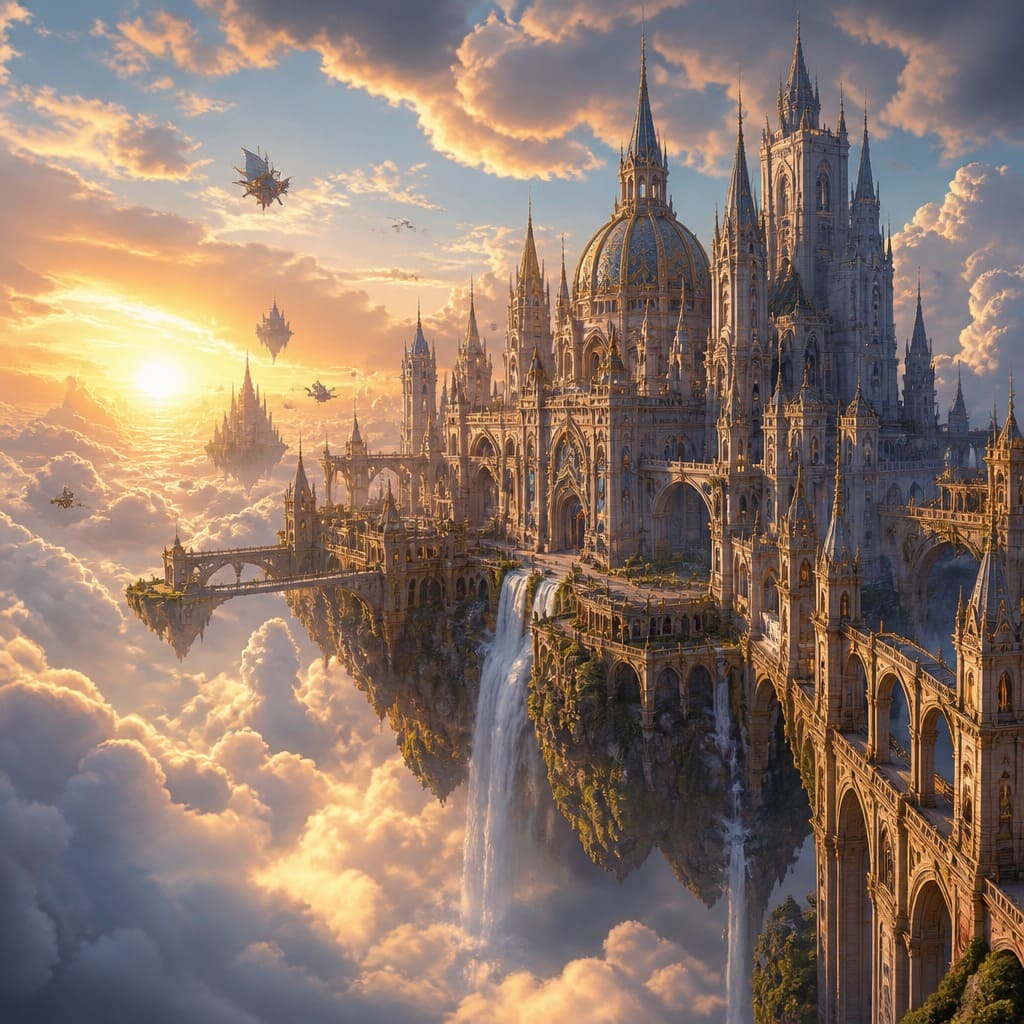
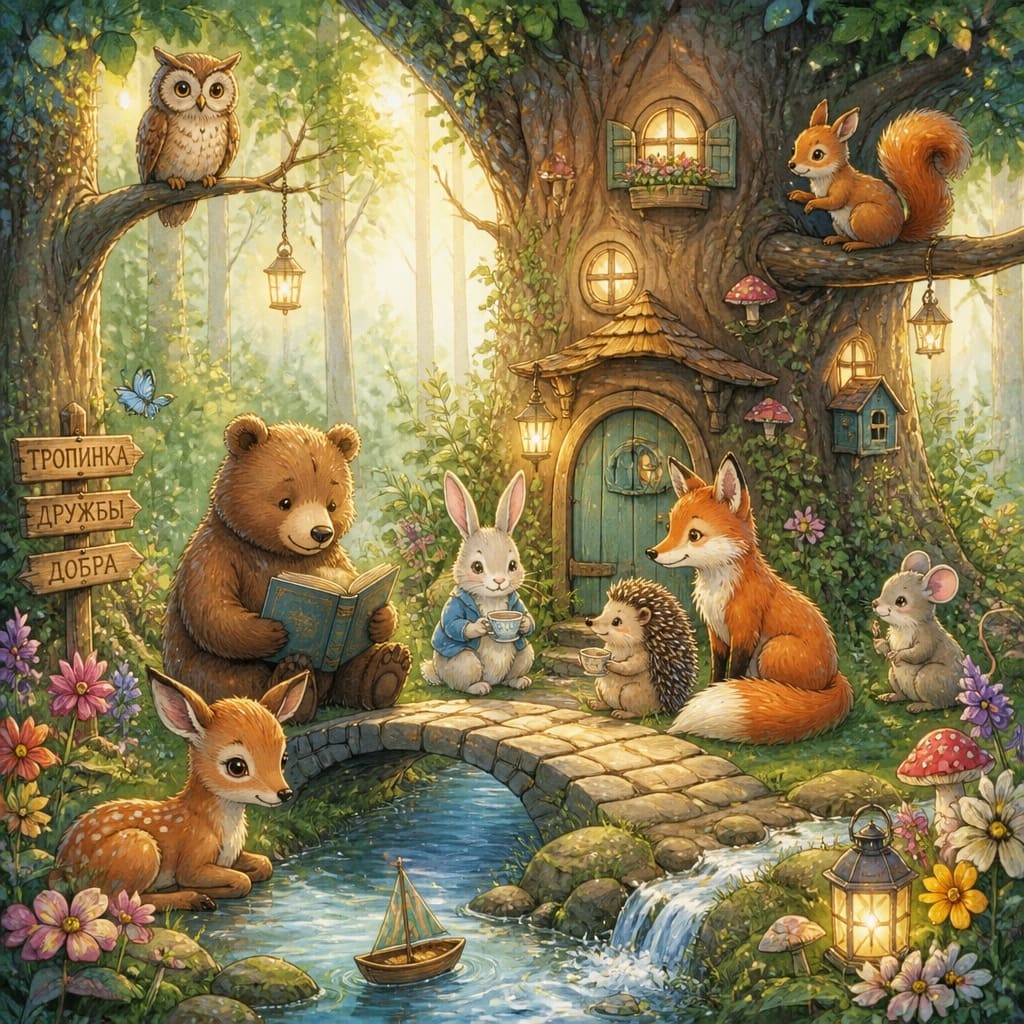
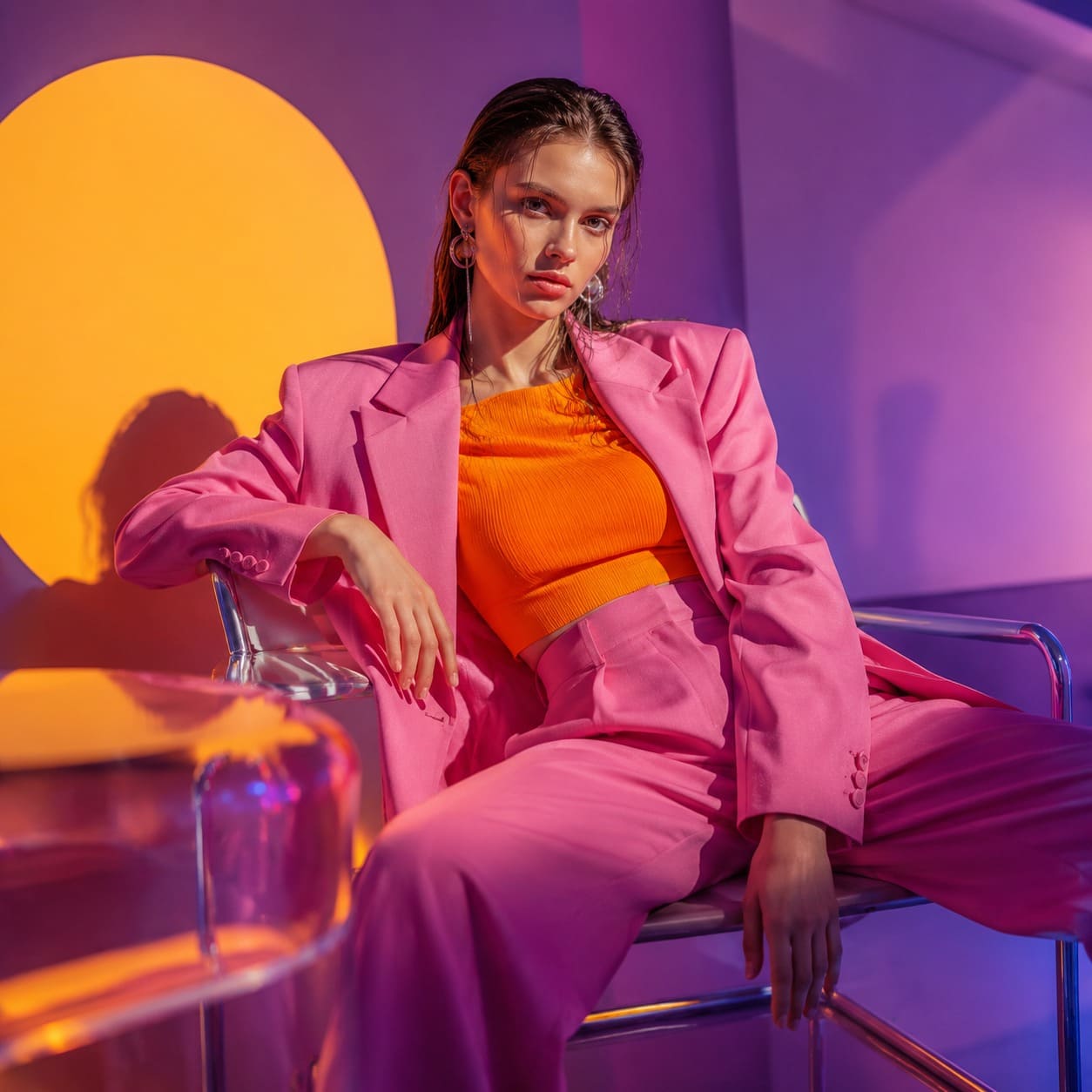
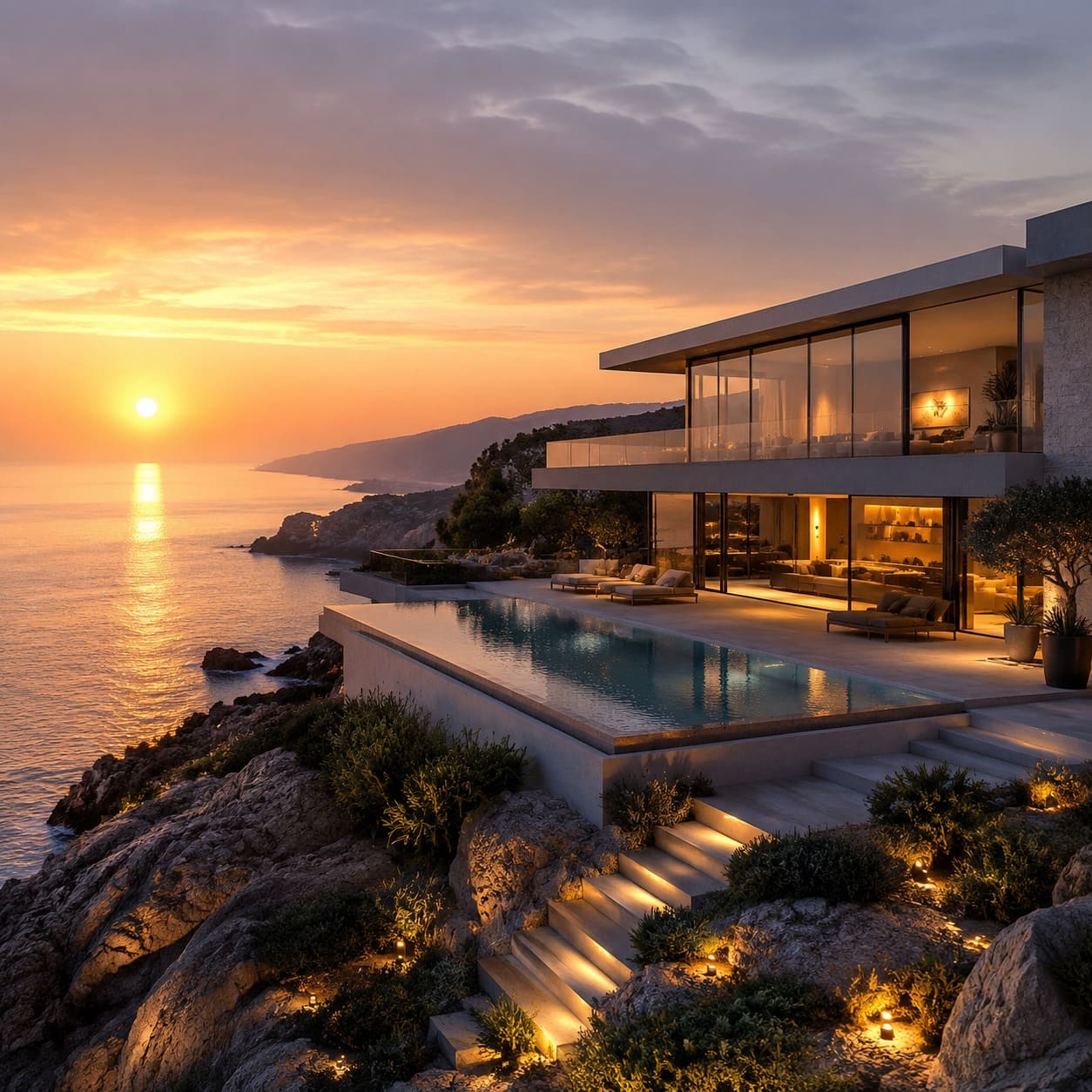
A simple structure works well: subject → scene → lighting → visual style.
Who or what should be the main focus.
Location, environment, background, and time of day.
Soft, studio, neon, sunset, or dramatic light.
Photo, anime, 3D, illustration, fantasy, or cinema.
The Hero appends the selected style to your description. Keep Photo or switch to another direction.
realistic photo, natural skin, photographic lighting
anime illustration, detailed character, vibrant colors
cinematic lighting, dramatic composition, film still
digital illustration, detailed drawing, artistic composition
3D render, polished materials, studio lighting
pencil sketch, fine linework, paper texture
fantasy concept art, epic scale, magical atmosphere
comic book art, dynamic composition, bold ink lines
Download the result immediately or hand it off to SmartGenius Editor and continue with other AI tools.
Write the subject, scene, and important details in plain language.
Pick the visual direction and aspect ratio.
Download the result or continue in the Editor.
A text-to-image generator creates a completely new image from a written description, so no source photo is required. It works for portraits, characters, products, advertising scenes, interiors, illustrations, and many other visual ideas.
The Hero on this page uses the real AI Text Image flow from SmartGenius Editor. Standard generation currently uses GPT Image 2 through the SmartGenius backend, with aspect ratio selected before generation.
After generation, download the image or open it in the Editor to change the background, enhance quality, apply a different style, or continue with AI Agent.
Guests get one shared free SmartGenius AI try. If it has already been used, the Hero asks you to register and continue.
No. Text-to-image creates a new image from scratch from your prompt.
Use a clear, detailed description. For complex visual details, English phrasing often produces more predictable results.
Yes. The Hero supports 1:1, 4:5, 16:9, and 9:16.
Each run creates a new variation, so composition and fine details may change.
Yes. Send the result to SmartGenius Editor and continue with other tools.
Return to the Hero, write your prompt, and choose the format.
Guest AI edits are unavailable. A new account created after the offer started gets one successful free edit with any editor tool, including Premium. Further edits require tokens. This is one account-wide attempt, not one per page.
Further AI edits use tokens at the tool rate. Technical failures should not consume a free attempt. Switching project modes does not reset used attempts. Purchased tokens and permanent Premium remain intact; Premium unlocks after a purchase.