One shared free AI try for guests. A processing error does not consume it.

SMARTGENIUS AI · PHOTO WORKSPACE
Edit photos with AI — in seconds
SmartGenius is one AI photo workspace for appearance, clothing, backgrounds, quality, composition, generation, and complex prompt-based edits. Start with a free try, then use only the tools you actually need.
Or upload a photo — it will open in the Editor without asking you to choose the file again.
ONE PHOTO · MANY TOOLSSMARTGENIUS
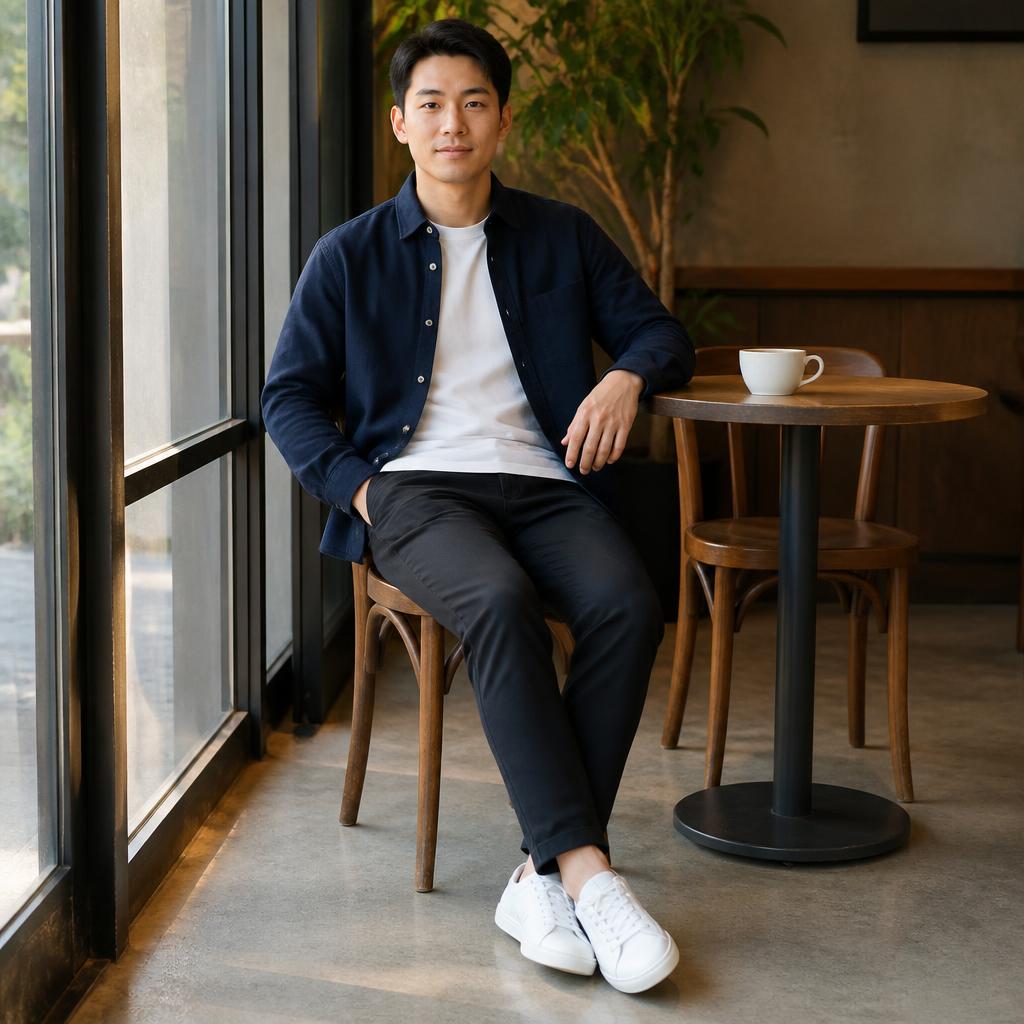

Try different workflows in one workspace: Hair, Outfit, Background, Enhance, Agent, and more.
HairOutfitBackgroundEnhanceAgent
PRODUCT RULES
What happens after upload
A successful demo result can be downloaded without a watermark.
Registration or Editor handoff never starts a paid generation automatically.
The uploaded photo is passed into the Editor, so you do not need to select it again.
ONE WORKSPACE
One editor instead of a dozen separate AI services
You do not need to know which model or generator to choose. SmartGenius is organized around familiar tasks: change hair, outfit, background, add a person, improve quality, or describe a complex edit in plain language.
Dedicated tool
When the task is clear, open Hair, Outfit, Background, Face Swap, Enhance, Pose, or another specialized mode.
All AI tools →AI Agent
When the edit is complex or combines several actions, describe it in plain language and let the Agent choose the workflow.
Open AI Agent →REAL OUTPUTS
Results you can inspect before registering
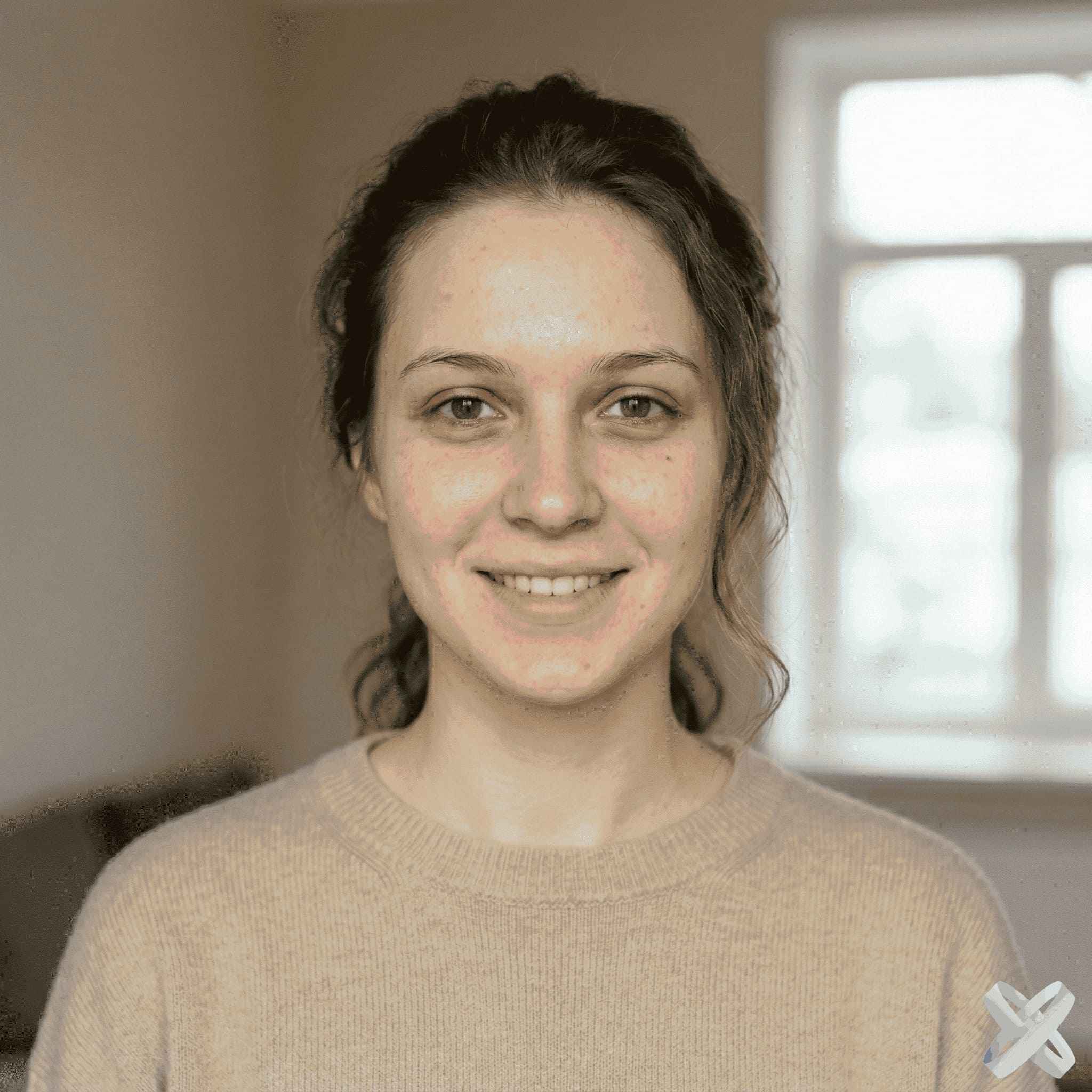
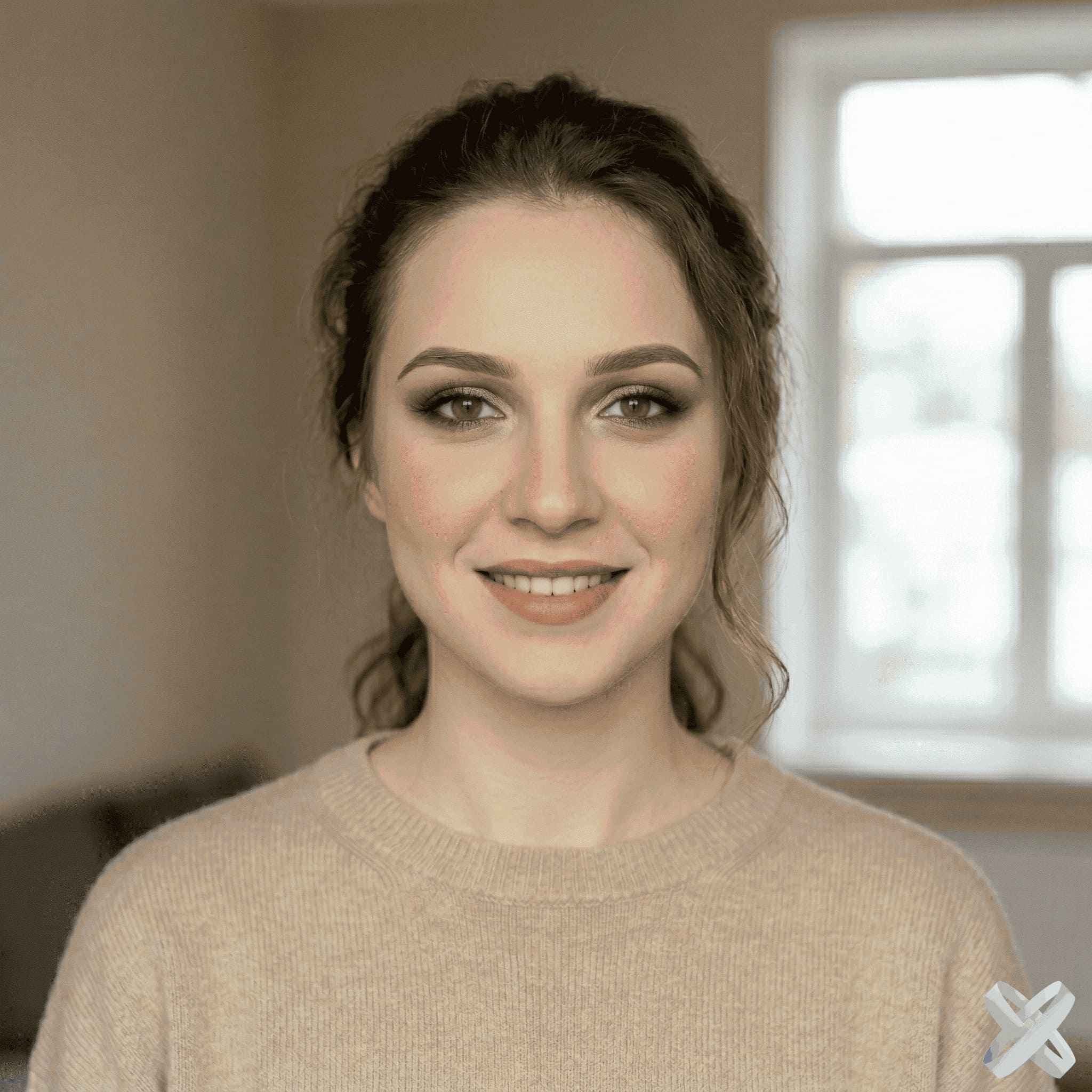
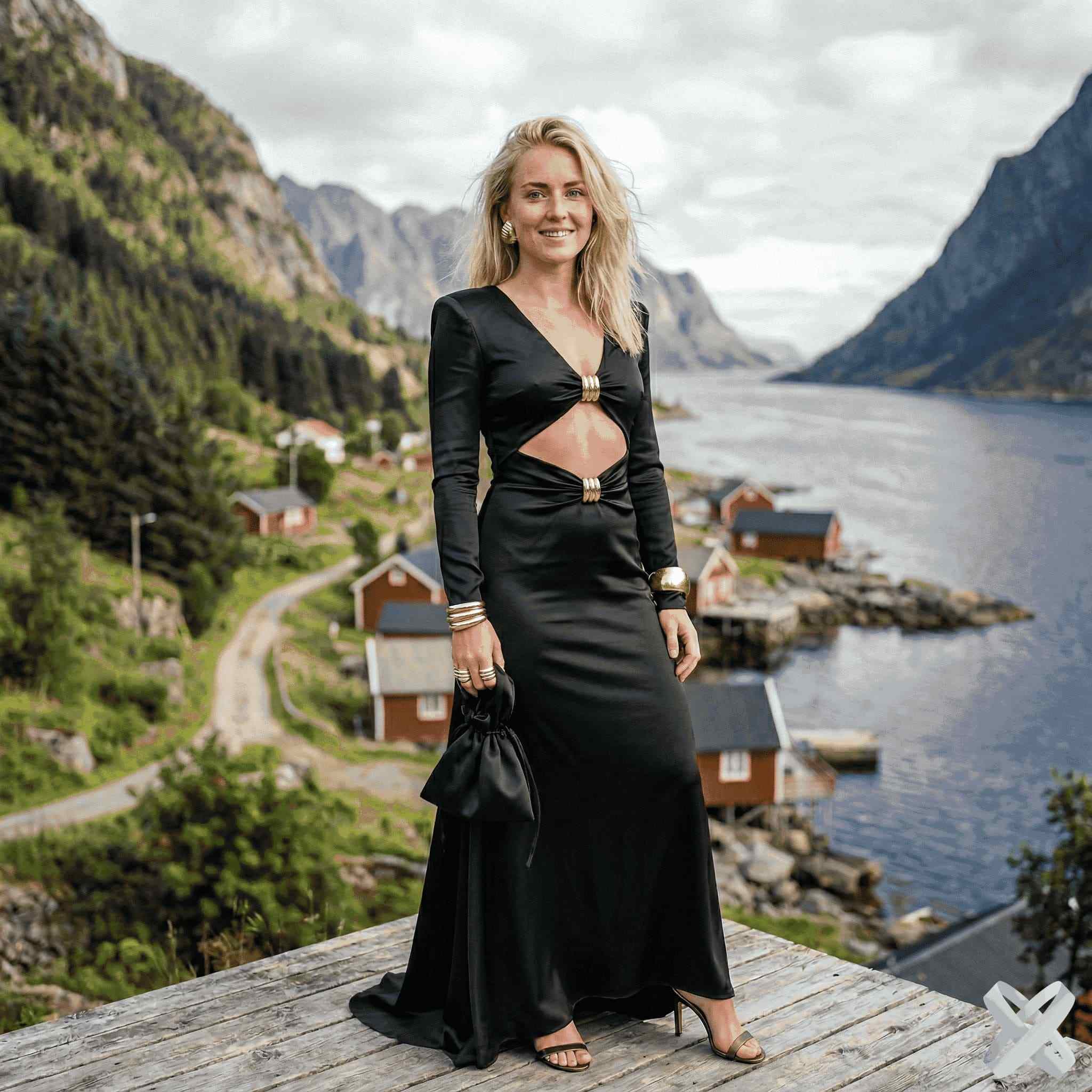
Not decorative mockups — common SmartGenius workflows. Drag the slider and compare the source with the result.

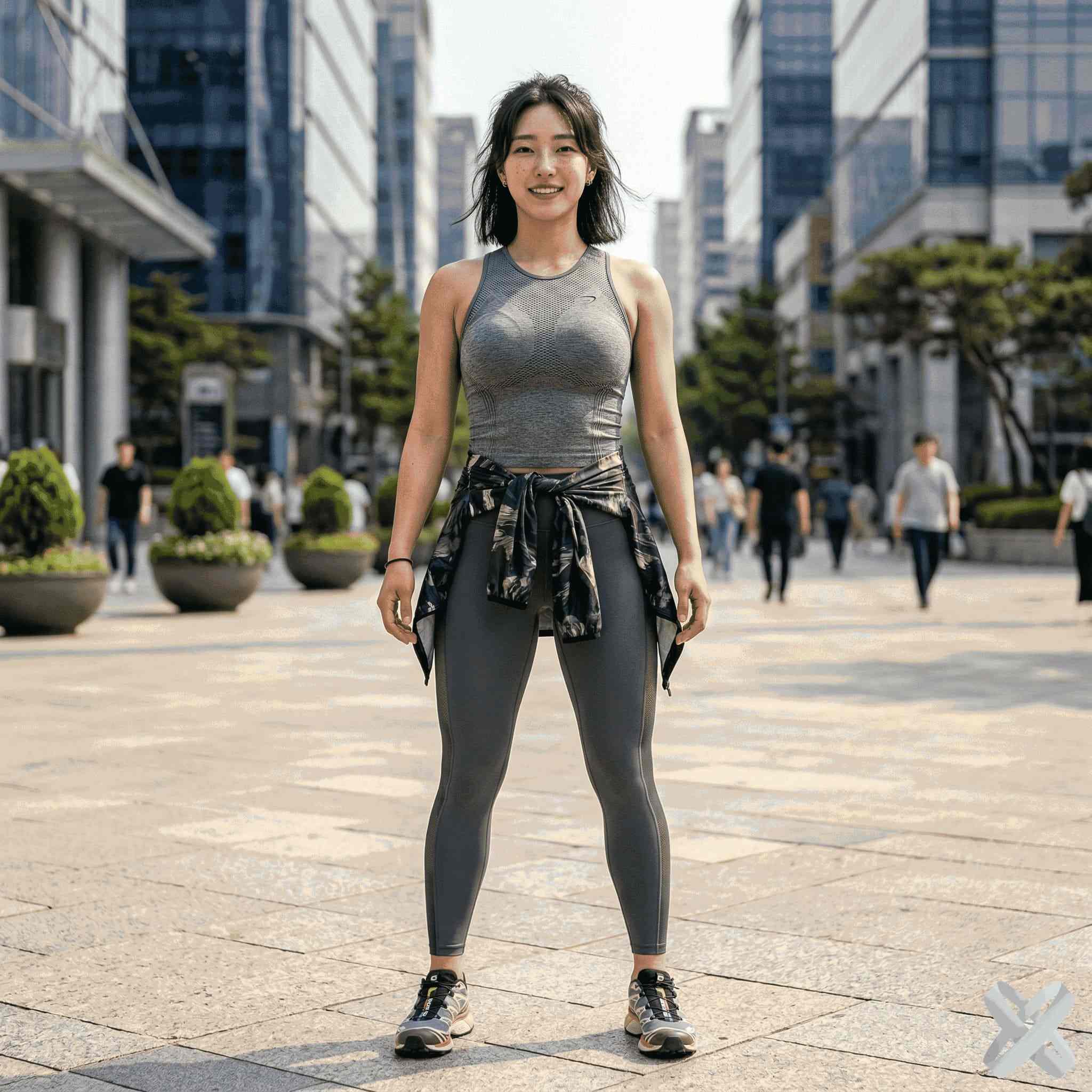
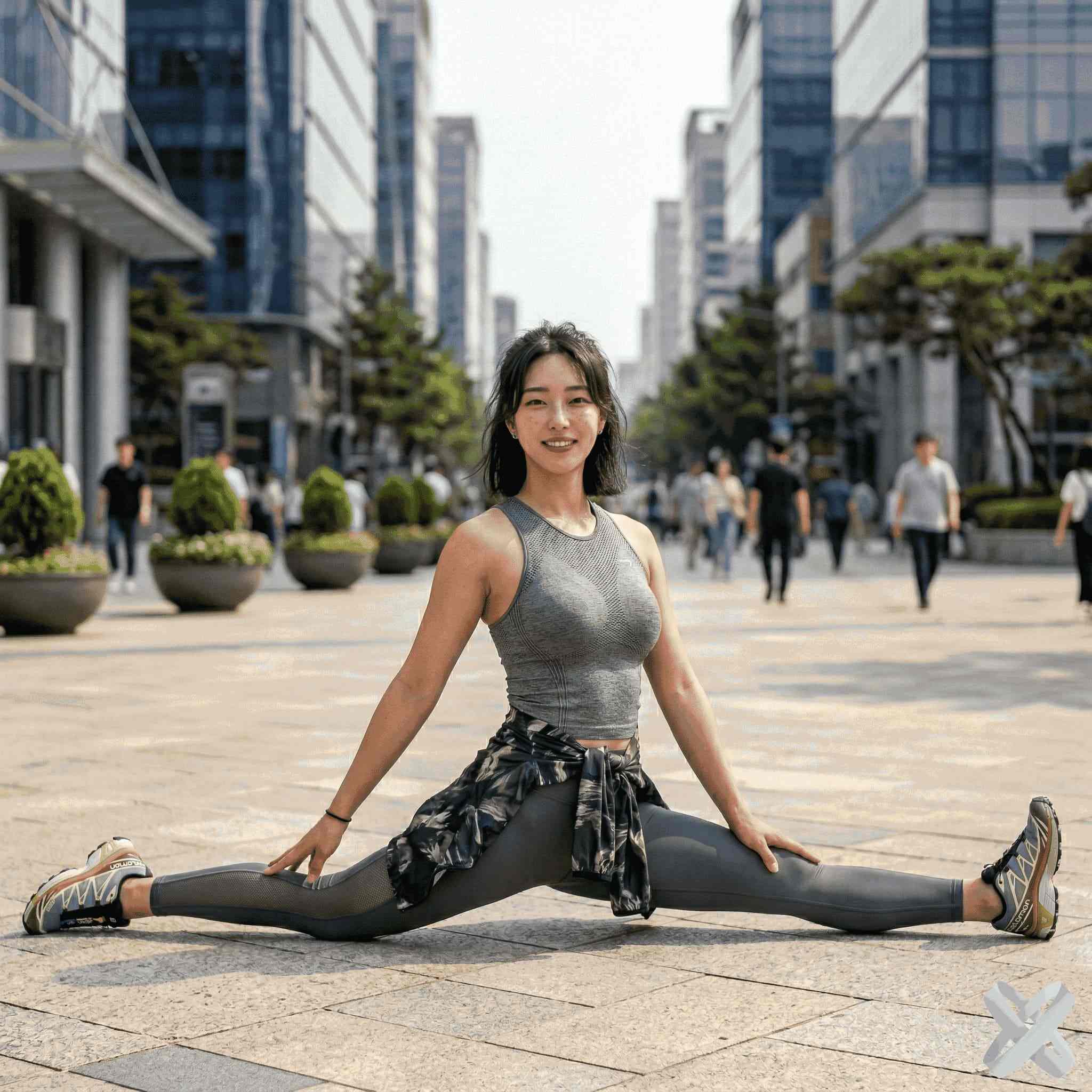
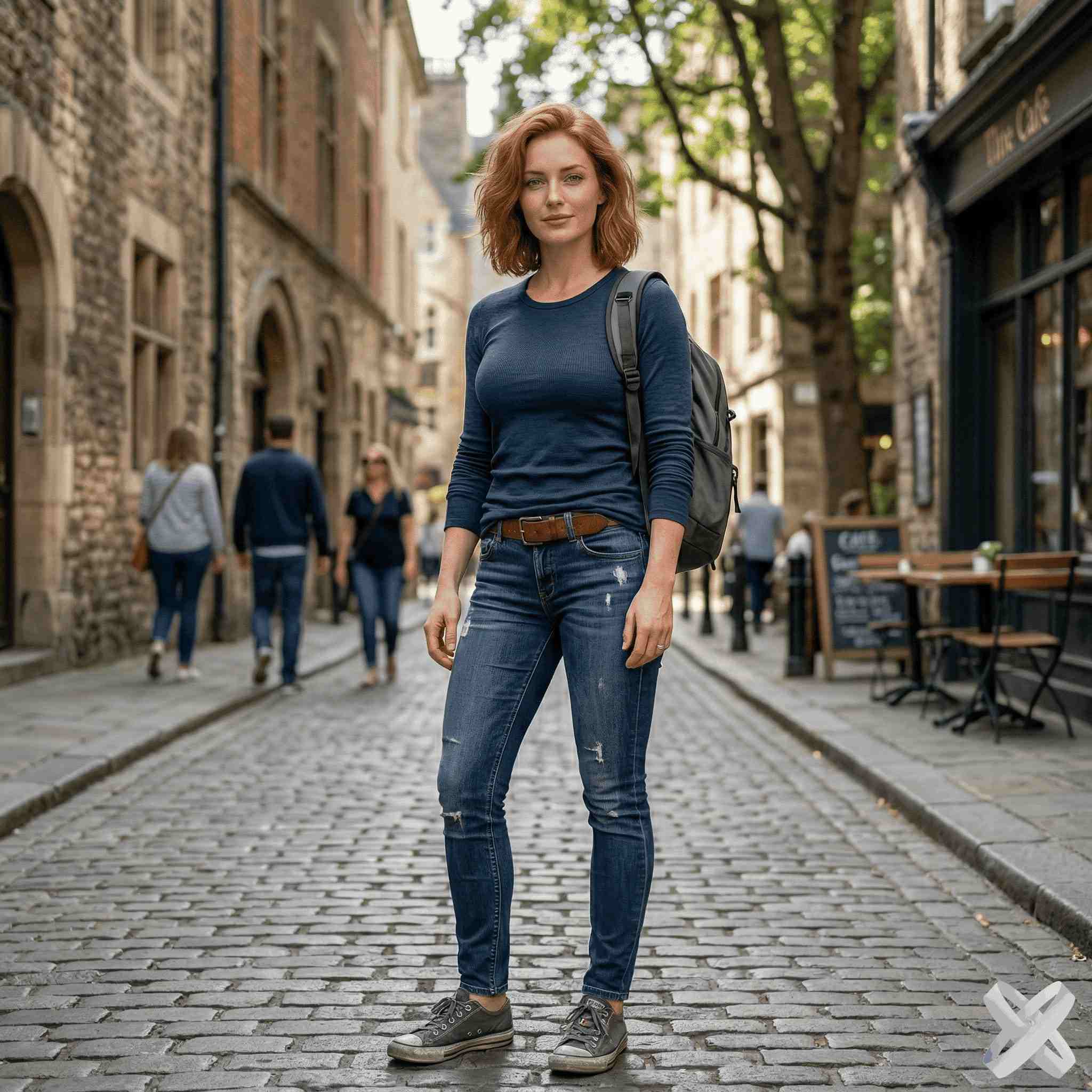

FOR REAL TASKS
For everyday photos, content, and work
The main idea is simple: you should not have to understand AI models. Pick a task, upload a photo, and use a clear workflow.
Portraits and appearance
Hair, beard, makeup, age, emotion, clothing, body, and pose.
Content and social
Backgrounds, styles, lighting, composition, AI Agent, and image generation.
Sellers and advertising
Product Creative, product backgrounds, commercial scenes, and ad visuals.
Photo quality
One-click Enhance, upscale, background removal, and manual correction.
EDITOR DIRECTORY
Everything inside the AI editor
Open a dedicated tool directly or use the full Editor if you plan several edits in sequence.
01HairHairstyle, length, and a new look→02OutfitChange clothing and style→03BackgroundReplace the environment→04Face SwapSwap faces between photos→05Add PersonAdd a person from another photo→06EnhanceLight, color, noise, and detail→07AI AgentComplex editing by prompt→08Product CreativeCommercial product visuals→
CLEAR RULES
Know what is free and when tokens are charged
A useful homepage should explain the rules before asking anyone to pay.
Guest try
One shared free SmartGenius AI generation. A failed processing attempt should not consume the demo.
After registration
Eligible new accounts can receive 15 bonus tokens after the anti-abuse check.
Paid generations
Tokens are charged only when an AI tool is actually run. Registration and handoff do not charge anything on their own.
Tool price
Different tools use different token amounts. The current cost is shown in the interface.
One-time tokens
Stay on the balance and work well if you do not need a monthly plan.
Subscription
Tokens are granted daily and accumulate up to the cap of the selected plan.
PLANS
SmartGenius AI subscriptions
For regular use, subscriptions grant tokens every day. Pro is marked as the featured option in the current pricing setup.
L
Lite
$9.99/ month
- 50 tokens daily
- up to 1500 monthly
- accumulate up to 150
PBest choice
Pro
$24.99/ month
- 125 tokens daily
- up to 3750 monthly
- accumulate up to 375
C
Creator
$49.99/ month
- 250 tokens daily
- up to 7500 monthly
- accumulate up to 750
ONE-TIME TOKENS
No subscription? Top up once
One-time tokens remain on your balance. Available payment methods depend on your region and the current checkout form.
ONE-CLICK ENHANCE
When you do not want to tune settings, enhance in one click
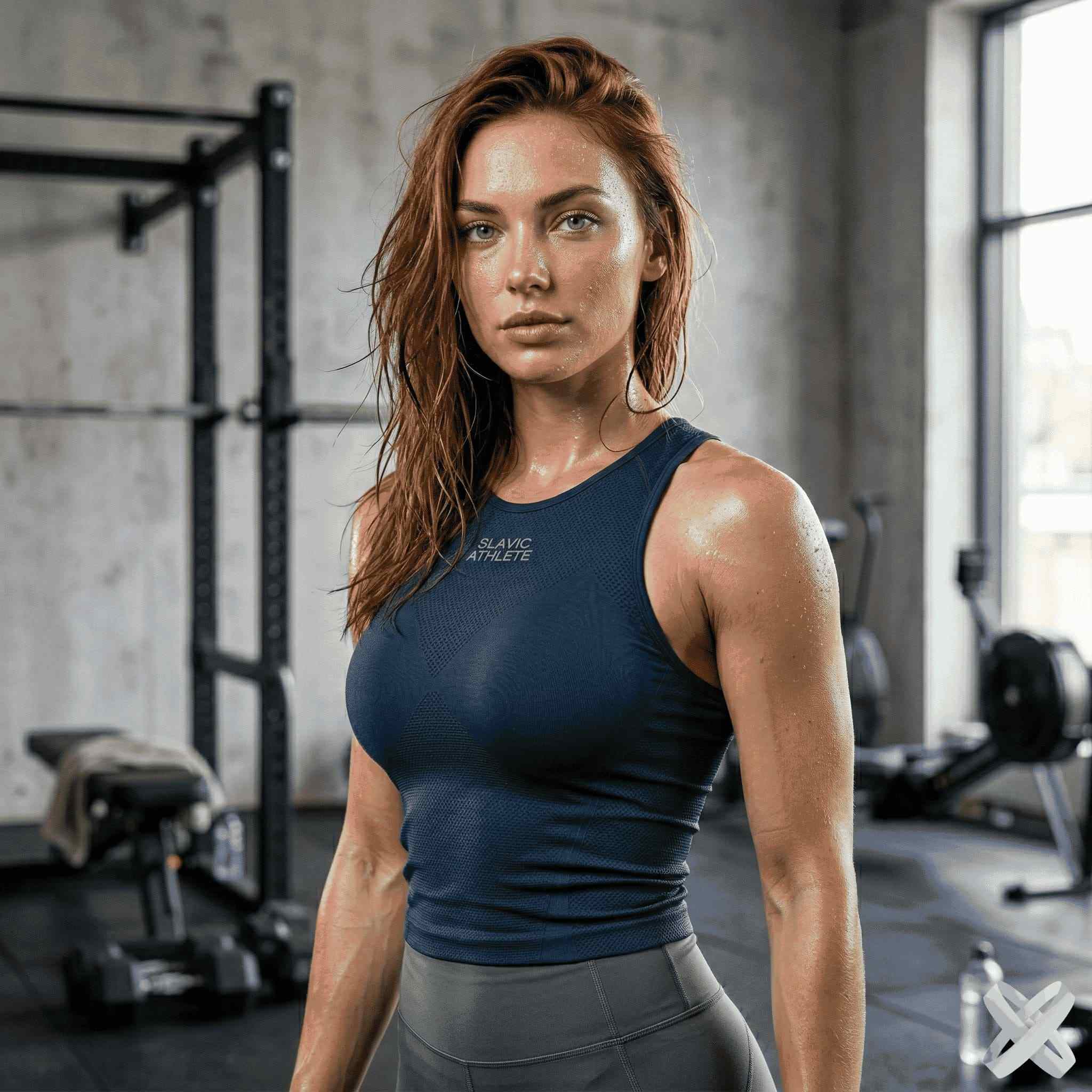
One-click Enhance works with light, color balance, detail, and noise in one flow. The original frame remains the basis of the result, and you can continue editing afterward.
Open Enhance →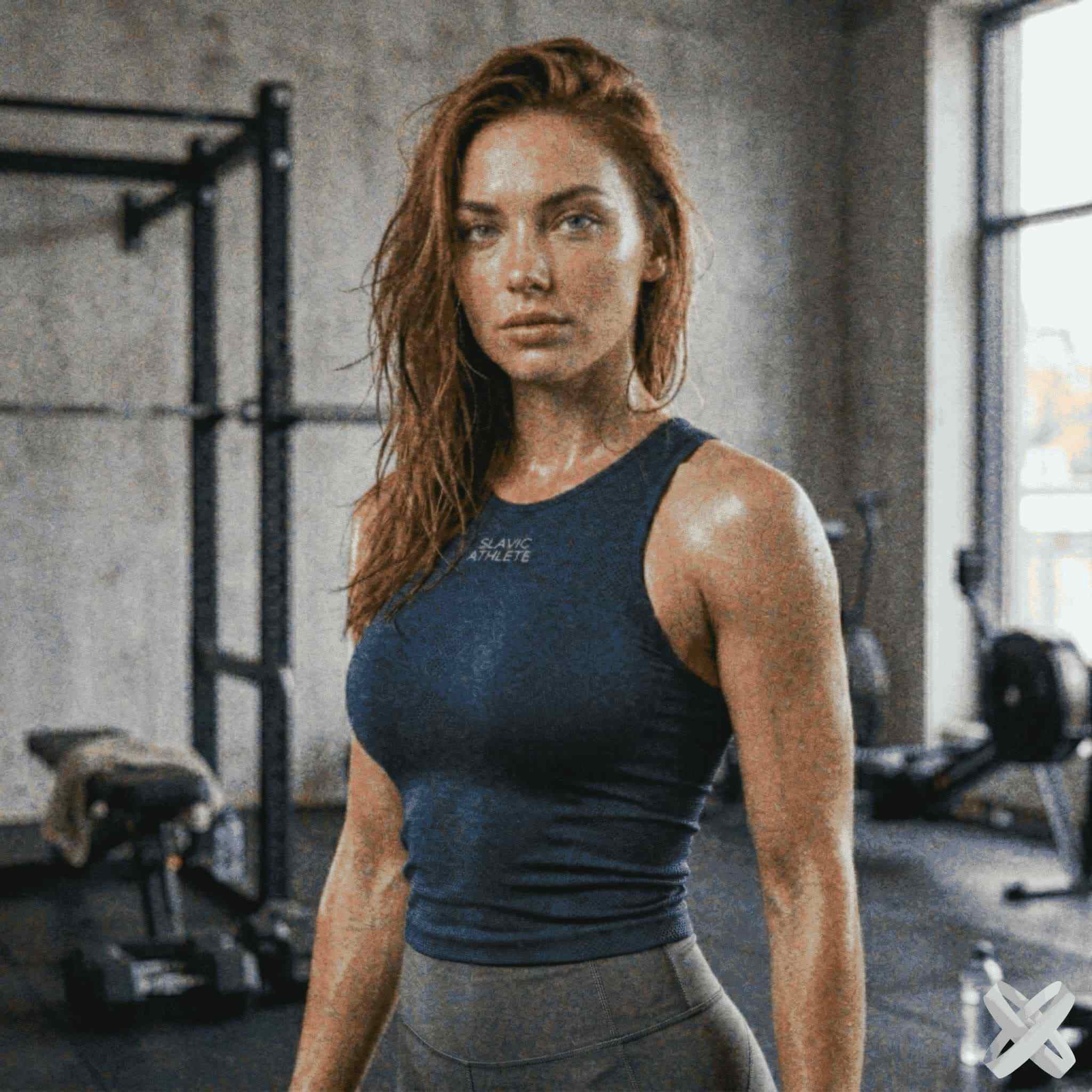
HOW IT WORKS
How to start
Upload a photo
Use JPEG, PNG, or WebP. A photo uploaded in the Hero is handed off to the Editor.
Choose a task
Open a dedicated AI tool or describe a complex edit in AI Agent.
Get the result
Download the image or keep editing the same file in the Editor.
WHY SMARTGENIUS
Facts are easier to trust than marketing claims
We do not fill the homepage with invented testimonials, fake ratings, or unverifiable numbers. Instead, we explain how the product actually behaves.
No fake progress percentage
During AI processing, the interface shows stages instead of inventing a percentage.
No automatic paid run
Registration, Editor handoff, or account creation never starts a paid generation by itself.
Keep the result
A successful result can be downloaded and then refined further in the Editor.
Desktop and mobile
Core upload and editing flows are designed for both desktop and phone.
FAQ
Frequently asked questions
Is there a free try?
Yes. Guests get one shared SmartGenius AI try if it has not already been used.
What if a generation fails?
A processing error should not consume the guest demo. The photo and Hero state are preserved.
How do the 15 registration bonus tokens work?
The bonus is for eligible new accounts and is subject to the anti-abuse check, so it is not an unconditional promise for every new account.
Subscription or one-time tokens?
Subscriptions grant tokens every day and have an accumulation cap. One-time tokens top up the regular balance without a monthly plan.
Can I use several tools on one photo?
Yes. After one operation, continue with the same image in the Editor and switch to another tool.
Which payment methods are available?
Available methods depend on region and the current checkout form. The live options are shown before payment.
Does it work on mobile?
Yes. Core pages and the Editor support mobile upload and browser-based editing.
Do I need to upload again after the Hero?
No. Hero handoff passes the already uploaded image into the Editor.
START WITH ONE PHOTO
Try SmartGenius on your own photo
Start with the free try, inspect the result, and only then decide whether you need a one-time balance or a subscription.