Change Hair Color Online — AI Tool for Color Selection
What is AI Online Hair Color Change?
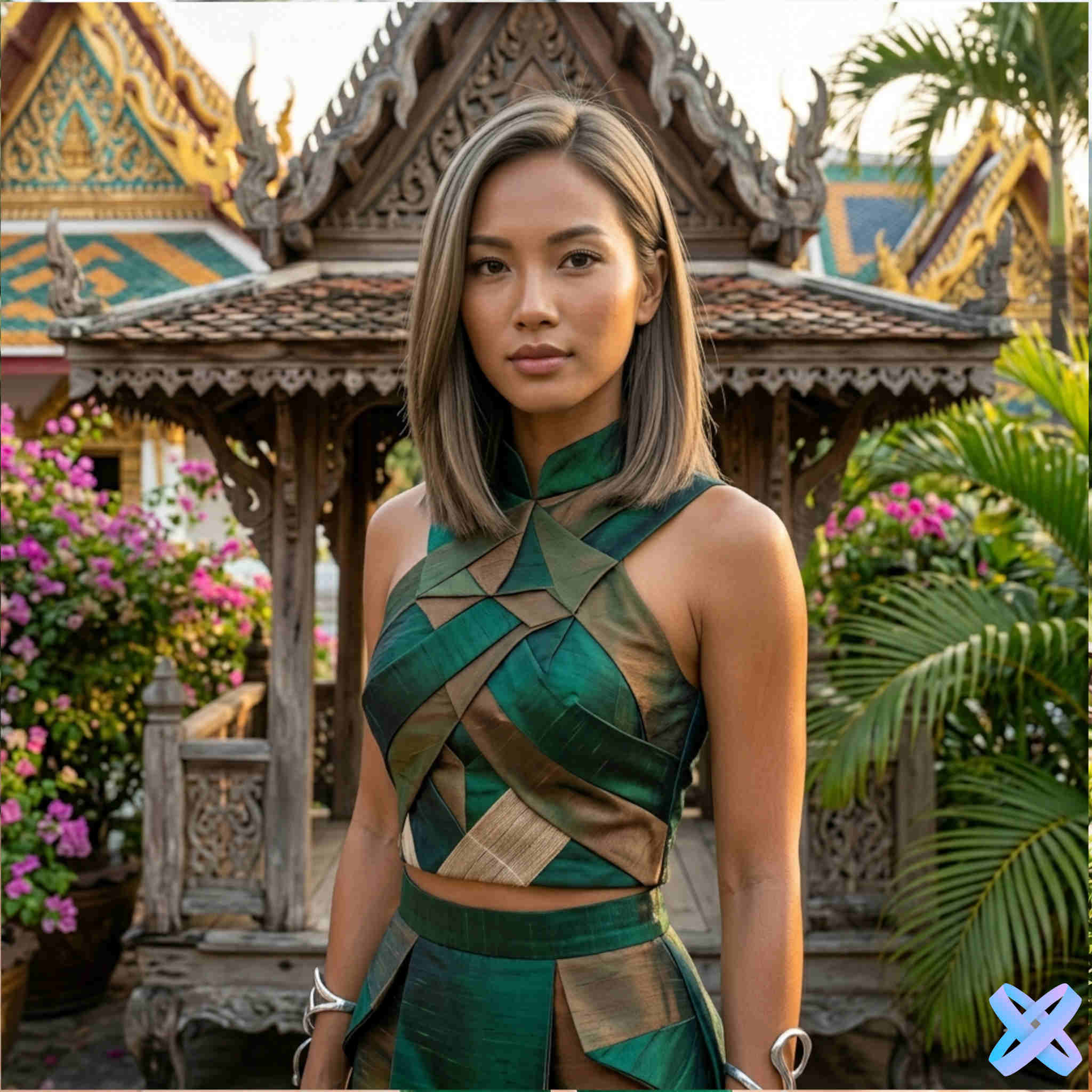
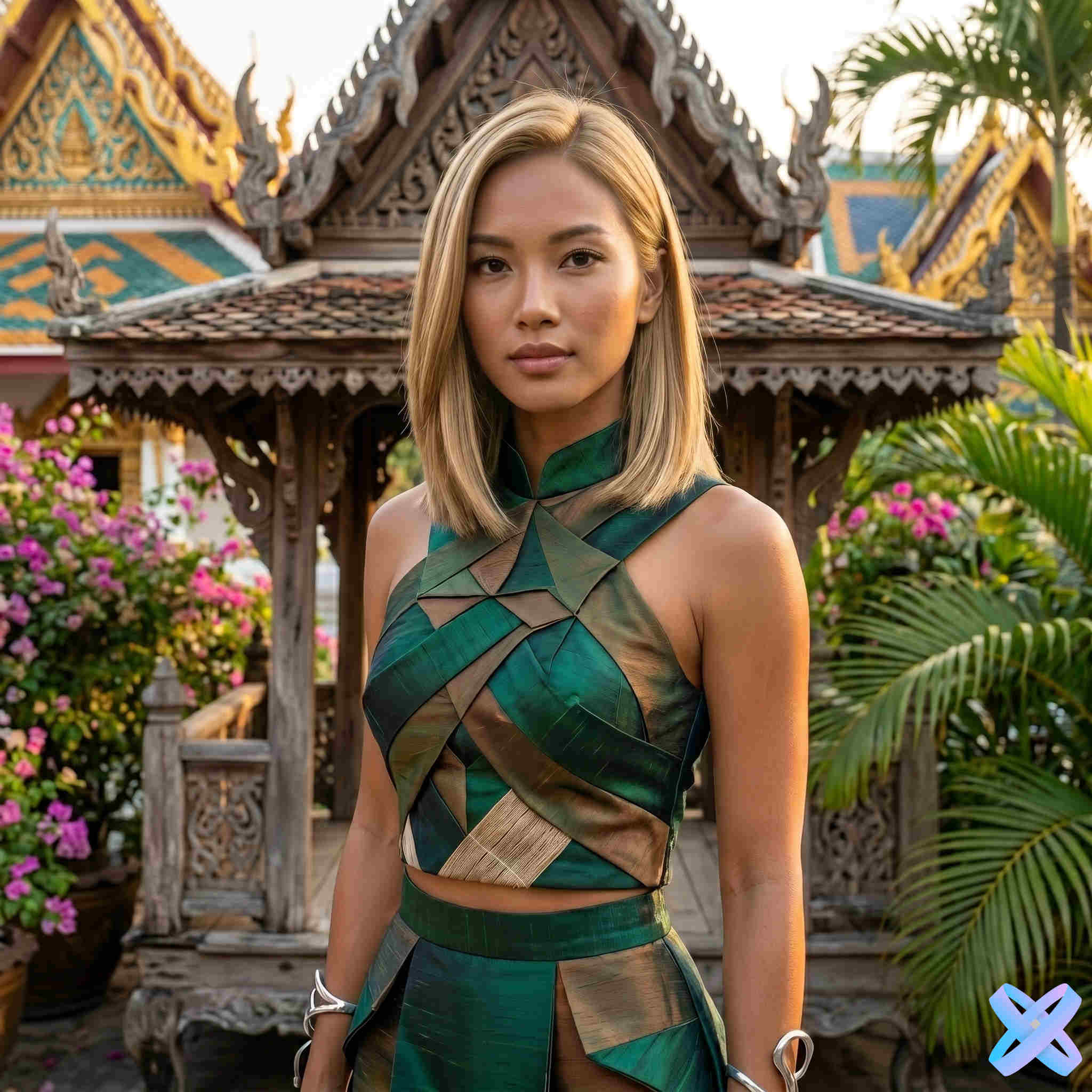
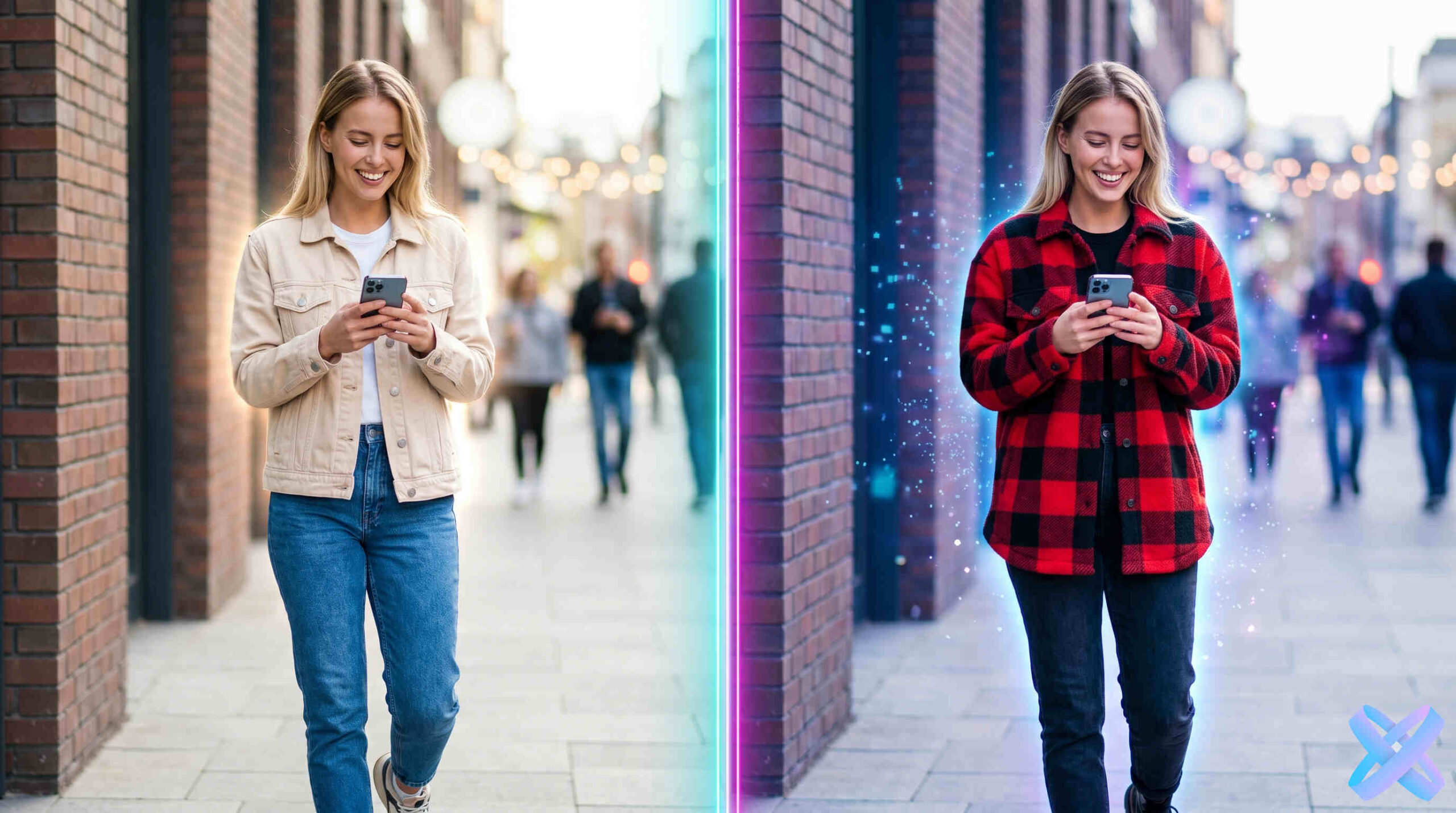
Changing hair color online is an innovative neural network tool that allows you to try on any hair shade on your photo in just seconds. You don't need to visit a salon, buy dye, or risk a failed experiment. Simply upload your photo, choose your desired color — from natural blonde to bright pink or blue — and artificial intelligence will realistically change your hair color, preserving texture, lighting, and all facial details.
AI hair color changer uses advanced deep learning algorithms that analyze hair structure, light direction, shadows, and natural color transitions. Thanks to this, the result looks as natural as if you had actually dyed your hair at a professional salon.
Who is virtual hair color try-on for?
Changing hair color online is useful for a wide audience:
- Girls and women — try on dozens of shades before actually dyeing your hair and choose the perfect one.
- Bloggers and influencers — create bright content for Instagram, TikTok, Telegram with different looks.
- Stylists and makeup artists — show clients what the result will look like before starting work.
- Beauty salon owners — use as an additional service for clients.
- Those afraid of experiments — try pink, blue, or ombre without damaging your hair.
- For choosing a look for an event — wedding, party, photoshoot.
How to use a neural network to change hair color?
The process of hair coloring online is extremely simple and takes just a few steps:
- Step 1: Upload your photo. Any quality image works — selfie, portrait, ID photo.
- Step 2: Choose your desired hair color from the list of popular shades or describe it in text.
- Step 3: AI processes the photo — usually taking 10–30 seconds.
- Step 4: Evaluate the result. Didn't like it? Try another color in seconds.
- Step 5: Download the finished photo in high resolution and share with friends.
💡 Tip: For the most realistic result, use a photo with good lighting where your hair is clearly visible. Avoid overly dark or blurry images.
What hair colors can you try online?
Try on hair color online for almost any shade from the existing palette:
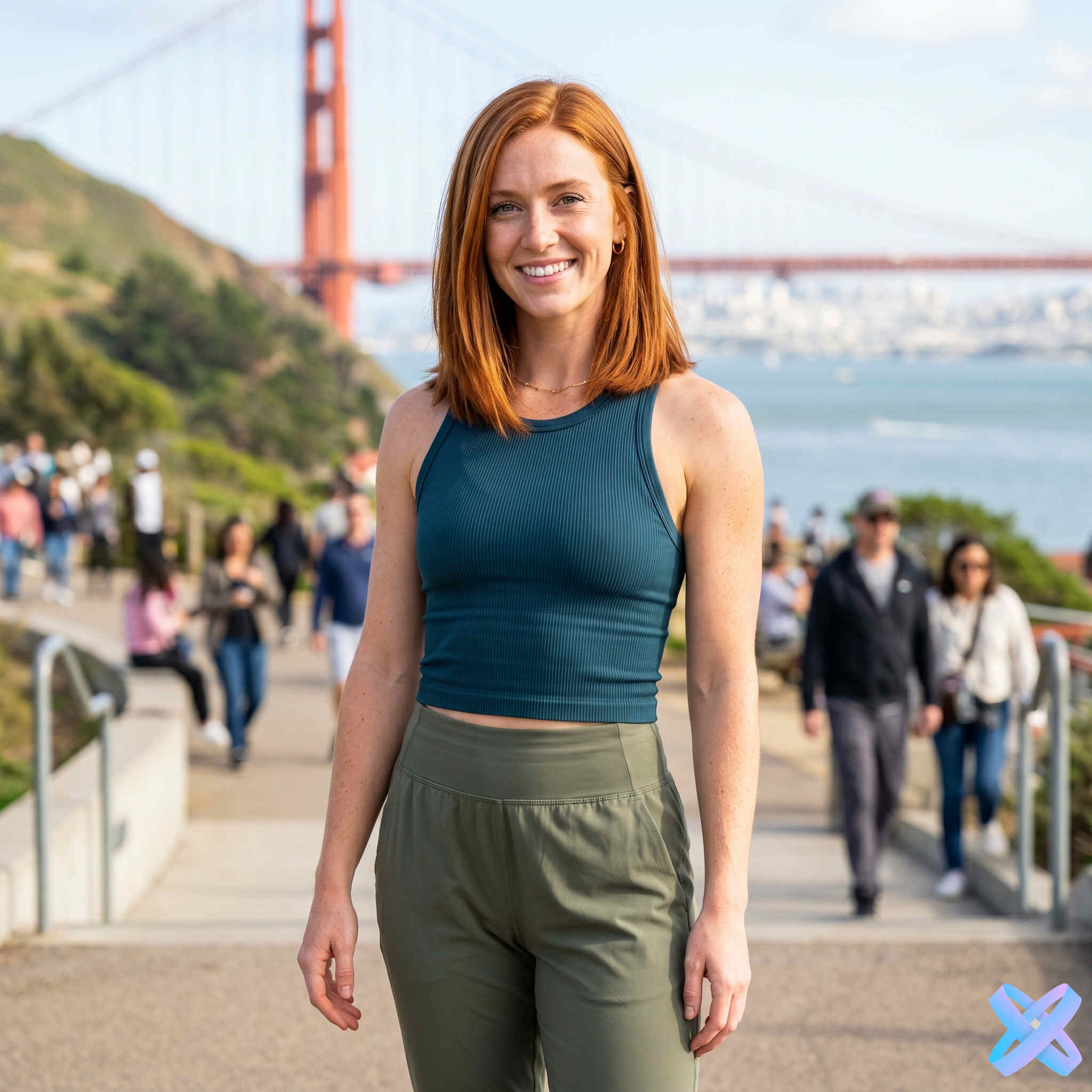
- Natural shades: blonde (platinum, ash, golden, honey), brunette (black, chocolate, chestnut), red (copper, fiery, golden-red), light brown (light brown, dark brown).
- Cool tones: ash, silver, platinum, bluish.
- Bright and neon colors: pink (pastel, fuchsia), blue (sapphire, sky blue), purple, green, red.
- Complex coloring techniques: ombre (smooth transition from dark to light), shatush, balayage, highlights.
- Two-color options: combinations of any shades.
Advantages of AI over real hair dyeing
Let's compare changing hair color through a neural network and traditional dyeing in a salon or at home:
- Safety: AI does not damage hair, does not cause allergies, and requires no recovery after the experiment.
- Time saving: a try-on takes 30 seconds instead of 2–3 hours in a salon.
- Money saving: completely free or for pennies compared to $50–200 for dyeing.
- Limitless experiments: you can try 50 shades in one day without risking hair damage.
- No root regrowth: the result is instant and requires no maintenance.
- Easy to undo: didn't like it? Just upload the photo again or choose a different color.
- Works for any photo: you can try on colors for your own photo or even a friend's photo.
Why SmartGenius is the best choice for changing hair color?
AI hair color changer from SmartGenius has unique advantages:
- Maximum realism: the neural network takes into account lighting, hair texture, and original color.
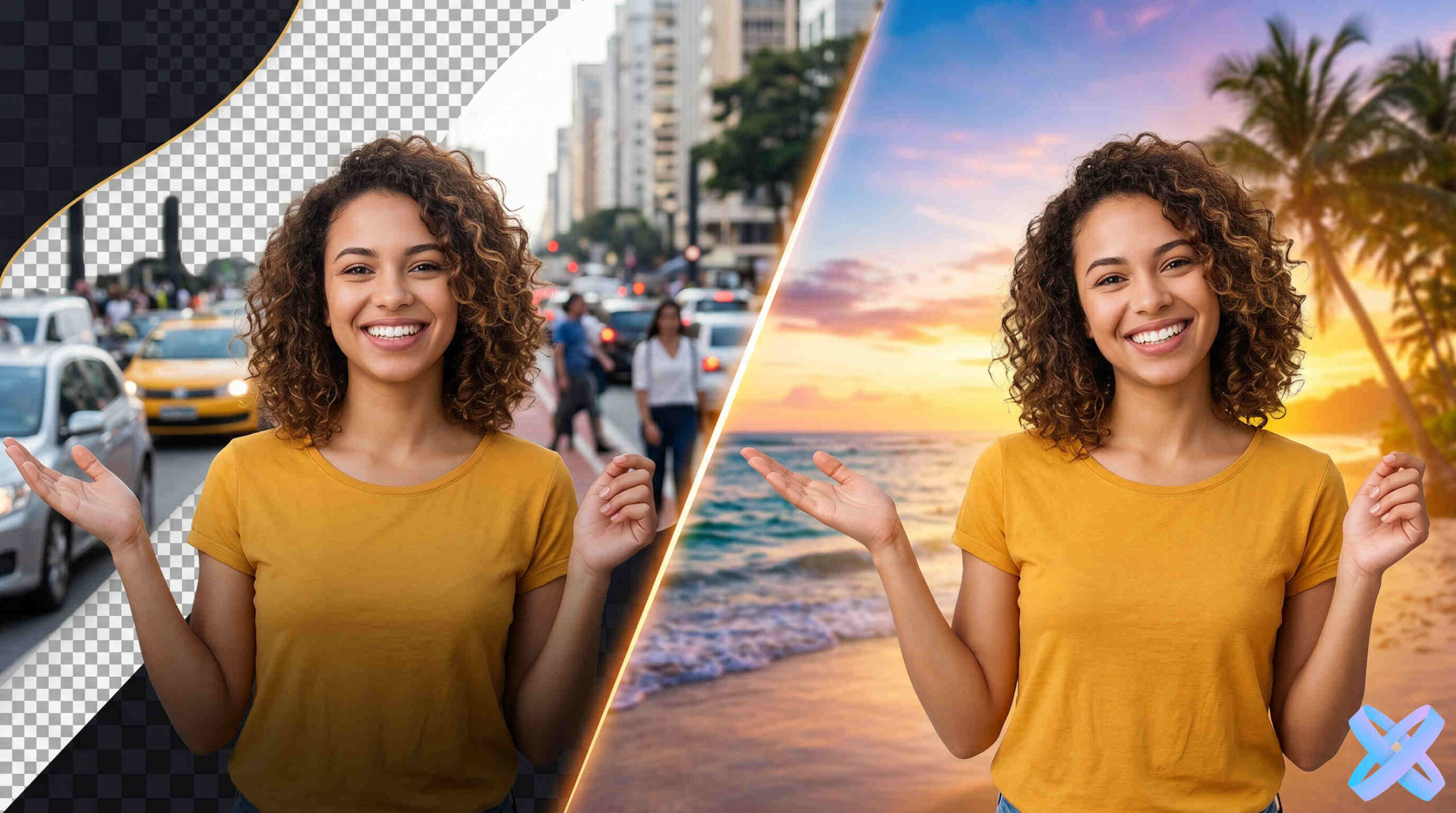
- Only hair: the color changes exclusively on the hair, preserving skin, eyes, eyebrows, and background unchanged.
- High resolution: finished photos are suitable for printing and posting on social media.
- English language queries: understands any color descriptions in English.
- No registration: no need to create an account or leave an email.
- Privacy: uploaded photos are not used for training without your consent.
📊 Fact: More than 80% of users choose a shade they hadn't even considered initially thanks to virtual try-on. Try it — maybe your ideal hair color is waiting for you!
Changing hair color online is not just a fun tool, but a powerful solution for choosing the perfect shade without risk or cost. Try it right now and find your ideal hair color in just a few seconds.
Key queries: change hair color online, AI hair color changer, change hair color online, virtual hair color try-on, neural network for hair, hair coloring online, try on hair color, choose hair color online, change hair color in photo.