Enhance photo quality
Increase resolution and improve overall clarity.
DETAILS
SMARTGENIUS AI · PHOTO STUDIO
Upload a photo and edit it with artificial intelligence. Enhance quality, remove backgrounds and objects, change outfits, hairstyles, poses, and other details without complicated manual editing.
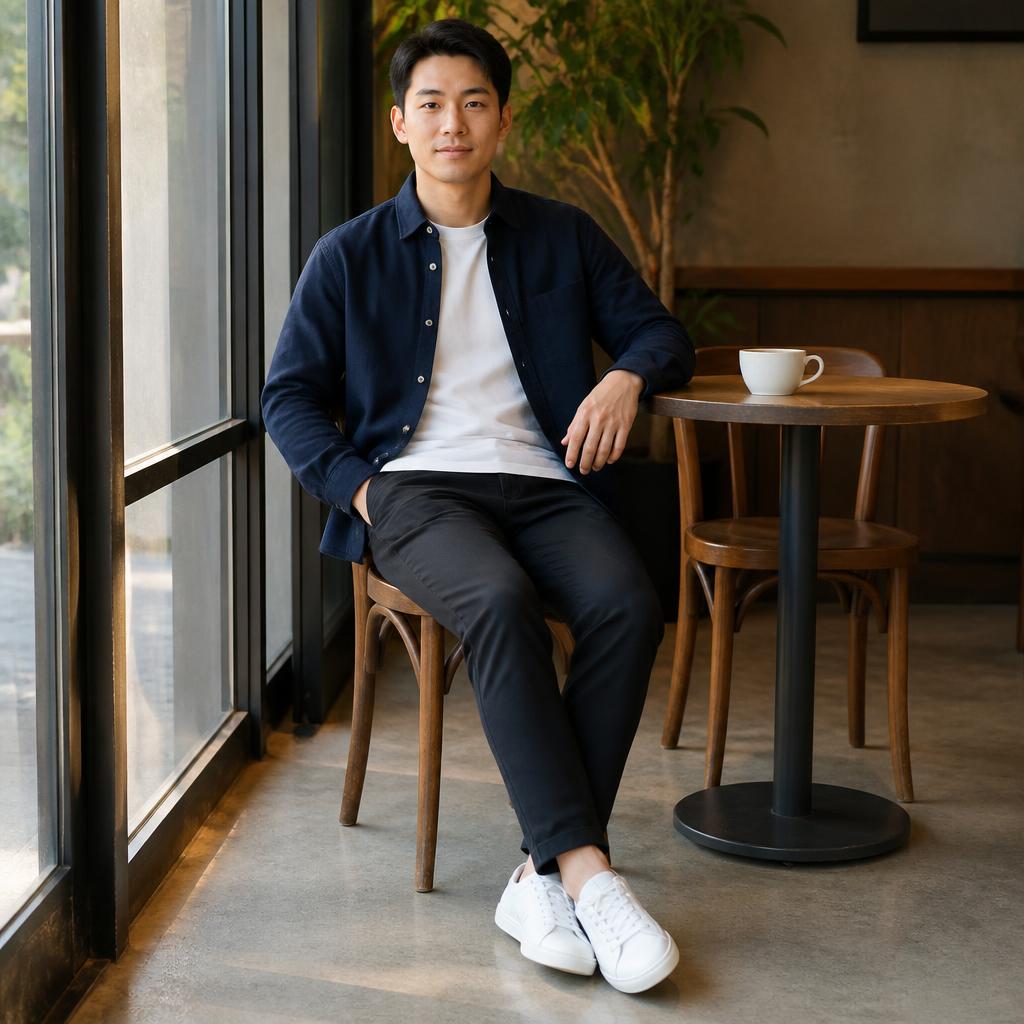
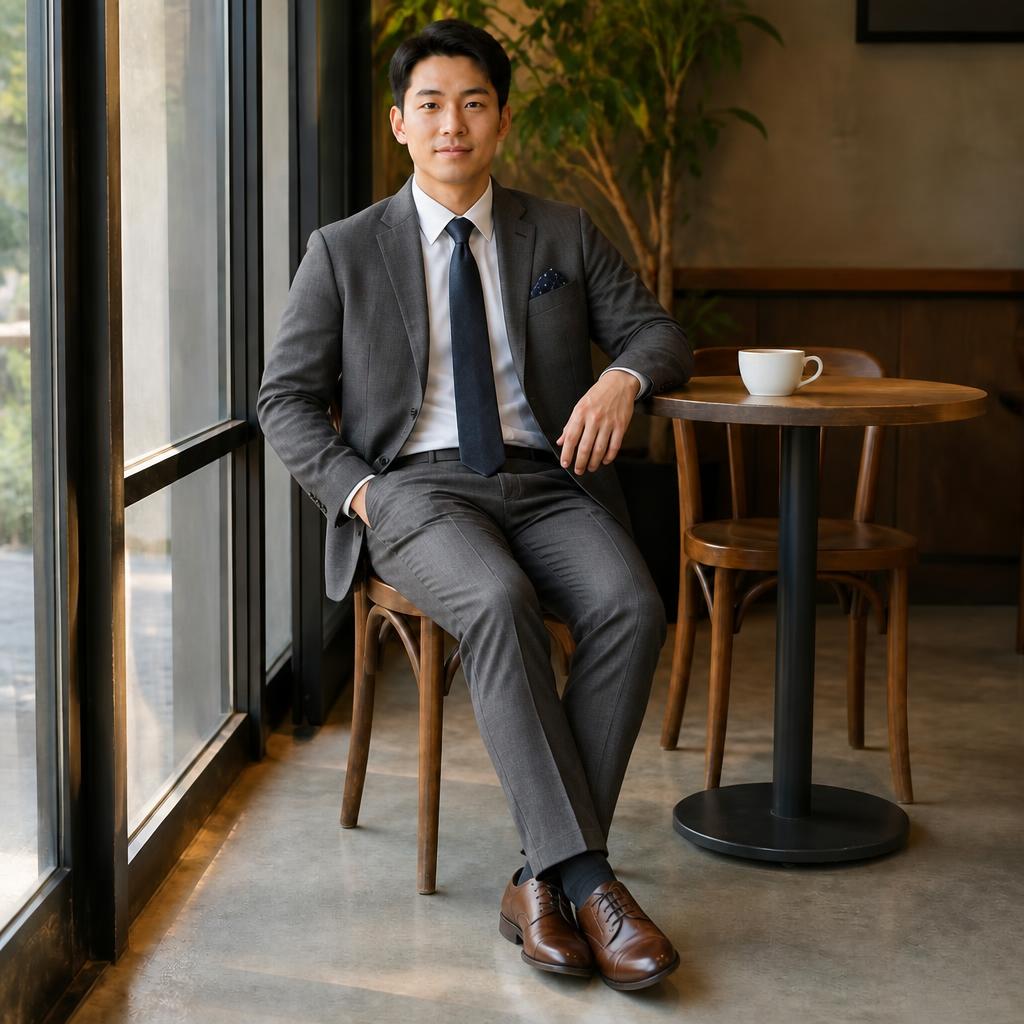
Choose a task, upload an image, and the Editor will open the relevant tool automatically.
Increase resolution and improve overall clarity.
DETAILSAutomatically separate a person or object from the background.
DETAILSMove a person or object into a different environment.
DETAILSTry a new look using a preset or text description.
DETAILSChange haircut, length, or styling.
DETAILSRemove an object, person, text, or watermark.
DETAILSCreate a shared photo or add a person by request.
DETAILSChange body position while keeping the person recognizable.
DETAILSAI BY PROMPT · AFTER REGISTRATION
You do not have to find a separate tool for every complex task. Upload a photo and describe the desired result in plain language — the AI Agent can handle combined edits.
Real examples from different SmartGenius tools. Each comparison frame adapts to the actual image aspect ratio instead of cropping the media to fit a template.
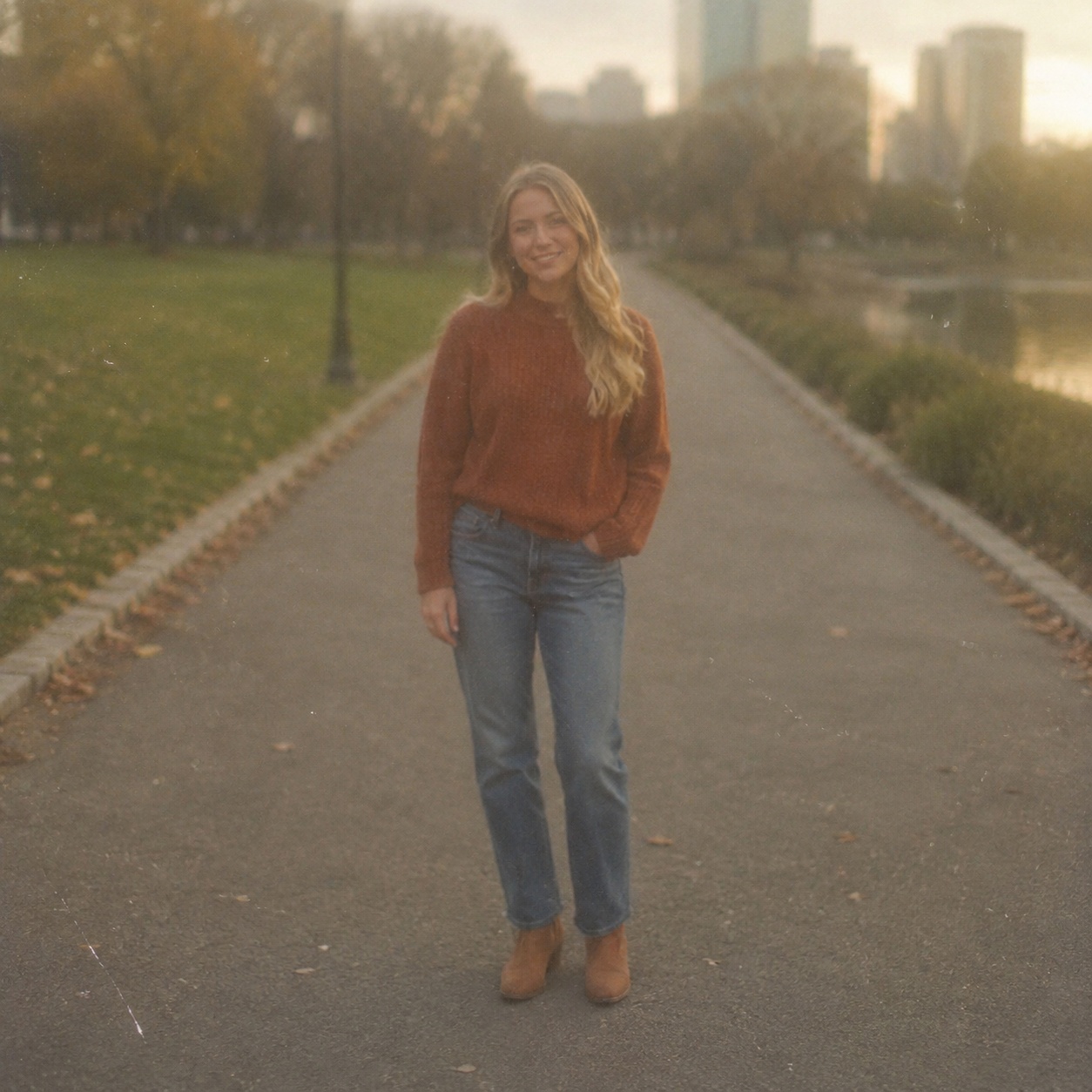
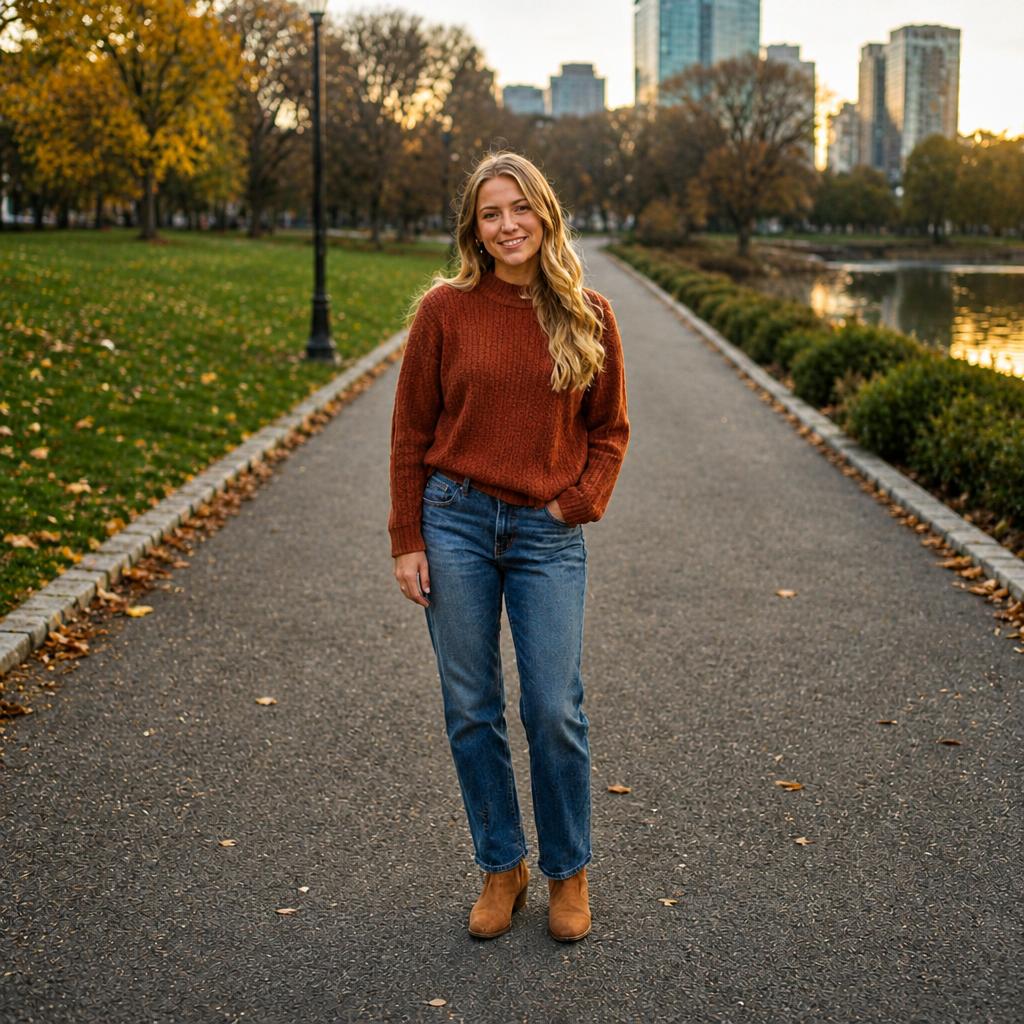


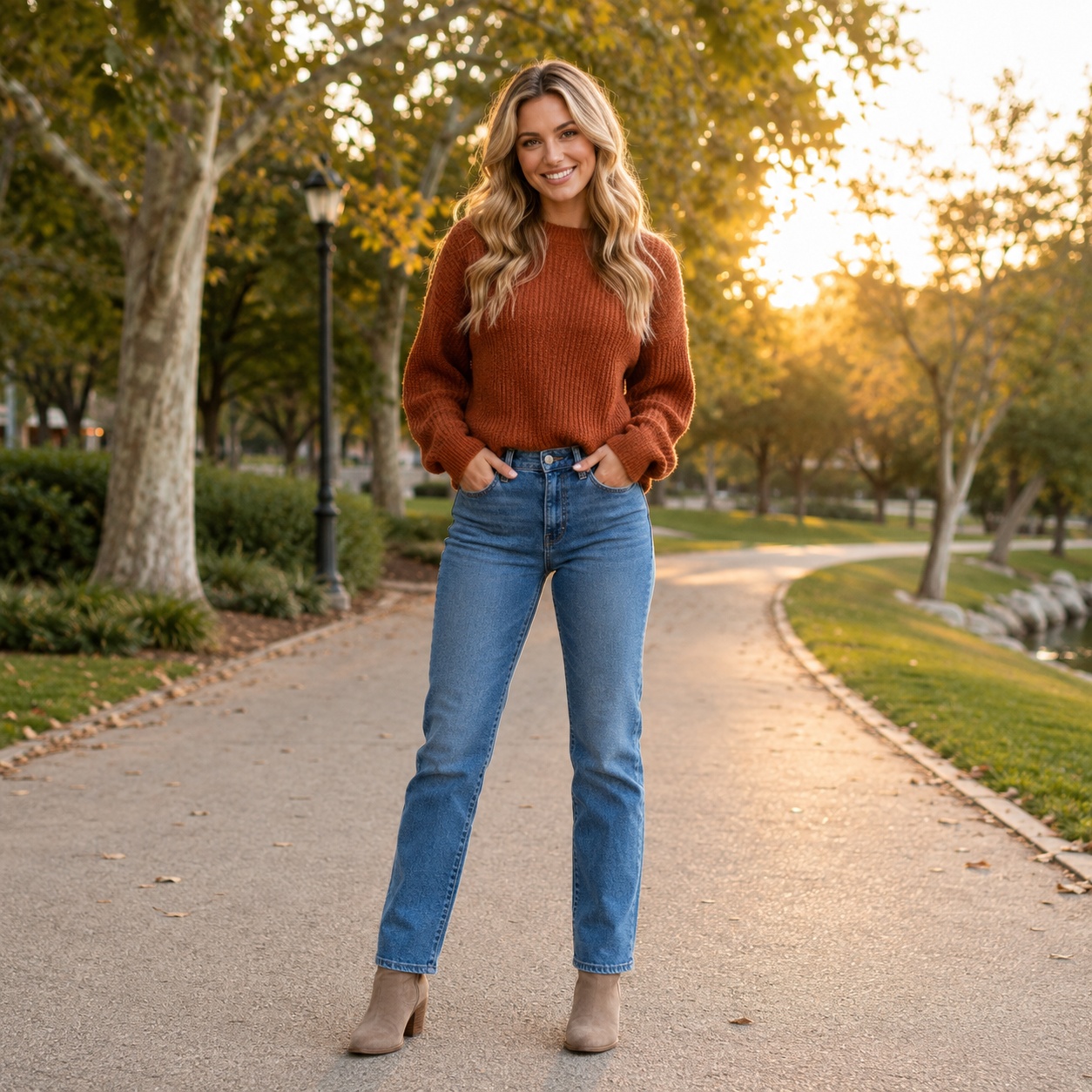
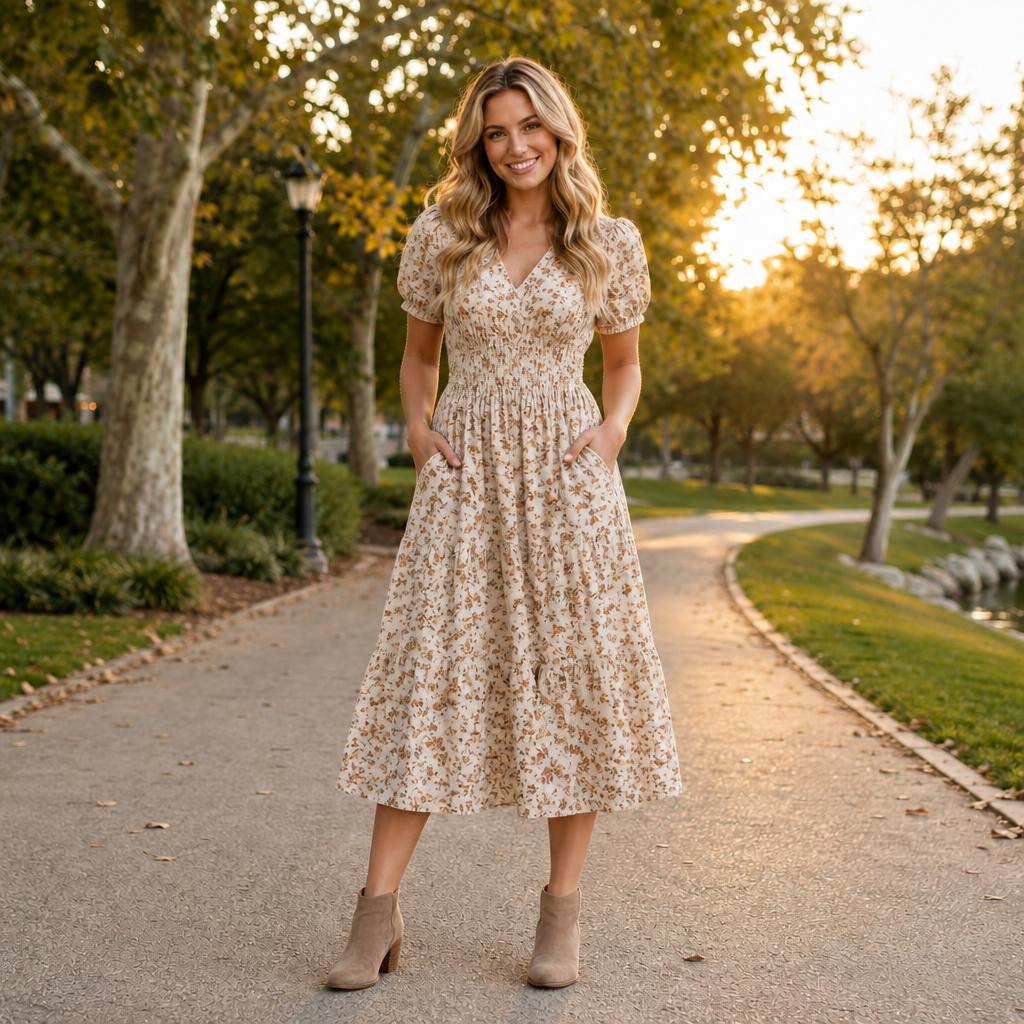
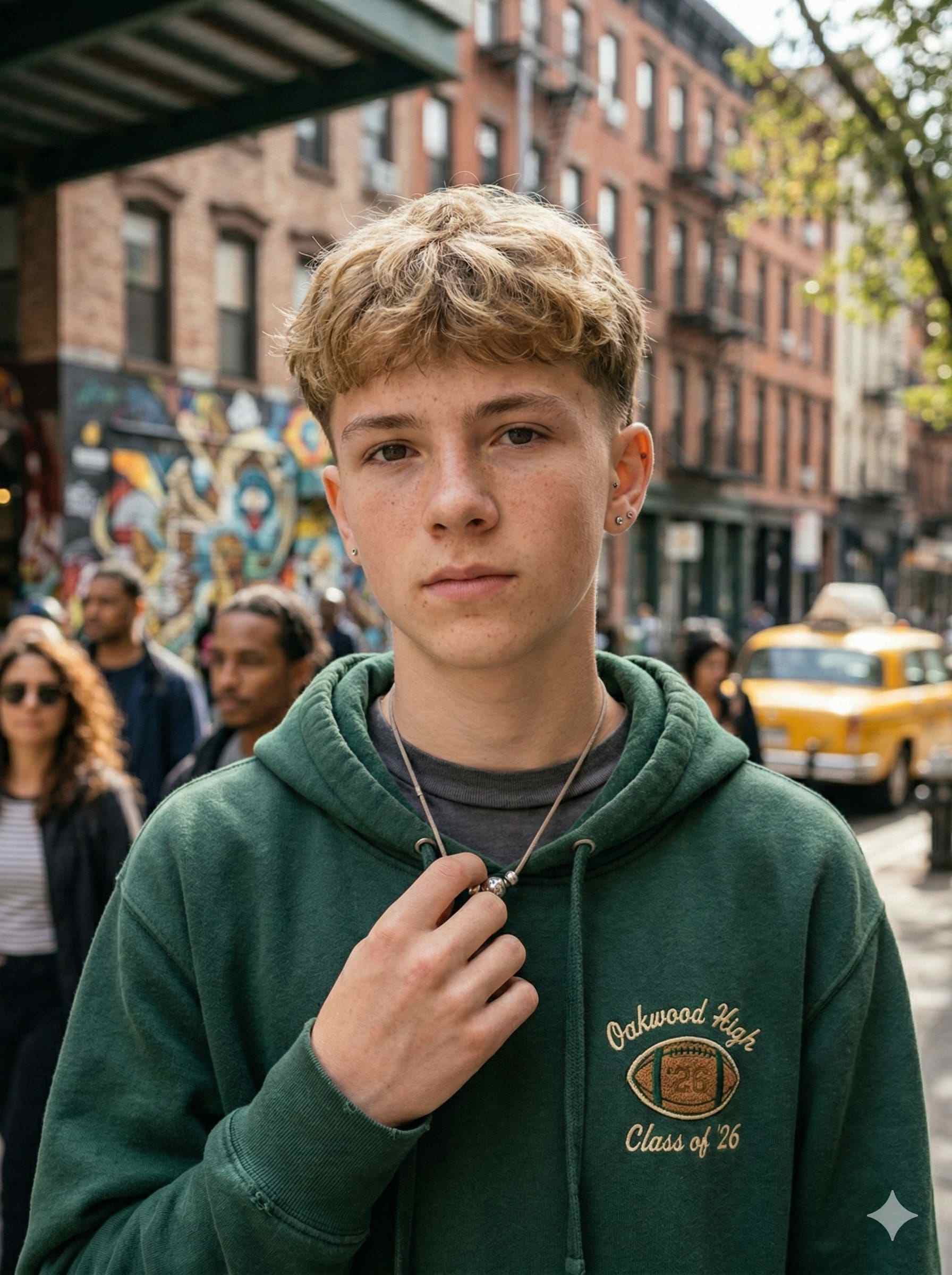
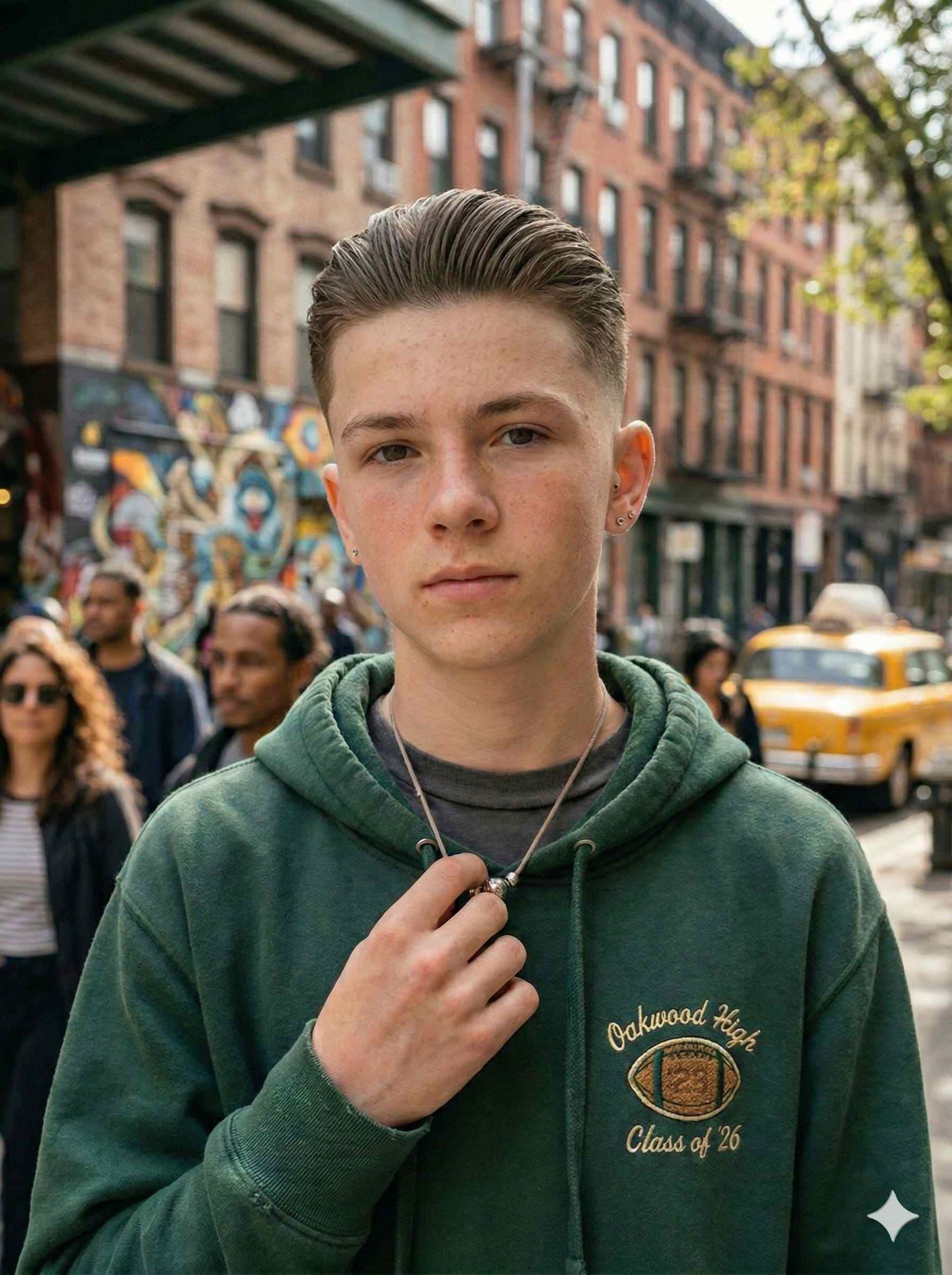
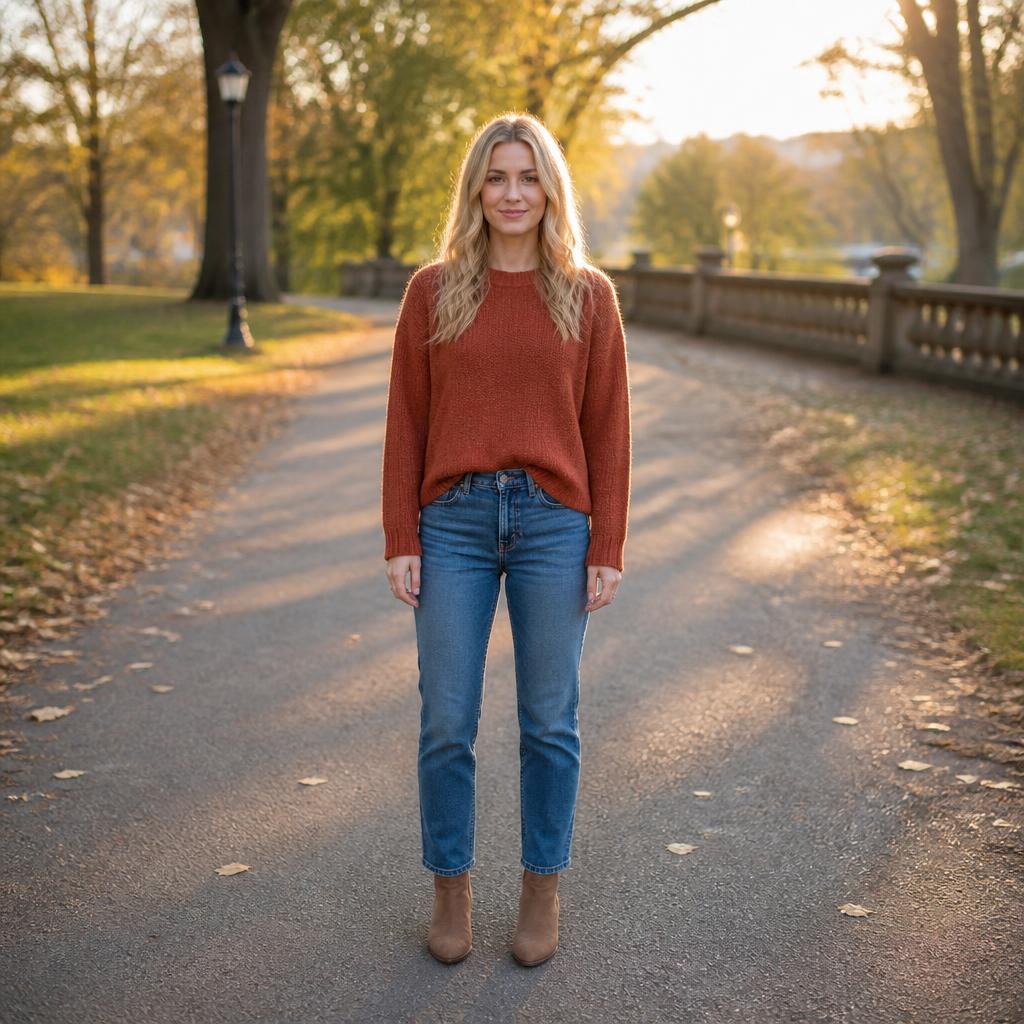
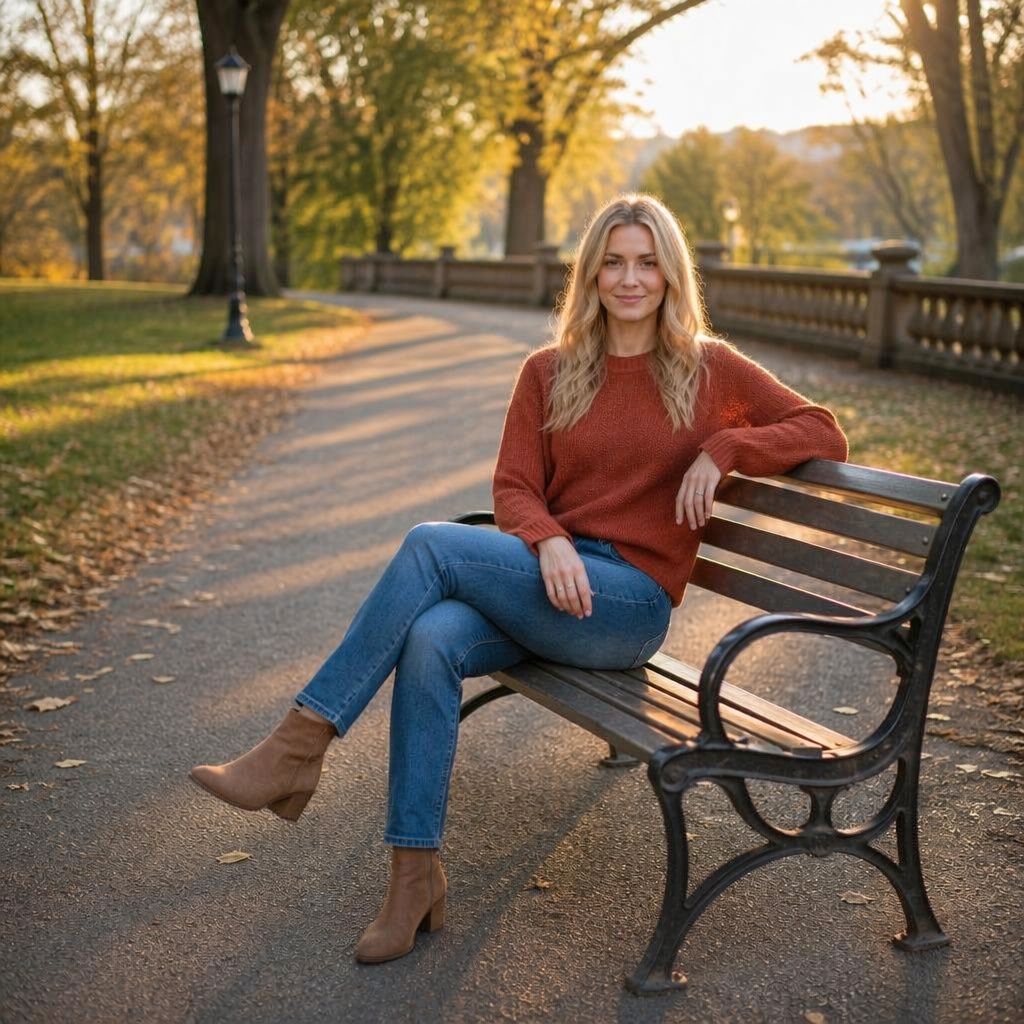
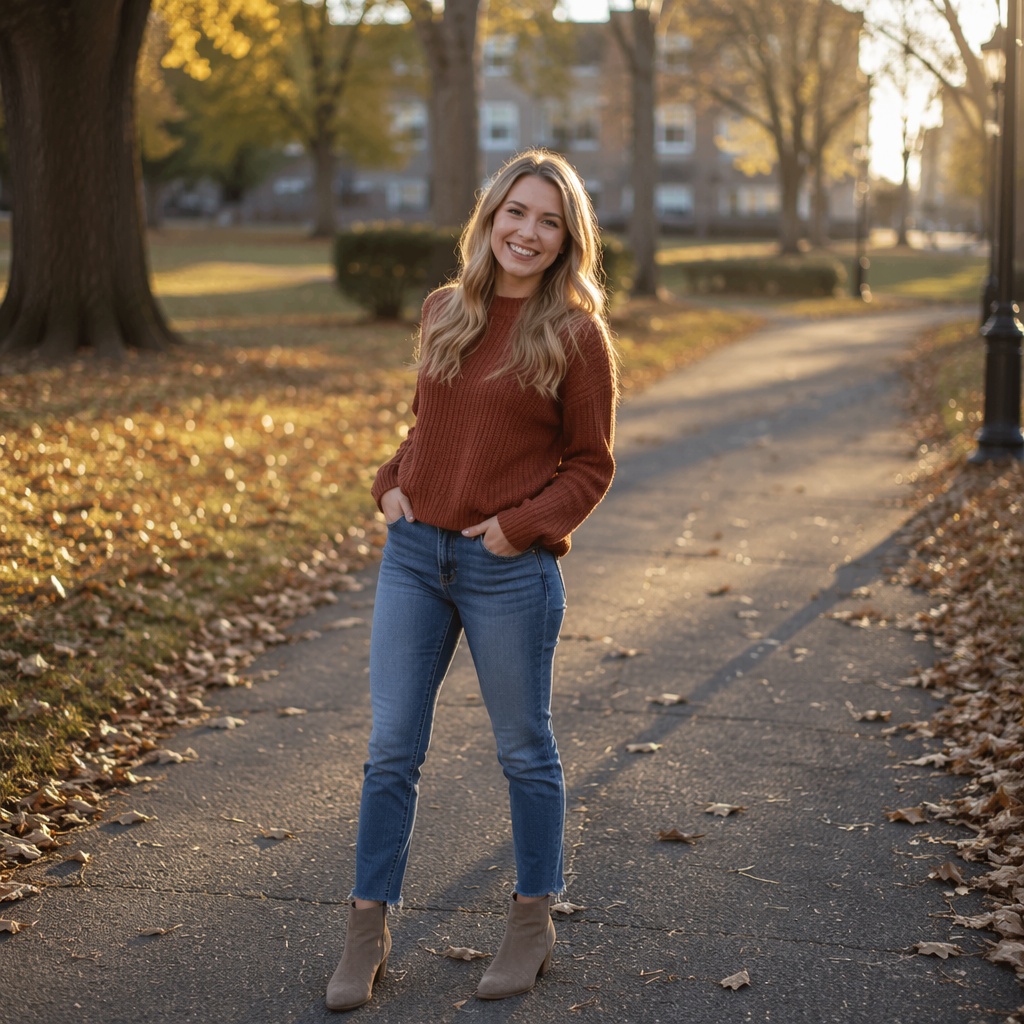
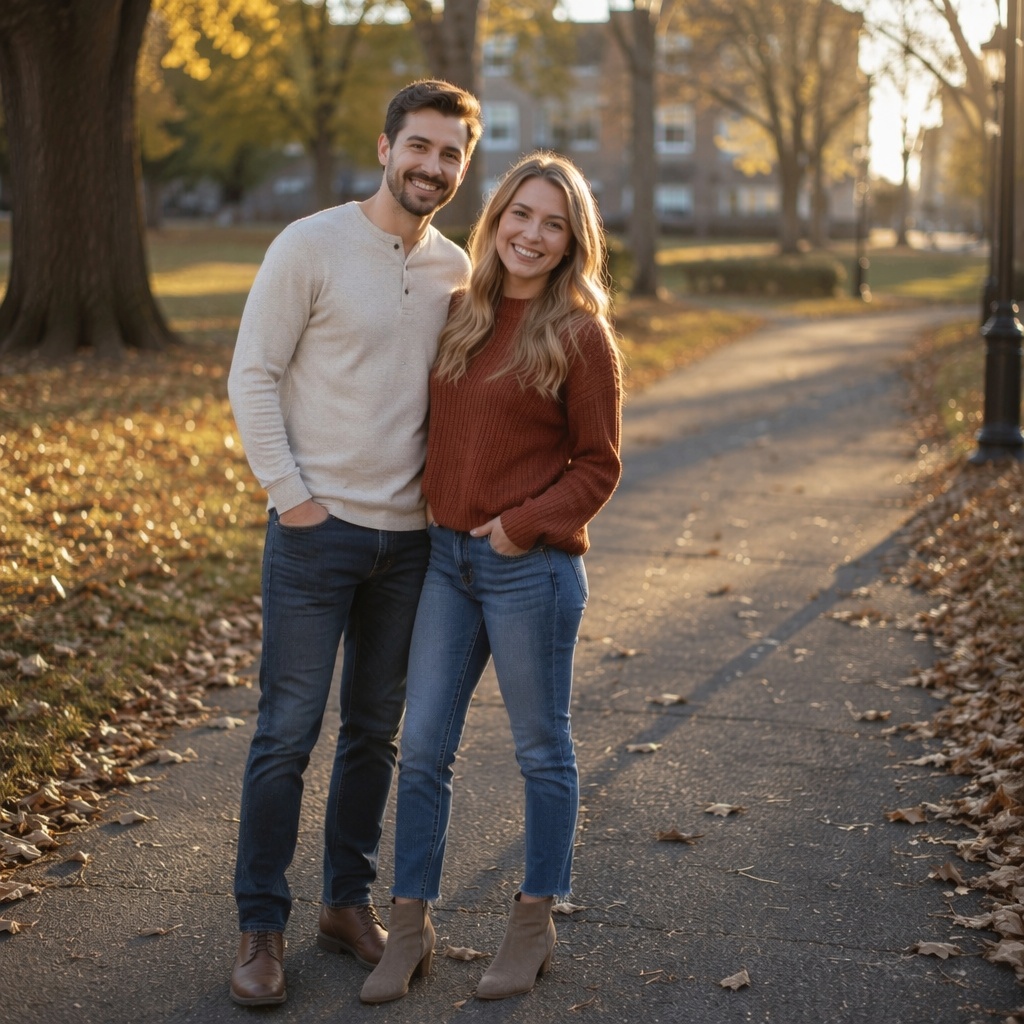
Quick access to the right Editor feature and its dedicated SEO page with examples.
Three steps from the original file to the finished result.
Choose JPEG, PNG, or WebP and send the file to the Editor.
Open the right AI tool or describe the task to the AI Agent.
Compare versions, keep editing, or save the final image.
The tools work for personal photos, work, sales, and content.
Appearance, hair, clothing, emotions, age, and pose.
Avatars, styling, and images for posts.
Clean background, business clothing, and professional lighting.
Product scenes, ads, and marketplaces.
Add people, restore photos, and fix details.
Remove damage and improve quality.
New backgrounds, composition, and commercial presentation.
Anime, illustration, cartoon, 3D, and AI styles.
SMARTGENIUS AI
There is no need to jump between many services. Upload once, apply different AI tools, and continue working with the generated versions.
FILE CONTROL
Images stay in the user account for 7 days so they can be downloaded or edited further. After that period the files are removed.
FAQ
SmartGeniusAI can enhance quality, remove or replace backgrounds, remove objects, people, text, or watermarks, and change clothing, hair, beard, makeup, age, emotion, body, pose, lighting, and more.
Guest AI edits are unavailable. A new account created after the offer started gets one successful free edit with any editor tool, including Premium. Further edits require tokens. This is one account-wide attempt, not one per page.
Registration is not required for the first free test. It is needed to continue working, access history, and use registered-only tools.
The upload block accepts JPEG, PNG, and WebP images up to 20 MB.
Yes. The page and Editor are adapted for mobile devices.
Choose the action you need. After upload, SmartGenius sends the file to the Editor and opens the selected tool or preset.
Results are available in the user account for 7 days.
The images are removed after the storage period, so important results should be downloaded in advance.
Yes. A generated version can be used as the next source image for other Editor tools.
Open the AI Agent and describe what should change, what should stay the same, and what the final result should look like.
Upload an image and it will open in the Editor, where you can choose any available tool.
Guest AI edits are unavailable. A new account created after the offer started gets one successful free edit with any editor tool, including Premium. Further edits require tokens. This is one account-wide attempt, not one per page.
Further AI edits use tokens at the tool rate. Technical failures should not consume a free attempt. Switching project modes does not reset used attempts. Purchased tokens and permanent Premium remain intact; Premium unlocks after a purchase.