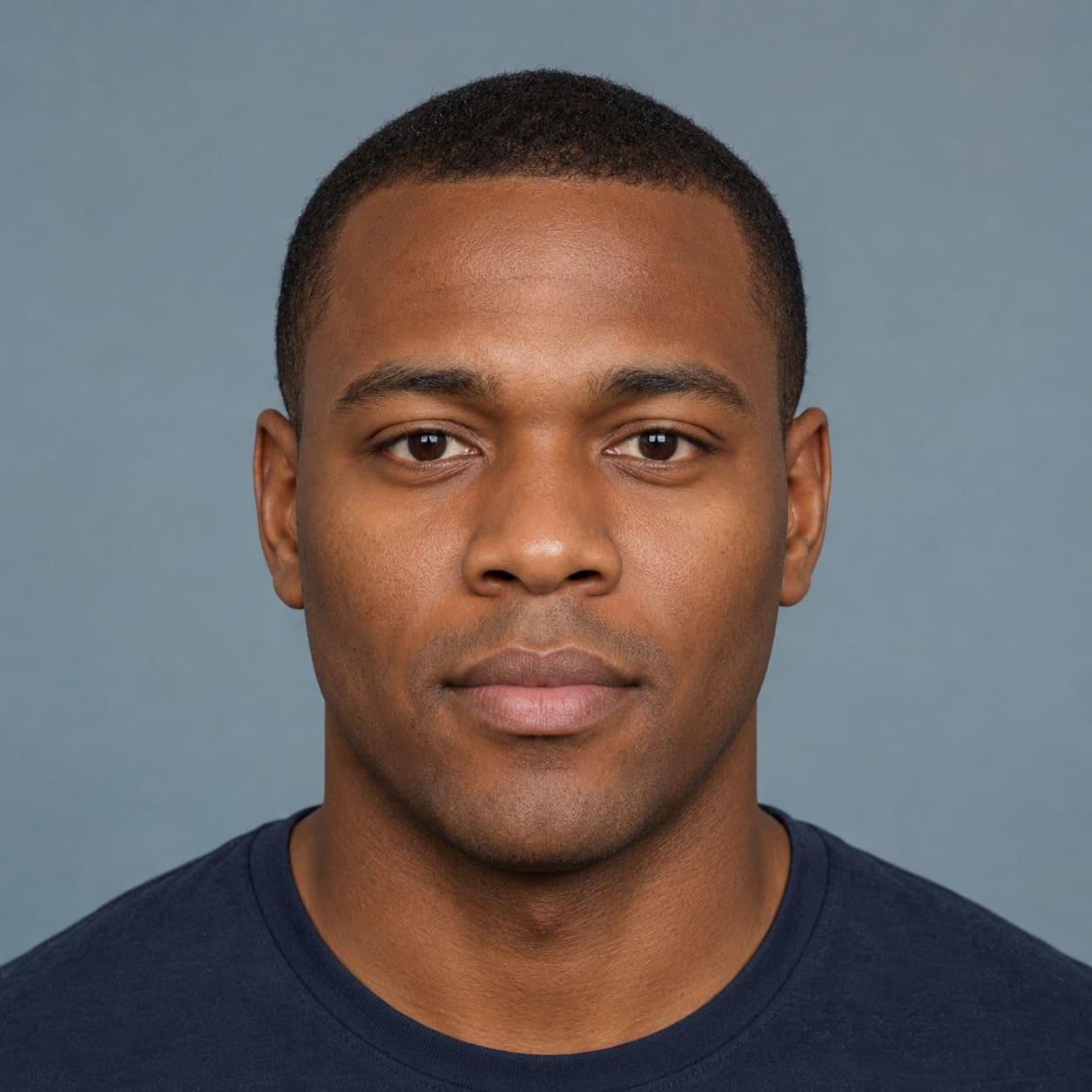
 FACE
FACE
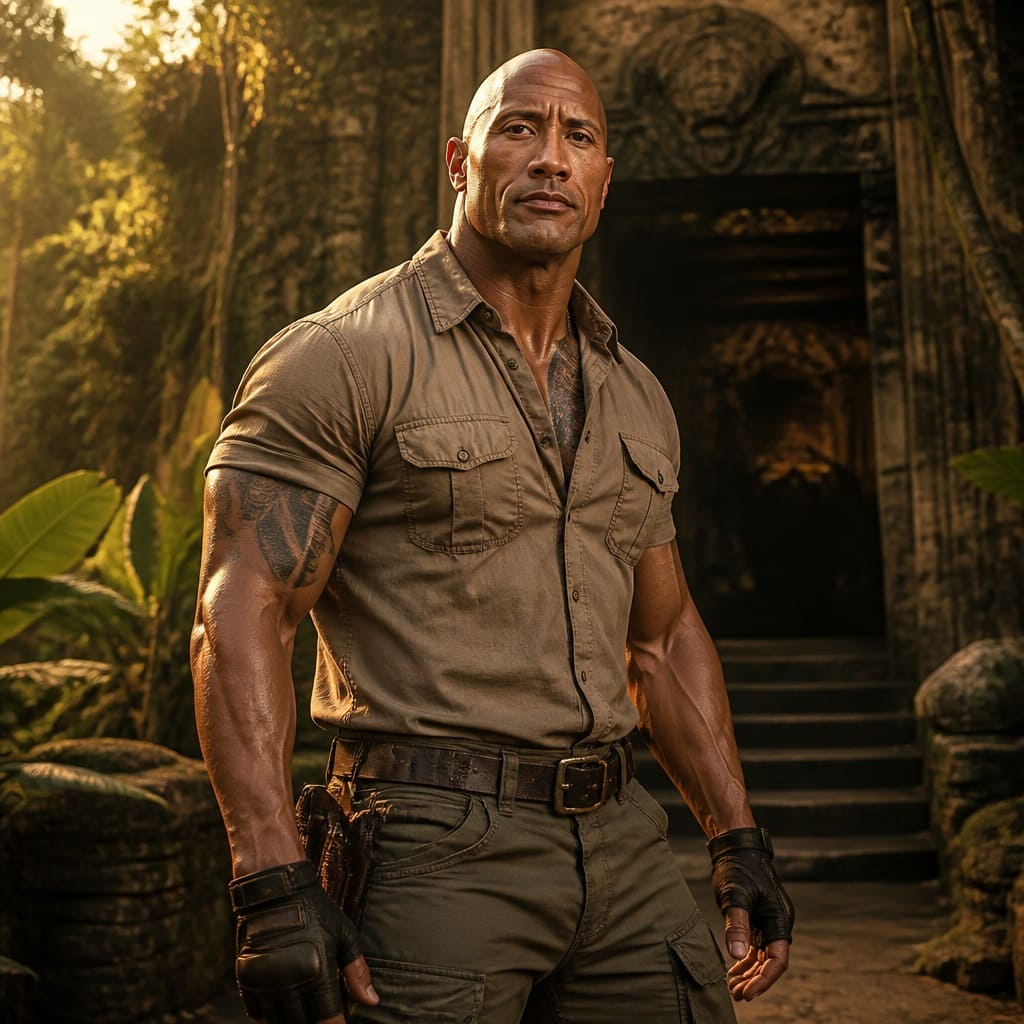 30–45° head turn
A+B→
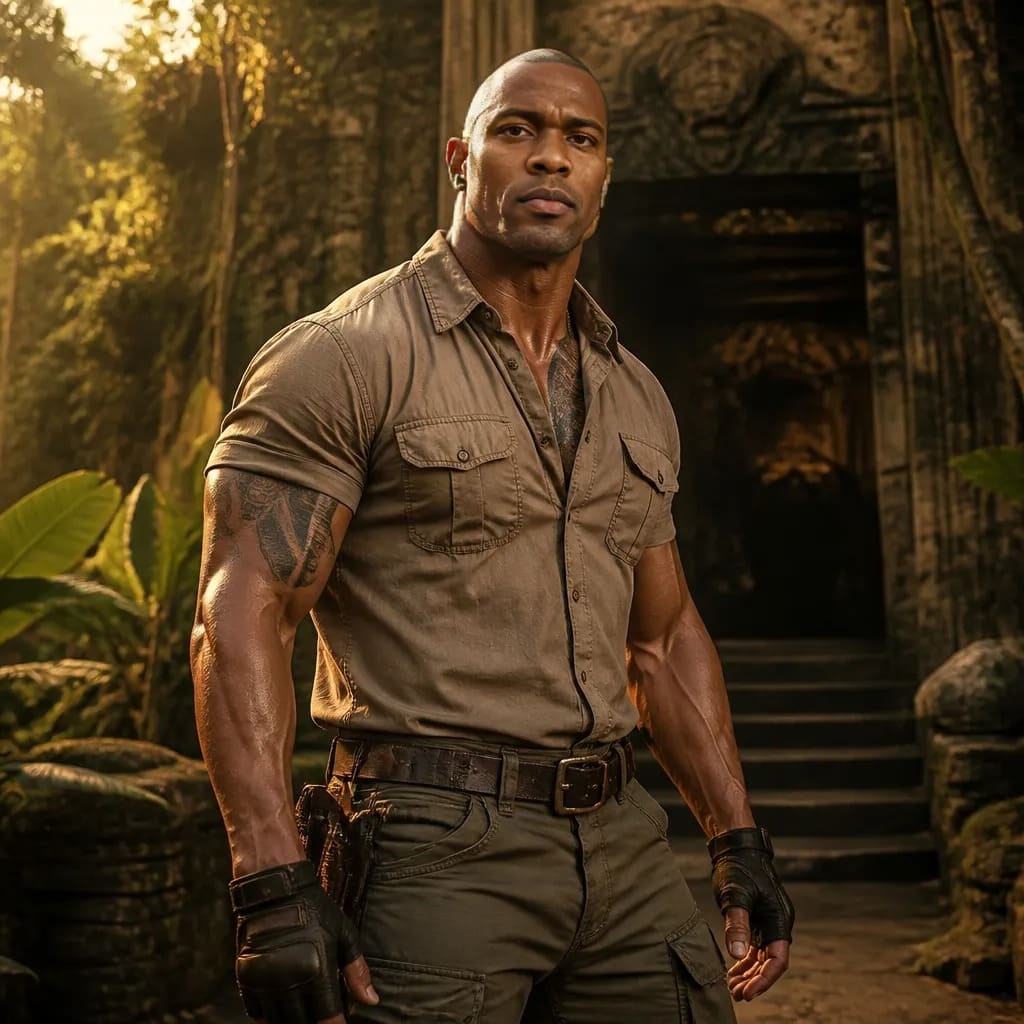 RESULT

FACE SWAP · SOURCE A + SOURCE B
Upload a base photo and a separate face photo. SmartGenius transfers the face onto the base image while keeping the hair, pose, clothing, background, and composition from the original scene.


Face Swap is different from a normal AI filter: it uses a base frame plus a separate face source. The result keeps the scene from the first photo and transfers the face from the second.
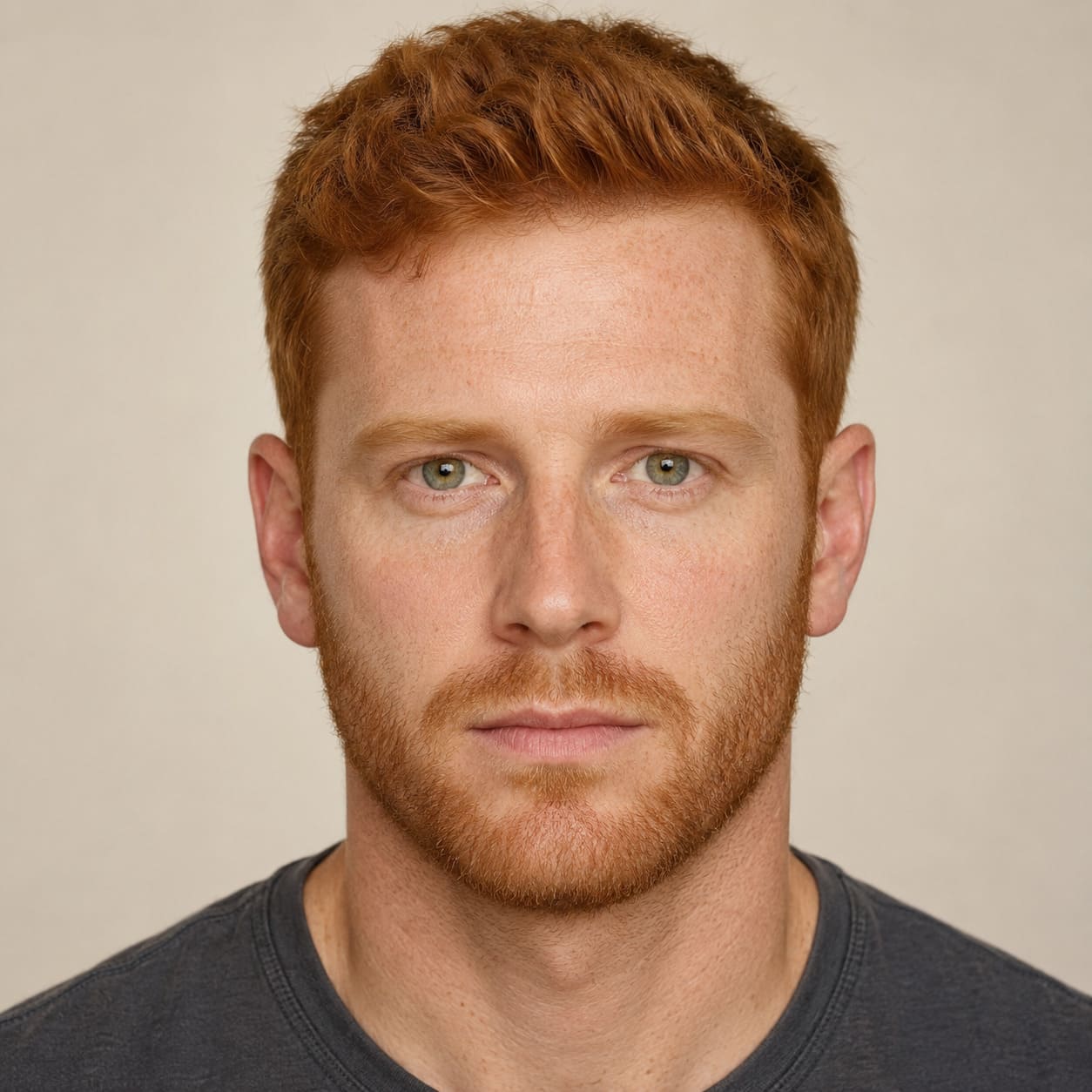
Three real source flows from the current page: separate face → base photo → final result.
FACE
30–45° head turn
RESULT
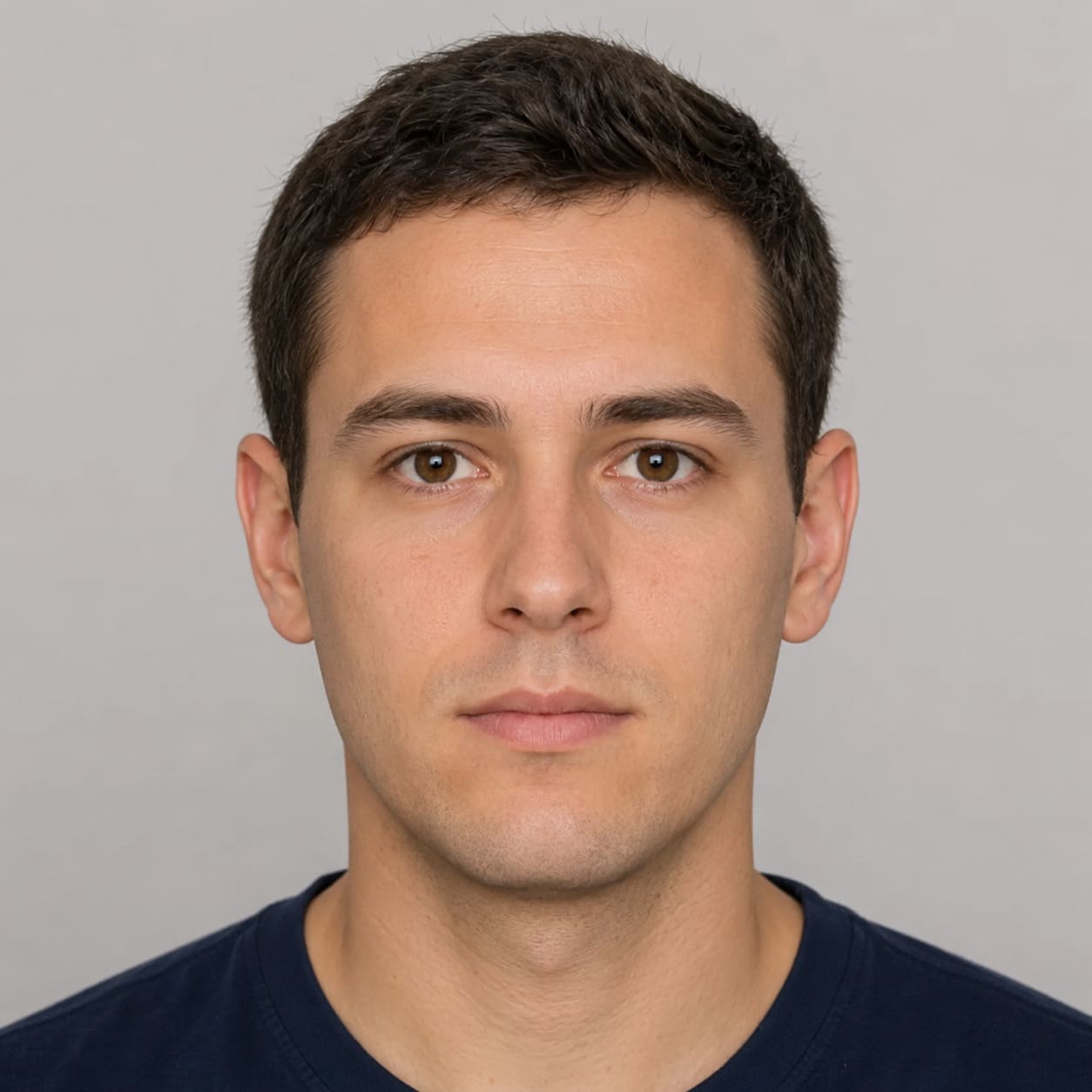 FACE
FACE
 Half-body / full-body
 RESULT
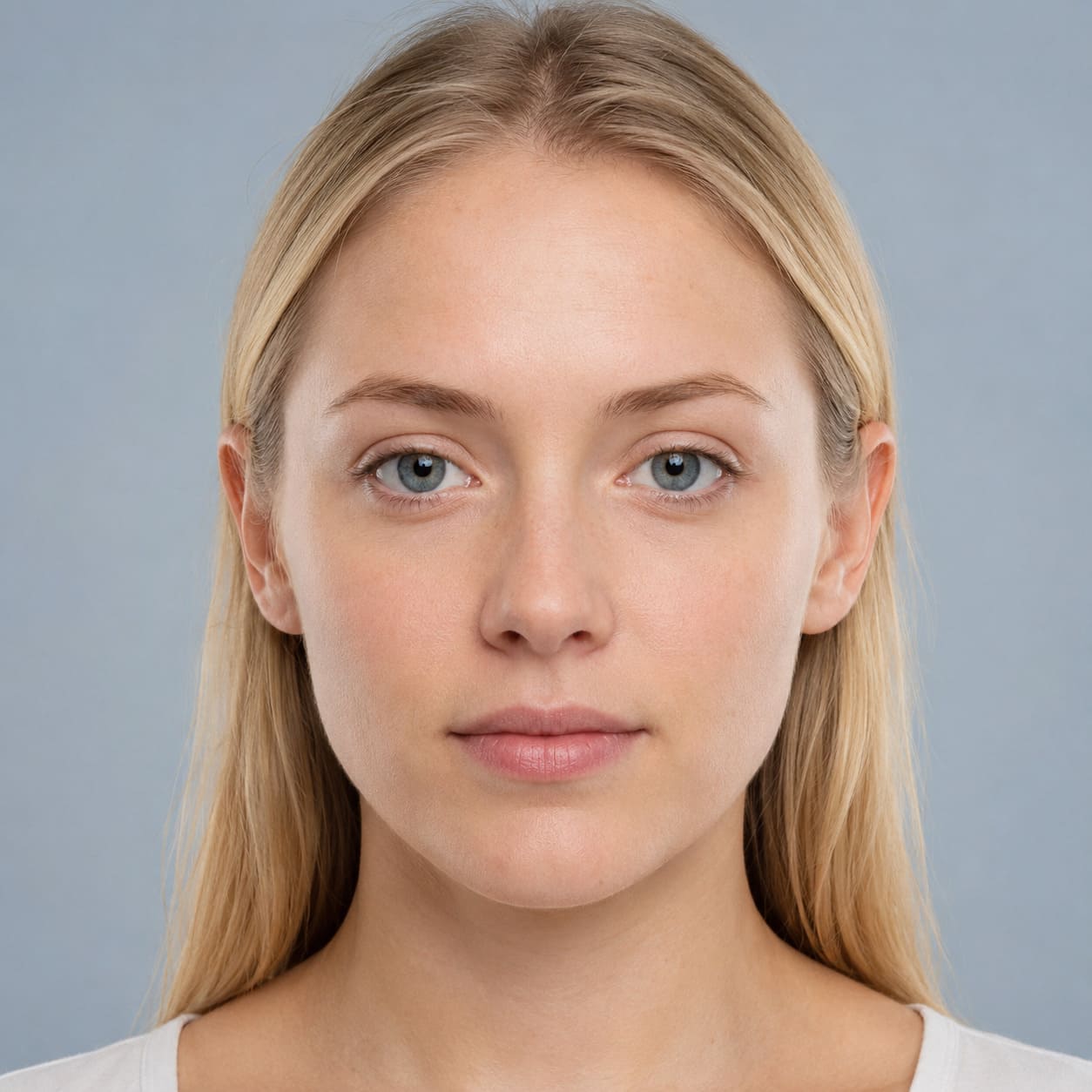 FACE
FACE
 Cinematic shot
 RESULT
A strong result starts with a suitable pair of images rather than more controls.
Face Swap transfers a face rather than rebuilding the entire scene from scratch.
Facial identity comes from photo #2.
The hairstyle and hair remain from the base image.
Body, clothing, and position remain from the main frame.
Background, composition, and camera framing remain from the base photo.
Face Swap uses full reference photos without manual face cropping and keeps the process to one simple Good mode.
Upload the base photo as Source A, then upload the face photo as Source B, confirm that you have the right to use both images, and run Face Swap.
Start with the base image. Its pose, clothing, hair, background, and composition are what the result should keep.
No. The current Face Swap uses the complete second photo and does not require manual face cropping.
Yes, if the shared SmartGenius guest AI try has not already been used. After a successful demo generation, registration is required to continue.
The service may not detect a face, may find multiple faces, or may reject an unsuitable image pair. Try clearer photos with one person in each image.
Yes. JPEG, PNG, and WebP uploads are supported on phones and desktop browsers.
Upload the base image and the face source above — the result appears in the same interactive workspace.