Hero — Add a person to a photo online using AI

Add a person to a photo online using AI

Add a friend, partner, or any character to a photo in seconds. The neural network adapts lighting, perspective, and style for a realistic result.

📸
Upload your photo
PNG, JPEG, WEBP up to 20 MB
↕️ Click or drag & drop file
Photo before adding a person Photo after adding a person
Before After
Before / After: adding a person with AI

AI adding a person — realistic integration into photos

The neural network allows you to add a person to a photo with full compliance of lighting, perspective and scene depth. No need to search for complex Photoshop tools anymore — just select a photo and specify who you want to insert a person into a photo online.

The technology analyzes the original shot: light direction, shadows, shooting angle and color palette. Thanks to this, the new character organically fits into the frame, as if they were always there. This is the perfect solution when you need to add person to photo online quickly and without loss of quality.

Our AI add person to photo is suitable for any task: from creating content for social networks to professional projects. You can insert person into image of any complexity — be it a group photo, a landscape or a studio portrait.

If you need to add someone to picture while preserving the original style and atmosphere, the neural network will handle it in seconds. Just upload a photo, and the AI will automatically select parameters for natural integration. It's like neural network add a person to your frame without extra effort.

Analysis of light, angle and depth
🔄 Preserves photo style
📱 For social media and content
Instant results

Examples of adding a person

Before adding a person Before
After adding a person After

💬 "Add a person on the right, standing next to them"

beach friend landscape
Before
After

💬 "Add a partner on the left, holding hands"

city partner romance
Before
After

💬 "Add a child walking arm in arm with them"

group portrait company
Before
After

💬 "Place a person on the sofa on the right"

interior room cozy
Before
After

💬 "Add a person sitting on the grass"

nature forest relaxation
Before
After

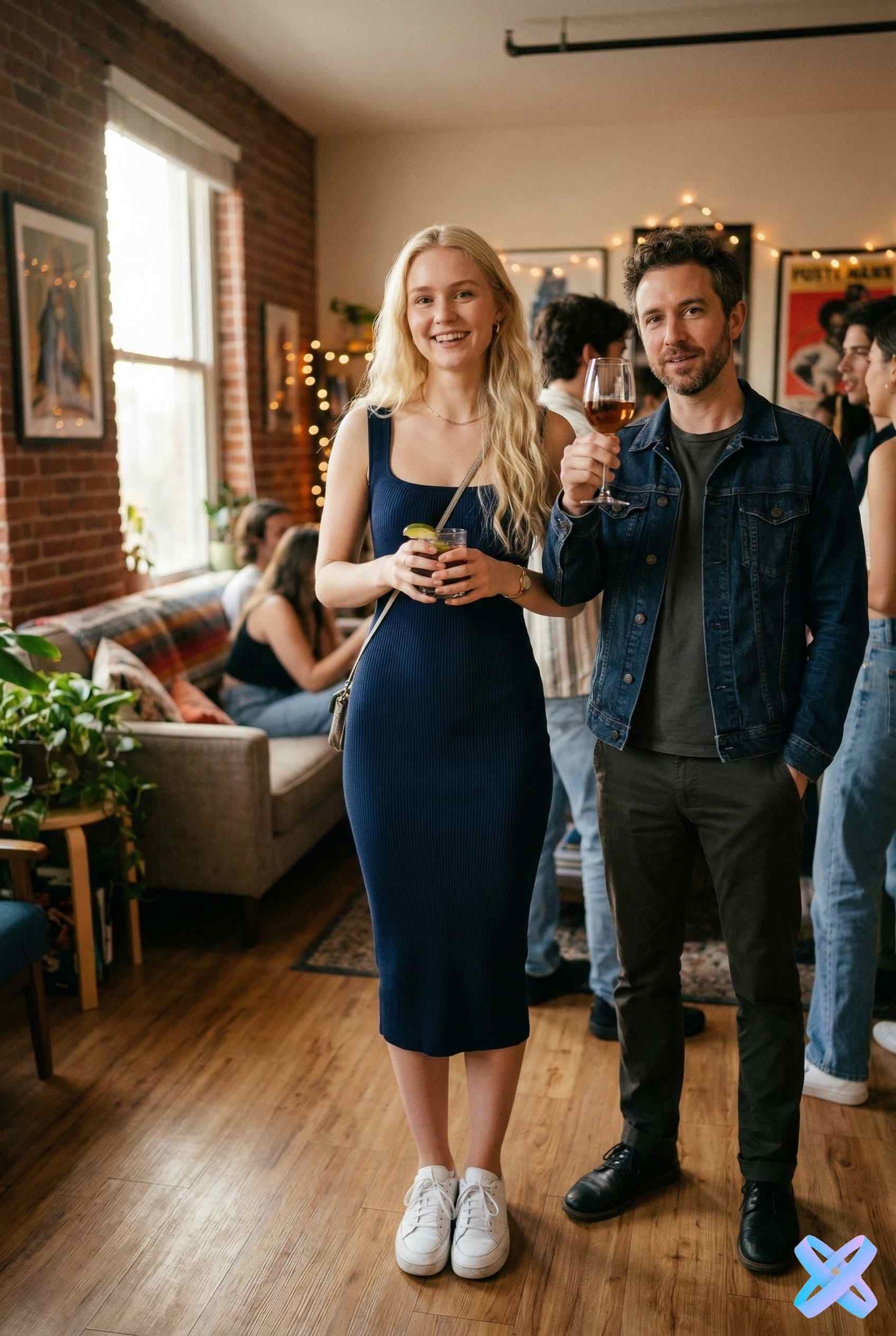
💬 "Add a person with a glass on the left"

party celebration friends

What features are available

👤

Add one person

Upload a second photo for natural integration into the scene

Learn more
👥

Add multiple people

Group photo with realistic positioning and perspective

Learn more
🎨

Add an AI character

Create a person based on a description — the neural network will generate a matching character

Learn more
💑

Add a partner

For romantic or creative photos — perfect for couple shots

Learn more

How to add a person in 3 steps

📸

Upload the main photo

Choose the image you want to add a person to. Portraits, group shots, or landscapes work well.

🖼️ Original photo
👤

Upload a person's photo or describe them

Add a picture of another person or simply describe the desired character — the neural network will create them based on the text.

📝 👤

Get the merged image

AI automatically adapts lighting, shadows, and perspective. In a few seconds, you'll get the finished photo.

🎉 Result

Why AI integration looks realistic

🧠

Perspective analysis

AI studies the geometry of the scene and correctly positions the person, preserving proportions and viewing angle

💡

Lighting adjustment

Light direction, intensity and color temperature are automatically synchronized with the background

🎯

Shadow correction

Adds realistic shadows from the object and takes into account existing shadows in the original photo

🌈

Color adaptation

The color palette and contrast of the new object are adjusted to the overall palette of the image

📱

Works on mobile

All processing happens in the cloud — just upload a photo from your smartphone and get the result

24/7

Who AI person addition is for

📸

For social media

Create engaging content for Instagram, TikTok and other platforms. Add friends to the frame even if they weren't in the photo.

+47% engagement
💑

For couple photos

Perfect for romantic shots, photo shoots and memorable moments. Add your partner to the frame even if you were photographed separately.

1000+ couples used
🎨

For creative projects

Artists, designers and creators can experiment with composition by adding characters to unusual scenes and environments.

Endless possibilities
🎬

For content creation

Bloggers, video makers and content creators can quickly create covers, previews and illustrations with the desired characters.

90% time saving
🛍

For marketing

Marketers and brands can adapt visuals for different audiences by adding models or characters to advertising materials.

Fast A/B testing
👨‍👩‍👧‍👦

For family photos

Gather the whole family in one frame, even if someone couldn't be present at the shoot. Perfect for family albums.

Popular

Join 50,000+ satisfied users

Start using

AI vs manual editing

Comparison of traditional photo editing and AI editor
Criterion 🖌️ Manual editing 🤖 Our AI
⚙️ Complexity 🔴 Complex work in Photoshop 🟢 Automatic
⏱️ Setup time 🔴 Long light setup 🟢 Adjustment in seconds
🎓 Skill requirements 🔴 Requires skills 🟢 No experience needed
💡 Lighting adaptation Manual, hours Automatic analysis
🎯 Shadow correction Hard to replicate Precise matching
🌈 Color correction Requires experience Instant adaptation
📱 Availability PC only Mobile + PC
🏆

AI saves up to 95% of time

Get professional results without learning complex tools

Try it
AI Tools - SmartGeniusAI

More AI Tools to Explore

Complete suite for professional photo editing

Try all SmartGeniusAI neural network solutions. Change hairstyles, adjust beard, apply virtual makeup, transform age, modify emotions, and correct body shape — all online with photorealistic quality.

Frequently asked questions

Still have questions? Contact us

Add a person to a photo in seconds

Join 50,000+ users who are already creating perfect photos with AI

No registration 1 free attempt High quality