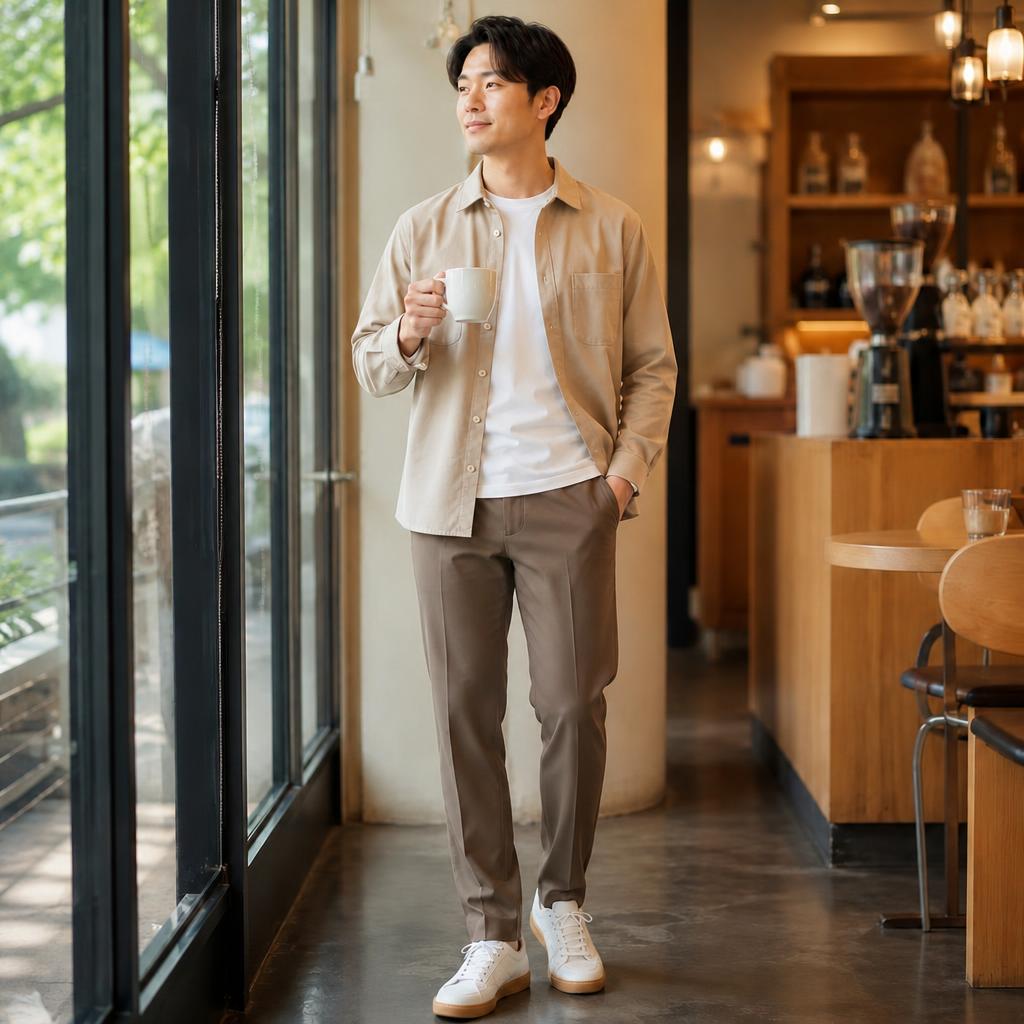
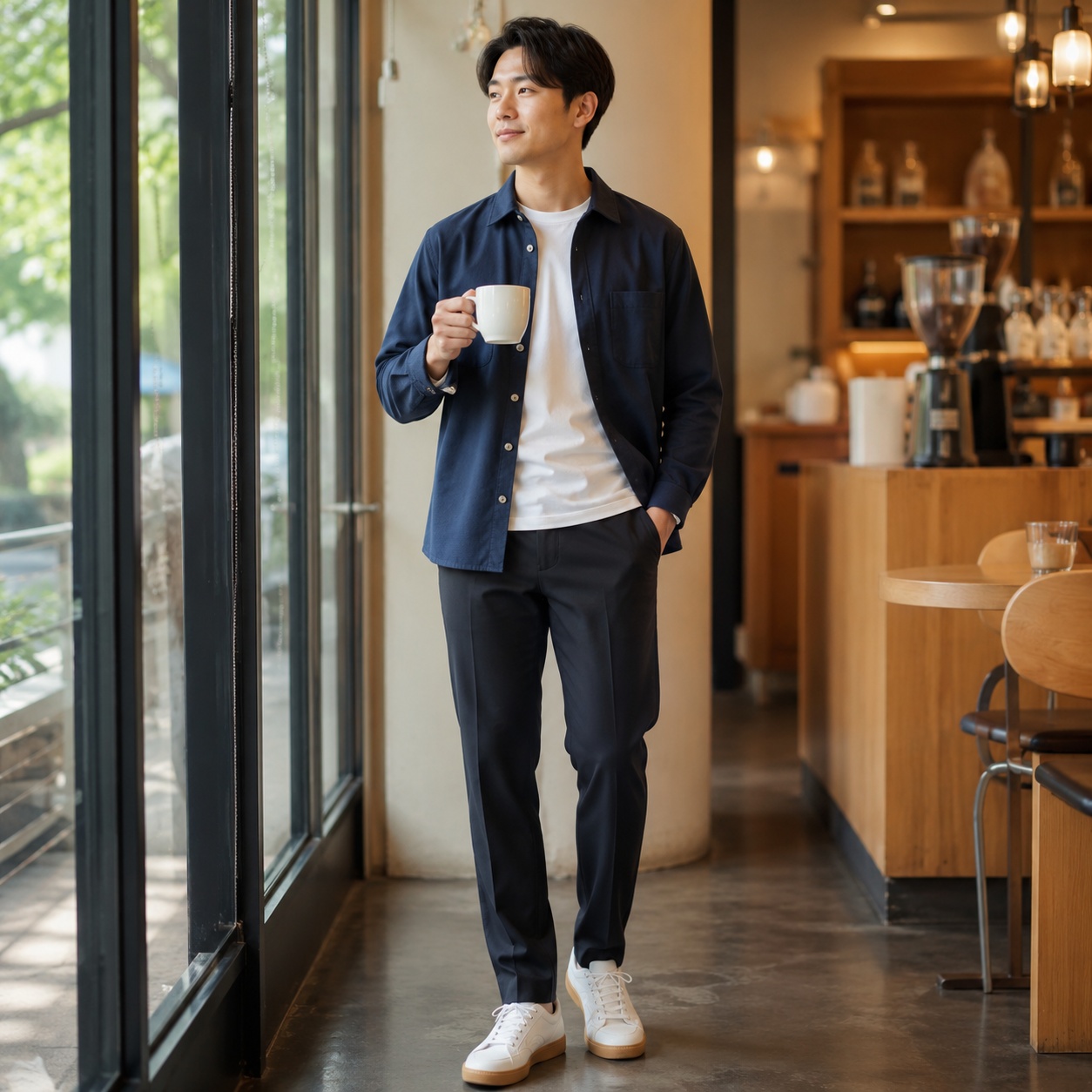
Clothing recolor examples · 01
Compare fabric recoloring without replacing the garment itself. Natural shadows, folds, seams, and material detail should remain consistent.

COLOR · CLOTHING RECOLOR
Choose a new color for the clothing already in the photo. AI changes the shade while preserving garment type, cut, fabric texture, seams, folds, shadows, and the original fit.
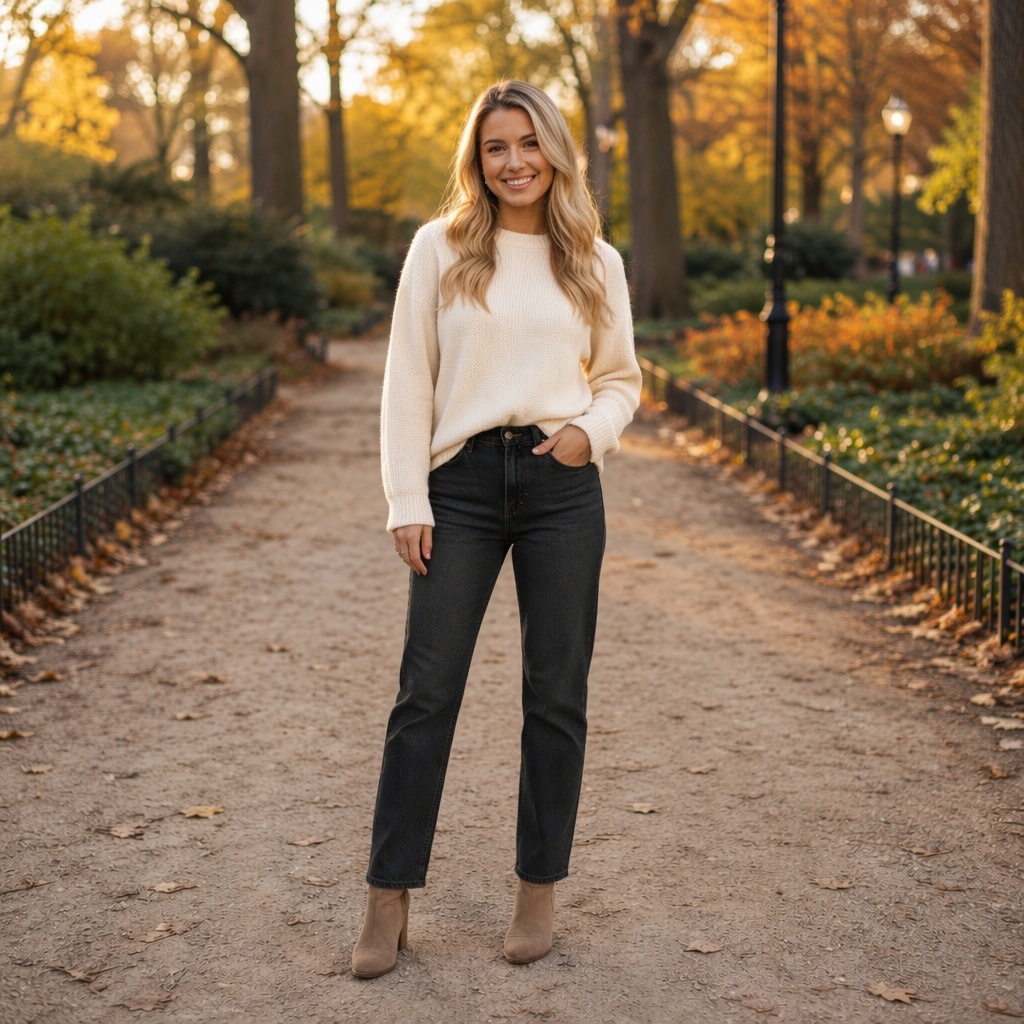
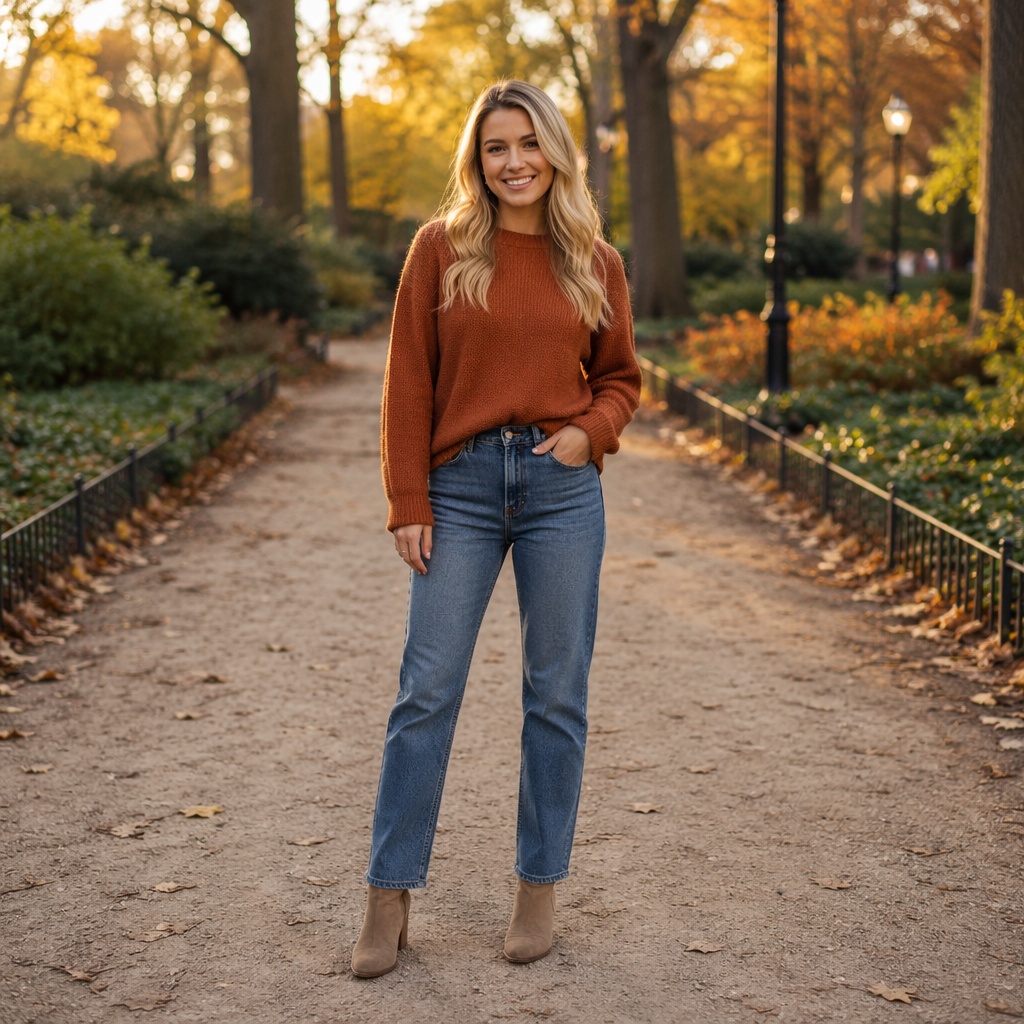
Compare fabric recoloring without replacing the garment itself. Natural shadows, folds, seams, and material detail should remain consistent.
Compare fabric recoloring without replacing the garment itself. Natural shadows, folds, seams, and material detail should remain consistent.
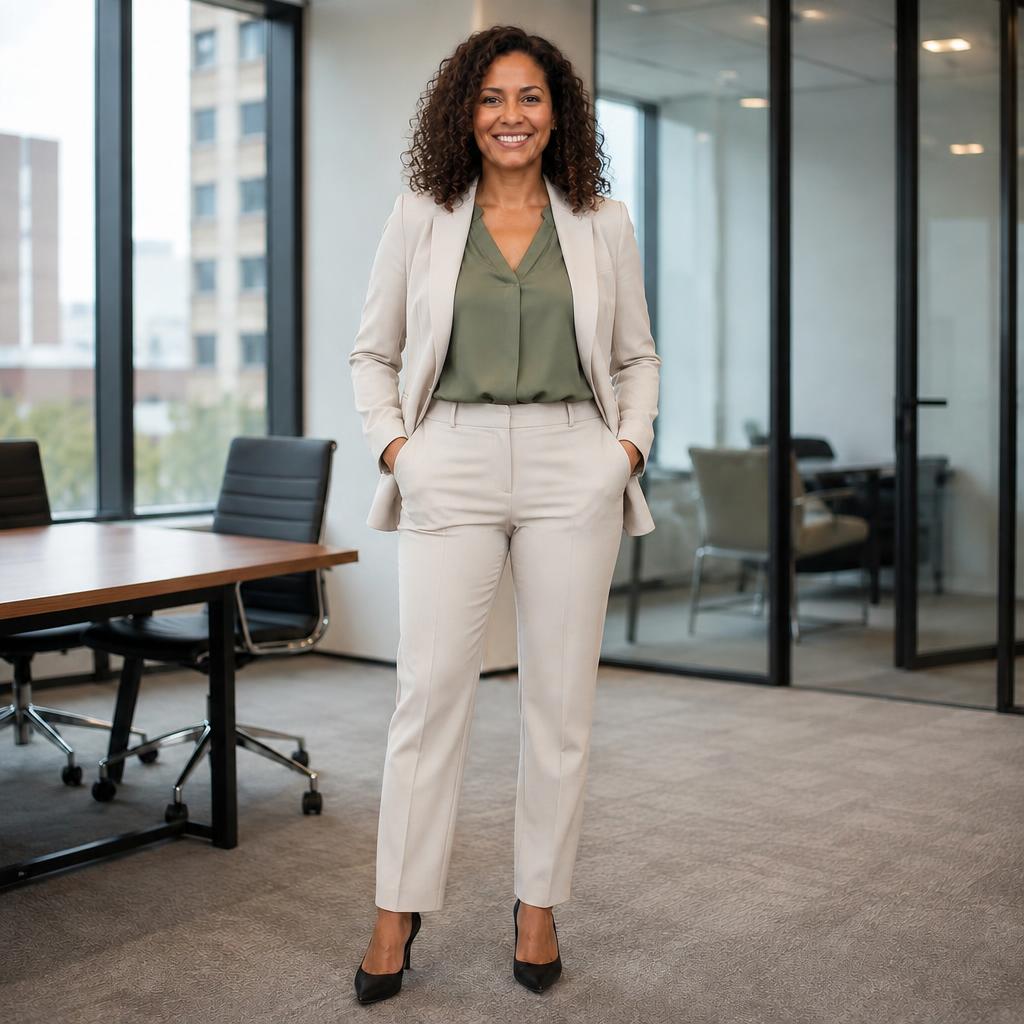
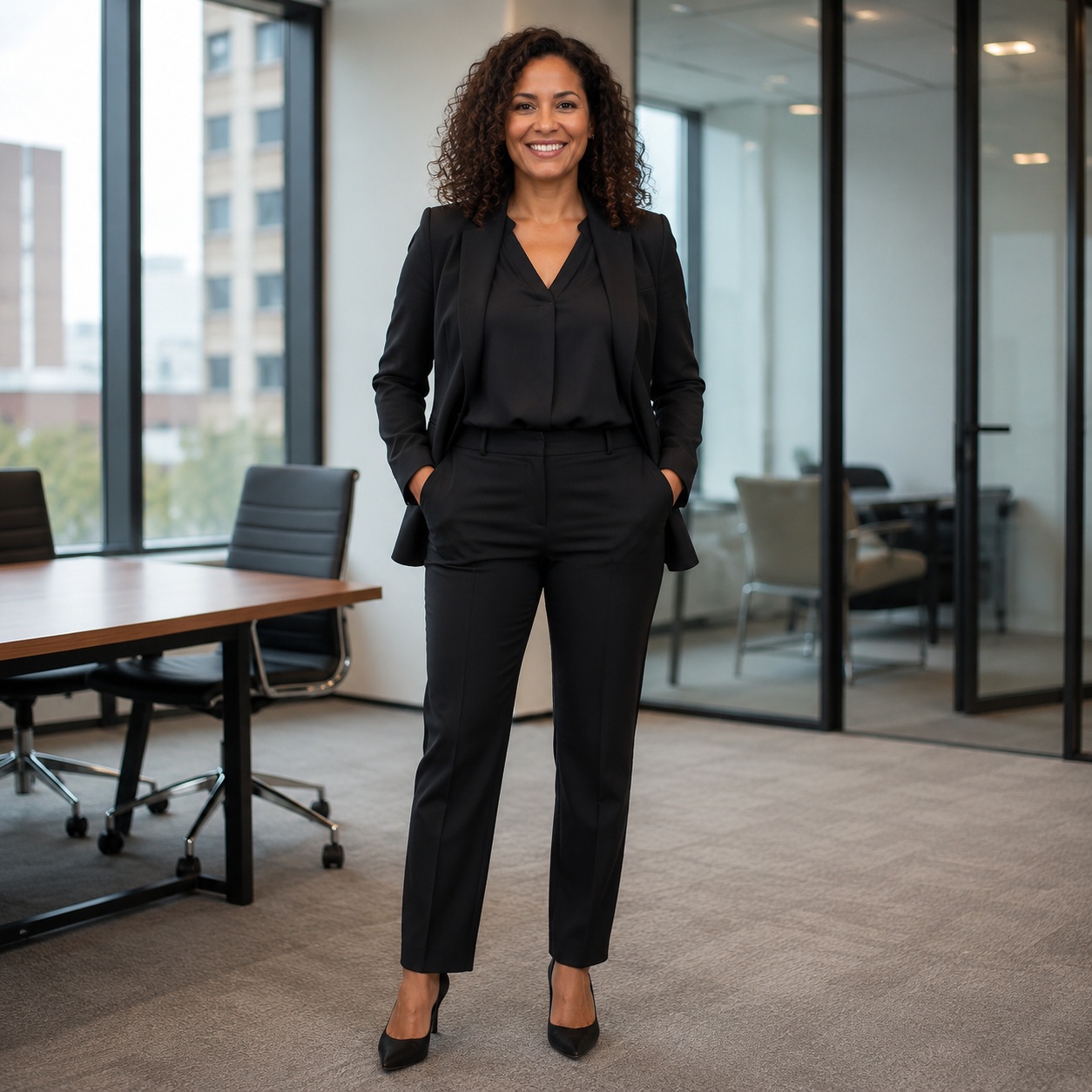
Compare fabric recoloring without replacing the garment itself. Natural shadows, folds, seams, and material detail should remain consistent.
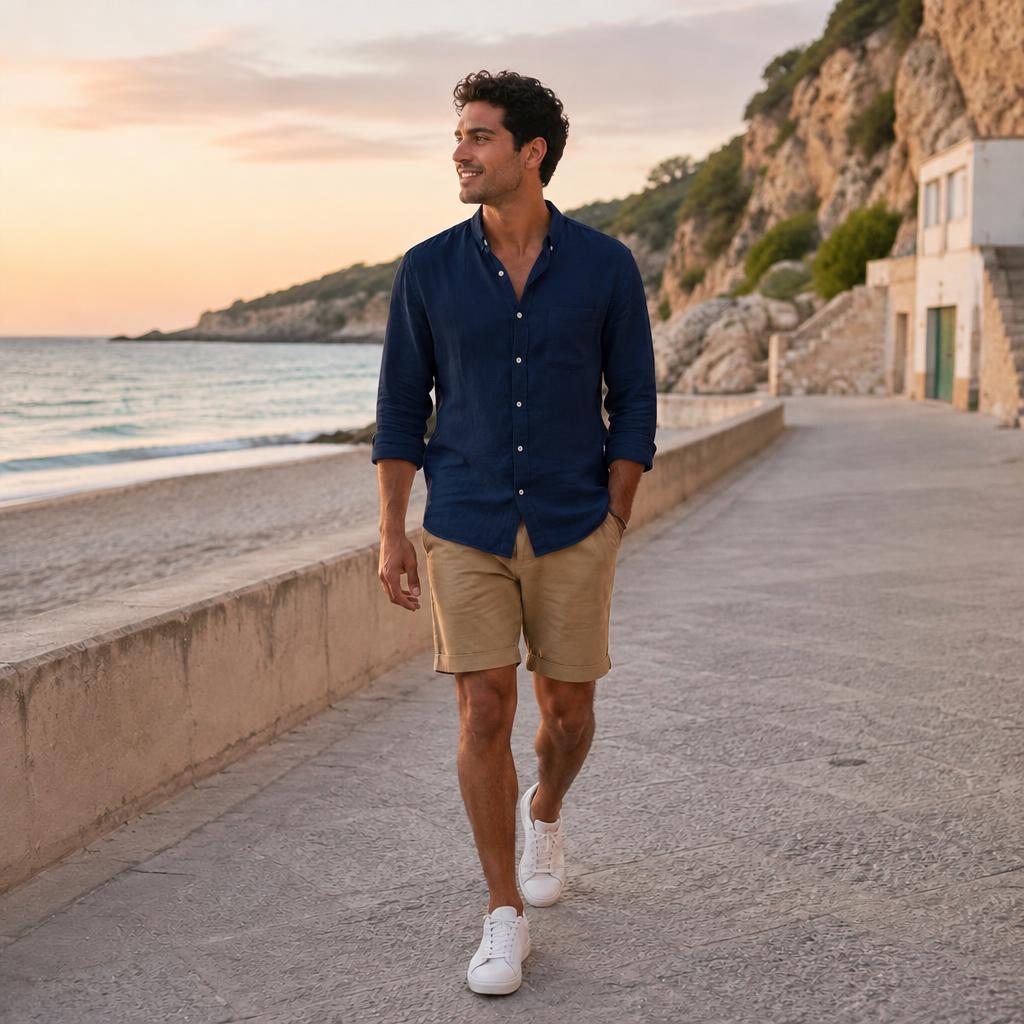
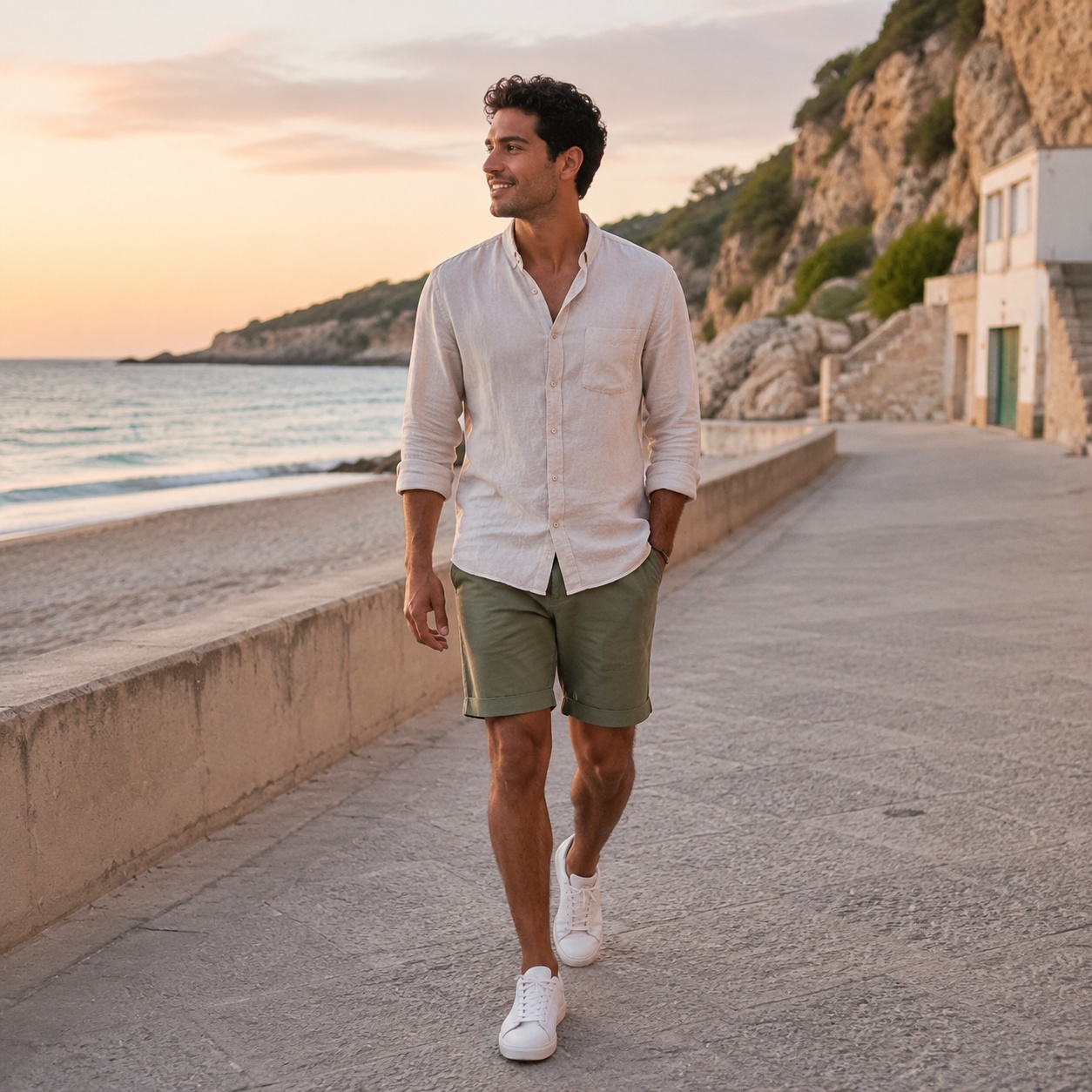
Compare fabric recoloring without replacing the garment itself. Natural shadows, folds, seams, and material detail should remain consistent.
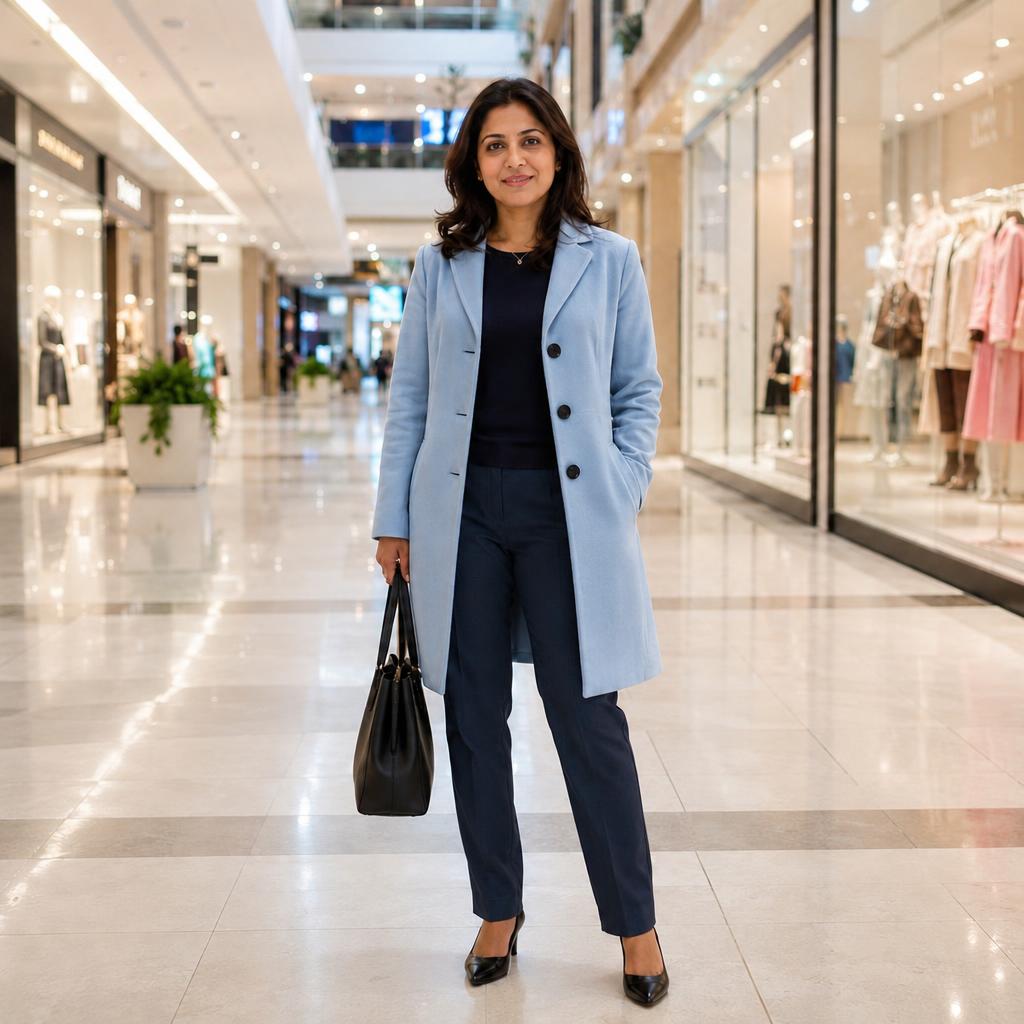
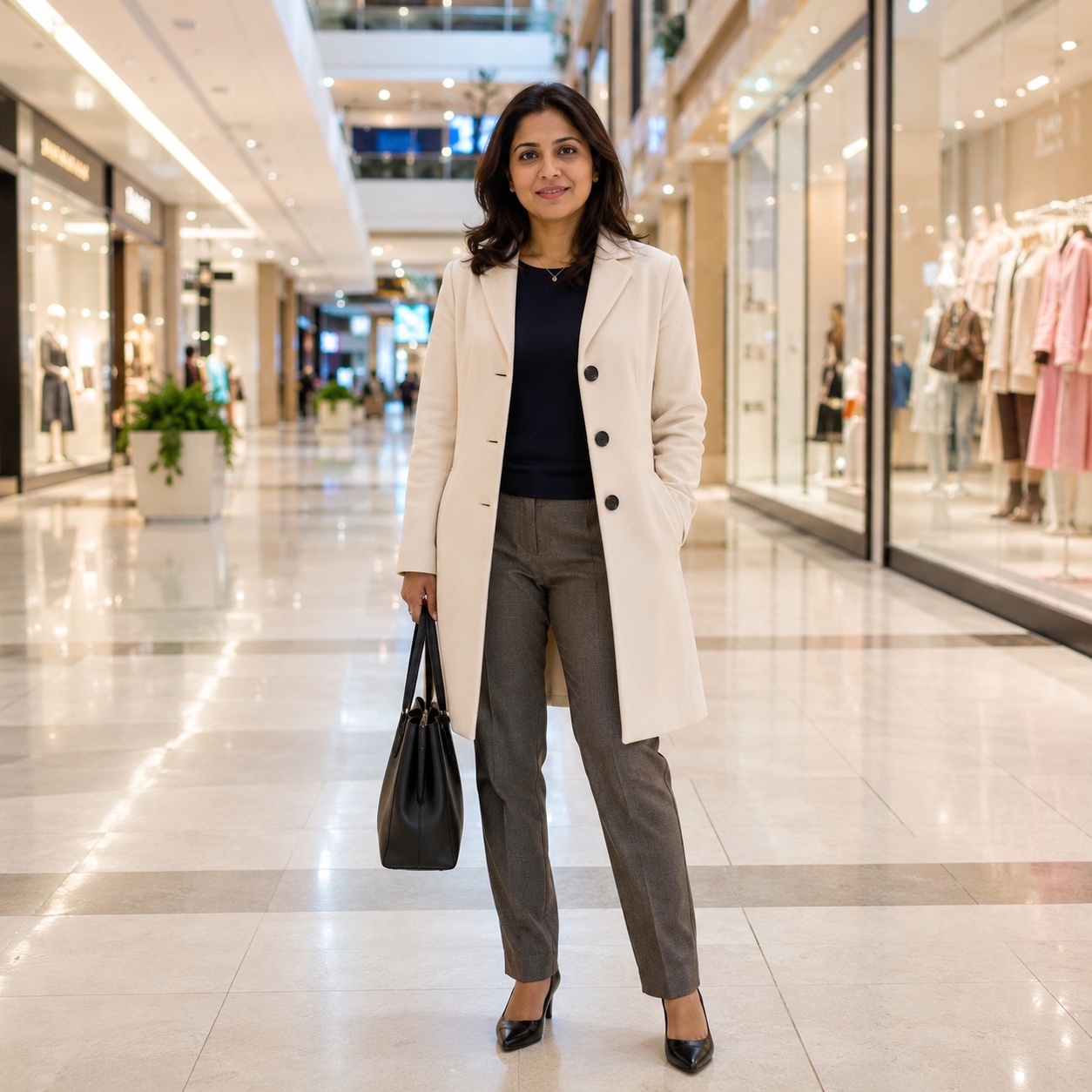
Compare fabric recoloring without replacing the garment itself. Natural shadows, folds, seams, and material detail should remain consistent.
SOURCE LOCK
The clothing changes inside the source photo — not the person and the whole scene around it.
Clothing type, length, cut, and fit stay the same.
Fabric, seams, folds, prints, and small details should be preserved.
The new color keeps natural highlights and shadows from the source scene.
Face, body, pose, background, and camera angle stay unchanged.
WORKFLOW
Use a clear image where the body and clothing are visible.
Use this cluster’s focused control — color, dress, preset, suit, or reference garment.
Compare Before / After, check fabric details, and try another variation if needed.
CLOTHING CLUSTERS
AI CLOTHING STUDIO
This cluster is only about changing clothing color in a photo. The user already likes the garment and wants to preview another shade, so it should not compete with the broad clothes-changing page.
A clear, evenly lit fabric surface usually gives the most stable result. Extreme highlights, transparency, or heavy occlusion can make texture preservation harder.
To replace the garment itself, use AI Clothes Changer. To transfer a specific item from another image, use Virtual Try-On.
FAQ
No. This mode focuses on color and explicitly keeps garment type, cut, fit, and fabric details.
The instruction asks to preserve them along with seams, folds, and texture. Always inspect small details after generation.
Yes when the goal is only recoloring the current garment. Use Dress Changer or Suit Changer when you want a different style.
It should remain unchanged, along with the face, pose, and original lighting.
Use the tool above, upload an image, and run the focused Clothing workflow.
Guest AI edits are unavailable. A new account created after the offer started gets one successful free edit with any editor tool, including Premium. Further edits require tokens. This is one account-wide attempt, not one per page.
Further AI edits use tokens at the tool rate. Technical failures should not consume a free attempt. Switching project modes does not reset used attempts. Purchased tokens and permanent Premium remain intact; Premium unlocks after a purchase.