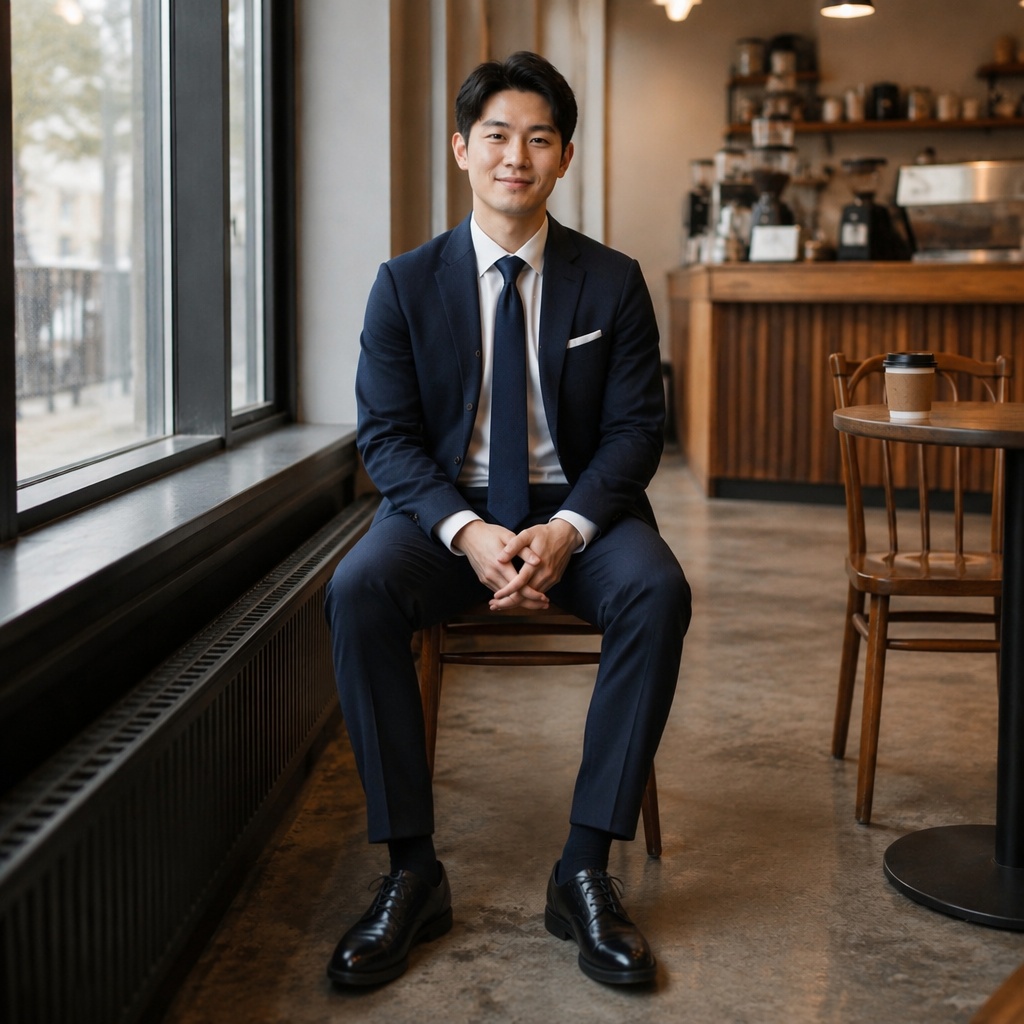
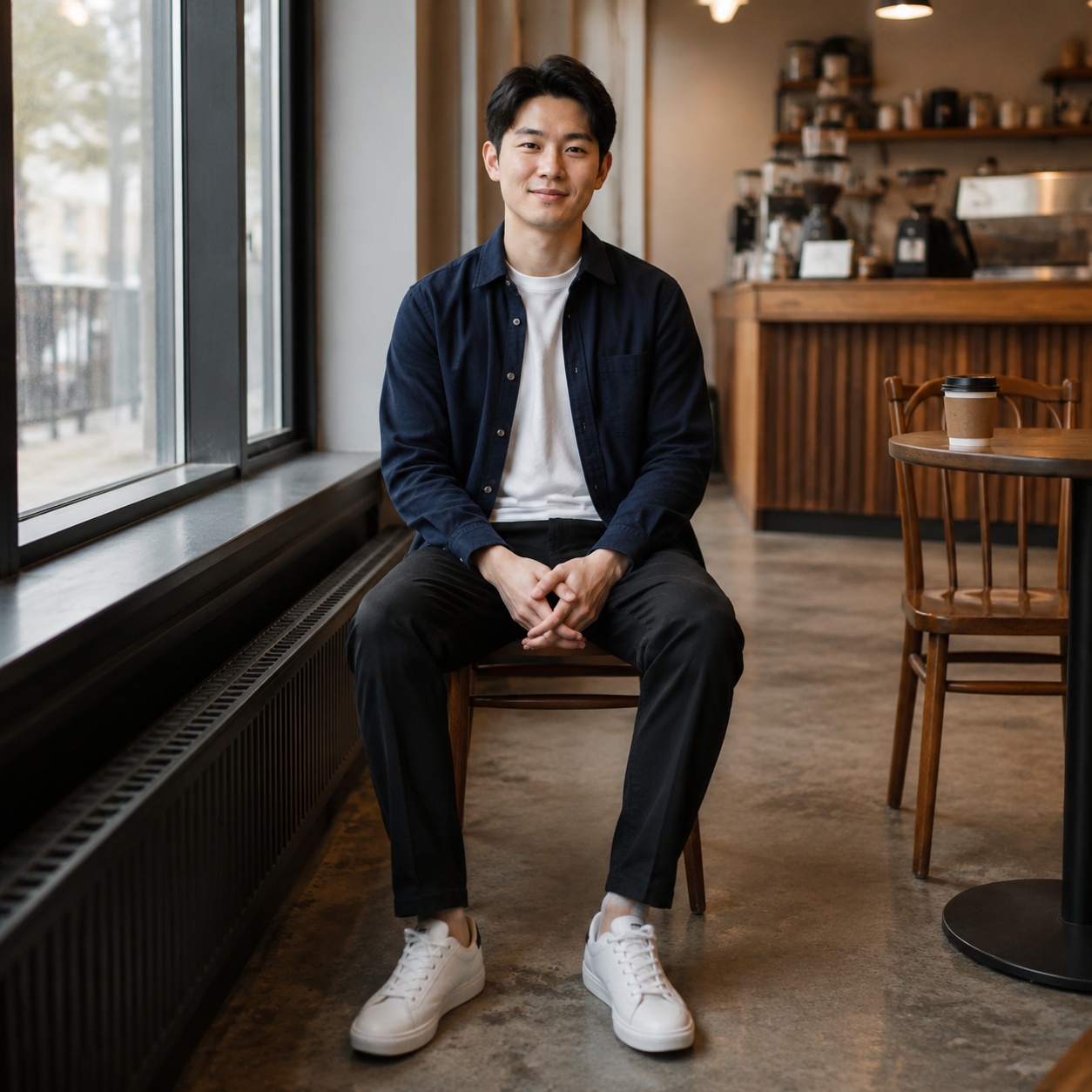
Business clothing without another photoshoot · 01
Suit Changer targets one clothing category — business suits — without rebuilding the full wardrobe.

SUIT · BUSINESS TRY-ON
Preview a business outfit in your photo. The focused Hero uses Business Chic for the female direction and Modern Suit for the male direction while preserving identity, pose, body, and scene.
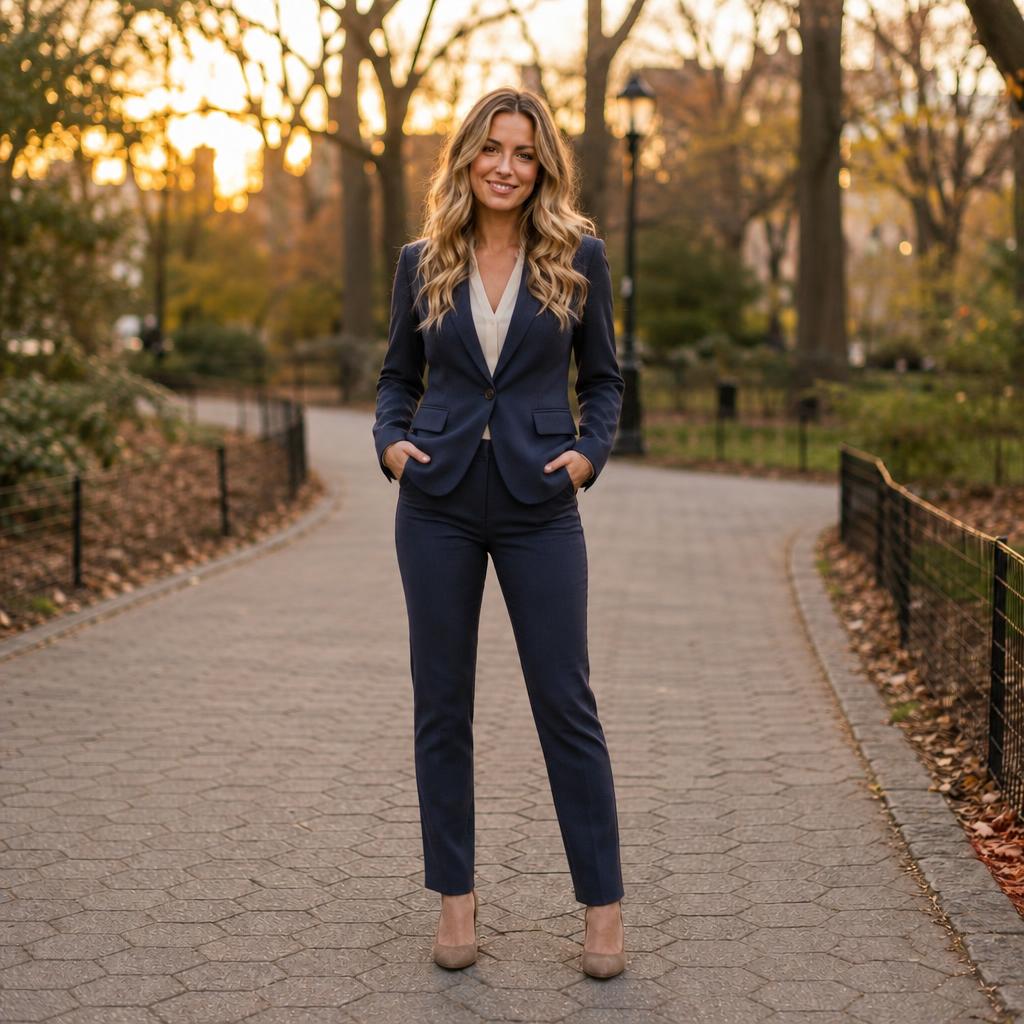
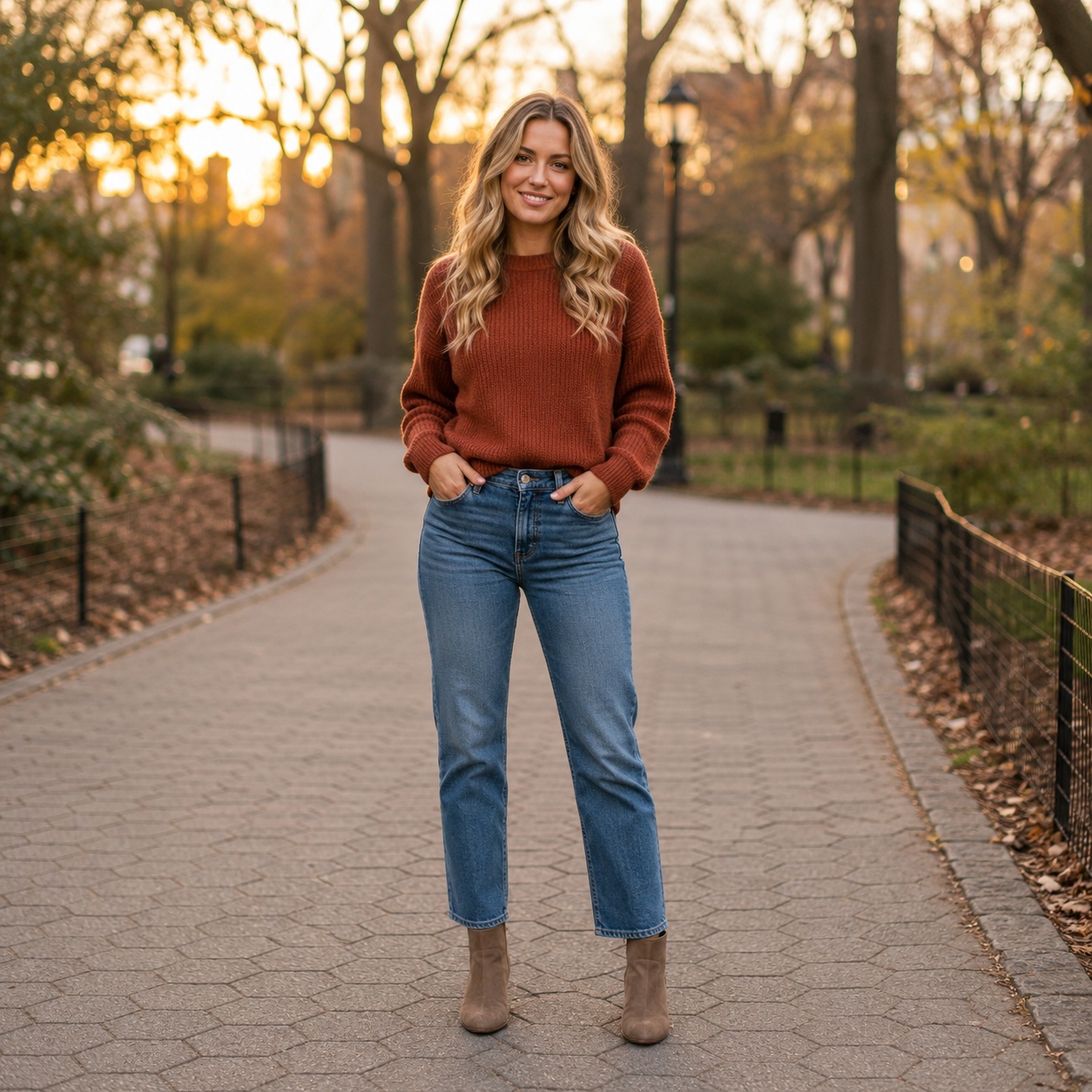
Suit Changer targets one clothing category — business suits — without rebuilding the full wardrobe.
Suit Changer targets one clothing category — business suits — without rebuilding the full wardrobe.


Suit Changer targets one clothing category — business suits — without rebuilding the full wardrobe.

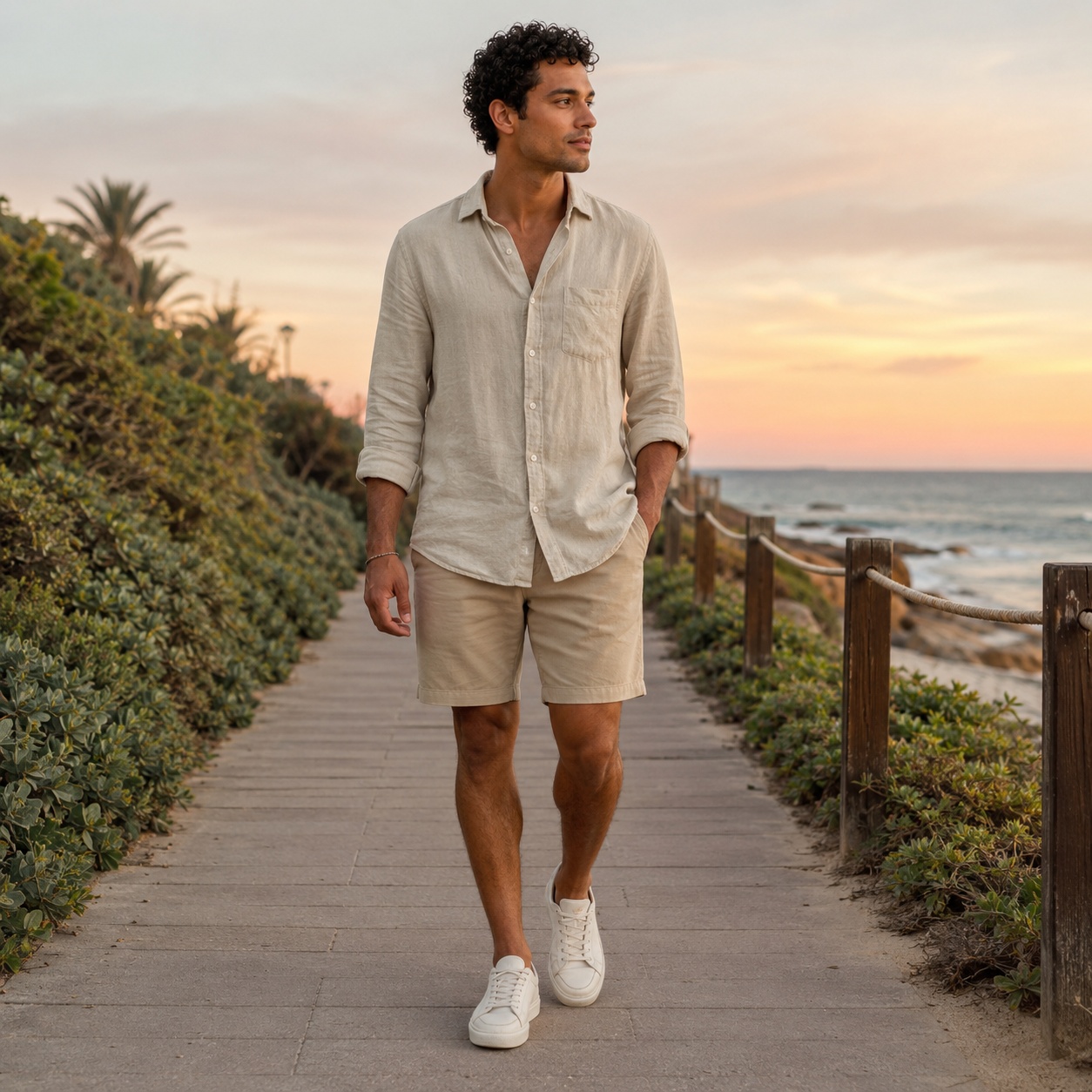
Suit Changer targets one clothing category — business suits — without rebuilding the full wardrobe.
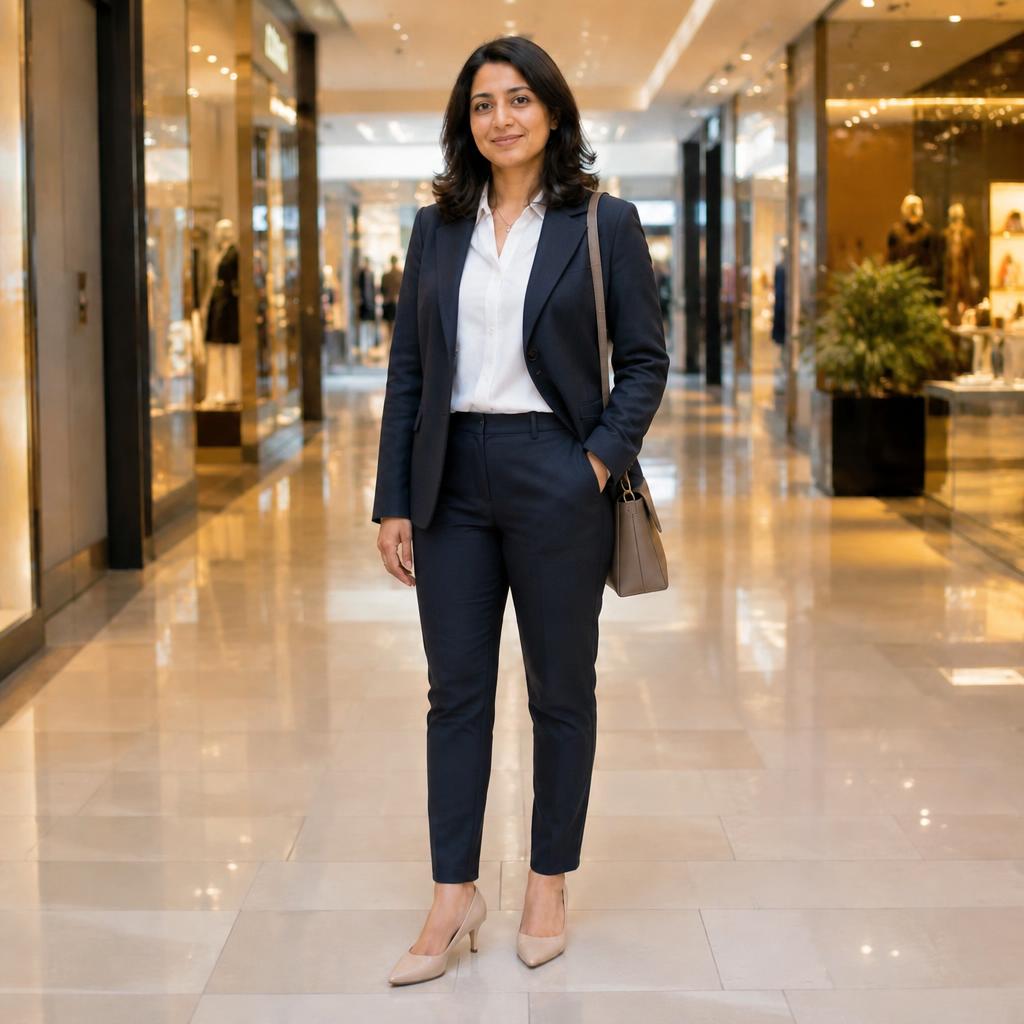
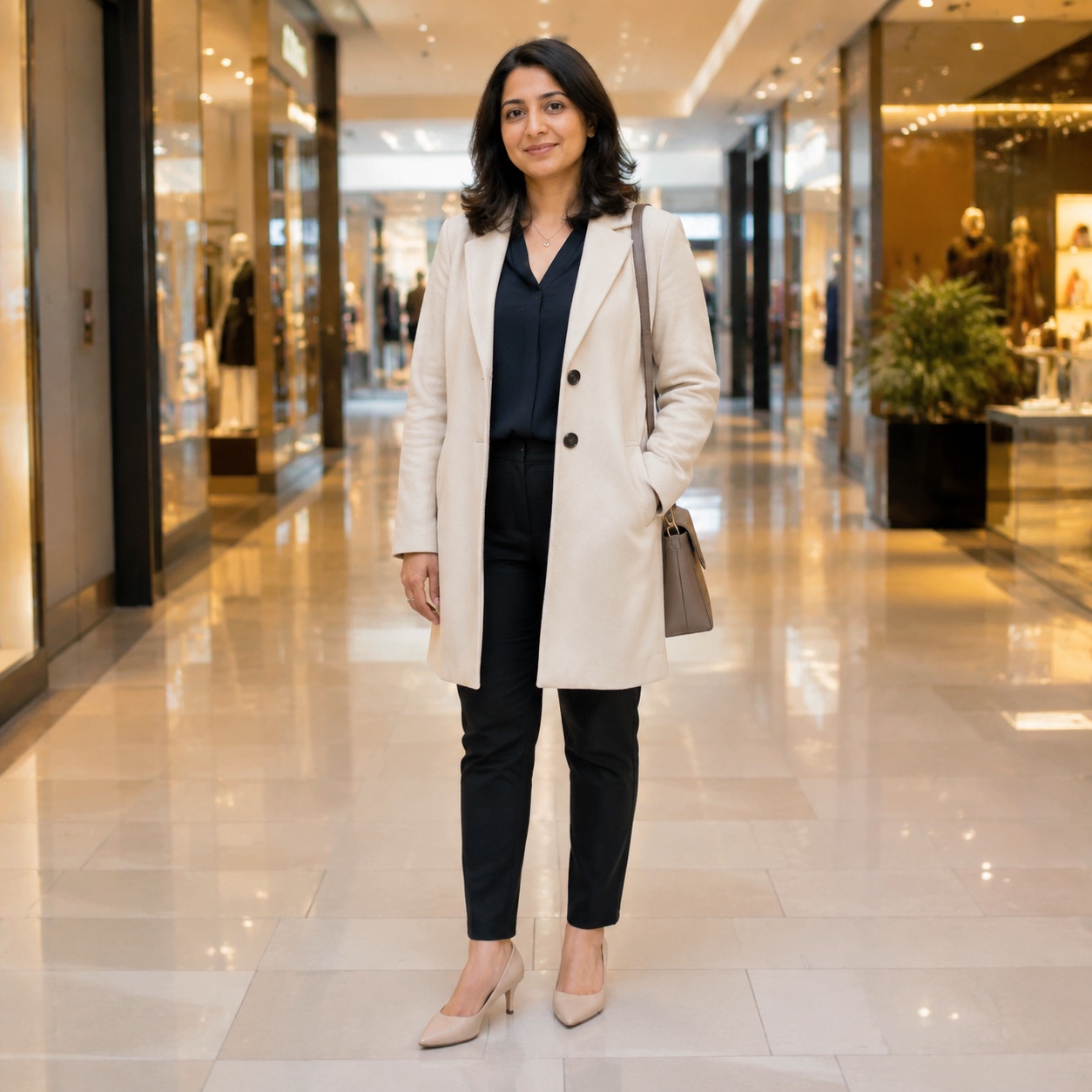
Suit Changer targets one clothing category — business suits — without rebuilding the full wardrobe.
WORKFLOW
Use a clear image where the body and clothing are visible.
Use this cluster’s focused control — color, dress, preset, suit, or reference garment.
Compare Before / After, check fabric details, and try another variation if needed.
SOURCE LOCK
The clothing changes inside the source photo — not the person and the whole scene around it.
Business clothing should look coordinated and sit naturally on the body.
Shoulders, sleeves, and waist follow the original pose.
Face, age, hairstyle, and expression stay the same.
The result keeps the source scene and lighting direction.
CLOTHING CLUSTERS
AI CLOTHING STUDIO
Suit Changer is for users who want to visualize a business suit on an existing photo. Business Chic and Modern Suit are available as focused directions for this workflow.
The page does not try to cover every clothing edit. Its controls stay focused on business / suit try-on rather than mixing in every type of clothing edit.
To transfer an exact suit from a product or reference photo, use Virtual Try-On and add that garment as the second image.
FAQ
The focused flow uses Business Chic for the female mode and Modern Suit for the male mode from the current Editor.
Yes. The Outfit instruction asks to preserve identity, pose, body proportions, background, and lighting.
Yes. Use Virtual Try-On for that two-image reference workflow.
No. It can also be used for creative visualization whenever a business look is needed.
Use the tool above, upload an image, and run the focused Clothing workflow.
Guest AI edits are unavailable. A new account created after the offer started gets one successful free edit with any editor tool, including Premium. Further edits require tokens. This is one account-wide attempt, not one per page.
Further AI edits use tokens at the tool rate. Technical failures should not consume a free attempt. Switching project modes does not reset used attempts. Purchased tokens and permanent Premium remain intact; Premium unlocks after a purchase.