Upload your photo
A clear image where the body and current clothing are visible works best.

VIRTUAL TRY-ON · REFERENCE GARMENT
Upload your photo and a separate clothing photo. Virtual Try-On transfers the specific garment or outfit from the reference with either exact transfer or adaptive fit.
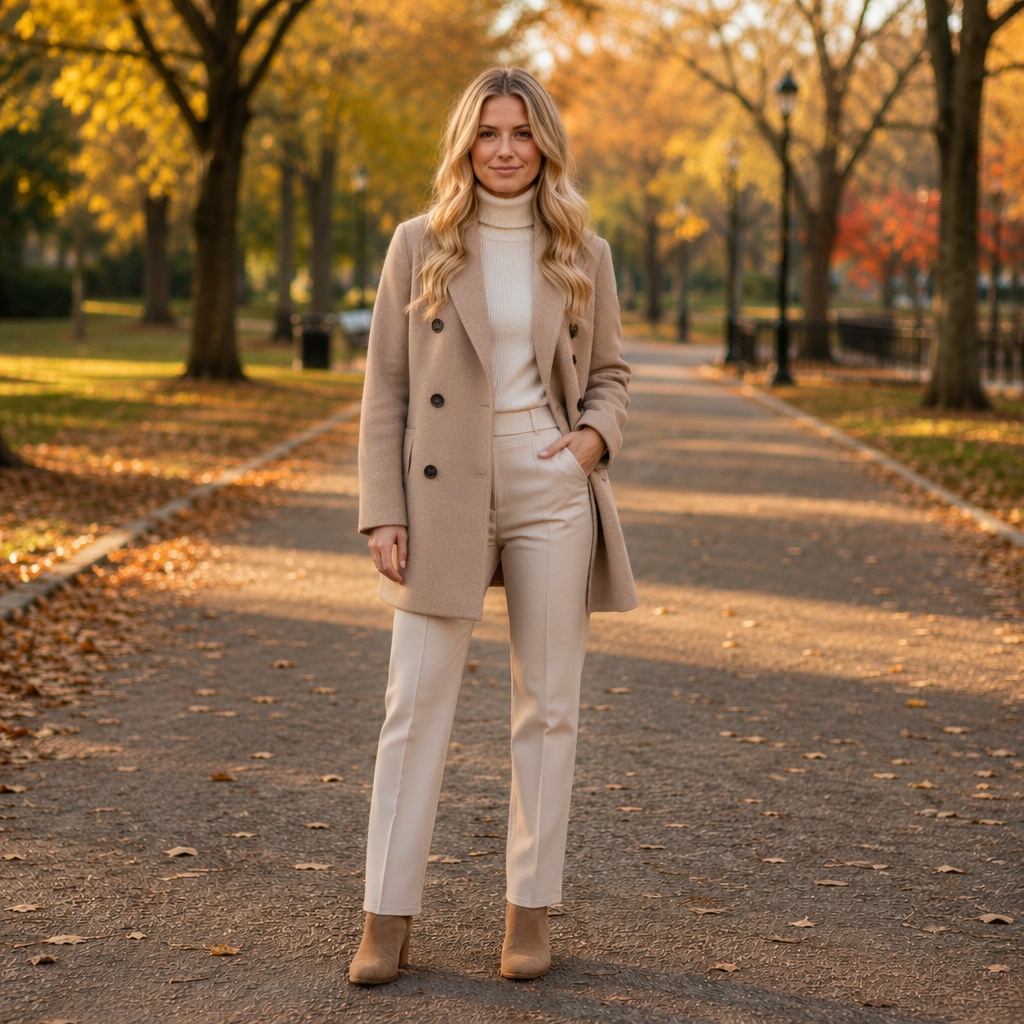
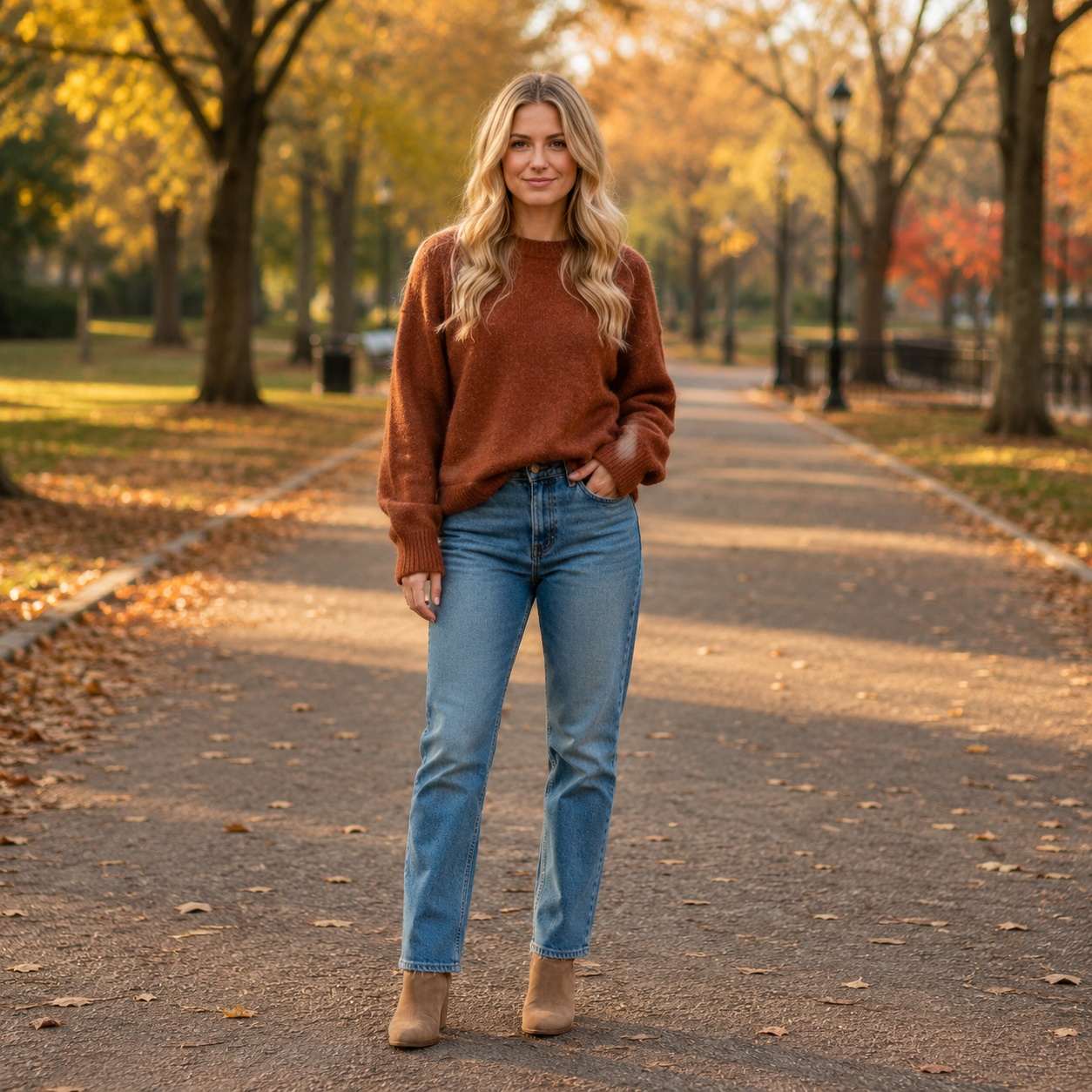
Reference Virtual Try-On is different at the input level: first the person, then the specific garment.
A clear image where the body and current clothing are visible works best.
Use a product image or clothing worn by another person, as long as the garment details are clear.
Exact stays closer to the reference garment; Adaptive fits it naturally to the body and pose.
Unlike ordinary outfit generation, the second input is a photo of the specific clothing. AI uses it as the reference for color, material, prints, and garment details.
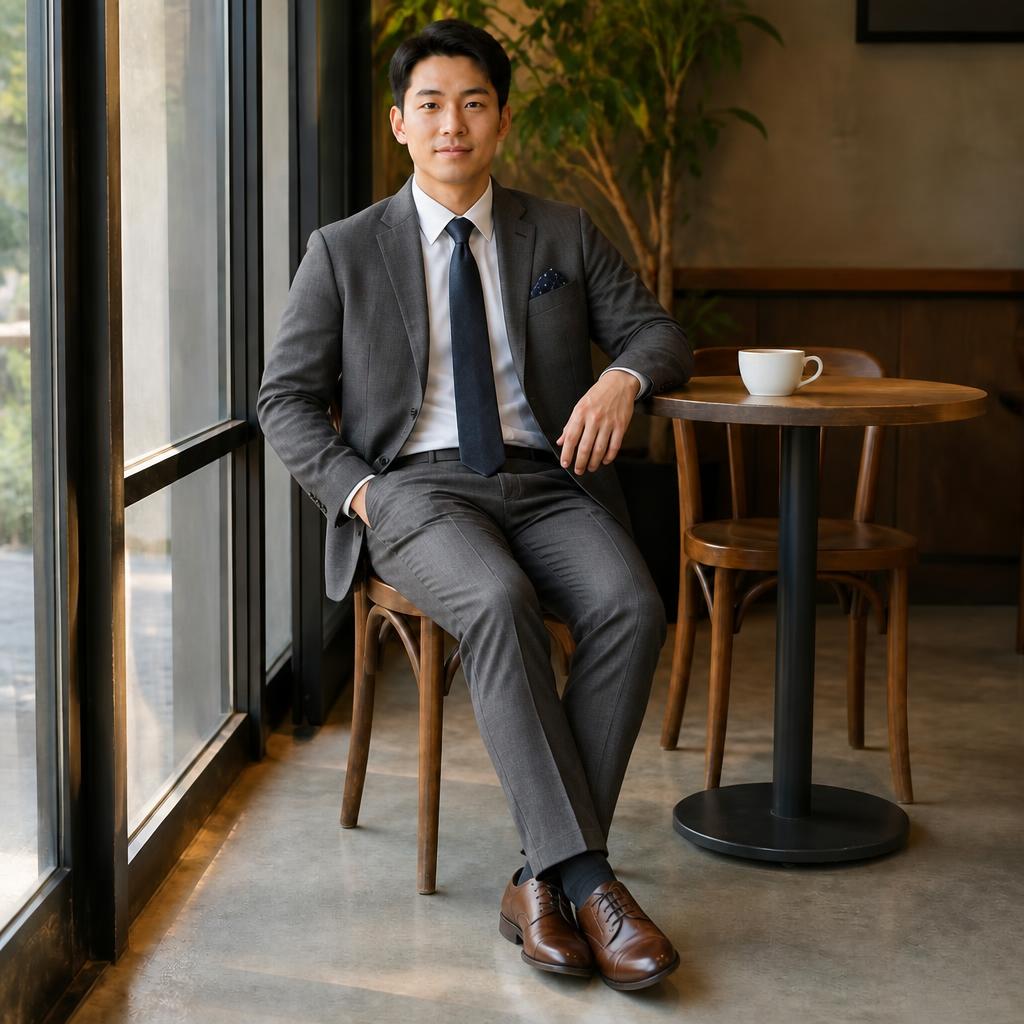
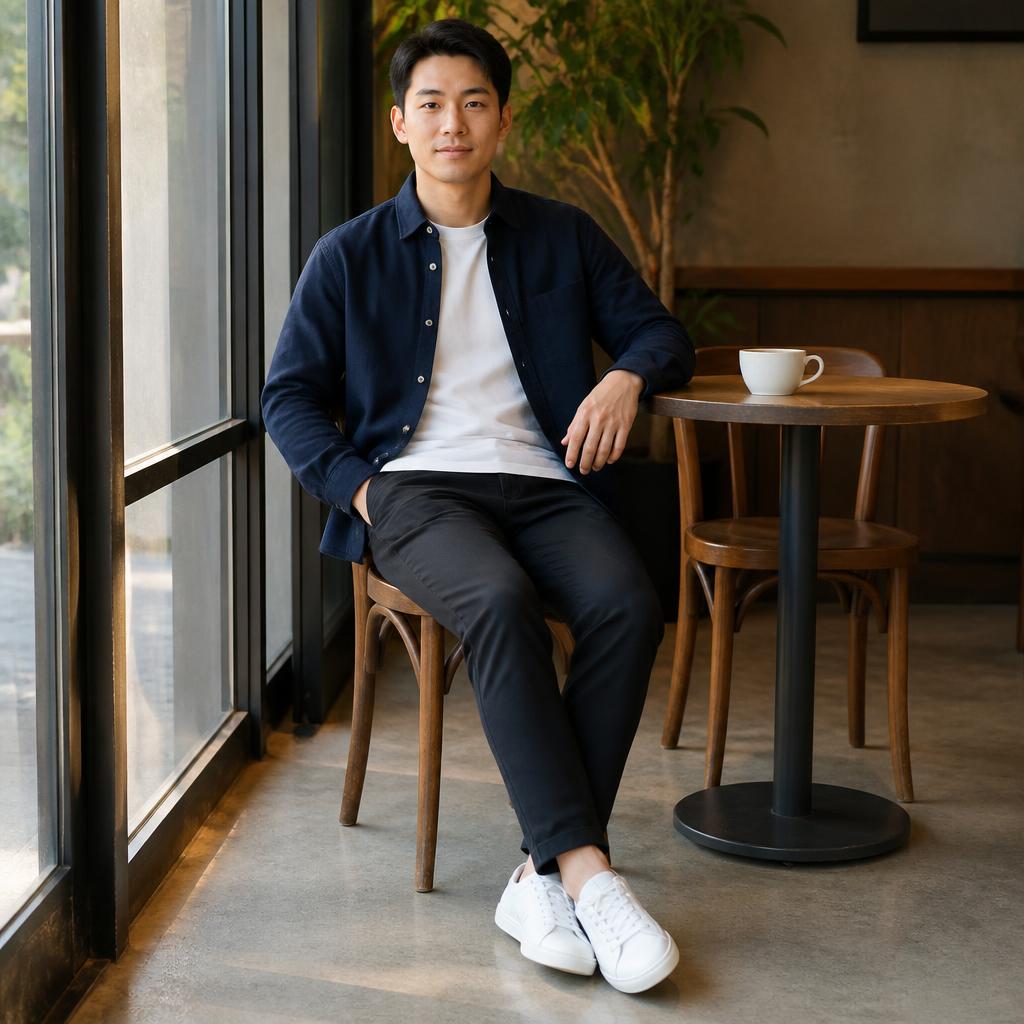
Unlike ordinary outfit generation, the second input is a photo of the specific clothing. AI uses it as the reference for color, material, prints, and garment details.


Unlike ordinary outfit generation, the second input is a photo of the specific clothing. AI uses it as the reference for color, material, prints, and garment details.
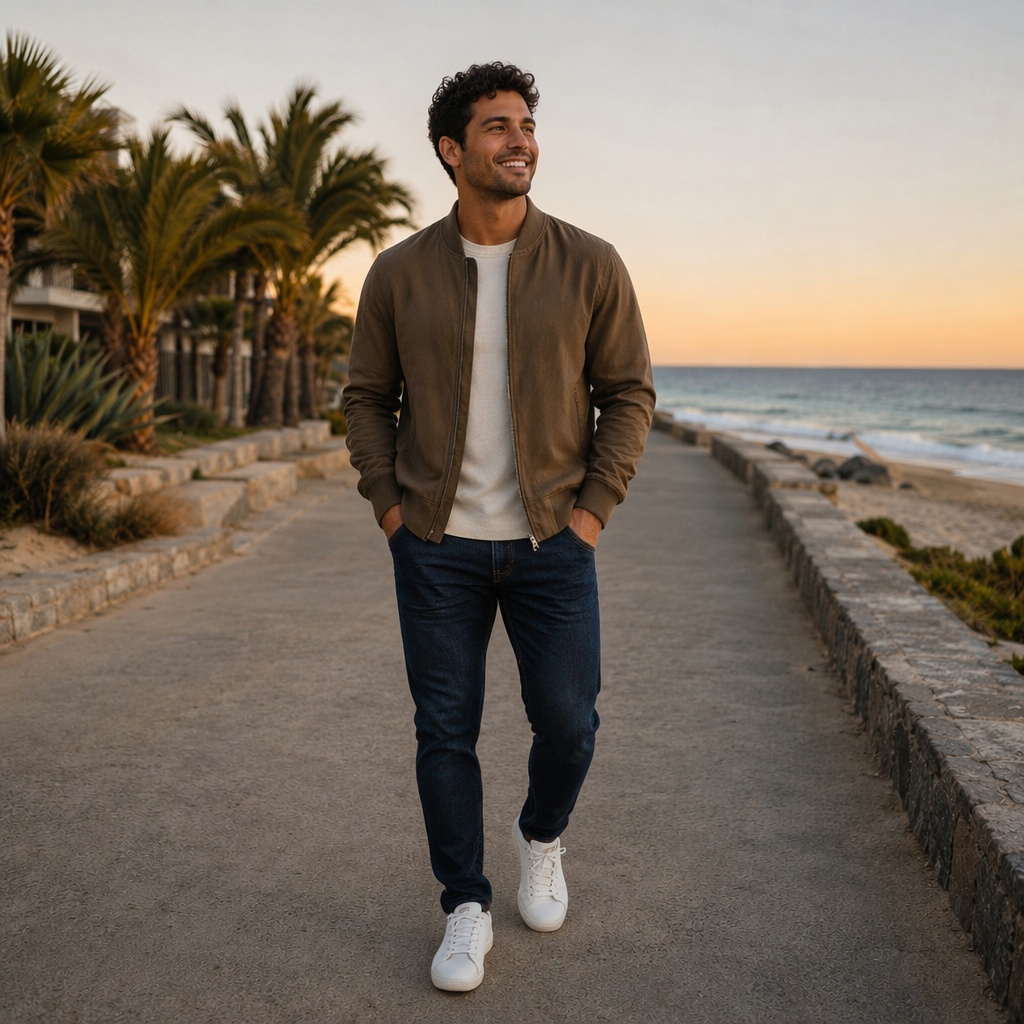
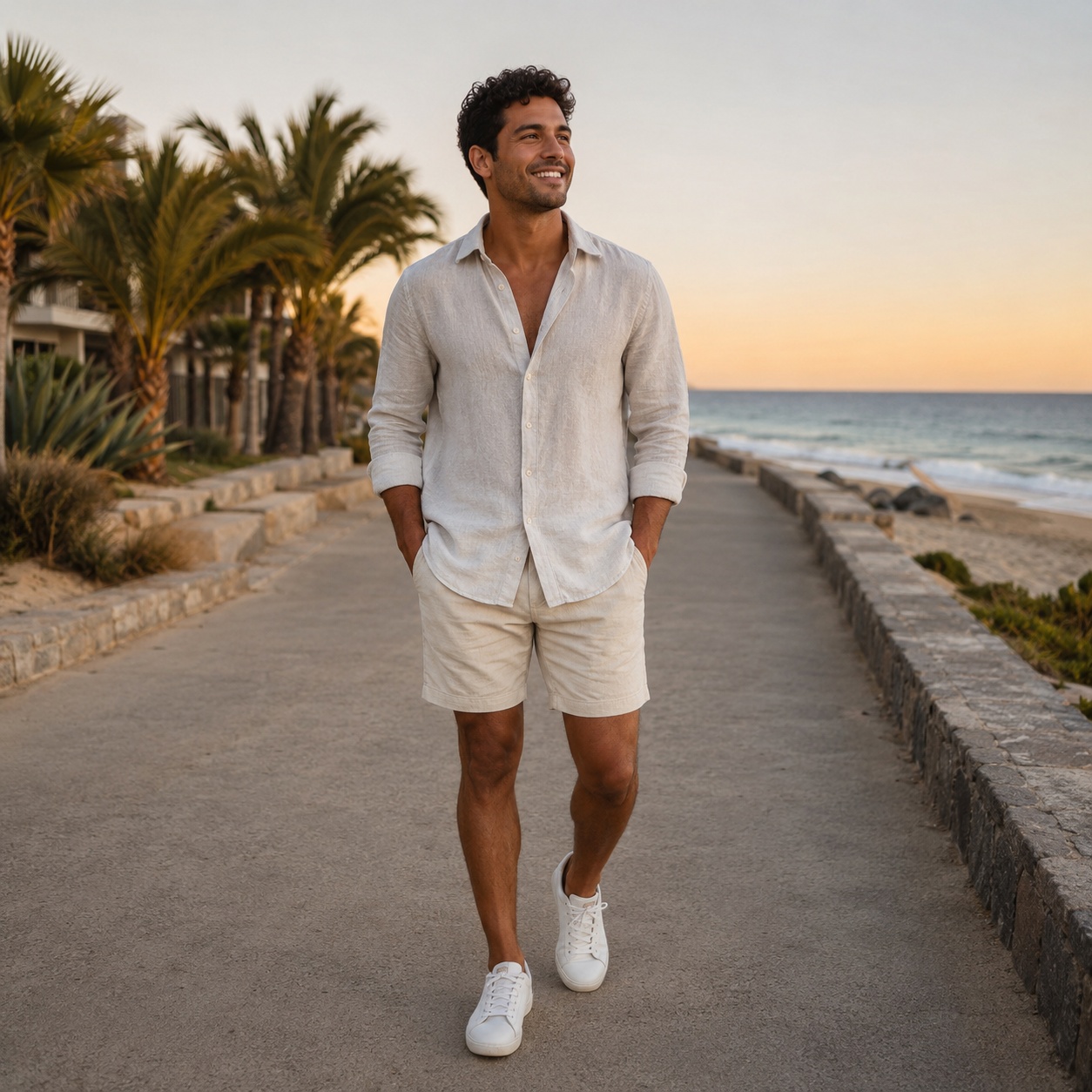
Unlike ordinary outfit generation, the second input is a photo of the specific clothing. AI uses it as the reference for color, material, prints, and garment details.
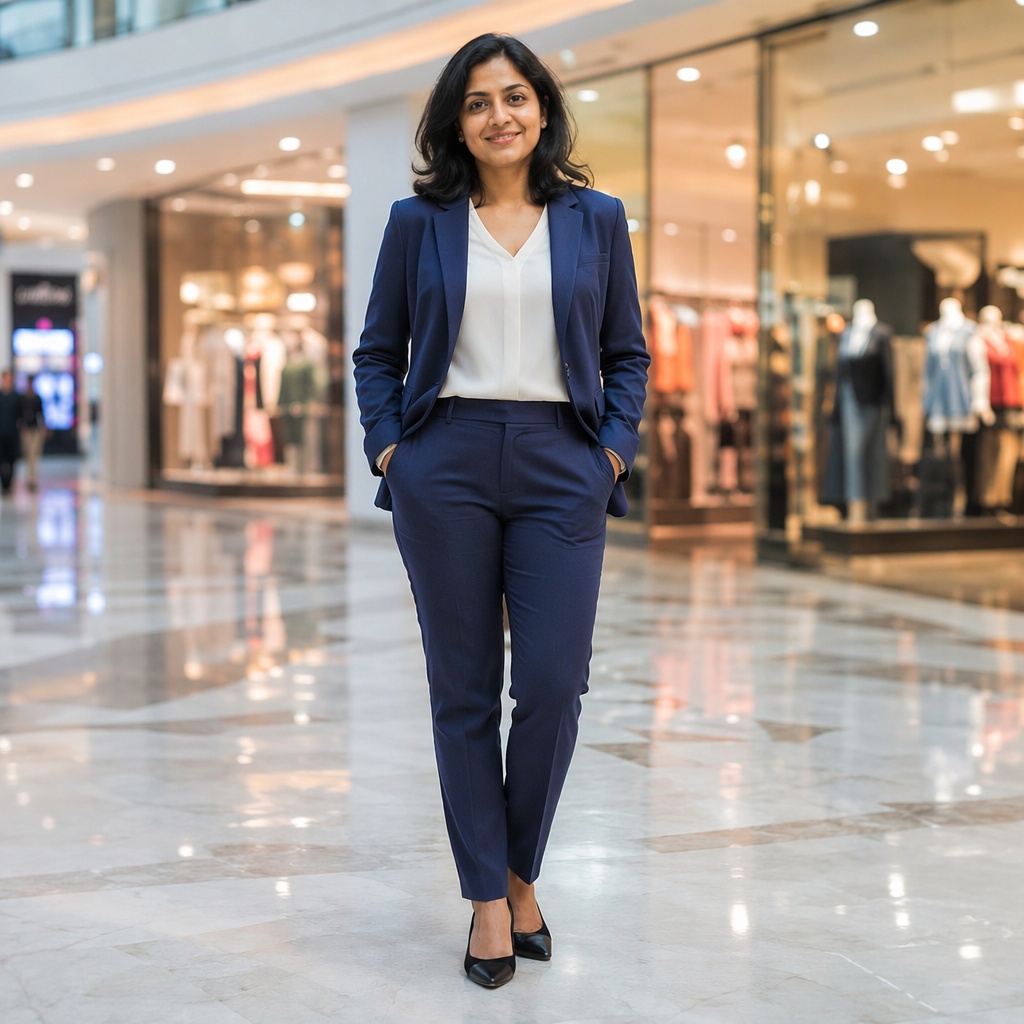
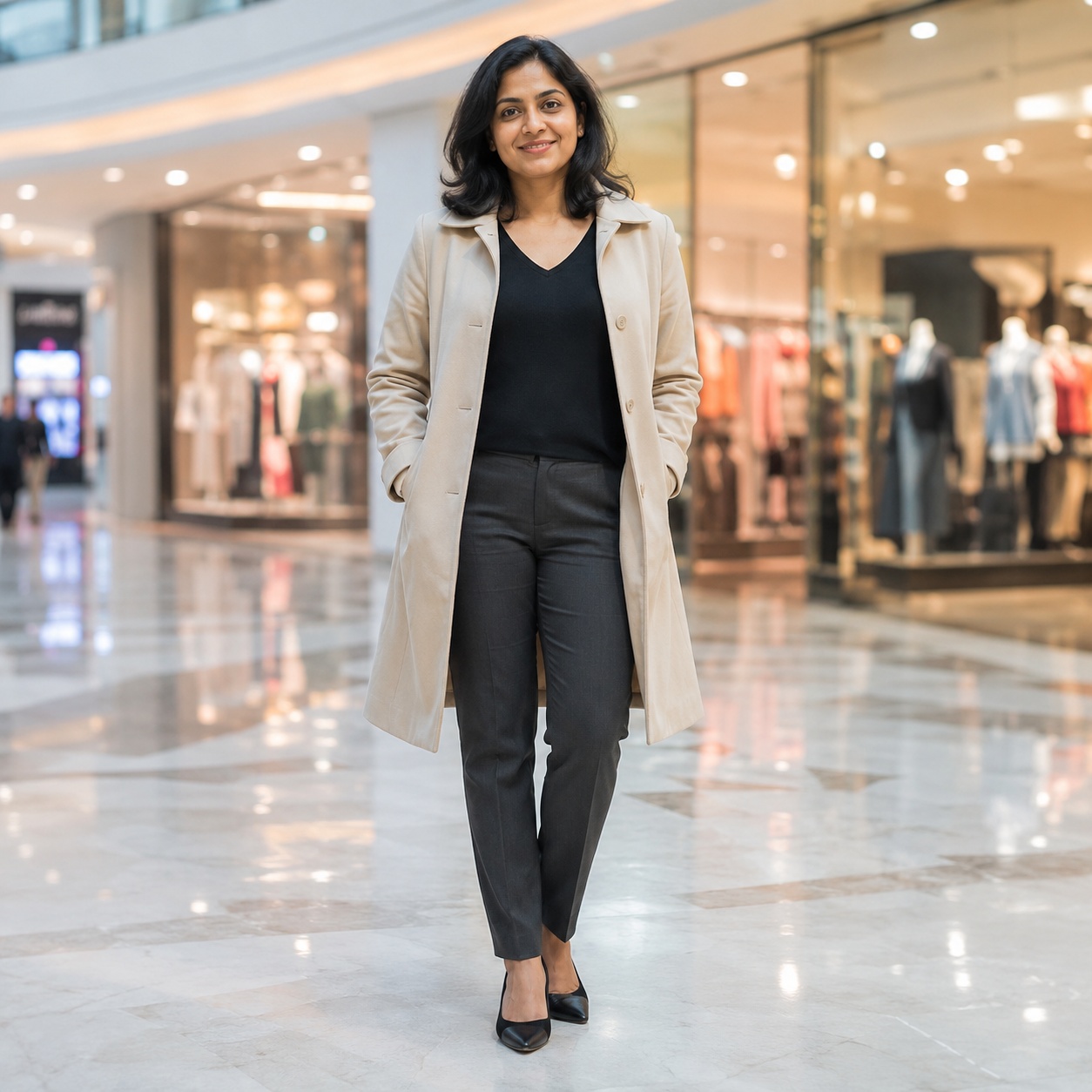
Unlike ordinary outfit generation, the second input is a photo of the specific clothing. AI uses it as the reference for color, material, prints, and garment details.
SOURCE LOCK
The clothing changes inside the source photo — not the person and the whole scene around it.
Preserve garment color, fabric, prints, logos, and details as closely as possible.
Keep the garment style while adapting the fit naturally to the body and pose.
Face, age, expression, and hairstyle stay unchanged.
Background, camera angle, and lighting remain original so the edit targets the clothing.
WORKFLOW
This is the base image of the person who will receive the clothing.
Add the second image containing the clothing, then choose Exact or Adaptive fit.
Compare fit, prints, fabric, hands, and garment edges in Before / After.
CLOTHING CLUSTERS
AI CLOTHING STUDIO
This page now answers a distinct intent: try a specific garment from a photo on yourself. It is not the same as a preset outfit changer or text-based clothing generation.
Virtual Try-On uses both images together. Exact transfer keeps the garment as close as possible to the reference, while Adaptive fit tailors it naturally to the person’s body and pose.
Use a clear garment reference. When hands, hair, or other objects obscure the item, some details may transfer less precisely. After generation, inspect garment edges, hands, prints, and folds.
FAQ
Yes. The first is your photo; the second is the clothing or outfit you want to transfer.
Exact aims to preserve color, fabric, prints, and details more closely. Adaptive keeps the style while fitting it naturally to the body and pose.
Yes. The reference may show the item alone or on another person, as long as the clothing is clearly visible.
The regular tool creates clothing from a preset or text prompt. Virtual Try-On transfers specific clothing from a second image.
Use the tool above, upload an image, and run the focused Clothing workflow.
Guest AI edits are unavailable. A new account created after the offer started gets one successful free edit with any editor tool, including Premium. Further edits require tokens. This is one account-wide attempt, not one per page.
Further AI edits use tokens at the tool rate. Technical failures should not consume a free attempt. Switching project modes does not reset used attempts. Purchased tokens and permanent Premium remain intact; Premium unlocks after a purchase.