Social photos
Make an everyday frame cleaner by removing several minor distractions.

PHOTO CLEANUP · SMALL DISTRACTIONS
Remove multiple small distractions such as litter, stains, thin wires, stray items, and visual clutter. Cleanup no longer tries to replace the dedicated Remove Object, Remove Person, or Remove Text workflows.
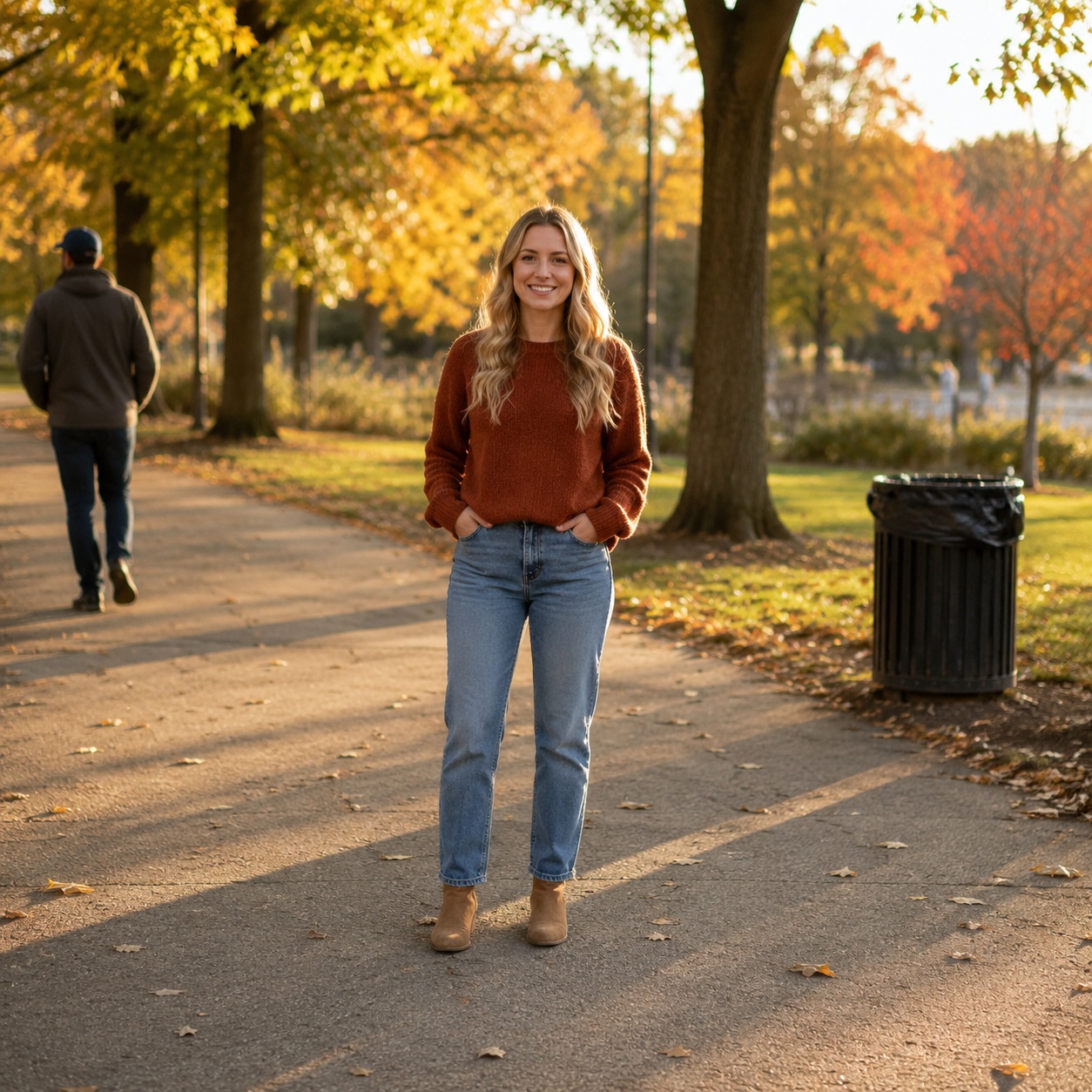
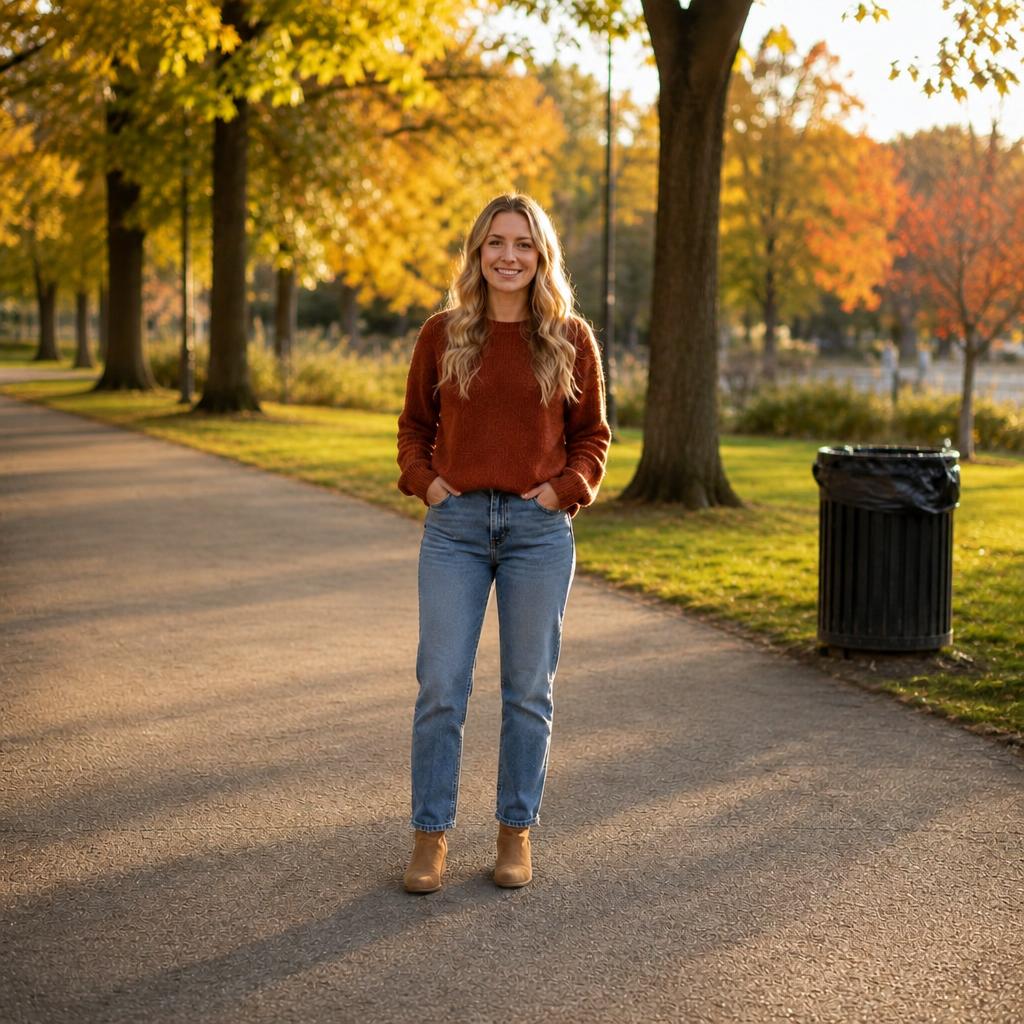
TOOL SCOPE
This boundary matters. If you can name one large target, use the dedicated page for that target instead.
Litter, crumbs, stains, tiny surface items, and other low-level visual noise.
Thin wires, accidental background fragments, and small items that make a frame feel messy.
People, products, furniture, architecture, and other important elements should remain.
The frame contains several small distracting details.
There is one clearly defined target.
BEFORE / AFTER
Compare the source frame with the edited version. Every example belongs to this focused task.


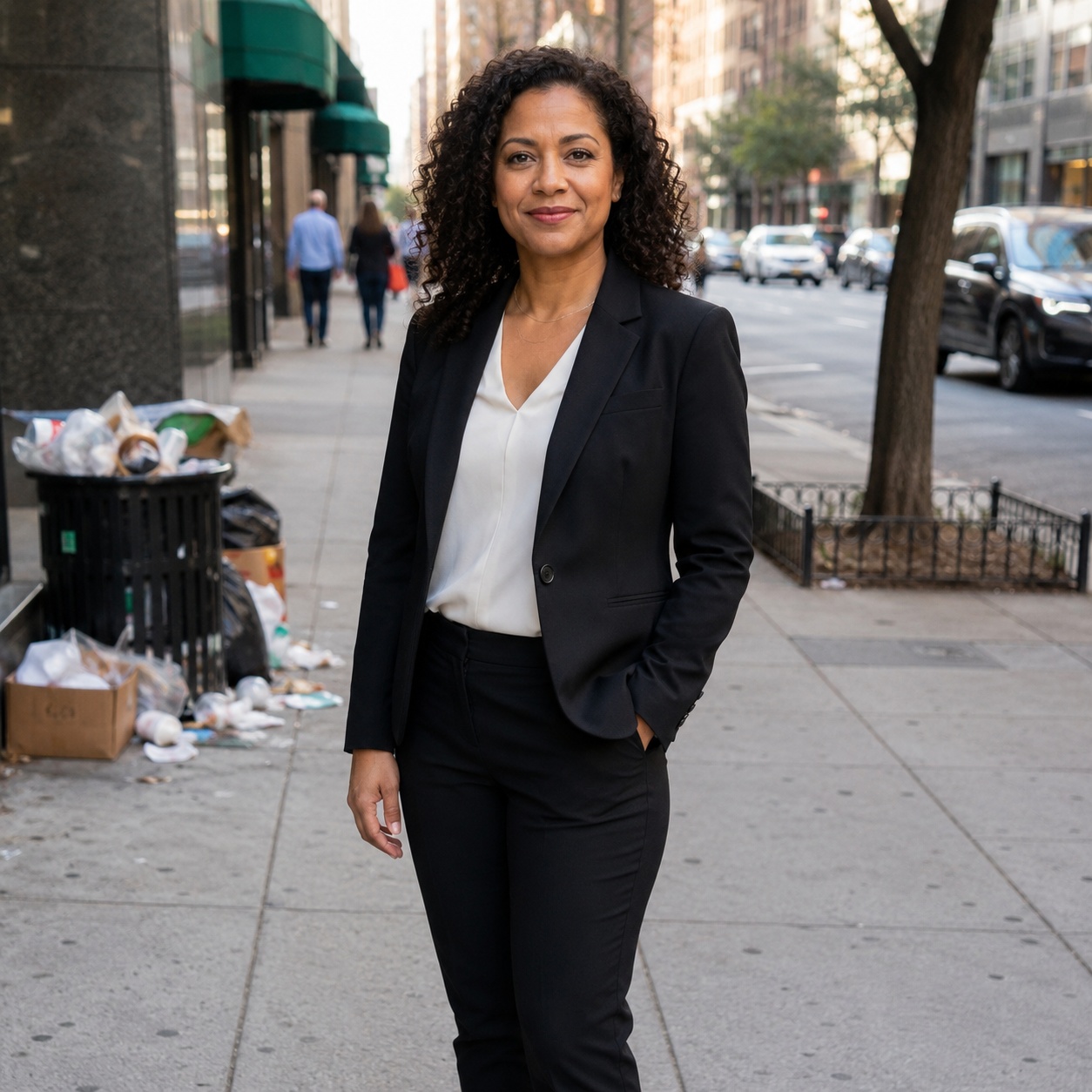

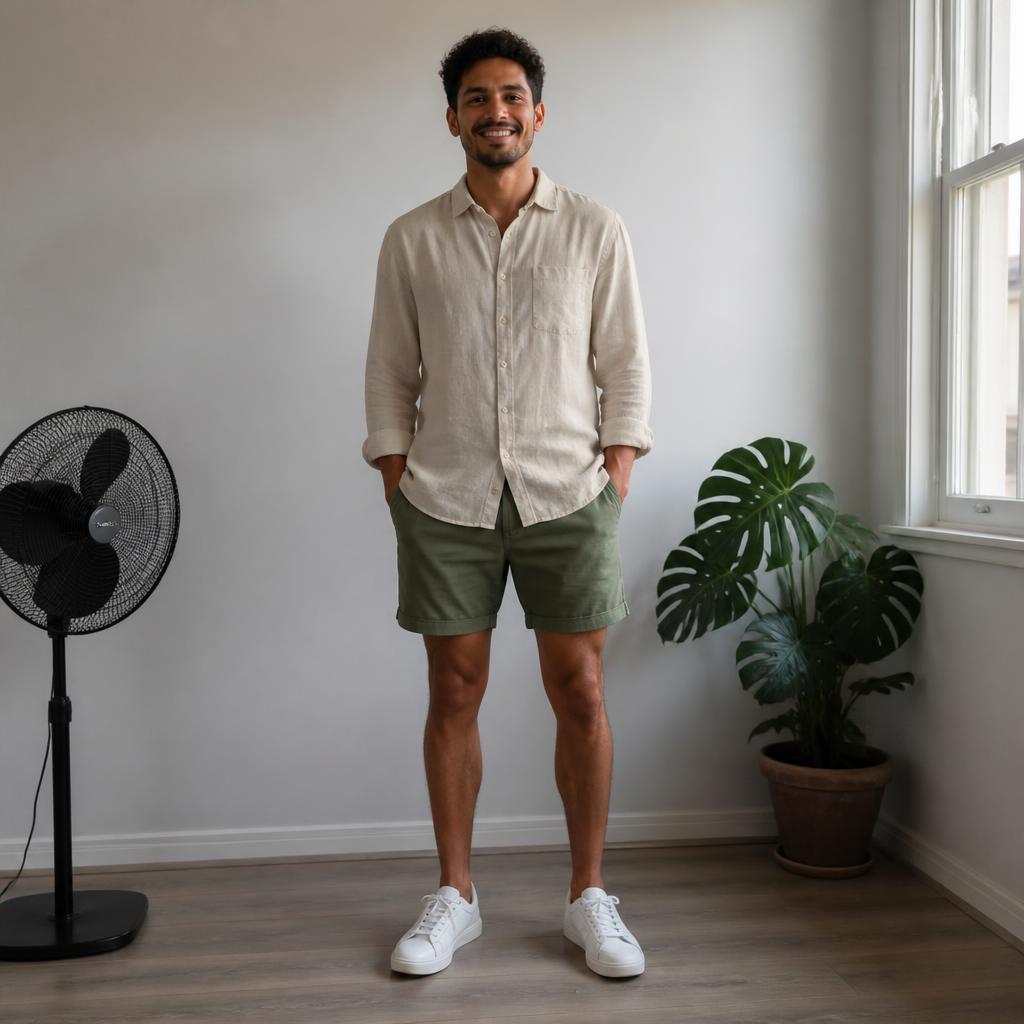

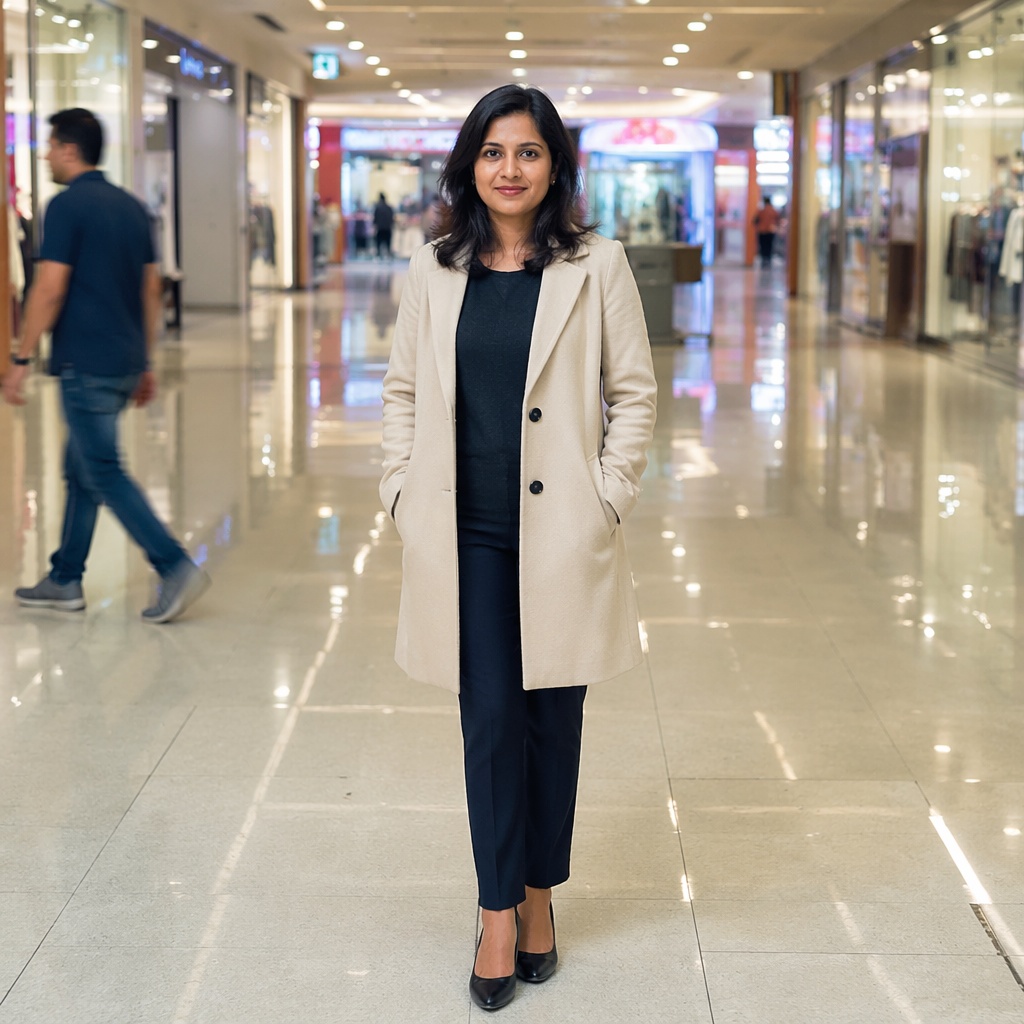

USE CASES
Remove multiple small distractions such as litter, stains, thin wires, stray items, and visual clutter. Cleanup no longer tries to replace the dedicated Remove Object, Remove Person, or Remove Text workflows.
Make an everyday frame cleaner by removing several minor distractions.
Clean a table or backdrop around the main product without removing the product itself.
Remove small wires, stains, and accidental clutter while preserving furniture.
Clean a floor, desk, wall, or backdrop from several small unwanted details.
PROMPT / TASK
This boundary matters. If you can name one large target, use the dedicated page for that target instead.
Remove several small distracting details in the background. Keep the main person and large objects unchanged.
Clean crumbs, stains, and tiny clutter from the table while preserving material texture.
Remove thin unnecessary wires and small details around the main subject.
Remove only minor visual clutter. Do not remove large scene elements or change global color.
FAQ · CLEANUP-PICTURE
Clear boundaries for this tool and what to expect from the result.
Use Cleanup for several small distractions. Use Remove Object for one specific larger item.
That is not its primary role. Use Remove Person for a specific unwanted person.
Use Remove Text for lettering; it is designed around rebuilding the surface beneath letters.
No. It is intentionally constrained to local cleanup so it does not overlap Photo Enhancer or manual Correction.
Repeating patterns, object edges, and surfaces where several small details were reconstructed.
SMARTGENIUSAI · CORRECTION
Clean multiple small distractions while preserving the main subject and structure of the frame.
Guest AI edits are unavailable. A new account created after the offer started gets one successful free edit with any editor tool, including Premium. Further edits require tokens. This is one account-wide attempt, not one per page.
Further AI edits use tokens at the tool rate. Technical failures should not consume a free attempt. Switching project modes does not reset used attempts. Purchased tokens and permanent Premium remain intact; Premium unlocks after a purchase.