Travel photos
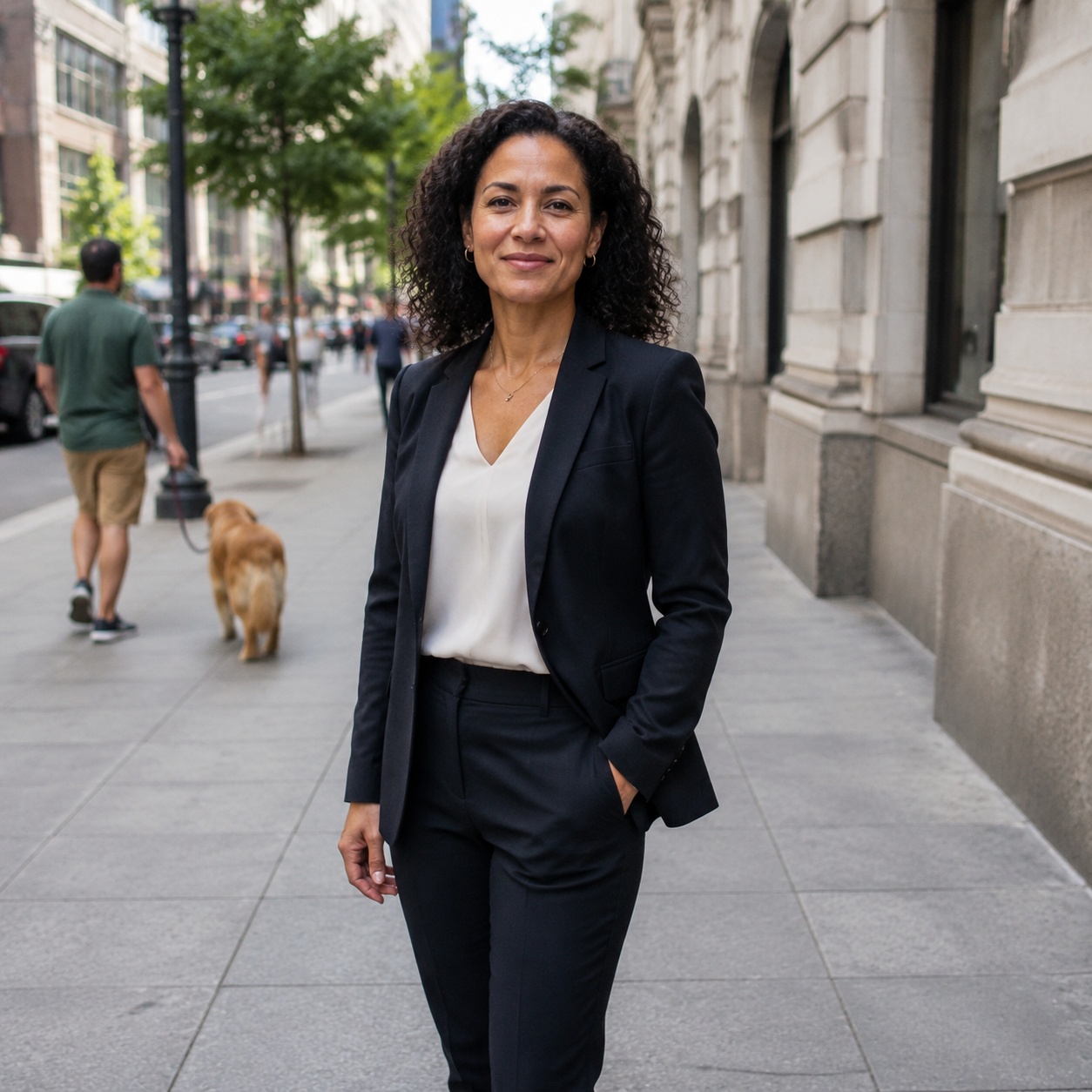
Remove a bin, sign, or accidental prop near the main subject.

REMOVE OBJECT · AI CORRECTION
Remove one specific unwanted item and rebuild what was hidden behind it. AI follows nearby texture, perspective, light, and shadows instead of treating the whole frame as a general cleanup.
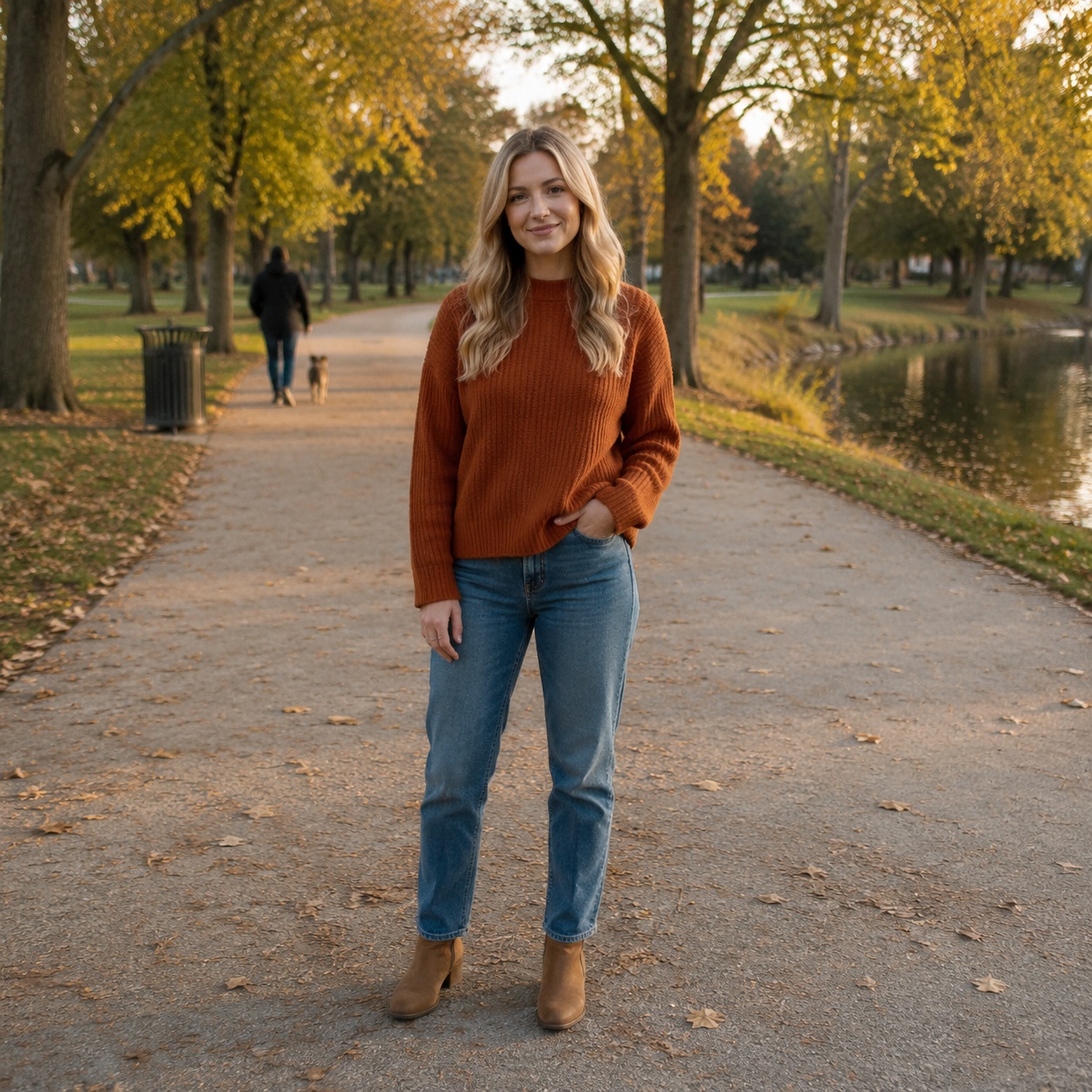
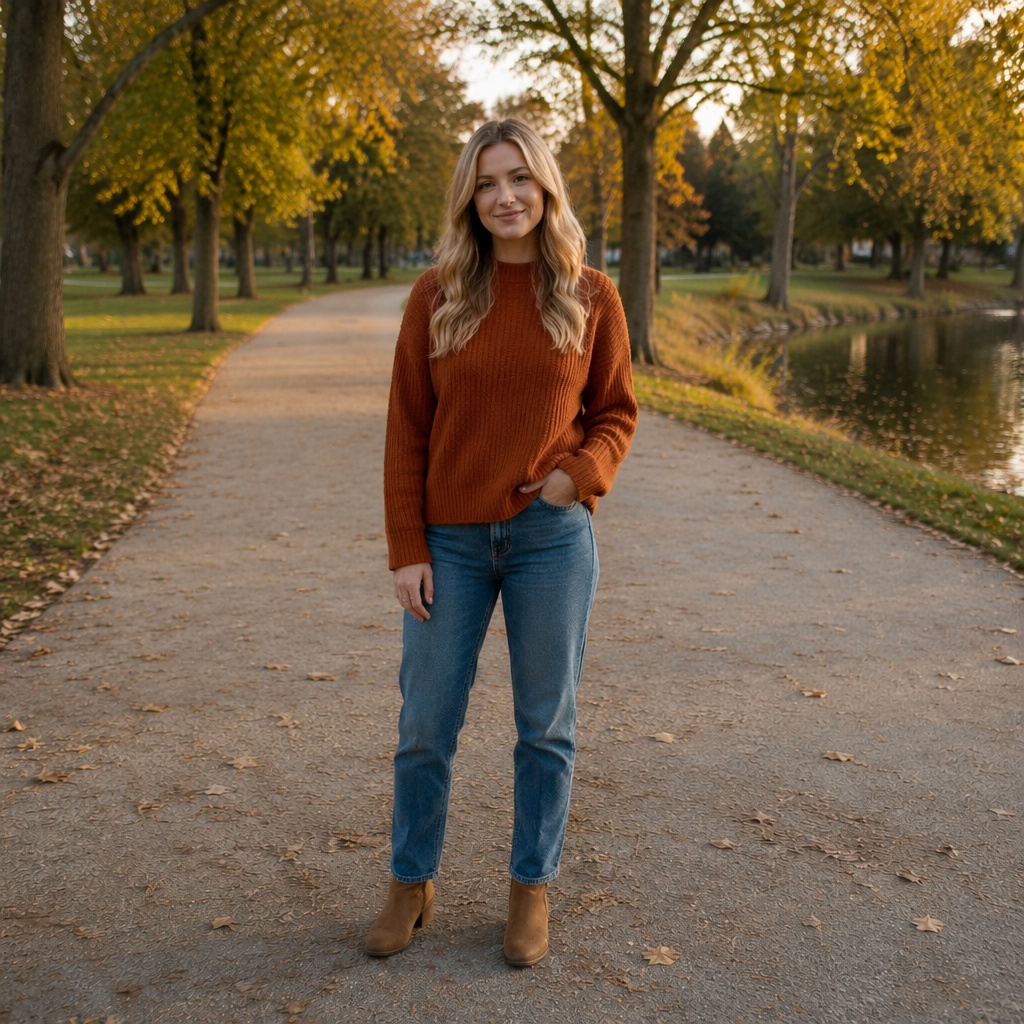
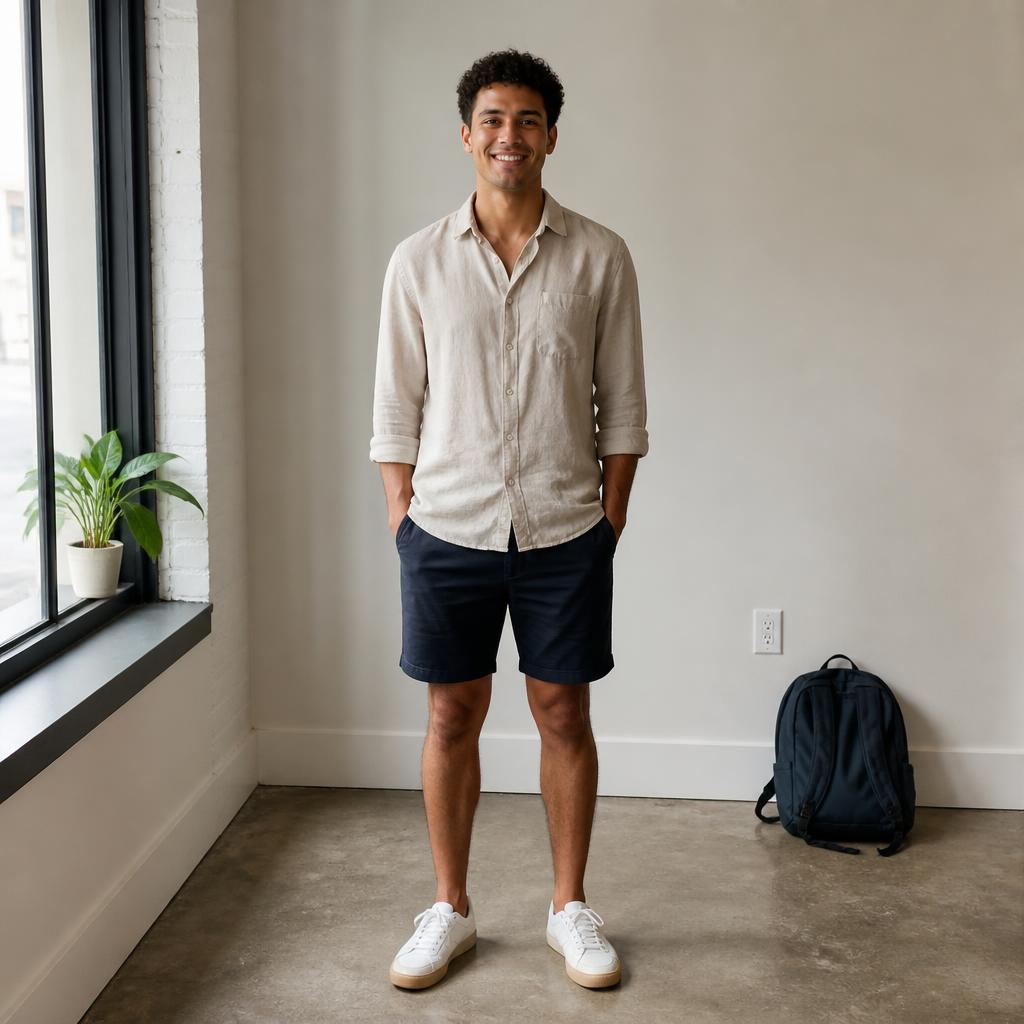
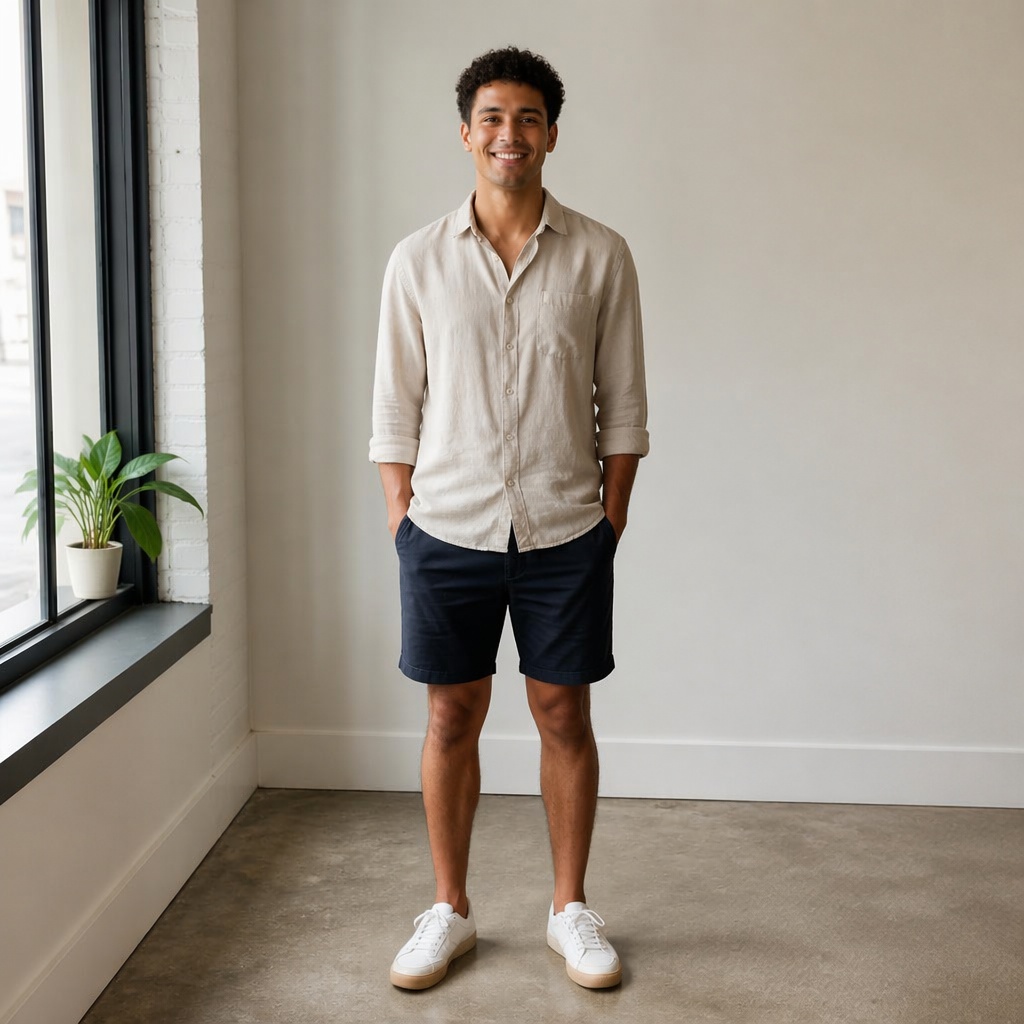
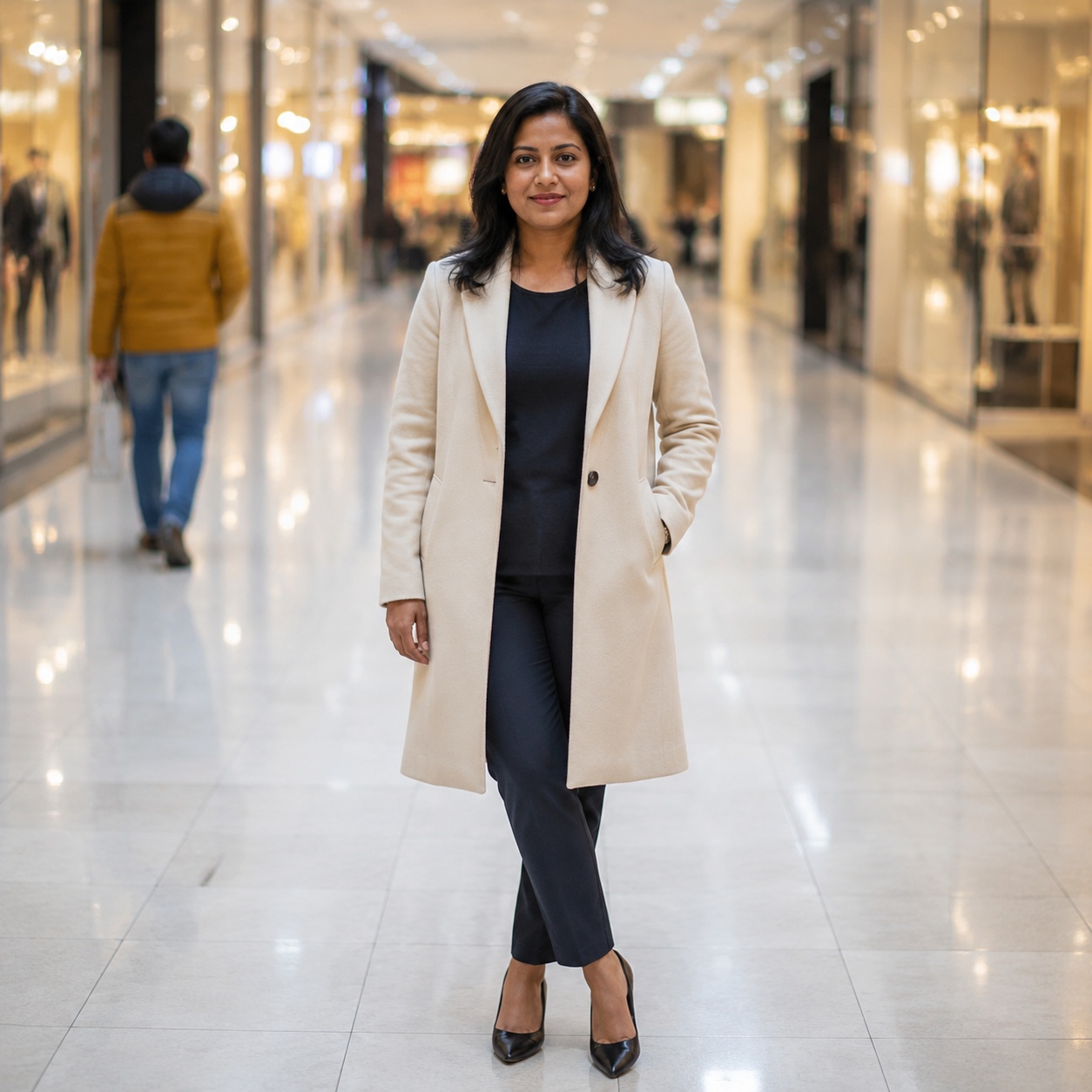
BEFORE / AFTER
Compare the source frame with the edited version. Every example belongs to this focused task.
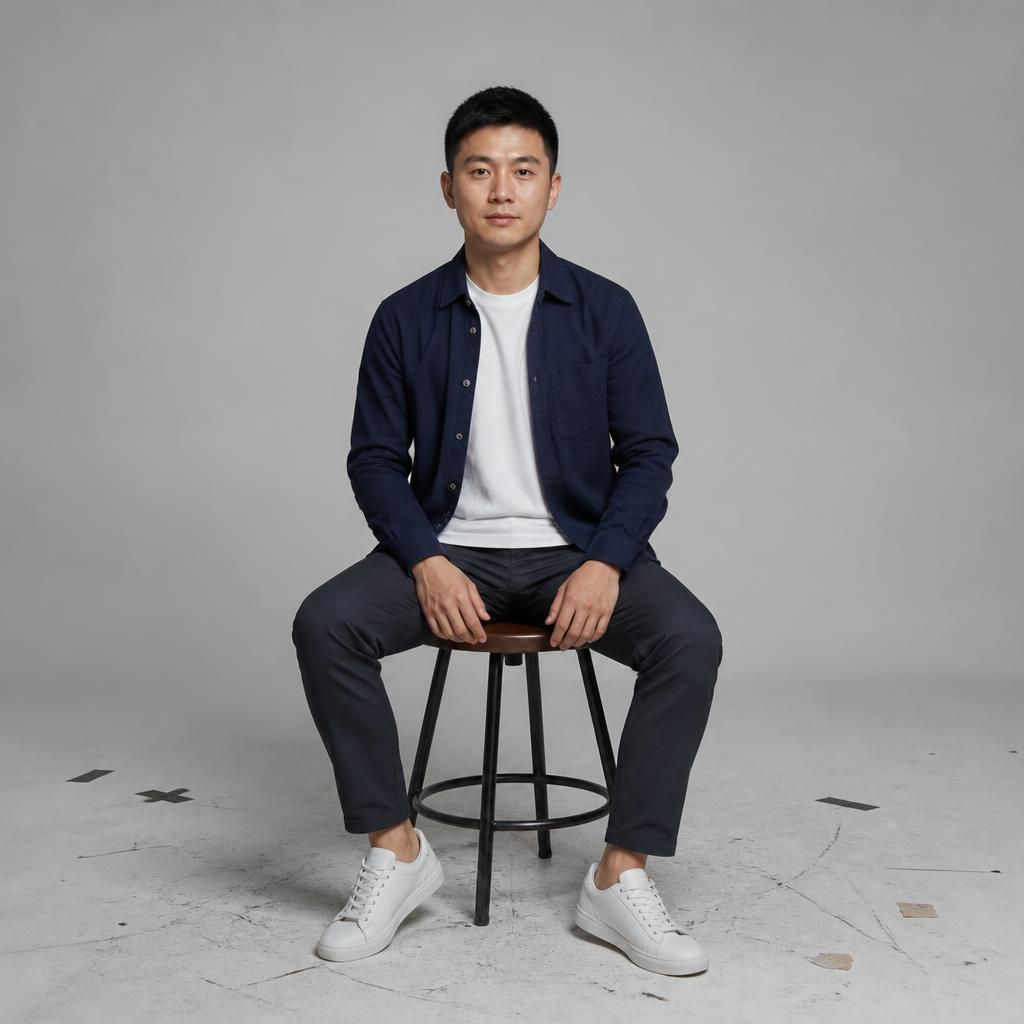
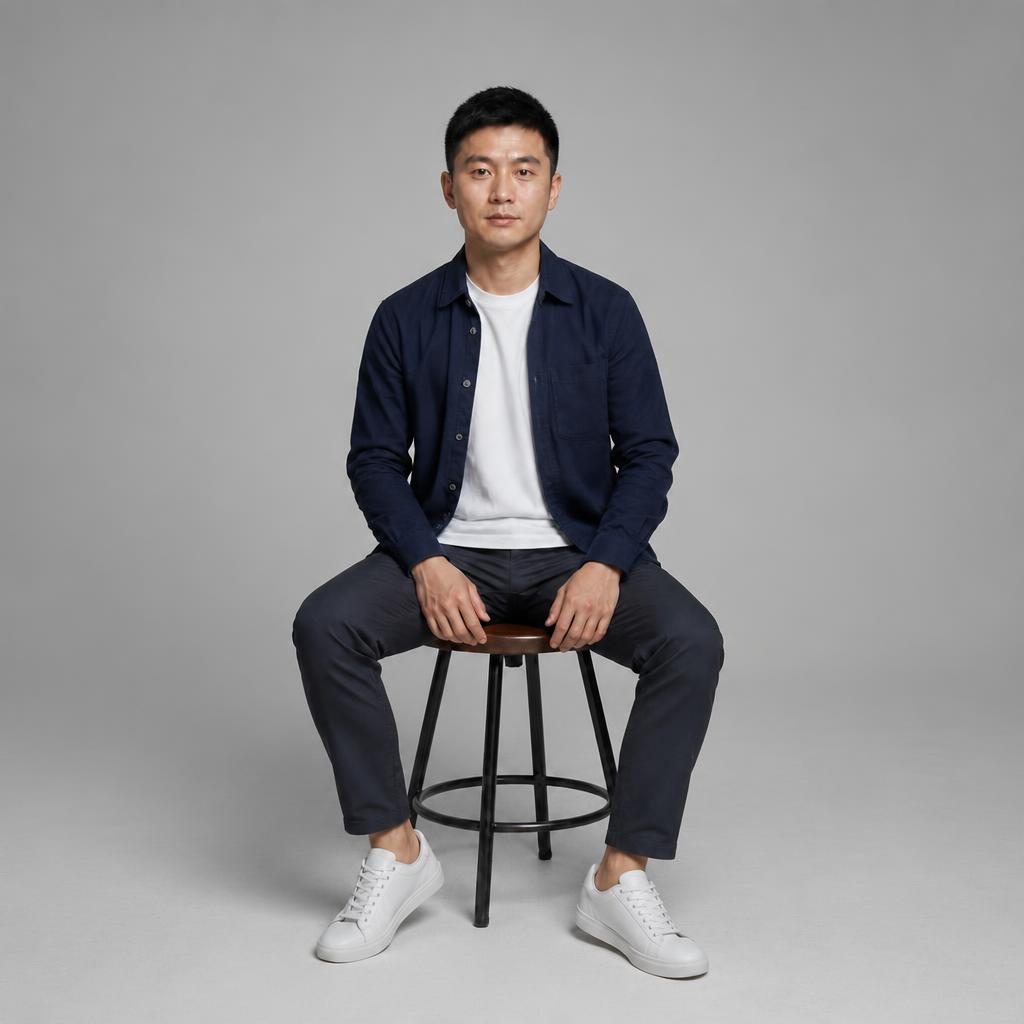


TOOL SCOPE
Use this page when you can clearly name the item that should disappear. It is intentionally narrower than general Photo Cleanup.
A chair, bag, bottle, sign, prop, or another clearly identifiable object.
AI continues the floor, wall, grass, fabric, or other background that the object covered.
The main person, product, nearby objects, color, and composition should remain unchanged.
You know the one object that needs to go.
There are several small distractions and no single main target.
USE CASES
Remove one specific unwanted item and rebuild what was hidden behind it. AI follows nearby texture, perspective, light, and shadows instead of treating the whole frame as a general cleanup.
Remove a bin, sign, or accidental prop near the main subject.
Erase one unwanted furnishing while preserving room geometry.
Remove a specific prop that distracts from the product.
Clean one item from a table, floor, or background without changing the scene.
PROMPT / TASK
Use this page when you can clearly name the item that should disappear. It is intentionally narrower than general Photo Cleanup.
Remove the red chair on the right and naturally continue the floor and wall behind it.
Remove the bag and its contact shadow. Leave every other object unchanged.
Remove the item from the table and reconstruct the wood grain without repeated patches.
Remove only the specified object. Keep the person, clothing, and surrounding scene unchanged.
FAQ · REMOVE-OBJECT
Clear boundaries for this tool and what to expect from the result.
Remove Object targets one specific item. Cleanup handles multiple small distracting details.
Yes. The tool above includes a short target field; a concrete description makes the task much clearer.
It reconstructs the hidden area from nearby texture, lighting, shadows, and perspective.
The more hidden scene AI must invent, the less predictable the result. Complex edits are safer in smaller steps.
Compare Before / After, download the result, or continue in the Editor.
SMARTGENIUSAI · CORRECTION
Upload a photo, name one object, and run a focused removal.
Guest AI edits are unavailable. A new account created after the offer started gets one successful free edit with any editor tool, including Premium. Further edits require tokens. This is one account-wide attempt, not one per page.
Further AI edits use tokens at the tool rate. Technical failures should not consume a free attempt. Switching project modes does not reset used attempts. Purchased tokens and permanent Premium remain intact; Premium unlocks after a purchase.