Eyebrows
Raised eyebrows support the reaction without breaking the natural shape of the face.

AI Surprised Face
Upload a portrait and create a surprised expression. AI adjusts the eyebrows, eyes, and mouth as one expression, and you can compare the result with the original on the page.
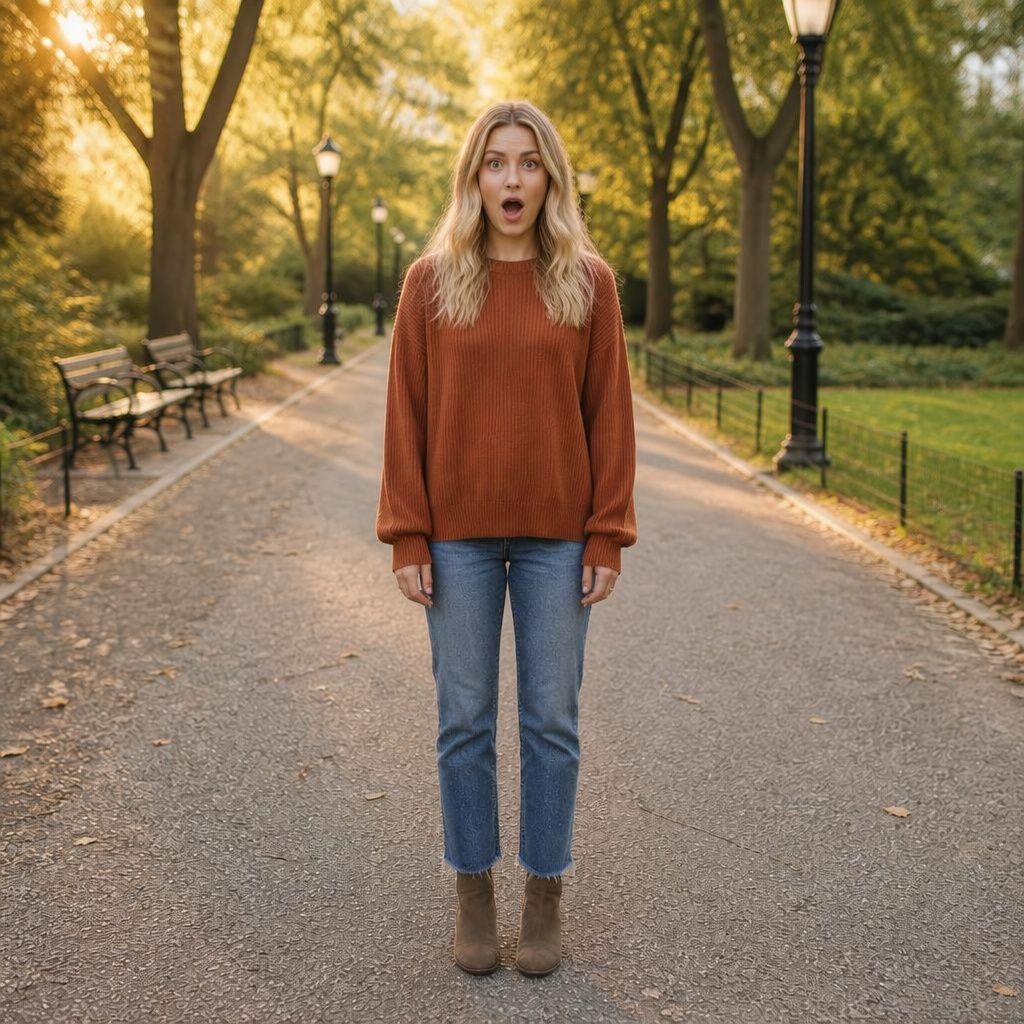

Main comparison
The large comparison makes it easier to review the eyes, eyebrows, and mouth together. If one area becomes too strong, the result can start to look cartoonish.
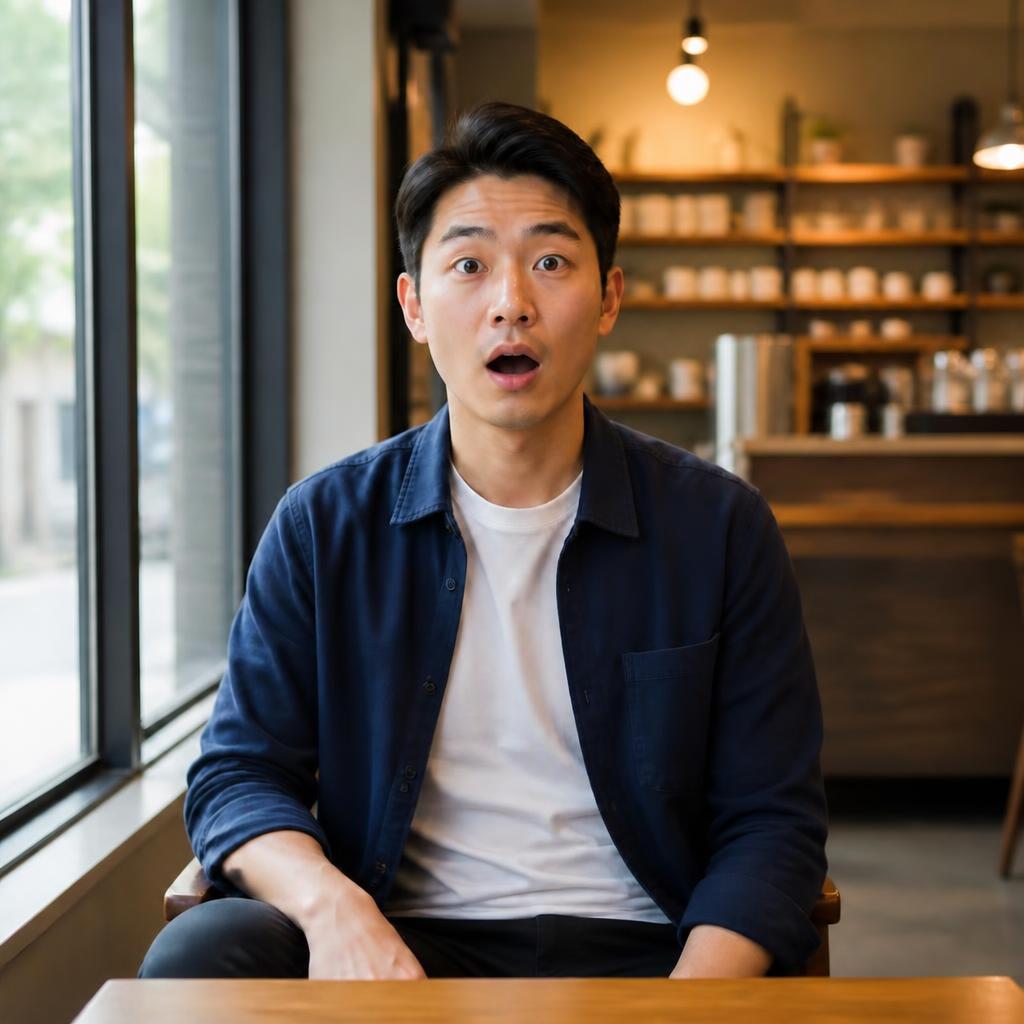
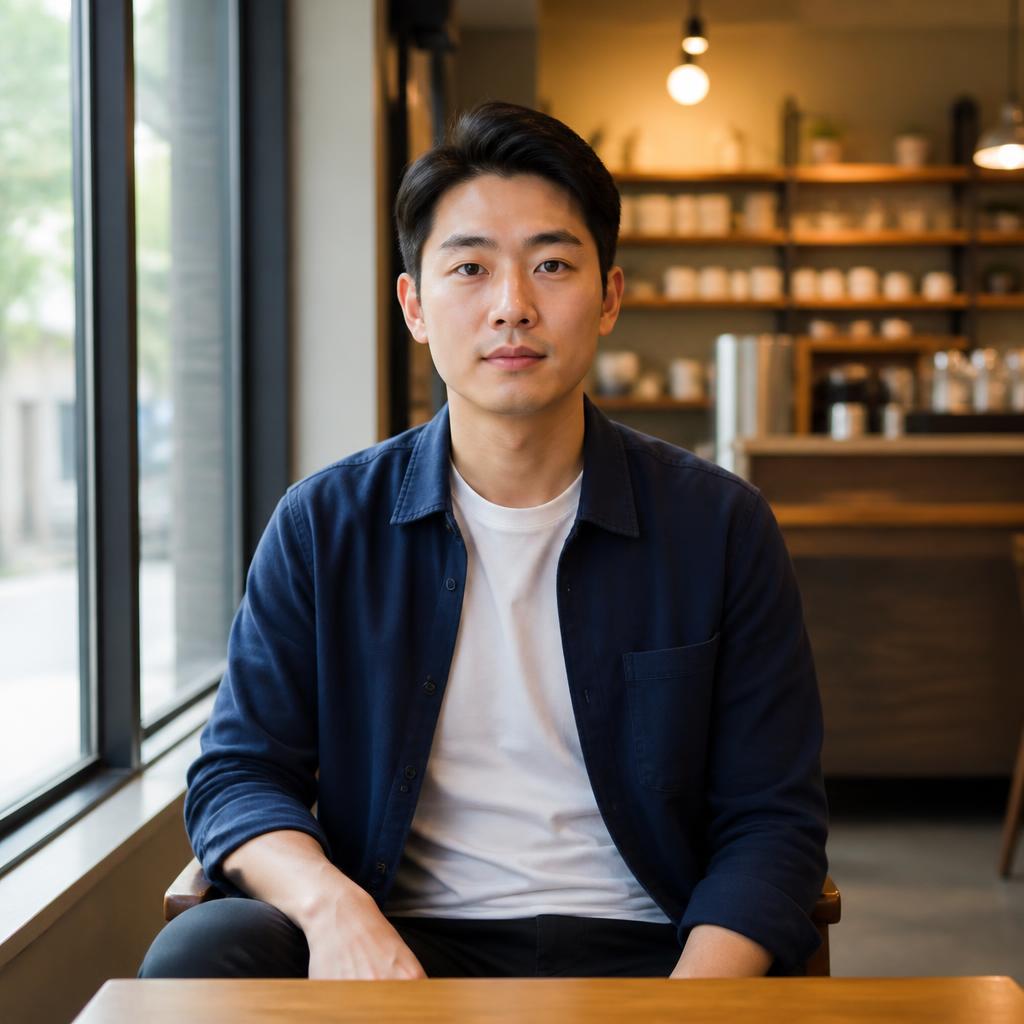
Raised eyebrows support the reaction without breaking the natural shape of the face.
A more open gaze reinforces surprise while the person should remain recognizable.
The mouth shape should match the strength of the reaction and the original camera angle.
Intensity without fake presets
The current Editor uses one real Surprised preset for this task. “Subtle,” “clear,” and “expressive” below are review guidelines, not separate modes.
A small eyebrow lift and a more attentive gaze.
Eyes, eyebrows, and mouth work together to create an obvious reaction.
A stronger reaction can suit thumbnails and creatives, but the face should still look natural.
Different source portraits
After the large proof, three equal comparisons show different portraits without leaving a single orphan card in the final row.


Calm portrait → visible reaction


Soft gaze → surprise
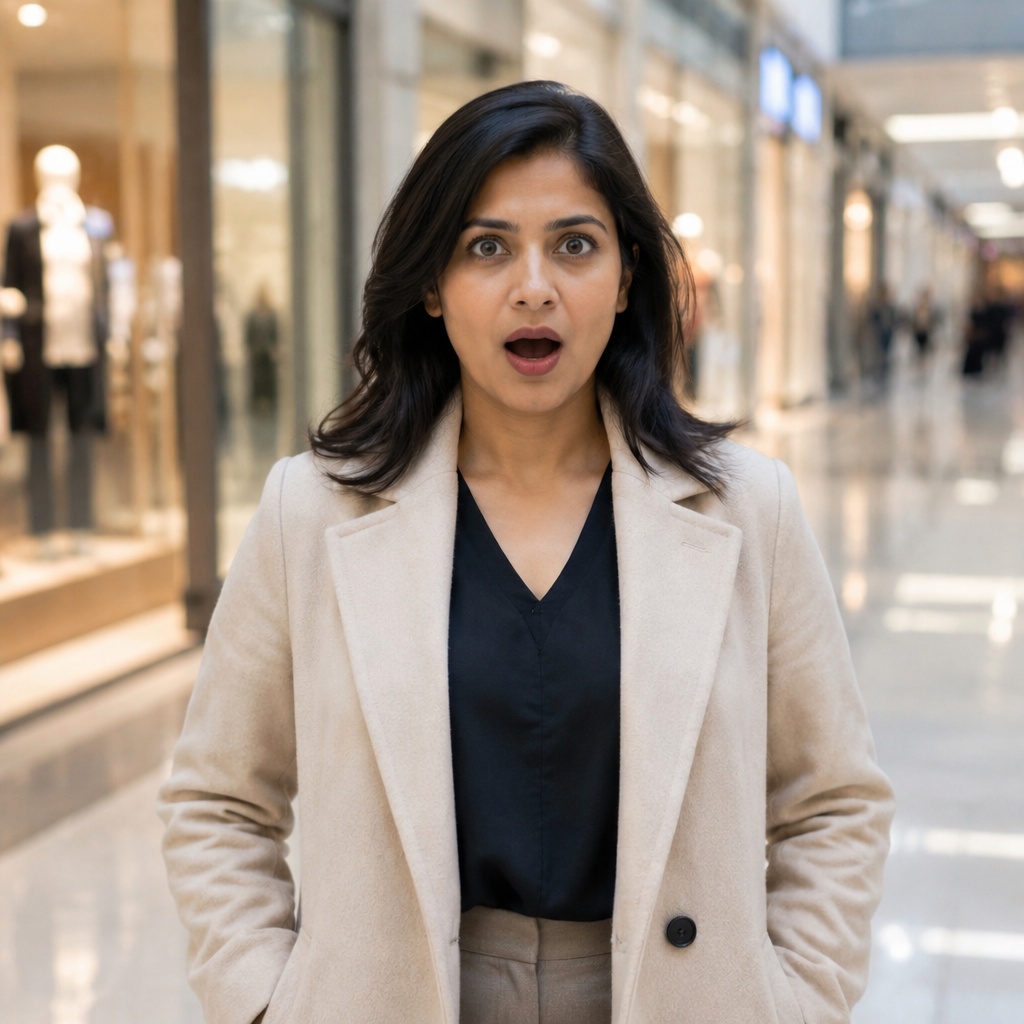
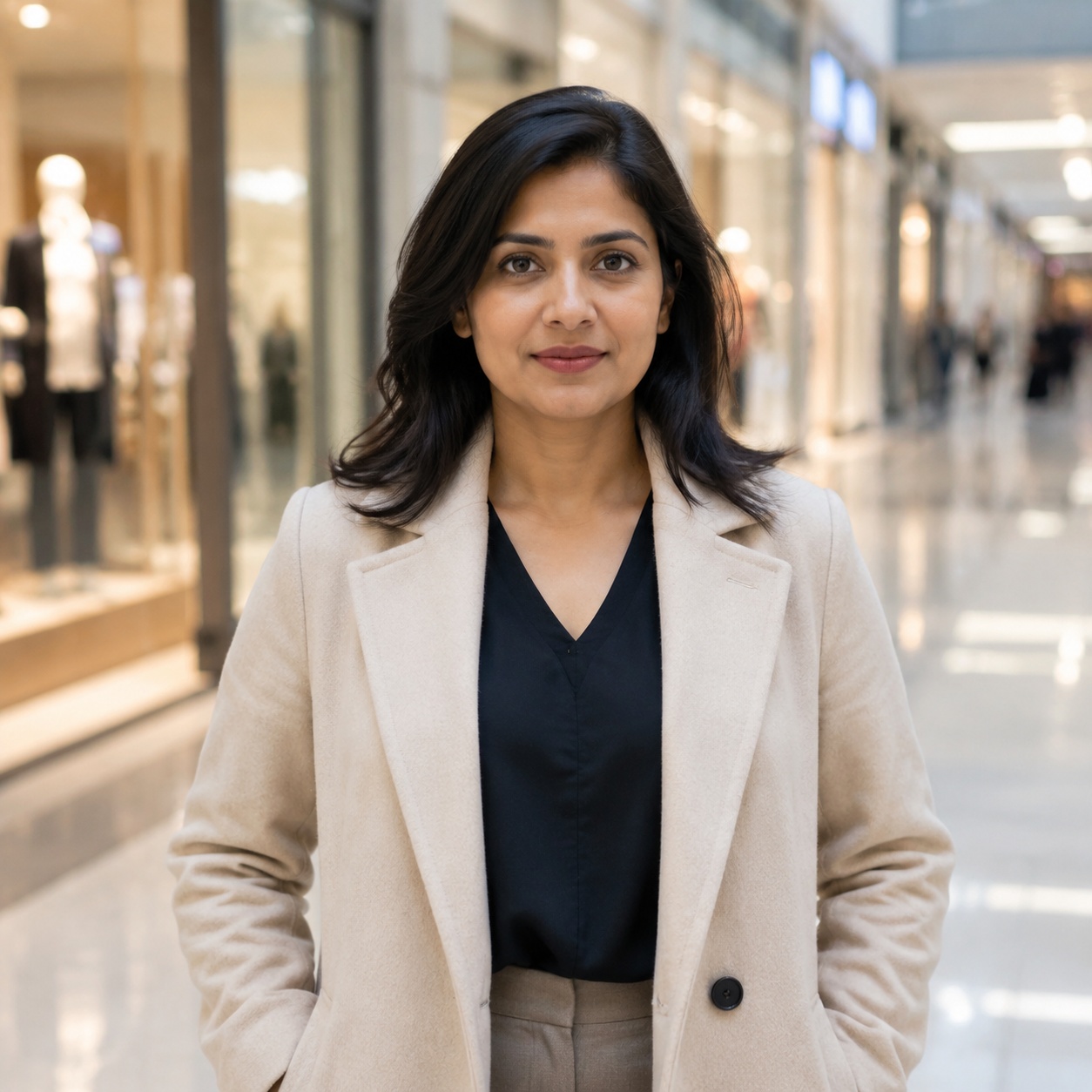
Emotional portrait → more open reaction
Avoid a cartoon result
The main risk is having the eyes, eyebrows, and mouth look like three separate effects. Judge the face as one expression and avoid changing age, makeup, pose, and background in the same operation.
Get a convincing surprised expression first, then use separate tools for other edits.
Face shape and recognizable features should remain stable while the expression changes.
A face that is large enough, sharp, and not covered by hands or accessories gives you more to judge.
A stronger reaction can make a face more noticeable in a visual story.
Surprise can emphasize a reaction to a product or message.
Create a more emotional response without manual facial warping.
Change the mood of a good frame while keeping the character recognizable.
Related pages
The broad tool for smiles, seriousness, surprise, and other expressions.
A focused page for a soft or more expressive smile.
FAQ
No. The tool above uses the real Surprised preset. The intensity descriptions on this page are review guidance, not separate modes.
A surprised expression depends on coordinated changes around the eyebrows, eyes, and mouth while recognizable features should remain stable.
Use a clear portrait, review the entire face, and avoid combining the emotion edit with several unrelated changes in one generation.
An eligible guest can use one successful demo generation globally on SmartGenius. After that, continuing requires registration and the Editor.
No. This page uses the ready-made Surprised preset from the Emotion tool.
AI Surprised Face
Return to the tool above, upload a photo, and run the Emotion edit with the Surprised preset.
Guest AI edits are unavailable. A new account created after the offer started gets one successful free edit with any editor tool, including Premium. Further edits require tokens. This is one account-wide attempt, not one per page.
Further AI edits use tokens at the tool rate. Technical failures should not consume a free attempt. Switching project modes does not reset used attempts. Purchased tokens and permanent Premium remain intact; Premium unlocks after a purchase.