Hips and back should rest on the surface believably.

SITTING · SUPPORT & CONTACT
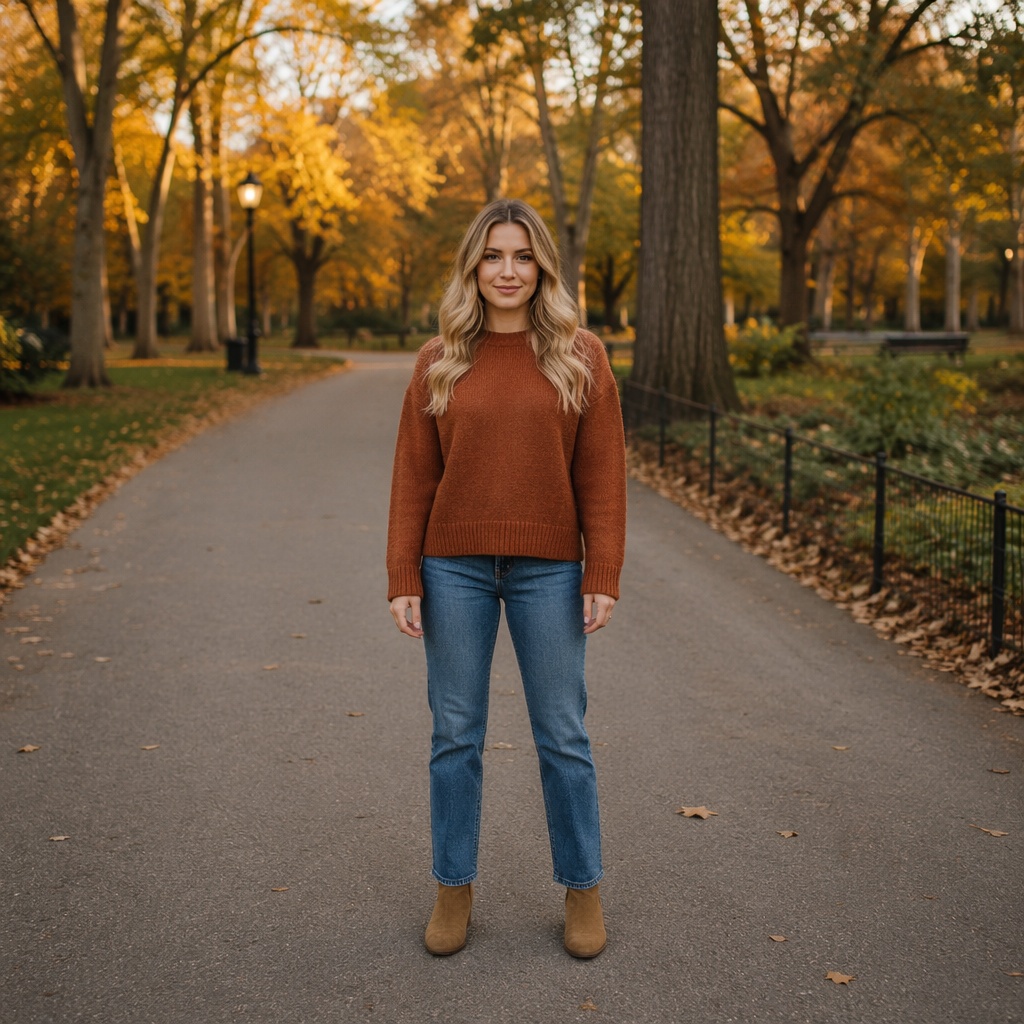
Change a Sitting Pose in a Photo with AI
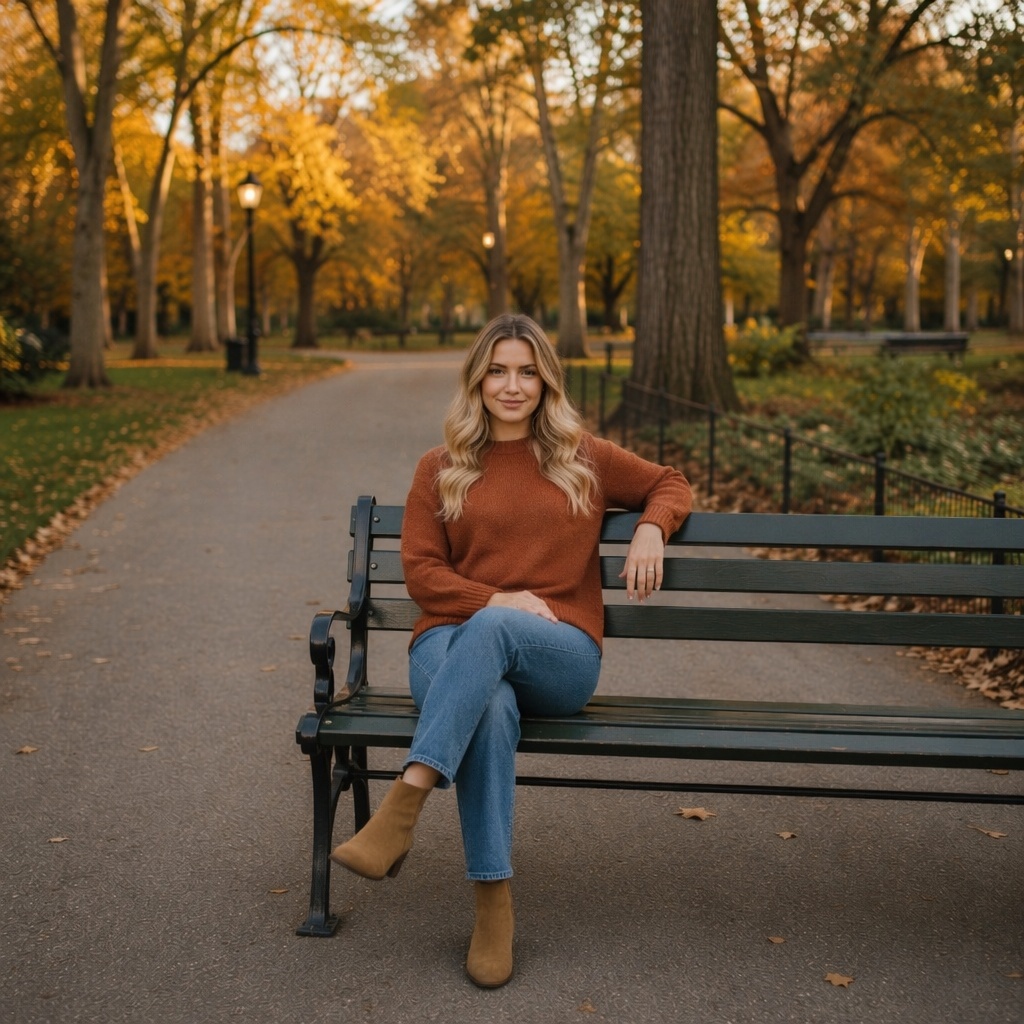
Rebuild a seated pose specifically: torso, hips, arms, and legs should interact naturally with a chair, sofa, or other support.
- Focused on seated posture
- Accounts for support contact
- Face and clothing stay consistent
SITTING · SUPPORT & CONTACT
A seated pose starts with support
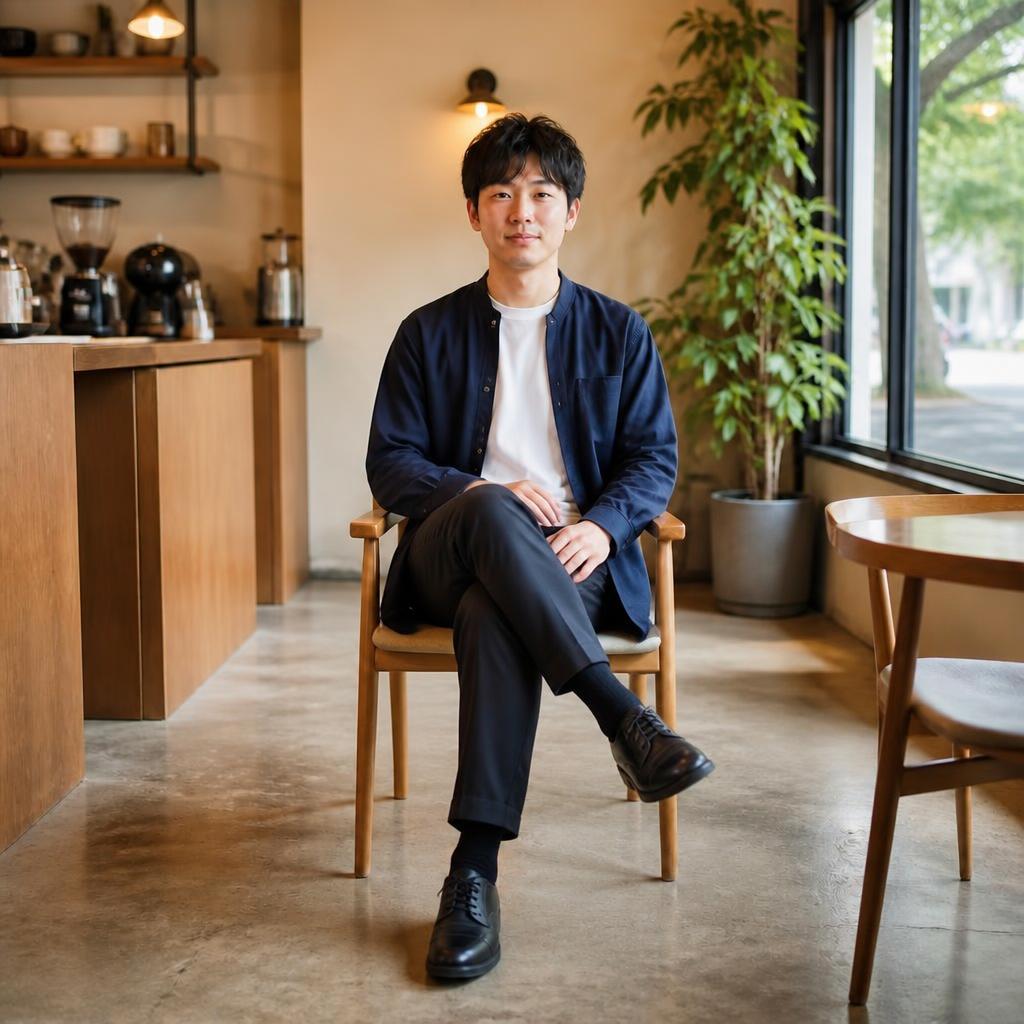
The key is not only where the limbs go, but how the body contacts the seat: hips, feet, elbows, and believable contact shadows all matter.
QUALITY CHECK
What to inspect
Feet should not sink into the floor or furniture.
Elbows and hands need a natural resting point.
Contact shadows prevent a floating look.
BEFORE / AFTER
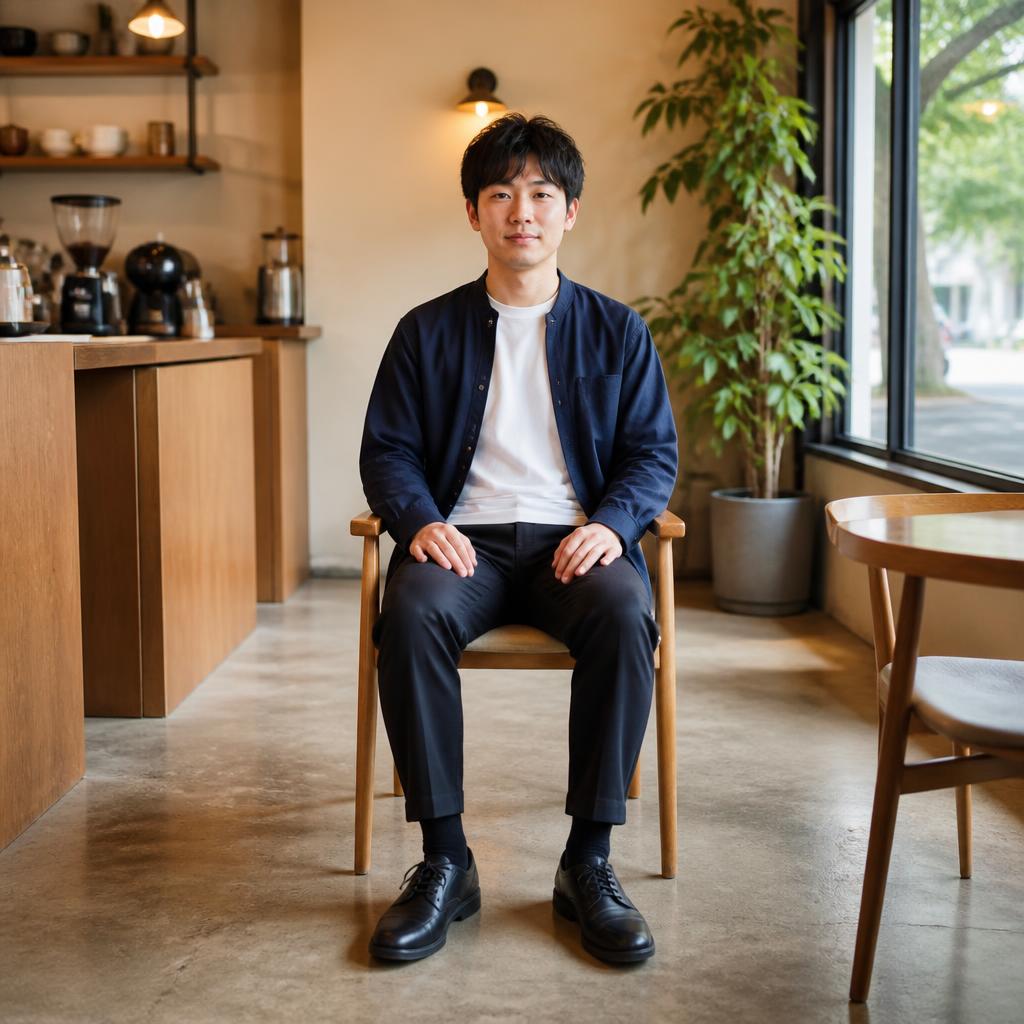
Before and after examples
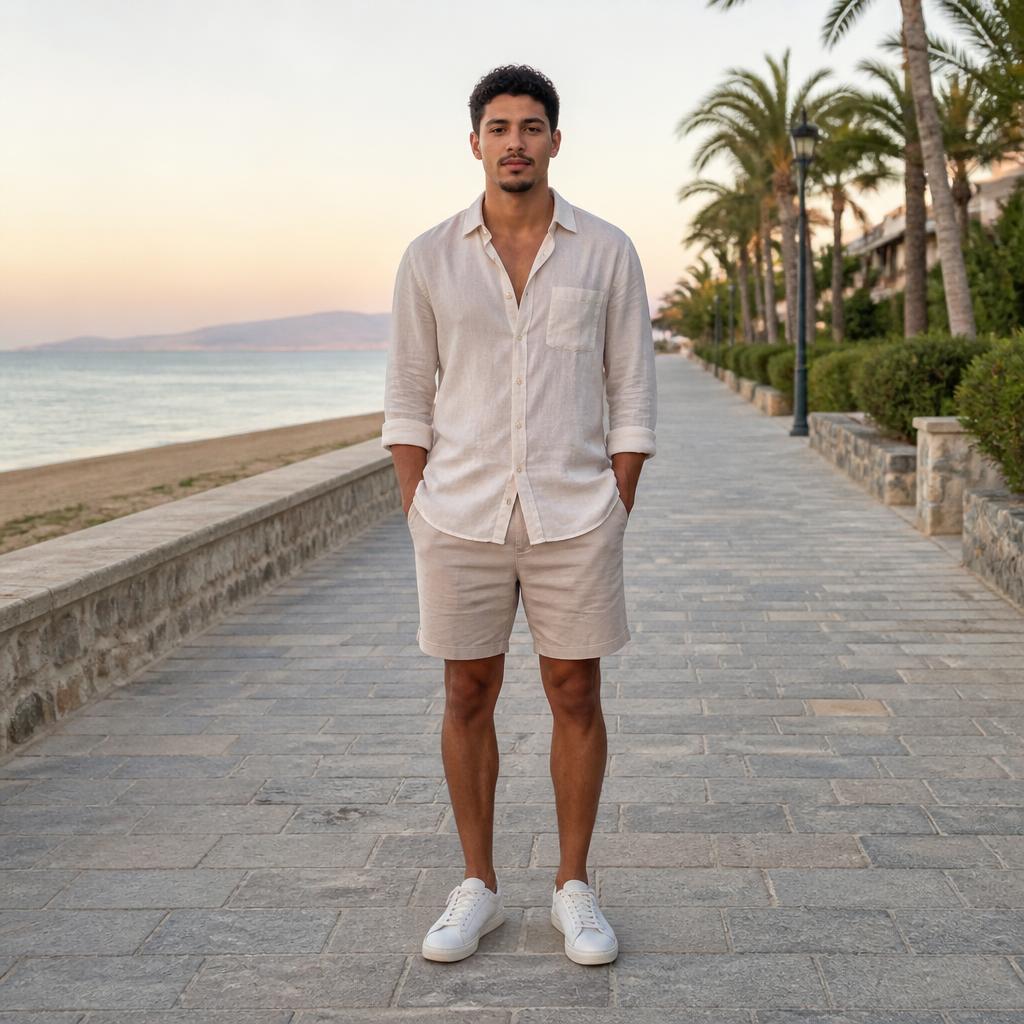
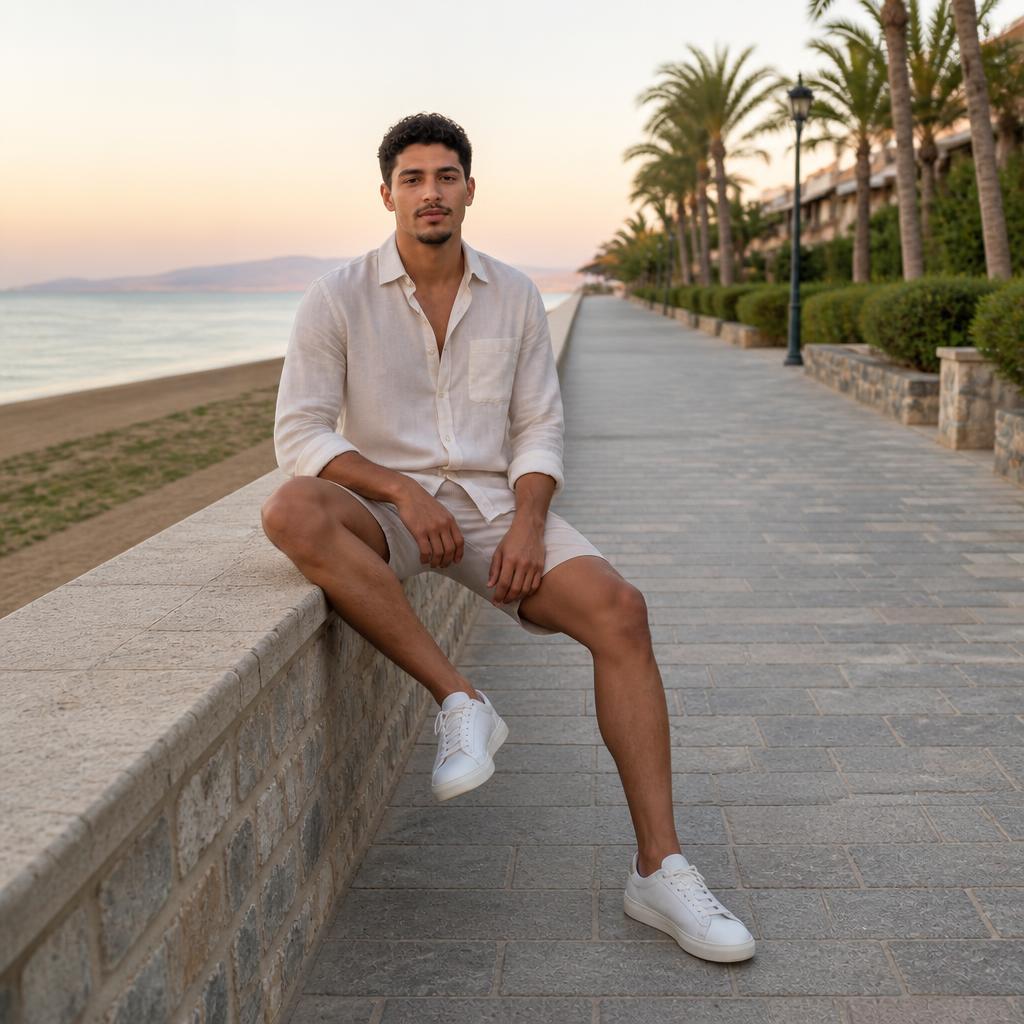
Chair portraits
Make a seated portrait calmer and more composed.


Lifestyle
Create a relaxed natural sitting position.
Business photos
Build a confident desk or chair pose.
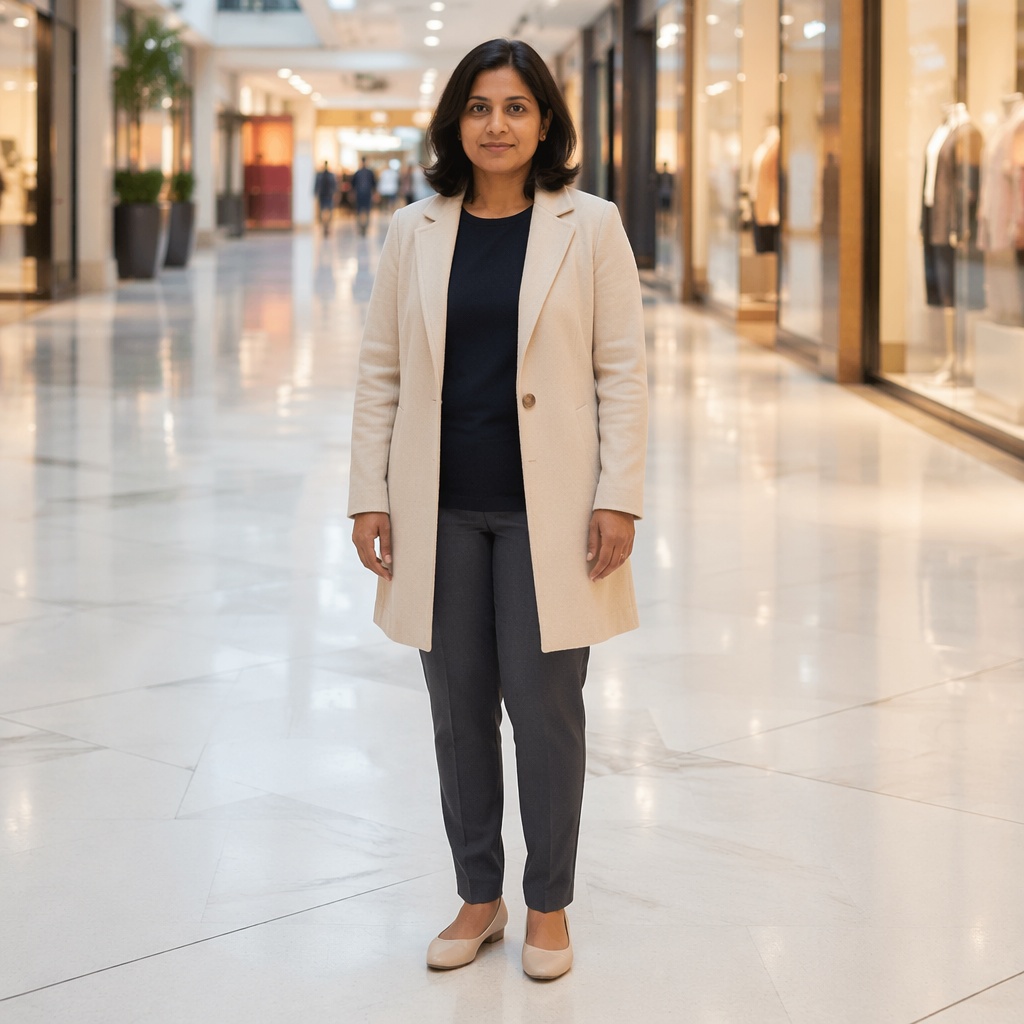
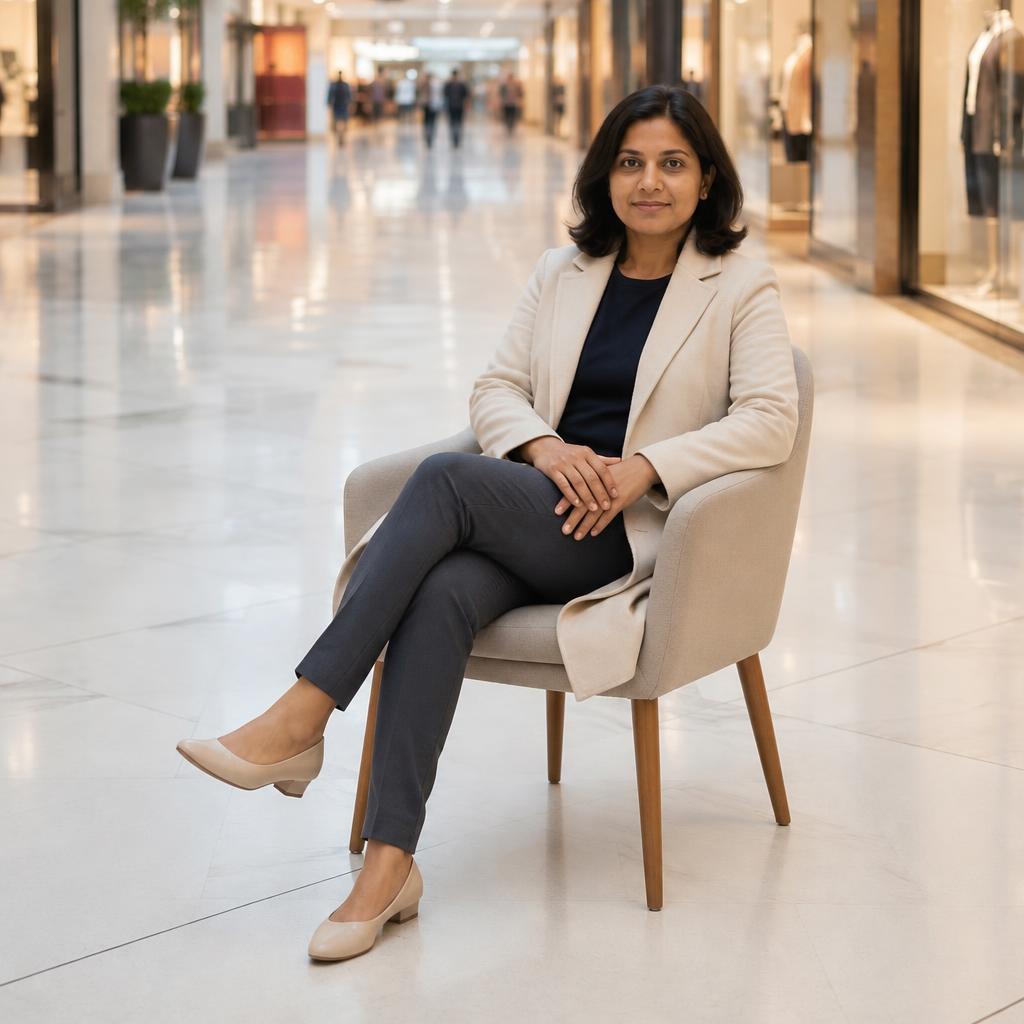
Fashion
Keep the outfit while changing seated body language.
USE CASES
Where this pose direction works
Chair portraits
Make a seated portrait calmer and more composed.
Lifestyle
Create a relaxed natural sitting position.
Business photos
Build a confident desk or chair pose.
Fashion
Keep the outfit while changing seated body language.
FAQ
Questions about this pose
Does the chair or seat need to be visible?
Preferably. A visible support helps the AI align the pelvis, legs, and torso with the actual surface.
Will the furniture stay the same?
The workflow aims to preserve the chair or other support, but you should inspect furniture edges, body contact, and perspective after generation.
What photos work best?
Choose a frame where the torso, arms, hips, and at least part of the legs are visible without large objects blocking the body.
Can I create a relaxed or business sitting pose?
Yes. Try several presets and compare relaxed, confident, fashion, or lifestyle-oriented seated poses.
What should I check afterward?
Inspect the seat contact, feet, hands, clothing folds, and the shadows where the body meets the furniture.
Can I keep editing the result?
Yes. Open the result in Editor to change the background, outfit, lighting, or other details separately.
TRY IT
Try this pose on your photo
Upload a photo, choose the pose direction that fits your goal, and compare the result with the original in the Hero.
AI processing terms
What is free and when do I need an account?
Guest AI edits are unavailable. A new account created after the offer started gets one successful free edit with any editor tool, including Premium. Further edits require tokens. This is one account-wide attempt, not one per page.
How do I pay for further edits?
Further AI edits use tokens at the tool rate. Technical failures should not consume a free attempt. Switching project modes does not reset used attempts. Purchased tokens and permanent Premium remain intact; Premium unlocks after a purchase.