Back and shoulders should look natural.

STANDING · WEIGHT & POSTURE
Change a Standing Pose in a Photo with AI
Adjust a standing person specifically: posture, weight shift, arms, and legs while keeping the face, outfit, and scene consistent.
- Standing position only
- Posture and weight shift
- Real Editor Pose presets
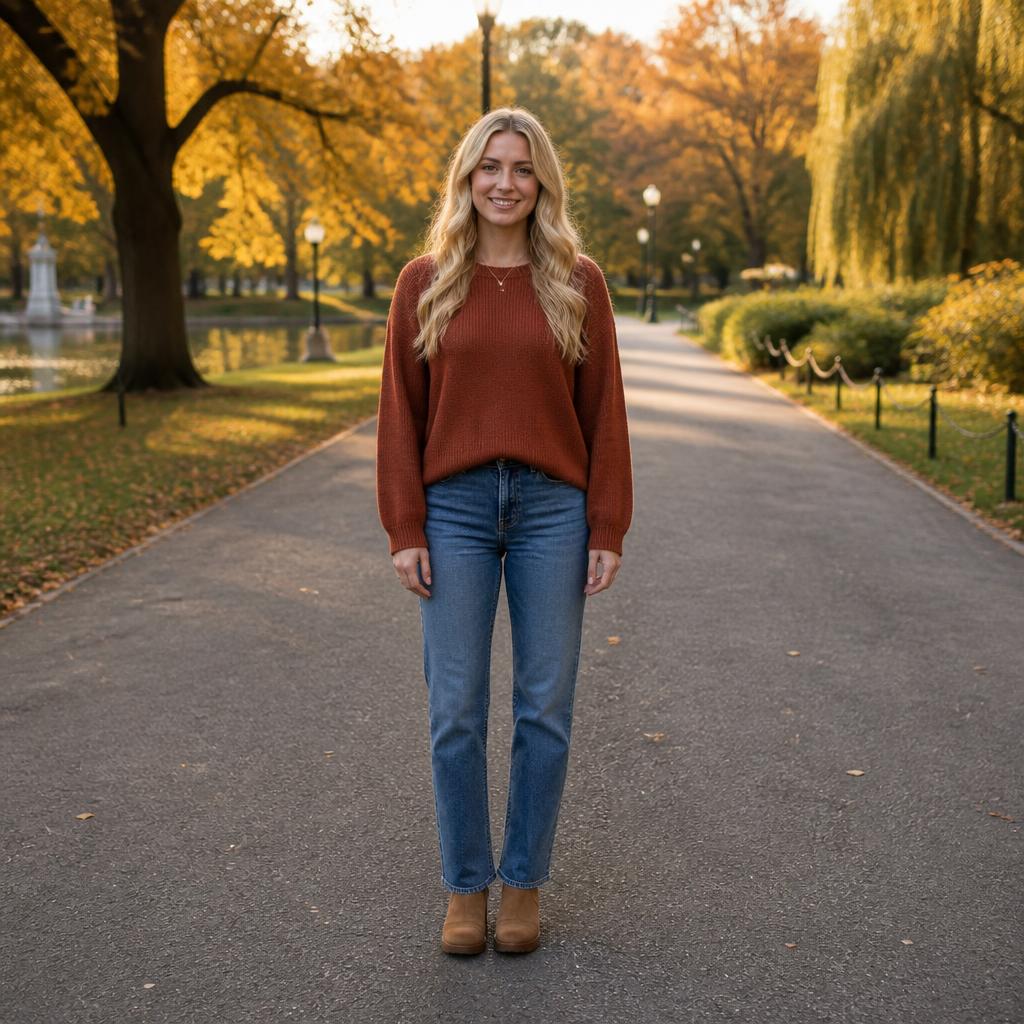
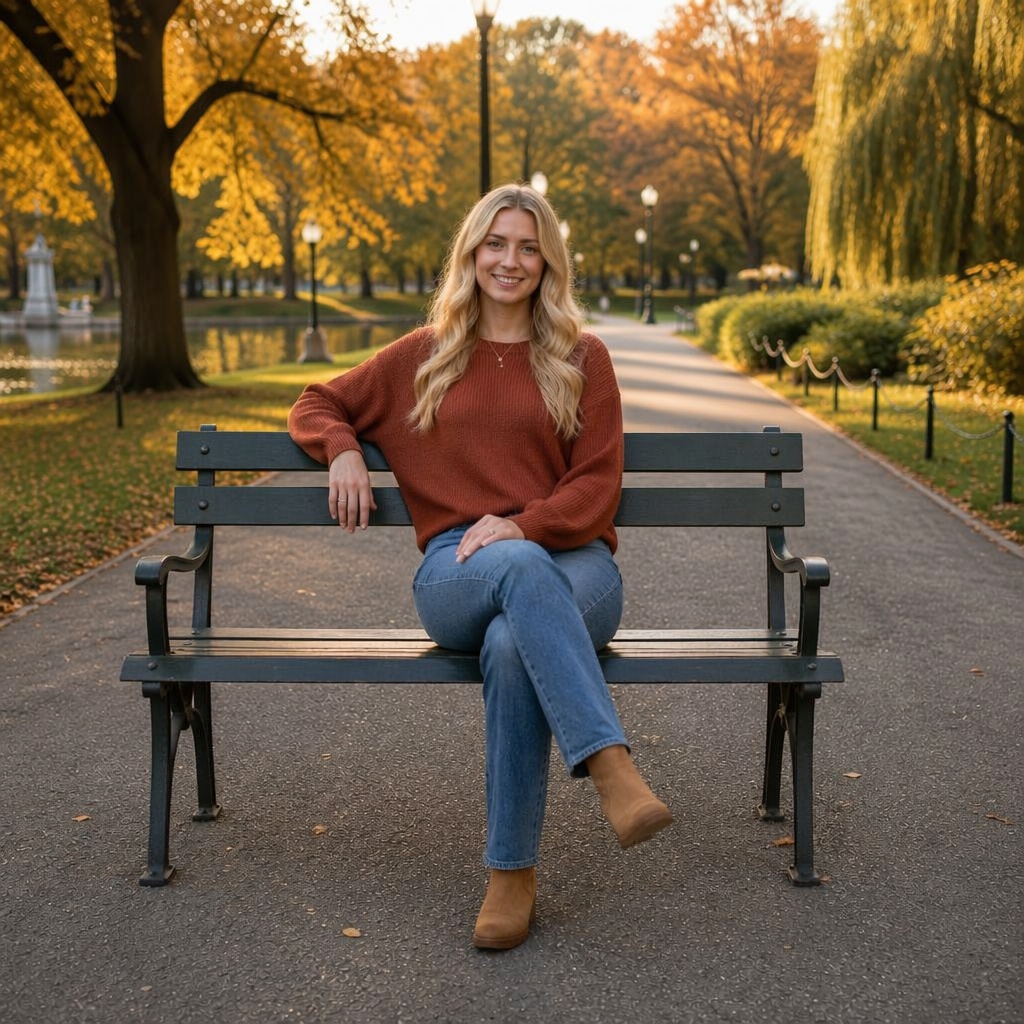
STANDING · WEIGHT & POSTURE
Standing Pose keeps the person on their feet
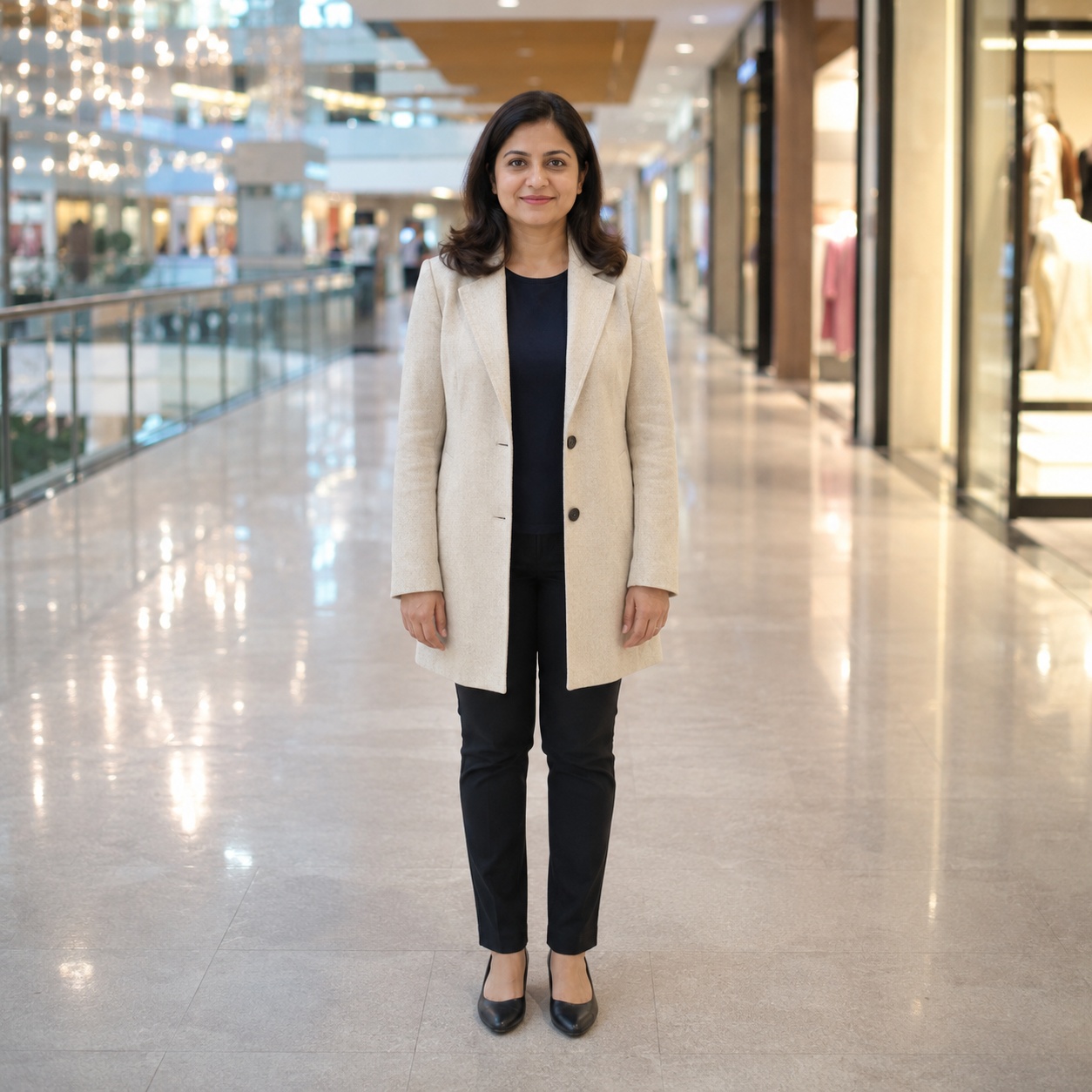
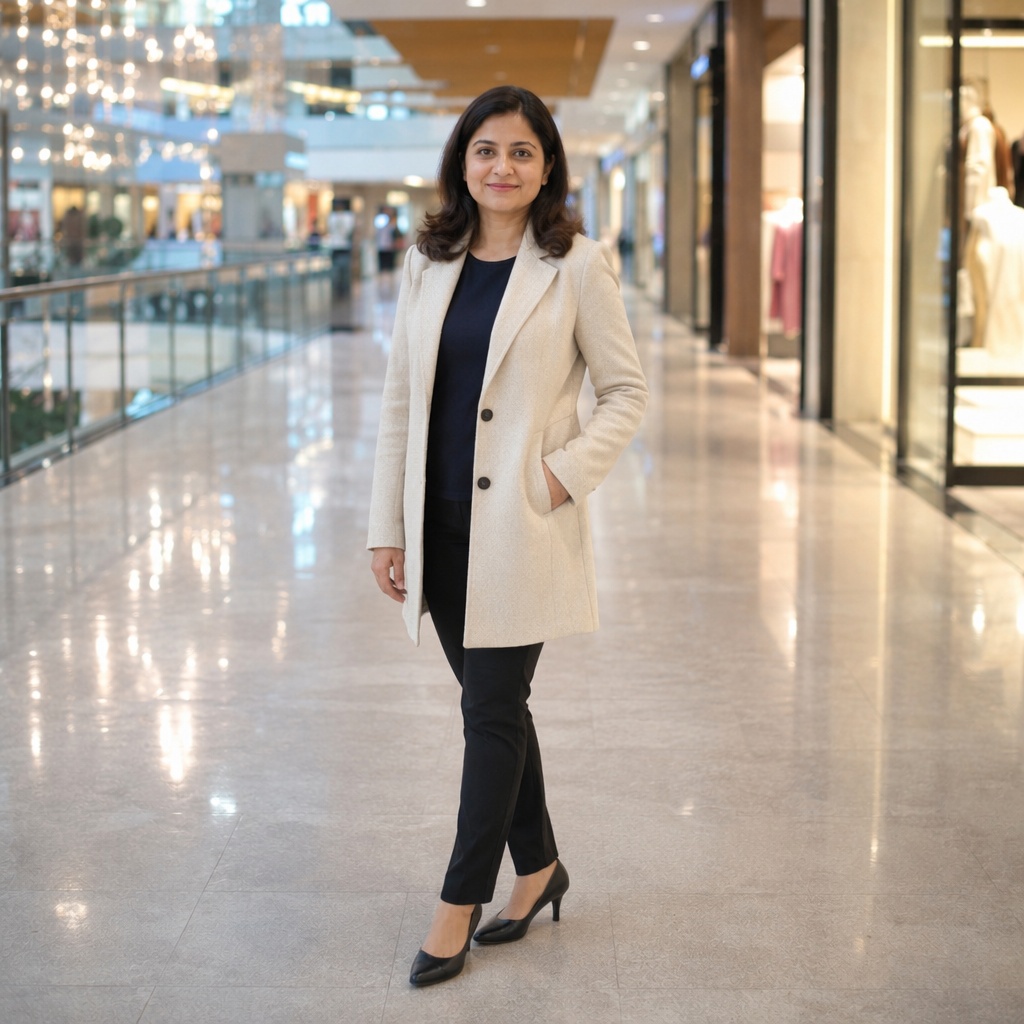
This page is about the body-position type: the person is standing. The core variables are posture, supporting leg, weight distribution, and arm placement.
QUALITY CHECK
What to inspect
The center of gravity should sit over the supporting leg.
Foot direction should match the torso angle.
Arm placement should not break the shoulder line.
BEFORE / AFTER
Before and after examples
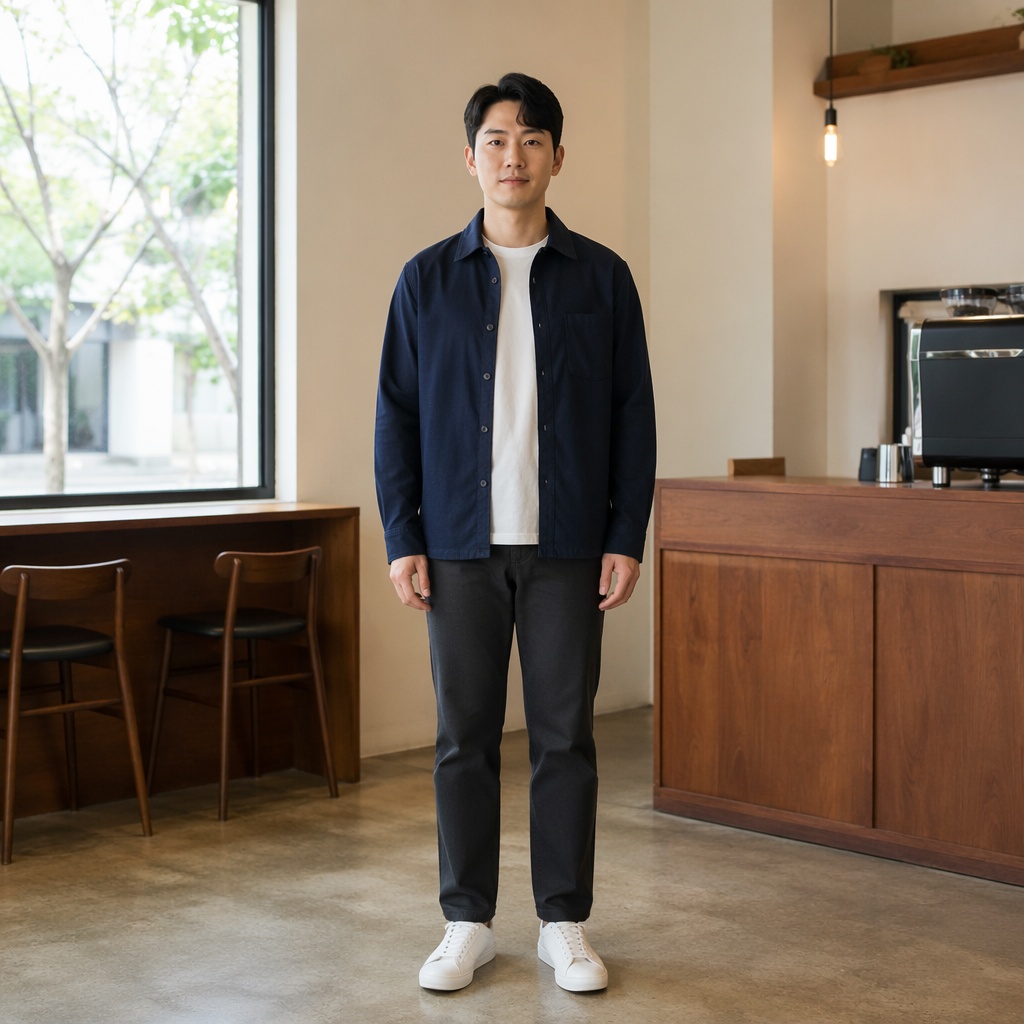
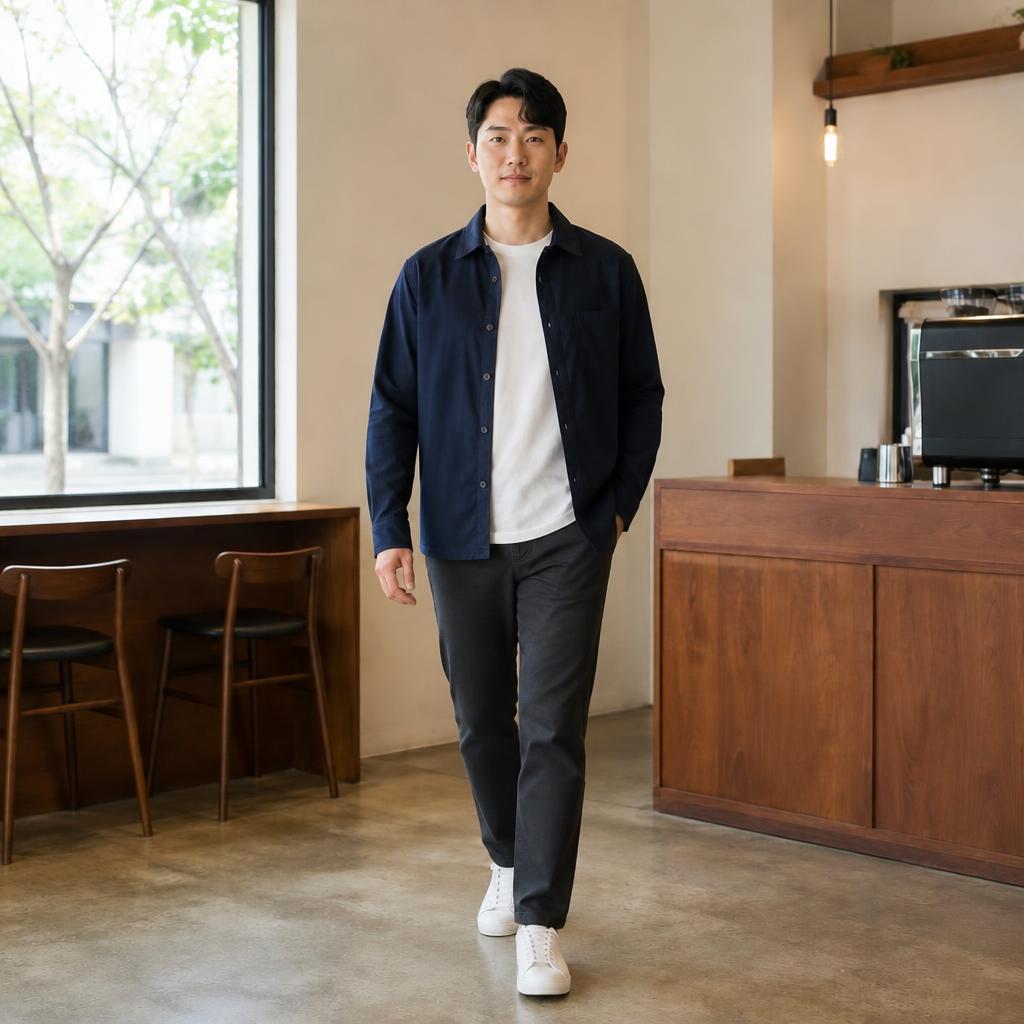
Business portraits
Make the stance more confident and composed.
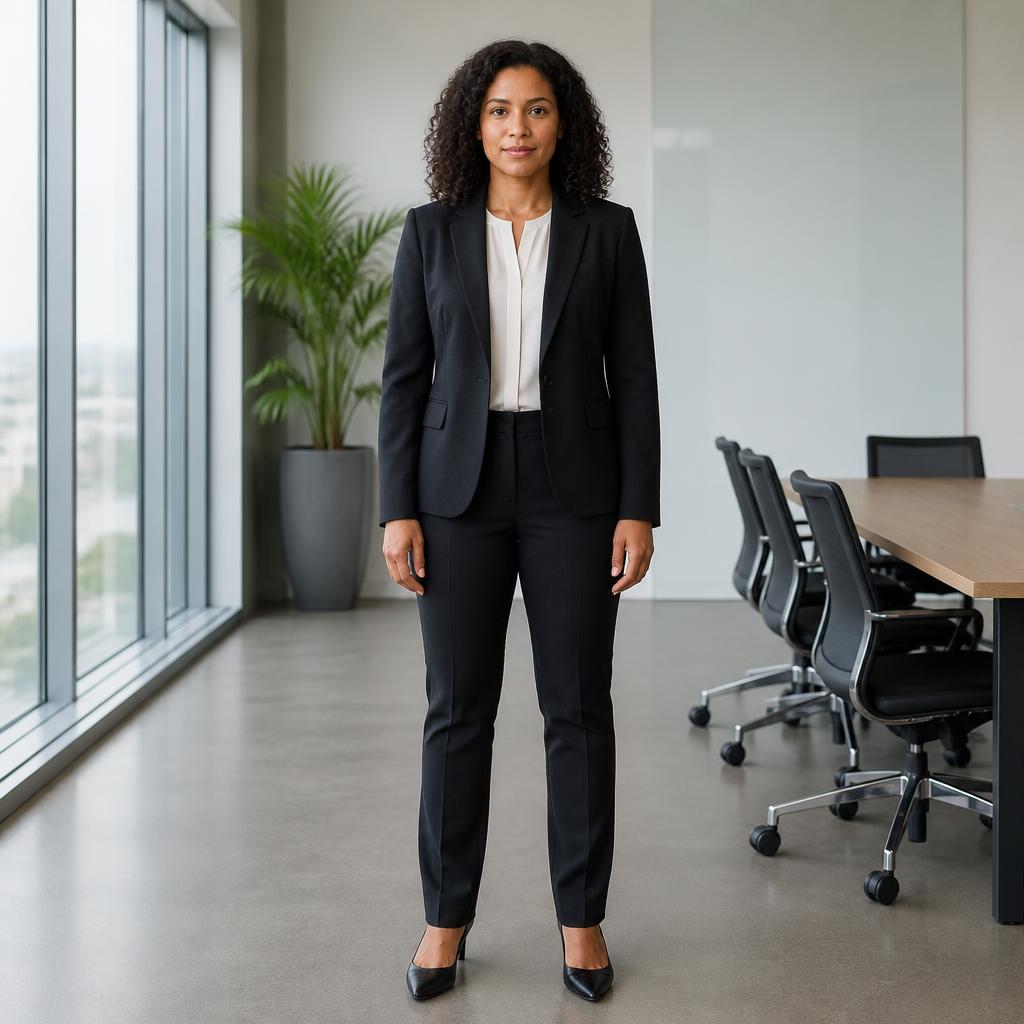
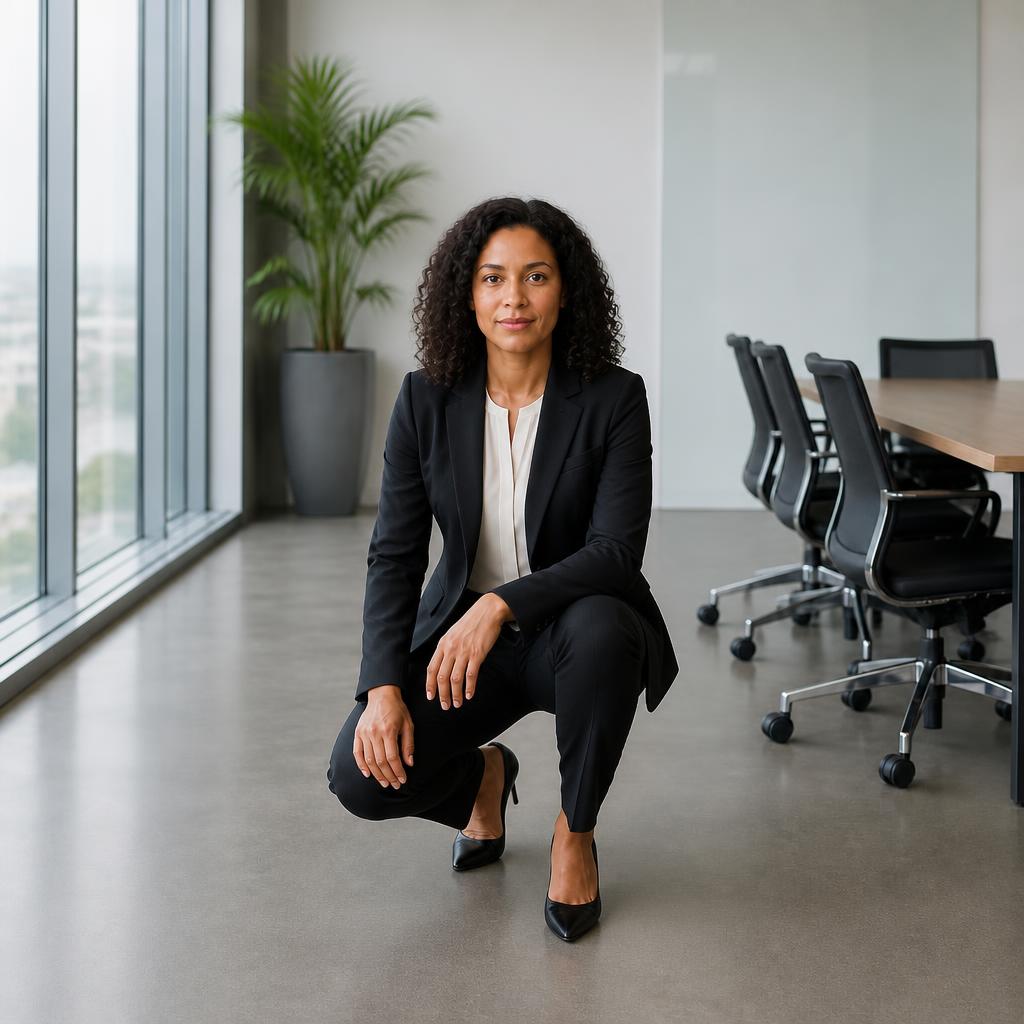
Everyday photos
Reduce stiffness in a standing pose.
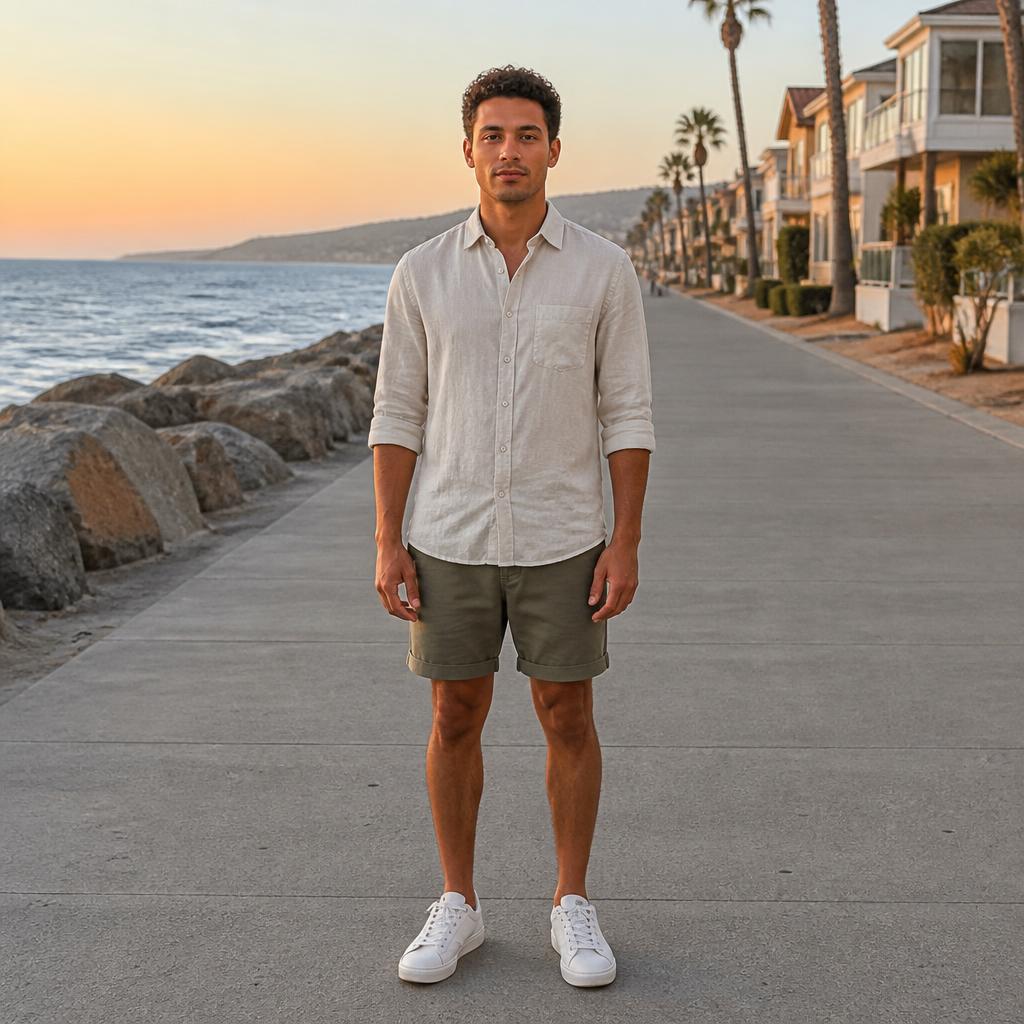
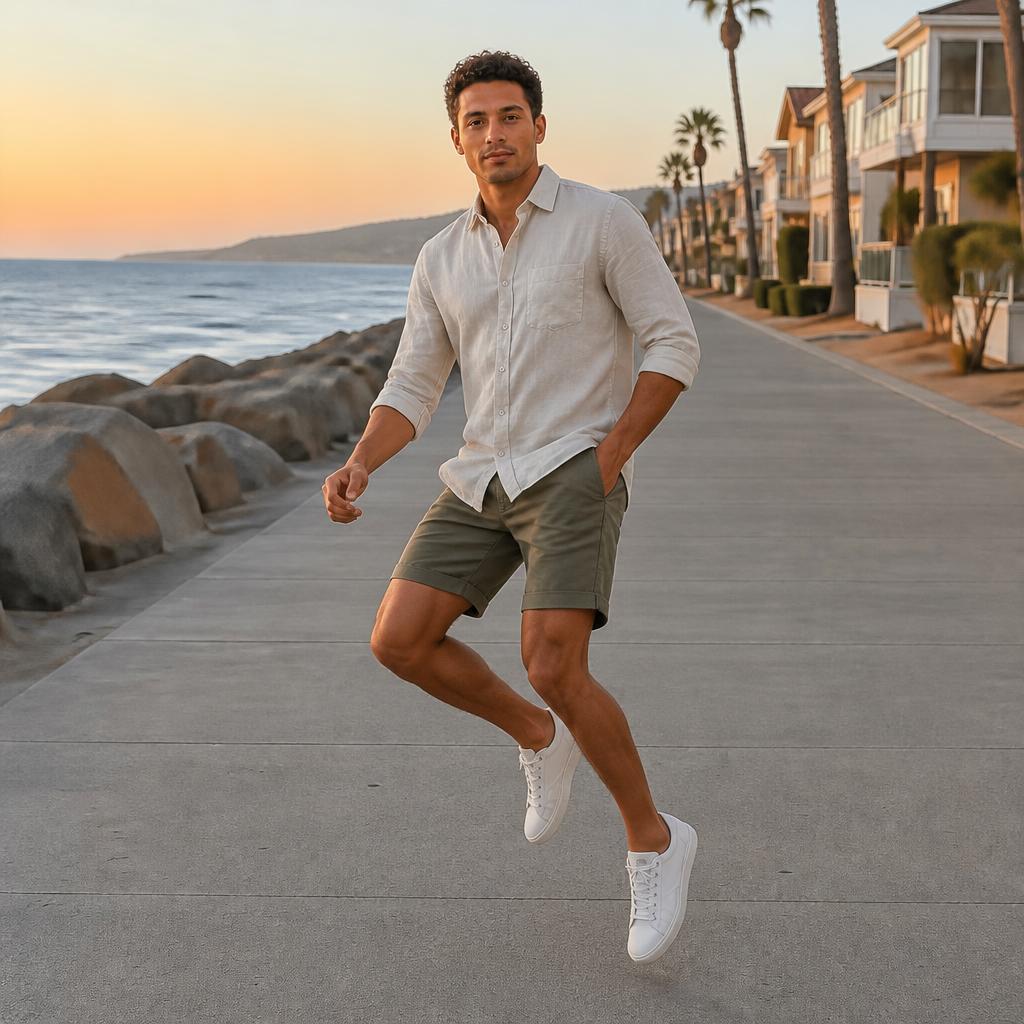
Catalogs
Keep clothing silhouette clear and readable.
Profiles
Create a calm or more dynamic stance.
USE CASES
Where this pose direction works
Business portraits
Make the stance more confident and composed.
Everyday photos
Reduce stiffness in a standing pose.
Catalogs
Keep clothing silhouette clear and readable.
Profiles
Create a calm or more dynamic stance.
FAQ
Questions about this pose
What does Standing Pose actually change?
This workflow focuses on stance: posture, weight shift, leg position, torso angle, and arms while the person remains standing.
How is it different from Full Body Pose?
Standing Pose describes the body state—the person is standing. Full Body Pose is about full-length framing and the composition of the entire silhouette.
What photos work best?
Use frames where the hips, legs, and floor contact are visible. Seeing both feet or the leg direction gives the model clearer geometry.
Can I make the stance look more confident?
Yes. Adjust weight distribution, straighten posture, turn the torso, and choose a more intentional arm position.
What should I check after generation?
Inspect the feet, knees, hip balance, contact with the ground, hands, and whether shadows still match the new stance.
Can I keep editing the result?
Yes. Continue in Editor to change clothing, background, lighting, or other elements separately.
TRY IT
Try this pose on your photo
Upload a photo, choose the pose direction that fits your goal, and compare the result with the original in the Hero.
AI processing terms
What is free and when do I need an account?
Guest AI edits are unavailable. A new account created after the offer started gets one successful free edit with any editor tool, including Premium. Further edits require tokens. This is one account-wide attempt, not one per page.
How do I pay for further edits?
Further AI edits use tokens at the tool rate. Technical failures should not consume a free attempt. Switching project modes does not reset used attempts. Purchased tokens and permanent Premium remain intact; Premium unlocks after a purchase.