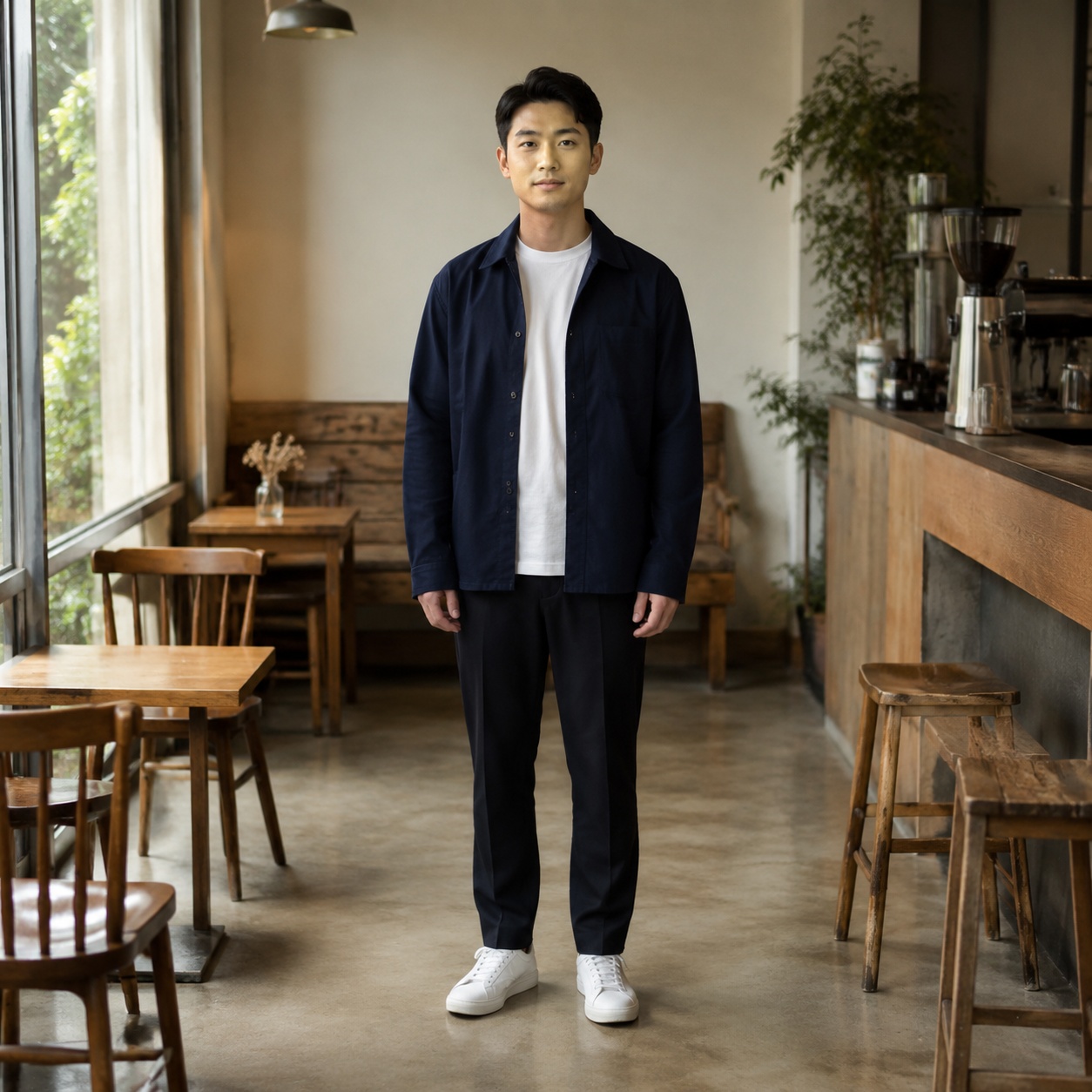
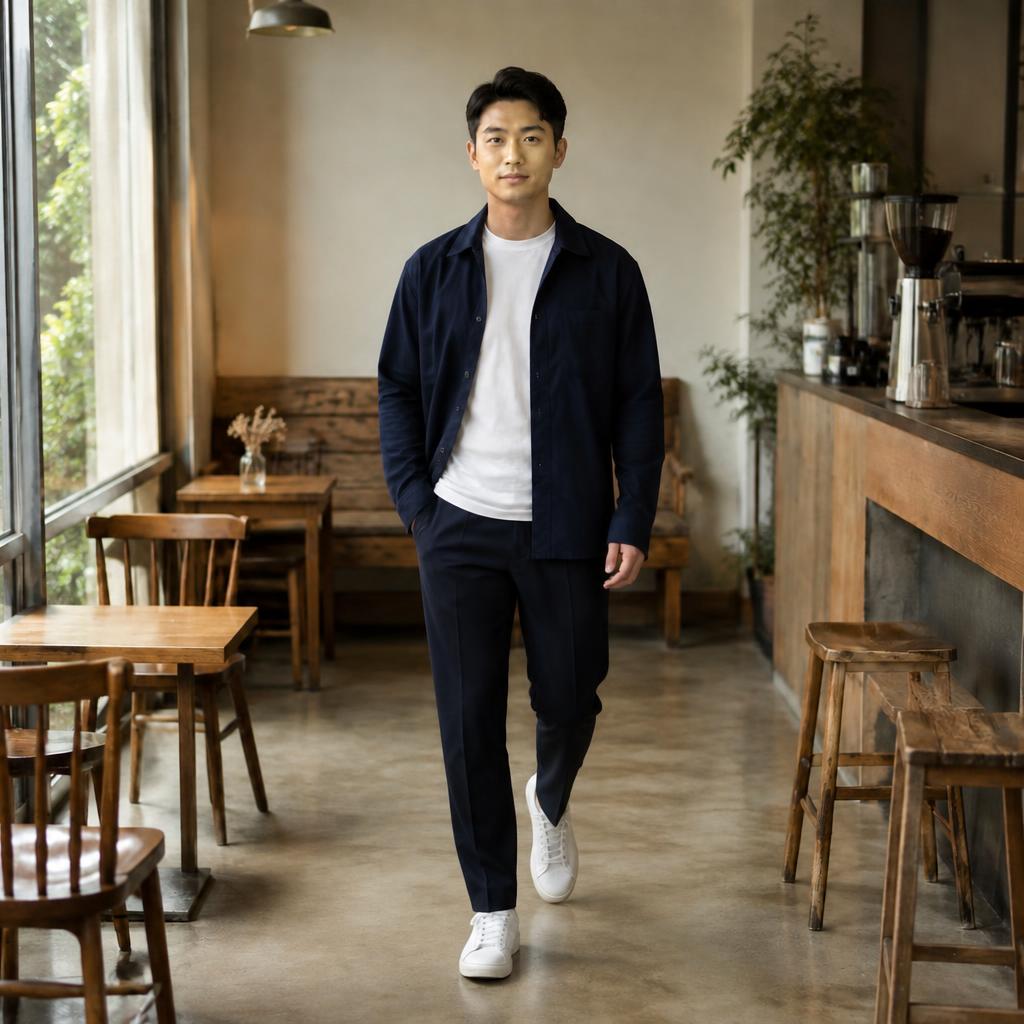
Lookbooks
Create a series with varied model body language.

MODEL · FASHION DIRECTION
Create fashion and editorial poses for lookbooks, catalogs, and social media. The focus is model body language and visual attitude, not merely standing upright.
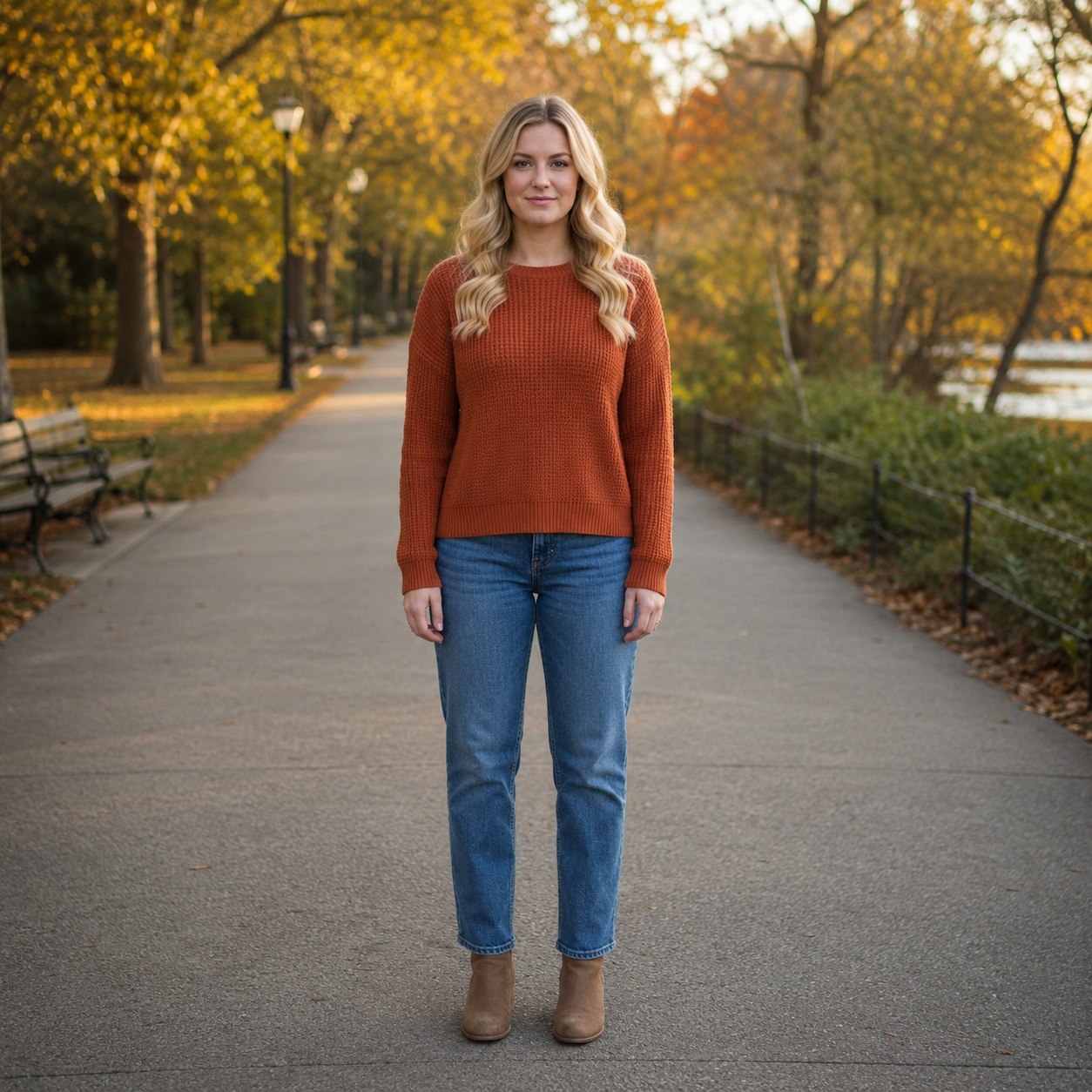
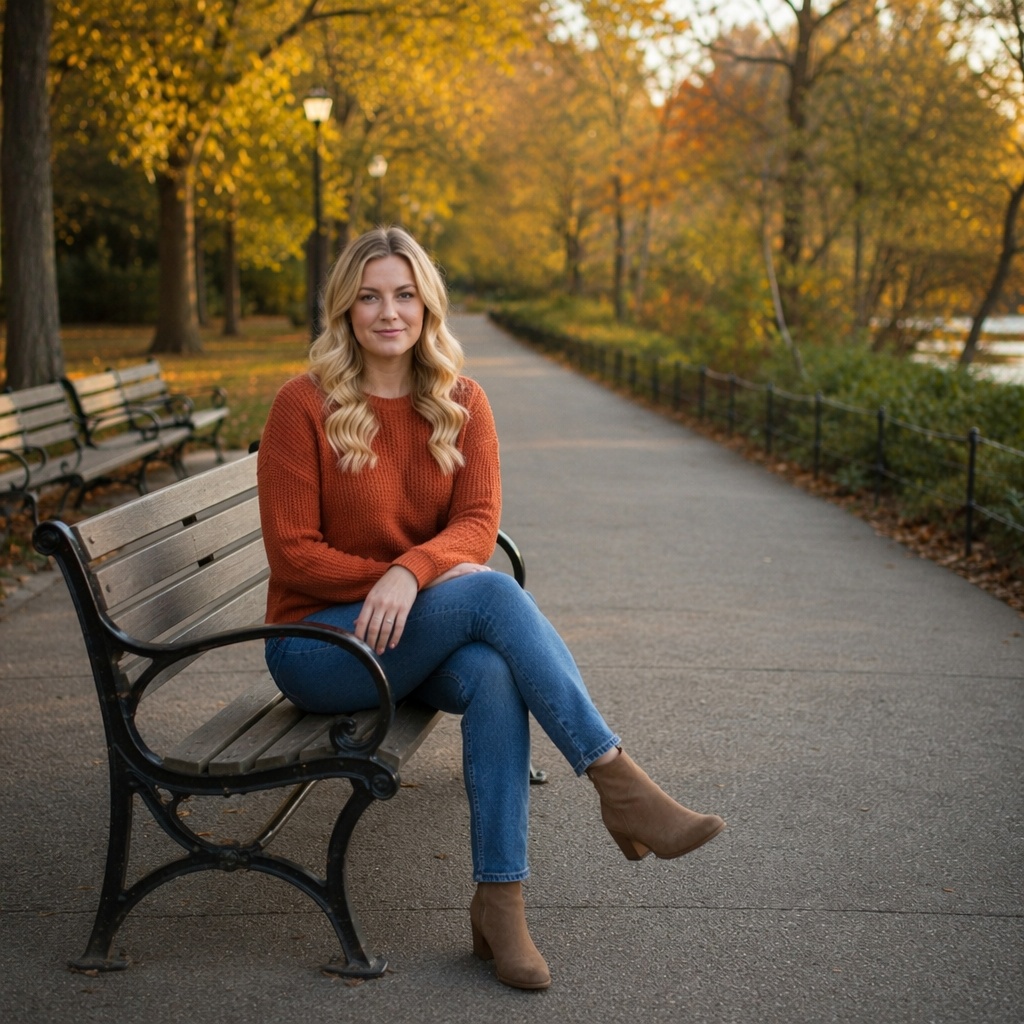
MODEL · FASHION DIRECTION
A model pose is defined by shoulder line, torso angle, hand placement, and controlled movement. That makes it distinct from a generic standing-pose edit.
BEFORE / AFTER
Create a series with varied model body language.
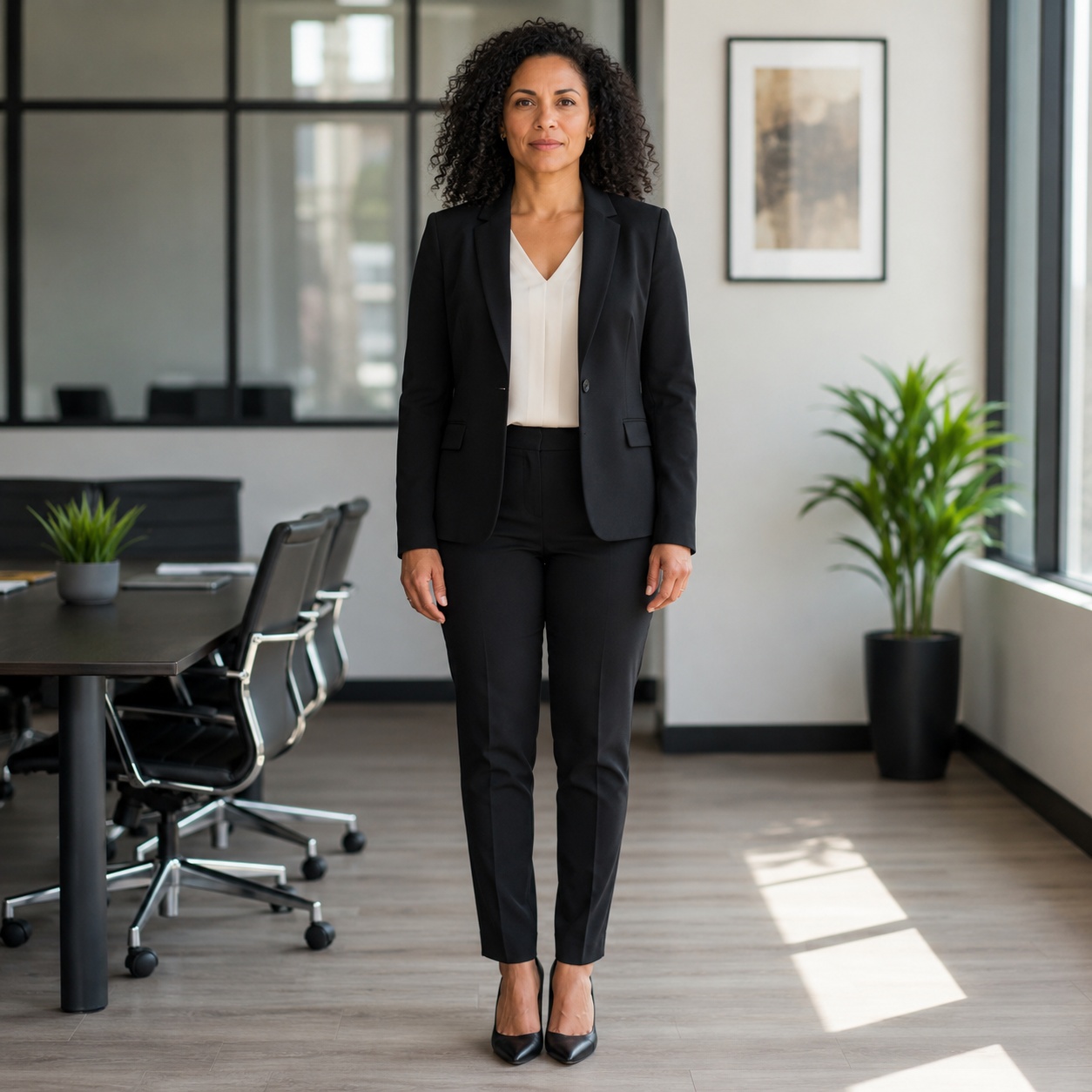
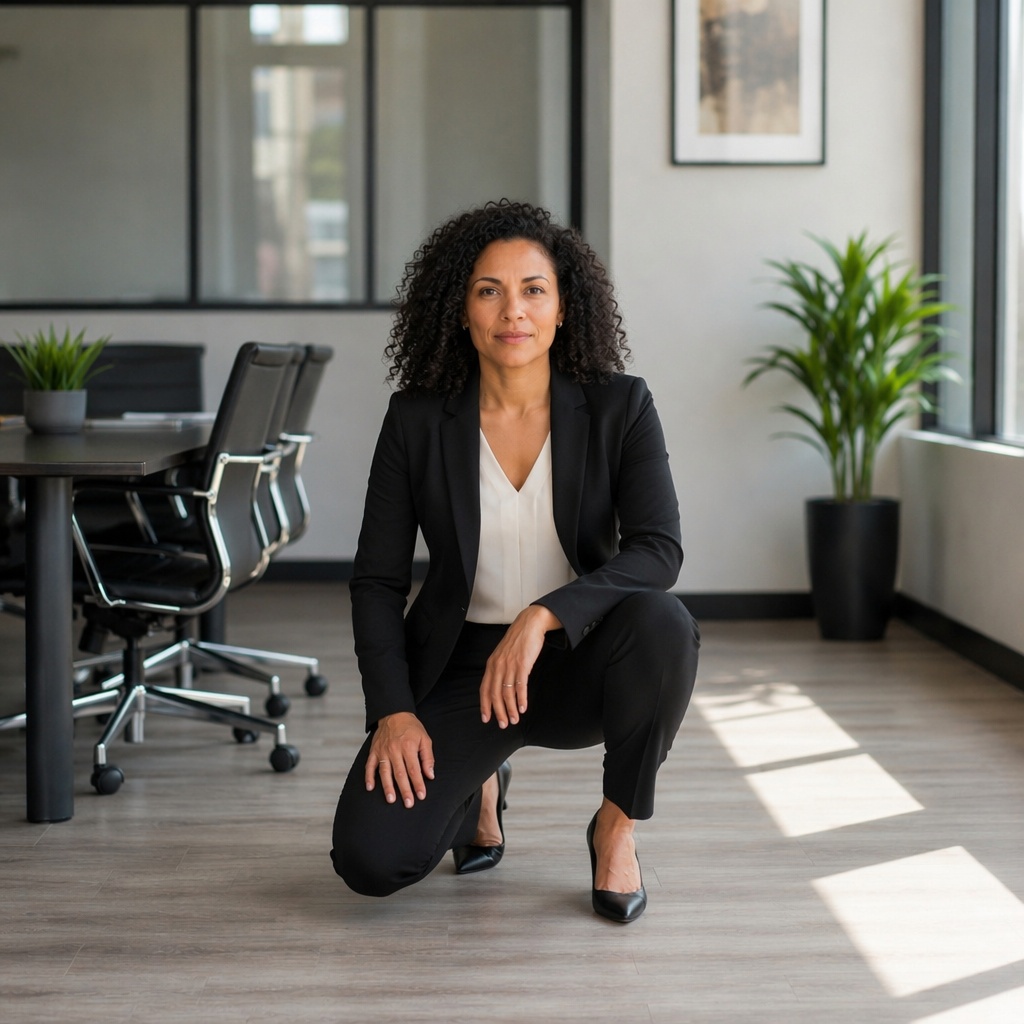
Add editorial attitude without another shoot.
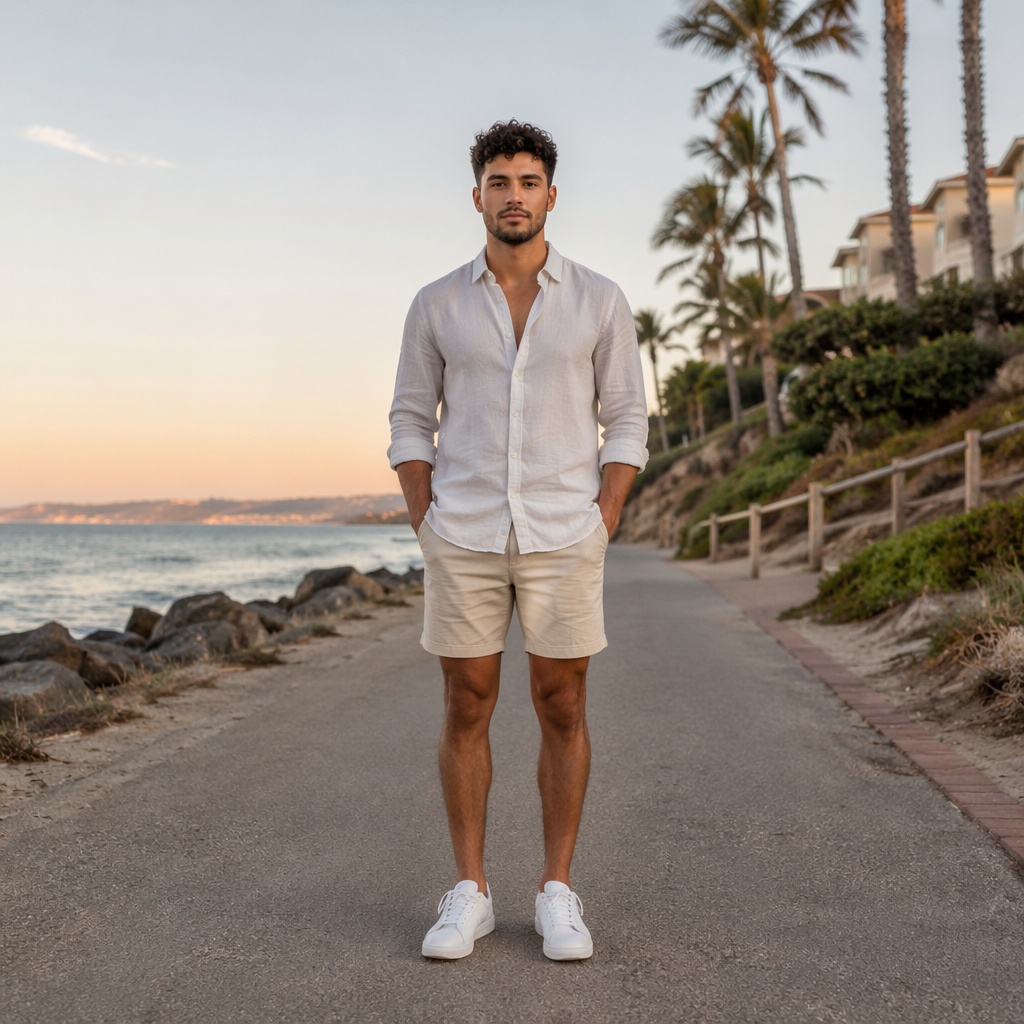
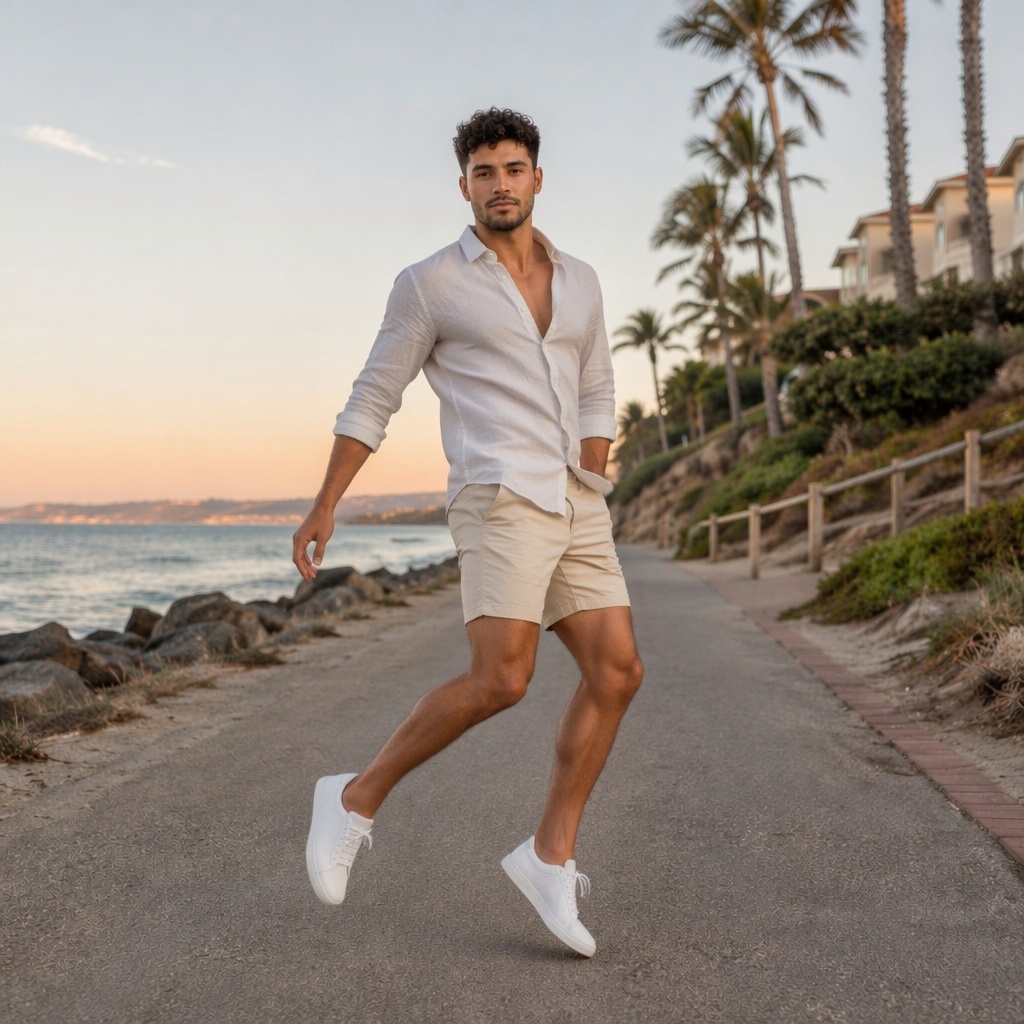
Choose a confident pose that presents clothing clearly.
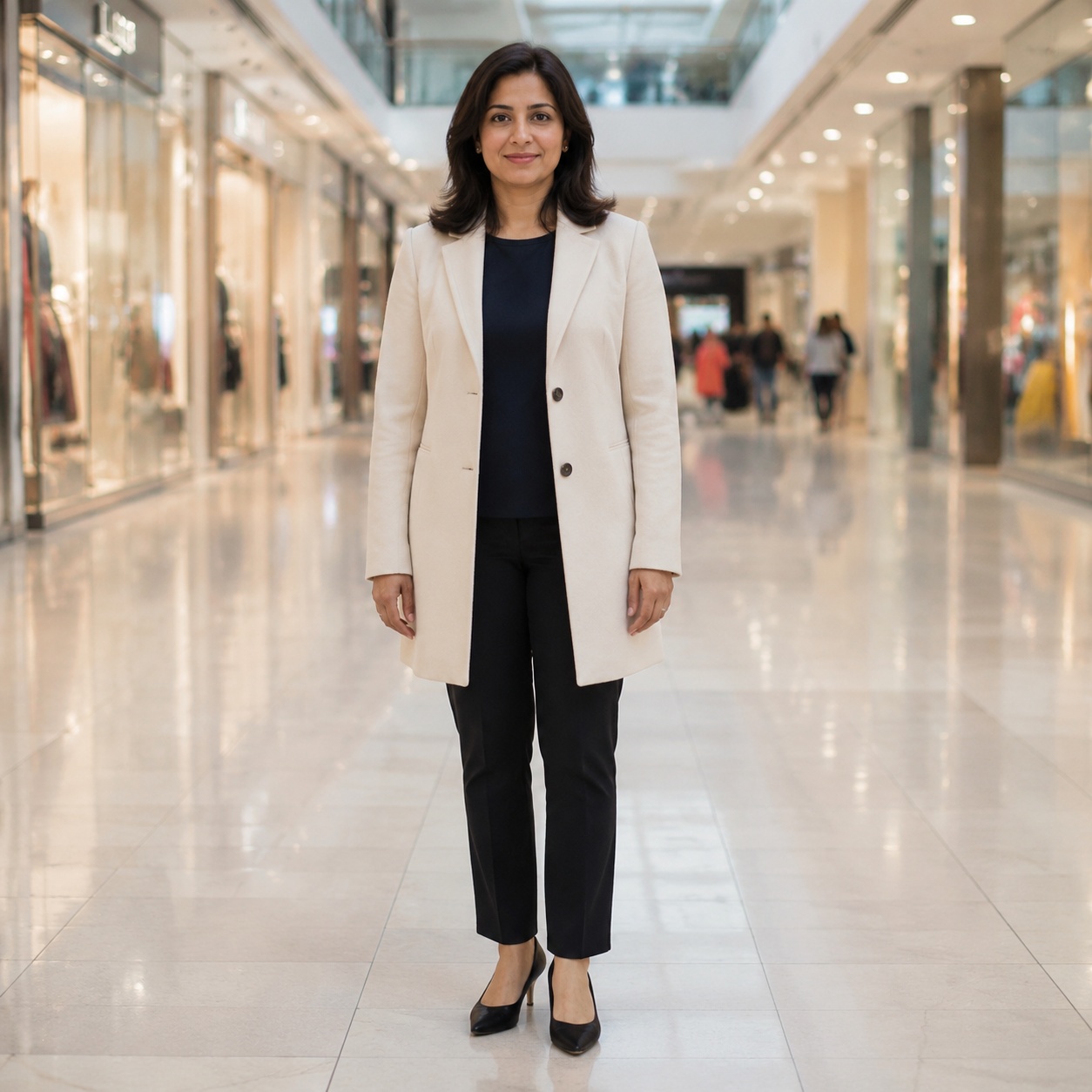
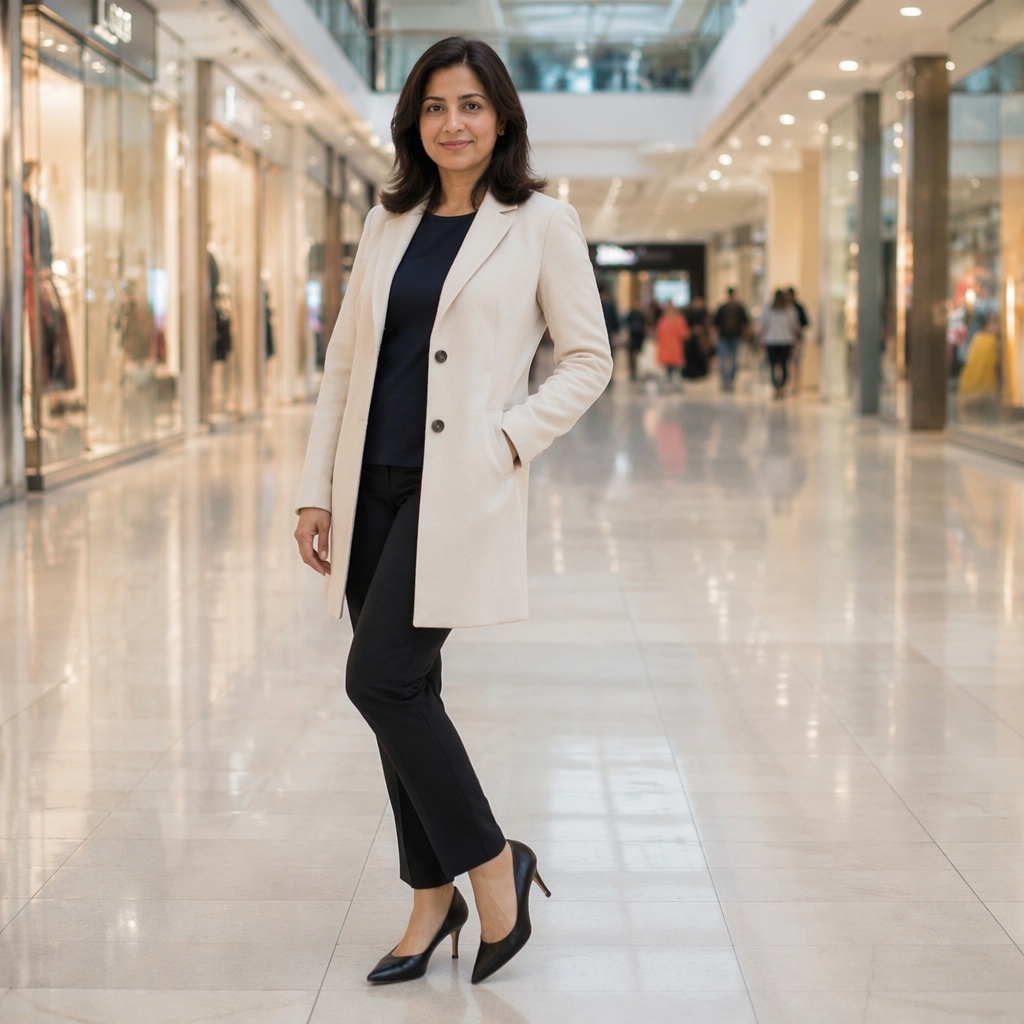
Make the frame more expressive for publishing.
USE CASES
Create a series with varied model body language.
Add editorial attitude without another shoot.
Choose a confident pose that presents clothing clearly.
Make the frame more expressive for publishing.
QUALITY CHECK
Check the silhouette and shoulder balance.
Gestures should look intentional rather than accidental.
Folds and fit should follow the new pose.
The body turn must remain believable for the original angle.
FAQ
The workflow focuses on body pose and is designed to preserve identity. Review the face, hair, and small details at full size after generation.
Use a clear frame where the shoulders, torso, and arms are visible, with enough space around the model for a new fashion-oriented silhouette.
Model poses emphasize fashion direction, shoulder line, torso turn, hand styling, and movement. Standing Pose focuses more narrowly on stance and weight distribution.
Yes. Generate several presentations of the same outfit and choose the strongest option for a series, listing, or fashion post.
Check the hands, elbows, shoulder line, clothing folds, and whether the new body angle still matches the original camera perspective.
Yes. Open the generated image in Editor to refine lighting, background, clothing, or other details separately.
TRY IT
Upload a photo, choose the pose direction that fits your goal, and compare the result with the original in the Hero.
Guest AI edits are unavailable. A new account created after the offer started gets one successful free edit with any editor tool, including Premium. Further edits require tokens. This is one account-wide attempt, not one per page.
Further AI edits use tokens at the tool rate. Technical failures should not consume a free attempt. Switching project modes does not reset used attempts. Purchased tokens and permanent Premium remain intact; Premium unlocks after a purchase.