
AI MAKEUP TRANSFER GUIDE · SMARTGENIUSAI
How to Copy Makeup From a Photo With AI
Sometimes you do not want a preset called “Soft Glam” or “Smokey.” You already have a specific reference: a celebrity red-carpet look, a bridal makeup photo, a saved tutorial frame or your own previous portrait. AI makeup transfer is designed for that situation—use the reference as the style source while preserving the identity, pose and facial structure of your target photo.
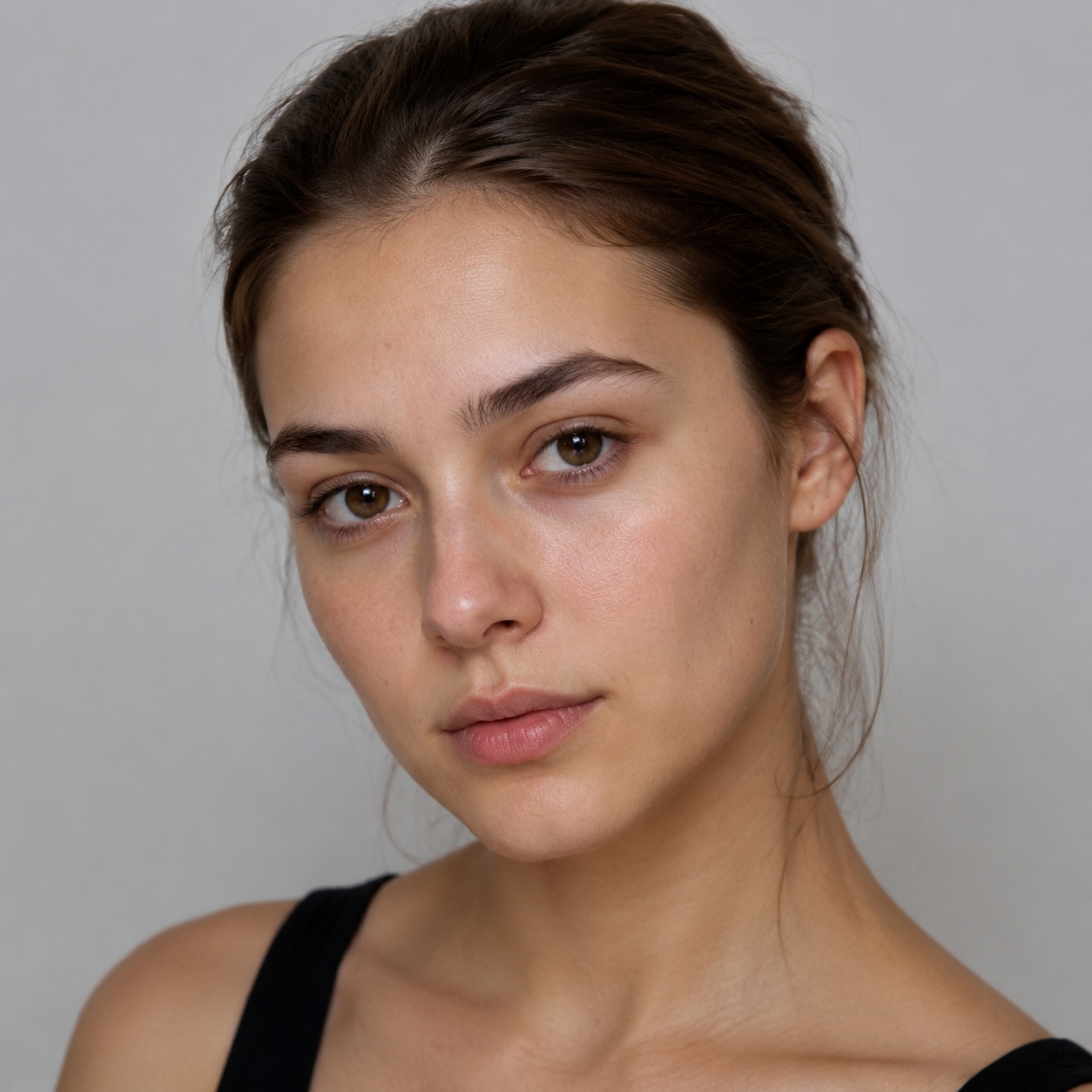
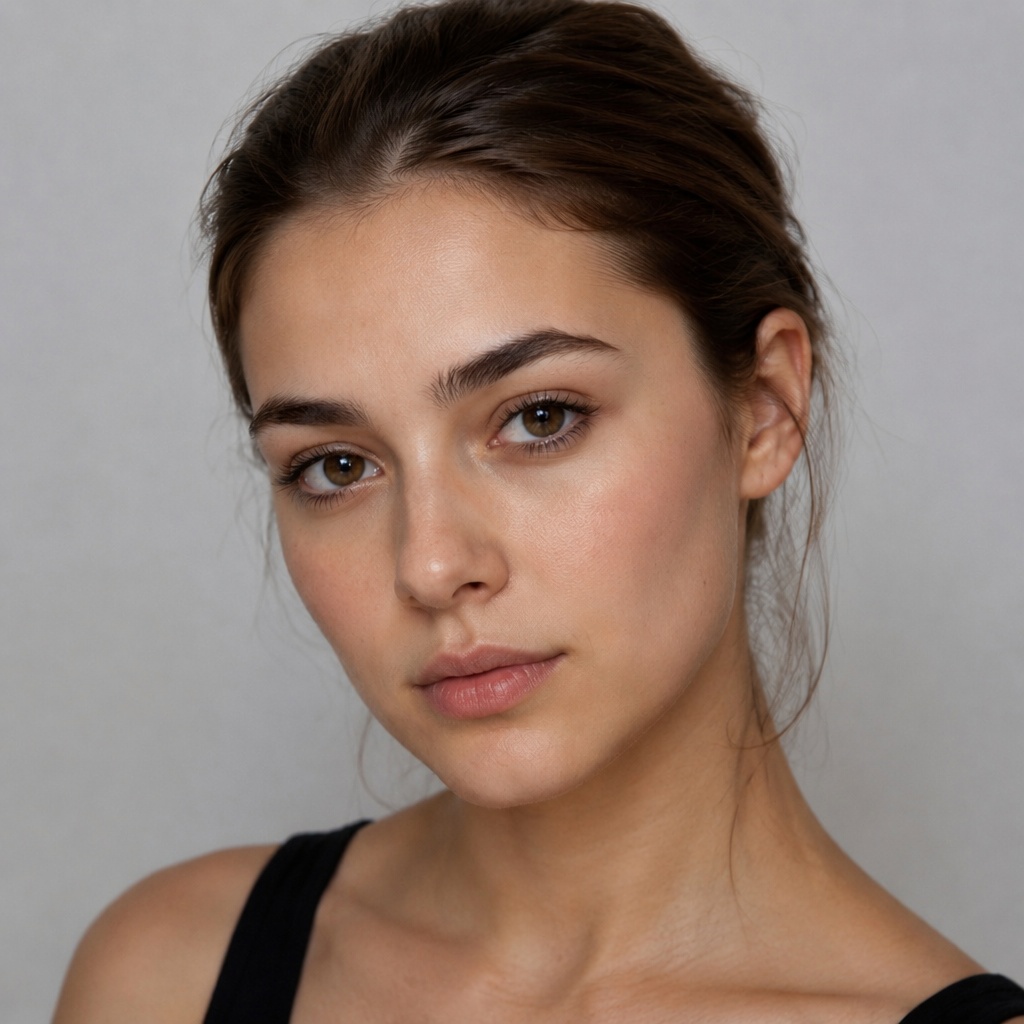
Use a clear target portrait and a reference where the makeup is visible under reasonably similar lighting. The closer the head angle and visibility of eyes/lips, the easier it is to understand what should transfer. Expect the AI to adapt the look rather than literally paste pixels.
What AI makeup transfer is actually doing
A good makeup-transfer system tries to separate the style cues from the identity in the reference image. Those cues include eyeshadow placement and color, eyeliner style, lash definition, blush/bronze direction, lip color and finish, and the overall intensity of the look. It then reinterprets those cues on the target face.
The important word is “reinterpret.” Different eye shapes and lip shapes cannot receive an identical pixel map without distortion. A useful result preserves the target person while adapting the makeup geometry.
Choose the target photo first
The target should be the image you actually care about editing. Use a sharp portrait where eyes, brows, cheeks and lips are visible. A slight three-quarter angle can work, but extreme profile views make it harder to transfer a symmetrical reference look.
Existing heavy makeup can complicate the result because the system has to replace or blend with visible styling. A clean or lightly made-up target is usually easier to evaluate.
Choose a reference where the makeup is readable
A reference does not need to show the same person, but it should clearly show the style you want. Avoid tiny social-media screenshots, strong motion blur, colored stage lighting or hair covering the eyes. The more ambiguous the makeup is, the more the result becomes an interpretation rather than a transfer.
If the look depends on a precise wing, glitter placement or lip edge, choose a reference with enough resolution to see those elements.
Head angle does not need to match perfectly—but similarity helps
AI can adapt between different faces, yet a reference with a similar head orientation reduces ambiguity. If your target faces forward and the reference is almost a profile, the far eye and cheek provide little information about how the look is balanced.
For a complex eye look, prioritize matching eye visibility. For a lipstick-focused look, head angle is less critical as long as the mouth is clear.
Lighting can change how color transfers
A warm sunset reference may make neutral makeup appear orange; cool studio lighting can shift pinks and reds. The transferred result may reproduce the visual color from the image rather than the real product shade that was used.
Use references with neutral or understandable lighting when exact color direction matters. If you only care about placement and style, lighting mismatch is less problematic.
Preserve identity: makeup should change, facial structure should not
After transfer, check the target’s eye shape, nose, lips, jaw and overall proportions. The makeup may make features appear more defined, but the anatomy should remain recognizable. If the face begins to resemble the reference person, the edit has gone beyond makeup styling.
Also check brows and hairline. A reference can contain strong brow styling, but the goal should still be a plausible makeup adaptation rather than a partial face swap.
Transfer a reference makeup look
Use SmartGeniusAI Makeup Transfer with your target portrait and a reference image to copy the makeup direction while keeping the target identity.
Evaluate the transfer feature by feature
| Area | What to compare | Common failure to watch for |
|---|---|---|
| Eyes | Color, liner shape, depth, lash emphasis | Reference eye anatomy copied too literally |
| Lips | Hue, saturation, finish, edge | Lip shape changed instead of color/style |
| Cheeks | Blush/bronze direction and intensity | Color placed in an implausible area for target face |
| Skin | Finish and polish | Over-smoothing that removes target texture |
| Brows | Relative definition | Reference brow shape replacing target brow structure |
What kinds of reference looks transfer most cleanly
Looks with clear, coherent styling usually transfer more predictably: Soft Glam, classic red-lip makeup, a distinct Cat Eye, warm bronzed makeup or a visible smokey eye. Extremely subtle references can be harder to distinguish from the target’s original face.
Highly editorial looks can also work, but judge them as creative adaptations. If the reference uses unusual face paint, rhinestones or graphic elements beyond conventional makeup, the result may behave more like an artistic edit.
How to compare transfer with presets
If you like a reference look but want to understand why, compare the transferred result with a nearby preset. A celebrity Soft Glam reference can be compared against SmartGeniusAI Soft Glam; a strong wing against Cat Eye; a deep eye against Smokey.
This tells you whether the appeal comes from the broad category or from specific colors and placement in that reference. It is a useful way to turn inspiration into a repeatable personal style.
A reliable two-image workflow
Prepare the target
Use the portrait you want to keep: clear, sharp and minimally obstructed.
Prepare the reference
Choose a photo where the makeup—not the person—is the useful information.
Transfer once
Do not change several other properties at the same time.
Inspect identity
Confirm that facial structure, expression, hair and pose remain the target’s.
Refine the style
If needed, use dedicated Eye Makeup or Lipstick tools after the broad transfer.
Use reference images responsibly
Use images you have the right to use and avoid implying that a real person endorsed your edited result. A makeup reference is style inspiration; the output should not be presented as an authentic photograph of another individual doing or recommending something they did not do.
For commercial work, keep your source and licensing workflow organized, especially if the reference comes from a photographer, brand campaign or paid asset library.
Choose references for one reason at a time
A reference may contain great eyes, great lips and great skin, but those three elements do not always form the exact combination you want. If your true goal is the eyeliner, choose a reference where the liner is clear rather than one you simply like overall.
More specific references reduce ambiguity and make it easier to judge whether the transfer succeeded.
Avoid references dominated by retouching rather than makeup
Some beauty images rely heavily on skin retouching, reshaping or lighting effects. If that processing is stronger than the makeup itself, the AI may interpret part of the overall aesthetic as style. Choose references where you can still see believable facial texture and anatomy.
This helps keep the transfer focused on cosmetics instead of accidentally chasing a completely different face-rendering style.
A reference from a different skin tone can still be useful
The system should adapt a makeup direction rather than paste exact skin colors. A liner shape, blush placement or lip family can transfer across different complexions, but the resulting color needs to remain harmonious with the target.
Judge the adapted result rather than expecting identical RGB values from the source image.
Use multiple references only when they answer different questions
If you have three saved inspiration images, do not necessarily combine them mentally into one impossible target. Use one to test eye styling, another to compare lip direction, and a third for overall finish. Then decide which elements belong together.
This staged process is easier to control and reduces the chance that the final look becomes a collection of unrelated details.
Keep the original target visible during review
After a dramatic transfer, your visual system adapts quickly and the new makeup can begin to feel normal. Toggle mentally or physically back to the original portrait. Check whether face proportions, eye size, lip shape and expression still match.
The original is your identity reference; the makeup reference is only your style reference.
Document the transferred look in plain language
If the result works, describe it: “soft brown smokey eye, thin black wing, warm rose blush, satin berry lip.” That description gives you something you can reproduce with products, communicate to a makeup artist or rebuild later with presets.
A successful transfer becomes more valuable when you can turn the image back into understandable styling decisions.
Separate transferable style from non-transferable anatomy
A reference can teach you color placement, liner direction, lash intensity and lip finish, but it cannot give the target the reference person’s bone structure, lid space or lip proportions without changing identity. A good transfer therefore preserves the idea while adapting the geometry.
This is the standard to use when reviewing the output: not “does it look identical to the reference?” but “does the same makeup concept now make sense on the target face?”
Frequently asked questions
Can AI copy makeup from any photo?
It works best when the reference clearly shows eyes, lips and complexion. Very small, blurry or heavily colored references provide less reliable style information.
Will makeup transfer copy the reference person’s face?
It should preserve the target identity and adapt only the makeup styling. Always inspect facial structure after the transfer.
Do the target and reference need the same face shape?
No. The system should adapt placement to the target, though similar head angles can make the style easier to interpret.
Can I transfer only eye makeup or lipstick?
For isolated changes, the dedicated Eye Makeup or Lipstick tools are usually more controlled than a full makeup transfer.
Can I use a celebrity makeup photo as reference?
You can use a visible makeup style for inspiration, but respect image rights and do not present the output as an authentic endorsement or real photograph of that person.
Final takeaway
AI makeup transfer is most useful when you already know the look you want. Give it a clear target and a clear reference, then judge whether the makeup cues transferred while the target identity stayed intact. Use dedicated eye or lip tools afterward if you want finer control.