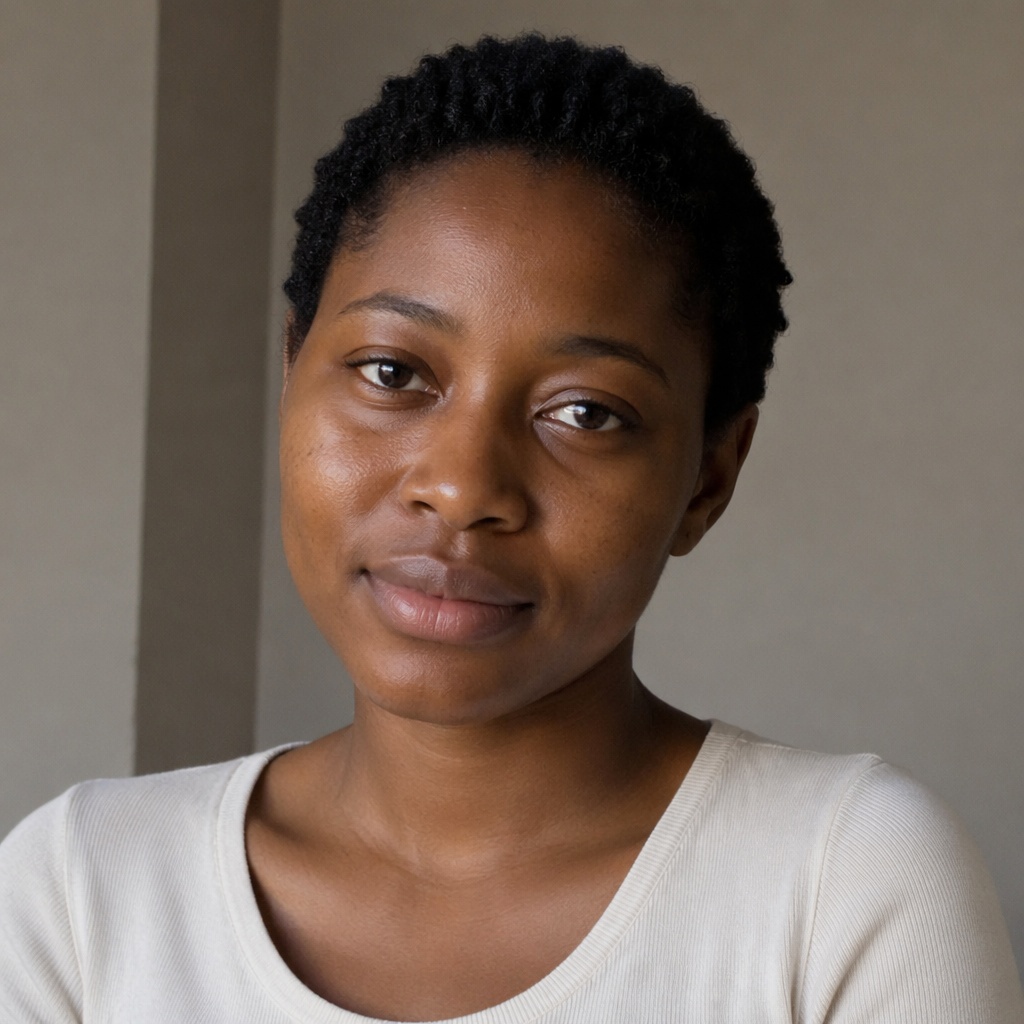
Your portrait
One face, clear light and minimal obstruction.

TWO PHOTOS · ONE LOOK
Upload your portrait and a second photo with a makeup look you love. AI transfers the shadow, liner, blush and lip color while keeping your identity intact.
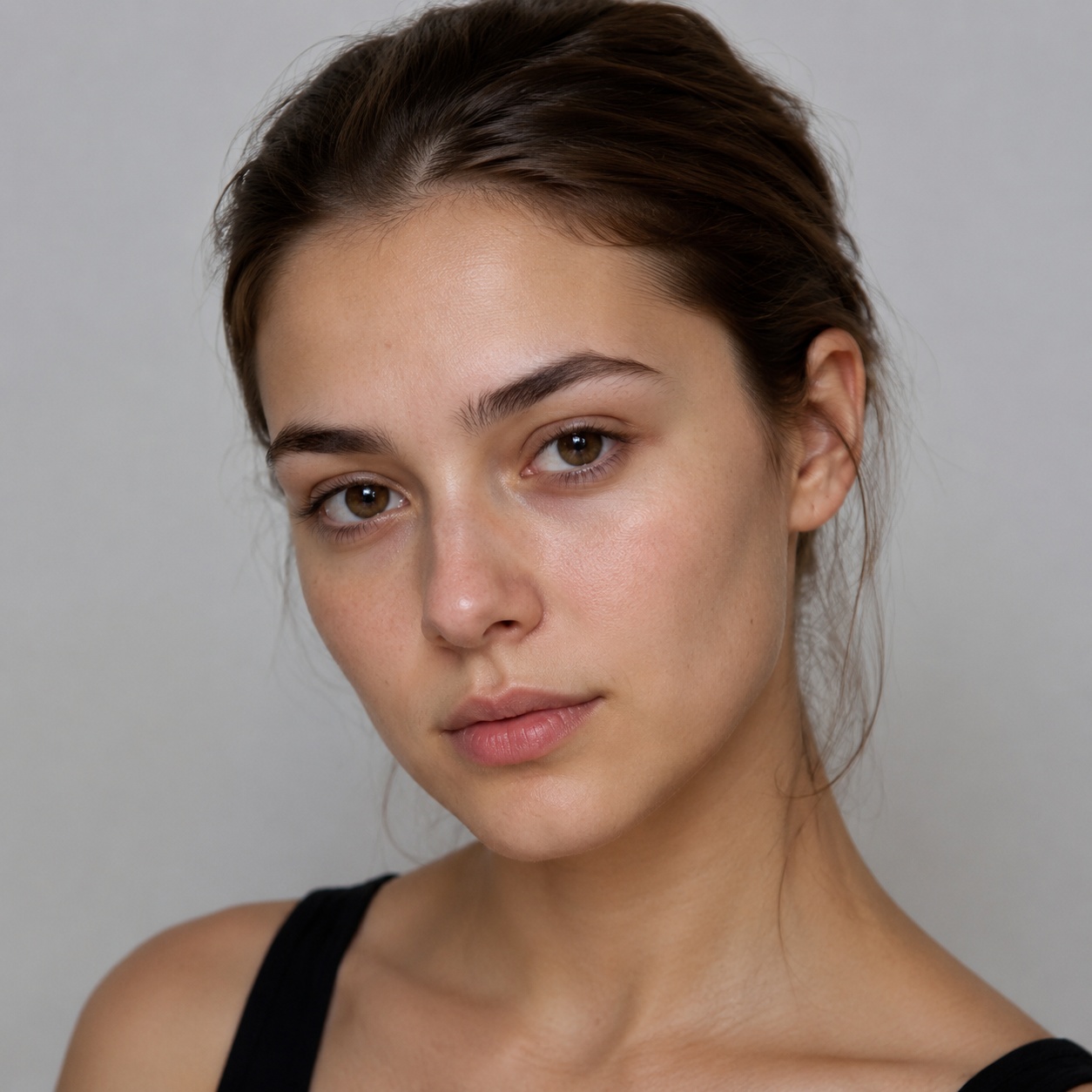
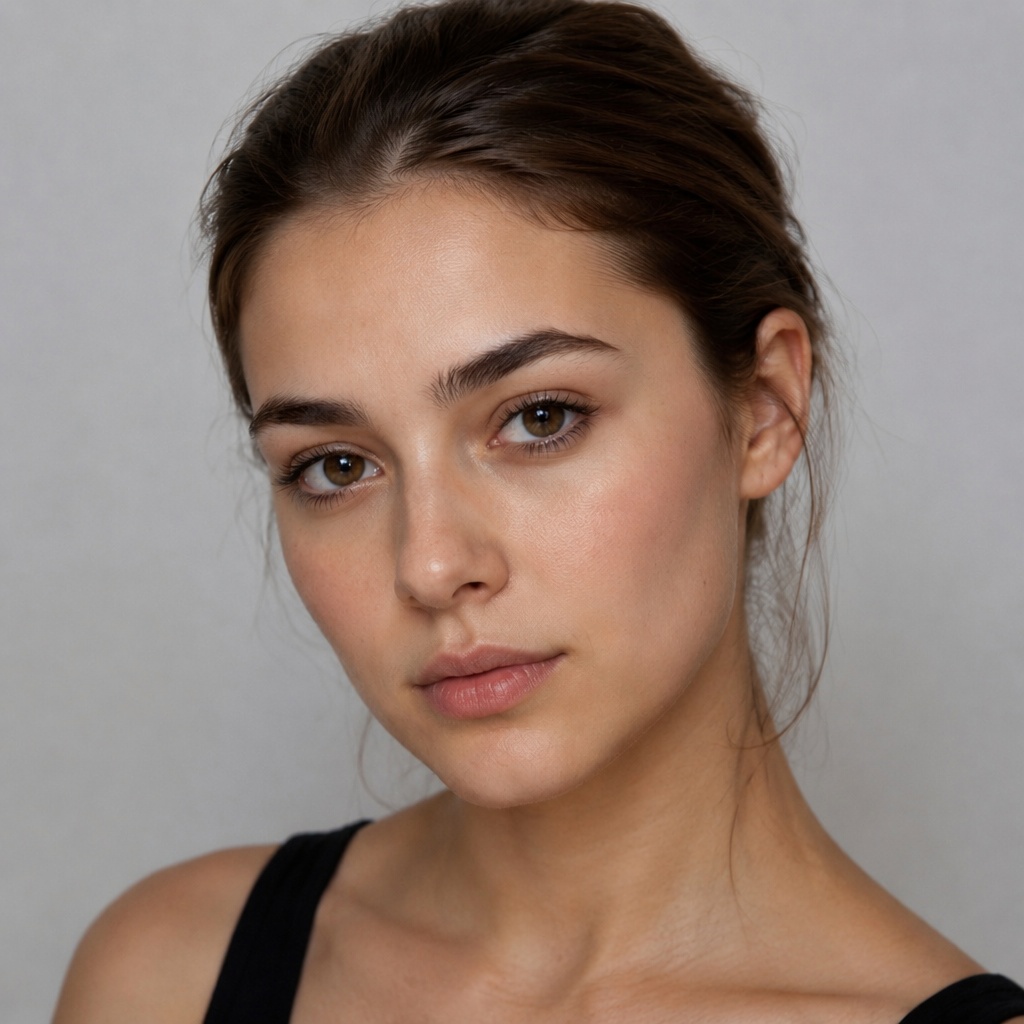
Unlike a preset try-on, this workflow takes its direction from a specific makeup reference photo.
One face, clear light and minimal obstruction.
Choose a look where eyes, lips and complexion are readable.
AI adapts placement to the geometry of your face.
These comparisons illustrate the transfer principle: the cosmetics change while the base portrait remains the same person.
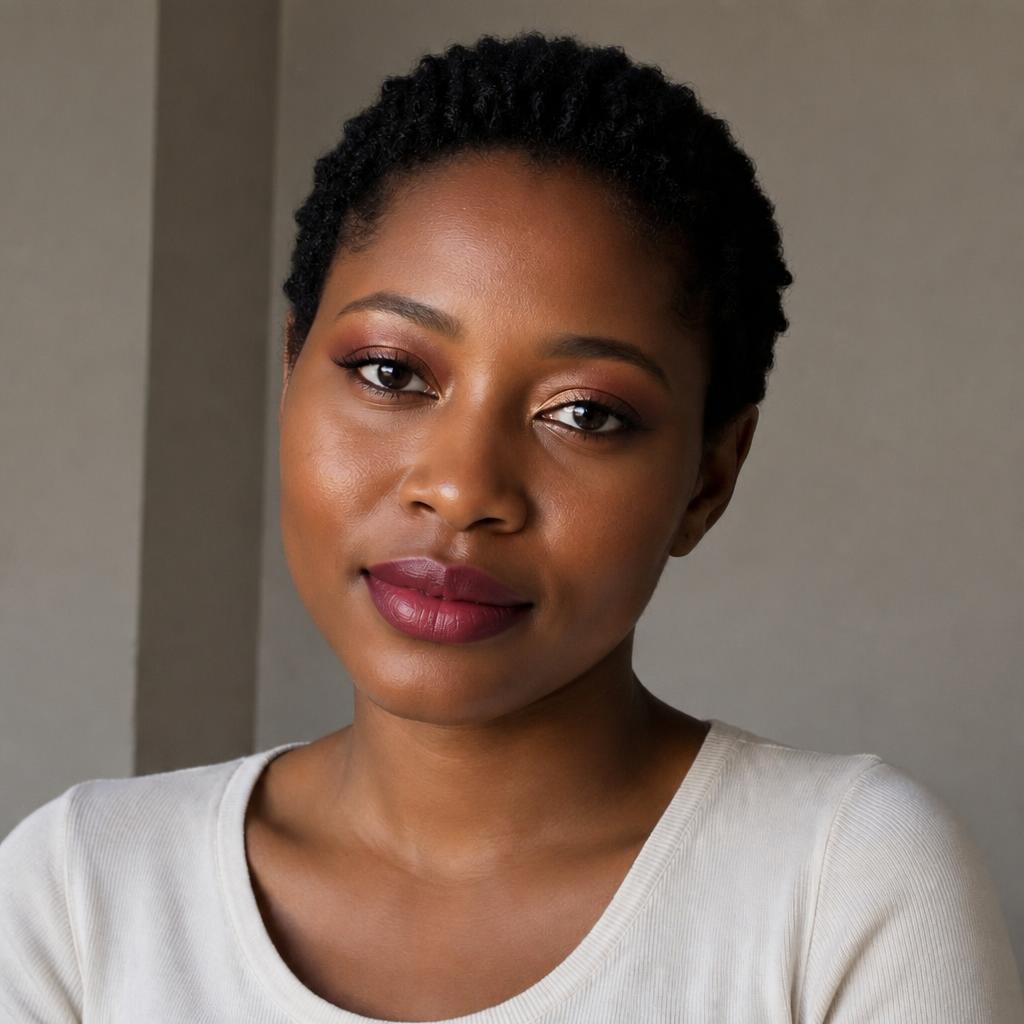
These comparisons illustrate the transfer principle: the cosmetics change while the base portrait remains the same person.

These comparisons illustrate the transfer principle: the cosmetics change while the base portrait remains the same person.

These comparisons illustrate the transfer principle: the cosmetics change while the base portrait remains the same person.
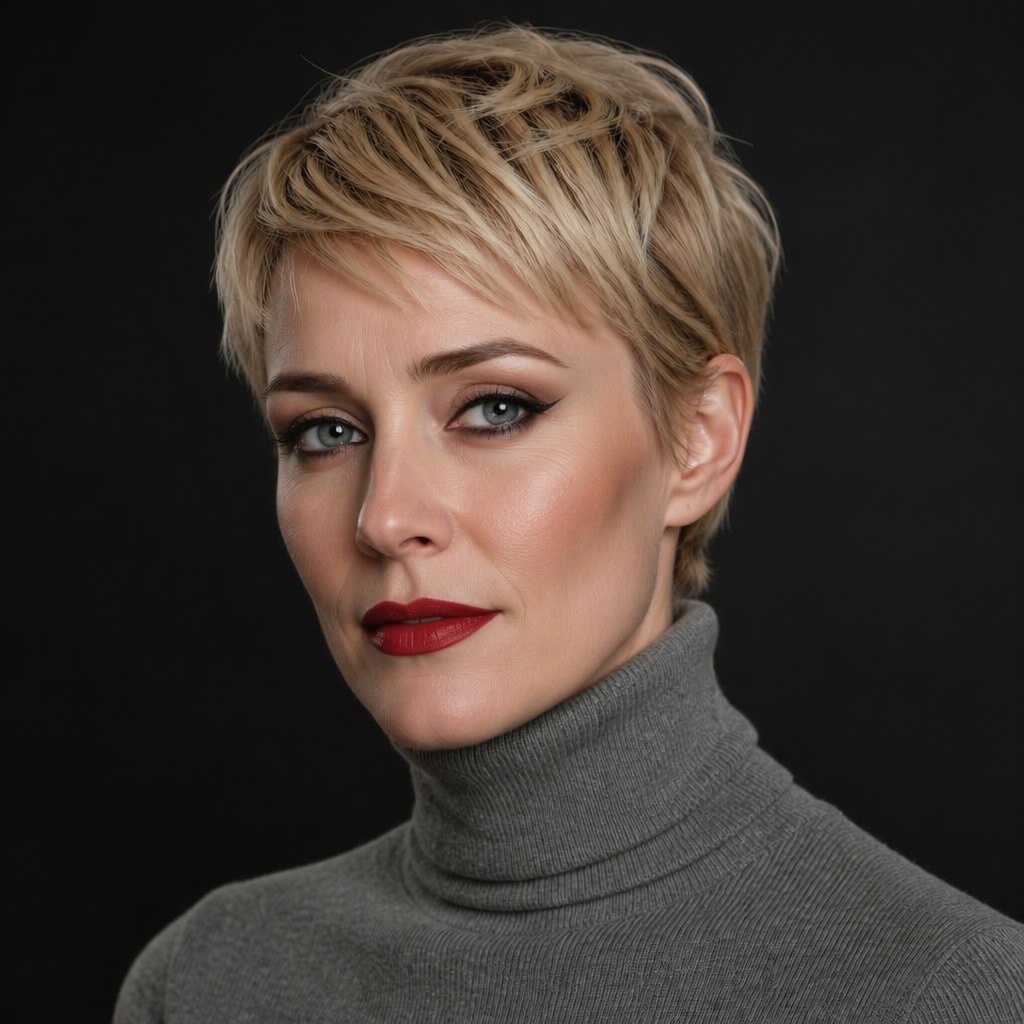
These comparisons illustrate the transfer principle: the cosmetics change while the base portrait remains the same person.
REFERENCE GUIDE
A frontal reference is easier to adapt to a frontal portrait.
Strong colored lighting can distort shadow and lipstick shades.
Group photos make the intended makeup source ambiguous.
AR filters, glasses and closed eyes make precise transfer harder.
FAQ
No. It transfers cosmetic attributes to the base face and preserves its identity.
Yes, if the face and makeup are sharp enough and not too small.
The matching-language Editor opens with your uploaded image; generation does not start automatically.
SMARTGENIUS AI
Upload your portrait and a second photo with a makeup look you love. AI transfers the shadow, liner, blush and lip color while keeping your identity intact.
Guest AI edits are unavailable. A new account created after the offer started gets one successful free edit with any editor tool, including Premium. Further edits require tokens. This is one account-wide attempt, not one per page.
Further AI edits use tokens at the tool rate. Technical failures should not consume a free attempt. Switching project modes does not reset used attempts. Purchased tokens and permanent Premium remain intact; Premium unlocks after a purchase.