Change Clothes in Photo — AI Agent

Change clothes in photo by text prompt

Upload a photo, describe the desired look — and AI Agent will change the clothing in the image: business suit, dress, hoodie, sporty style, fashion look, or any other option.
  • Describe any clothing style
  • Preserves face, pose and proportions
  • Works online without Photoshop
  • Perfect for social media, portraits, marketplaces and advertising
👕 Clothing change
👤
Upload a person's photo
PNG, JPEG, WEBP up to 20 MB
Before/After Gallery — AI Clothing Change

See how AI changes clothes in photos

Drag your mouse across the image — see the result of clothing change by text prompt
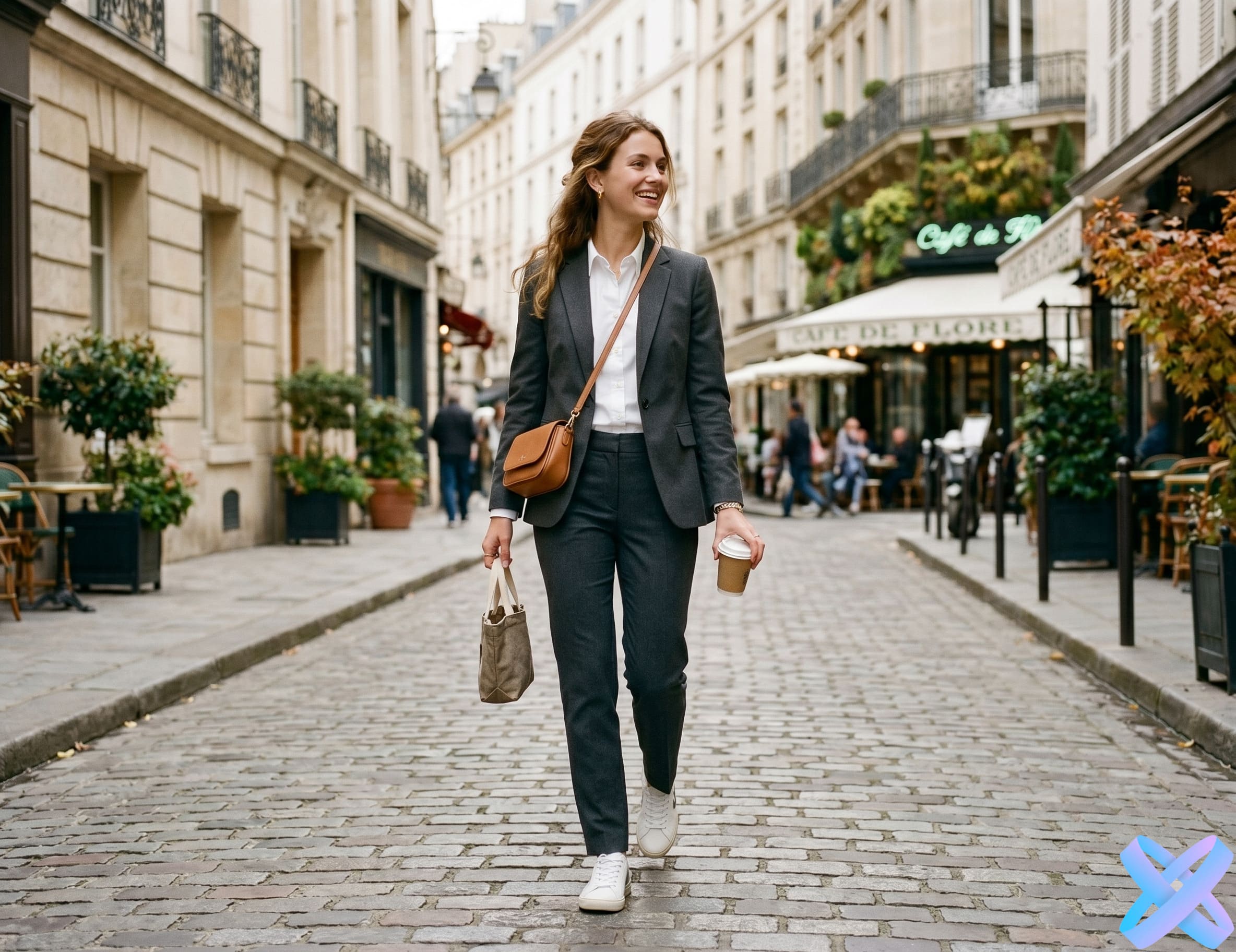
Before: casual clothes After: business suit
BEFORE AFTER
👔 Casual → business style
📝 Prompt
"Replace the hoodie with a formal business suit, keep the face, pose and background unchanged"
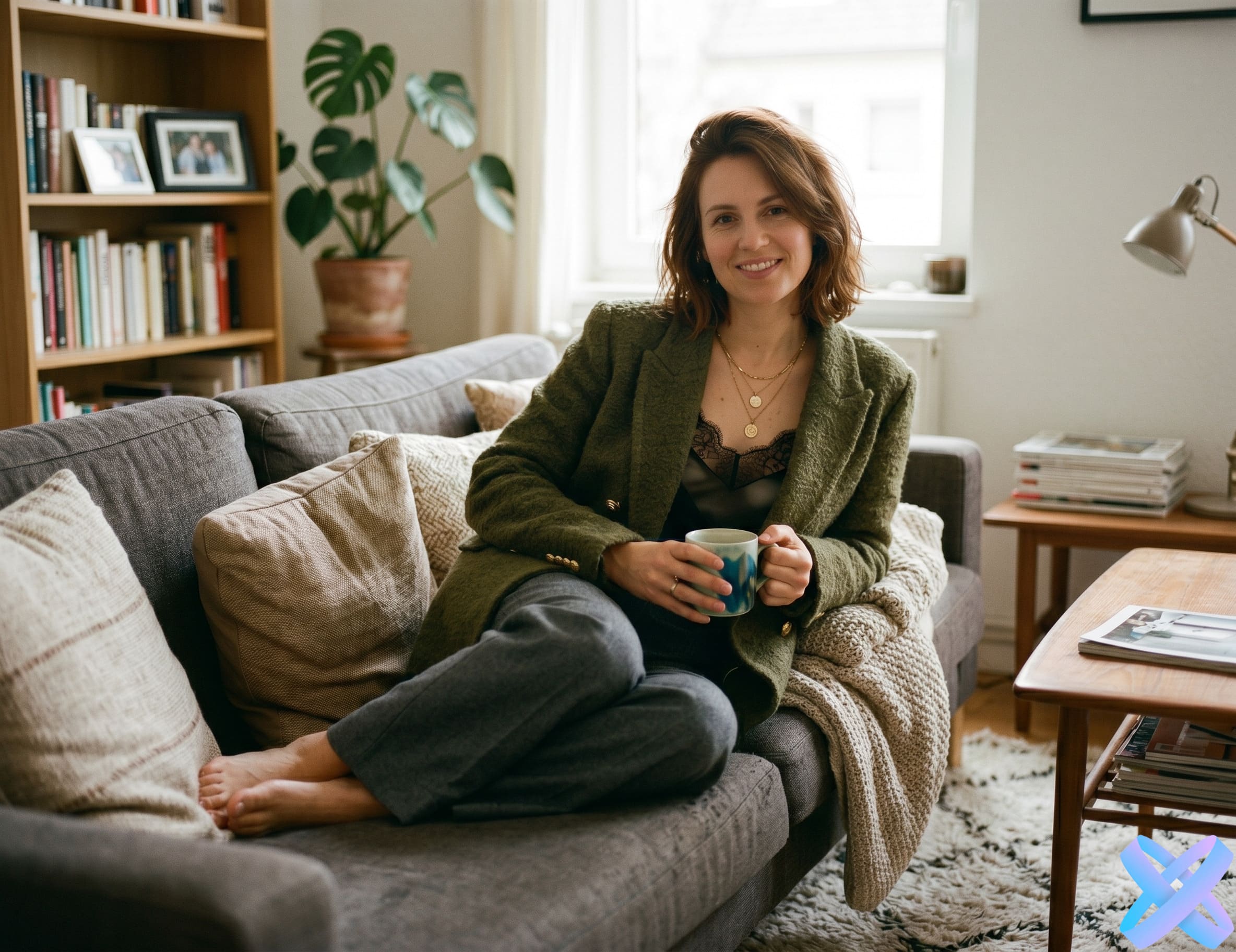
Before: home clothes After: stylish look
BEFORE AFTER
✨ Home photo → fashion look
📝 Prompt
"Replace clothes with a stylish fashion look for social media, keep the face and natural lighting"
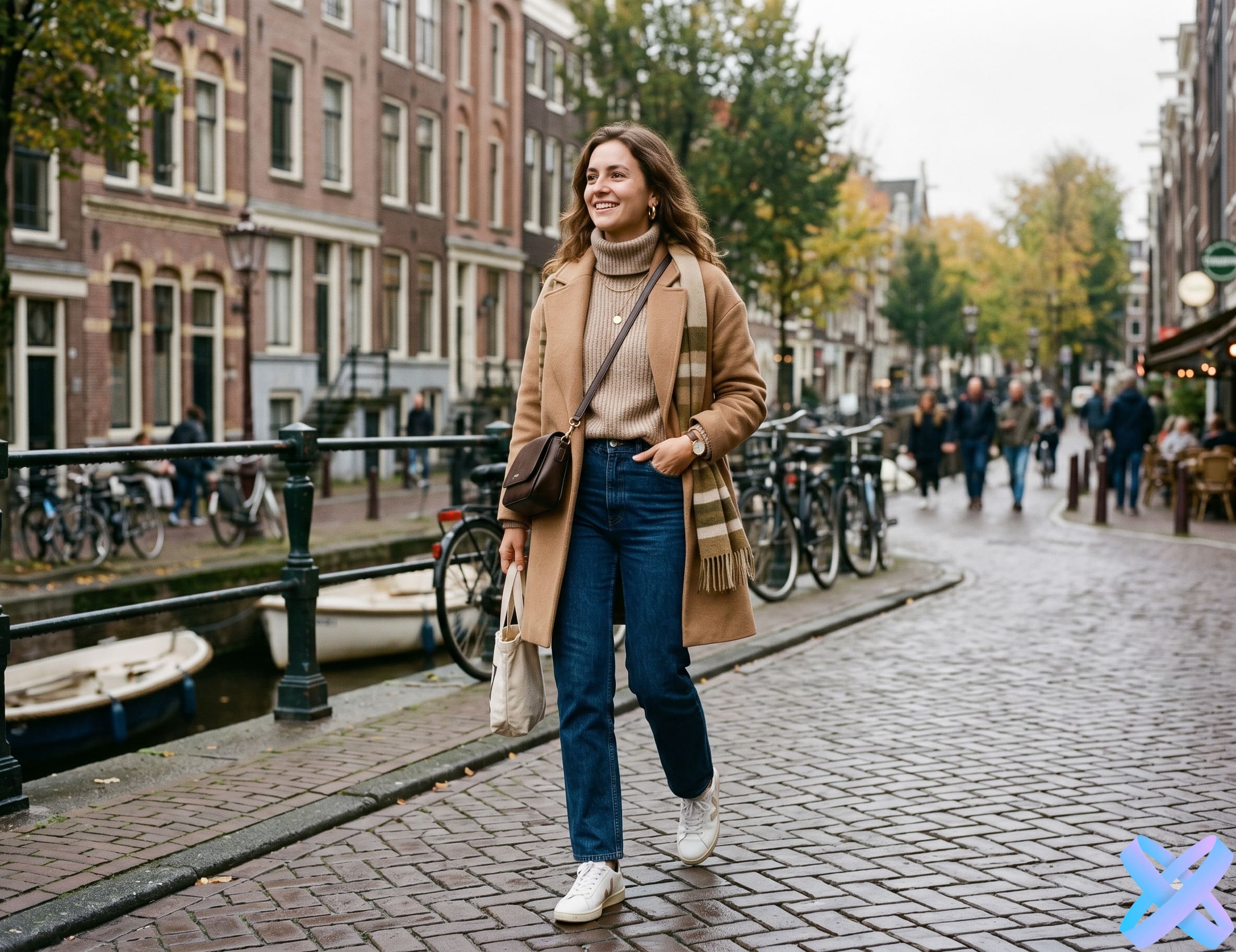
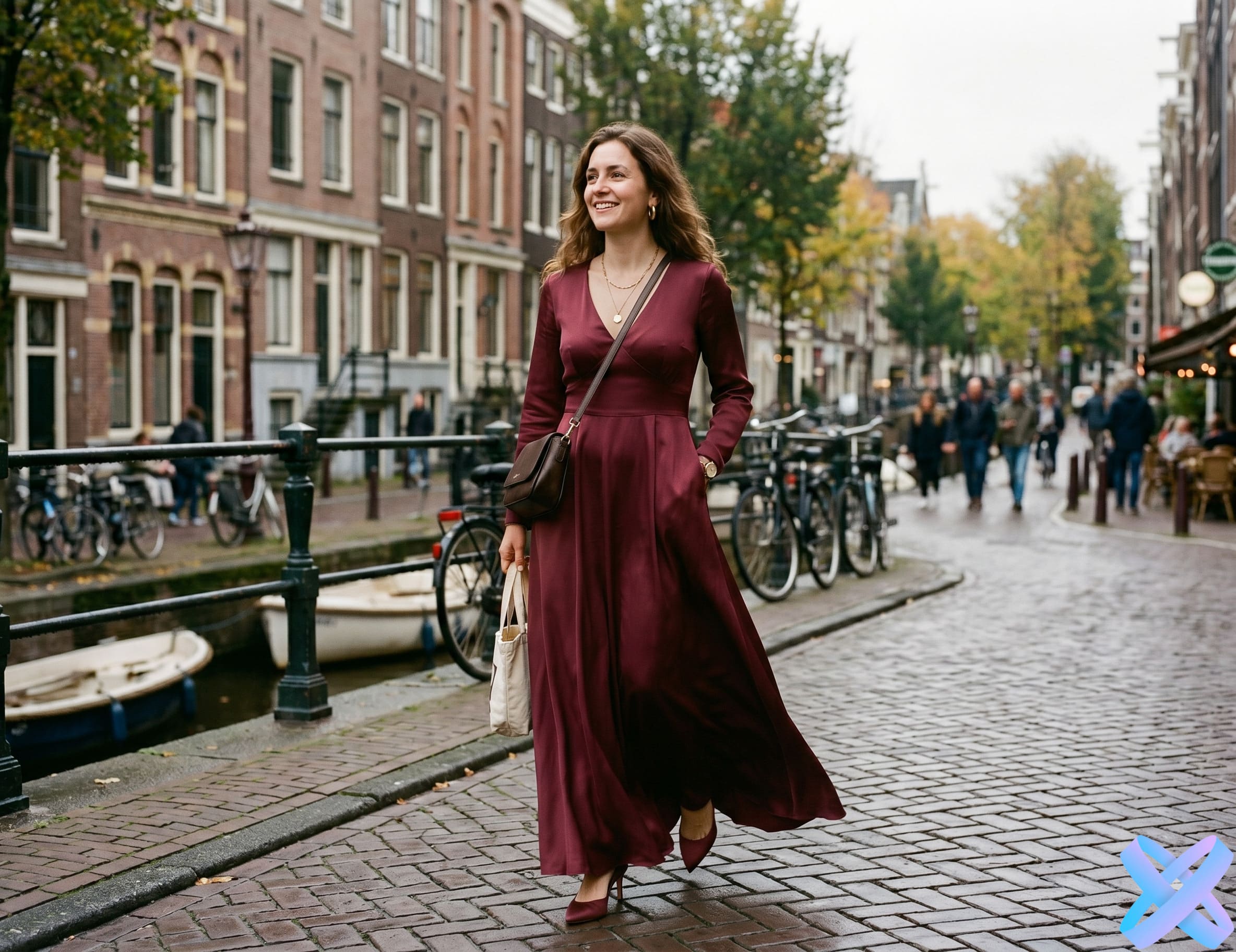
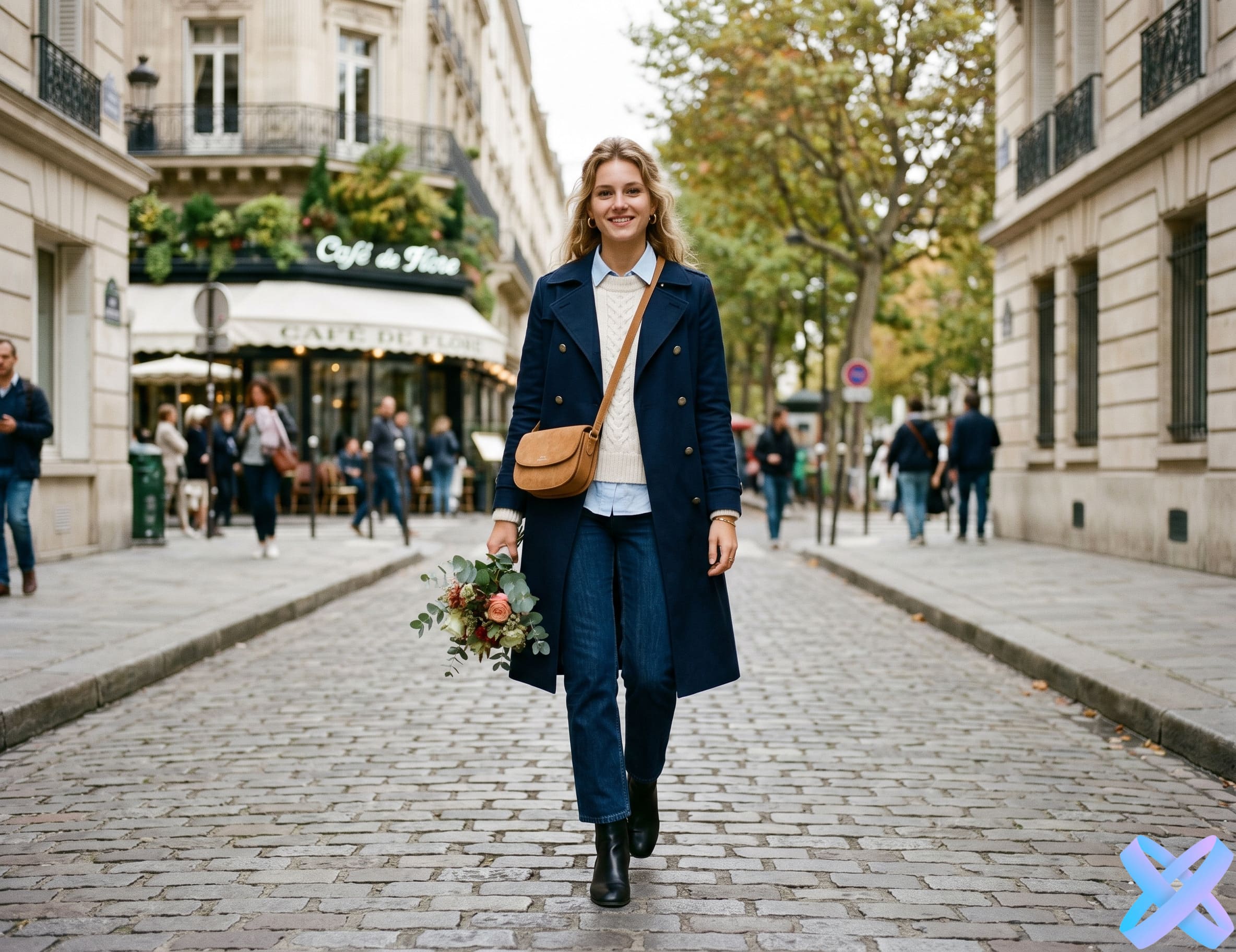
Before: everyday outfit After: evening dress
BEFORE AFTER
🌙 Everyday look → evening dress
📝 Prompt
"Replace with an elegant evening dress, keep the face, pose and natural proportions"
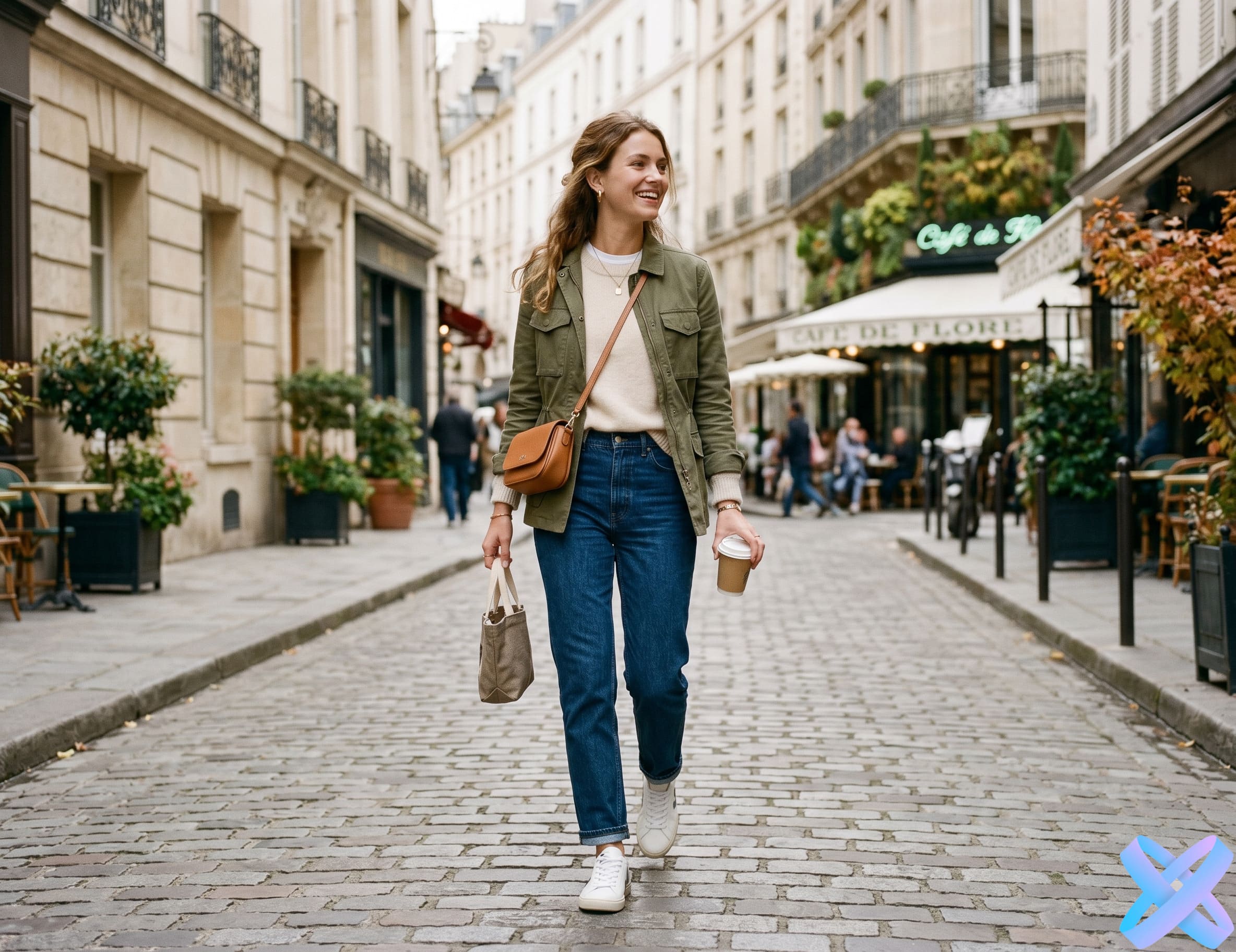
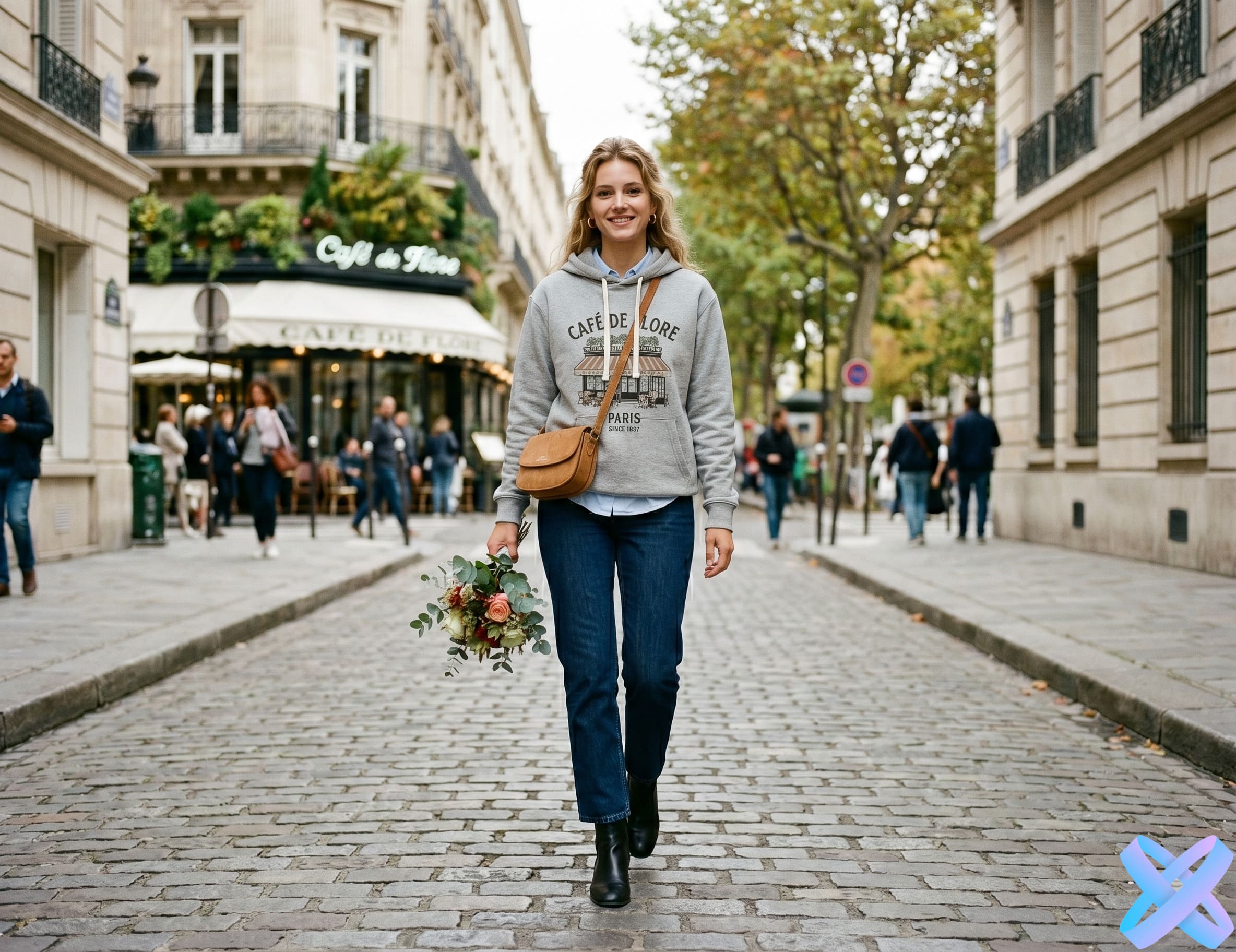
Before: model in neutral clothes After: hoodie with print
BEFORE AFTER
🛍️ Model photo → product clothing
📝 Prompt
"Put a printed hoodie on the model, keep the pose, face and natural lighting"
How to change clothes in photo — AI Agent

How to change clothes in a photo in 3 steps

Simple, fast and no Photoshop
1
📸

Upload a photo

Add a photo of a person whose clothes you want to change. It's best to use a photo with good lighting and a visible figure.

2
✍️

Describe the new look

Write what clothes you want to get: business suit, summer dress, sportswear, leather jacket, white shirt, or any other style.

3

Get the finished result

AI Agent will change the clothes, preserve the face, pose and overall look of the photo, and then show the final version ready for download.

Prompt Examples — AI Clothing Change

Prompt examples for clothing change

Click "Insert prompt" — the text will be added to the AI Agent field
👔 Business style
"Replace clothes with a black business suit and white shirt, keep the face, pose and background unchanged."
🌸 Summer look
"Change the person into a light summer dress in pastel colors, keep the natural light and body proportions."
🏃 Sporty style
"Replace clothes with a modern sportswear set, keep the pose and realistic fabric fit."
✨ Fashion look
"Create a stylish fashion look: oversized jacket, dark pants, minimalist premium style."
📄 Resume photo
"Replace casual clothes with a neat business suit for a professional portrait."
🖼️ Clothes from reference
"Put clothes from the uploaded image on the person, keep the face, pose, lighting and realistic fit."
✓ Prompt inserted
All AI Agent Features — Internal Links
Upload Clothing Reference — AI Agent

You can use a clothing photo as a reference

If you have a photo of a specific piece of clothing, upload it as a reference. The AI Agent can use the image as a guide: color, style, material, shape, and overall look.
🛍️

For clothing stores

Upload a photo of a hoodie, t-shirt, dress or jacket and show how the item could look on a model.

📦

For marketplaces

Create additional product visuals without a new photoshoot.

🏷️

For brands

Showcase the same product in different looks, scenes, and styles.

👗

For personal use

Check how clothing might look on a person before purchasing a similar item.

🔍
Important to understand: The result depends on photo quality, angle, lighting, and clothing complexity. The AI Agent tries to match the style as accurately as possible, but this is not a perfect "1 to 1" fitting.
Who it's for — AI Clothing Change

Who benefits from AI Agent clothing change

From bloggers to e-commerce — AI Agent helps save time and resources
📱✨

For bloggers

Quickly create new looks for content without buying clothes or doing a separate photoshoot.

💼📊

For business

Create professional portraits from ordinary photos: suits, shirts, neat style, neutral background.

🛒📦

For e-commerce

Show clothes on models, test styles and create additional images for product listings.

📢🎯

For marketers

Generate advertising images, lifestyle scenes and visuals for banners.

👤📸

For everyday users

Change an unsuccessful outfit in a photo, try a new style, or make your image more presentable.

Why AI Agent is better — clothing change

Why changing clothes by prompt is more convenient

Ready-made templates are limiting. AI Agent gives you complete freedom
📦 Traditional tool
  • user selects a ready-made style
  • less flexibility
  • result depends on chosen presets
  • difficult to describe specific clothing
🤖✨ AI Agent
  • you can describe any look in words
  • you can specify color, style, material and fit
  • you can ask to preserve face, background and pose
  • you can use a clothing photo as a reference
  • you can combine clothing, lighting and background in one request
You are not limited by ready-made templates: just write what clothes you want to see in the photo.
Tips for clothing change — AI Agent

How to get realistic clothing change

A few simple rules will help you achieve the best result
Tip 1

Upload a photo with a visible figure

Photos where clothing and pose are clearly visible work best.

Tip 2

Describe the clothing specifically

❌ Bad
"Change clothes nicely"
✓ Better
"Replace clothes with a white shirt, black jacket and dark pants in a business style"
Tip 3

Specify what to preserve

✓ Example
"Keep the face, hair, pose, background and body proportions unchanged"
Tip 4

Don't mix too many tasks

For best results, first change the clothes, then separately change the background or lighting.

Why AI Agent is better — clothing change

Why changing clothes by prompt is more convenient

Ready-made templates are limiting. AI Agent gives you complete freedom
📦 Traditional tool
  • user selects a ready-made style
  • less flexibility
  • result depends on chosen presets
  • difficult to describe specific clothing
🤖✨ AI Agent
  • you can describe any look in words
  • you can specify color, style, material and fit
  • you can ask to preserve face, background and pose
  • you can use a clothing photo as a reference
  • you can combine clothing, lighting and background in one request
You are not limited by ready-made templates: just write what clothes you want to see in the photo.
Quick AI Tools — clothing change
Final CTA — AI Clothing Change
👕✨

Try changing clothes in a photo right now

Upload a photo, write your desired look and get realistic clothing change through AI Agent.

👔 Change clothes with AI Agent
📸 PNG, JPEG, WEBP ⚡ up to 20 MB 🎯 free trial run