

01
Ordinary selfie → business photo
Create a business portrait on a light office background, keep the face unchanged

AGENT · BUSINESS PORTRAIT
Turn an ordinary portrait into a professional image for LinkedIn, a resume, a company site, or an expert profile, with a controllable level of formality.
BEFORE / AFTER
Create a business portrait on a light office background, keep the face unchanged


Create a professional business portrait: office background, suit, calm color correction


Replace clothes with a business suit, keep the face, pose and natural lighting
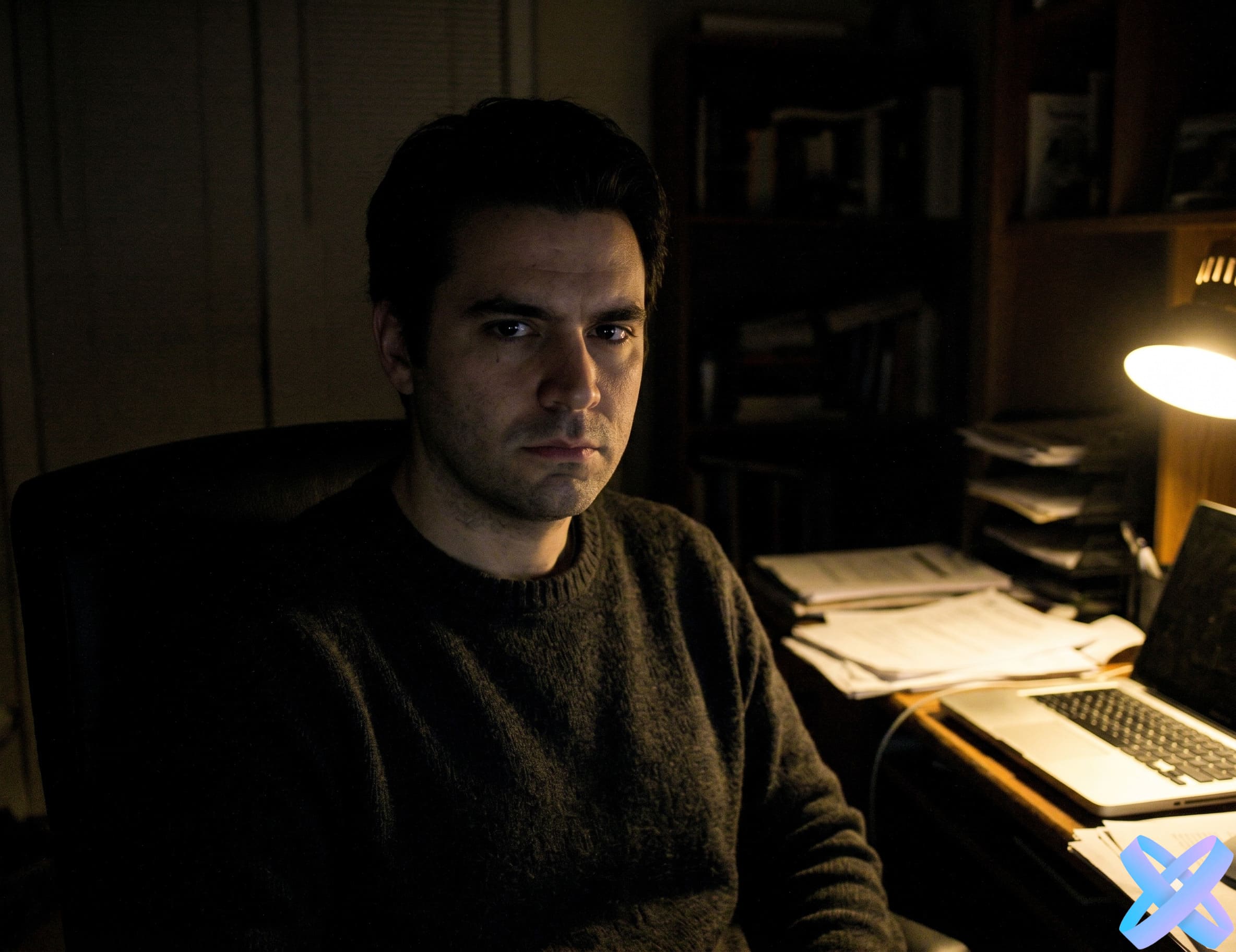

Enhance lighting, add soft studio lighting, make the background clean and professional
USE CASES
Professional profile and networking.
Neutral headshot without distracting context.
Portrait for an executive, expert, or team.
Consultant, doctor, lawyer, freelancer, or specialist profile.
FOCUS
Recognizability and natural skin.
Office, studio, or neutral environment.
Formality level matched to the use case.
Calm, readable, and not overly beauty-retouched.
QUALITY CHECK
State where the photo will be used: LinkedIn, CV, website, or expert profile.
Avoid overly luxurious backgrounds and styling when the goal is a believable corporate portrait.
Inspect collars, lapels, hair, and shoulder boundaries after generation.
For a resume, a neutral background and calm lighting are usually safer than strong stylization.
POSITIONING
Professional context, credibility, and more formal presentation.
More relaxed lifestyle presentation for profiles, posts, and personal brand content.
FAQ
Yes. One of the quick directions is specifically designed around a clean LinkedIn-style portrait.
A clear selfie can work, but a natural perspective, visible shoulders, and reasonable lighting usually give a stronger base.
Yes. Business Photo can combine business clothing and a professional scene. For clothing-only edits, Suit Changer is more focused.
The workflow is designed to preserve identity. Review eyes, hairline, and small facial details after generation.
A bright neutral or very calm studio background without distracting objects is usually the safest choice.
Business Photo is built for work, credibility, and formal contexts. Social Media Photo allows a more relaxed lifestyle presentation.
AI AGENT
Guest AI edits are unavailable. A new account created after the offer started gets one successful free edit with any editor tool, including Premium. Further edits require tokens. This is one account-wide attempt, not one per page.
Further AI edits use tokens at the tool rate. Technical failures should not consume a free attempt. Switching project modes does not reset used attempts. Purchased tokens and permanent Premium remain intact; Premium unlocks after a purchase.