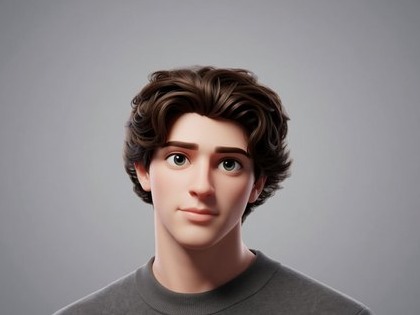
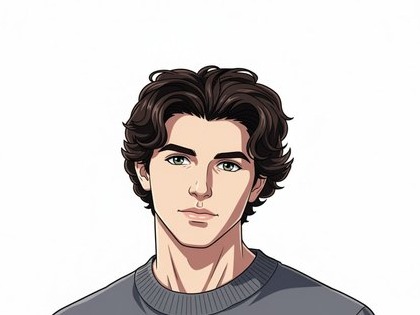
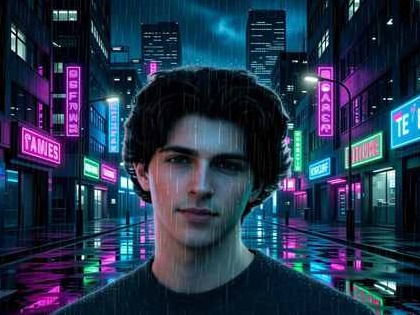
Profiles
Social networks, messengers, and personal accounts.

AI PHOTO STYLE · SMARTGENIUS
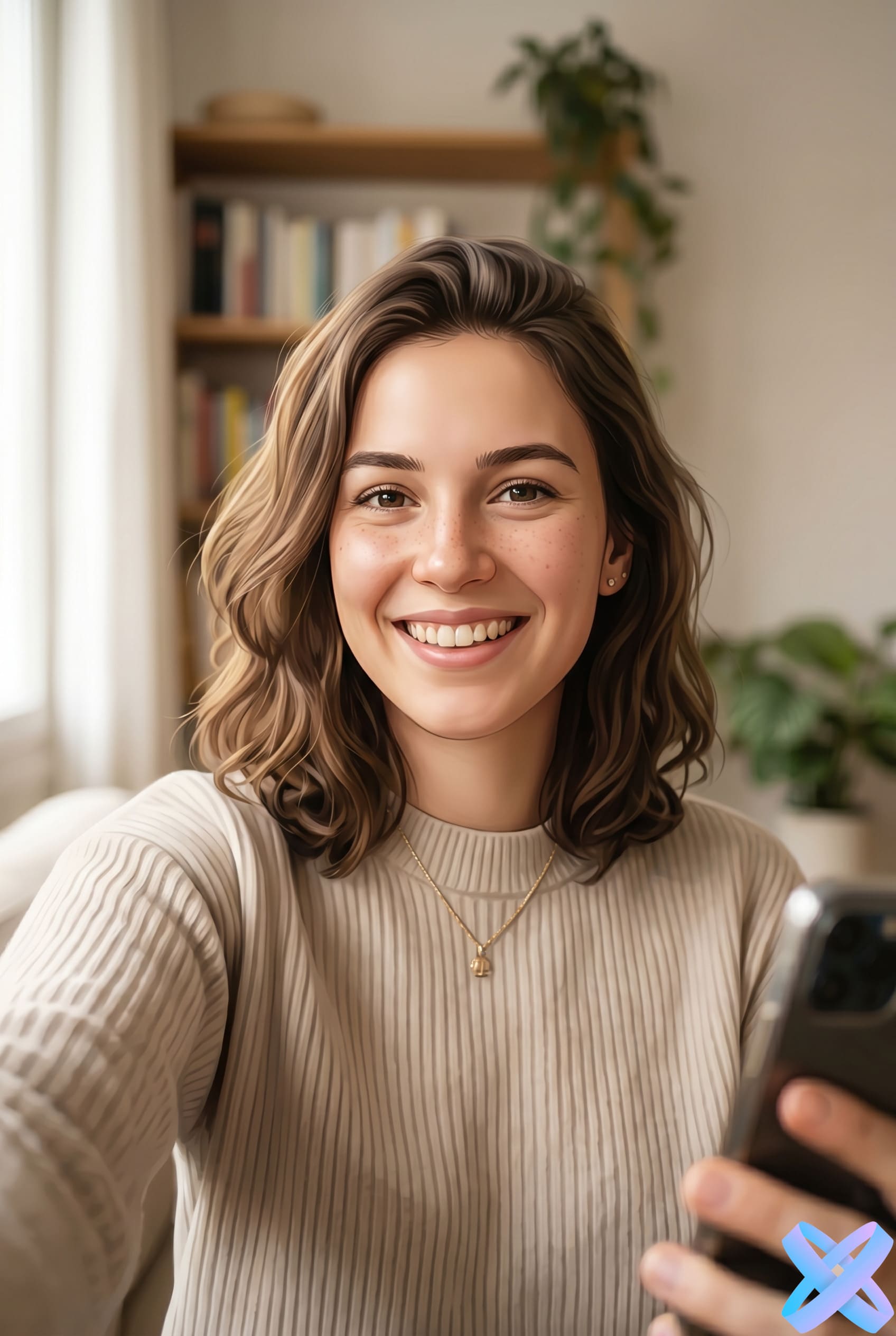
Upload a photo and create a stylish AI avatar in seconds. SmartGeniusAI helps turn an ordinary portrait or selfie into a beautiful avatar for social media, messengers, profiles, or gaming accounts.

PRACTICAL USES
Social networks, messengers, and personal accounts.
A stronger character look without completely redesigning the face.
A consistent visual direction across several people.
A larger character portrait for a channel or personal brand.
STYLE FOCUS
The main test for a good AI avatar is recognizability at a small size. That shifts attention toward the face, silhouette, clean framing, and readable presentation rather than maximum artistic detail.
Key facial traits should still read after stylization.
Head-and-shoulders crops usually work better than lots of empty space.
A simple background helps the avatar remain clear inside a small round or square icon.
RESULT CHECK
Shrink the result to the size of a normal profile icon. If the face is still easy to recognize, the eyes and hair remain readable, and the background does not compete, the avatar is doing its job.
FAQ
Not strictly, but a slight turn is usually more reliable than a strong profile or a face heavily covered by hair and accessories.
You can, but the face will be tiny in an avatar. A portrait crop is usually a better source.
Not automatically. This workflow focuses on the person; use a background tool afterward if you want a different scene.
This creates a portrait avatar, not a vector logo. Brand marks need a separate design workflow.
Return to the Hero above, upload an image, and generate with the main style or one of the three alternatives.
Guest AI edits are unavailable. A new account created after the offer started gets one successful free edit with any editor tool, including Premium. Further edits require tokens. This is one account-wide attempt, not one per page.
Further AI edits use tokens at the tool rate. Technical failures should not consume a free attempt. Switching project modes does not reset used attempts. Purchased tokens and permanent Premium remain intact; Premium unlocks after a purchase.