

01
Ordinary product photo → advertising banner
Create an advertising banner: clean composition, focus on the product, beautiful background

AGENT · AD CREATIVE
Build an advertising visual for a service, event, app, brand, or social campaign. Describe the idea, mood, scene, and where future copy should have room.
BEFORE / AFTER
Create an advertising banner: clean composition, focus on the product, beautiful background


Create a dynamic advertising creative for a sports product: energetic lighting, motion-style scene, fitness atmosphere


Create a beauty advertising creative: soft lighting, clean aesthetic, premium scene
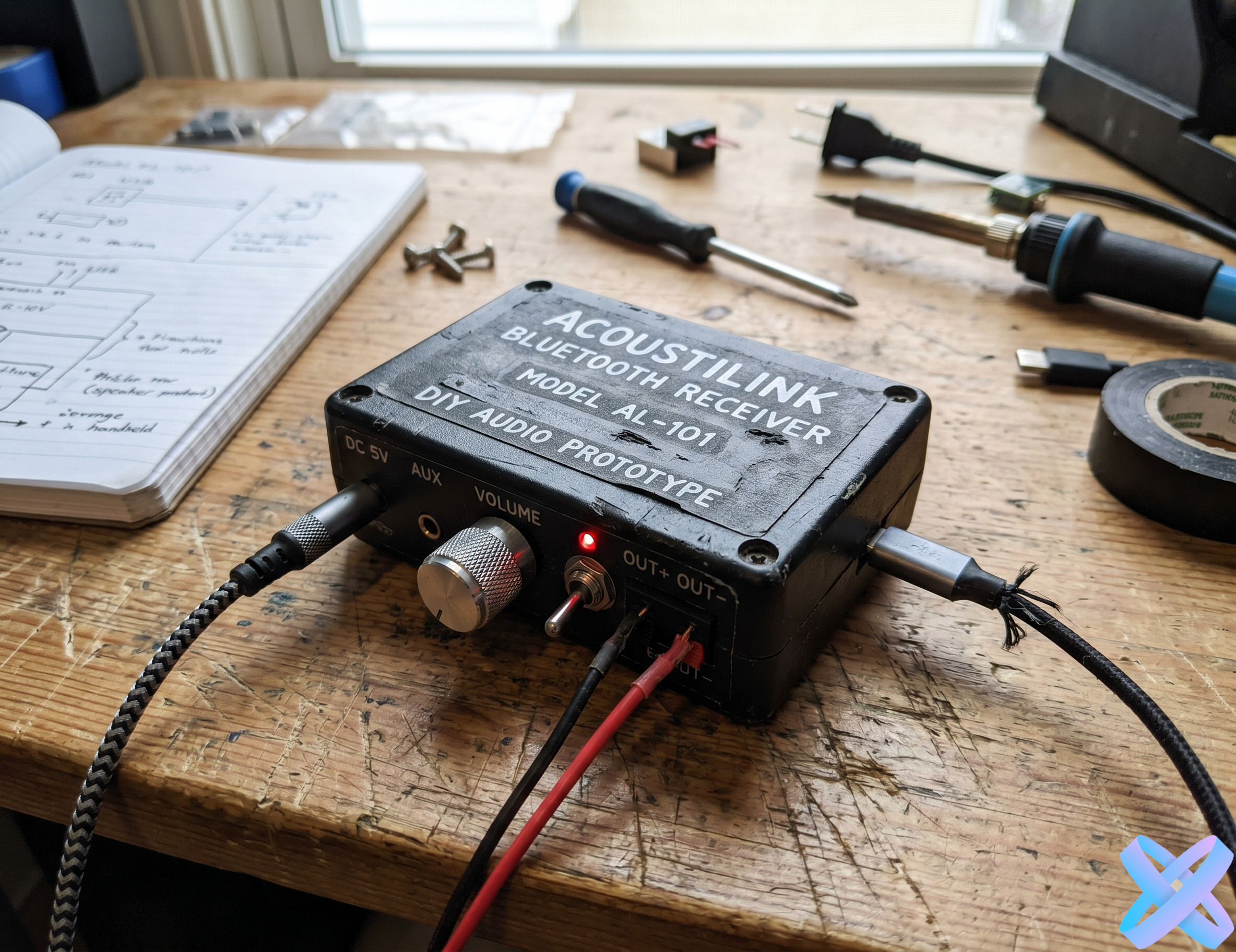

Create a modern digital creative: dark background, backlight, futuristic style
FOCUS
What the visual is meant to support.
Who the creative is for.
Clear focal point and negative space for future copy.
Lighting, background, mood, and contrast level.
USE CASES
Expert, course, service, or consultation.
Launch, event, promotion, or seasonal campaign.
App, online service, or technology brand.
Feed, story, or vertical ad visual without baked-in copy.
POSITIONING
Broad advertising task: service, event, brand, app, or social campaign.
Focused commercial scenario where a specific product and product fidelity are central.
QUALITY CHECK
Do not ask AI to generate critical readable copy, prices, or legal text inside the image.
Leave negative space where a headline or CTA will be added later.
Define one clear focal point first or the creative can become visually noisy.
For brand work, describe palette and mood without sacrificing the main person or object identity.
FAQ
Ad Creative is broader: it can advertise a service, event, app, brand, or campaign. Product Ad Photo is focused on a specific product.
Yes. Specify the side or area where negative space is needed. Add critical text after generation instead of asking AI to render it.
Yes. Expert offers, courses, services, events, and digital products are core use cases for this page.
Yes. Describe the palette and mood, then inspect the main subject for unwanted color changes.
Yes. Ask for a vertical/story composition and leave safe space for interface elements and copy.
Yes. Every quick direction is only a starting point and the prompt field remains fully editable.
AI AGENT
Guest AI edits are unavailable. A new account created after the offer started gets one successful free edit with any editor tool, including Premium. Further edits require tokens. This is one account-wide attempt, not one per page.
Further AI edits use tokens at the tool rate. Technical failures should not consume a free attempt. Switching project modes does not reset used attempts. Purchased tokens and permanent Premium remain intact; Premium unlocks after a purchase.