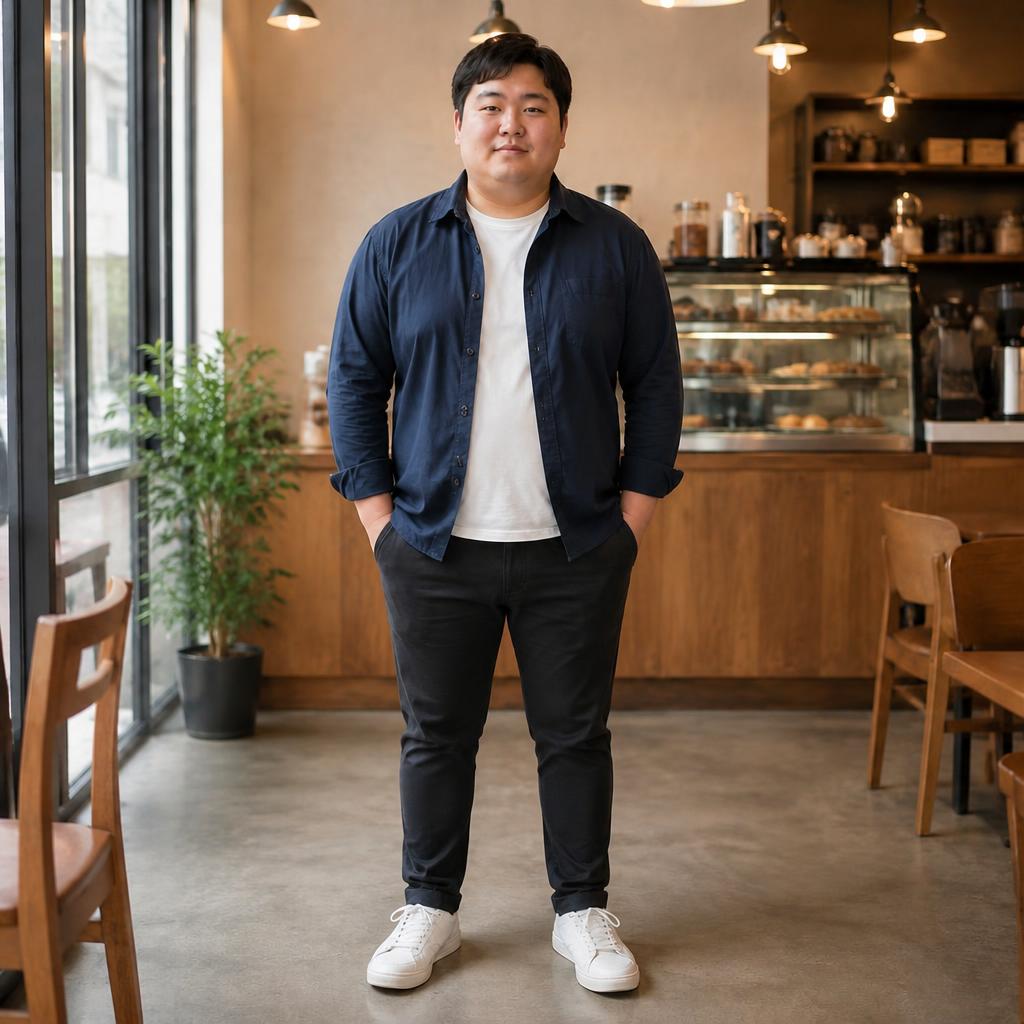
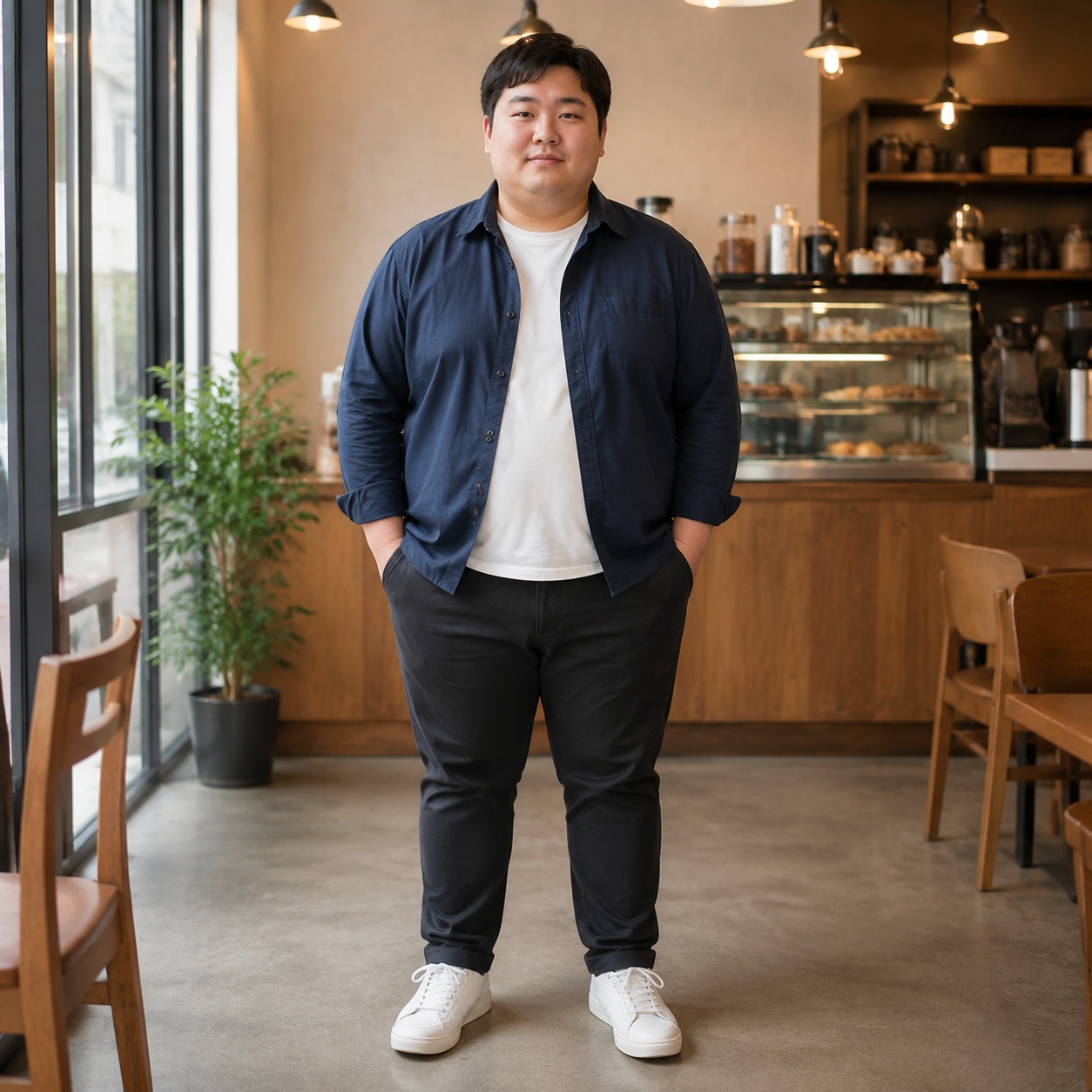
Subtle slimming
A moderate reduction in visual body volume for a restrained, natural-looking result.

SLIM BODY · AI BODY EDITOR
Upload a photo, choose a subtle or more noticeable slim-body direction, and compare the result on the page. AI adjusts the overall silhouette while aiming to preserve the face, clothing, pose, and background.
SLIM BODY PROOF
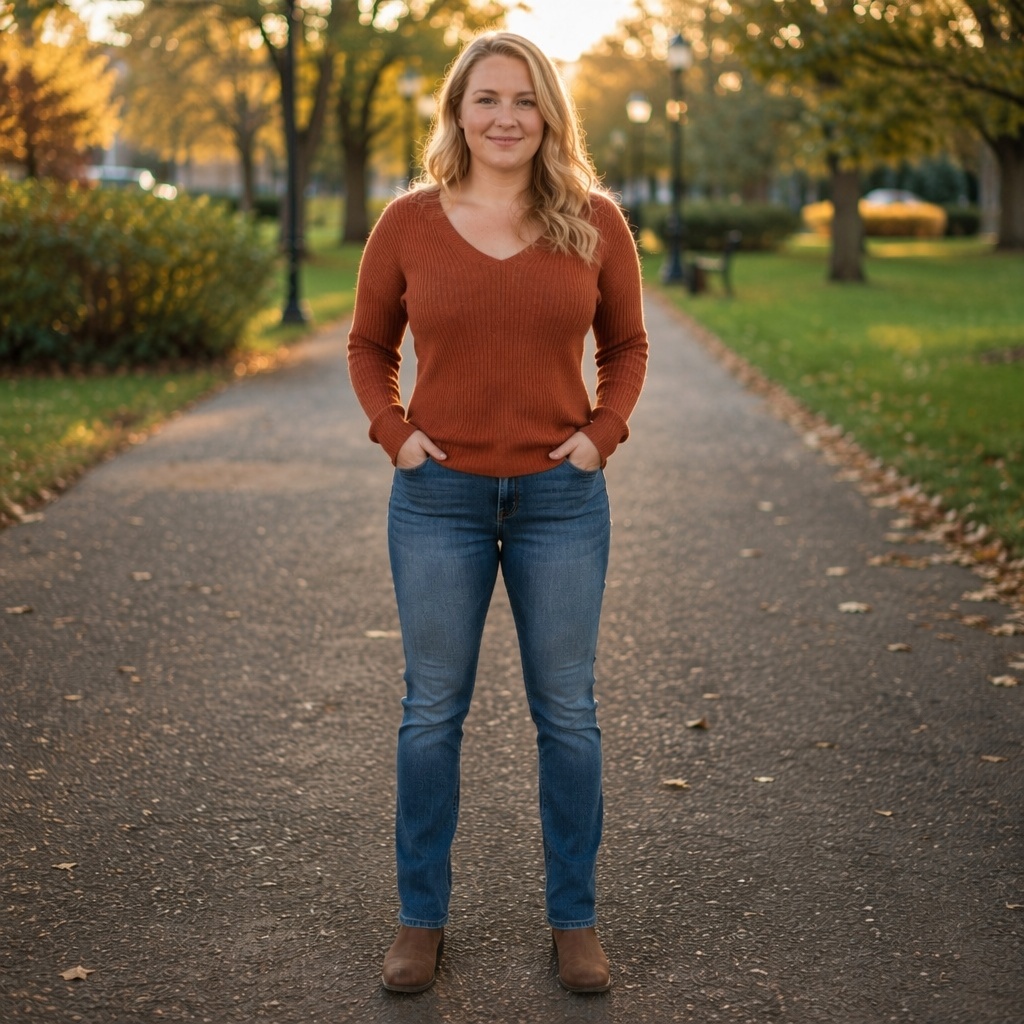
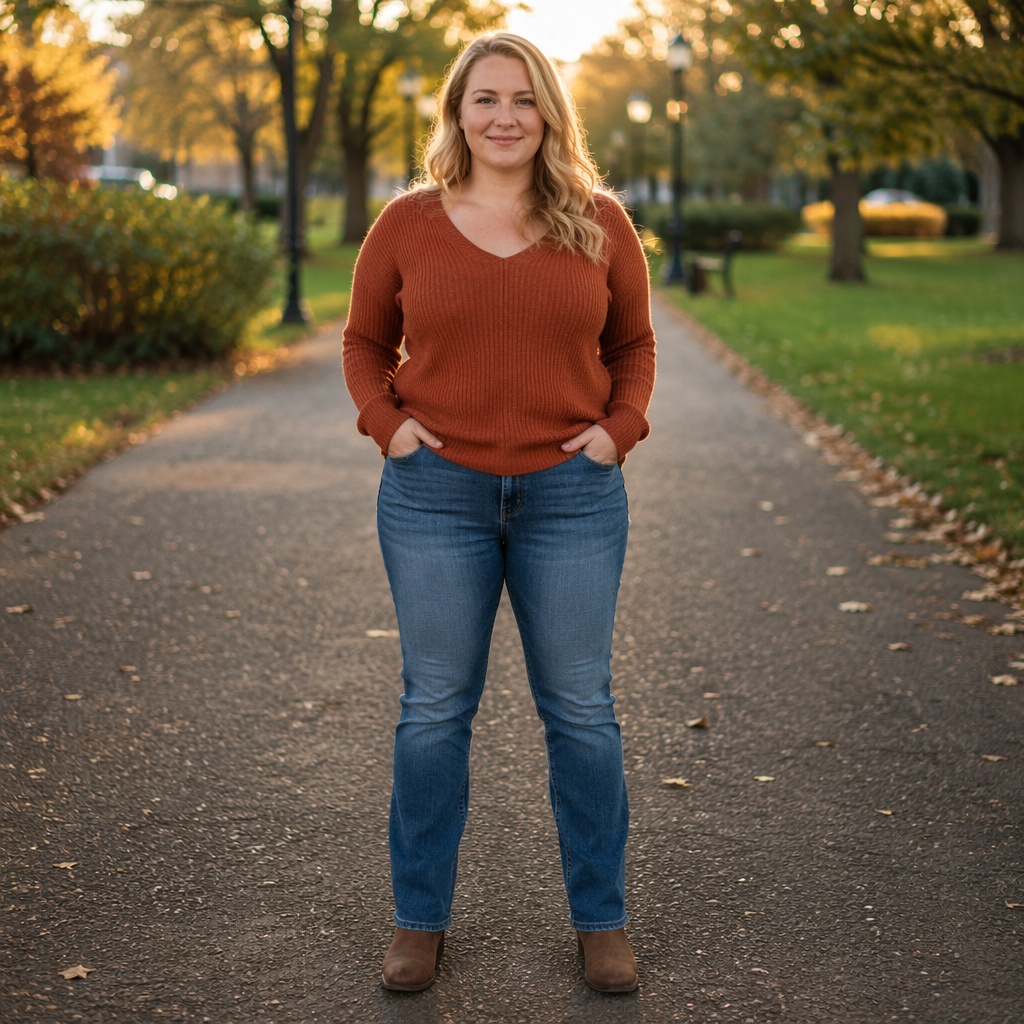
Judge the whole frame, not just the waist. Check body proportions, clothing, limbs, and straight background lines after the edit.
A moderate reduction in visual body volume for a restrained, natural-looking result.
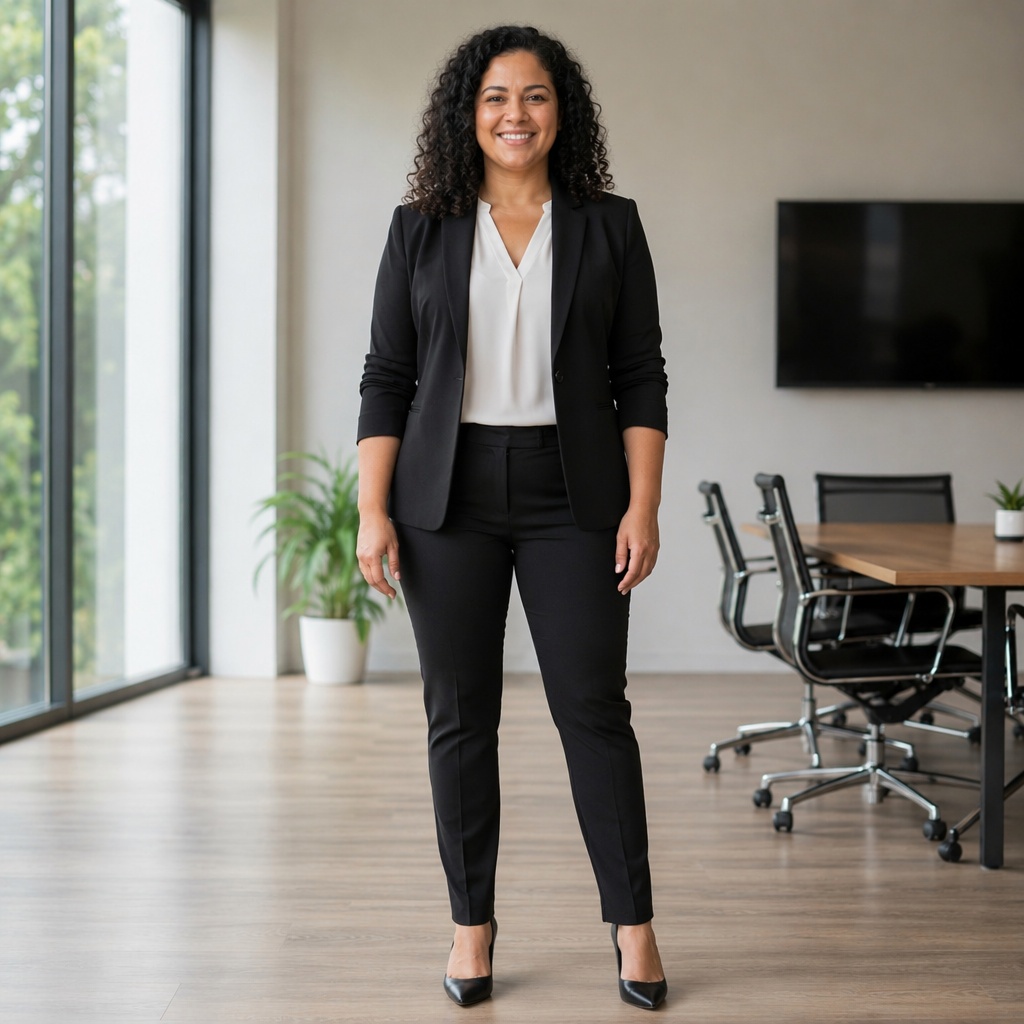
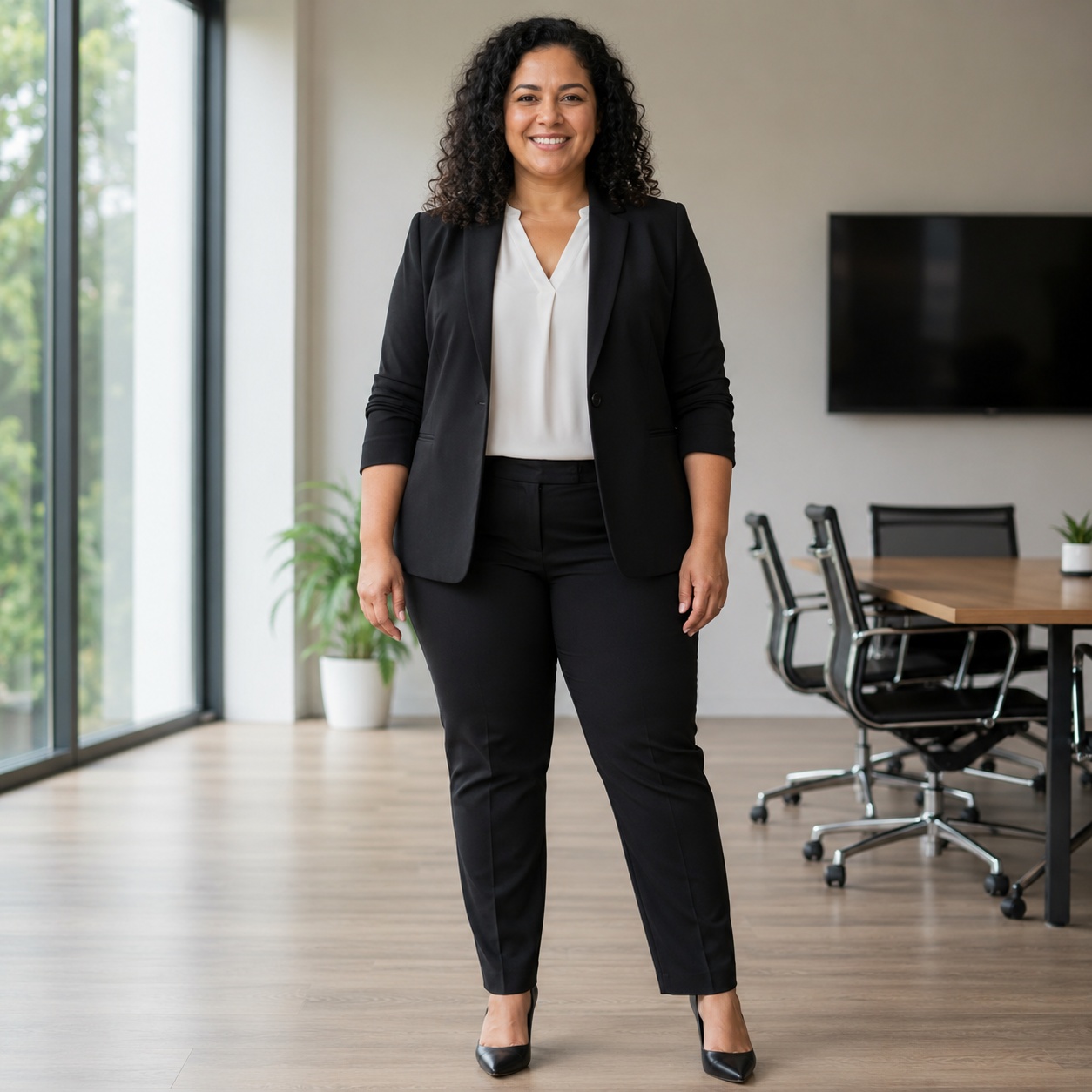
A stronger slim-body direction that still needs realistic anatomy and clothing reconstruction.
REAL BODY PRESETS
This cluster uses the current Body presets for slight and noticeable slimming, with separate female and male directions.
A subtle reduction in overall body fat, waist, arms, and legs while keeping healthy proportions.
A more clearly slimmer silhouette with a flatter stomach and reduced overall volume.
Moderately reduce body fat and waist volume without radically rebuilding the physique.
A visibly leaner shape with reduced belly, arms, and chest volume.
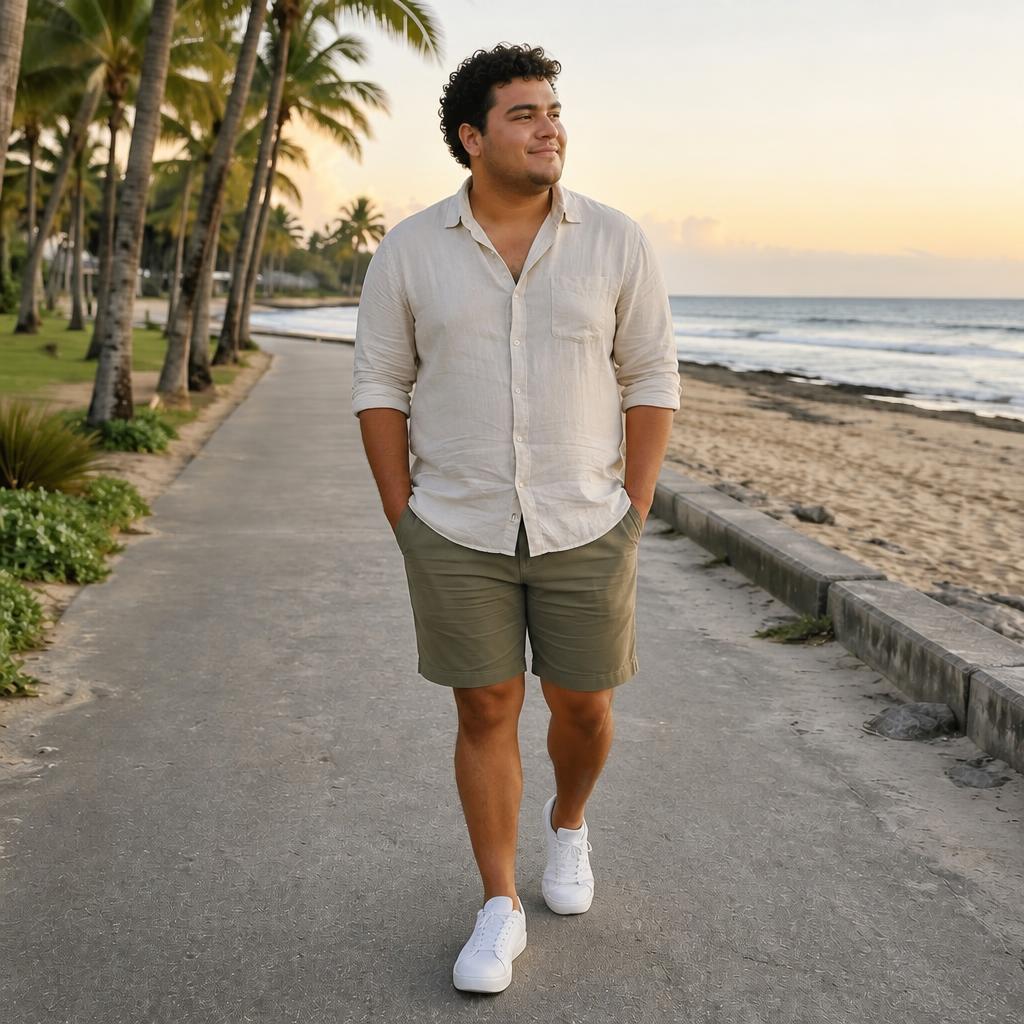
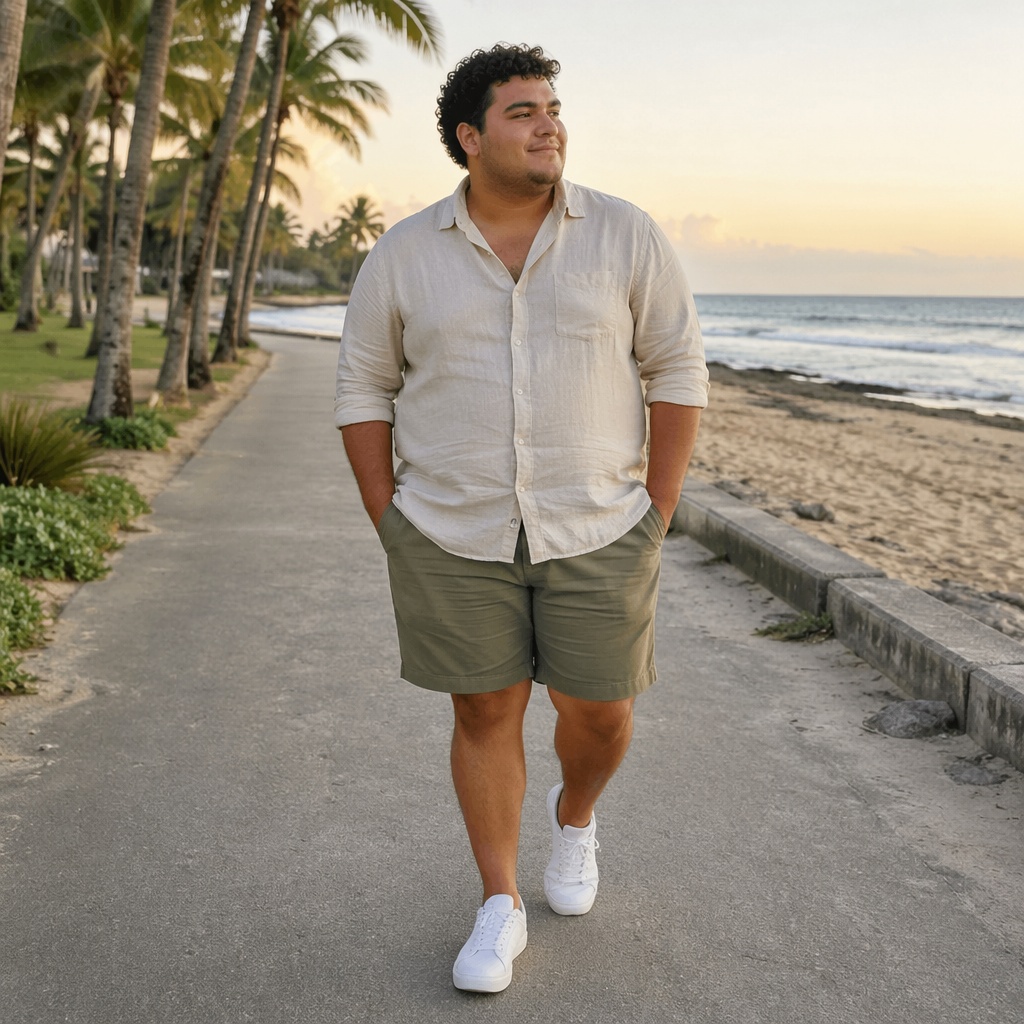
CHECK THE FRAME
The new silhouette should feel integrated into the original photo rather than locally warped.
WORKFLOW
Choose a frame where the body outline is easy to see.
Switch gender and select one of the two real Slim presets.
Use Before / After, download the photo, or continue in the Editor.
USE CASES
Compare a slimmer visual option before publishing a portrait.
Reduce extra visual volume caused by a wide lens or body position.
Review silhouette and garment fit without manually warping every contour.
Generate a moderate AI version before further retouching.
FAQ
Slim Body uses complete physique presets. For a precise edit to one body area, use AI Photo Correction or prompt-based editing.
Two real Slim directions for each gender: a slight change and a more noticeable slim-body edit.
The Body instruction asks the model to preserve face, age, expression, hairstyle, clothing, pose, background, and lighting. Always inspect the generated image.
Guests can use the single global successful AI demo available across SmartGenius. After that, create an account to continue in the Editor.
Upload a photo above, choose a Slim preset, and compare the result directly on the page.
Guest AI edits are unavailable. A new account created after the offer started gets one successful free edit with any editor tool, including Premium. Further edits require tokens. This is one account-wide attempt, not one per page.
Further AI edits use tokens at the tool rate. Technical failures should not consume a free attempt. Switching project modes does not reset used attempts. Purchased tokens and permanent Premium remain intact; Premium unlocks after a purchase.