Check finger count and shape.

HANDS · LOCAL POSE EDIT
Change Hand Position in a Photo with AI
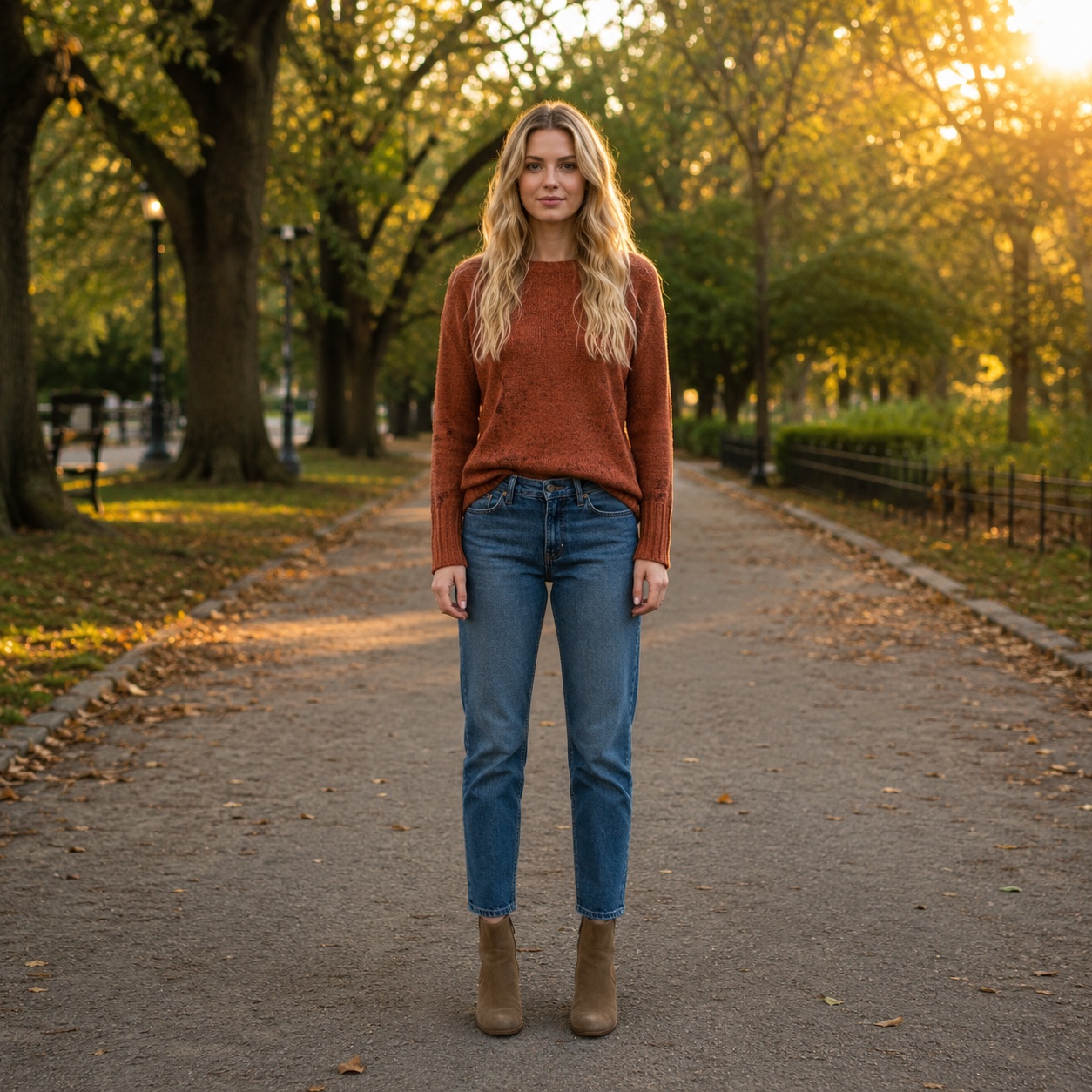
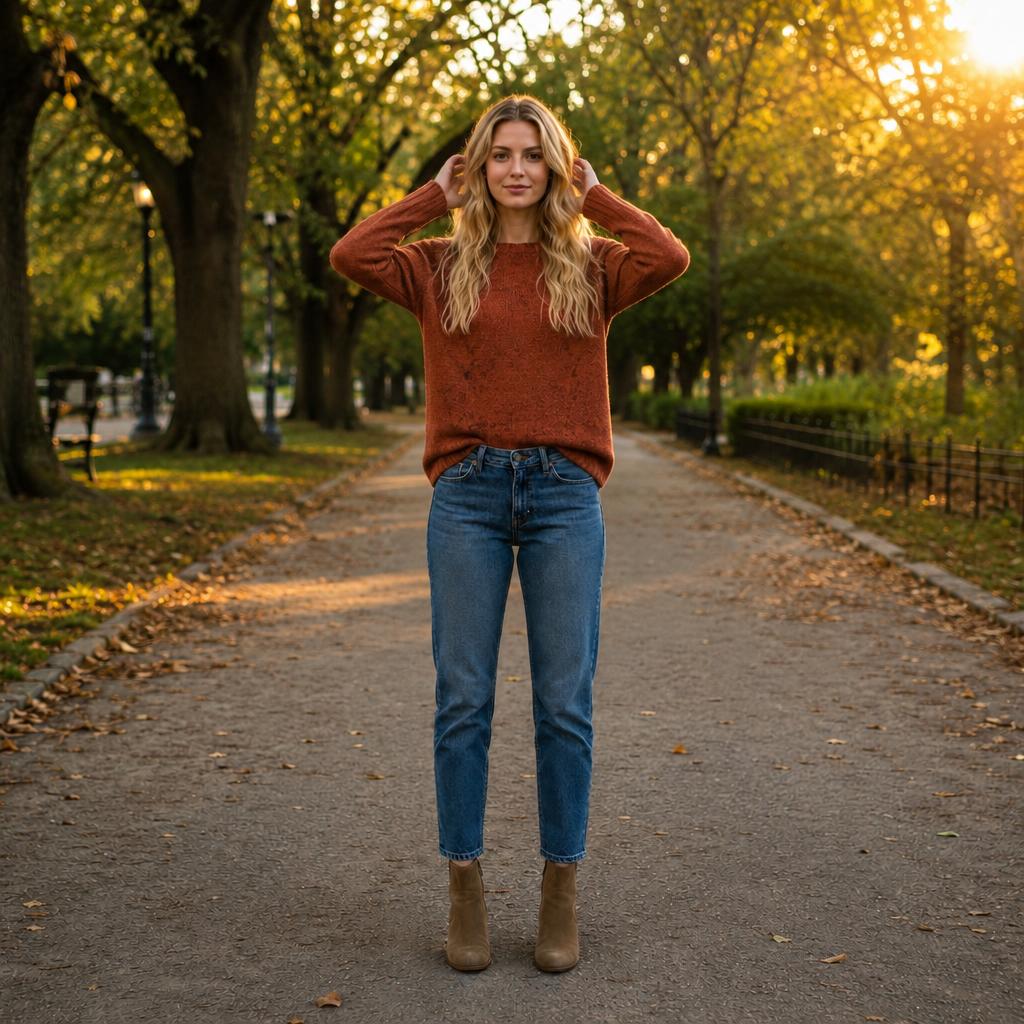
Fix awkward arm placement or choose a cleaner gesture. The main focus is hands, wrists, elbows, and forearms rather than rebuilding the entire body pose.
- Local hand-pose task
- Hands, elbows, and forearms
- Rest of the composition stays consistent
HANDS · LOCAL POSE EDIT
Change the arms, not the whole frame
A local instruction is easier to control. Start with arm and hand placement, then adjust other parts of the pose only if needed.
QUALITY CHECK
What to inspect
The bend should remain anatomically natural.
Elbow placement must agree with shoulder and forearm.
Hands should not pass through clothing, body, or objects.
USE CASES
Where this pose direction works
Hands in pockets
Replace an awkward gesture with a calmer stance.
Arms at sides
Create a neutral portrait position.
Portrait gesture
Make hand placement cleaner and more intentional.
Catalogs
Keep the product or clothing visible and unobstructed.
BEFORE / AFTER
Before and after examples
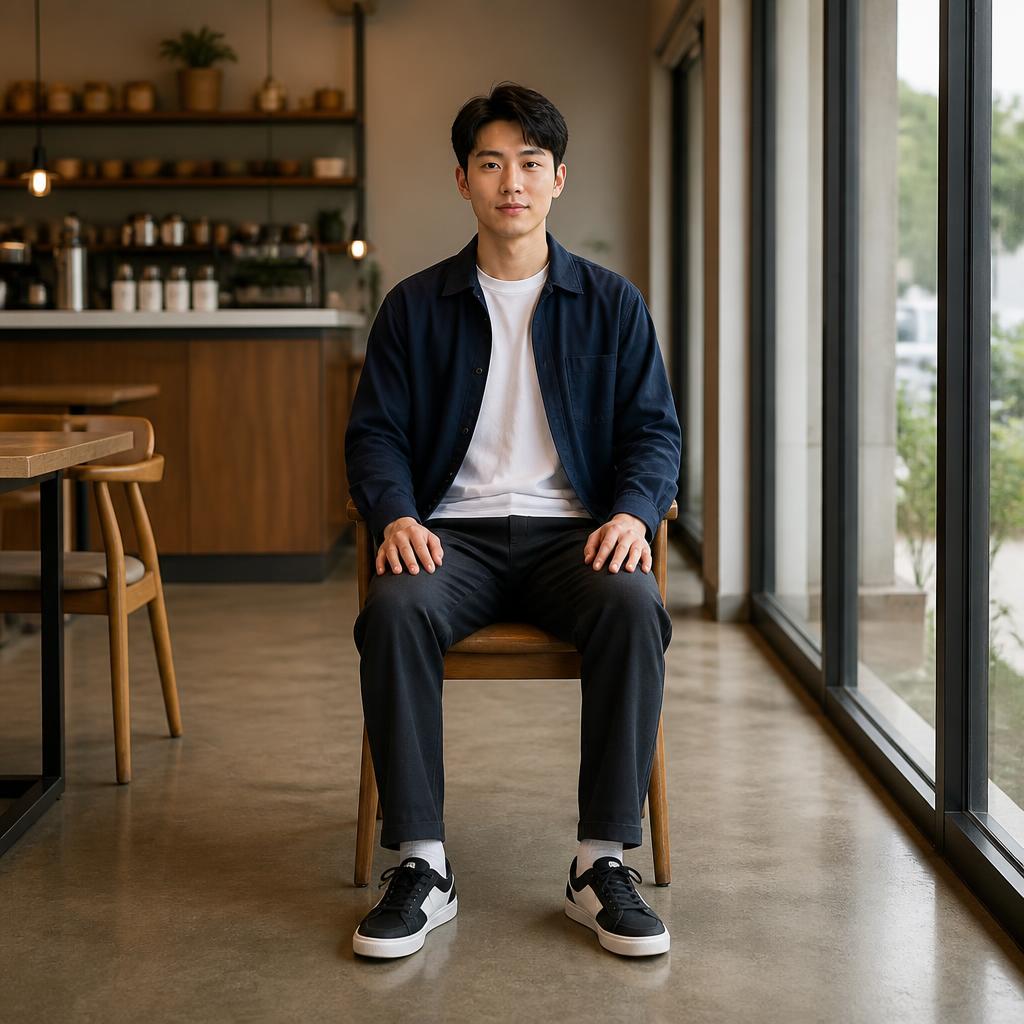
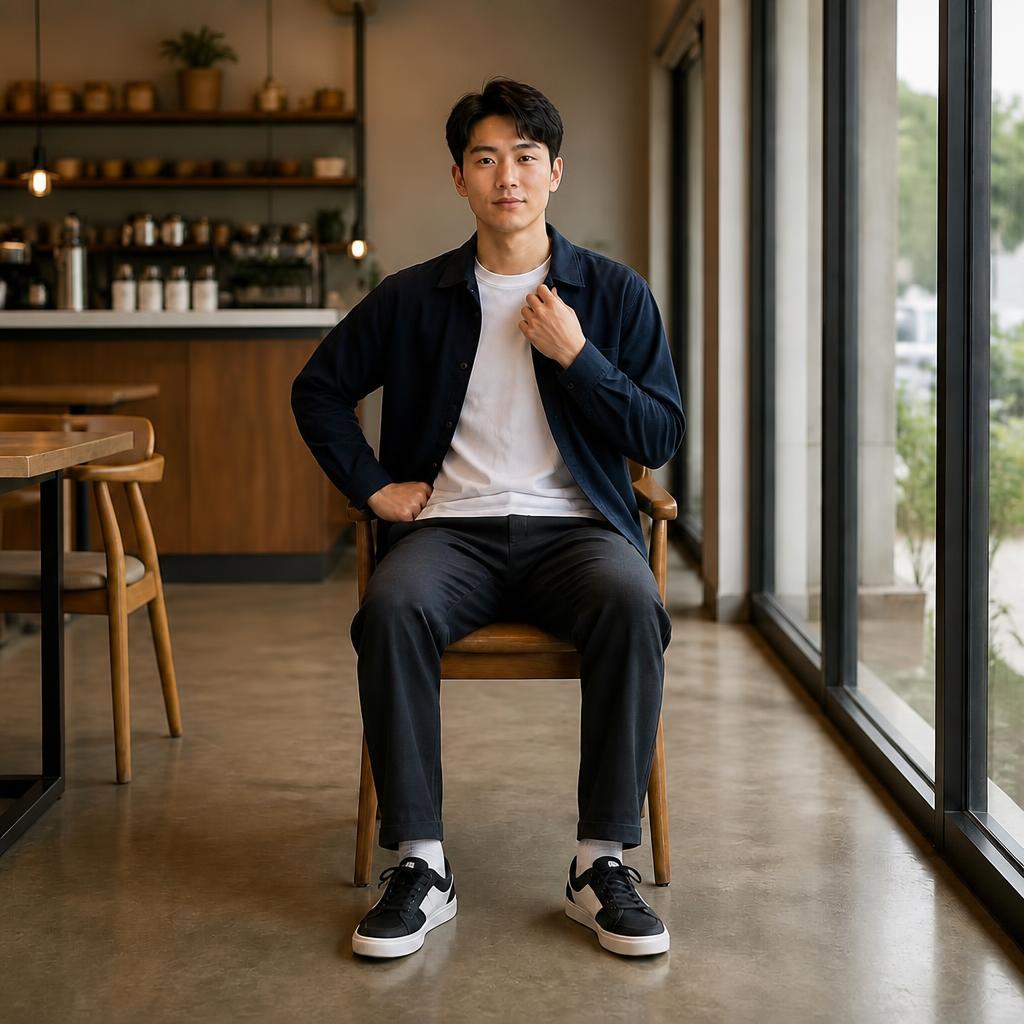
Hands in pockets
Replace an awkward gesture with a calmer stance.
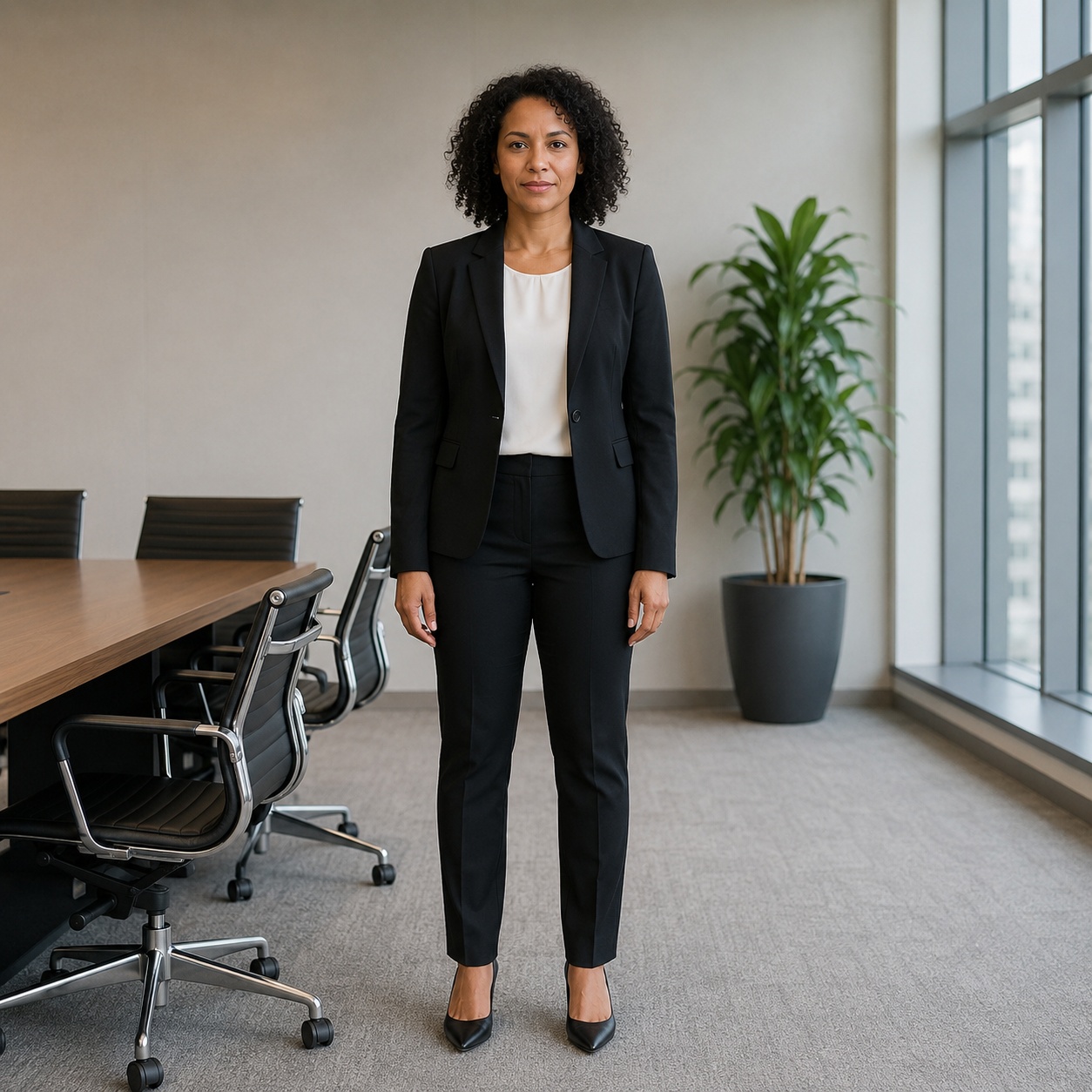

Arms at sides
Create a neutral portrait position.
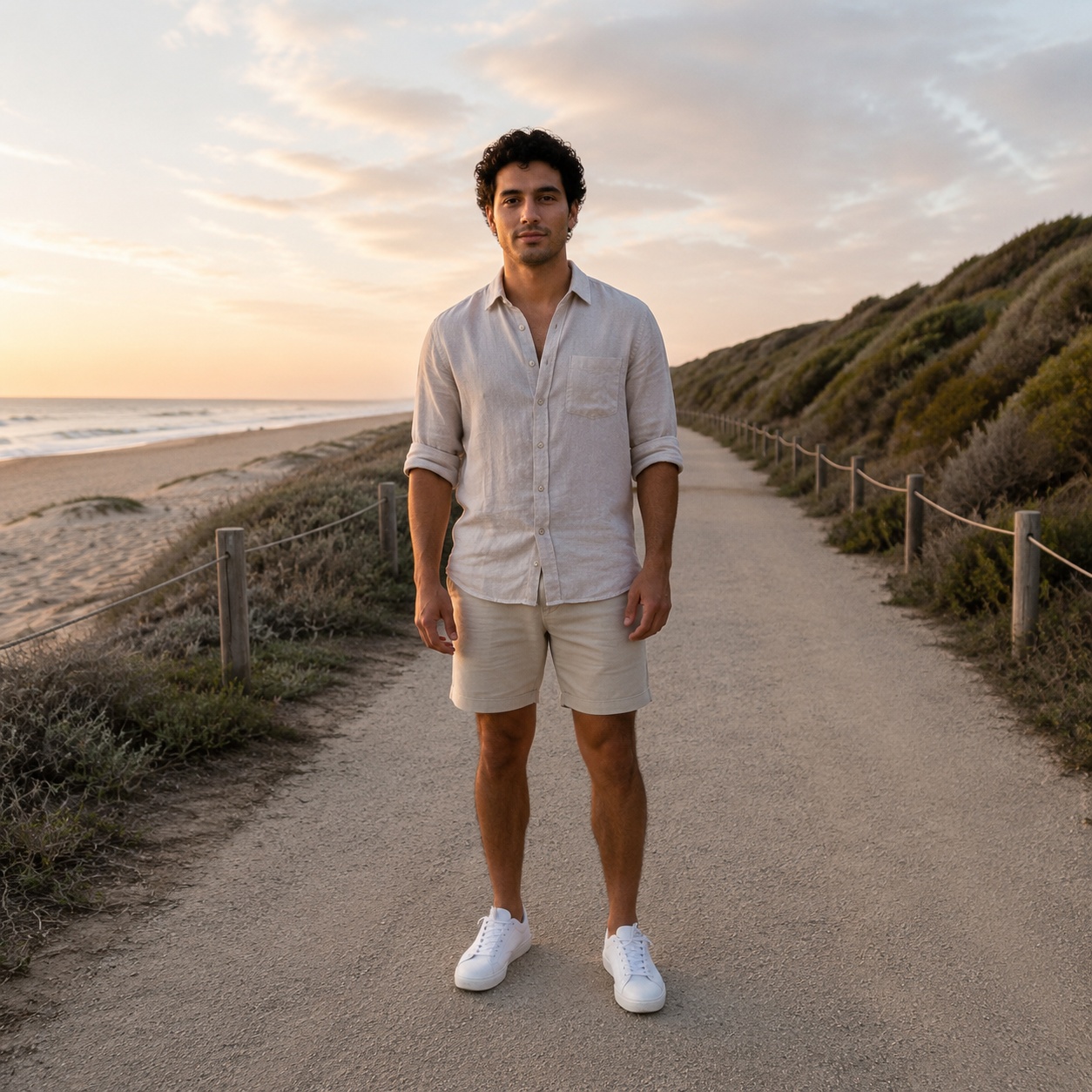
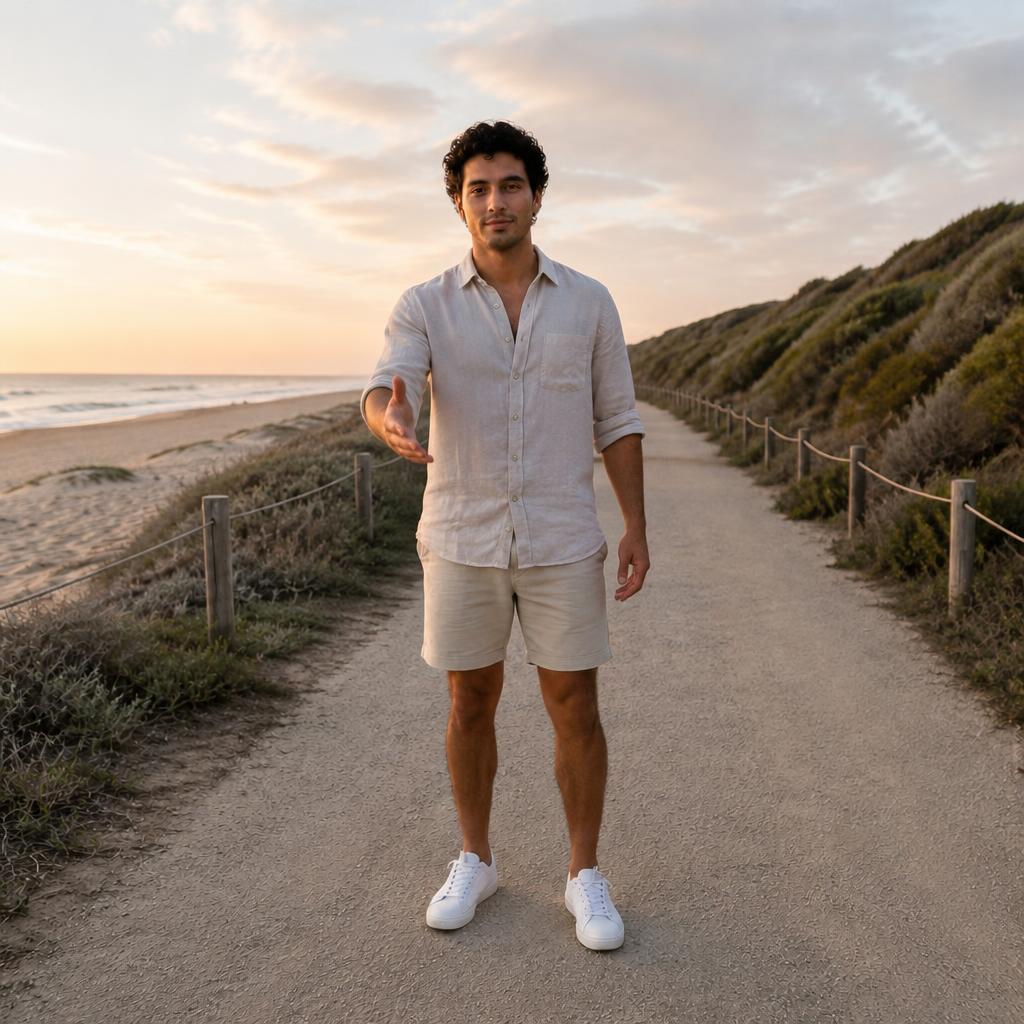
Portrait gesture
Make hand placement cleaner and more intentional.
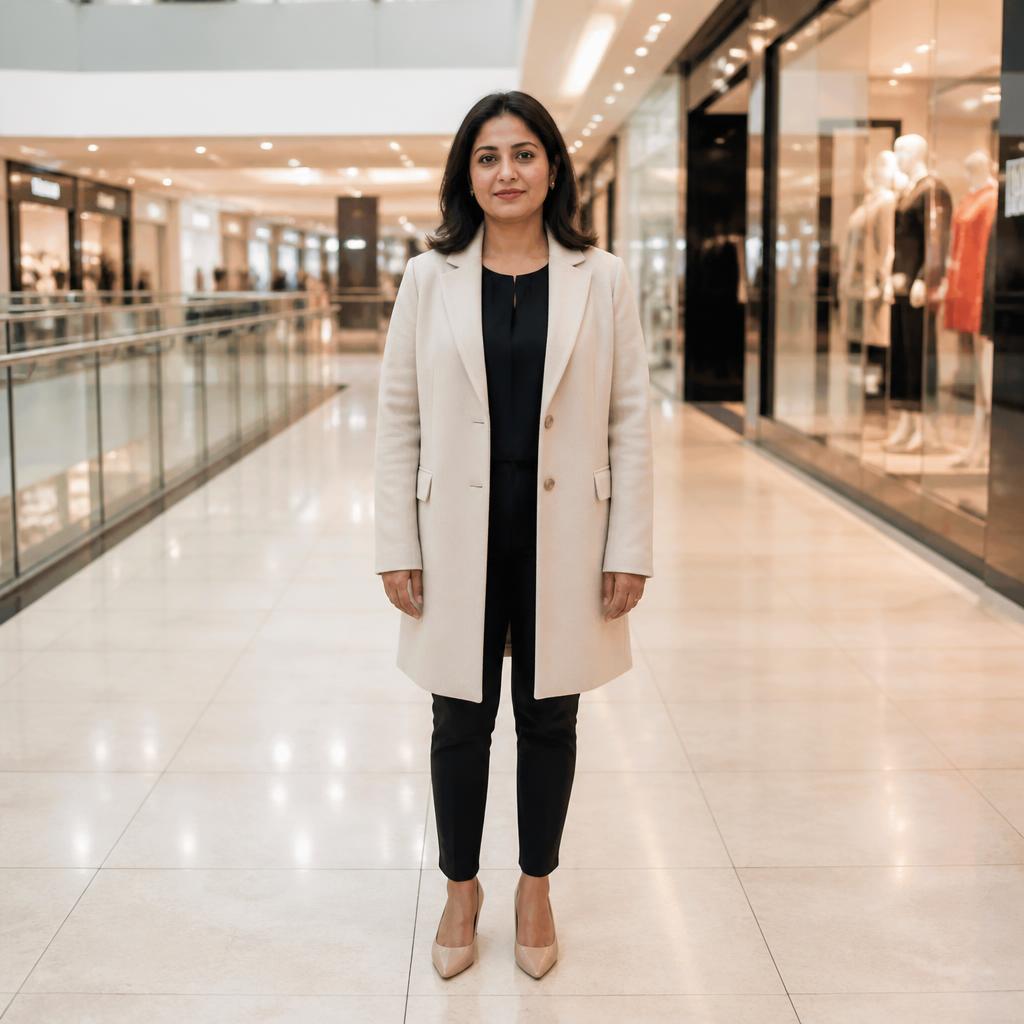
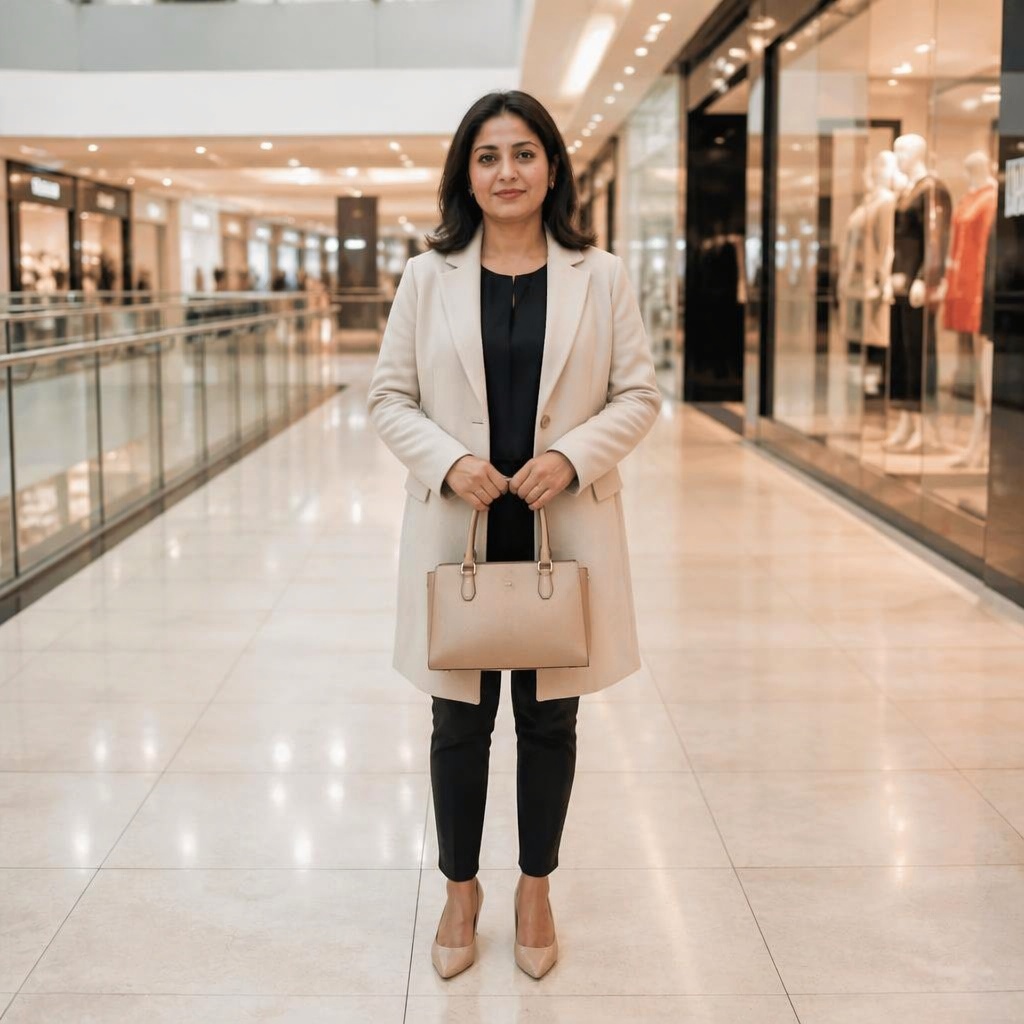
Catalogs
Keep the product or clothing visible and unobstructed.
FAQ
Questions about this pose
What does Hand Pose change?
This workflow locally repositions the arms and hands: lower, raise, cross, place them in pockets, or make a gesture look more natural.
Do the hands need to be visible?
Preferably. Clear wrists, hands, and elbows give the AI better information about the starting anatomy and movement direction.
Can this fix extra fingers?
Hand Pose is primarily for arm and hand positioning. If the problem is an AI artifact such as extra fingers, use a photo-fix workflow instead.
Will the rest of the pose change?
The goal is to preserve the torso, face, outfit, and scene as closely as possible while mainly changing the arms.
What should I check after generation?
Zoom into the hands and inspect finger count, wrists, elbows, contact with clothing, and any unnatural intersections.
Can I keep editing the result?
Yes. Once the gesture looks right, open the image in Editor and continue with other tools.
TRY IT
Try this pose on your photo
Upload a photo, choose the pose direction that fits your goal, and compare the result with the original in the Hero.
AI processing terms
What is free and when do I need an account?
Guest AI edits are unavailable. A new account created after the offer started gets one successful free edit with any editor tool, including Premium. Further edits require tokens. This is one account-wide attempt, not one per page.
How do I pay for further edits?
Further AI edits use tokens at the tool rate. Technical failures should not consume a free attempt. Switching project modes does not reset used attempts. Purchased tokens and permanent Premium remain intact; Premium unlocks after a purchase.