White studio
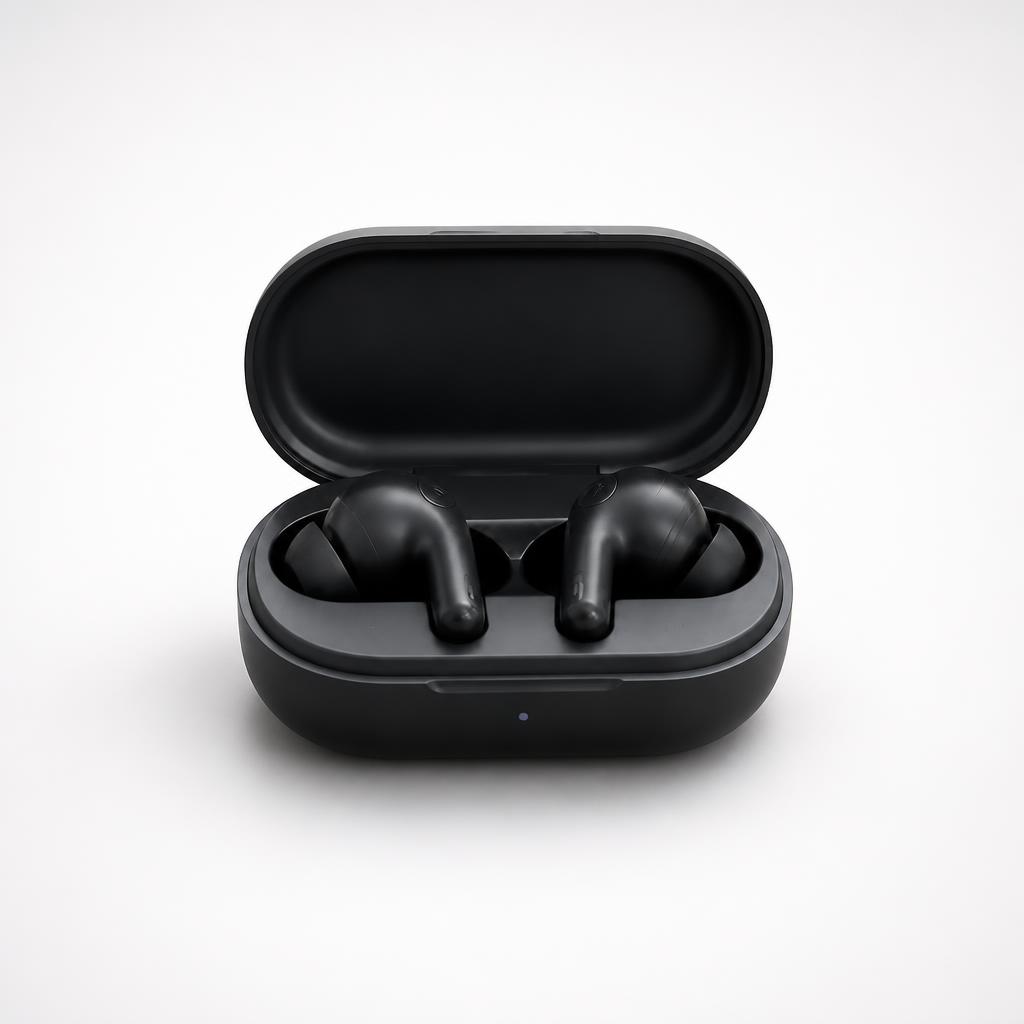
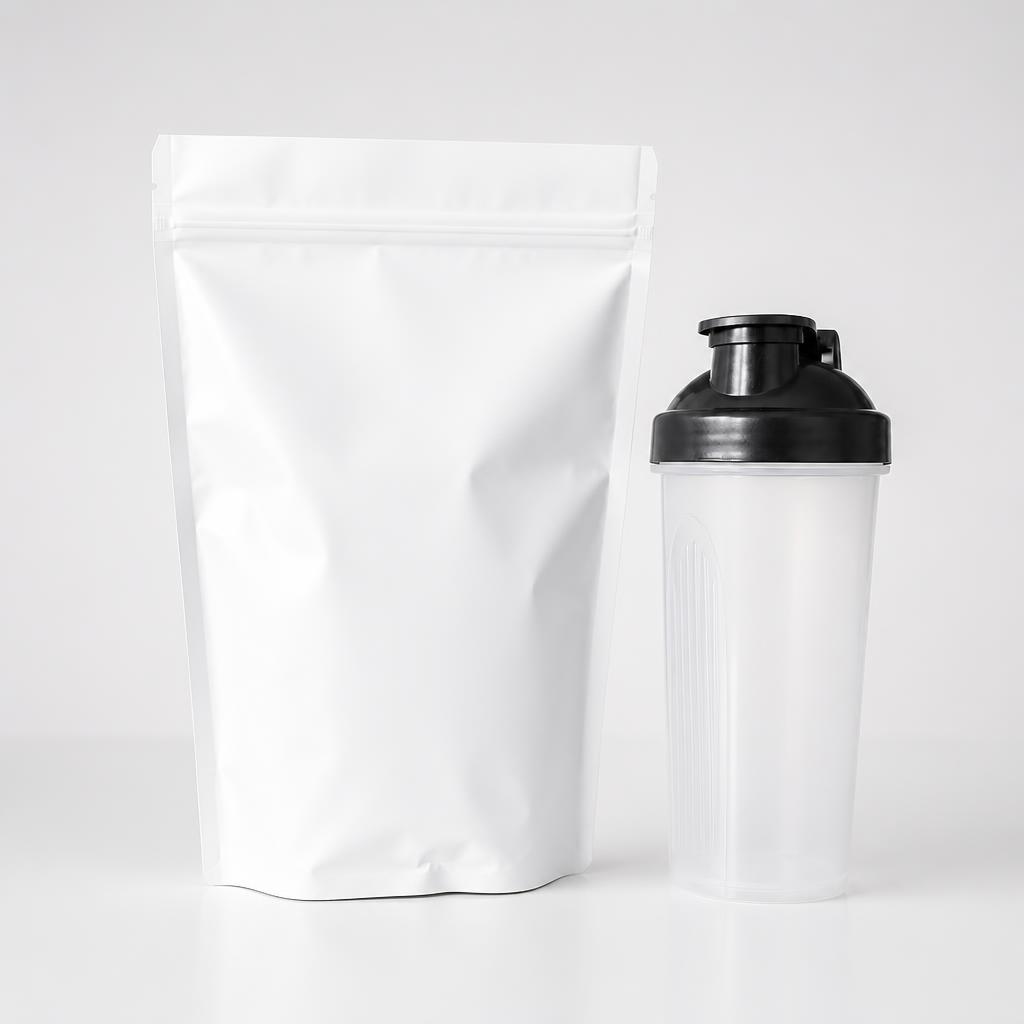
Replace only the environment with a clean white studio. Keep the product exactly as-is and add a soft contact shadow.

PRODUCT BACKGROUND · SCENE ONLY
Replace the surroundings with a white studio, clean podium, lifestyle interior or premium scene. The tool keeps the product fixed and changes only the environment, surface, lighting and supporting scene details.
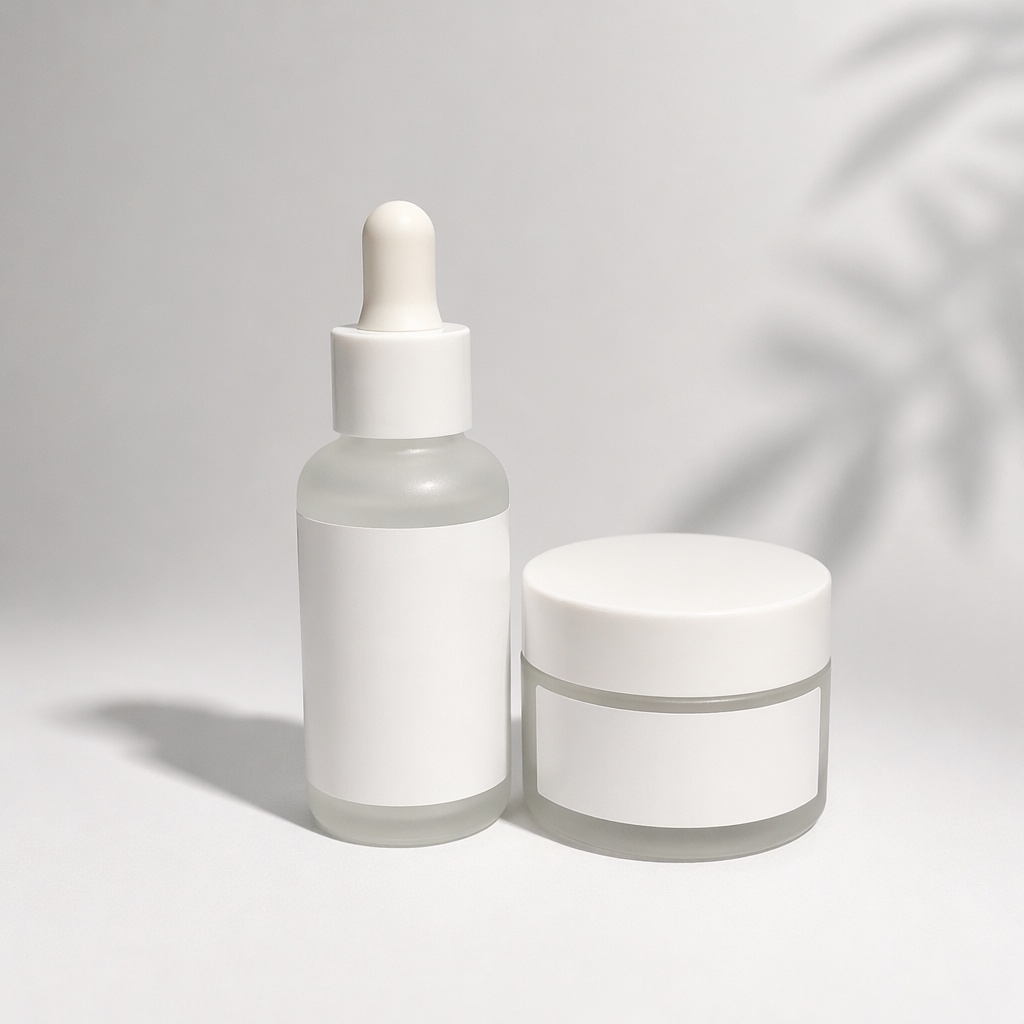
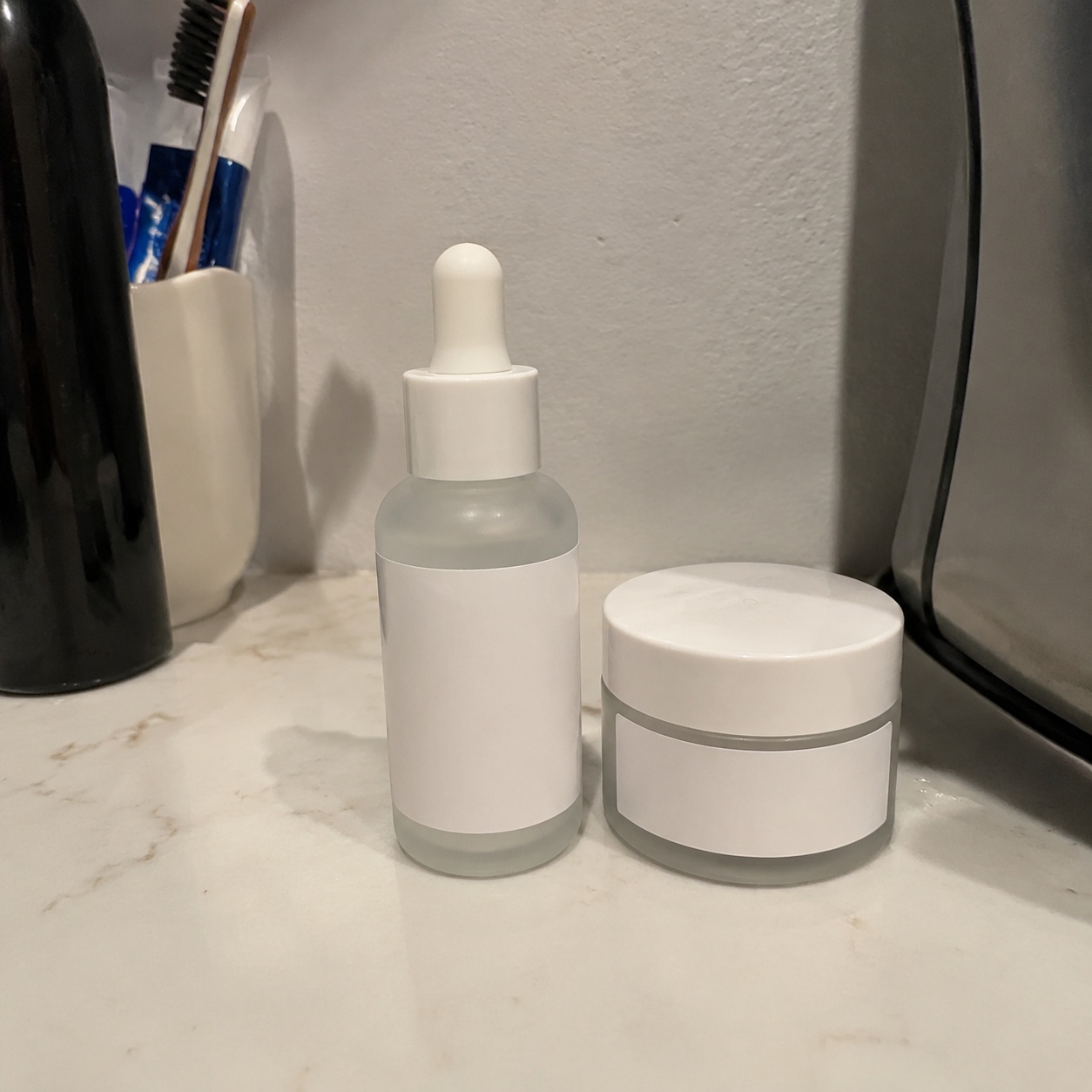
WHAT YOU GET
Use this when the product is already correct and only its surroundings need to change. Marketplace layout and advertising art direction are handled by separate tools.
Shape, proportions, color, material and packaging stay tied to the source.
Background, surface, props and lighting can change.
The new scene should physically agree with the product.
The product stays locked while background and lighting change.
The scene becomes more expressive while product accuracy still stays protected.
BEFORE / AFTER
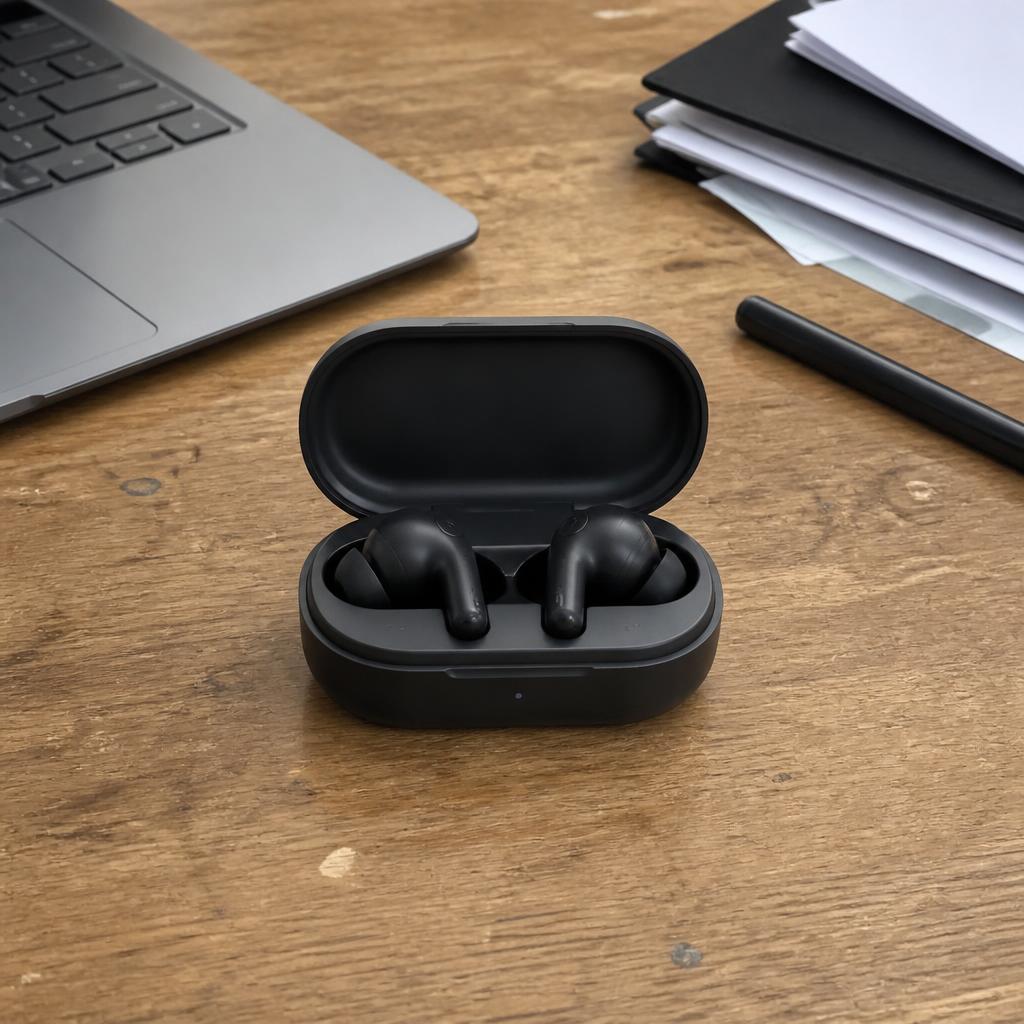
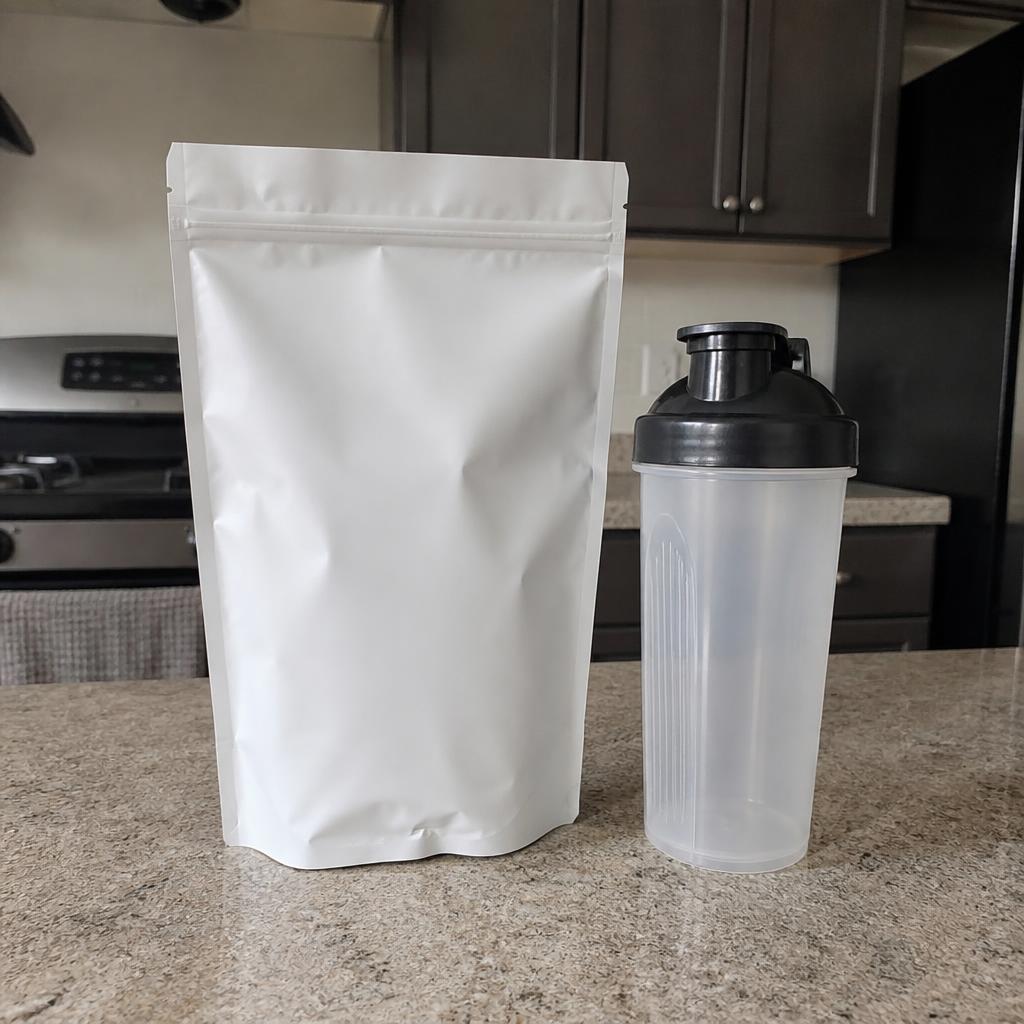
See how the product environment changes while its shape, color, and details stay consistent.
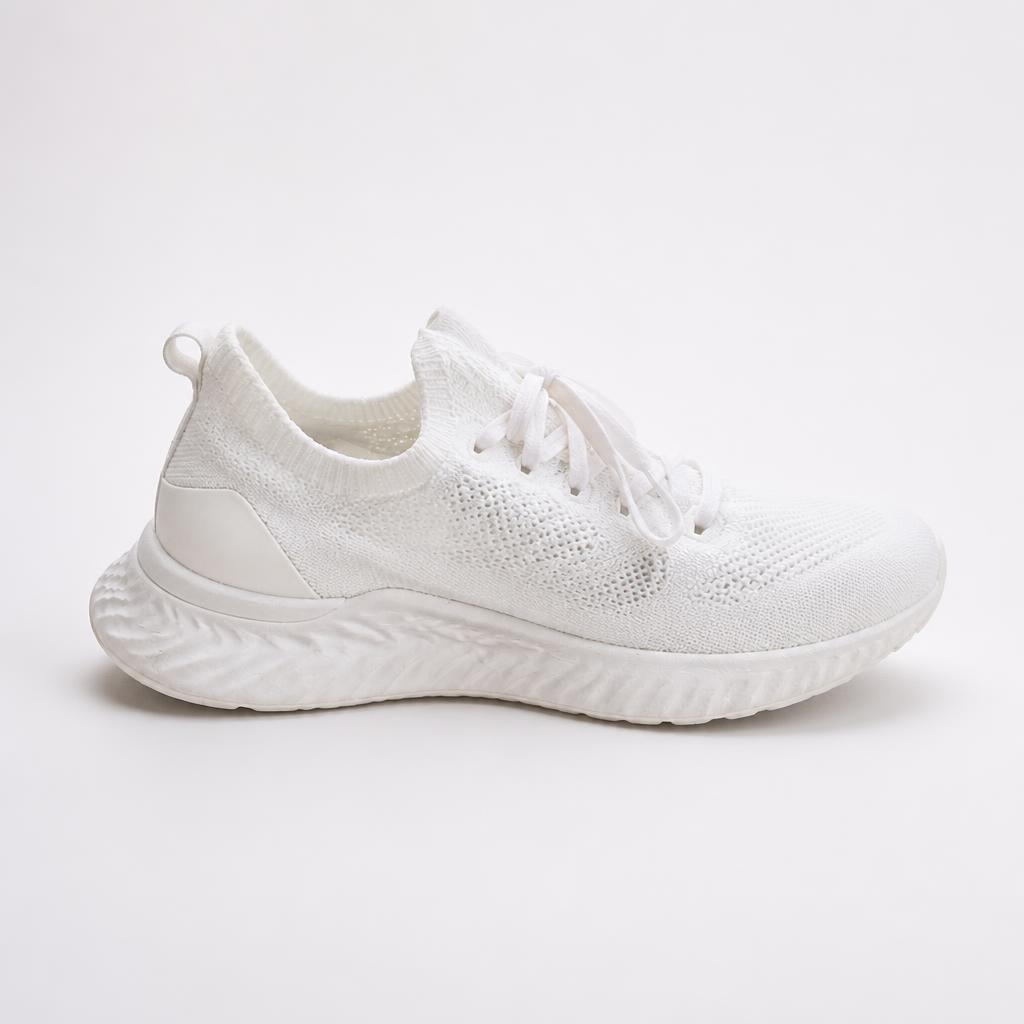
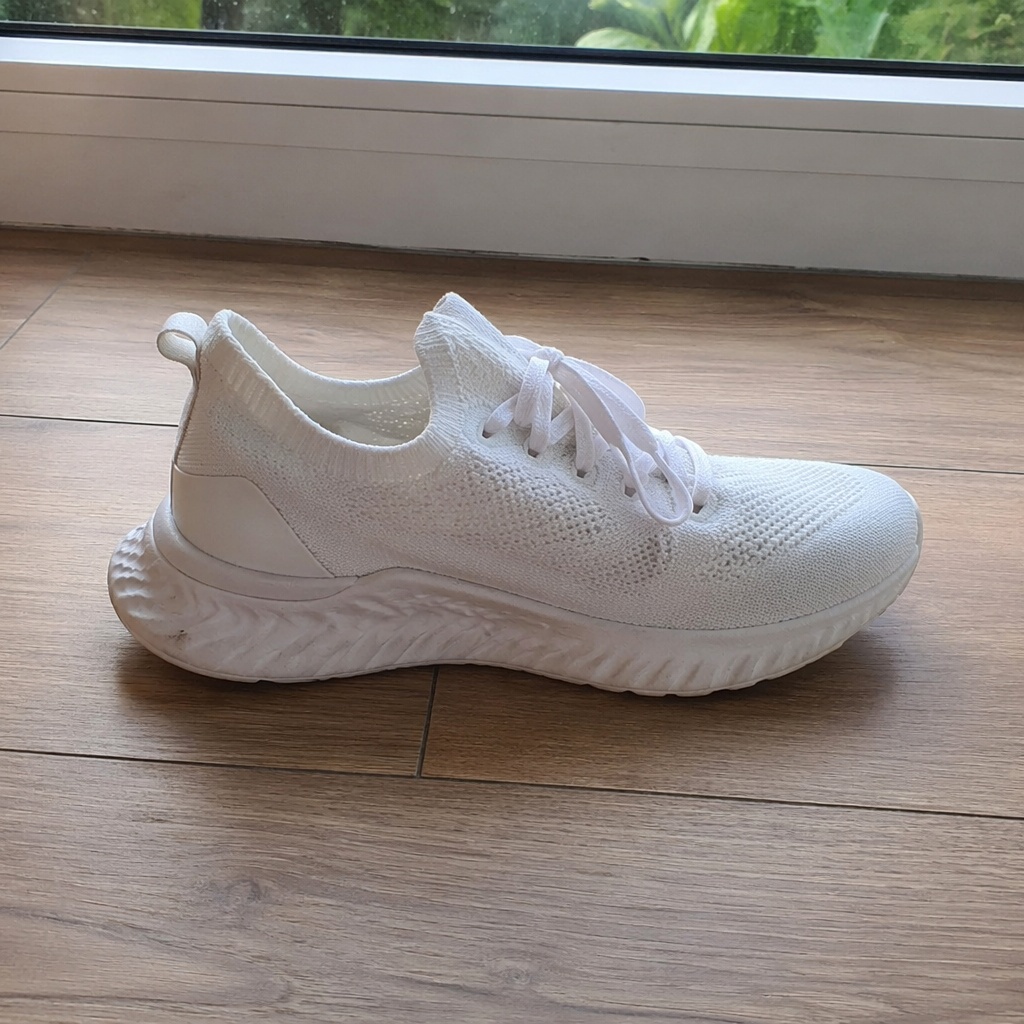
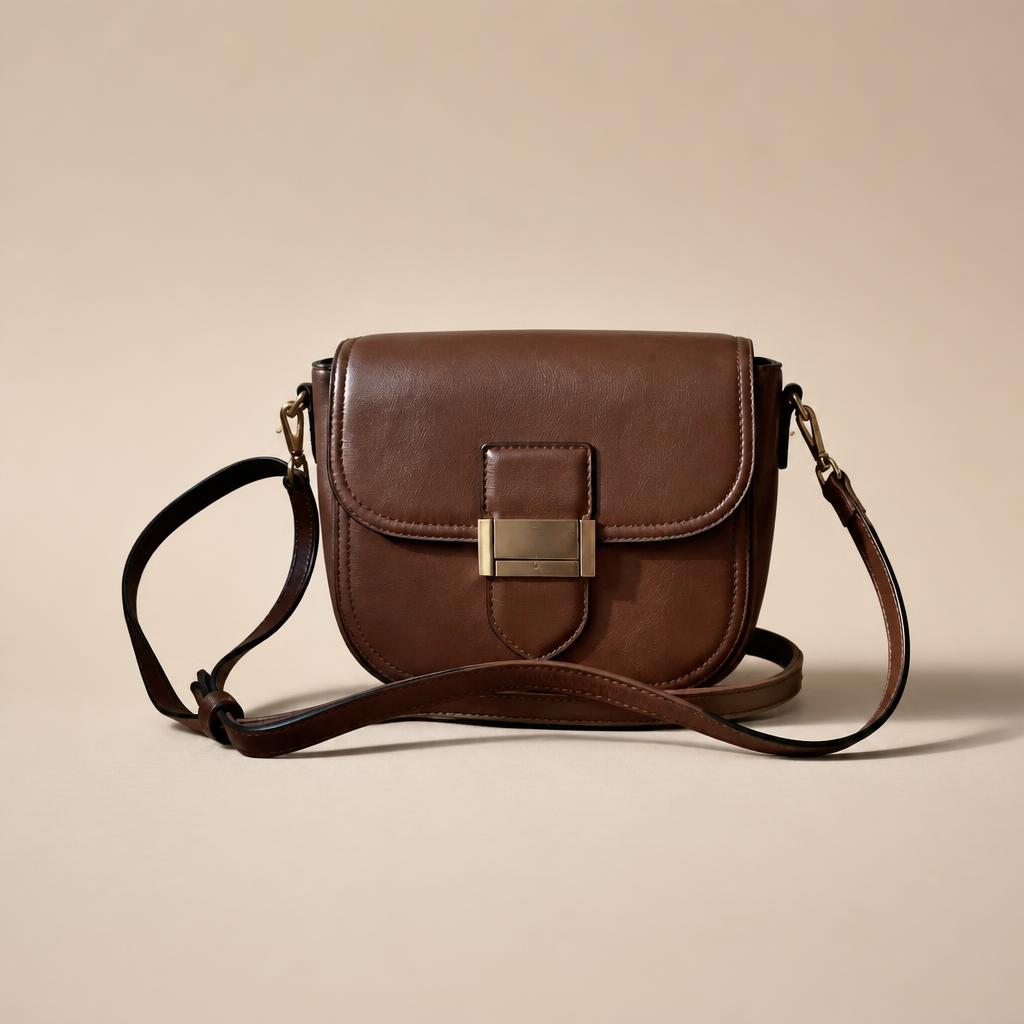
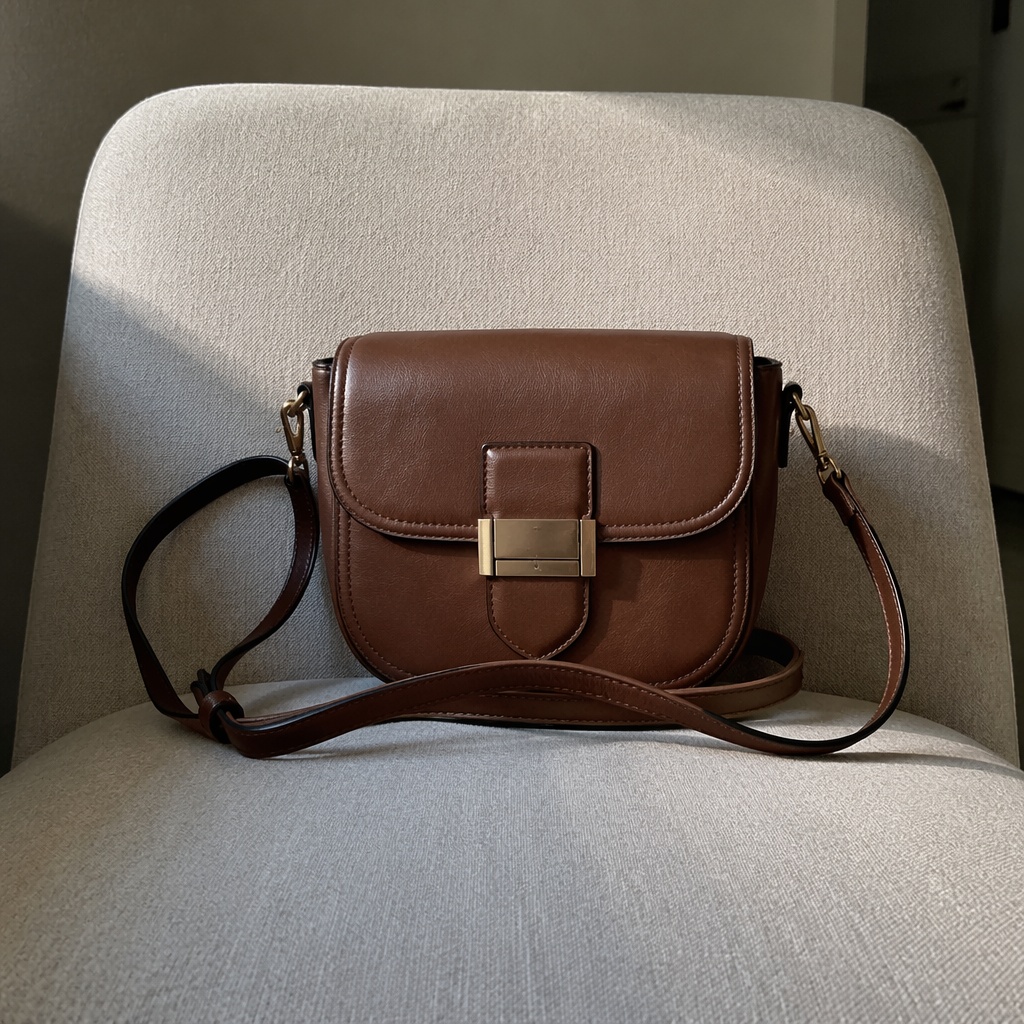
PRODUCT CREATIVE
Replace the surroundings with a white studio, clean podium, lifestyle interior or premium scene. The tool keeps the product fixed and changes only the environment, surface, lighting and supporting scene details.
Replace only the environment with a clean white studio. Keep the product exactly as-is and add a soft contact shadow.
Place the item on a minimal light podium with soft side lighting.
Place the product in a calm modern interior and match perspective, light and shadow.
Create a premium dark scene with rim light and a subtle reflection. Do not alter the product.
USE CASES
Use this when the product is already correct and only its surroundings need to change. Marketplace layout and advertising art direction are handled by separate tools.
Create a neutral bright catalog setting.
Add a minimal commercial surface and soft light.
Place the product in a plausible usage context.
Create a high-end dark scene without altering the item.
FAQ · PRODUCT-BACKGROUND
Clear boundaries around the task, product accuracy, and what happens after generation.
The product-lock instruction forbids recoloring, redesigning or inventing product parts.
White studio, clean podium, lifestyle and premium dark—based on real Product Creative directions.
The product-oriented setup accounts for surface contact, shadow, packaging silhouette and overall product accuracy.
Product Creative in the Editor offers more scene controls; this tool stays intentionally focused on the background.
Yes. After a successful generation you can download it or continue in Editor.
SMARTGENIUSAI · PRODUCT CREATIVE
Choose a scene, upload the source and replace the environment without manual product cutouts.
Guest AI edits are unavailable. A new account created after the offer started gets one successful free edit with any editor tool, including Premium. Further edits require tokens. This is one account-wide attempt, not one per page.
Further AI edits use tokens at the tool rate. Technical failures should not consume a free attempt. Switching project modes does not reset used attempts. Purchased tokens and permanent Premium remain intact; Premium unlocks after a purchase.