Primary card
Create a clean first slide without unnecessary text.

PRODUCT CARD · LAYOUT BASE
Build a clean product-card base with clear product hierarchy and consistent presentation. AI keeps the generated image text-free; add exact prices, specifications, benefits and infographic elements as controlled design layers later.
WHAT YOU GET
AI prepares the product and the space around it. Exact numbers, benefits, prices and legally important copy should be added separately.
The item remains the main visual anchor.
Keep the generated image clean and text-free so exact infographic elements can be added manually afterward.
The model should not invent letters, prices, badges or specifications.
USE CASES
AI prepares the product and the space around it. Exact numbers, benefits, prices and legally important copy should be added separately.
Create a clean first slide without unnecessary text.
Reserve a clear zone for manually added benefits.
Keep scale and background consistent across slides.
Arrange included pieces while preserving real count and proportions.
BEFORE / AFTER
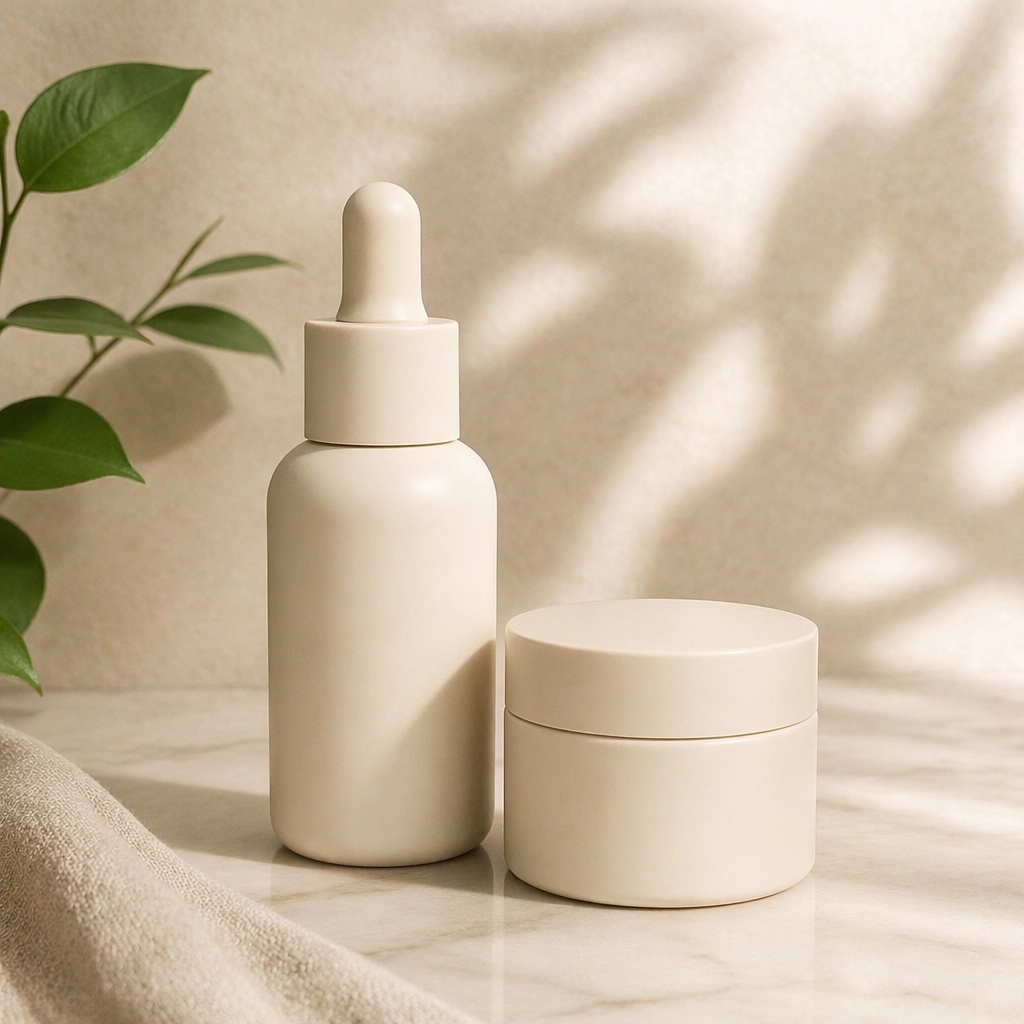
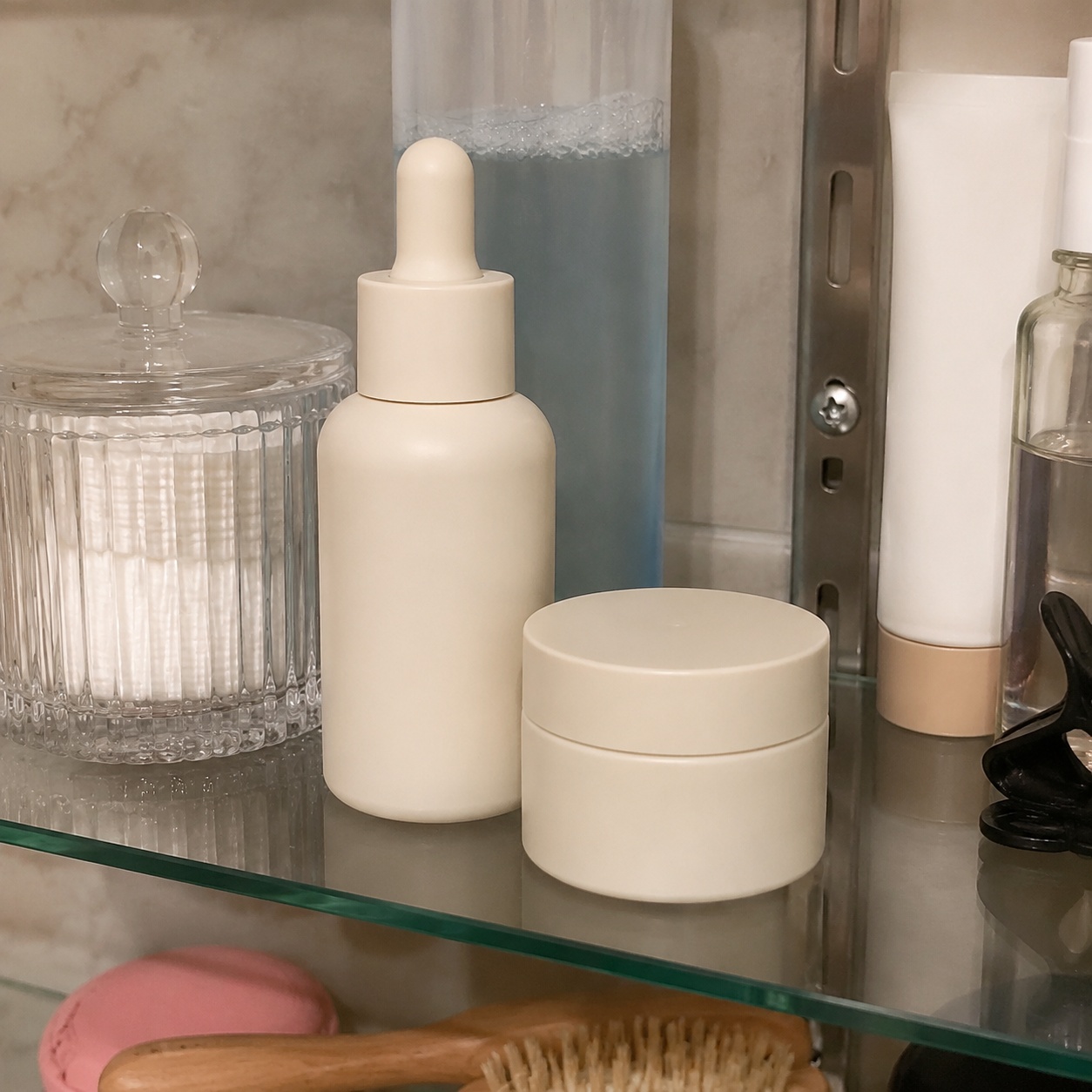
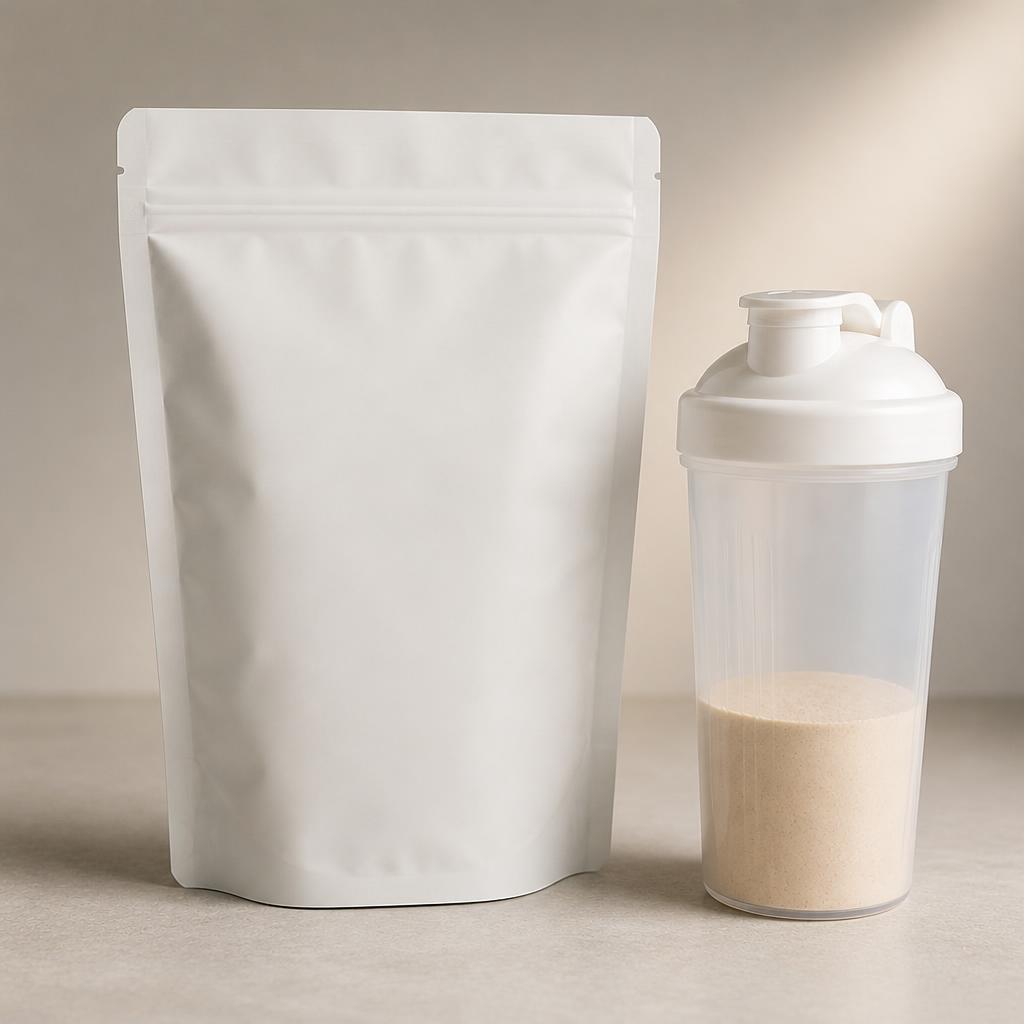
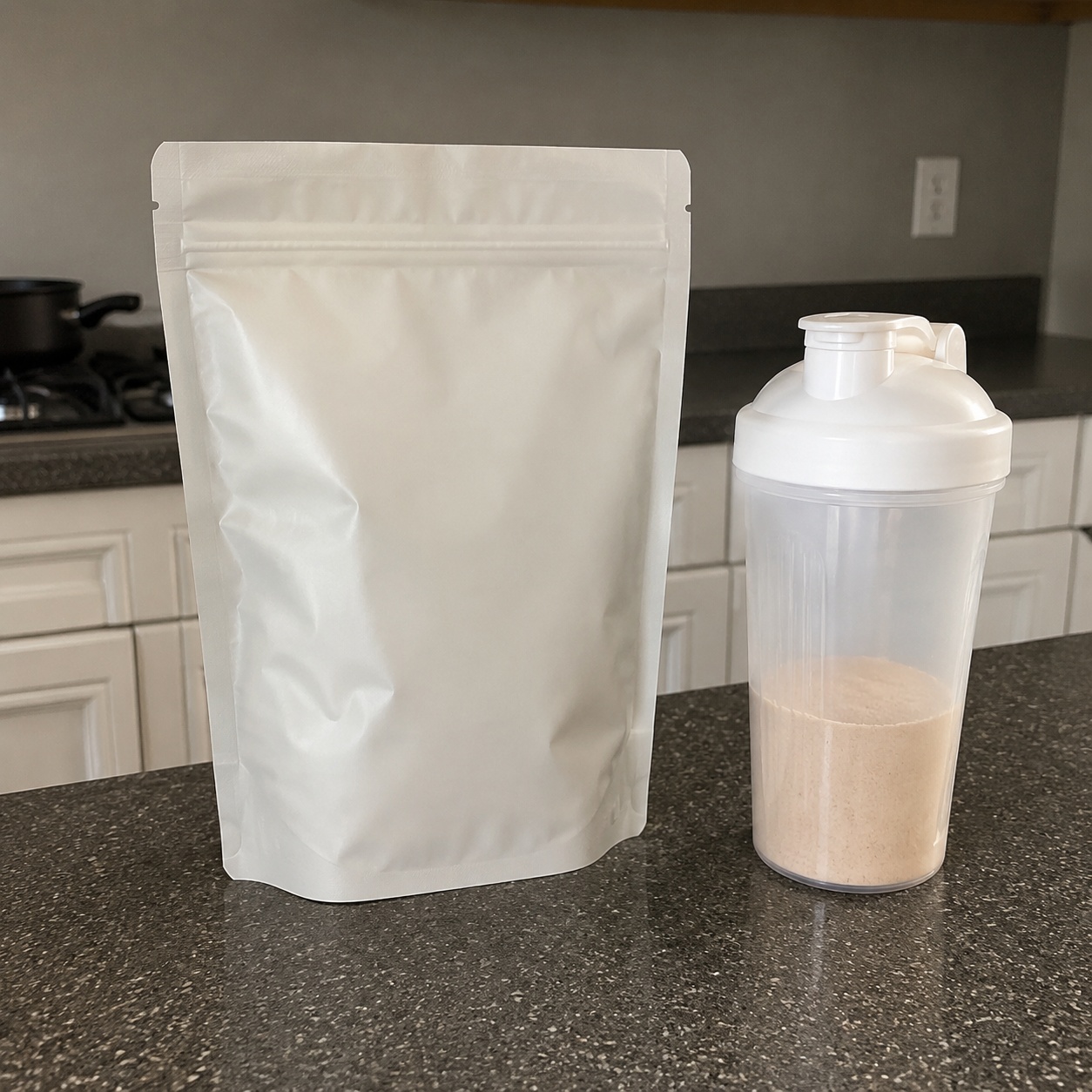
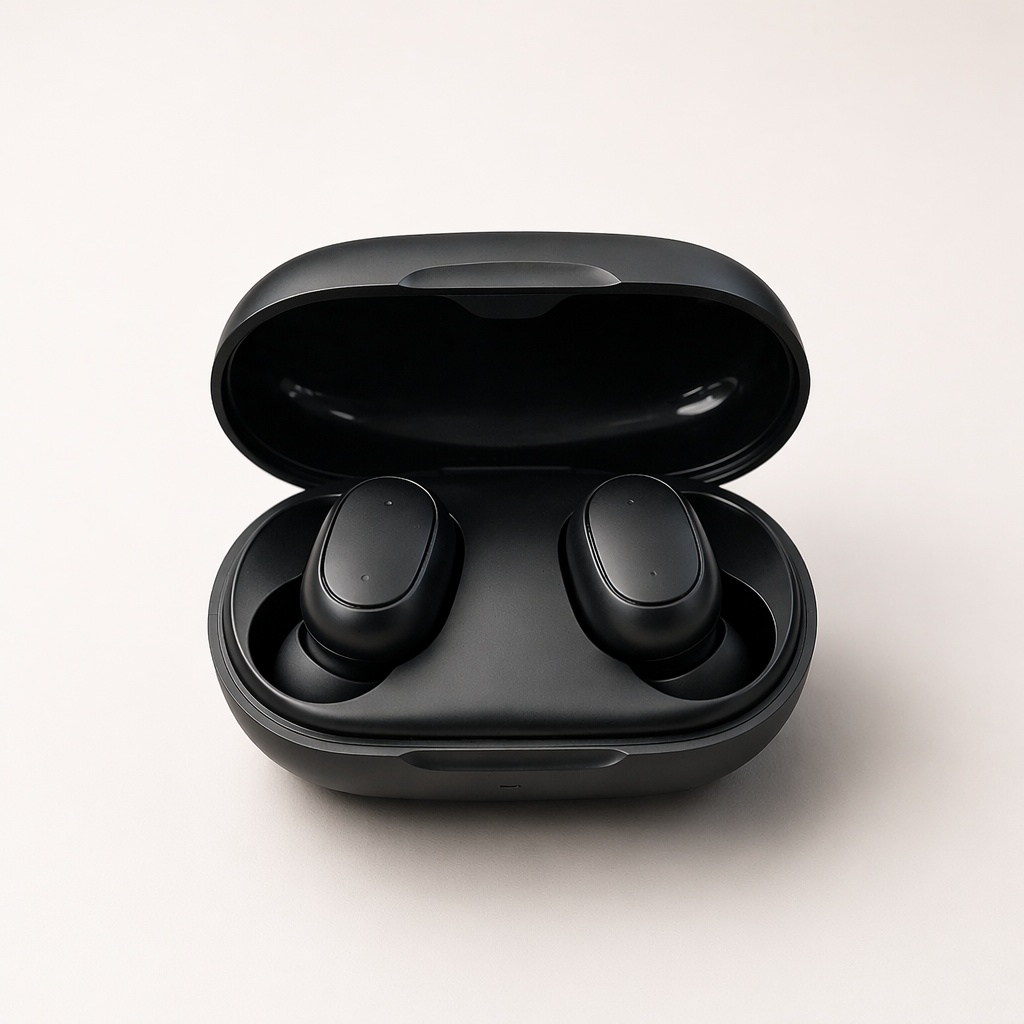
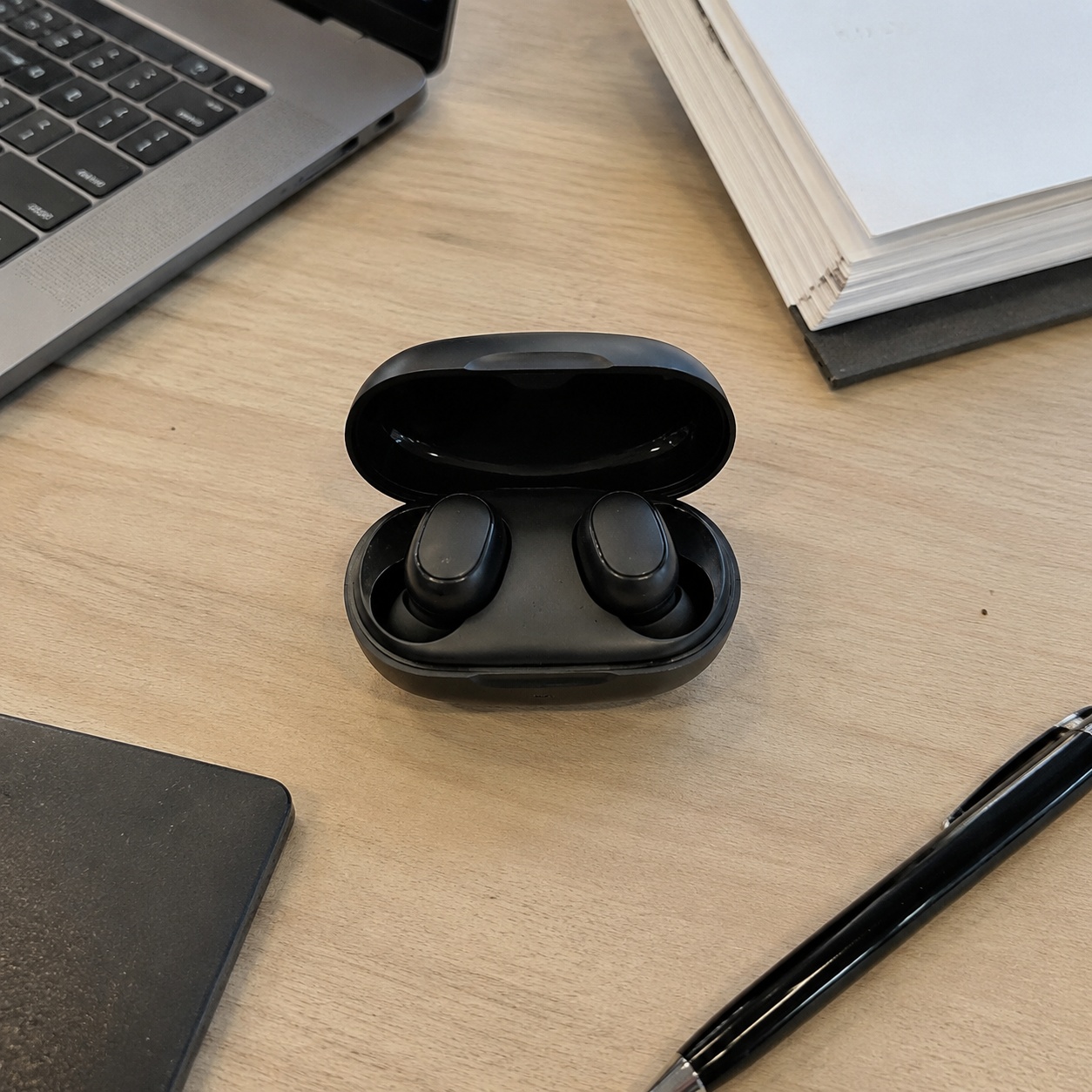
See how a source photo becomes a clean product-card base ready for final layout work.
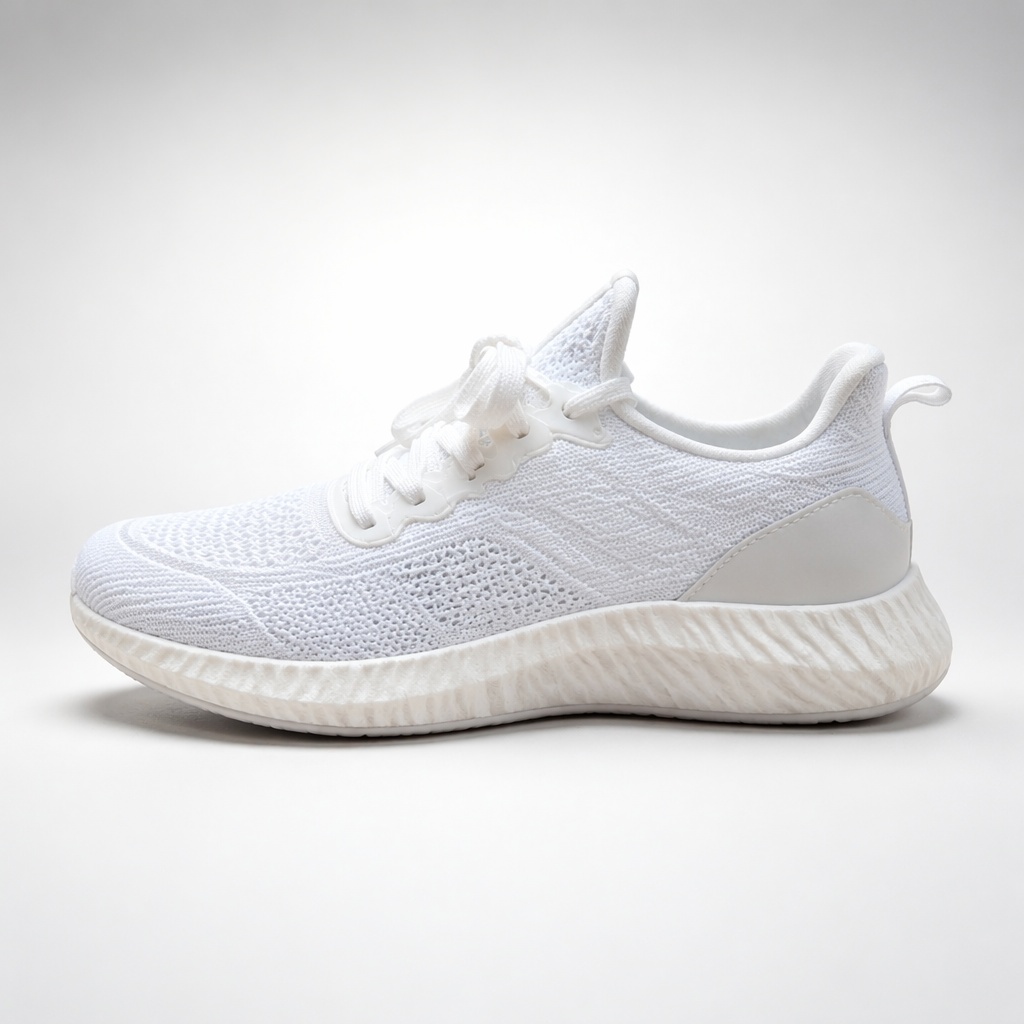
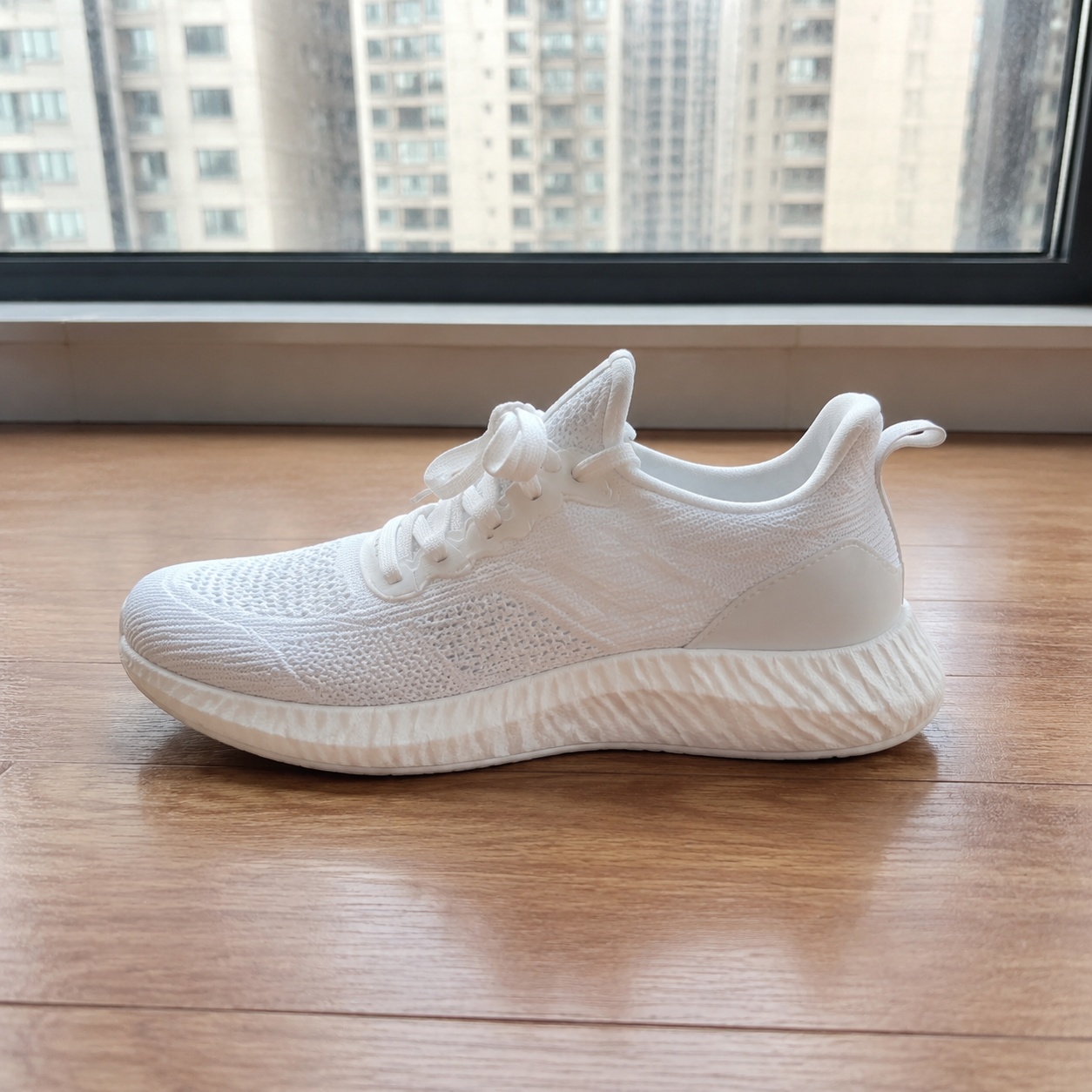
PRODUCT CREATIVE
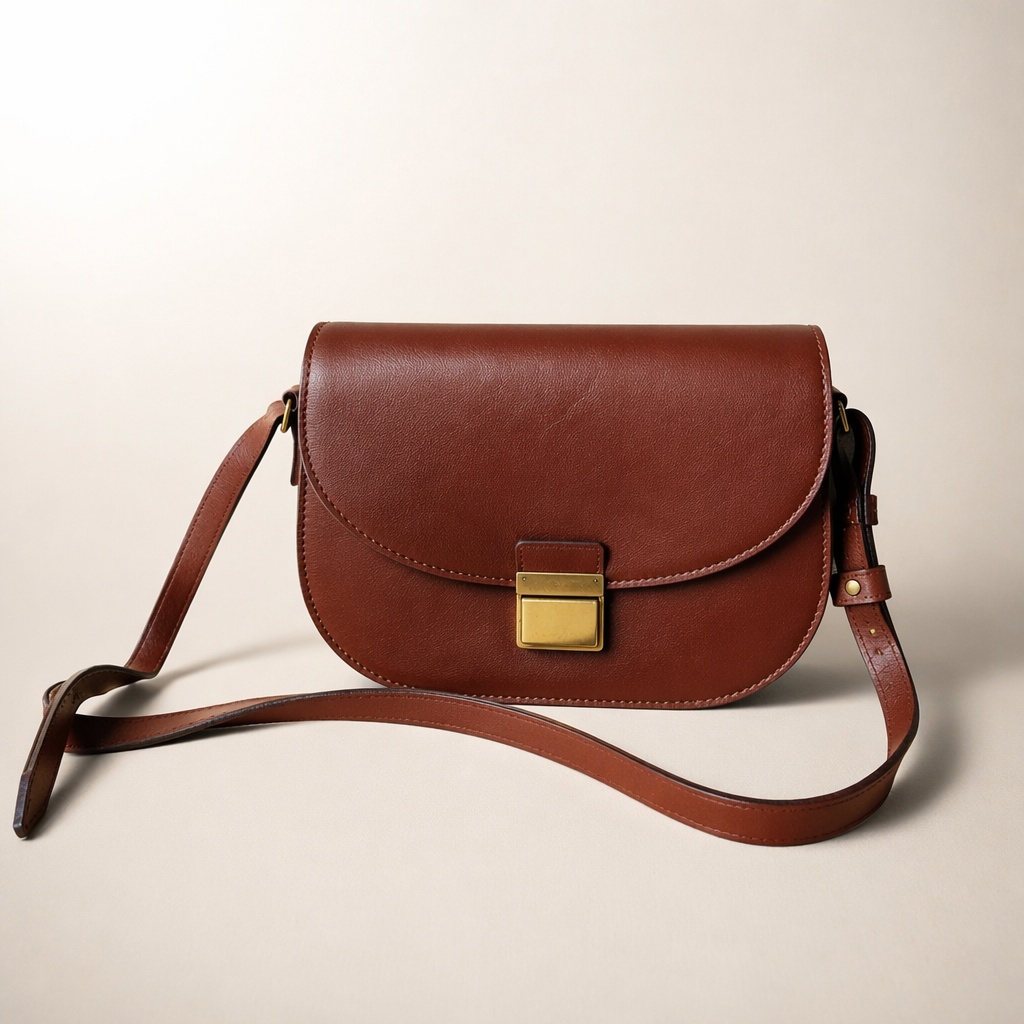
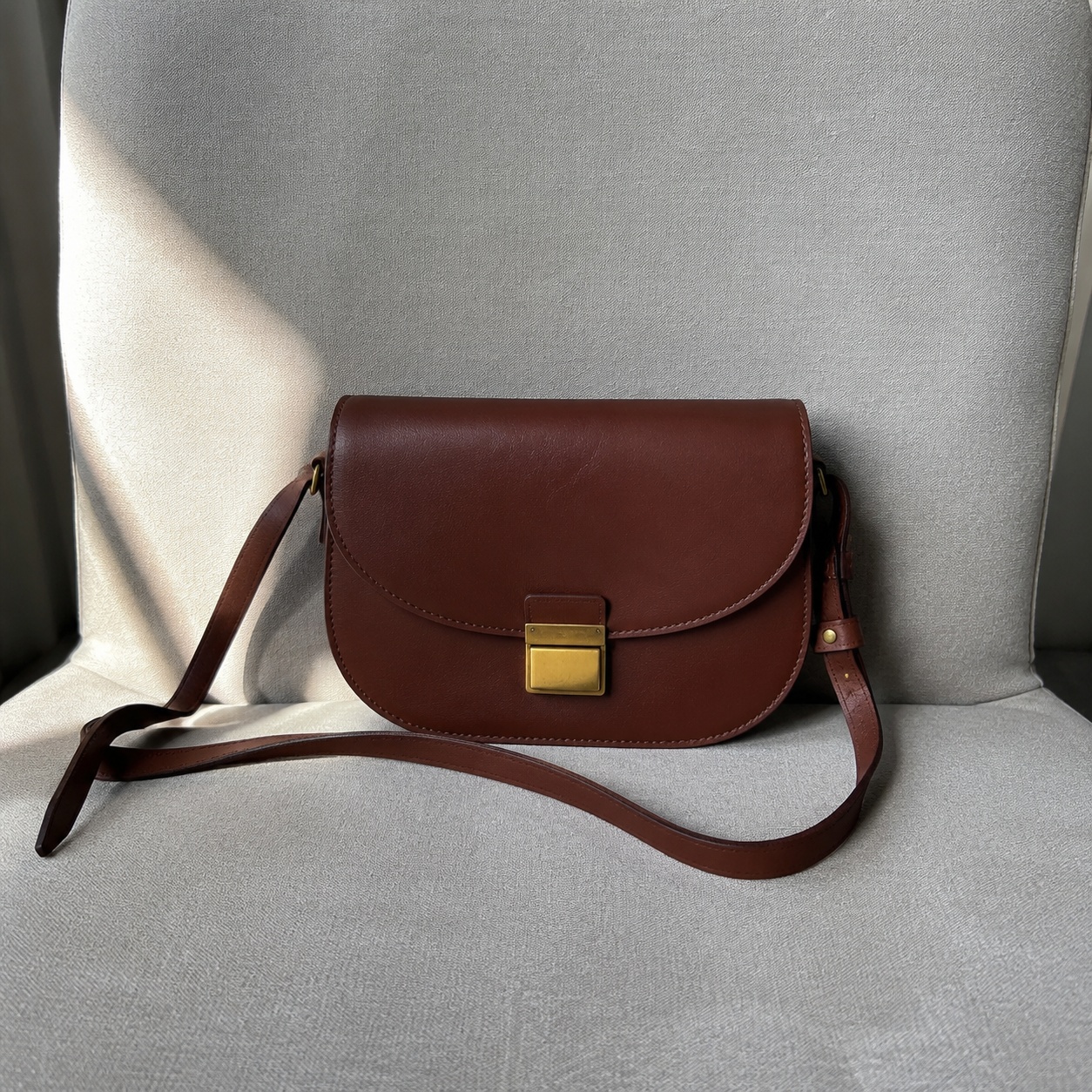
Build a clean product-card base with clear product hierarchy and consistent presentation. AI keeps the generated image text-free; add exact prices, specifications, benefits and infographic elements as controlled design layers later.
Create a clean product listing card. Preserve shape, color, included items and markings.
Move the product right and leave a clean area on the left for manual infographic. Generate no text.
Prepare a series with matching background, scale, light and margins.
Arrange all included pieces around the main item. Add no new products.
Product-first composition prepared for later manual layout.
A more emotional scene with stronger lighting, props and campaign mood.
FAQ · PRODUCT-CARD
Clear boundaries around the task, product accuracy, and what happens after generation.
No. Product Creative has a hard text-free guard. Important copy should be added manually.
Product Card focuses on one slide composition and infographic space; Marketplace focuses on a unified catalog series.
Yes, when those pieces are present in the source. The instruction forbids inventing extra items.
Yes. Use a negative-space composition, but the text itself is not generated.
Yes. The result can be opened in SmartGenius Editor for further work.
SMARTGENIUSAI · PRODUCT CREATIVE
Build a clean product-card base, then add exact text and numbers as separate design layers.
Guest AI edits are unavailable. A new account created after the offer started gets one successful free edit with any editor tool, including Premium. Further edits require tokens. This is one account-wide attempt, not one per page.
Further AI edits use tokens at the tool rate. Technical failures should not consume a free attempt. Switching project modes does not reset used attempts. Purchased tokens and permanent Premium remain intact; Premium unlocks after a purchase.