Store catalog
Build a consistent product series for your own storefront.

MARKETPLACE · CATALOG SYSTEM
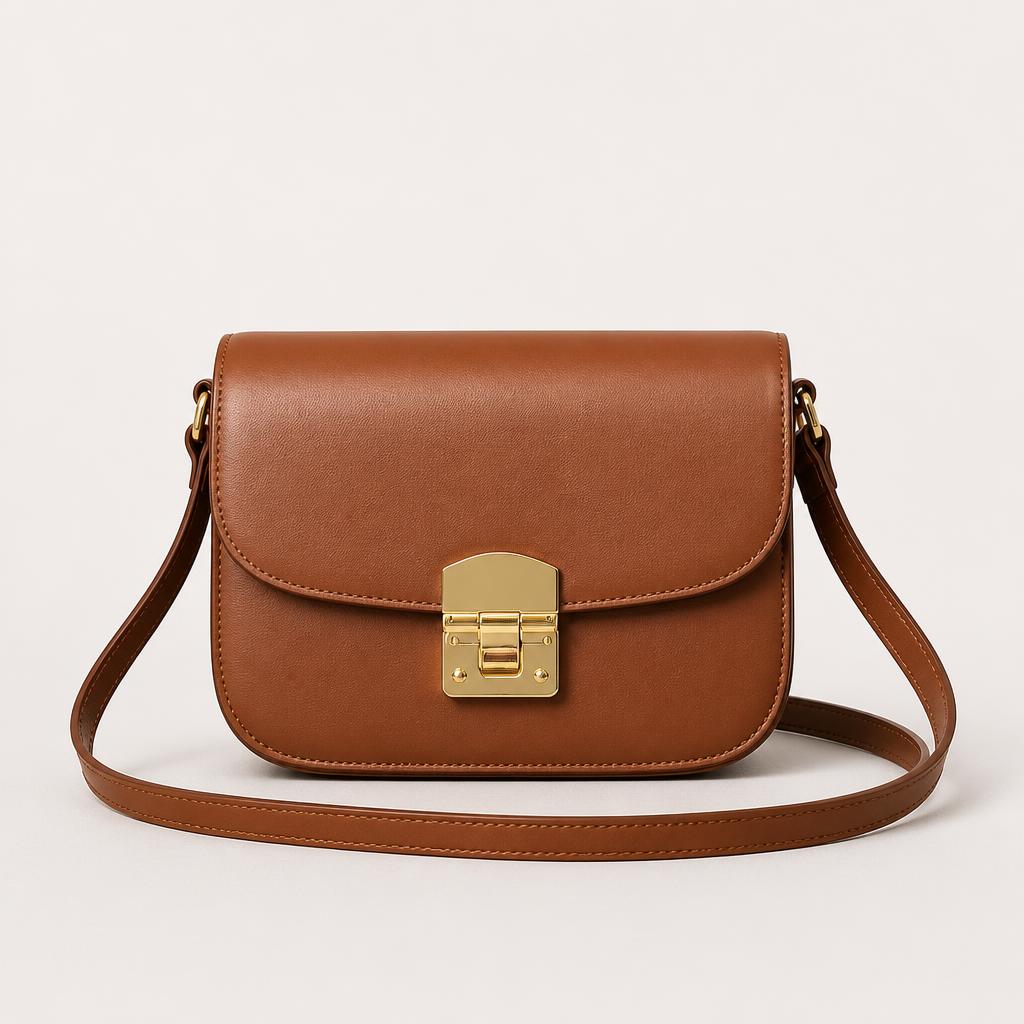
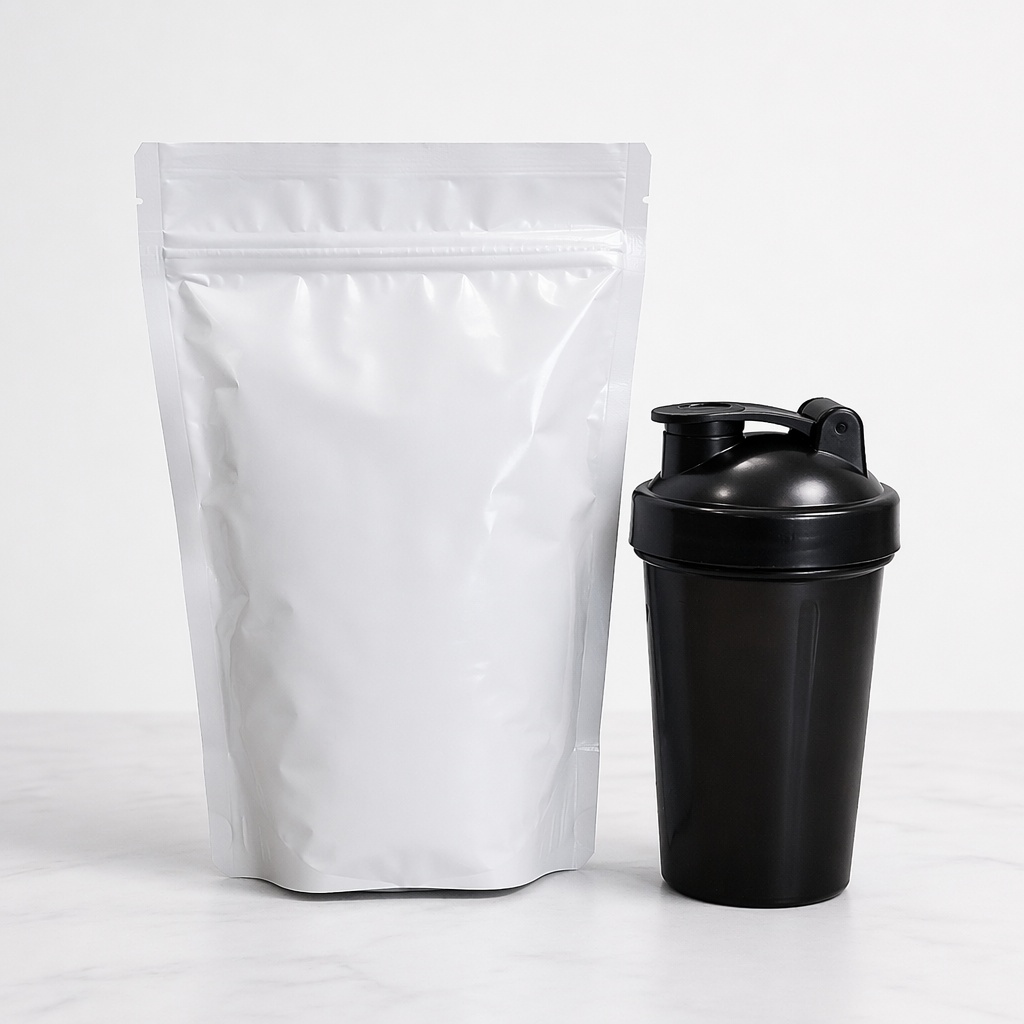
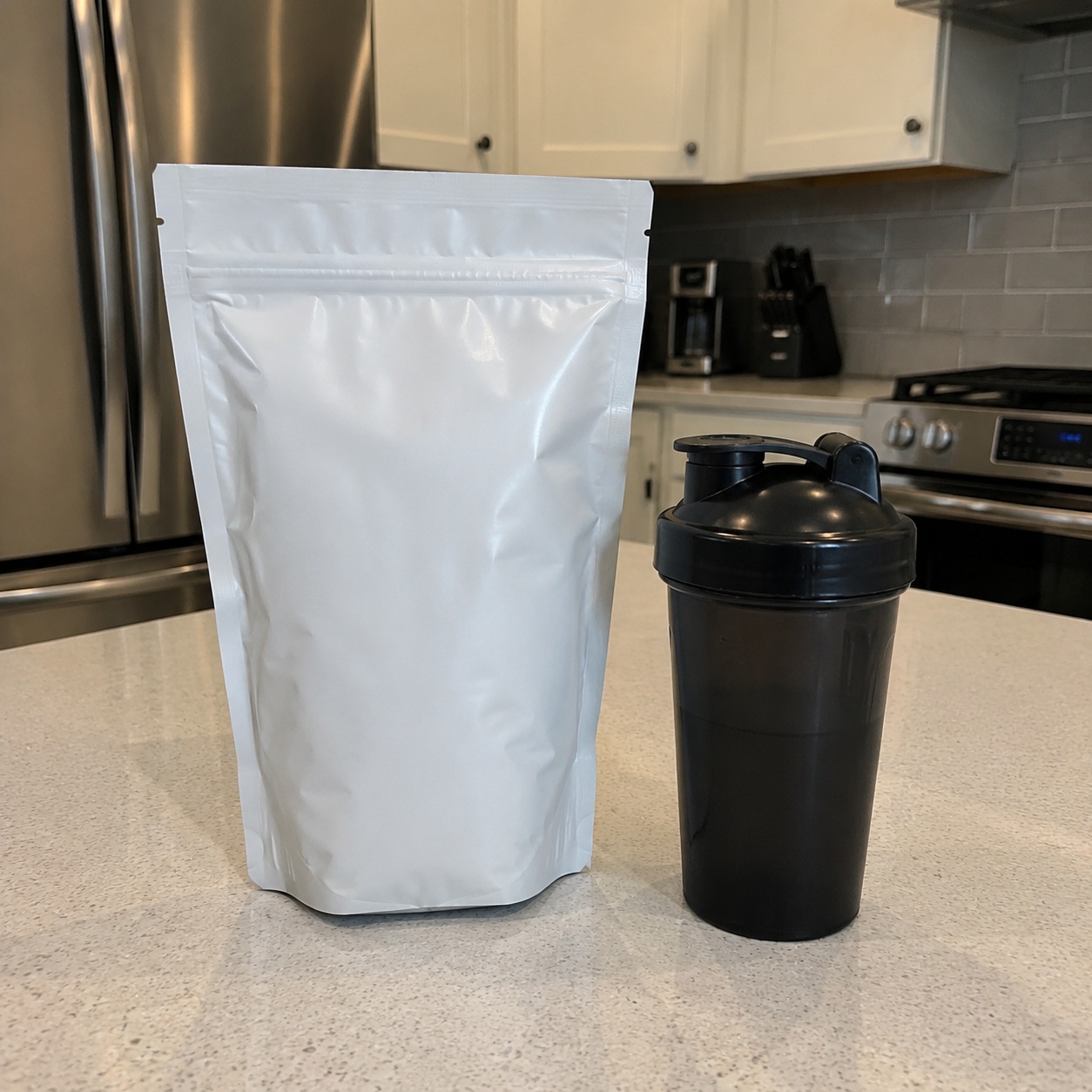
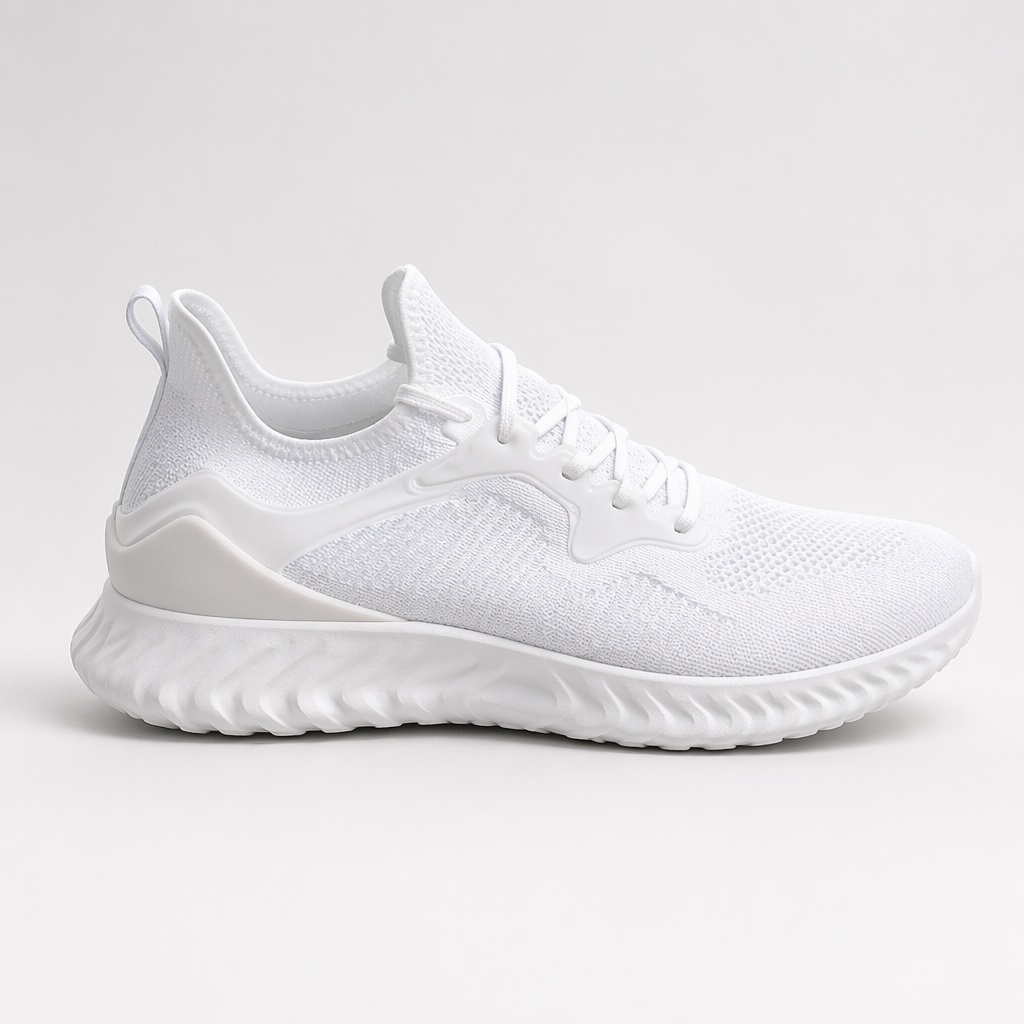
Standardize product photos for a marketplace or store with a clean background, consistent scale, balanced margins, accurate color and a soft contact shadow. The goal is one coherent catalog system rather than one specific platform.


BEFORE / AFTER
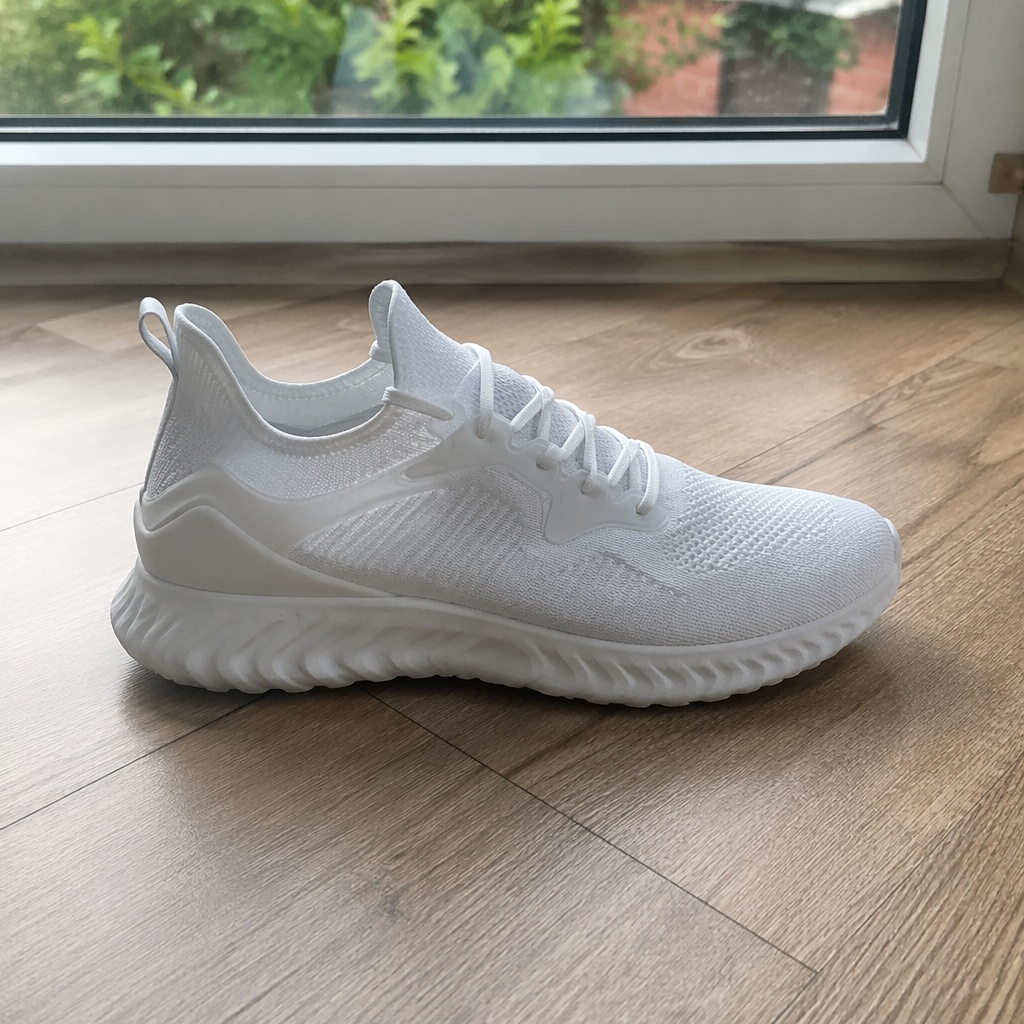
See how different source photos are brought into one consistent catalog standard.



WHAT YOU GET
Use Marketplace Photo when source images were shot in different places but the storefront should feel like one coherent catalog.
Products occupy a comparable share of the frame across listings.
Centering and whitespace stay consistent between SKUs.
Color and material remain readable without dramatic grading.
USE CASES
Use Marketplace Photo when source images were shot in different places but the storefront should feel like one coherent catalog.
Build a consistent product series for your own storefront.
Create a neutral base that can later be adapted to a specific marketplace.
Bring mixed source photos to one background, scale and lighting system.
Keep identical framing and position across product colors.
A consistent series that can serve several sales channels.
A narrower setup for a particular marketplace listing.
PRODUCT CREATIVE
Standardize product photos for a marketplace or store with a clean background, consistent scale, balanced margins, accurate color and a soft contact shadow. The goal is one coherent catalog system rather than one specific platform.
Create a neutral catalog photo on a light background. Preserve exact product shape, color, material, included items and markings.
Match the scale, placement and margins used by the rest of the product series.
Add a realistic contact shadow without halos or a pasted cut-out look.
Remove casual surroundings. Keep the product dominant and add no new items.
FAQ · MARKETPLACE
Clear boundaries around the task, product accuracy, and what happens after generation.
Marketplace is a platform-neutral catalog base. Wildberries and Ozon use more focused presentation for those specific platforms.
The instruction locks shape, color, material, packaging silhouette and non-text product details. Check original text and logos separately after generation.
Yes. Consistent scale, spacing, background and light are the core purpose of this catalog setup.
No. The default direction is neutral and bright; more scene controls are available in Editor.
Check color, shape, included pieces, packaging details, edges and scale relative to the rest of the catalog.
SMARTGENIUSAI · PRODUCT CREATIVE
Turn mixed source photos into a coherent product series and continue detailed adjustments in Editor.
Guest AI edits are unavailable. A new account created after the offer started gets one successful free edit with any editor tool, including Premium. Further edits require tokens. This is one account-wide attempt, not one per page.
Further AI edits use tokens at the tool rate. Technical failures should not consume a free attempt. Switching project modes does not reset used attempts. Purchased tokens and permanent Premium remain intact; Premium unlocks after a purchase.