Primary image
Prepare a clean first listing image.

WILDBERRIES · PRIMARY LISTING IMAGE
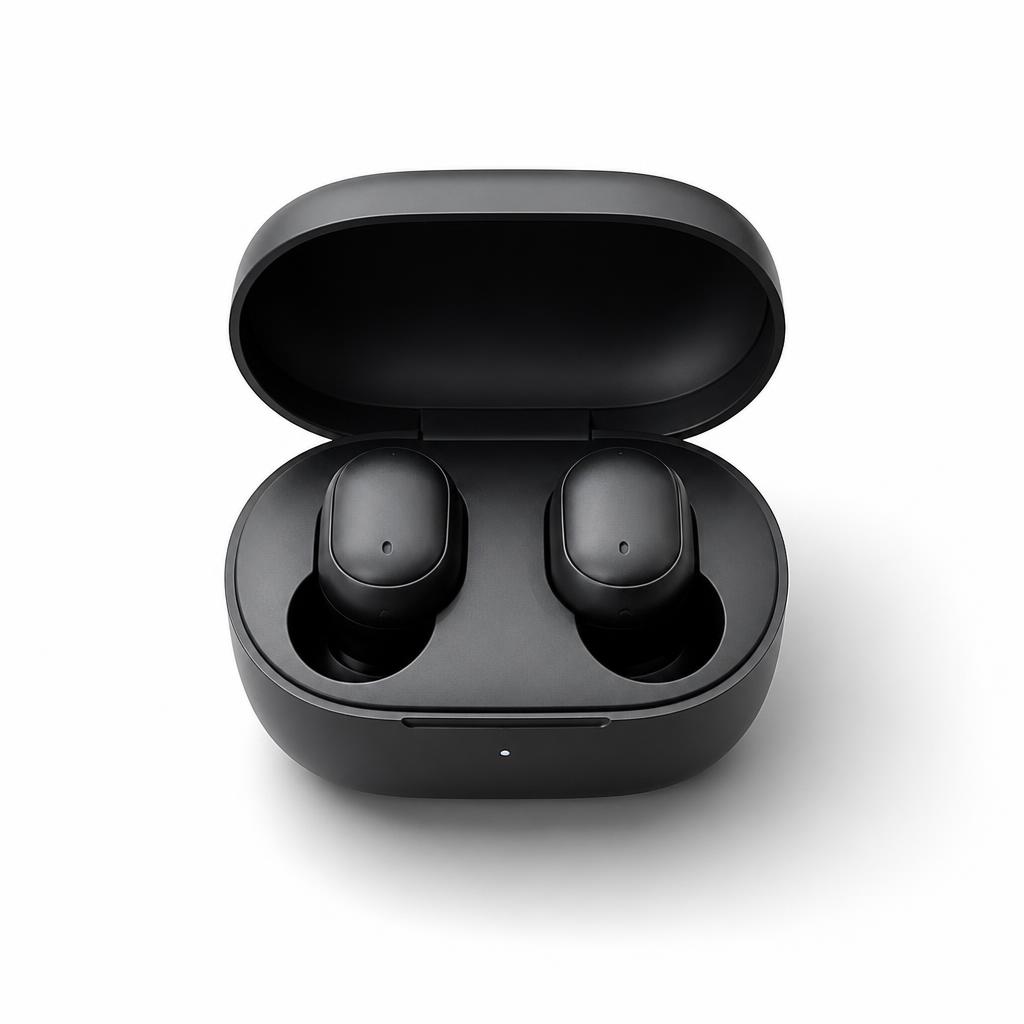
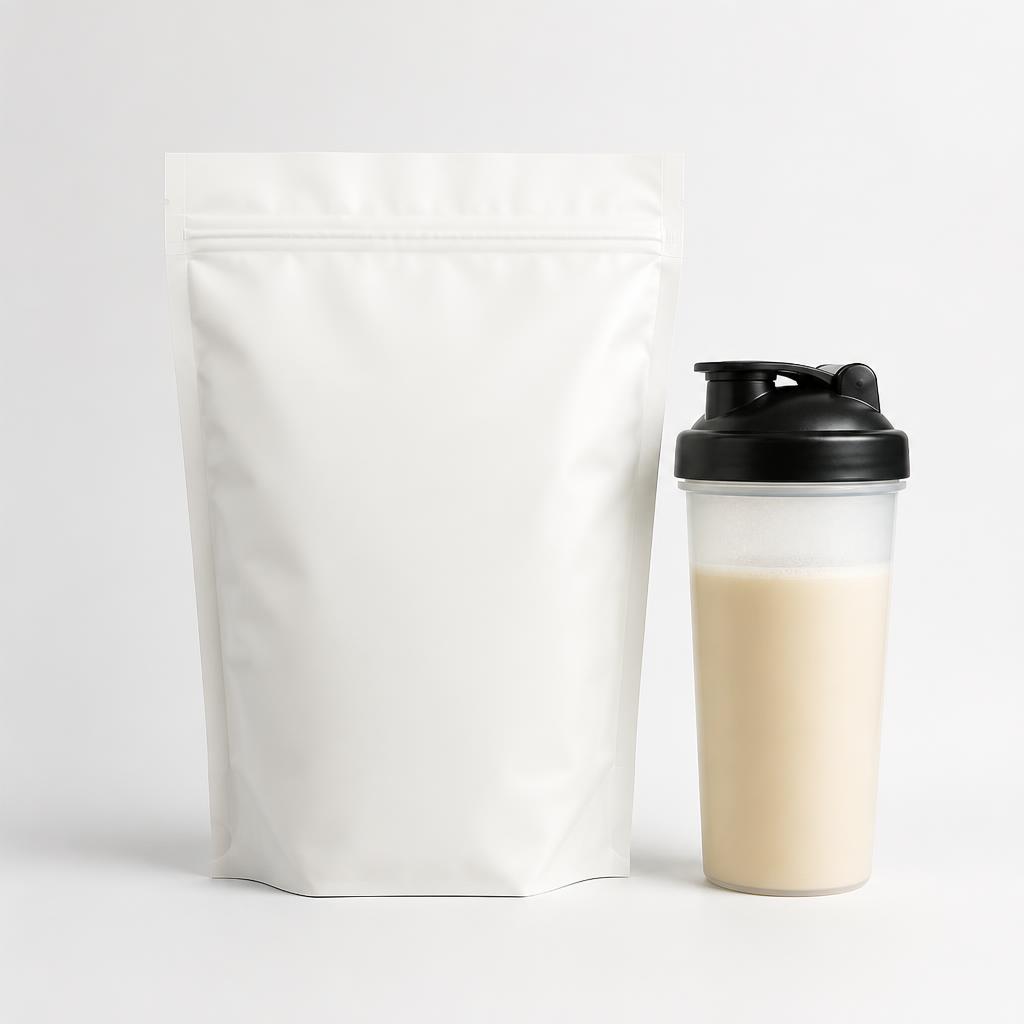
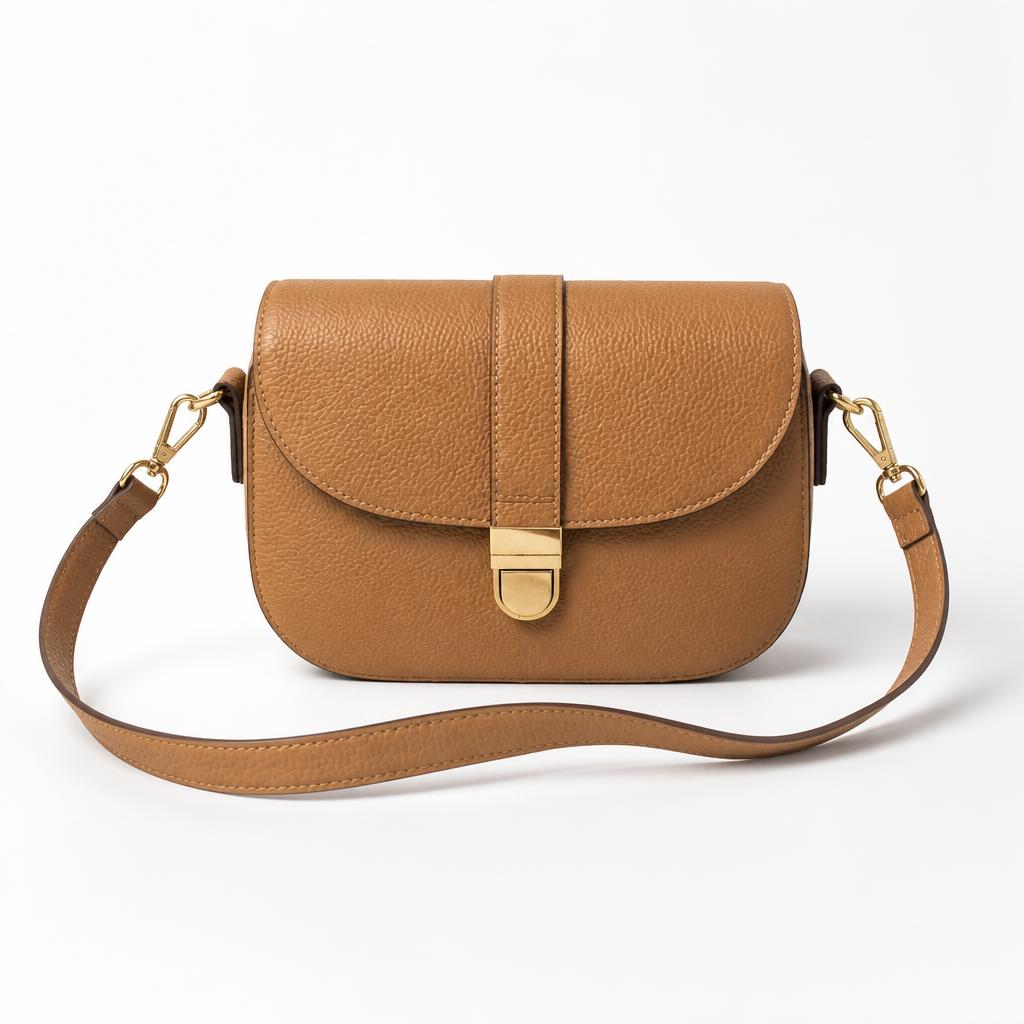
Prepare a clean primary product image for Wildberries with a bright background, clear centering, tidy edges, accurate color and a natural shadow. The priority is fast product readability, not an advertising scene.
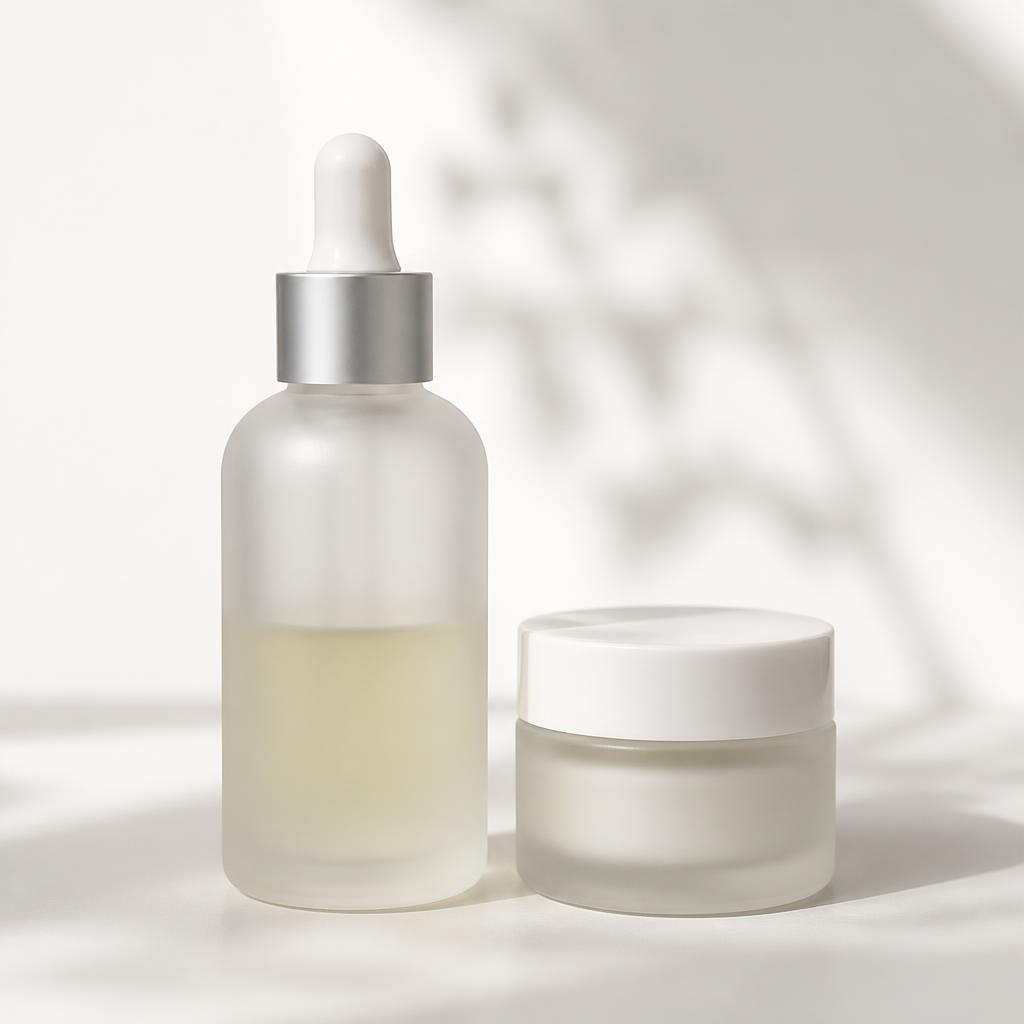
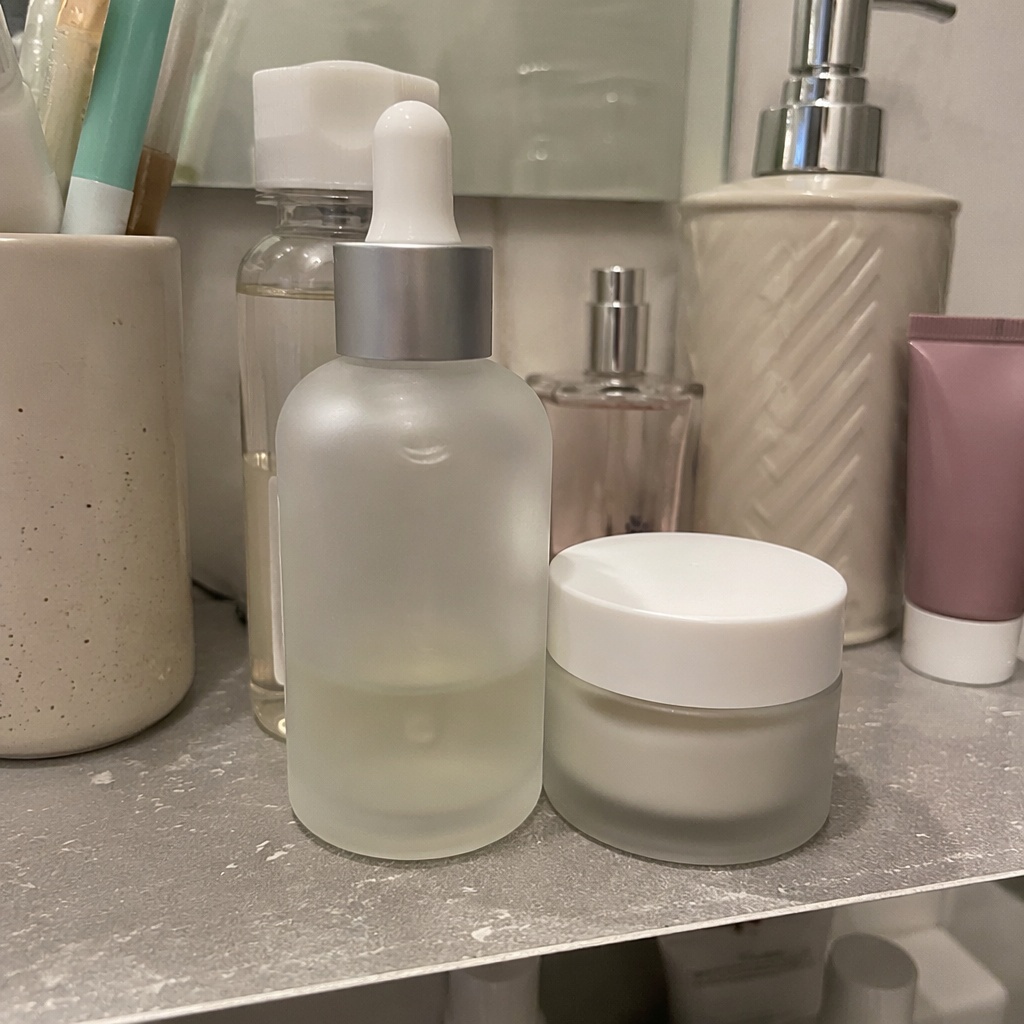
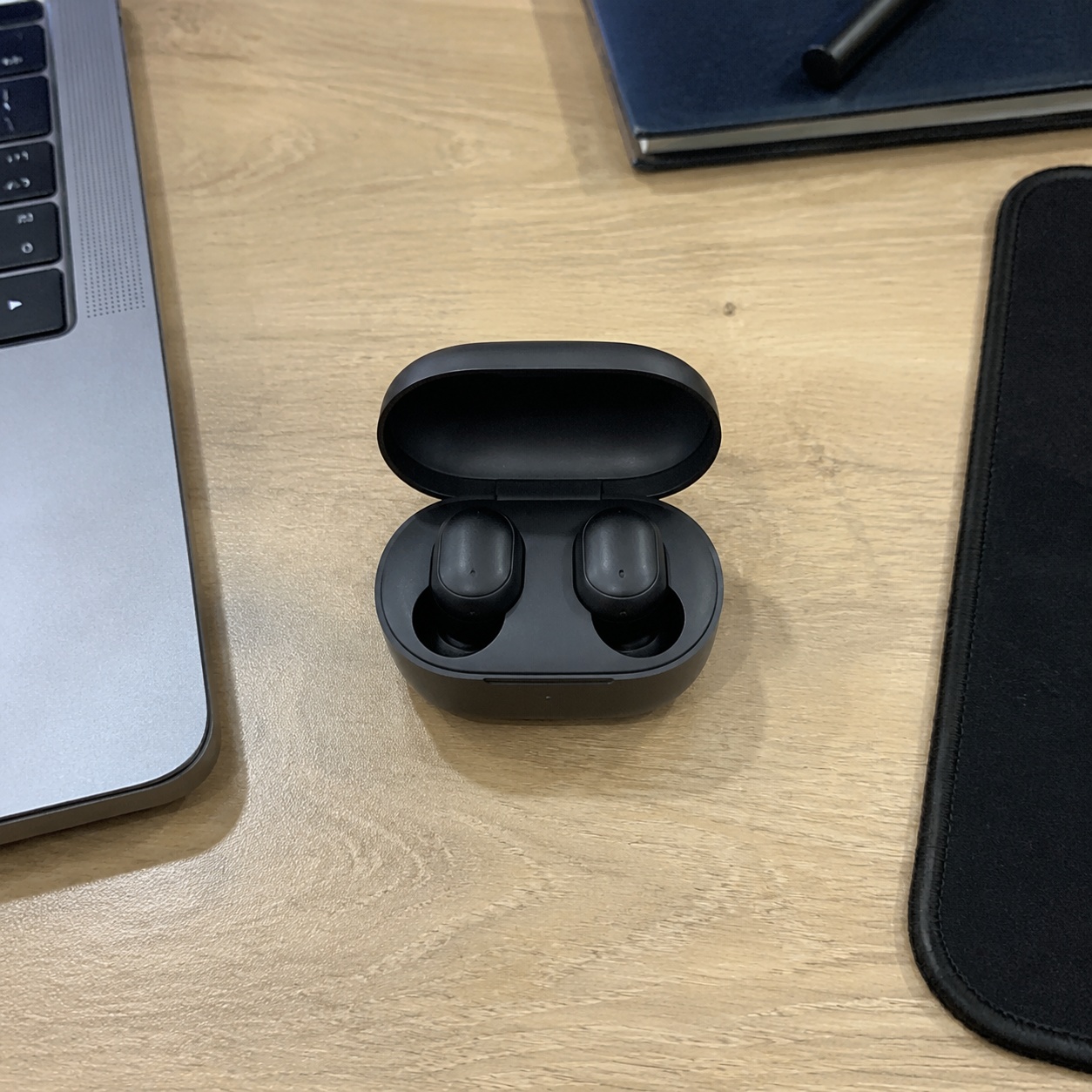
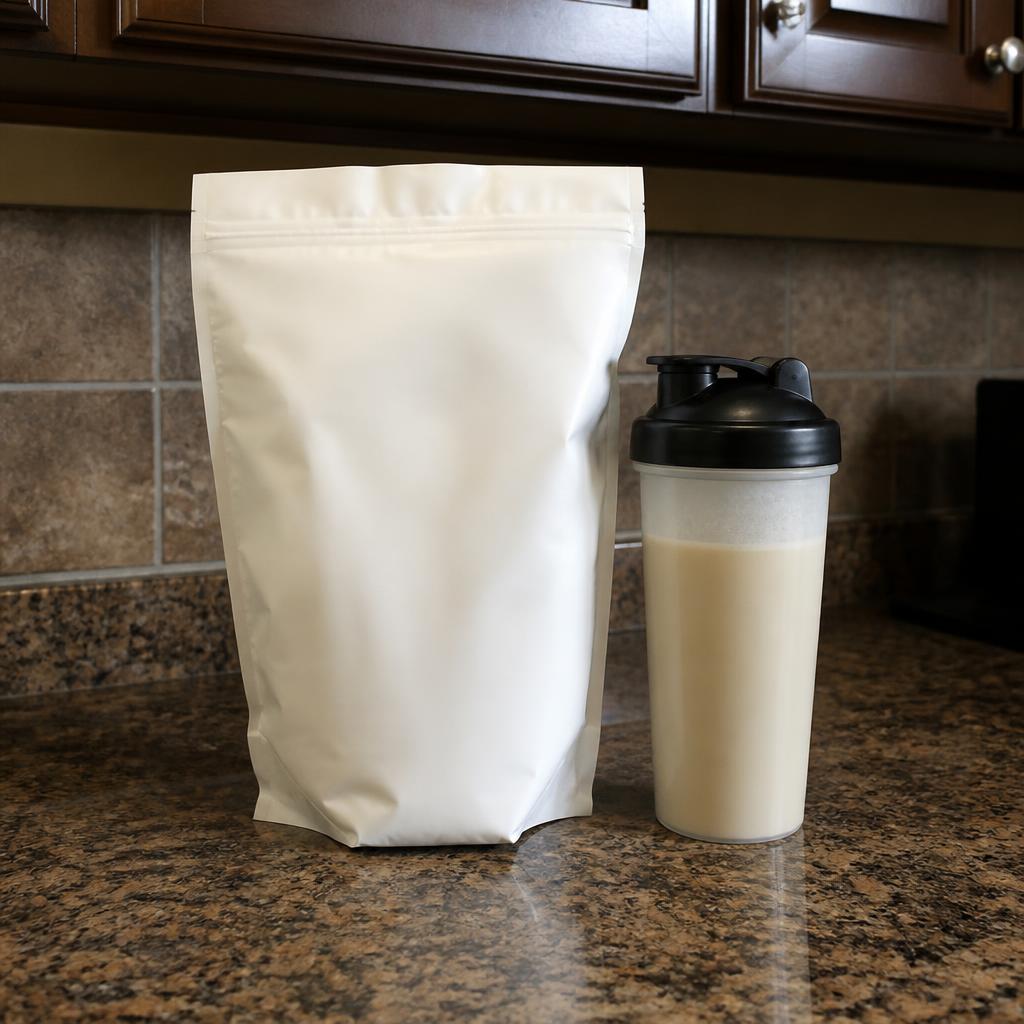
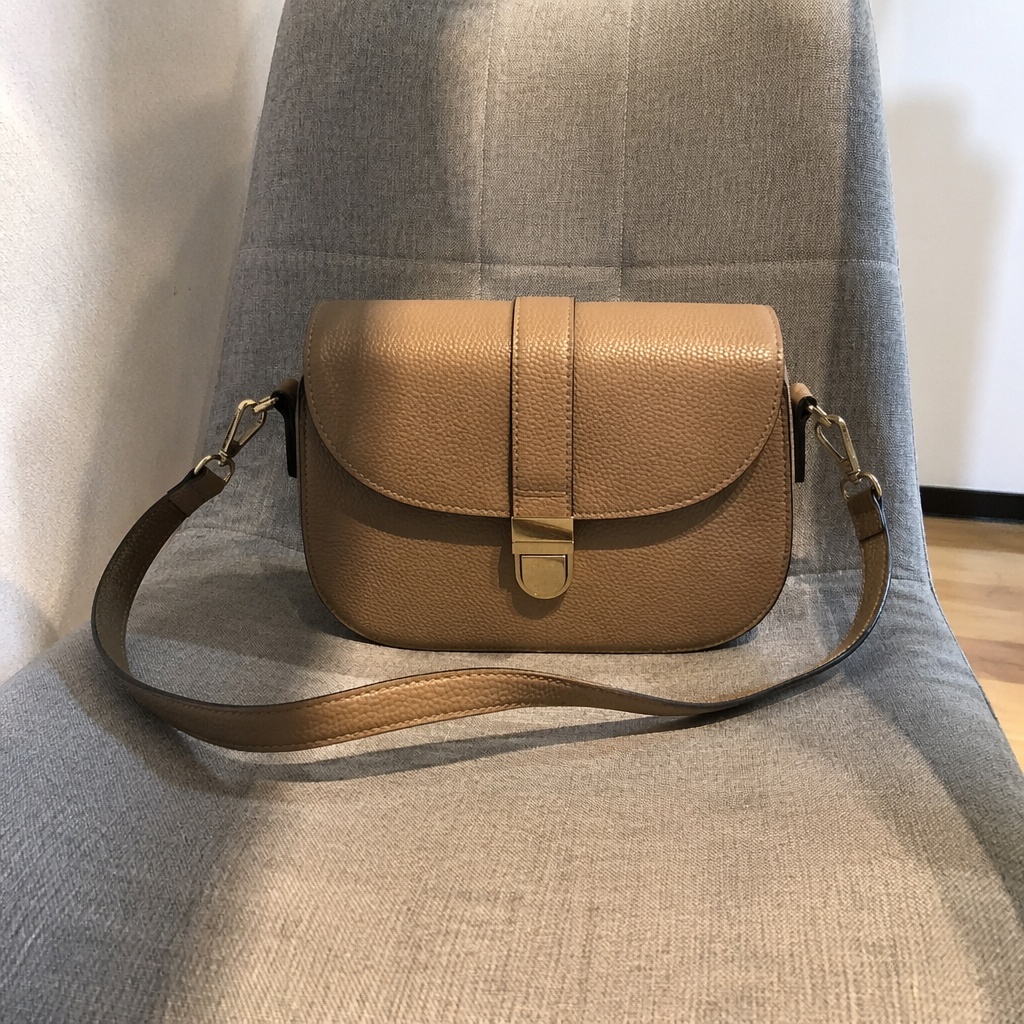
BEFORE / AFTER
See how source photos are prepared for a clear Wildberries primary image and a consistent product series.
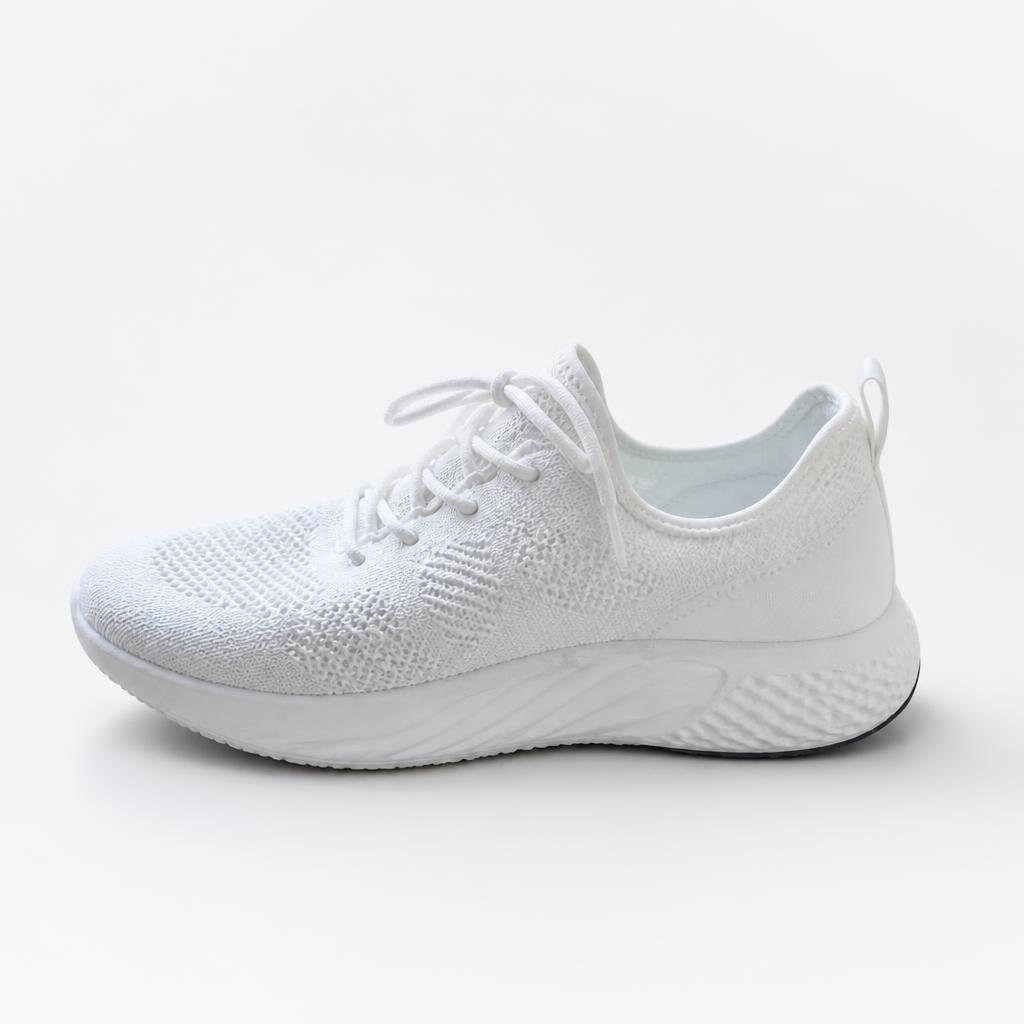
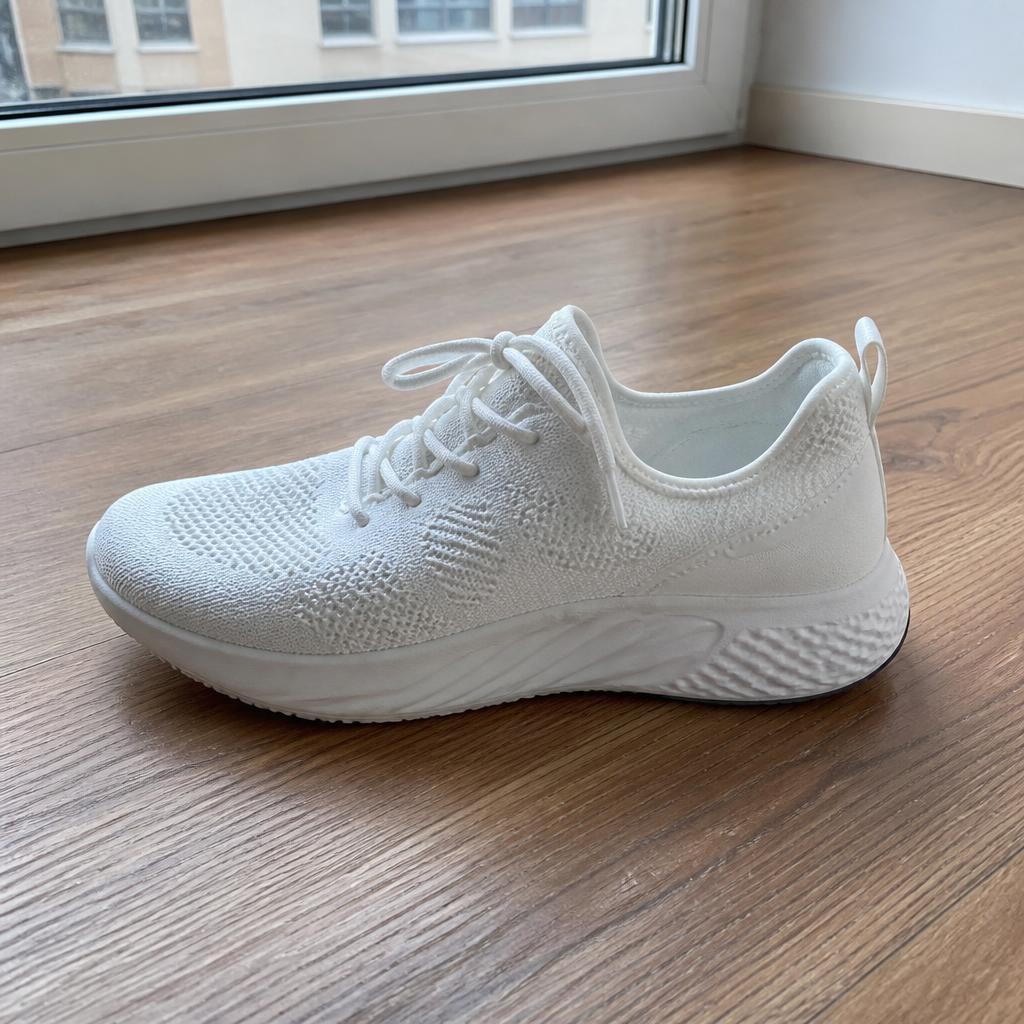
WHAT YOU GET
This tool does not validate official Wildberries requirements. It creates a clean visual base that the seller should review before publishing.
The item stays readable even as a small listing thumbnail.
Household clutter and props do not compete with the item.
AI should not change the bundle, shape, shade or product markings.
USE CASES
This tool does not validate official Wildberries requirements. It creates a clean visual base that the seller should review before publishing.
Prepare a clean first listing image.
Align multiple color variants to the same scale.
Show included items without inventing extra pieces.
Remove casual surroundings while preserving the real product.
Bright, fast-to-read presentation for a Wildberries listing.
A broader catalog system not tied to one marketplace.
PRODUCT CREATIVE
Prepare a clean primary product image for Wildberries with a bright background, clear centering, tidy edges, accurate color and a natural shadow. The priority is fast product readability, not an advertising scene.
Create a clean Wildberries primary image on a bright neutral background. Preserve shape, color, material, included items and markings.
Remove casual surroundings and add a soft contact shadow without halos.
Prepare all color variants at the same scale, position and margins.
Preserve the exact shade and texture. Add no decorative props or effects.
FAQ · WILDBERRIES
Clear boundaries around the task, product accuracy, and what happens after generation.
No. It helps prepare a visual base; current platform requirements should still be checked before publishing.
This format focuses on a Wildberries primary image, while Marketplace Photo remains platform-neutral.
No. Product Creative uses a text-free guard that blocks new captions, prices and fake typography.
The product-lock instruction forbids recoloring or redesign.
Compare Before / After, download the result, or continue editing it in SmartGenius Editor.
SMARTGENIUSAI · PRODUCT CREATIVE
Prepare a clear Wildberries primary product image without manual cutouts and scene rebuilding.
Guest AI edits are unavailable. A new account created after the offer started gets one successful free edit with any editor tool, including Premium. Further edits require tokens. This is one account-wide attempt, not one per page.
Further AI edits use tokens at the tool rate. Technical failures should not consume a free attempt. Switching project modes does not reset used attempts. Purchased tokens and permanent Premium remain intact; Premium unlocks after a purchase.