Stubble
Even, low-maintenance facial hair with a soft outline.

VISUAL CATALOG · 12 STYLES
A visual guide to popular beard types—from light stubble to Garibaldi. Compare silhouette, length, and cheek line, then try a direction on your own photo.


STYLE INDEX
Each card focuses on silhouette. Choose a style and the tool will select it before returning you to the upload area.
Even, low-maintenance facial hair with a soft outline.
Short length with controlled cheek and neckline edges.
Dense coverage across cheeks, jaw, and chin.
A chin-focused shape with clean cheeks.
A separate mustache with a pointed chin beard.
A shaped chin section and floating mustache without sideburns.
A narrow jaw-and-chin outline that forms an anchor shape.
A connected mustache and rounded goatee.
Full sides that taper to a pointed chin.
A broad rounded beard with relaxed natural volume.
A prominent mustache paired with shorter beard growth.
A polished medium-short shape with immaculate edges.
BEFORE / AFTER
Compare four SmartGenius results in an even 2 × 2 grid. Drag each divider to inspect the cheek line, mustache, and chin.
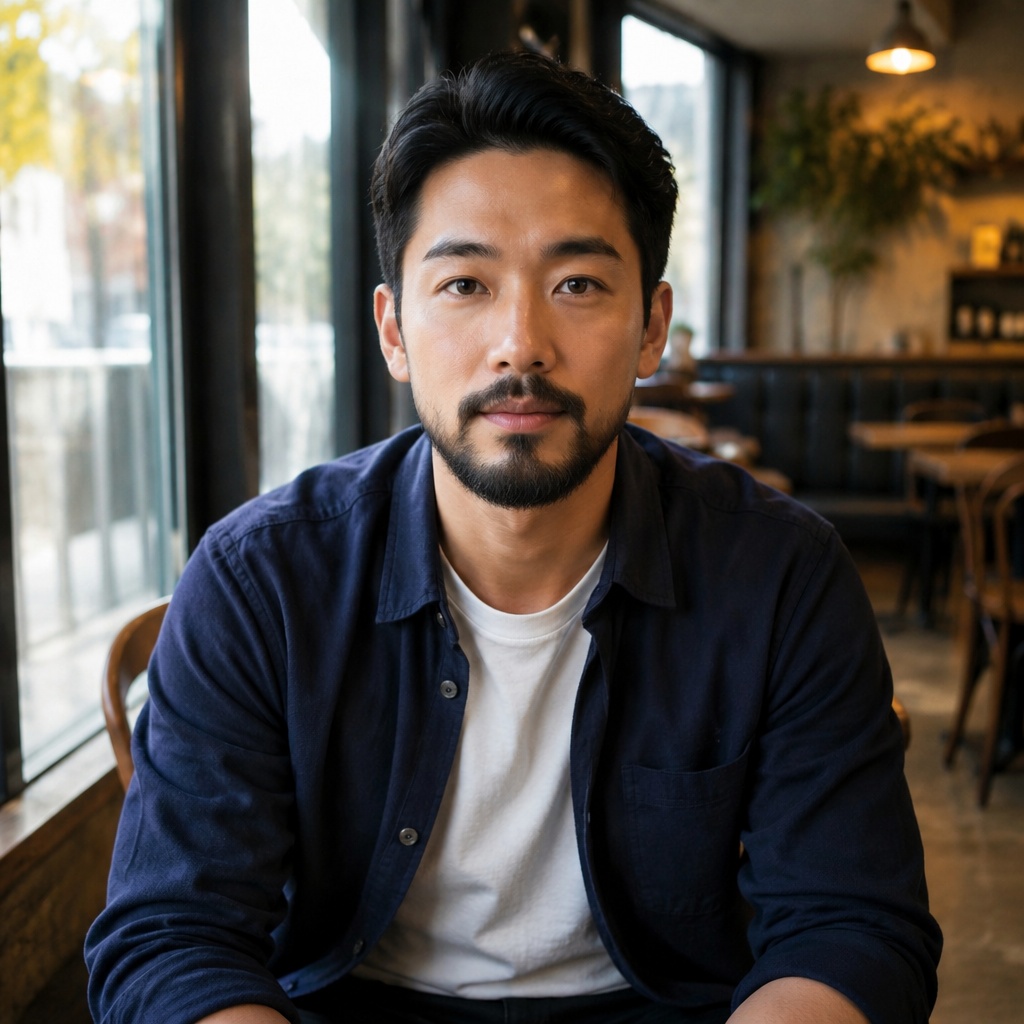
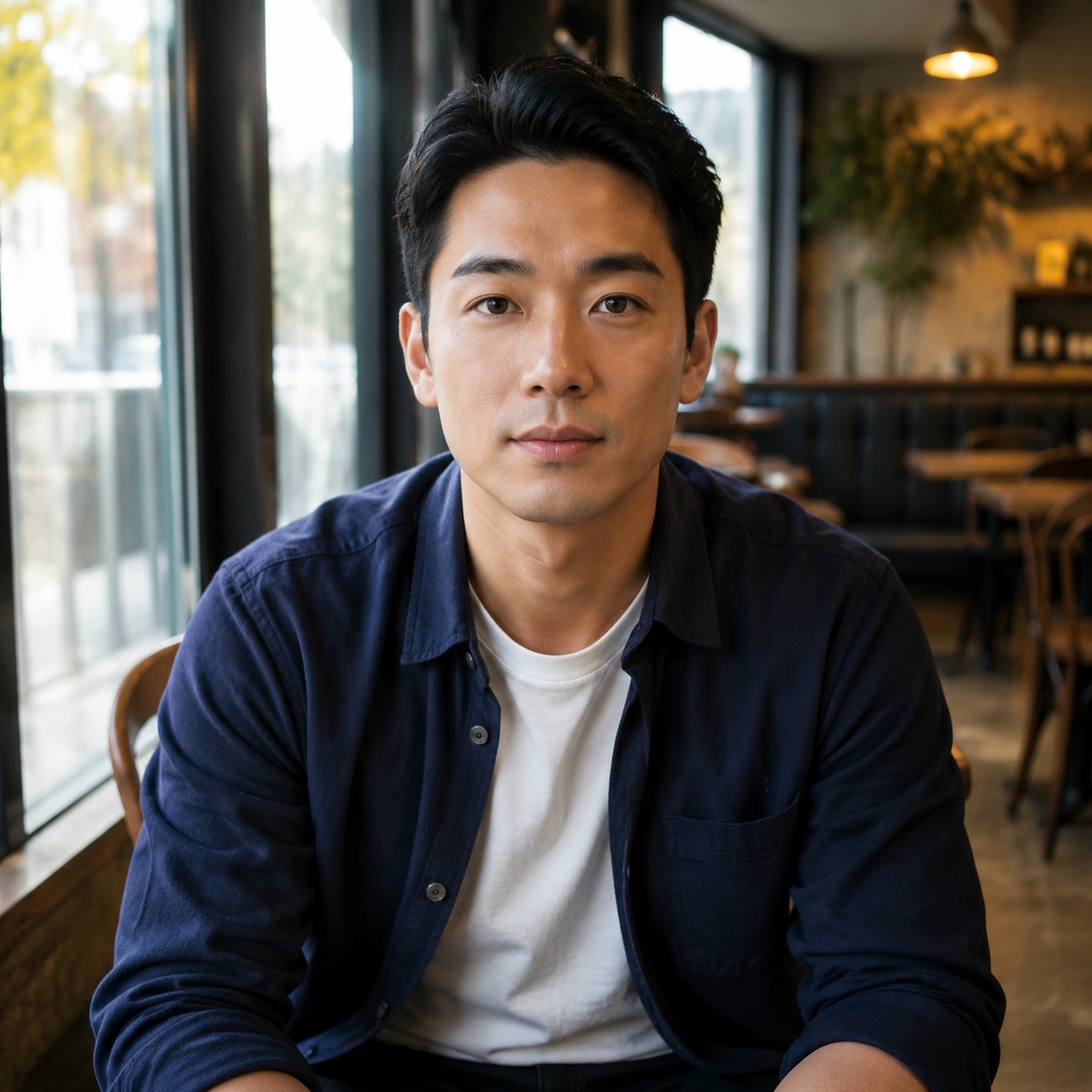
Compare the original portrait with the selected beard silhouette.


Compare the original portrait with the selected beard silhouette.


Compare the original portrait with the selected beard silhouette.


Compare the original portrait with the selected beard silhouette.
FACE SHAPE GUIDE
These are starting points, not hard rules. Beard shape can visually add length, width, or a more defined jawline.
Most shapes work. Compare length and density instead of trying to correct proportions.
More length at the chin and less volume on the cheeks: Van Dyke, Anchor, or Ducktail.
Soften angles with a rounded lower edge or emphasize the jaw with a short boxed beard.
Avoid extra vertical length: add some side volume and keep the chin section shorter.
A medium chin section and a neat mustache can balance a wider forehead without adding top-heavy width.
FIT SYSTEM
Short facial hair is restrained and changes the face less; a longer beard reshapes proportions more strongly.
Stubble follows the natural growth line, while a Full Beard adds visual weight to the lower face.
Sharp outlines need regular trimming. Garibaldi and Ducktail allow more natural volume.
BEARD CLUSTER
FAQ
Start with face shape, then compare two opposites—short stubble and a fuller beard. Your own photo is more useful than a generic rule.
Yes. Keep the same portrait and change only the style so cheek lines, chin length, and overall balance are easy to compare.
The Editor controls catalog access. Free and premium presets differ, and the existing server-side Editor logic remains authoritative for access and token charging.
The prompt locks identity, expression, hairstyle, background, and light. Only facial hair should change, but inspect the final result closely.
Use a front-facing or slightly turned portrait where both cheeks, the upper lip, and chin are visible.
TRY A SILHOUETTE
Pick a silhouette, upload a portrait, and compare the result instead of guessing.
Guest AI edits are unavailable. A new account created after the offer started gets one successful free edit with any editor tool, including Premium. Further edits require tokens. This is one account-wide attempt, not one per page.
Further AI edits use tokens at the tool rate. Technical failures should not consume a free attempt. Switching project modes does not reset used attempts. Purchased tokens and permanent Premium remain intact; Premium unlocks after a purchase.