

Natural → dark
A sharper contrast for dark hair and defined brows.

AI BEARD COLOR CHANGER · ONLINE
Try a natural shade on your existing beard—from deep black and warm brown to grey and Salt & Pepper. AI changes the color while preserving the beard’s shape, length, and texture.
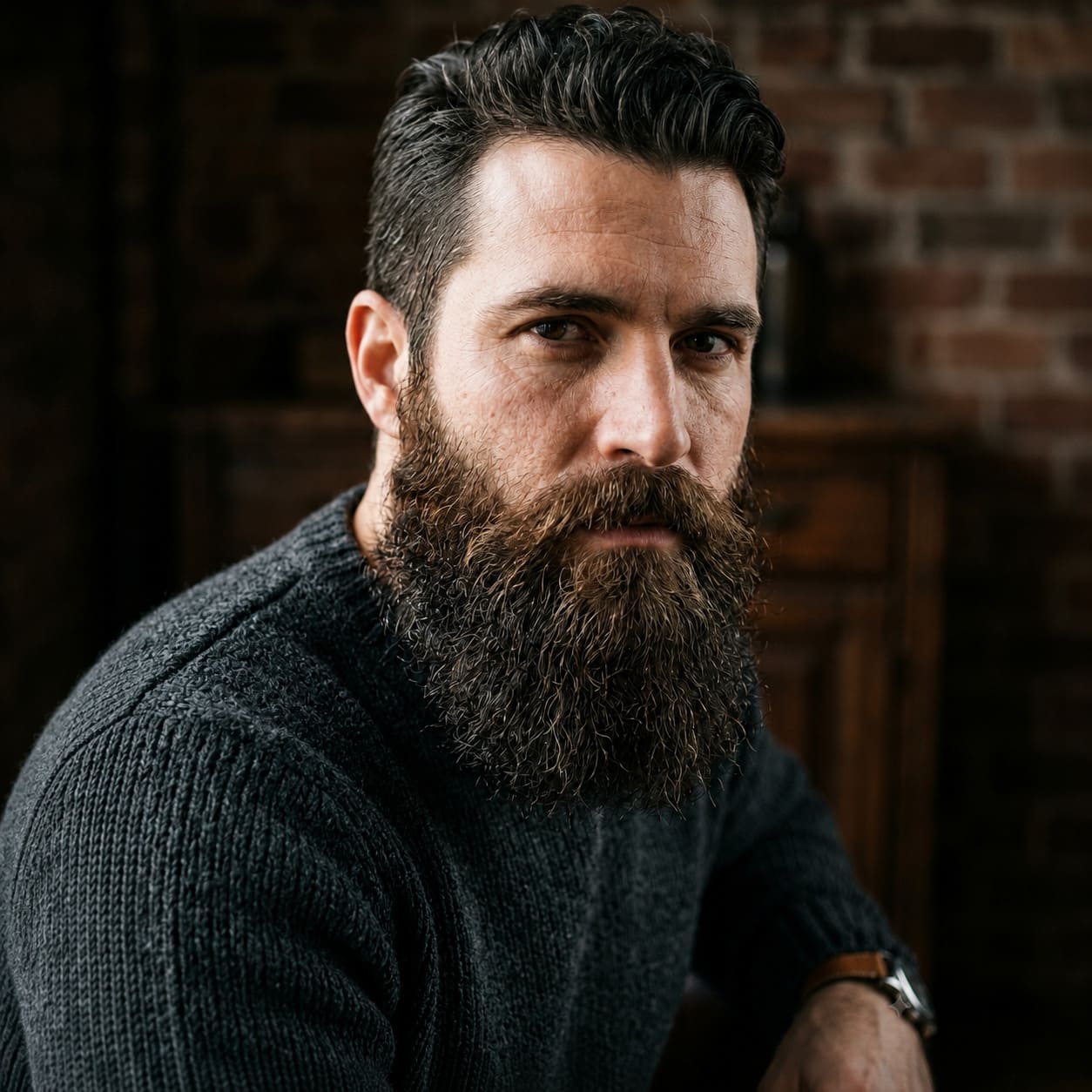
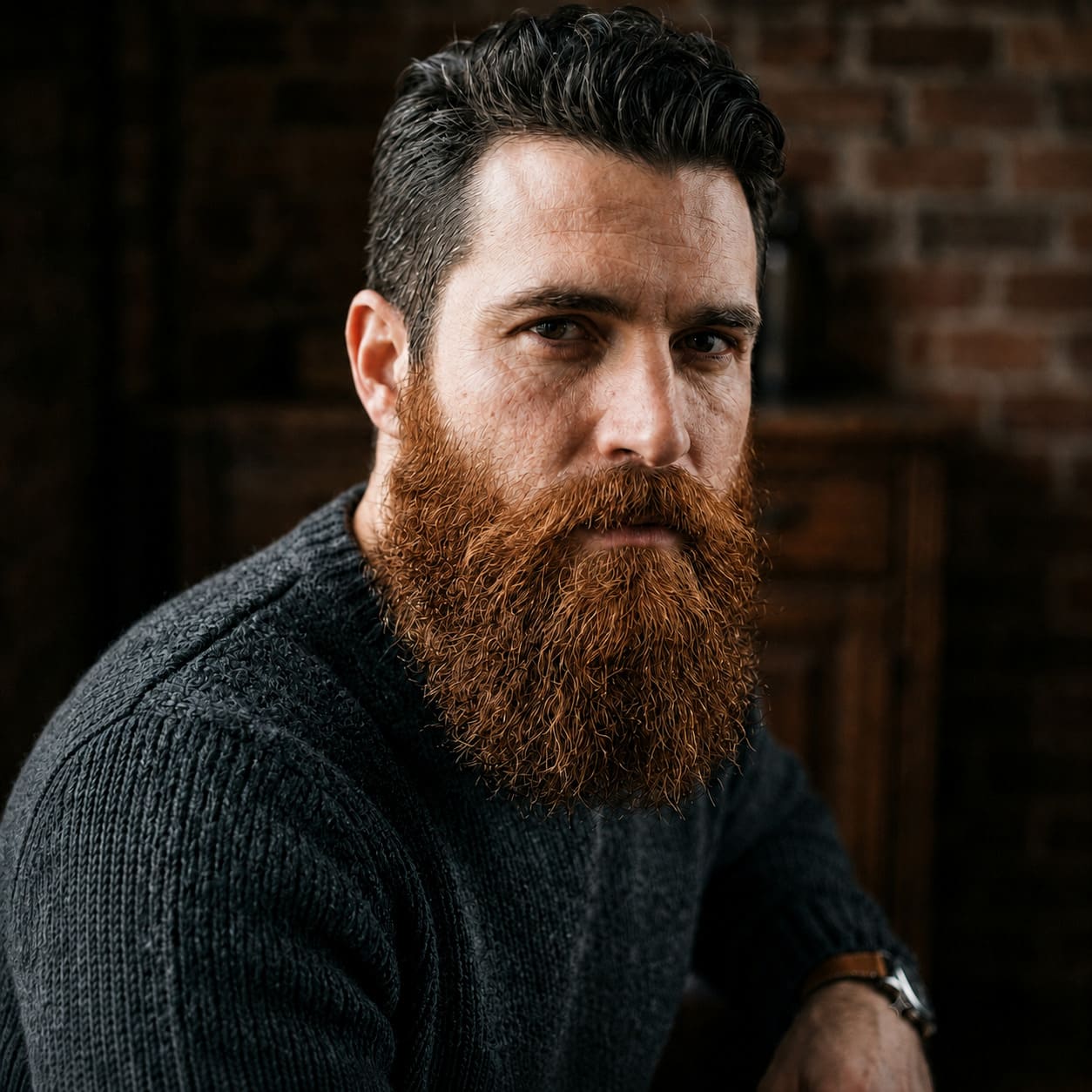
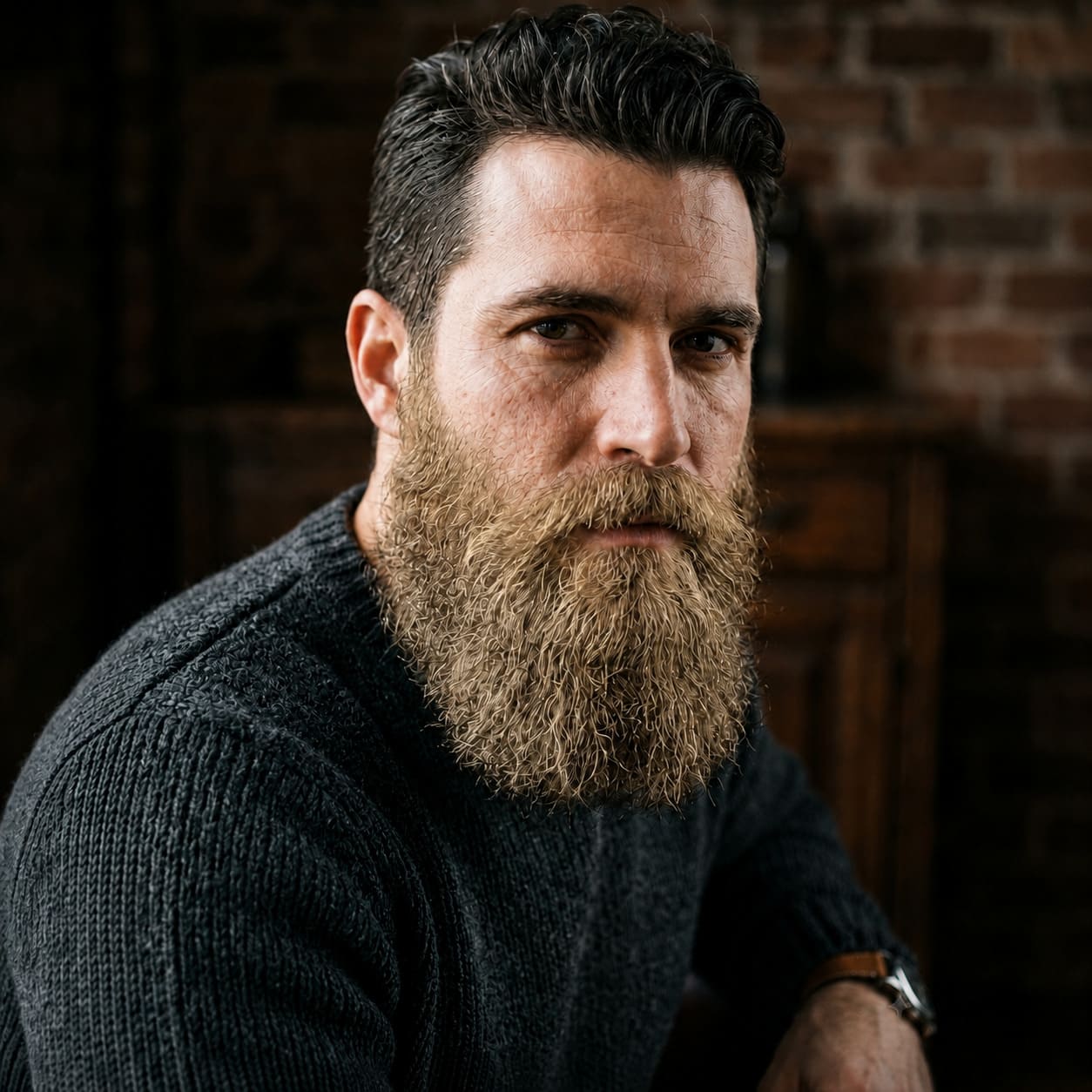
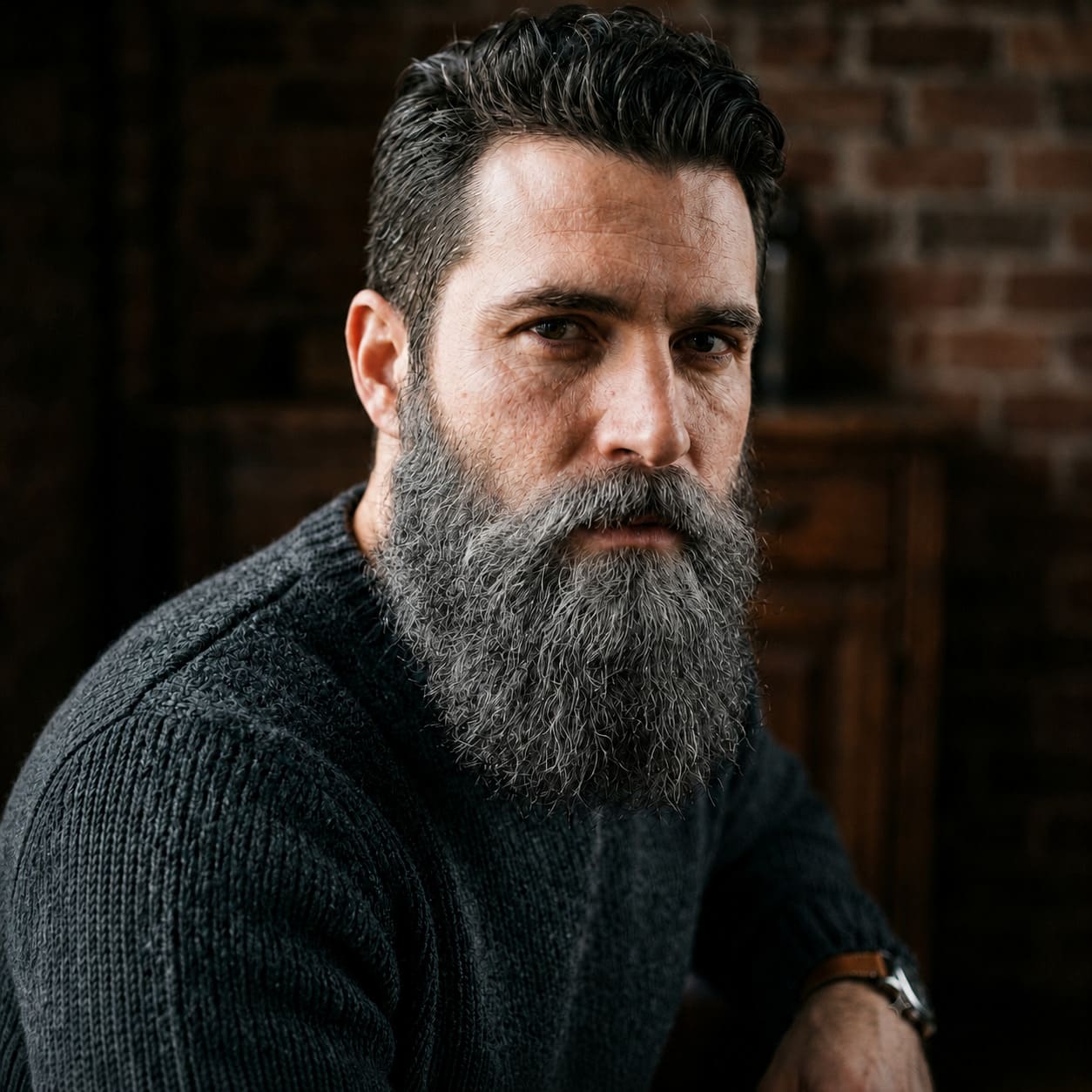
NATURAL PALETTE
Start with a natural palette. Selecting a shade updates the tool and returns you to your uploaded photo.
BEFORE / AFTER
Three real pairs show the shade change while preserving shape, volume, and strand direction. Drag each divider to inspect the details.
A sharper contrast for dark hair and defined brows.


Warm copper reads best in neutral daylight.
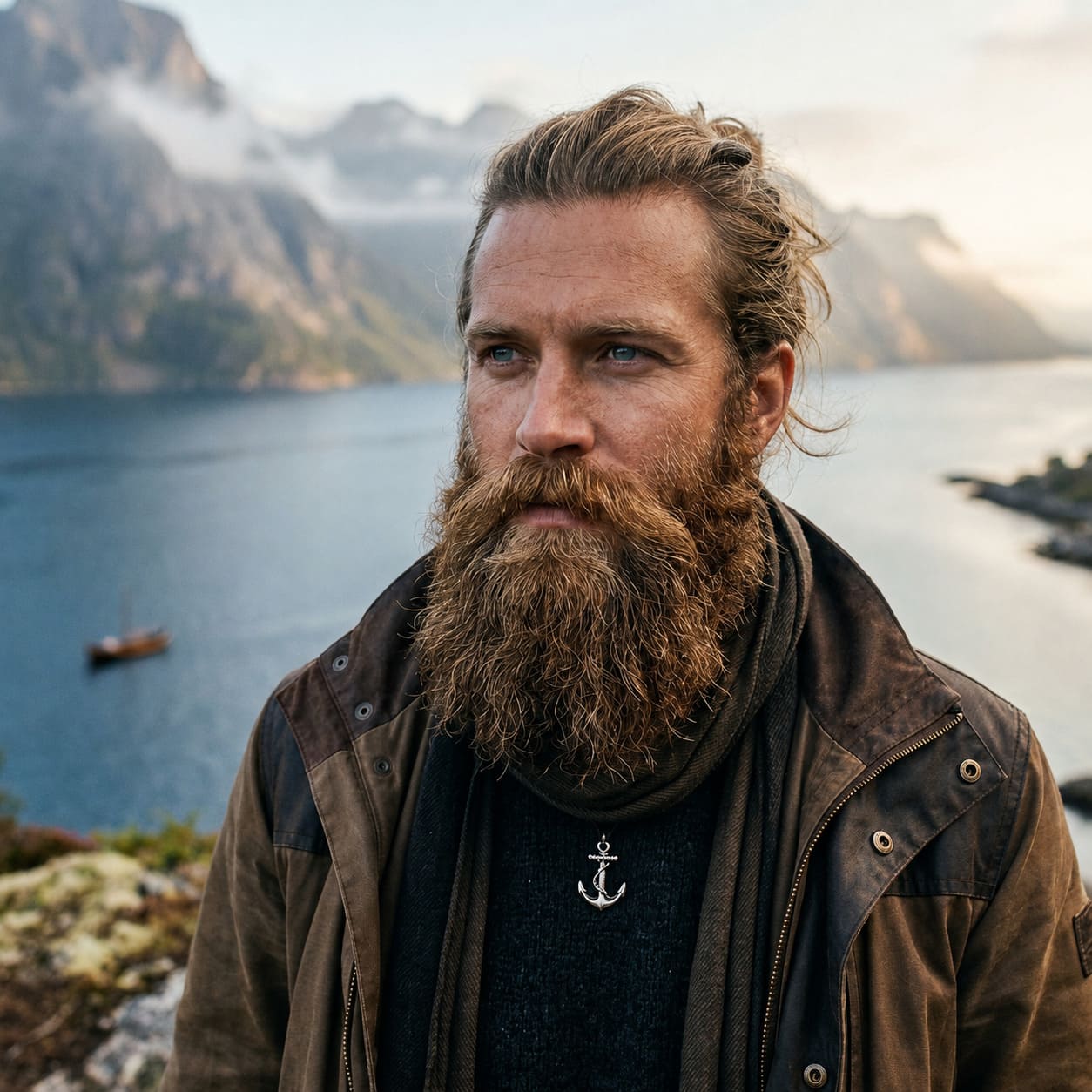
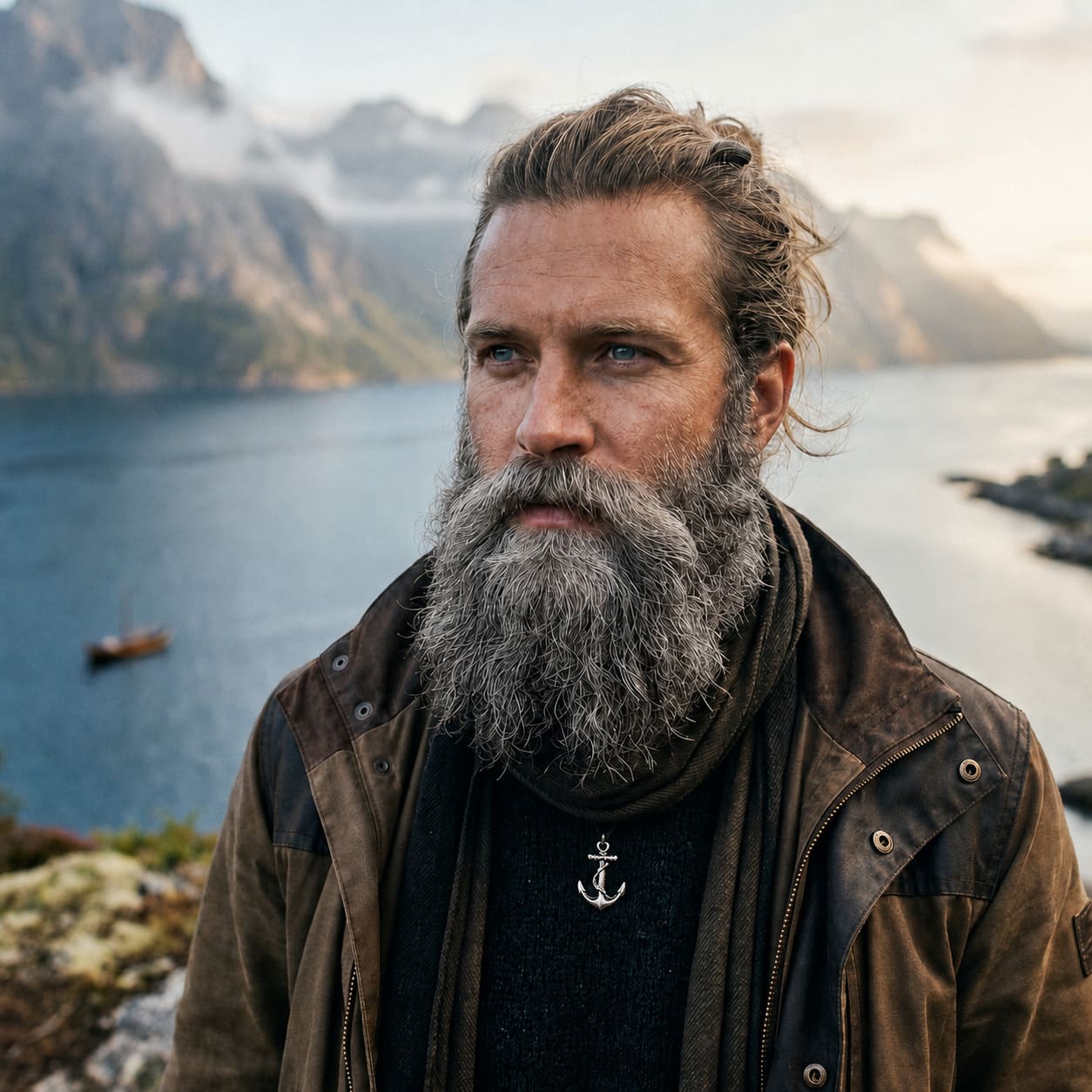
Silver strands keep dimension when the beard does not become a flat grey layer.
COLOR MATCH
An exact hair match is not always the goal. Temperature, contrast, and the share of lighter strands matter more.
Warm chestnut and copper usually work with warm complexions; cool graphite suits neutral or cool coloring.
Very dark facial hair looks stronger on light skin. For a softer result, choose a shade one or two levels quieter.
Use them as a reference while keeping natural variation—beards are often darker, warmer, or more mixed than scalp hair.
GREY / SALT & PEPPER
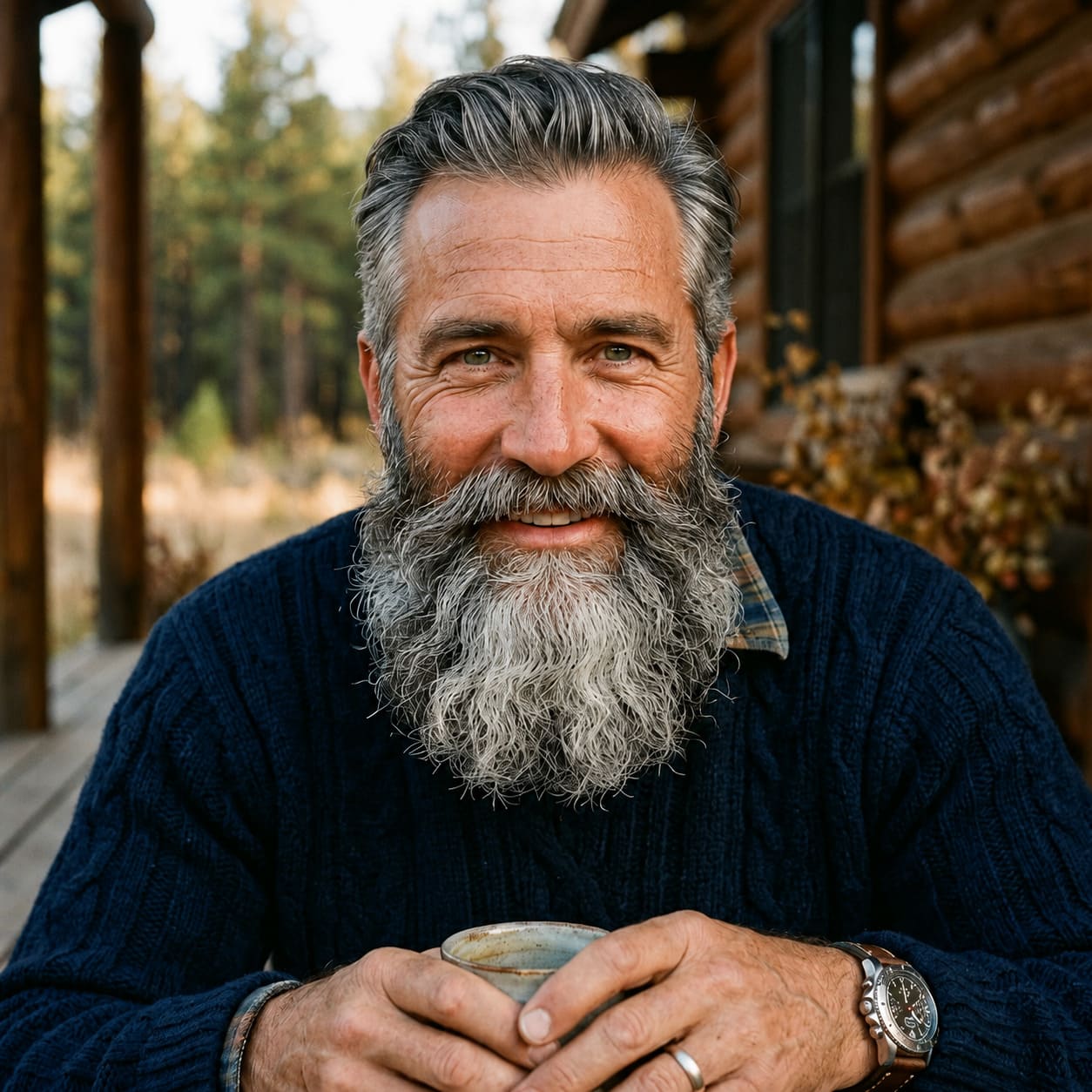
Realistic greying mixes light, silver, and original dark strands. Salt & Pepper preserves that variation, so growth direction and volume remain visible.
TEXTURE LOCK
Individual strands, density, and growth direction instead of a solid color fill.
Highlights and shadows should follow the lighting already present on the face and neck.
No color spill onto skin, lips, clothing, or scalp hair.
FAQ
Yes. This specialized mode asks the AI to preserve length, outline, density, and existing coverage while changing only the shade.
Yes, but a mixture of silver and dark strands usually looks more natural. Choose Salt & Pepper rather than a uniform pale grey.
Use a sharp portrait without hands, scarves, or deep shadows over the chin. The beard and mustache should be clearly visible.
Yes. One successful global guest demo result can be downloaded in full quality. Registration is required for further generations.
You receive 15 tokens and continue in the Beard tool with your uploaded photo already selected. Generation does not start and tokens are not spent automatically.
BEARD CLUSTER
TRY IT ON YOUR PHOTO
Upload a portrait, choose a shade, and compare the result before downloading.
Guest AI edits are unavailable. A new account created after the offer started gets one successful free edit with any editor tool, including Premium. Further edits require tokens. This is one account-wide attempt, not one per page.
Further AI edits use tokens at the tool rate. Technical failures should not consume a free attempt. Switching project modes does not reset used attempts. Purchased tokens and permanent Premium remain intact; Premium unlocks after a purchase.