Classic
Balanced width and natural density.

AI MUSTACHE TRY-ON · ONLINE
Compare mustache shapes on your own portrait—from a precise Pencil to a bold Handlebar. AI keeps your face, skin, hairstyle, light, and background while changing only the hair above your upper lip.


MUSTACHE INDEX
Choose a silhouette first, then judge its width, weight, and relationship to your lip and chin lines.
Balanced width and natural density.
A dense shape that slopes softly toward the mouth corners.
Long ends with a visible upward sweep.
A fine, controlled line above the upper lip.
Vertical sides extend toward the jawline.
A broad, full shape that partly covers the upper lip.
BEFORE / AFTER
Four examples use an even 2 × 2 grid. Move the divider to inspect the lip area and mustache edges.


Compare the shape and its transition into the surrounding skin.


Compare the shape and its transition into the surrounding skin.

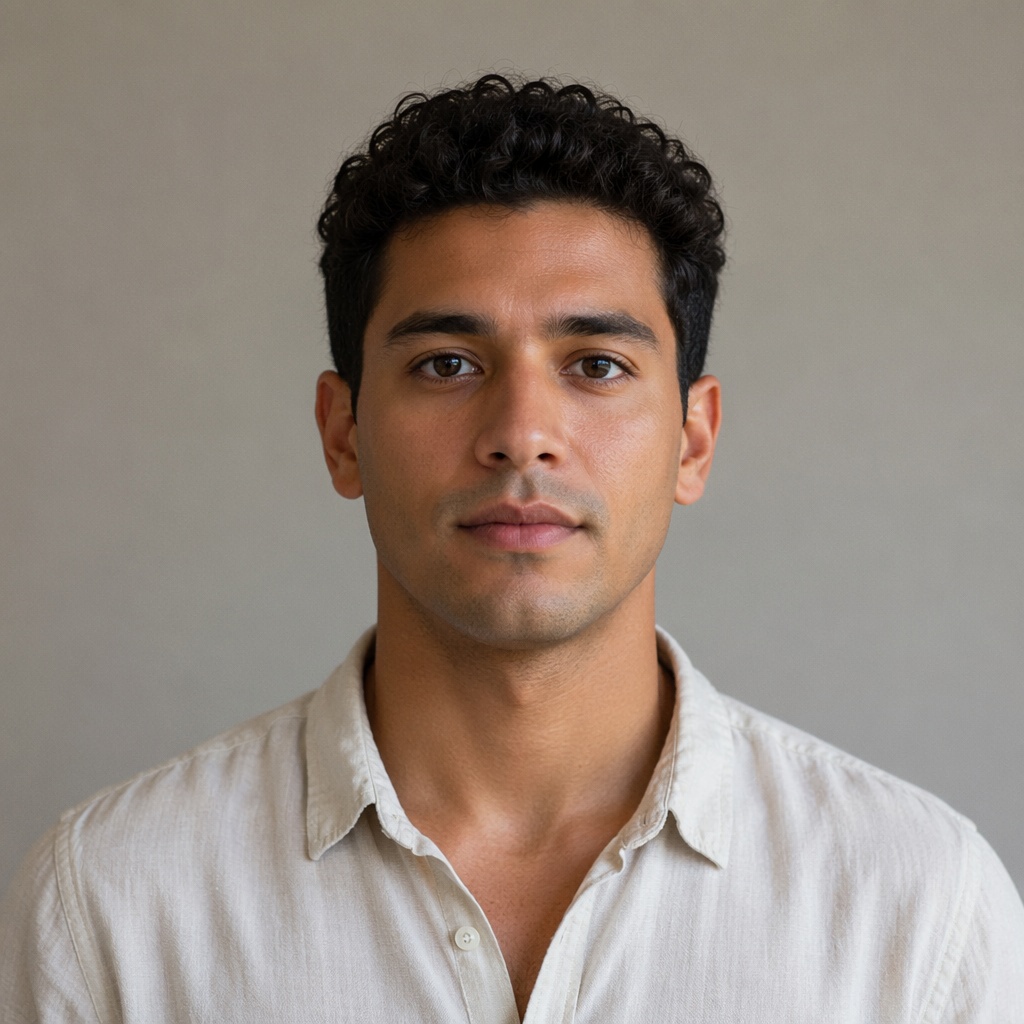
Compare the shape and its transition into the surrounding skin.


Compare the shape and its transition into the surrounding skin.
PROPORTION GUIDE
A good shape supports facial proportions without hiding expression. Inspect the result at close range.
A wide mustache expands the middle of the face; a narrow shape leaves more visual space beside the cheeks.
A compact lip area favors a thinner shape. Chevron and Walrus need more visible room.
A mustache can stand alone or pair with stubble. Avoid combining two equally heavy silhouettes.
The most convincing option follows the direction and density of your existing facial hair.
BEARD CLUSTER
FAQ
Yes. This mode changes only the upper-lip area and tells the AI not to add beard hair to the cheeks or chin.
Yes. Identity, expression, hairstyle, background, and light are locked; only the mustache changes.
Use a sharp front-facing or slightly turned portrait. Keep the upper lip clear of hands and deep shadows.
Yes. One successful global guest result can be downloaded in full quality. Registration is required afterward.
You receive 15 tokens and continue in the Beard tool with your photo already selected. Generation does not start automatically.
TRY IT ON YOUR PHOTO
Pick a silhouette, upload a photo, and inspect the edges in Before / After.
Guest AI edits are unavailable. A new account created after the offer started gets one successful free edit with any editor tool, including Premium. Further edits require tokens. This is one account-wide attempt, not one per page.
Further AI edits use tokens at the tool rate. Technical failures should not consume a free attempt. Switching project modes does not reset used attempts. Purchased tokens and permanent Premium remain intact; Premium unlocks after a purchase.