Light
Soft daylight or golden light supports a gentle, cozy mood.

AI PHOTO STYLE · SMARTGENIUS
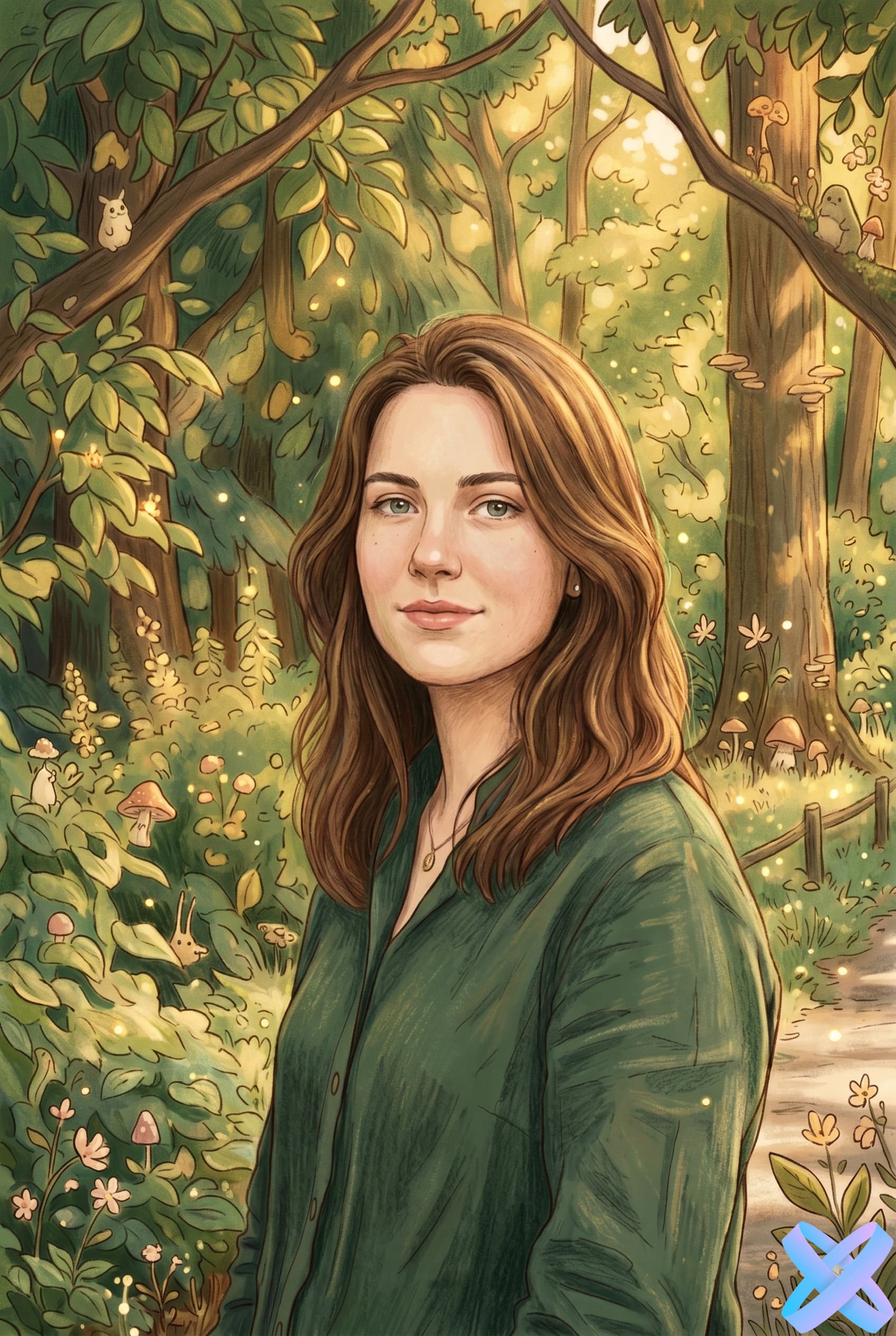
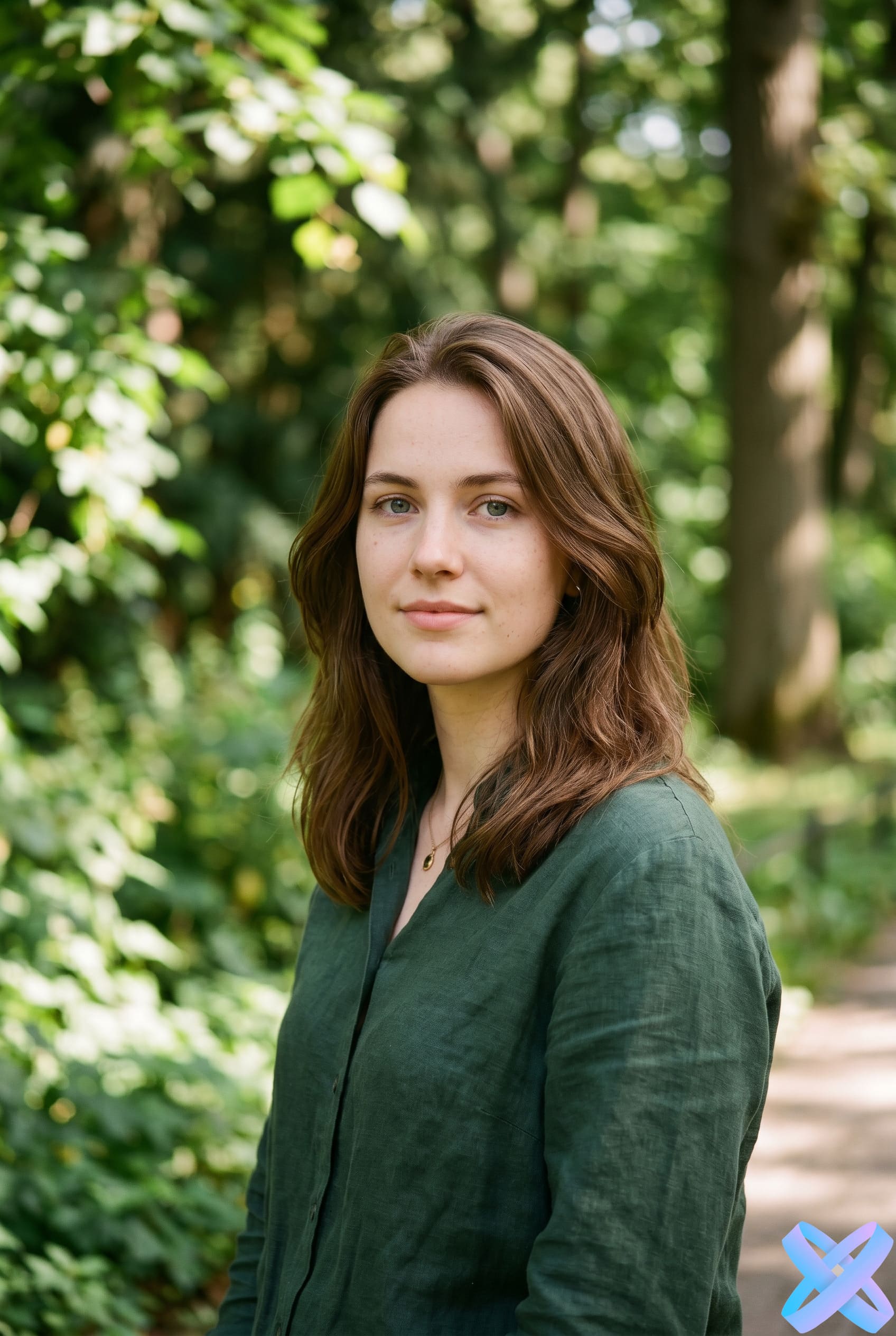
Upload a photo and turn it into a soft fairy-tale animation style in seconds. SmartGeniusAI helps create an atmospheric AI version of your image with warm light, cozy colors, and an artistic cartoon-art effect.
STYLE FOCUS
A Ghibli-inspired direction works through soft light, painterly texture, natural color, and the feeling of a warm animated story frame. The person remains the anchor while the environment becomes more whimsical.
Soft daylight or golden light supports a gentle, cozy mood.
Backgrounds and clothing gain a painterly finish instead of a hard digital render.
Plants, rooms, streets, and small objects can become part of a visual story.
PRACTICAL USES
Parks, forests, gardens, and travel photos with organic detail.
Cozy interiors with warm light and visible objects around the subject.
Calm expressions and soft lighting usually produce the most harmonious result.
Animals fit naturally into a storybook-style environment.
FAQ
Harsh highlights and deep shadows leave less reliable information for a gentle painterly transformation. Even light helps preserve the face and scene.
No. Interiors, streets, and cafés also work well when the scene has clear depth and environmental detail.
No. The result aims for a soft hand-painted animation atmosphere rather than reproducing a particular frame or character.
Yes. In that case the workflow places more emphasis on light, vegetation, architecture, and scene mood.
Return to the Hero above, upload an image, and generate with the main style or one of the three alternatives.
Guest AI edits are unavailable. A new account created after the offer started gets one successful free edit with any editor tool, including Premium. Further edits require tokens. This is one account-wide attempt, not one per page.
Further AI edits use tokens at the tool rate. Technical failures should not consume a free attempt. Switching project modes does not reset used attempts. Purchased tokens and permanent Premium remain intact; Premium unlocks after a purchase.