
1
Upload a photo
Add a portrait, product photo or any other image where you need to change the background.
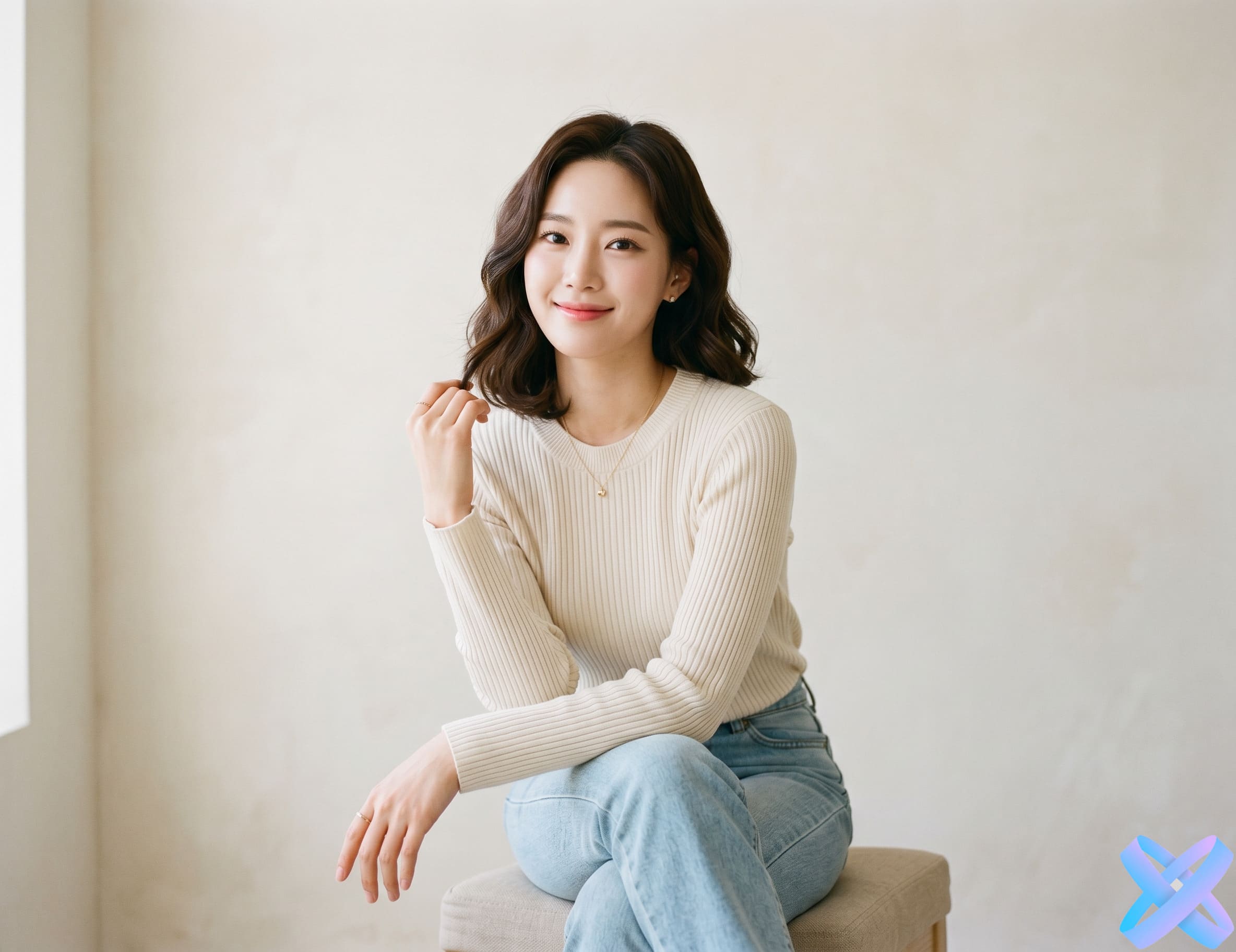
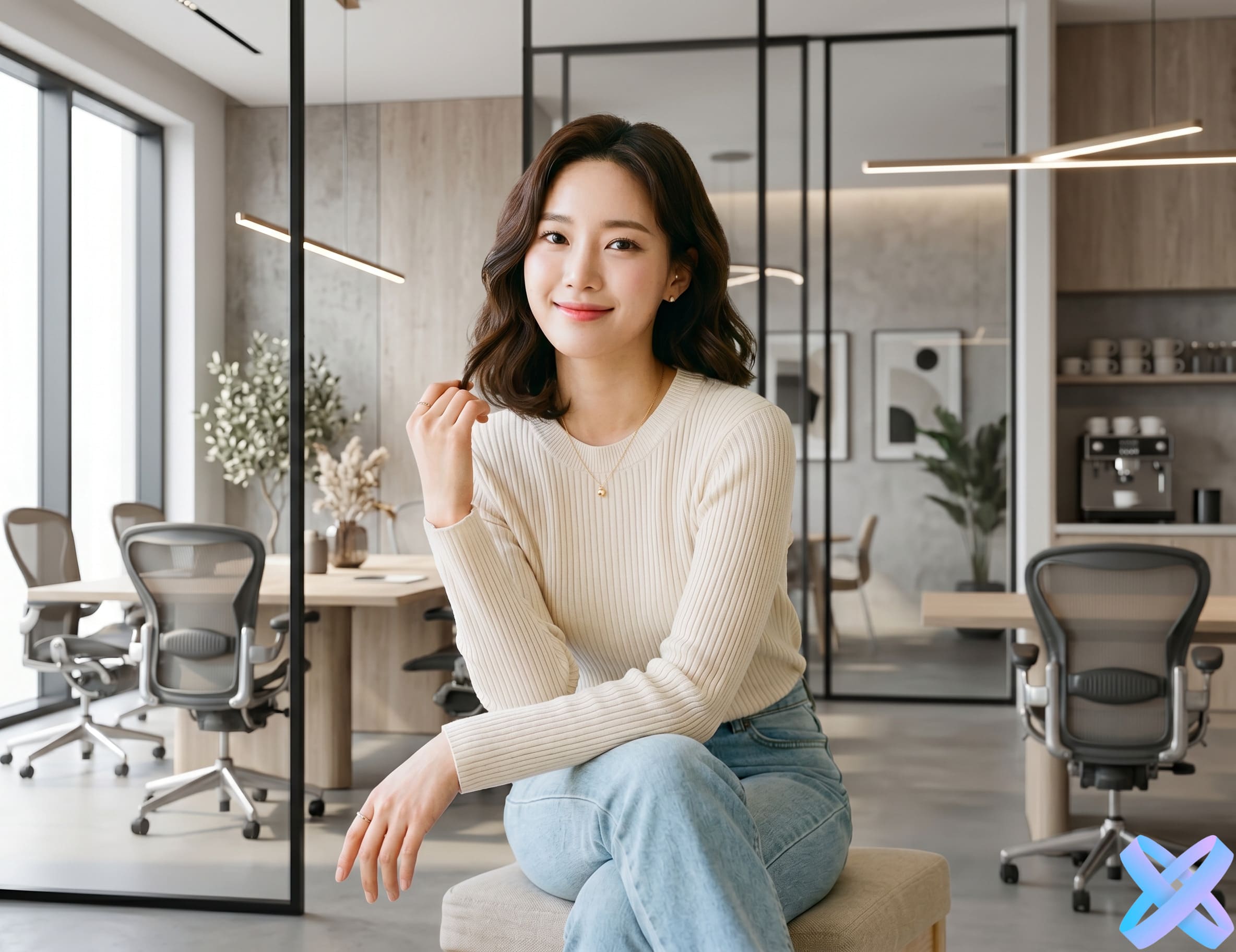 BEFORE
AFTER
BEFORE
AFTER
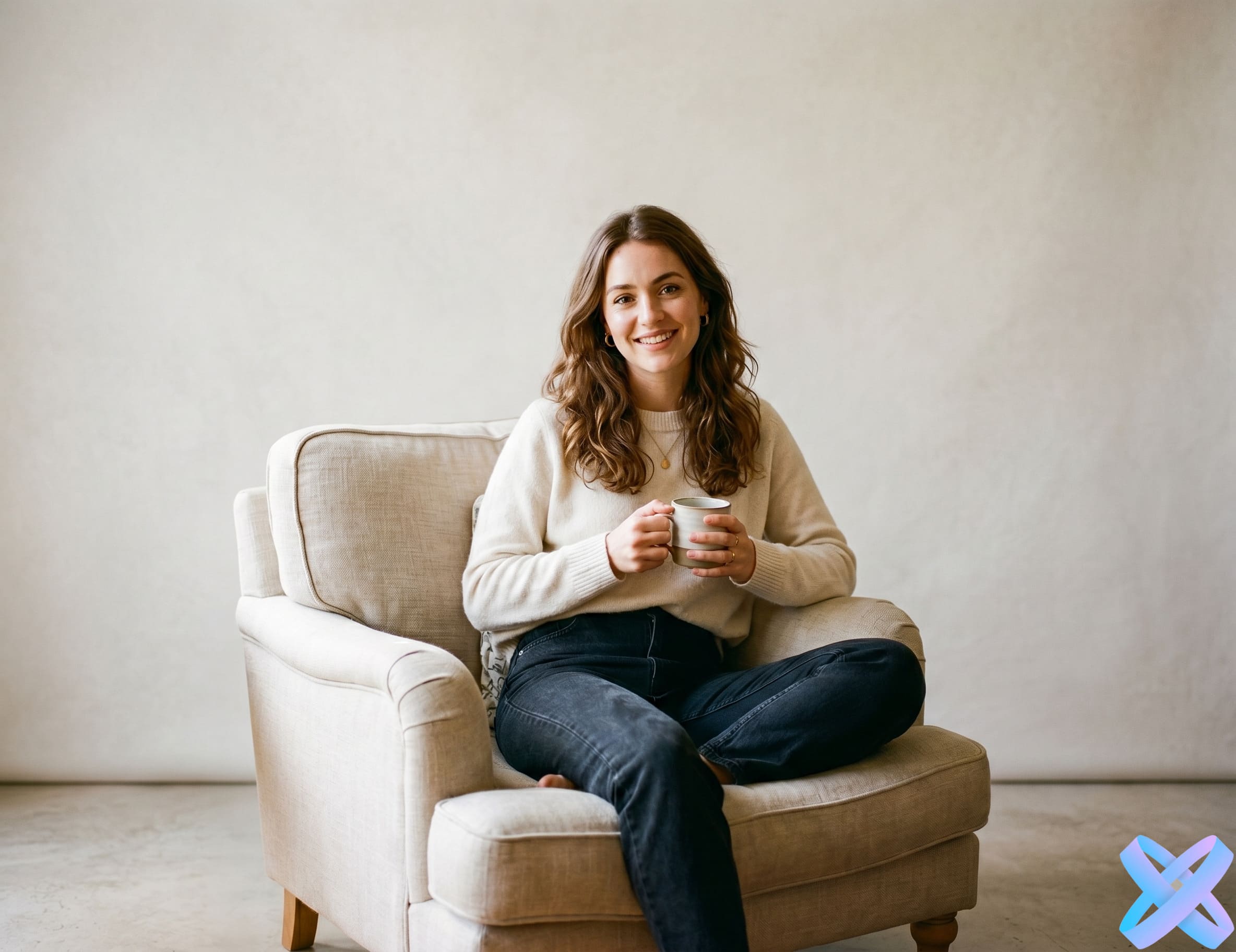
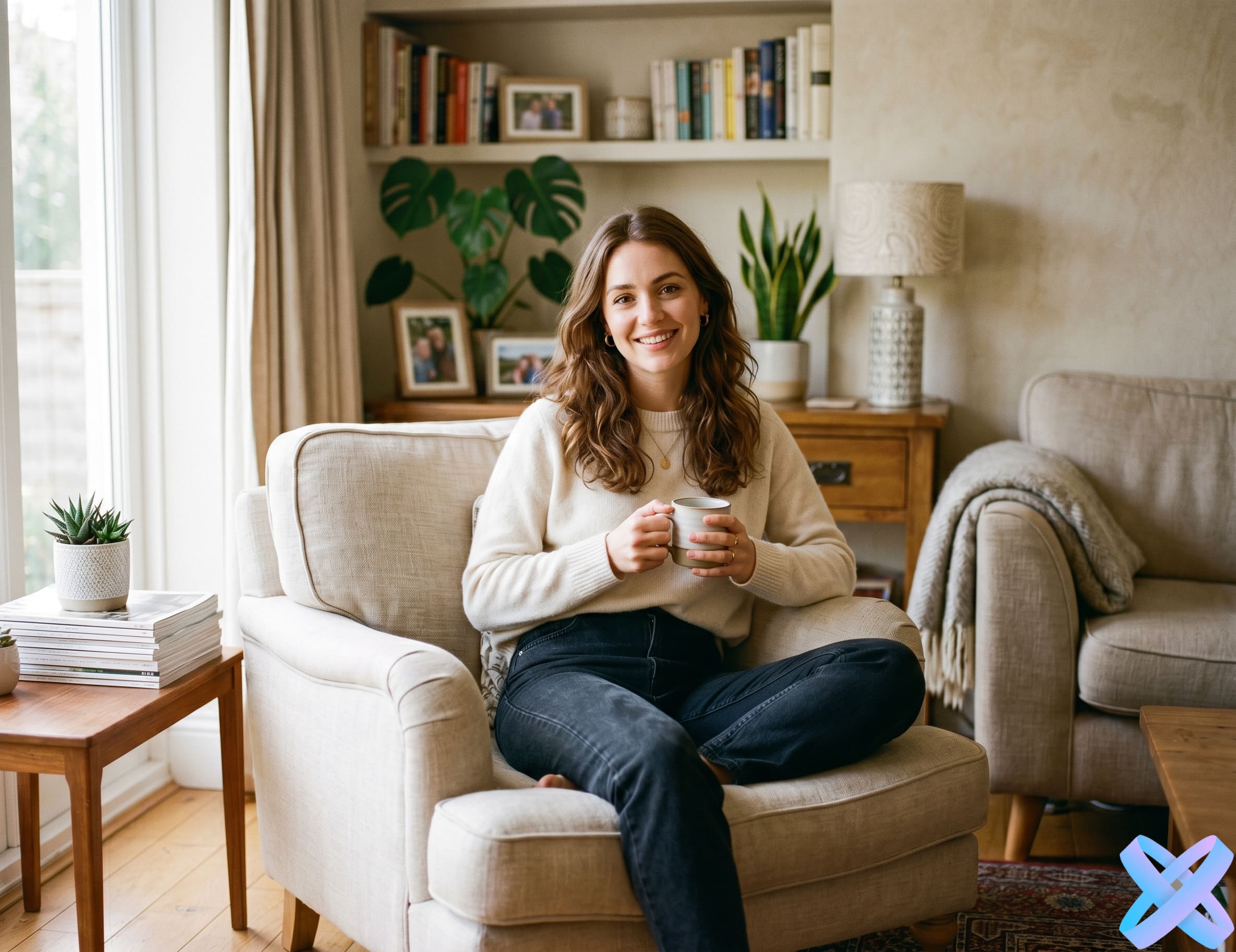 BEFORE
AFTER
BEFORE
AFTER
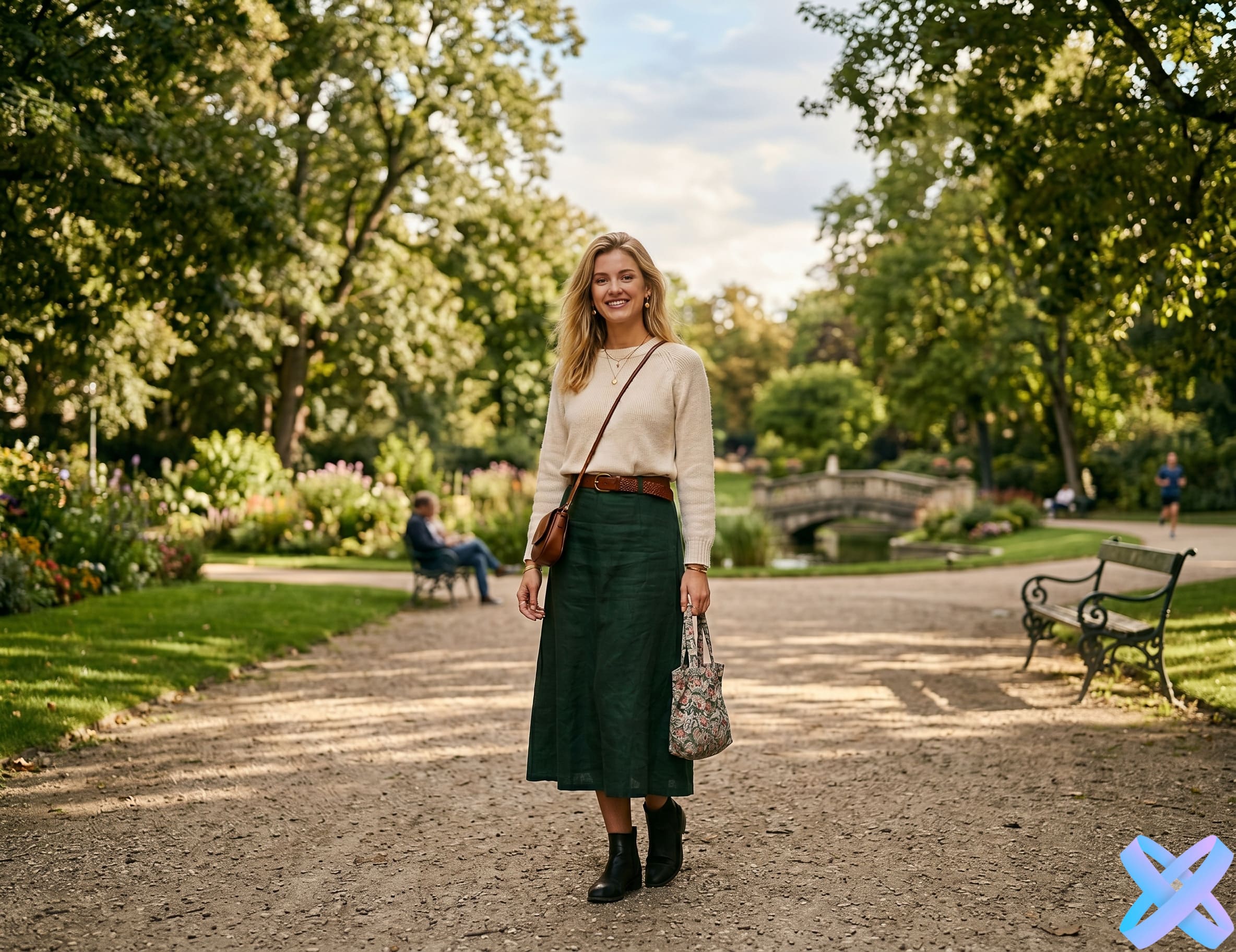
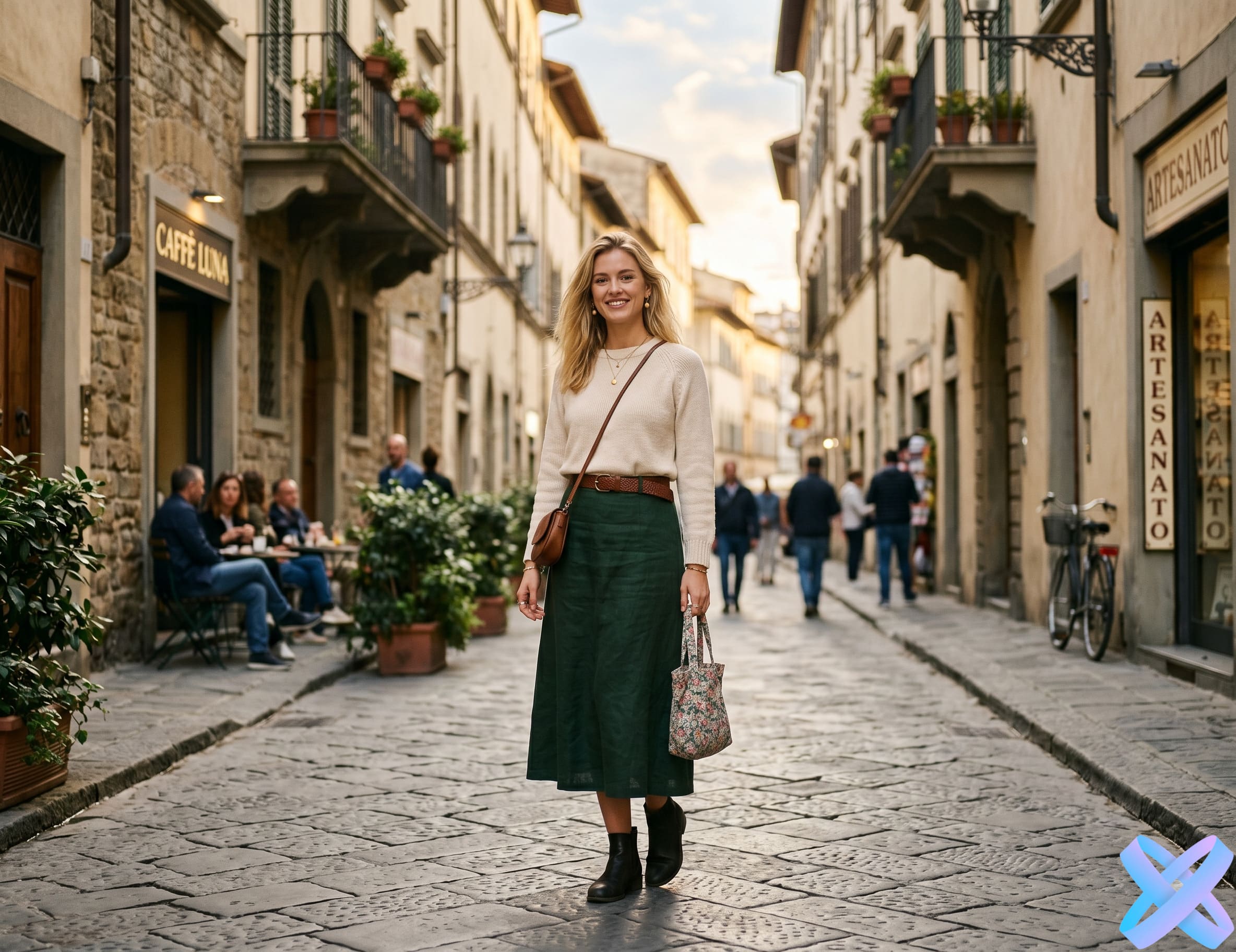 BEFORE
AFTER
BEFORE
AFTER
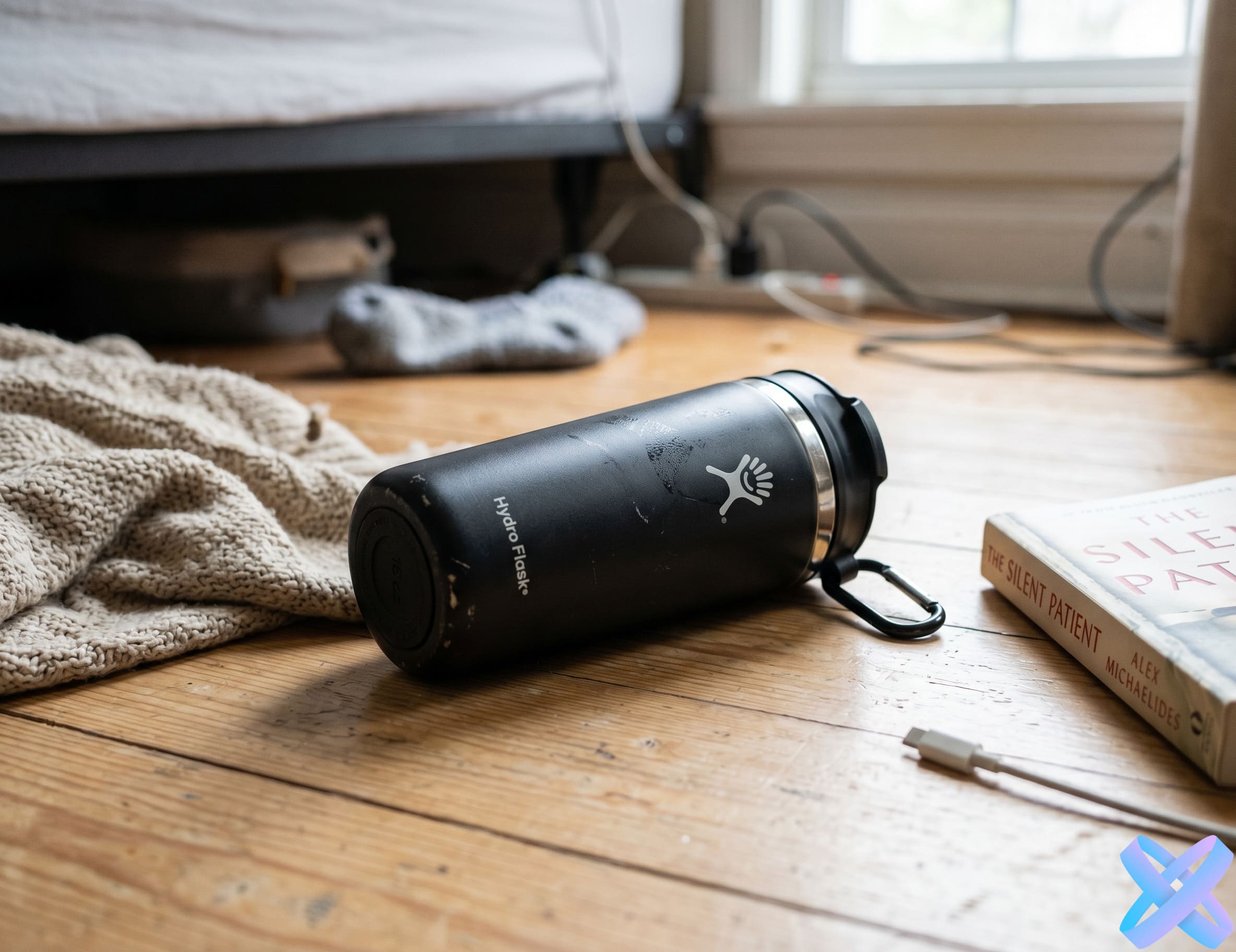
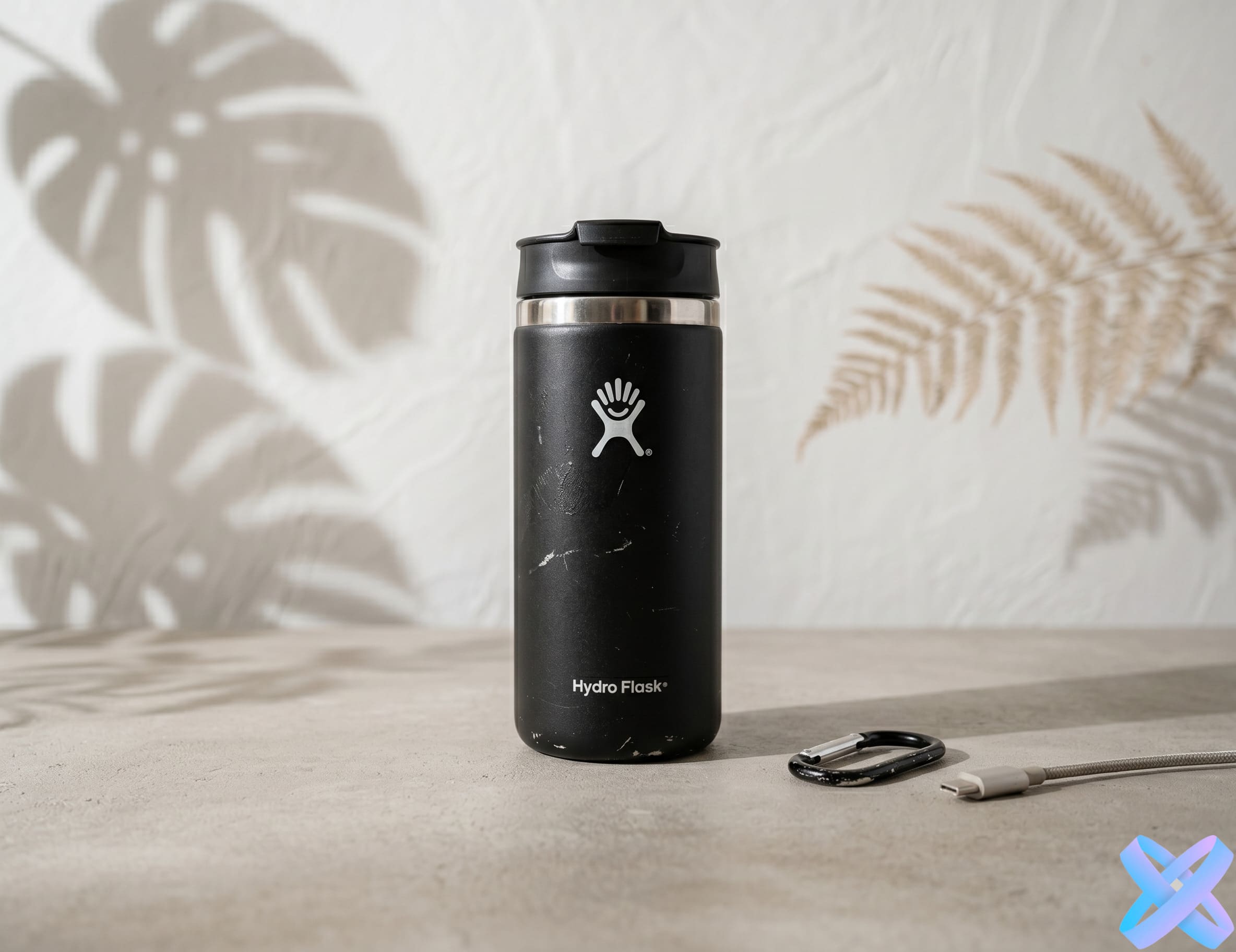 BEFORE
AFTER
BEFORE
AFTER
Add a portrait, product photo or any other image where you need to change the background.
Write what you want to see: office, street, studio, interior, nature, luxury scene, neutral white background, or any other option.
AI Agent will change the background, preserve the main subject, and prepare the updated image for download.
Make an ordinary photo more professional: office, studio background, clean look for website or team.
Change product backgrounds for marketplaces, listings, advertising and banners.
Create more beautiful and diverse scenes for social media without a new photoshoot.
Prepare advertising visuals, test different scenes and styles for creatives.
Remove an ugly home background, replace a random setting with something cleaner and more aesthetic.
AI Agent helps you replace the background of a photo using a text prompt right in your browser. Instead of complex manual editing, simply upload an image and describe the background you want. The neural network can create a studio scene, office interior, city view, natural landscape, a clean background for product listings, or an advertising composition for marketing and social media.
The main advantage of text-based background replacement is flexibility. You can not only specify the type of scene but also refine the style, lighting, color atmosphere, and overall image character. For example: "Replace the background with a modern bright studio, keep the person, natural light and soft shadows." This approach allows you to get a more accurate and visually clean result compared to traditional presets.
The tool is suitable for portraits, product photos, avatars, business profiles, e-commerce, blogs, and advertising tasks. AI Agent tries to preserve the main subject in the photo and adapt the new background so that the image looks realistic and cohesive. This is convenient for those who want to quickly change the scene without Photoshop, manual cutting, or lengthy retouching.
The clearer the object in the foreground, the better AI Agent will separate it from the original background.
It's better to change the background first, and then if necessary, separately adjust clothing, lighting or style.
Turn an ordinary selfie into a neat portrait for your resume, LinkedIn, or corporate website.
Prepare a cleaner and more sales-oriented background for product photos.
Create a scene for a banner, creative, or product listing.
Make a more stylish photo without clutter in the background.
Replace a random or unsuccessful background with a beautiful and clean scene.
A demo run is usually available. Additional generations may require registration or tokens.
Typically JPG, PNG and WebP are supported.
Yes, AI Agent works for portraits if the main subject is clearly visible in the photo.
Yes, this is one of the most common scenarios: product listings, catalogs and advertising visuals.
If this is important, it's better to explicitly write in the prompt: "keep the person, face, clothes and pose unchanged".
Yes. You can request a white background, neutral background, studio scene, or any other clean background composition.
A background remover typically just removes the background, while AI Agent can create a new background based on your description.
Upload an image, describe the scene you want, and get a new background with AI Agent in just a few seconds.
🎨 Change background with AI Agent →SmartGenius Ai is proudly powered by WordPress