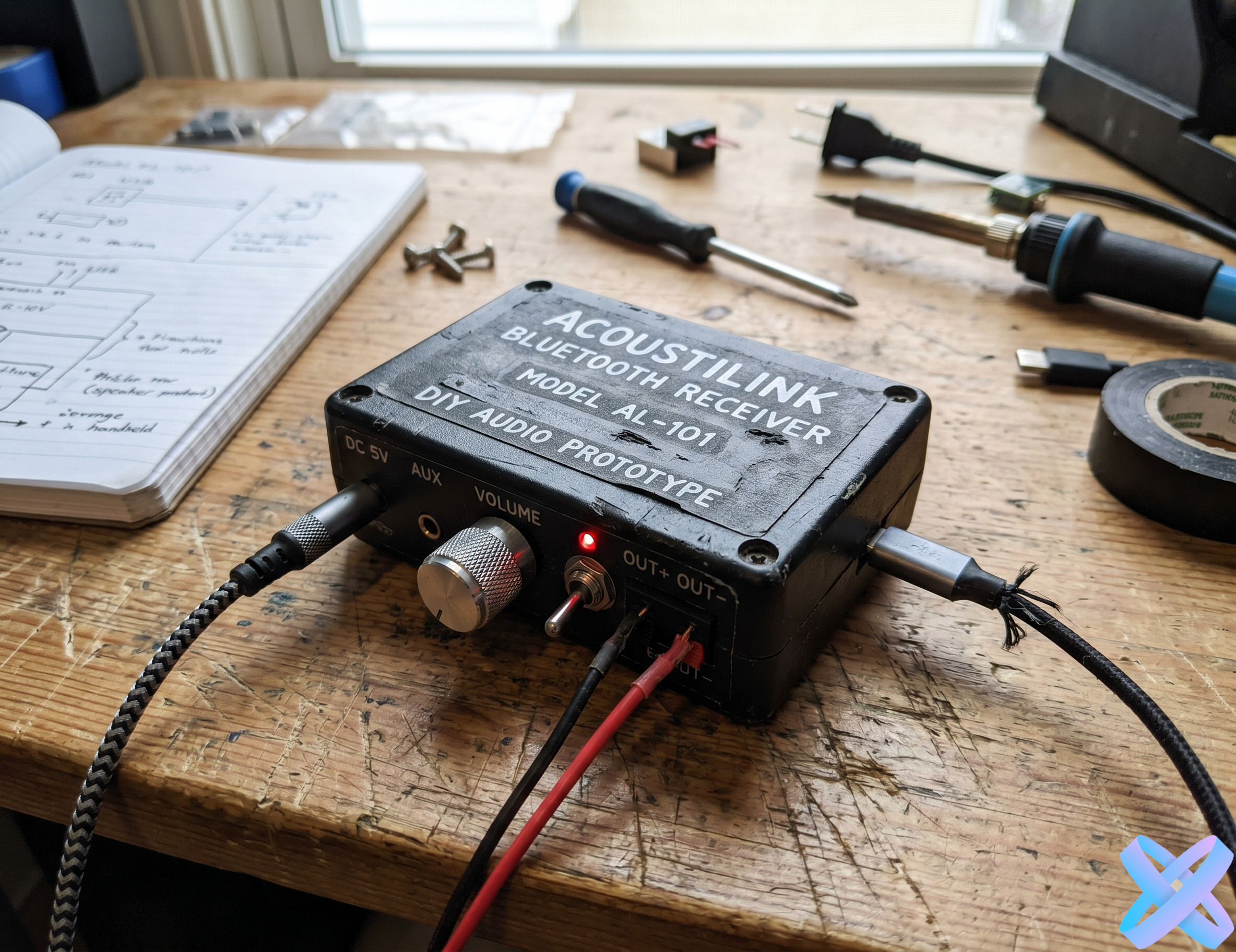
Ad creative — AI Agent

Create ad creative with AI

Upload a photo of a product, service, or brand, describe the idea — and AI Agent will create an advertising visual for social media, banners, targeted ads, landing pages, or promo campaigns.
  • Ad creatives by text prompt
  • For Instagram, TikTok, Facebook, websites, and marketplaces
  • Change background, style, lighting, scene, and atmosphere
  • Works online without a designer, studio, or Photoshop
📢 Ad creative
💡 Specify style, mood, background, lighting — everything important for advertising
📸
Upload photo
PNG, JPEG, WEBP up to 20 MB
Before/After Gallery — AI Ad Creative

How AI turns photos into ad creatives

Drag your mouse across the image — see how AI Agent creates sales-driven visuals
Before: ordinary product After: advertising banner
BEFORE AFTER
📦 Ordinary product photo → advertising banner
📝 Prompt
"Create an advertising banner: clean composition, focus on the product, beautiful background"
Before: sports product After: dynamic promo
BEFORE AFTER
💪 Sports product → dynamic promo visual
📝 Prompt
"Create a dynamic advertising creative for a sports product: energetic lighting, motion-style scene, fitness atmosphere"
Before: cosmetics After: beauty creative
BEFORE AFTER
🧴 Cosmetics → beauty ad creative
📝 Prompt
"Create a beauty advertising creative: soft lighting, clean aesthetic, premium scene"
Before: tech product After: digital creative
BEFORE AFTER
🎧 Tech product → modern digital creative
📝 Prompt
"Create a modern digital creative: dark background, backlight, futuristic style"
Before: expert photo After: promo visual
BEFORE AFTER
💼 Service / expert → promo visual
📝 Prompt
"Create a professional promo visual: clean background, business presentation, confident style"
Before: ordinary product After: social media ad
BEFORE AFTER
📱 Ordinary product → social media ad
📝 Prompt
"Create a bright advertising creative for a fitness product with a dynamic scene"
How to create an ad creative — AI Agent

How to create an ad creative in 3 steps

Simple, fast and without a designer
1
📸

Upload the original photo

Add a photo of a product, person, service, brand, or object to be used in the advertising visual.

2
✍️

Describe the advertising idea

Specify the style, background, niche, mood, and goal: banner, social media, promo, marketplace, launch, sale, or brand campaign.

3

Get the finished visual

AI Agent will create an advertising scene, enhance the presentation, and prepare the image for further use.

Prompt Examples — AI Ad Creatives

Prompt examples for AI advertising

Click "Insert prompt" — the text will be added to the AI Agent field
📦 For product
"Create an ad creative for this product: clean background, soft shadows, premium look, focus on the product."
💪 For sports product
"Create a dynamic fitness ad creative: energetic lighting, sports atmosphere, bright advertising presentation."
🧴 For cosmetics
"Create a beauty ad: beige clean background, soft lighting, minimalist premium scene."
🎧 For tech product
"Create a modern tech ad: dark background, neon backlight, futuristic atmosphere, focus on the device."
💼 For service
"Create an advertising visual for a service: professional style, clean background, trustworthy business atmosphere."
📱 For social media
"Create a bright advertising creative for an Instagram post: modern background, good lighting, noticeable visual focus."
✓ Prompt inserted
What ad creatives can be created — AI Agent

What ad creatives can be created

From targeted ads to seasonal campaigns — AI Agent creates visuals for any task
🎯

Targeted ad creatives

Visuals for advertising campaigns on Instagram, Facebook, TikTok, and other platforms.

🖥️

Website banners

Images for hero sections, promo blocks, campaigns, landing pages, and online stores.

📦

Product promos

Advertising presentation of a product with background, lighting, scene, and visual focus.

💼

Service creatives

Visuals for experts, services, online schools, local businesses, and personal brands.

🎄

Seasonal campaigns

Ideas for sale, launch, holiday, summer, winter, Black Friday, or other promos.

📱

Social media ads

Images for posts, stories, reels covers, advertising publications, and SMM content.

All AI Agent Features — Internal Links
Who it's for — AI Agent for ad creatives

Who benefits from AI Agent for ad creatives

From marketers to business owners — AI Agent helps create effective advertising
📊

Marketers

Quickly create and test different visual ideas for advertising campaigns.

🏢

Business owners

Get advertising visuals without constantly contacting a designer or photo studio.

🛍️

Online stores

Create promo images for products, sales, banners, and listings.

📱

SMM specialists

Prepare visuals for posts, stories, advertising publications, and content plans.

🏷️

Brands

Test different styles, scenes, and visual concepts for new campaigns.

💻

Freelancers and experts

Create images for promoting services, personal branding, consultations, and presentations.

What can be customized in an ad creative — AI Agent

What can be customized in an ad creative

AI Agent changes the background, lighting, scene, and style according to your advertising task
🖼️

Background

Studio, bright, premium, seasonal, lifestyle, tech, beauty, or any other.

💡

Lighting

Soft, contrast, dynamic, cinematic, luxury, clean, or studio lighting.

🎬

Scene

Add environment, podium, interior, sports atmosphere, city look, or commercial composition.

Style

Clean, premium, luxury, bold, minimal, energetic, fashion, beauty, tech, or social media look.

🎯

Focus

Make the main object more noticeable, readable, and visually strong.

Overall quality

Improve the image, make it cleaner, more advertising-ready, and suitable for publication.

SEO Block — AI Ad Creatives

Creating ad creatives online with AI Agent

AI Agent helps you create ad creatives online using a text prompt. You don't need to manually build a scene in a graphic editor, search for a background, adjust lighting, or arrange a separate photoshoot. Simply upload the original photo of a product, service, person, or brand and describe what advertising visual you want to get.

The tool is suitable for creating creatives for social media, targeted advertising, banners, landing pages, promotions, marketplaces, and SMM content. You can specify the style, atmosphere, background, lighting, and advertising presentation: for example, "create a dynamic advertising creative for a sports product with bright lighting and a focus on the product". This approach allows you to quickly test different visual ideas and get multiple options without complex manual editing.

AI Agent is especially useful for marketers, online stores, small businesses, SMM specialists, brands, and experts. It helps turn an ordinary photo into a more sales-driven, clean, and eye-catching advertising visual. This is a convenient way to create images for online advertising without Photoshop, a studio, or lengthy production.

Tips for good ad creatives — AI Agent

How to get a good ad creative

A few simple rules will help you create an effective advertising visual
Tip 1

Specify the niche

Write what this product or service is: cosmetics, sports, tech, fashion, food, education, service.

Tip 2

Describe the goal

✓ Examples
banner, post, story, targeted ad, marketplace, promo, or launch campaign
Tip 3

Define the style

Clean, premium, luxury, bold, minimal, modern, energetic — such words help guide the AI more precisely.

Tip 4

Ask to preserve the main object

✓ Example
"keep the product, shape, logo, color, and key details unchanged"
Tip 5

Don't overload the prompt

One clear advertising scenario is better than too many contradictory details.

Tip 6

Create multiple variants

Generate different creative styles and compare which visual works best for your campaign.

Other AI Agent Features — Final CTA