
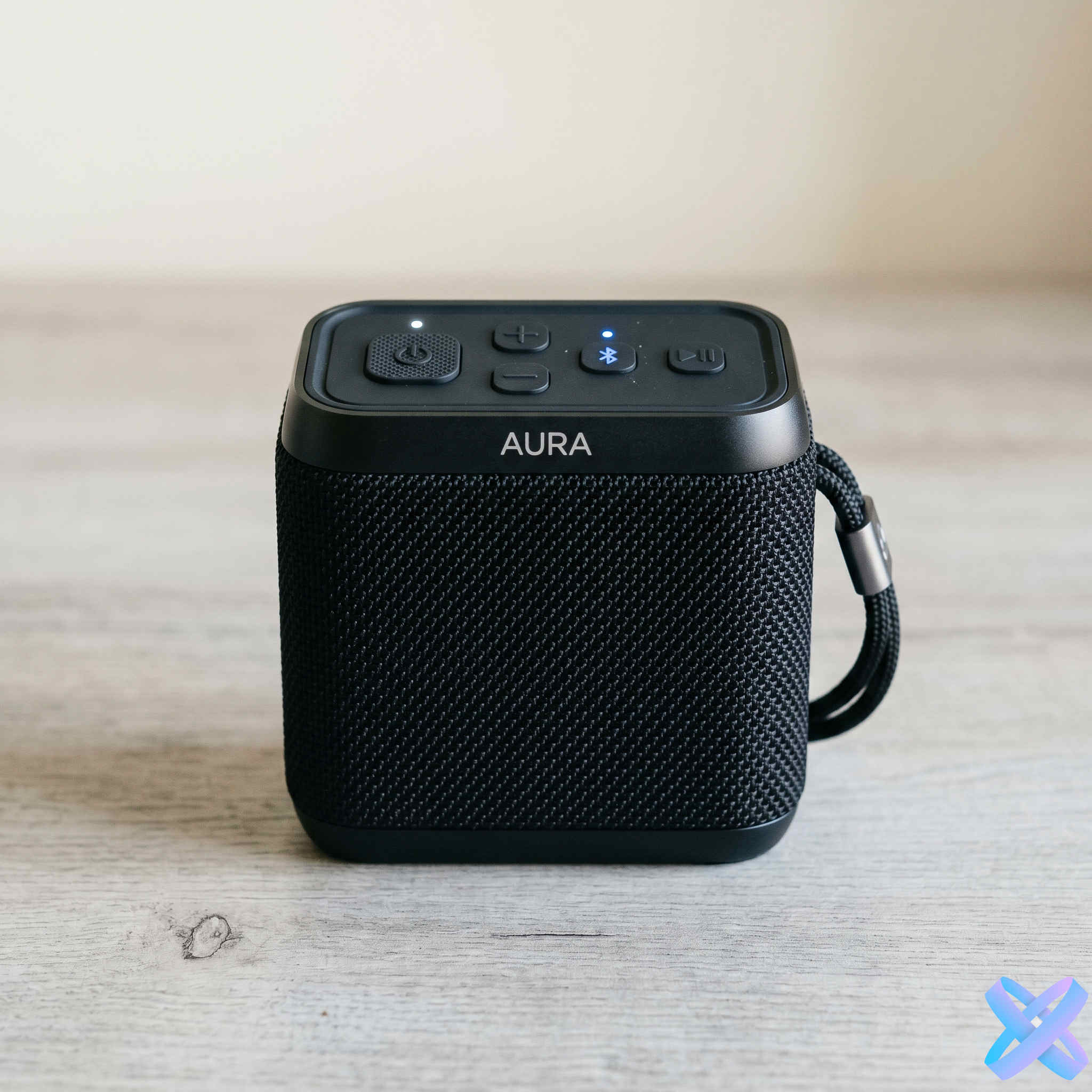
Ordinary photo → Ad scene
Turn a simple source photo into a more polished commercial scene.

Turn an ordinary product photo into a commercial visual for marketplaces, advertising, social media, or landing pages. Upload the product and continue in Product Creative inside SmartGenius Editor.
Choose a direction below or simply upload the product. Product Creative opens with your image already inside the Editor, where you can adjust scene, format, background, lighting, people, and composition.
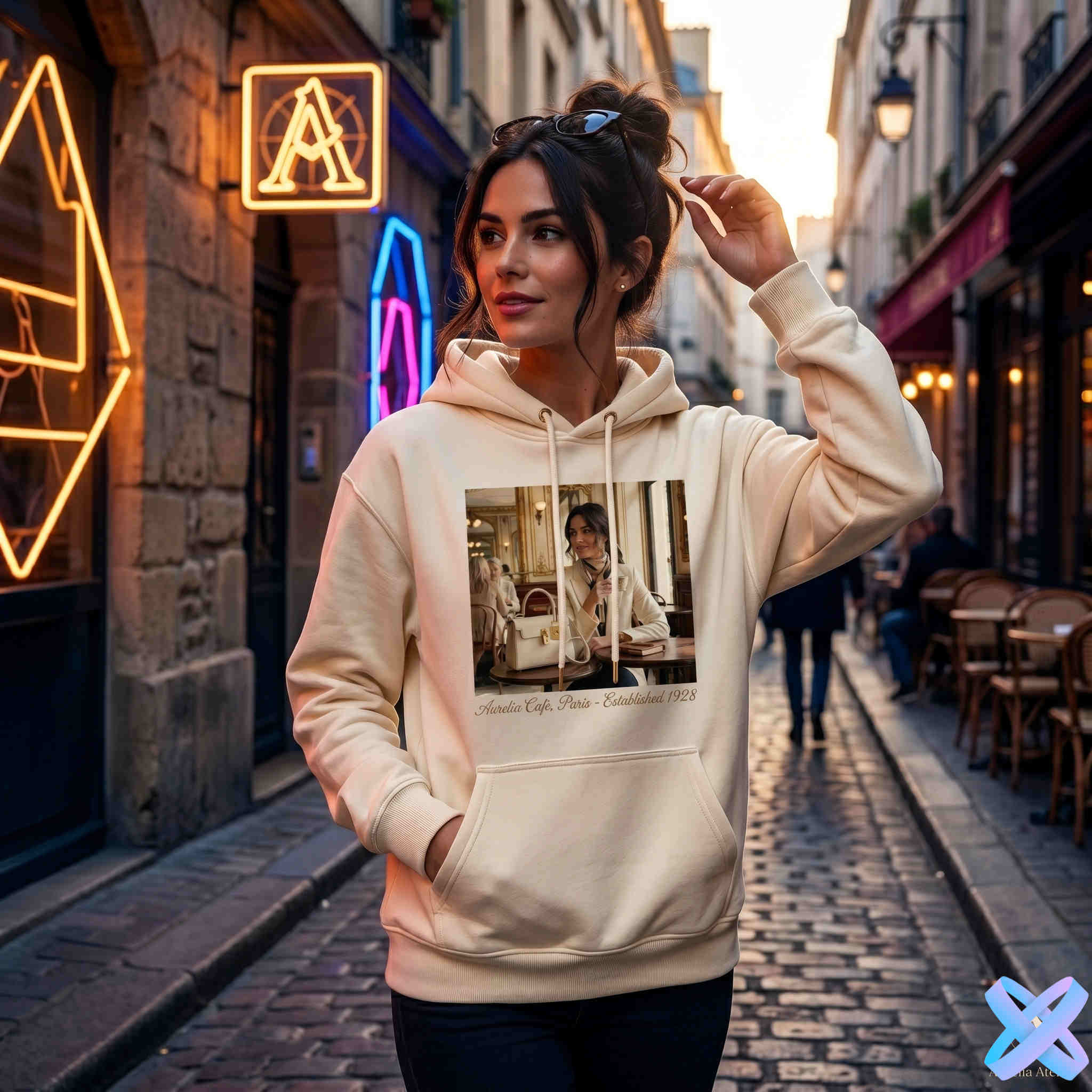
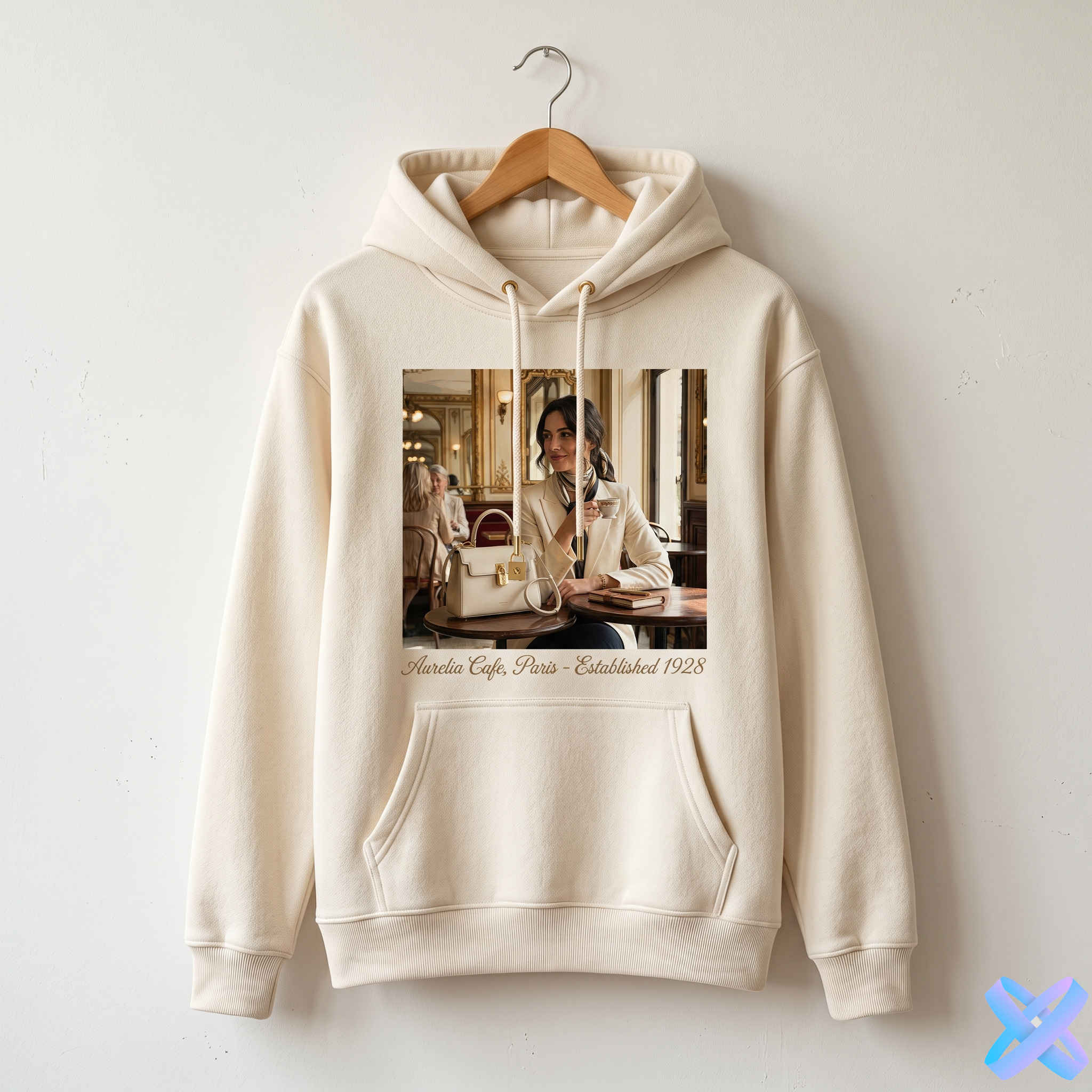
The four original before/after pairs remain the main visual proof. Each comparison reads the real image aspect ratio at runtime instead of forcing every asset into one crop.


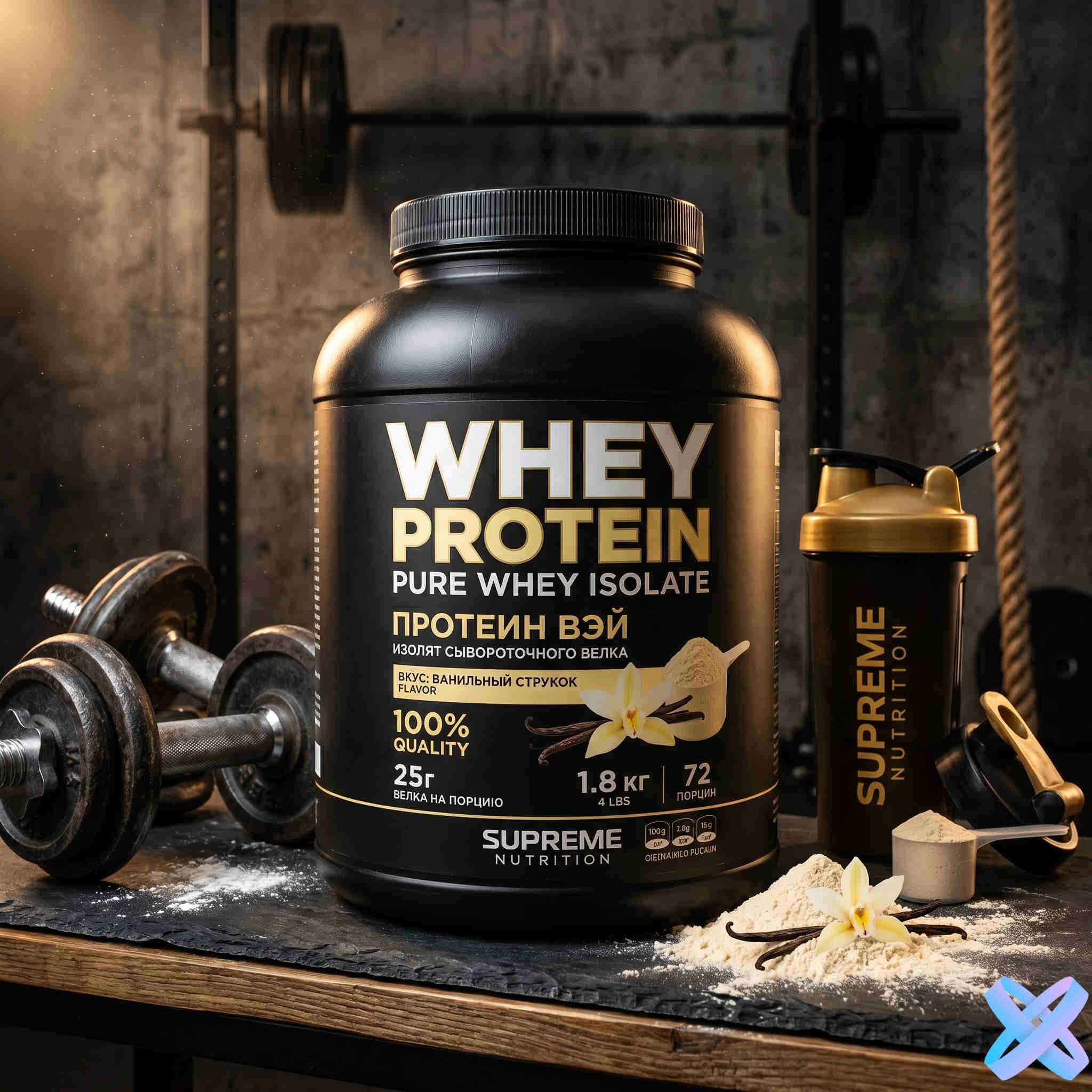
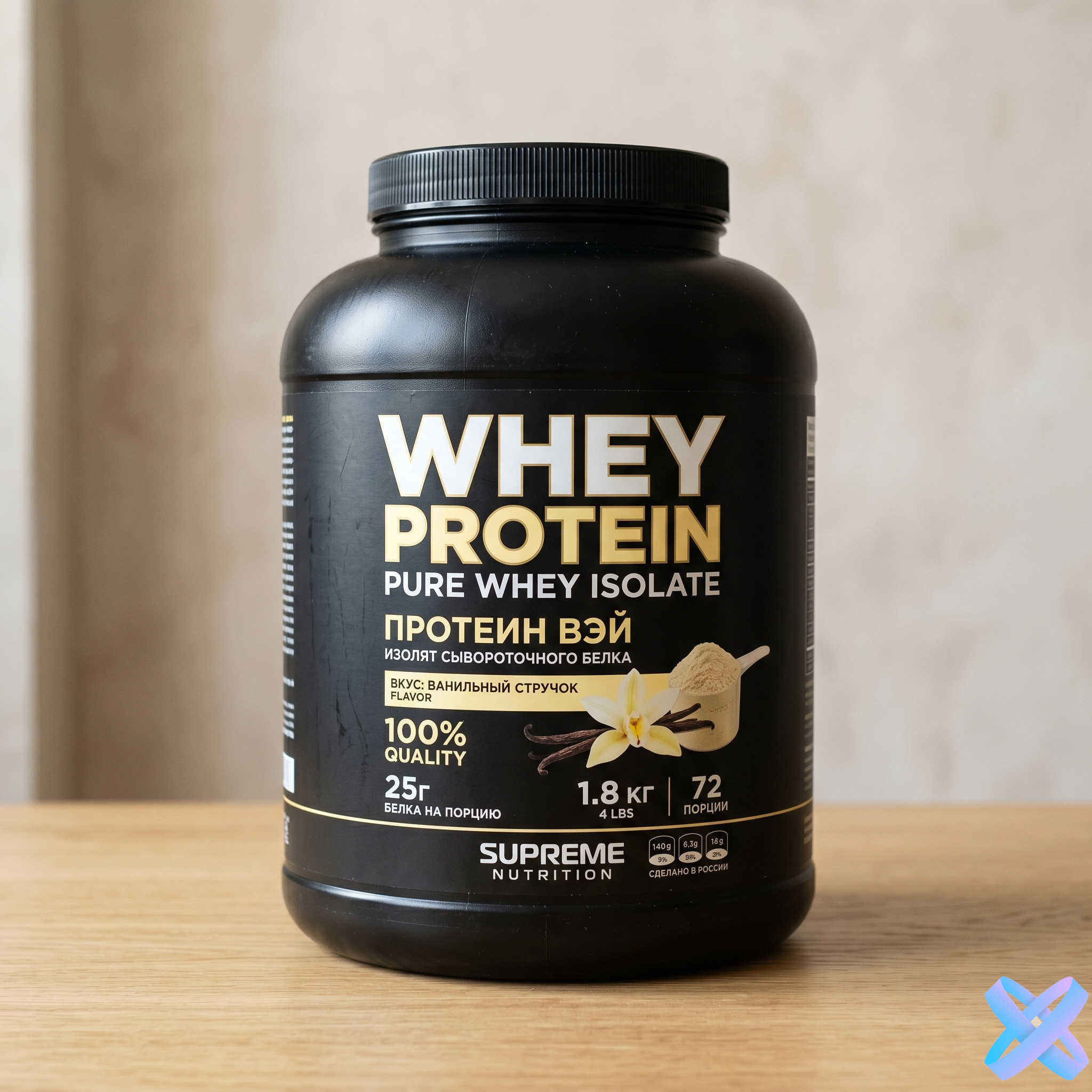

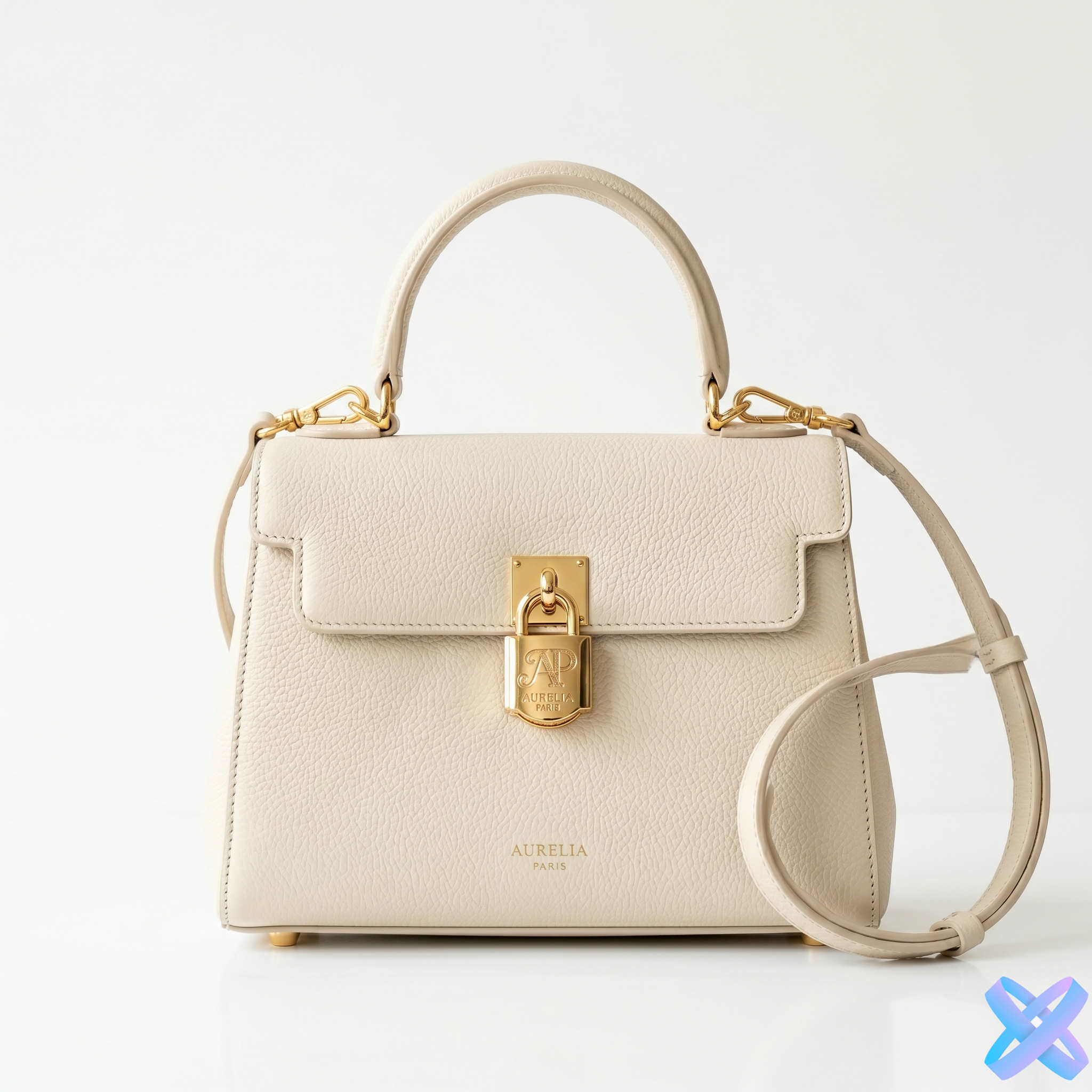
Your six prepared images are used as a large commercial showcase rather than forced into identical cards. Each media frame adapts to the image itself.
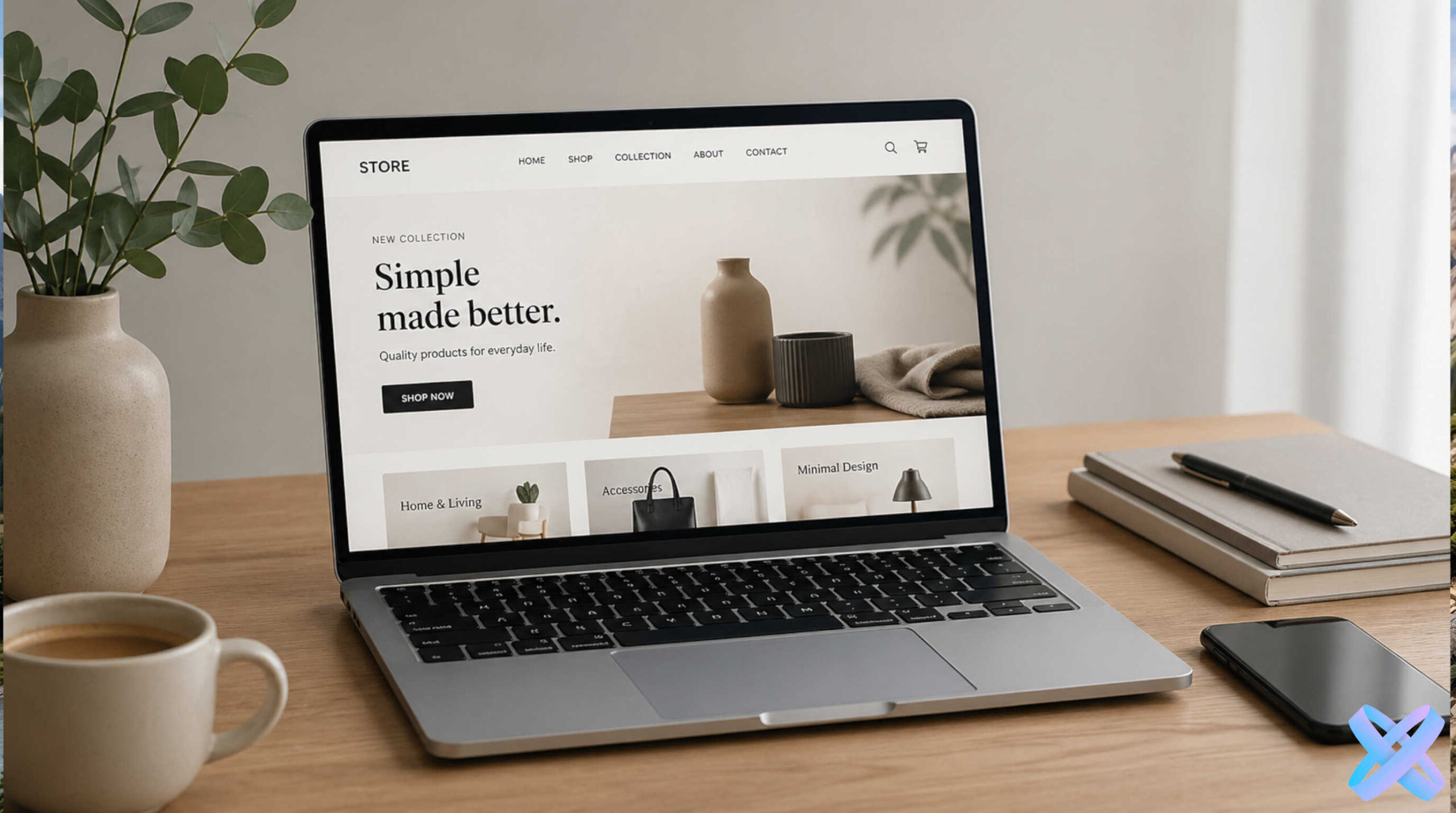
Catalog, storefront, and product listing imagery.
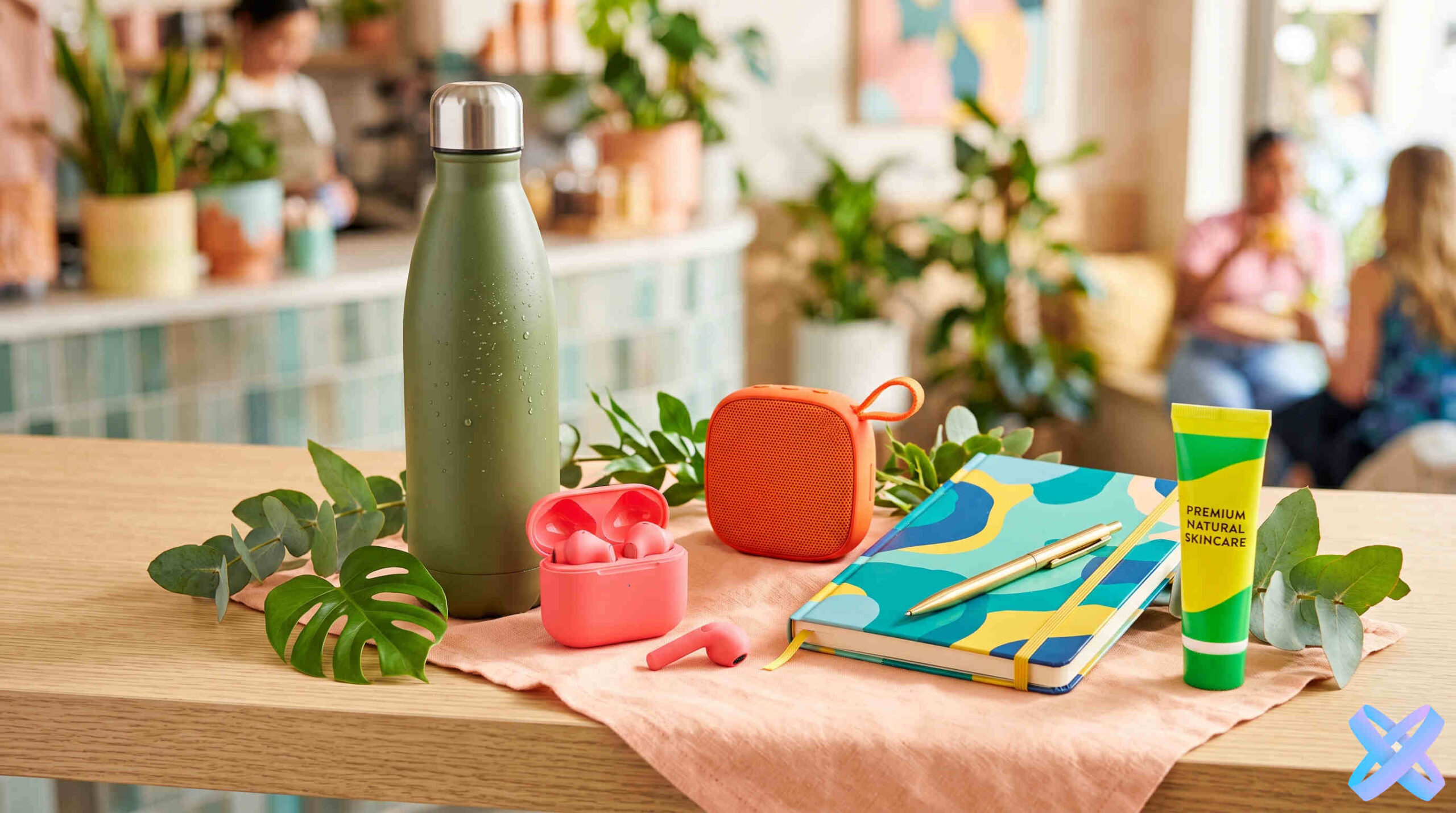
Visuals for feeds, stories, and paid campaigns.

Products in interiors, hands, and natural usage scenes.

Clean product-focused presentation for listings.
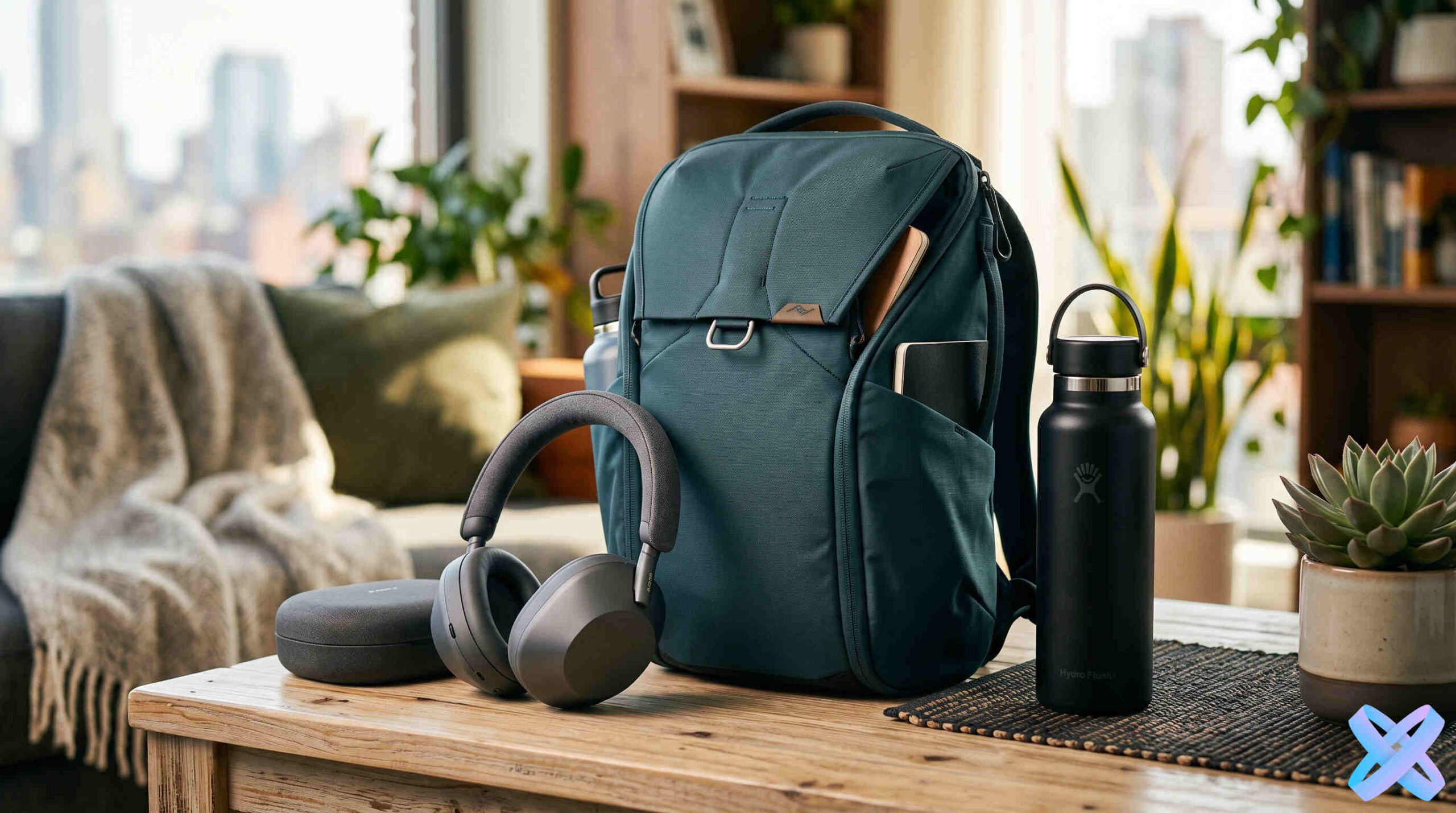
Hero imagery and commercial scenes for promo pages.
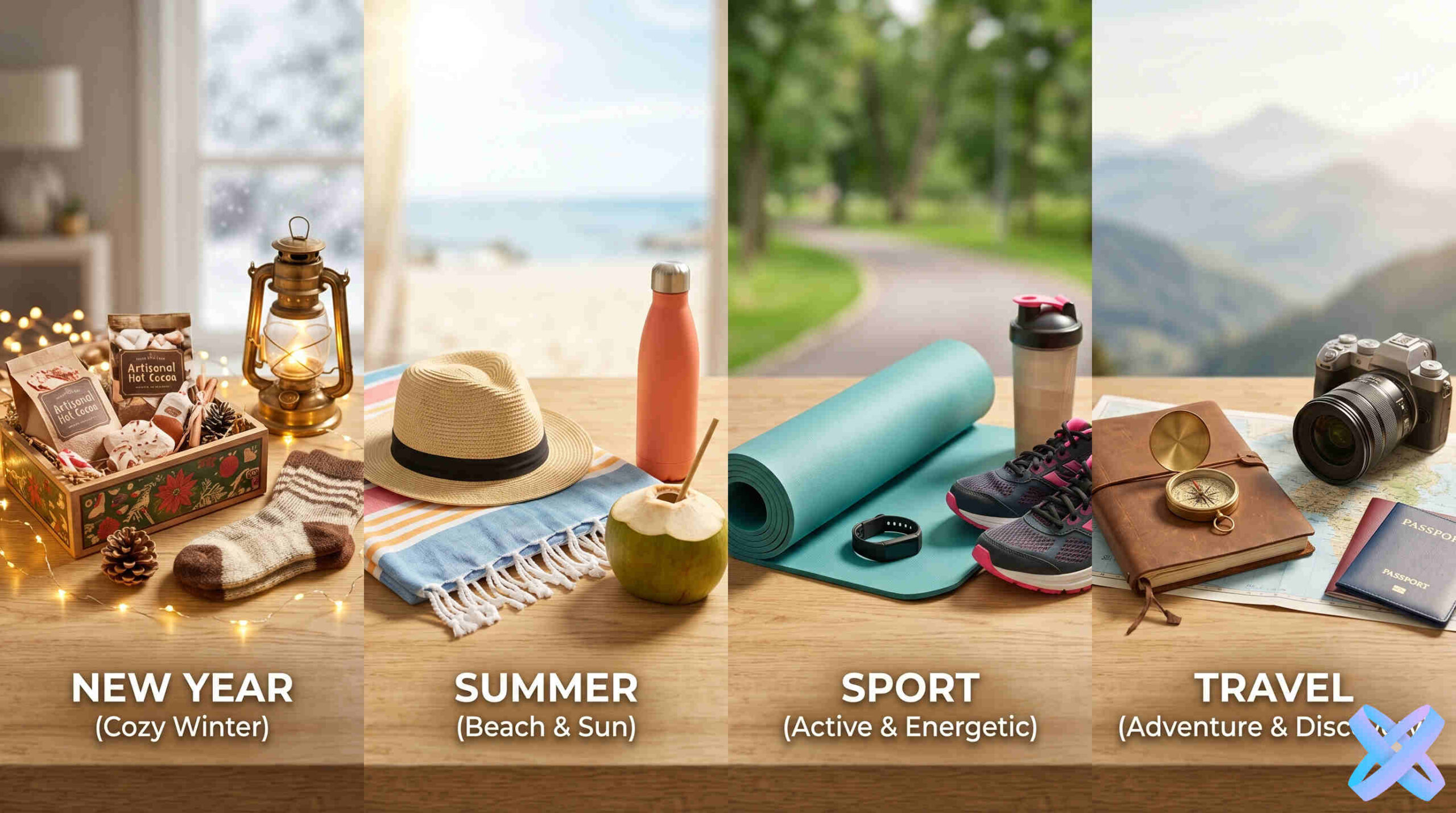
One product across different campaigns, seasons, and concepts.
Start with a clear business goal, then refine background, lighting, people, format, and composition inside Product Creative.
“Create an ad photo of the product in a fitness model’s hands”
PROMPT“Show the product on a premium dark background”
PROMPT“Create a lifestyle product photo on a beach”
PROMPT“Create a clean marketplace product card on white”
PROMPT“Create a vertical Instagram advertising visual”
PROMPTOne product source can become several commercial concepts without organizing a separate shoot for every variation.
Use a clear source where the product is easy to see.
Marketplace, lifestyle, premium dark, social, or another commercial scenario.
Inside the Editor, adjust format, background, lighting, people, placement, and composition.
Download the visual or keep refining it with other SmartGenius tools.
Continue a Product Creative result with other SmartGenius tools without turning the page into another generic tool catalog.
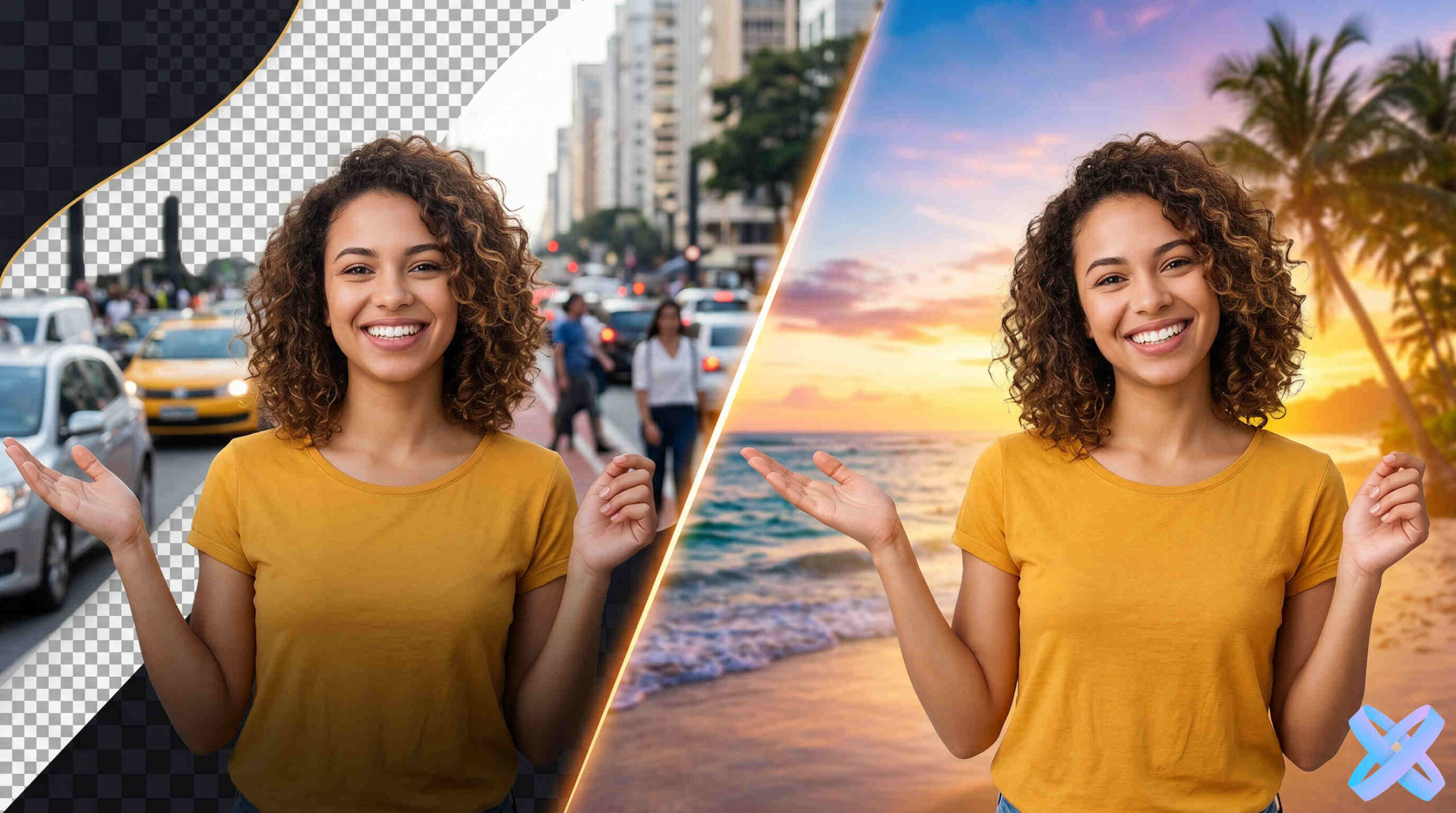
Replace the product environment.
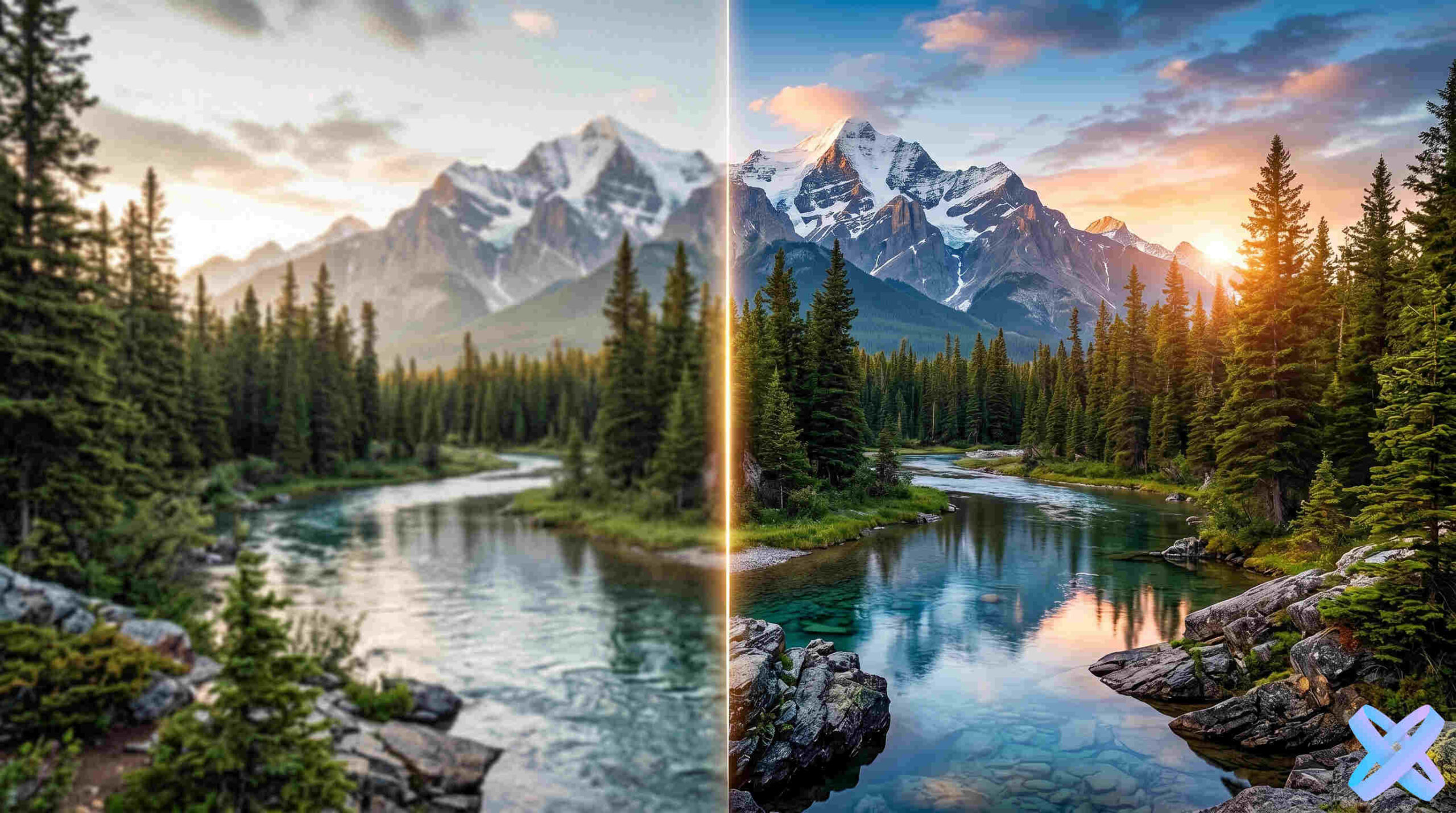
Improve the source image quality.
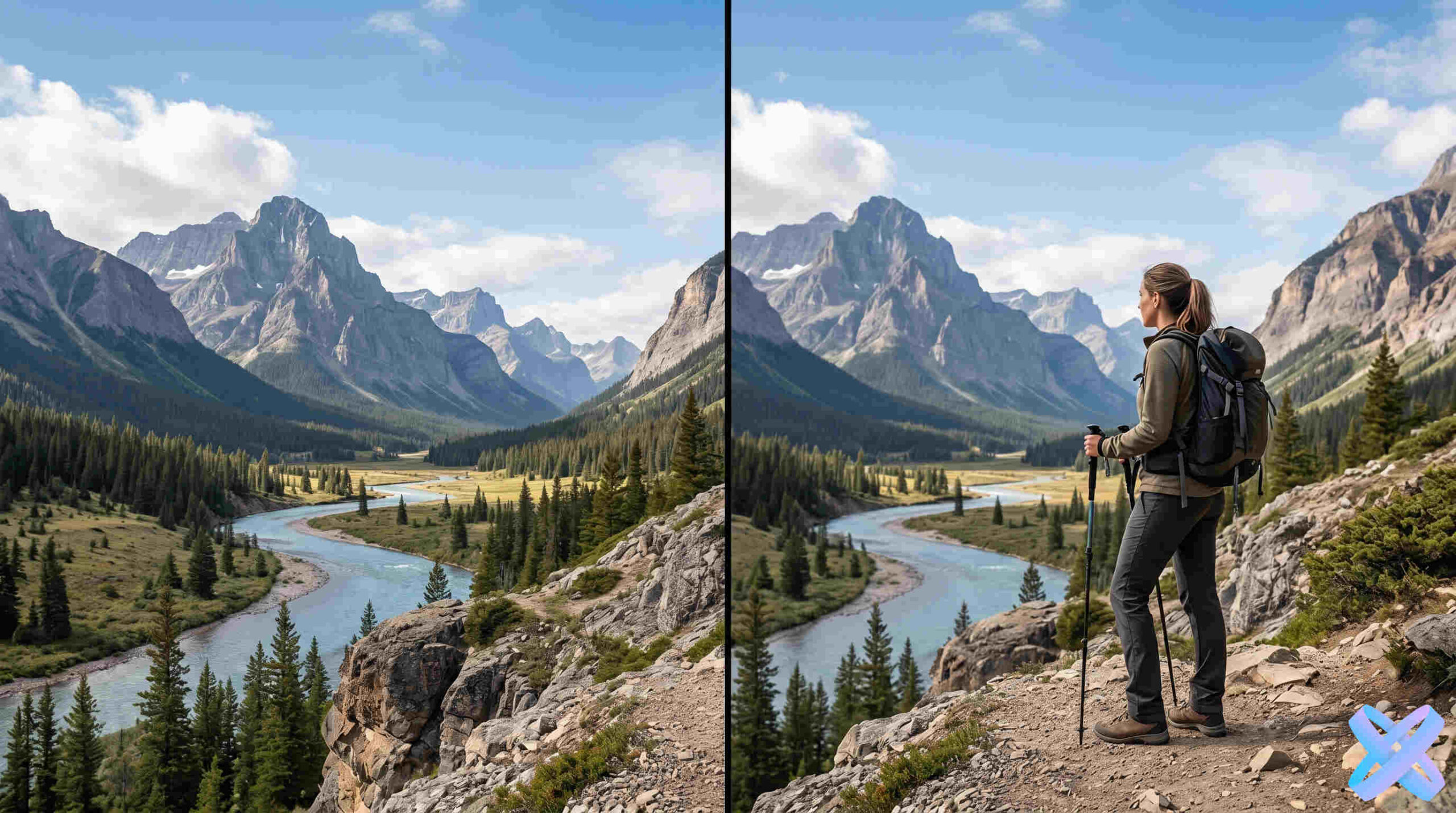
Bring a person or model into the frame.
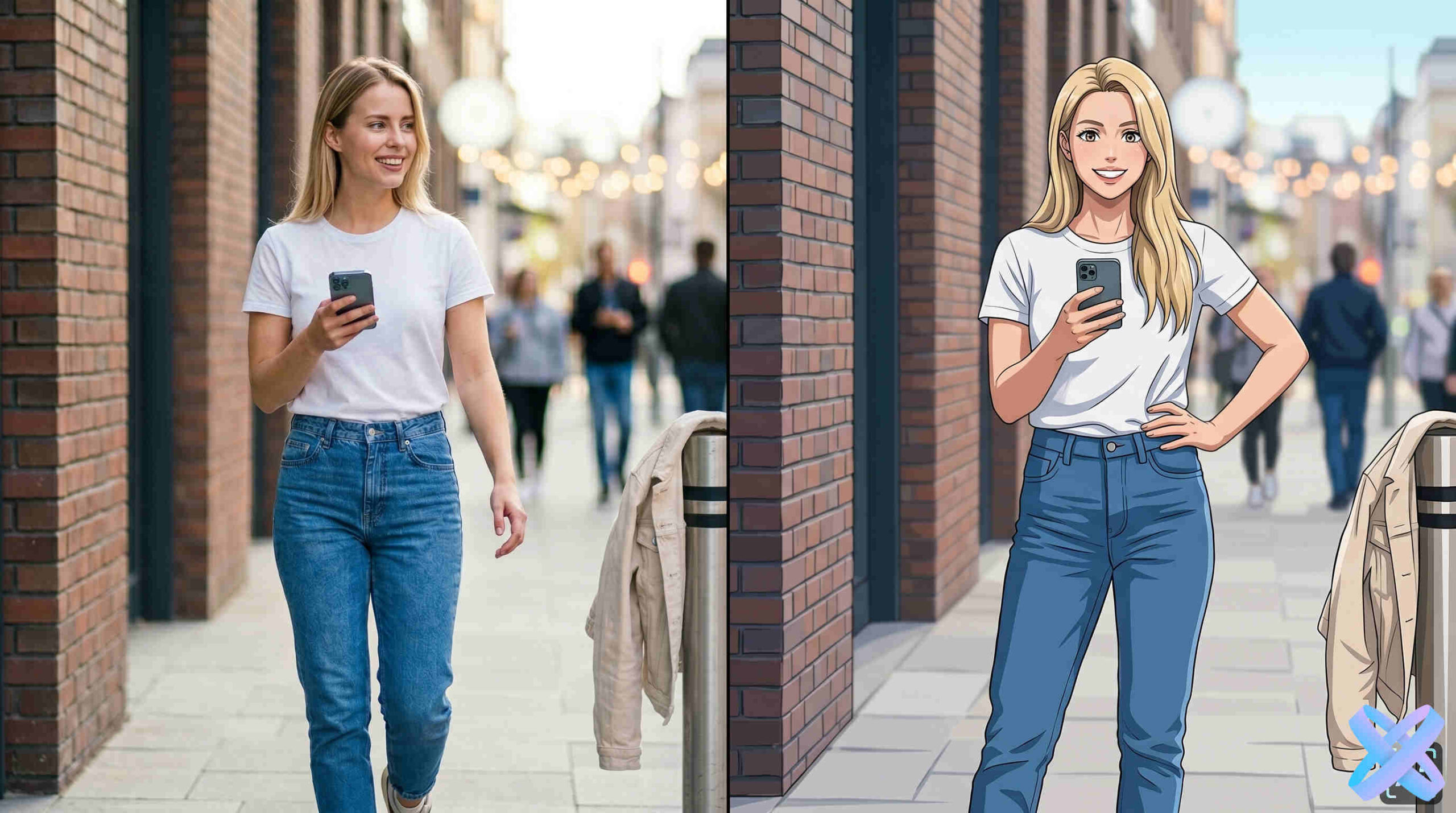
Try a different visual treatment.
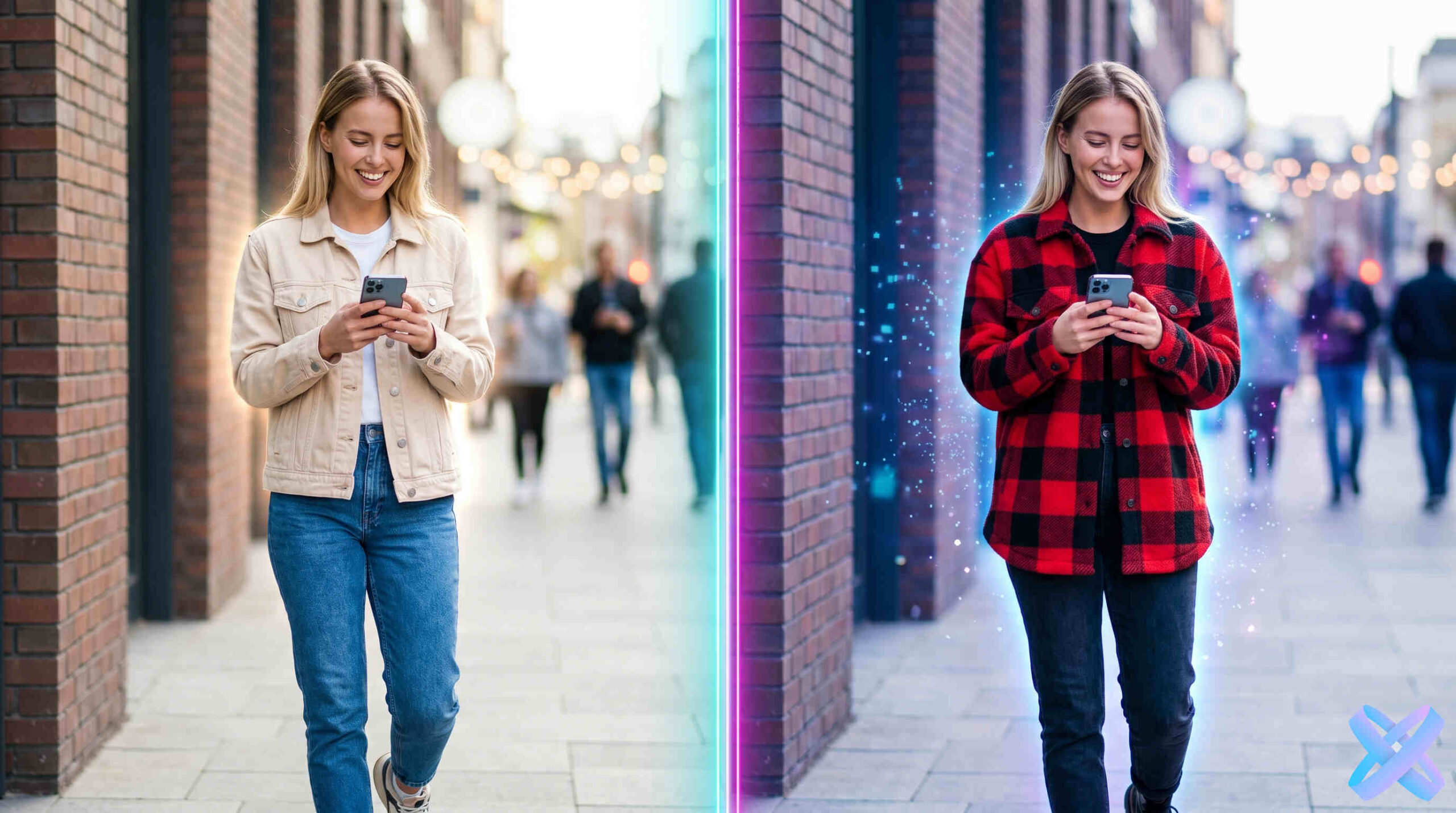
Change the model outfit in a commercial scene.
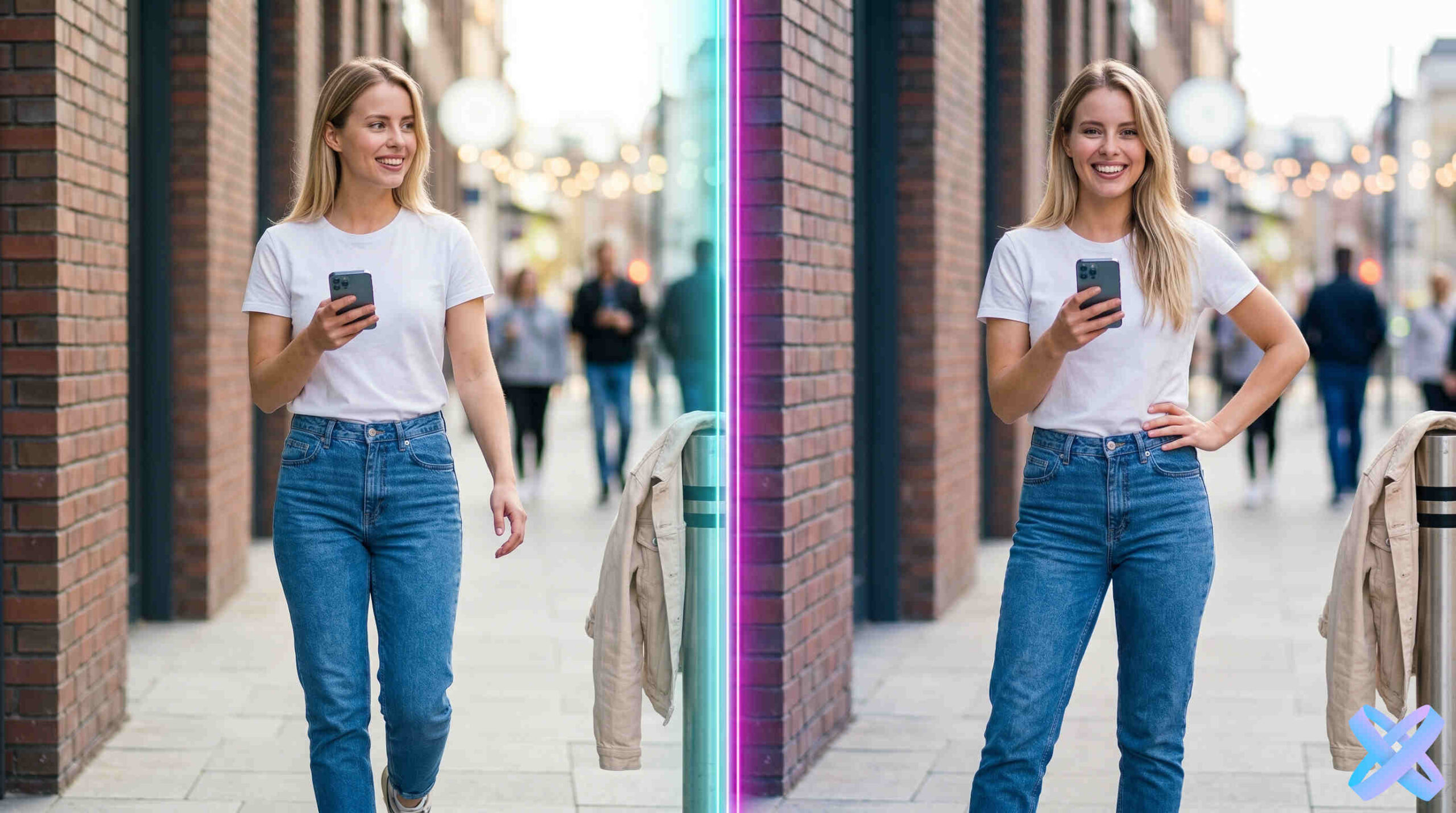
Adjust model pose for a different angle.
Dedicated SEO scenarios for advertising, product cards, marketplaces, and commercial backgrounds.
Commercial visuals for ads, landing pages, and social.
02Clean catalog-focused product presentation.
03A dedicated product-card scenario for Ozon.
04Create a different commercial environment around the product.
05Build a visual for a product listing.
06Prepare a product visual for Wildberries.
Product Creative is designed for sellers, brands, and marketers who need several commercial scenes from one product source.
It is a tool for turning a source product photo into a new commercial visual. You choose the direction and settings, while AI rebuilds the environment around the product.
Marketplace sellers, online stores, SMM teams, marketers, brands, and manufacturers that regularly need new product visuals.
Product listings, advertising, social media, landing pages, email campaigns, and seasonal promotions.
New scenes, backgrounds, lifestyle presentation, model-based concepts, catalog visuals, and advertising compositions.
AI is useful for fast variations and concept testing when a separate studio shoot for every idea would be inefficient.
Start with a clear product photo, choose a commercial direction, configure the scene in the Editor, and compare several outputs before publishing.
Product Creative lives inside the main Editor, so the result can continue into background, enhancement, people, clothing, pose, and other editing workflows.
Yes. A clear source where the product is visible works best.
Yes, you can prepare different listing visuals. Always check the current requirements of the specific marketplace before publishing.
Product Creative includes commercial people/placement scenarios such as a product in a model’s hands or near a model.
The workflow is designed to keep the product as the main subject while changing the surrounding scene. Review the final image before publishing.
Yes. Change the scene, format, lighting, background, and other settings to compare multiple directions.
Upload the source and continue in Product Creative with the product already inside the Editor.
Simple background transforms into studio visual with professional lighting
AI adds natural scene with a model holding the product
Replace boring background with stylish interior or landscape
Bring your product to life in its natural environment
Professional images for catalogs, showcases, and product cards
Bright, eye-catching visuals for social media and stories
Product in model's hands, in an interior, or natural environment
Ready-made images for Amazon, eBay, Etsy, and more
High-converting images for landing pages and promo sites
New Year, summer, sports, travel — any occasion and mood