Upload a photo
Add an image where the object is clearly visible: clothing, product, furniture, accessory, packaging, or any other detail.
BEFORE
AFTER
BEFORE
AFTER
BEFORE
AFTER
BEFORE
AFTER
BEFORE
AFTER
BEFORE
AFTER
Add an image where the object is clearly visible: clothing, product, furniture, accessory, packaging, or any other detail.
Specify the object and the new color: "make the bag burgundy", "change the t-shirt color to white", "repaint the sofa olive green".
AI Agent will change the color of the selected object and try to preserve the shape, shadows, texture, and overall lighting in the photo.
T-shirts, hoodies, jackets, dresses, suits, pants, and other outfit elements.
Packaging, bottles, cans, boxes, cosmetics, accessories, and catalog items.
Sofas, armchairs, chairs, cabinets, decor, and interior elements.
Bags, shoes, watches, glasses, jewelry, and style details.
Device bodies, headphones, speakers, gadgets, and electronic products.
Individual background elements, interior, decor, hair, fabric, or small objects.
Show the same product in different colors without a separate photoshoot for each option.
Create additional images for product listings and test different color options.
Quickly test how a product looks in a new palette, packaging color, or seasonal collection.
Test colors for furniture, clothing, accessories, packaging, and advertising visuals.
Change the color of clothing, accessories, or style details for a more cohesive visual feed.
Try new colors for clothing, hair, furniture, or objects before buying or posting photos.
Preserves fabric, leather, plastic, metal, glass, or other material of the object.
Helps preserve natural shadows so the object doesn't look flat.
Preserves reflections and light accents on glossy and metallic surfaces.
Does not change the silhouette, proportions, or edges of the object.
Tries not to affect the background, face, body, other objects, or overall composition.
Selects the shade so that the new color looks natural under the current lighting.
AI Agent allows you to change the color of an object in a photo online using a text prompt. You don't need to manually select areas, work with layers, or adjust complex color correction. Simply upload an image and write which object needs to be recolored: clothing, product, furniture, packaging, accessory, hair, electronics, or any specific detail in the image.
The main advantage of prompt-based color change is precision and flexibility. You can specify not only the new color but also important conditions: preserve the shape, material, fabric folds, shadows, highlights, logo, background, or the person's face unchanged. For example: "change the jacket color to dark blue, preserve the fabric, folds and natural lighting." Such a prompt helps AI Agent achieve a more realistic and clean result.
The tool is suitable for online stores, marketplaces, brands, designers, bloggers, and everyday users. With its help, you can quickly show a product in different colors, test a new packaging palette, change the color of clothing in a photo, select a furniture shade, or prepare visuals for advertising and social media. This is a convenient way to get multiple color options without Photoshop, reshoots, or complex manual editing.
Use specific colors: olive, graphite, milky, burgundy, sky blue.
For better results, recolor one main object per request.
Create 2-3 color versions and choose the most suitable one for your listing, ad, or post.
Show one product in different colors without a new photoshoot.
Rework an outfit, choose a different shade, or make the visual more cohesive.
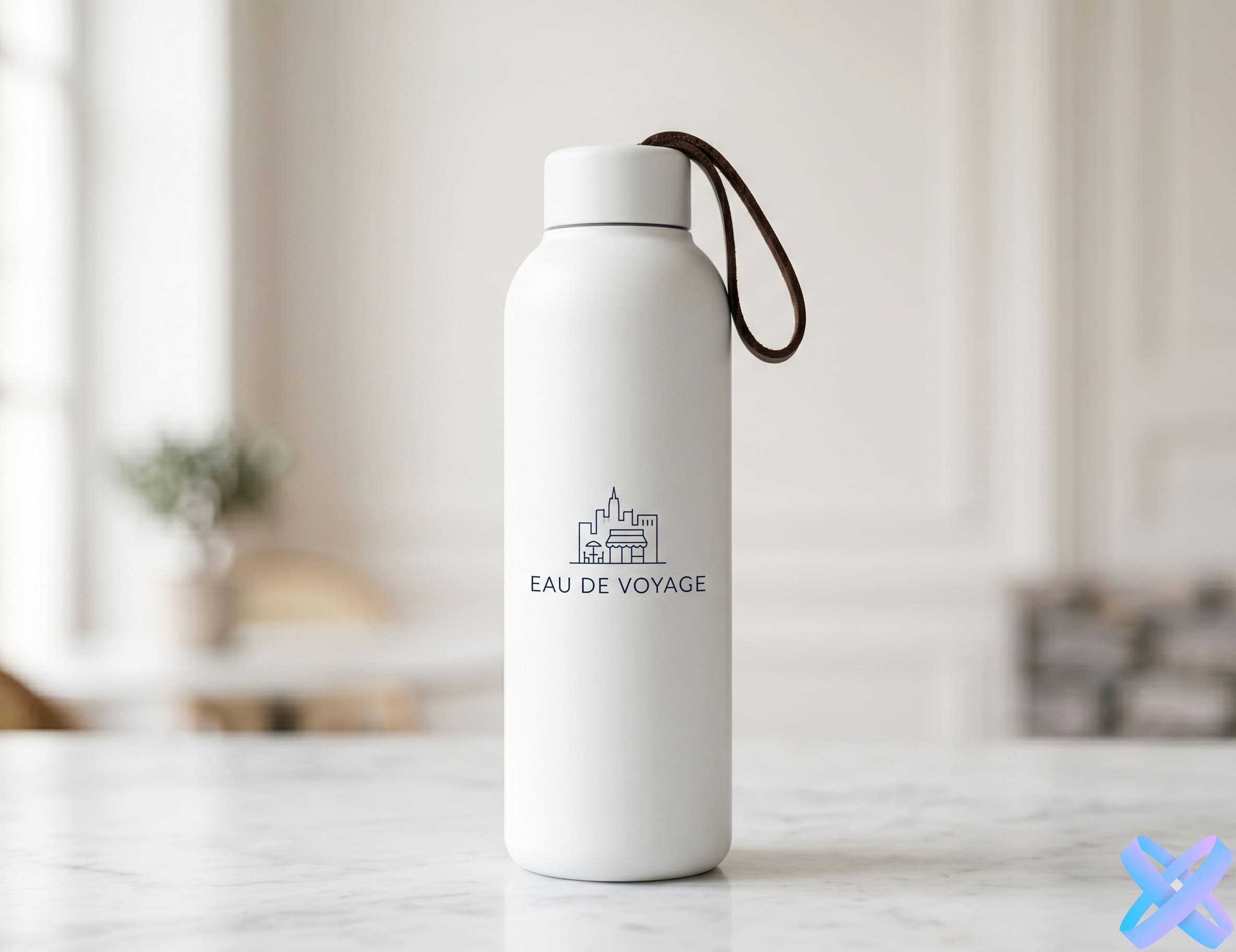
See how a new color of a can, box, bottle, or label would look.
See how a sofa, armchair, wall, or decor would look in a different palette.
Adjust product colors to match brand style, banner, or seasonal campaign.
Make a photo more stylish by changing the color of clothing, accessories, or frame details.
A demo run is usually available. Additional generations may require registration or tokens.
You can change the color of clothing, products, furniture, accessories, packaging, electronics, hair, and other visible objects.
Yes, this is a useful scenario: you can quickly create multiple color variants of a product for listings or advertising.
AI Agent tries to preserve material, shadows, highlights, and shape of the object if specified in the prompt.
Yes. You can write regular colors, shades, or even brand styles: "milky", "olive", "matte black", "pastel pink".
In the main scenario, it's enough to describe the object in words. For complex photos, it's better to specify the object's location and what cannot be changed.
Yes, but for better results, it's better to change one main object per request.
Upload a photo, write which object and to what color you want to change, and get a realistic result with AI Agent.
🎨 Change color with AI Agent →SmartGenius Ai is proudly powered by WordPress