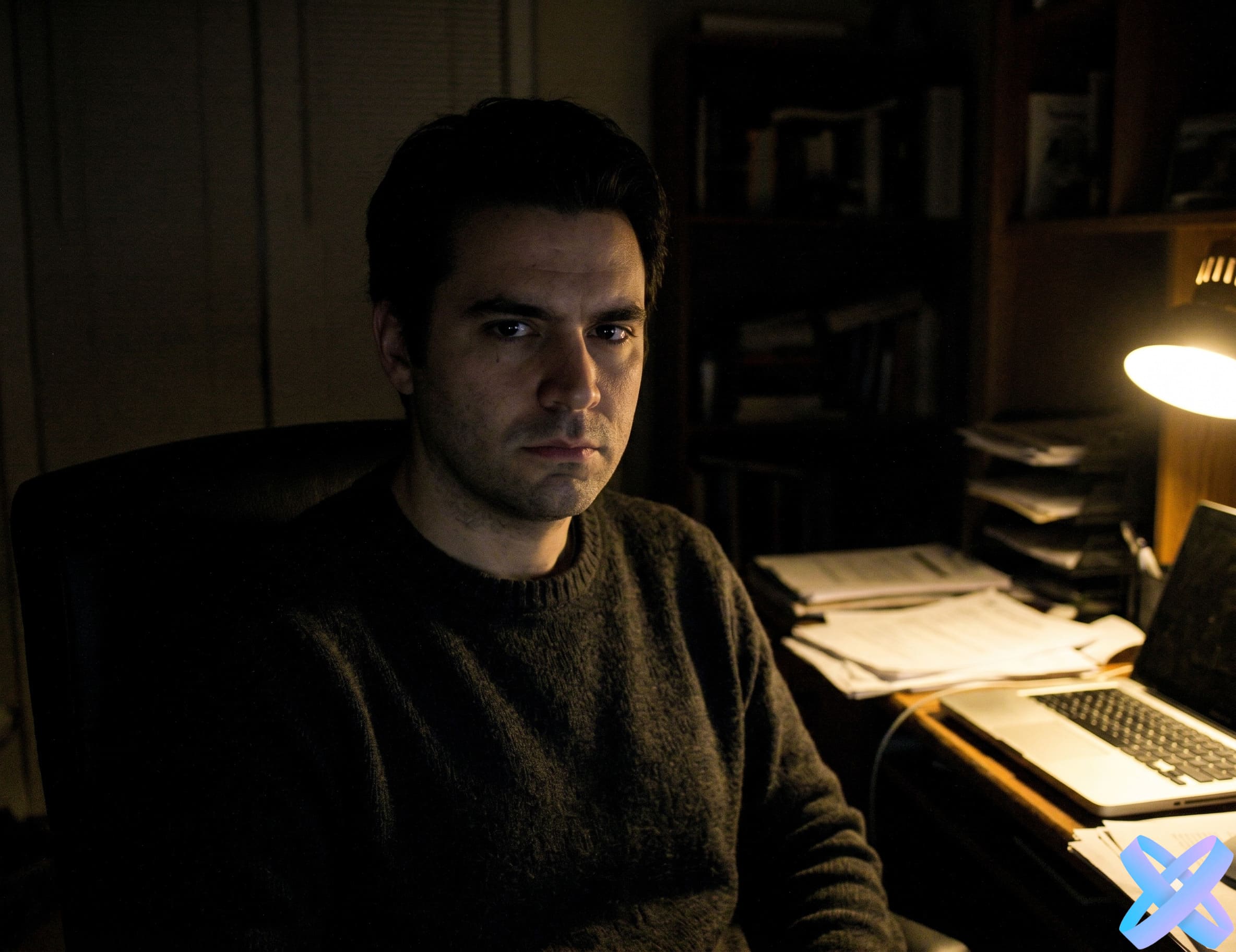
Business photo — AI Agent

Create a business photo online with AI

Upload an ordinary photo, describe the business style you want — and AI Agent will help create a professional portrait for your resume, LinkedIn, company website, expert profile, or personal brand.
  • Business photo from an ordinary shot
  • Add a suit, office background, and studio lighting
  • Perfect for resumes, LinkedIn, websites, and company profiles
  • Works online without a photo studio or Photoshop
💼 Business photo
💡 Specify clothing, background, lighting — everything important for a business portrait
📸
Upload photo
PNG, JPEG, WEBP up to 20 MB
Before/After Gallery — AI Business Photo

How AI turns an ordinary photo into a business portrait

Drag your mouse across the image — see how AI Agent creates a professional look
Before: ordinary selfie After: business photo
BEFORE AFTER
👤 Ordinary selfie → business photo
📝 Prompt
"Create a business portrait on a light office background, keep the face unchanged"
Before: home photo After: business portrait
BEFORE AFTER
🏠 Home photo → business portrait
📝 Prompt
"Create a professional business portrait: office background, suit, calm color correction"
Before: casual clothes After: business style
BEFORE AFTER
👕 Casual clothes → business style
📝 Prompt
"Replace clothes with a business suit, keep the face, pose and natural lighting"
Before: dark photo After: studio portrait
BEFORE AFTER
🌙 Dark photo → studio portrait
📝 Prompt
"Enhance lighting, add soft studio lighting, make the background clean and professional"
Before: profile photo After: LinkedIn portrait
BEFORE AFTER
💼 Profile photo → LinkedIn-style portrait
📝 Prompt
"Create a neat professional portrait for LinkedIn, keep the face and natural look"
Before: expert photo After: personal brand image
BEFORE AFTER
🎯 Expert photo → personal brand image
📝 Prompt
"Create a stylish business look for website and social media, keep the face and natural features"
How to create a business photo — AI Agent

How to create a business photo in 3 steps

Simple, fast and without a photo studio
1
📸

Upload a photo

Add an ordinary portrait, selfie, or photo of a person that you want to turn into a professional shot.

2
✍️

Describe the business style

Specify what you want to get: suit, shirt, office background, light studio, LinkedIn-style, corporate portrait, or resume photo.

3

Get the finished portrait

AI Agent will process the image, enhance the lighting, background, and style, while keeping the person's appearance as natural as possible.

What business photos can be created — AI Agent

What business photos can be created

From resumes to corporate portraits — AI Agent creates professional images for any request
📄

Resume photo

A neat professional portrait for CV, applications, job search, and responses.

💼

LinkedIn photo

A business image for your profile, networking, personal brand, and professional page.

🏢

Corporate portrait

A consistent style for employees, teams, company websites, or presentations.

🎯

Expert photo

A portrait for consultants, specialists, teachers, coaches, lawyers, doctors, or authors.

📈

Entrepreneur photo

A premium business image for websites, social media, interviews, covers, and promo materials.

Service profile photo

A neat shot for freelancers, agencies, online schools, services, or personal pages.

All AI Agent Features — Internal Links
Prompt Examples — AI Business Photo

Prompt examples for business portrait

Click "Insert prompt" — the text will be added to the AI Agent field
📄 For resume
"Create a professional photo for a resume: light background, neat shirt, soft lighting, keep the face unchanged."
💼 For LinkedIn
"Create a LinkedIn-style portrait: business suit, neutral office background, confident professional look."
🏢 For company website
"Create a corporate portrait on a bright studio background, preserve the natural face and neat business style."
🎯 For expert
"Create a photo for personal branding: confident business look, soft lighting, clean background, professional presentation."
📈 For entrepreneur
"Create a premium business portrait: dark suit, modern office background, soft studio lighting."
👥 For team
"Create a consistent corporate style: light background, business attire, neat lighting, natural look."
✓ Prompt inserted
Who it's for — AI Business Photo

Who benefits from business photos with AI Agent

From job seekers to businesses — a professional portrait without a photo studio
📄

Job seekers

Prepare a neat photo for your resume, job profile, and professional platforms.

🎯

Experts

Create a stronger visual for your personal brand, website, blog, and social media.

📈

Entrepreneurs

Get a presentable business portrait for your website, LinkedIn, media, and presentations.

👥

Teams

Create employee photos in a consistent style without a separate corporate photoshoot.

💻

Freelancers

Make your service profile, portfolio, cover, or specialist page more professional.

🏢

Small businesses

Prepare visuals for your website, advertising, team cards, and trust blocks.

What can be improved in a business photo — AI Agent

What can be improved in a business photo

AI Agent helps create a professional portrait without a photo studio or complex editing
👔

Clothing

Replace casual clothes with a shirt, jacket, suit, or other business style.

🖼️

Background

Create a bright studio background, office interior, neutral background, or corporate background.

💡

Lighting

Add soft studio lighting, remove harsh shadows, and make the face look cleaner.

Overall style

Make the photo more professional, calm, confident, and suitable for business.

Quality

Improve sharpness, color, contrast, and the overall appearance of the image.

📐

Composition

Make the portrait more centered, clean, and suitable for a profile or website.

SEO Block — AI Business Photo

Business photo online with AI Agent

AI Agent helps you create a business photo online from an ordinary shot. You don't need to book a photo studio, choose a background, suit, and lighting, or manually process the image in a complex editor. Simply upload a portrait and describe the result you need: a photo for your resume, LinkedIn, company website, expert profile, entrepreneur page, or personal brand.

The main advantage of AI Agent is the ability to control the result through a text prompt. You can specify the clothing style, background, lighting, and overall mood of the shot. For example: "create a professional business photo: formal suit, bright office background, soft studio lighting, keep the face unchanged." Such a prompt helps the neural network understand the task and create a more polished business portrait.

The tool is suitable for job seekers, freelancers, experts, entrepreneurs, teams, and small businesses. With its help, you can quickly prepare a photo for your CV, LinkedIn, website, presentation, service profile, or corporate page. AI Agent works online in your browser and helps you get a professional portrait without a photoshoot, Photoshop, or complex manual retouching.

Tips for good business photo — AI Agent

How to get a good business photo

A few simple rules will help you create a professional portrait
Tip 1

Upload a clear portrait

Photos where the face, shoulders, and upper body are clearly visible work best.

Tip 2

Specify the clothing style

✓ Examples
"dark suit", "white shirt", "business jacket", "smart casual"
Tip 3

Ask to preserve the face

✓ Example
"keep the face, facial features, and natural look unchanged"
Tip 4

Choose a suitable background

For business photos, a bright office, neutral background, or studio scene work best.

Tip 5

Don't overload the request

It's better to specify 2-3 main edits: clothing, background, and lighting.

Tip 6

Create multiple variants

Try different styles: formal corporate, smart casual, LinkedIn-style, premium business.

FAQ — AI Business Photo

Frequently asked questions

Answers to key questions about creating business photos with AI Agent

A demo run is usually available. Additional generations may require registration or tokens.

Yes, you can create a neat portrait for CV, resumes, job searches, and professional profiles.

Yes. Simply specify in the prompt: LinkedIn-style portrait, business background, suit, and soft lighting.

If it's important to preserve your appearance, write: "keep the face, facial features, and natural look unchanged".

Yes, you can specify: "replace clothes with a dark business suit and white shirt".

Typically JPG, PNG and WebP are supported.

Yes, you can use similar prompts for different employees to achieve a consistent corporate style.

Other AI Agent Features — Final CTA