Where
Location: interior, street, beach, office, studio or garden.

BACKGROUND · AI SCENE EDITOR
Describe the place or atmosphere in your own words, from a minimal studio to a city at night. AI changes the surroundings while aiming to preserve the person or object without redesigning it.


PROMPT FORMULA
Location: interior, street, beach, office, studio or garden.
Time and weather: daylight, sunset, evening or soft overcast conditions.
Visual direction: minimal, premium, cozy or technological.
Soft daylight, warm side light, neon or studio softbox.
PROMPT IDEAS
Bright modern interior with panoramic windows, soft daylight and realistic depth.
Calm sandy beach at golden hour with warm light, natural depth and a soft contact shadow.
Warm gray-beige studio background with a subtle gradient and soft shadow behind the subject.
Premium dark blue scene with controlled rim light and useful negative space, with no text or logos.
BEFORE / AFTER
Compare how different descriptions change only the space around the main subject: interiors, streets, nature or commercial scenes.


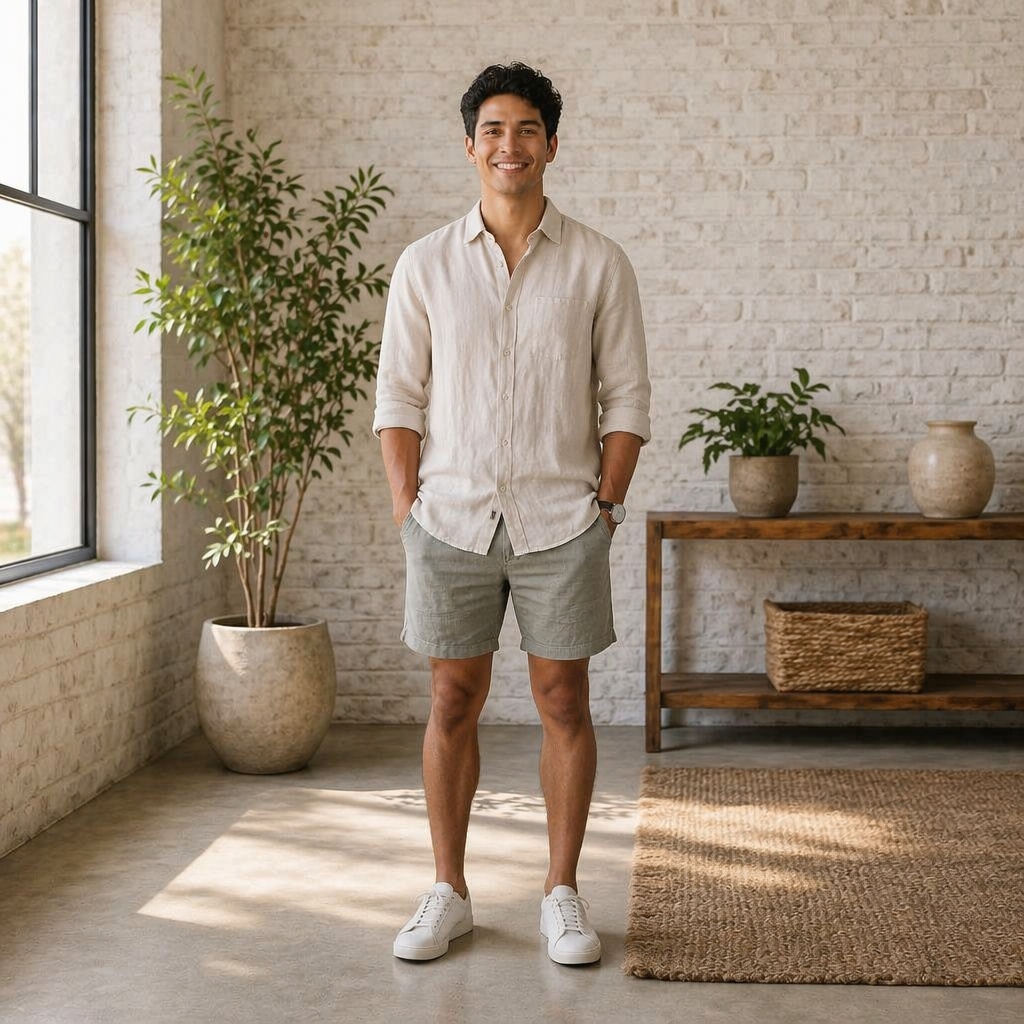


SUBJECT LOCK
Avoid asking for a new outfit, pose, face and location in the same instruction. The more clearly the task is limited to the surroundings, the easier it is to preserve the original subject.
USE CASES
You need an office, street, interior or place that is not available in the preset set.
Describe the mood and leave clean negative space for copy added later.
Move a person into a natural or urban scene without another shoot.
Describe colors, materials and lighting without asking the AI to draw exact logos or text.
FAQ
One or two clear sentences are usually enough: location, light and mood. Long lists of requirements can conflict with one another.
For this page, keep the task focused. Outfit, pose and appearance changes belong to separate tools.
Yes, as part of the environment and lighting. Add exact logos and small copy as separate layers after generation.
Simplify the scene and clarify the light, depth and contact shadow. Check whether the new perspective matches the source camera.
Yes for general environment replacement. For commercial scenes built specifically around a product, use Product Photo.
TRY IT
Upload a source image in the tool above, review the Before / After result, and continue in the Editor when you need more adjustments.
Guest AI edits are unavailable. A new account created after the offer started gets one successful free edit with any editor tool, including Premium. Further edits require tokens. This is one account-wide attempt, not one per page.
Further AI edits use tokens at the tool rate. Technical failures should not consume a free attempt. Switching project modes does not reset used attempts. Purchased tokens and permanent Premium remain intact; Premium unlocks after a purchase.