Catalog and listings
A consistent background makes products easier to compare without visual clutter.

BACKGROUND · AI SCENE EDITOR
Create a clean white background around a person, product or object. AI preserves fine edges and original color, with options for a soft contact shadow or a shadow-free result.

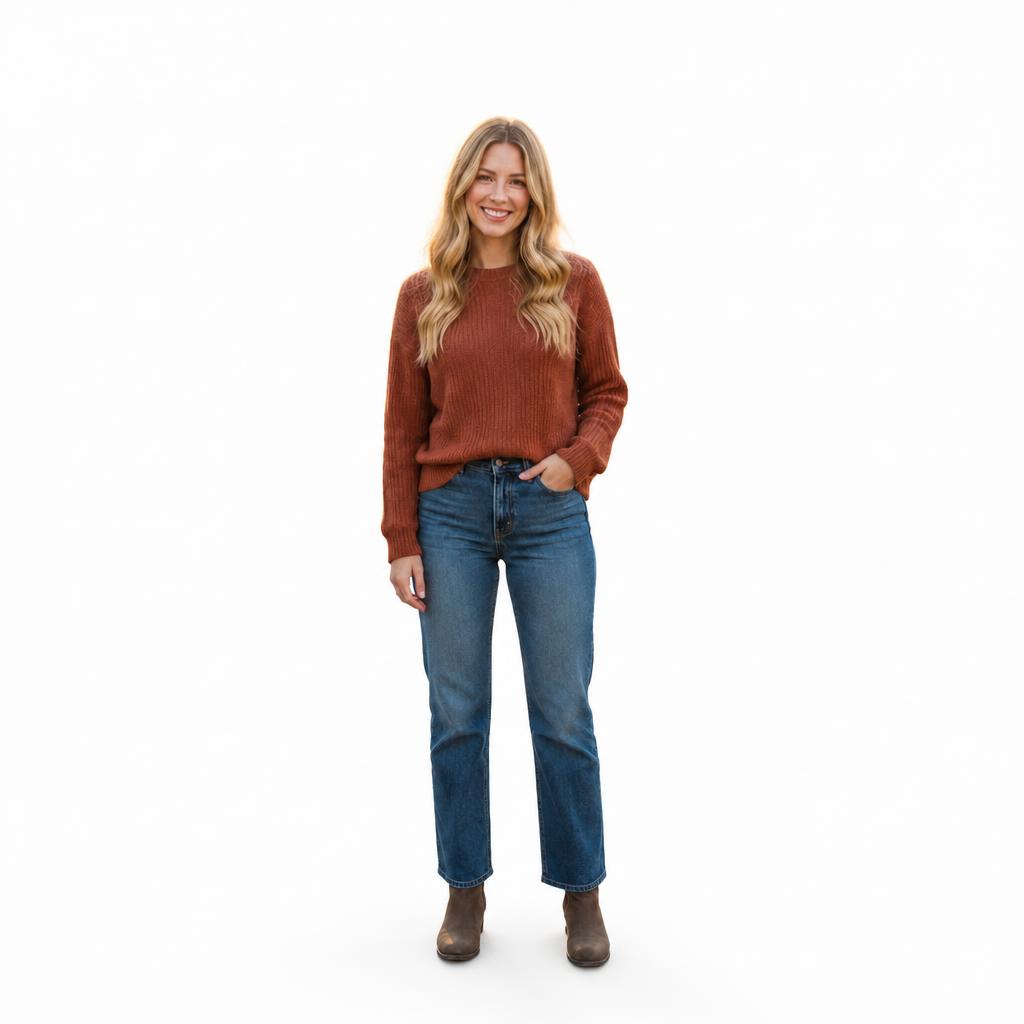
BEFORE / AFTER
See how the workflow behaves with products, portraits and subjects that have different edge complexity and original lighting.








WHITE VS TRANSPARENT
If you need an image with no background, use Remove Background. This workflow immediately builds a white scene and can retain a natural contact shadow when appropriate.
USE CASES
A consistent background makes products easier to compare without visual clutter.
A neutral white background works for professional profiles, résumés and applications.
Create a clean base without manual masking and filling.
Review white clothing, fur and translucent details so the boundary remains readable.
QUALITY CHECK
FAQ
This page creates a white background. Use Remove Background when you need a transparent cutout.
Yes. The Hero includes a no-shadow option for images that will be placed into another layout.
It can create a clean white background, but always check the exact requirements of the document or service before submitting.
The workflow is designed to preserve the subject, but small labels and printed details should always be reviewed after generation.
Start with a sharp image and zoom into the result before downloading to inspect fine strands and possible halos.
TRY IT
Upload a source image in the tool above, review the Before / After result, and continue in the Editor when you need more adjustments.
Guest AI edits are unavailable. A new account created after the offer started gets one successful free edit with any editor tool, including Premium. Further edits require tokens. This is one account-wide attempt, not one per page.
Further AI edits use tokens at the tool rate. Technical failures should not consume a free attempt. Switching project modes does not reset used attempts. Purchased tokens and permanent Premium remain intact; Premium unlocks after a purchase.