
1
Upload a photo
Add an image that has an unwanted object, person, or detail.
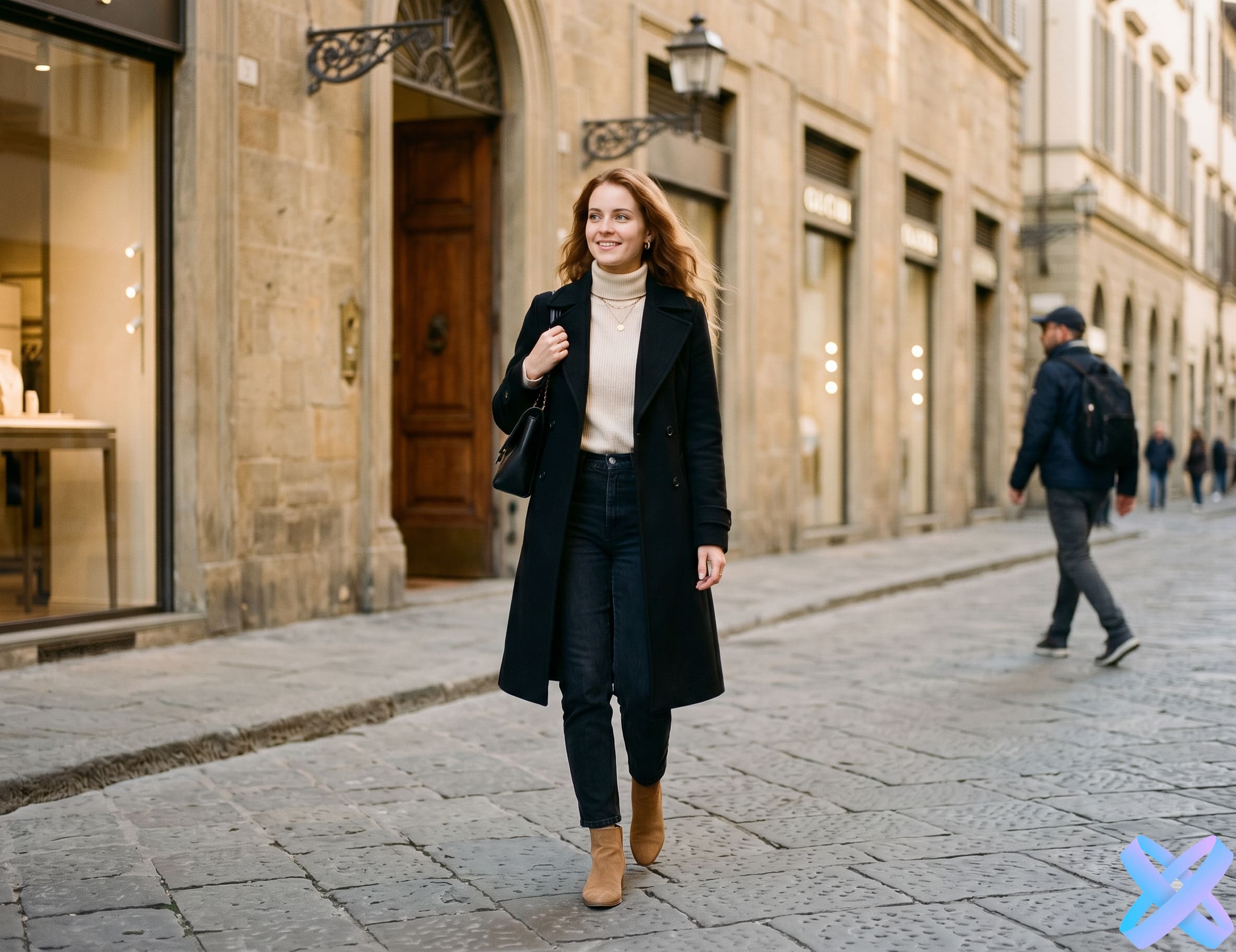
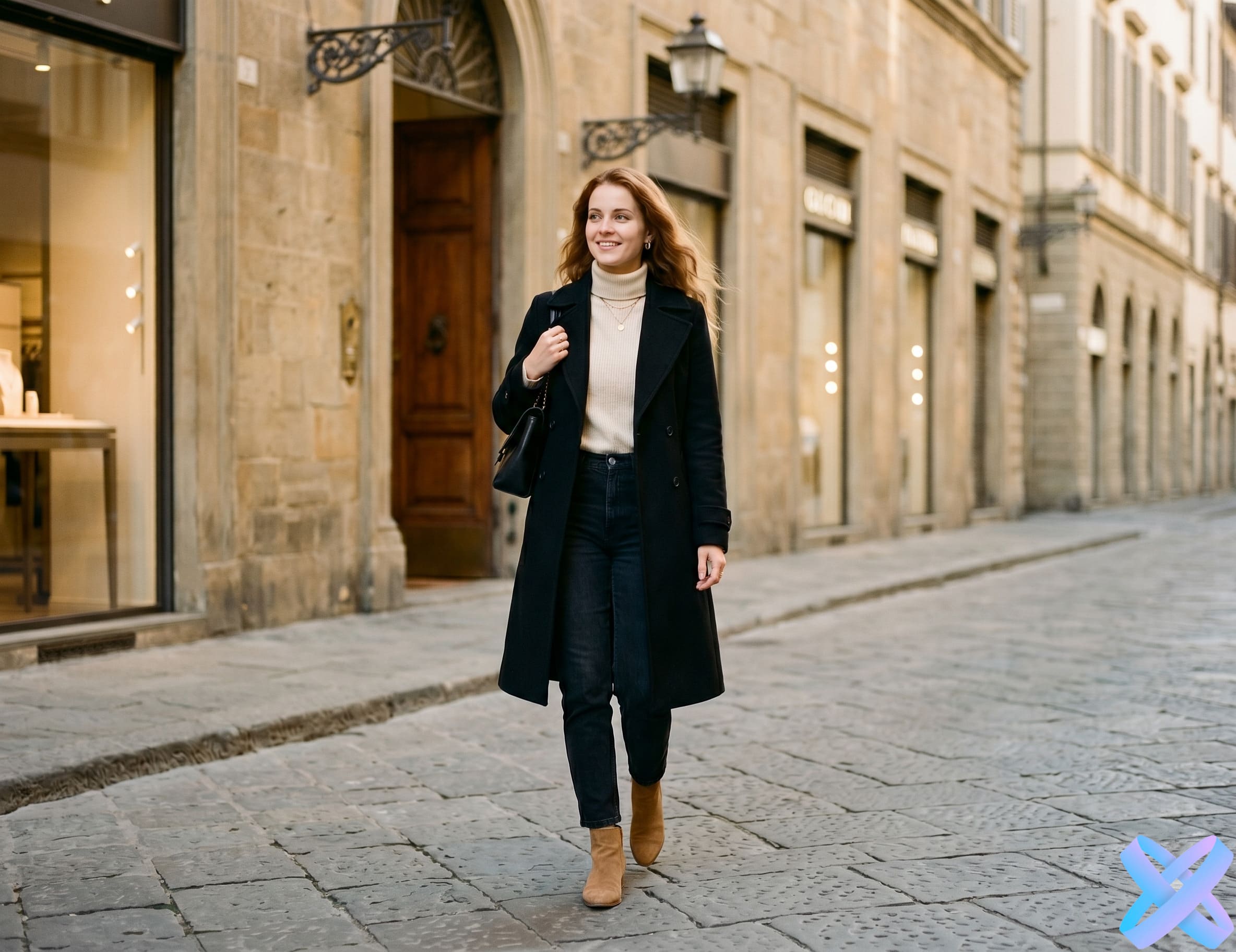 BEFORE
AFTER
BEFORE
AFTER
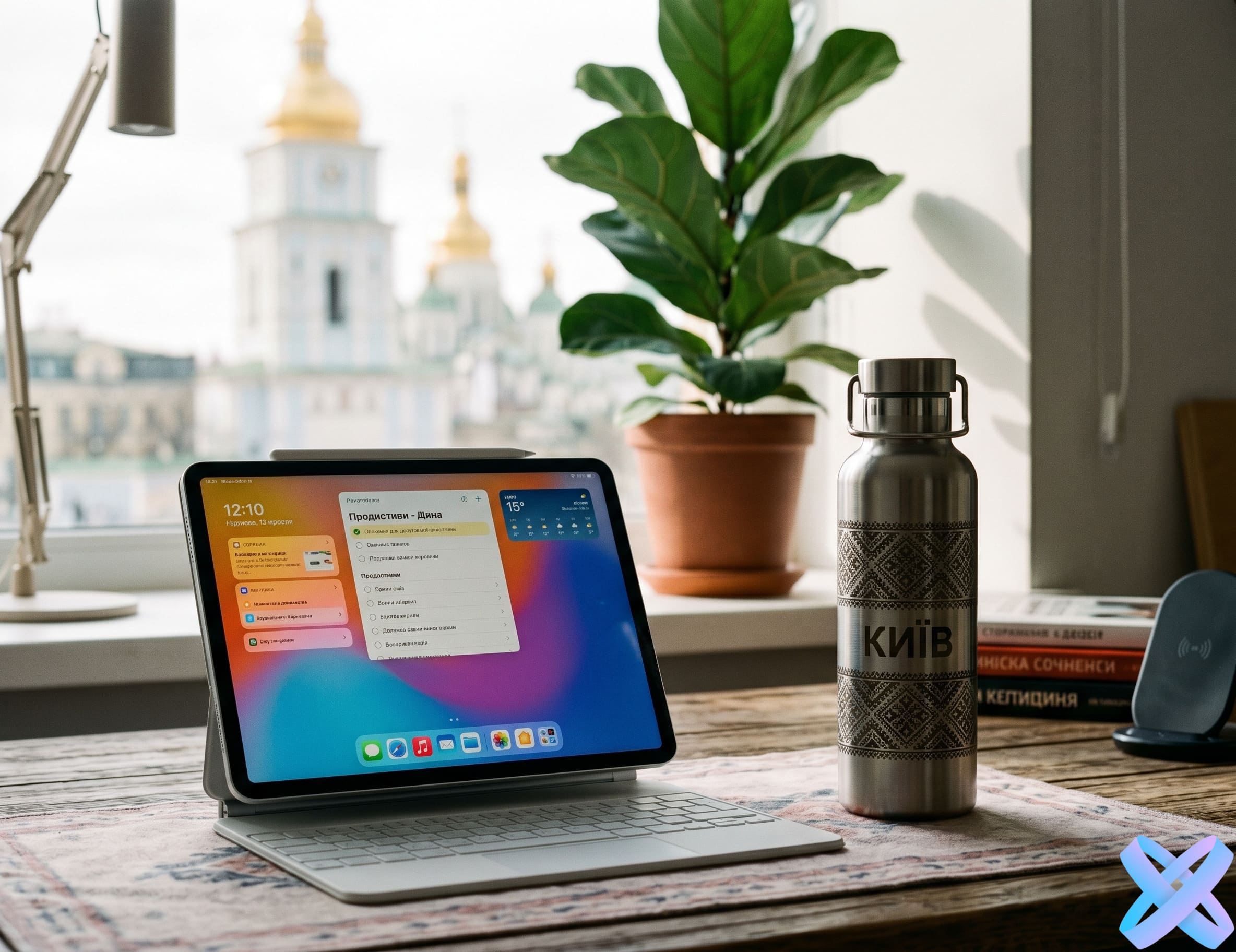
 BEFORE
AFTER
BEFORE
AFTER
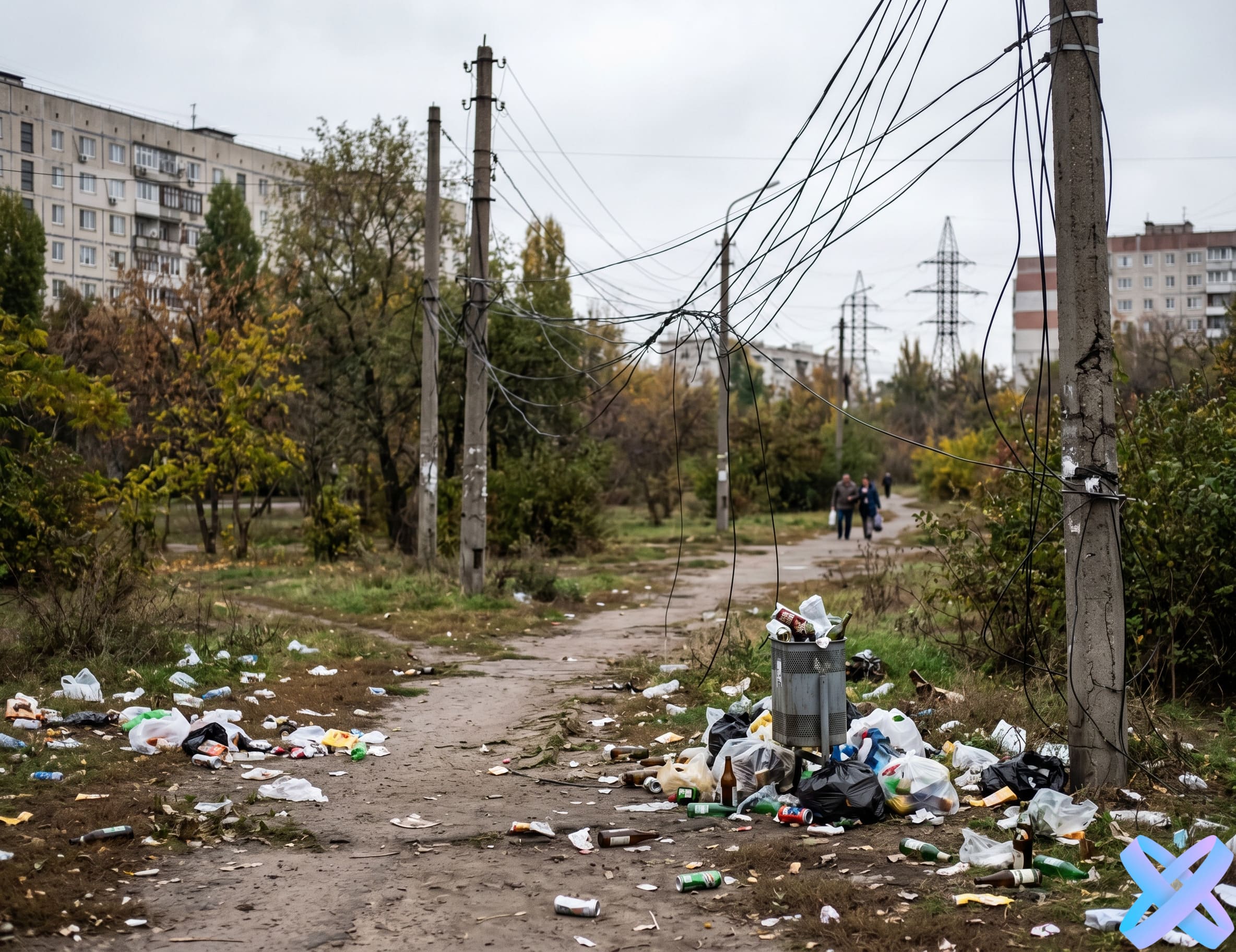
 BEFORE
AFTER
BEFORE
AFTER
 BEFORE
AFTER
BEFORE
AFTER
Add an image that has an unwanted object, person, or detail.
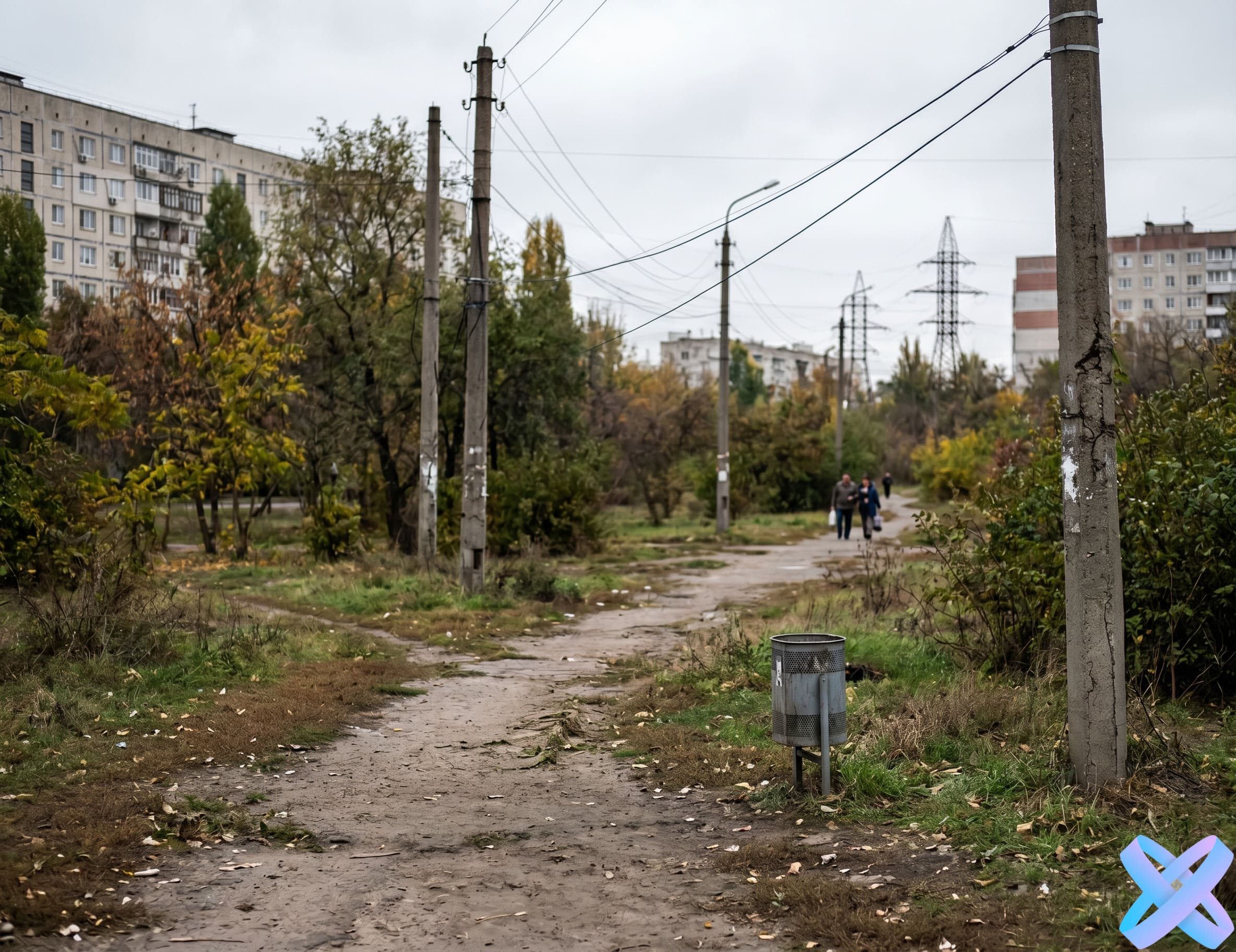
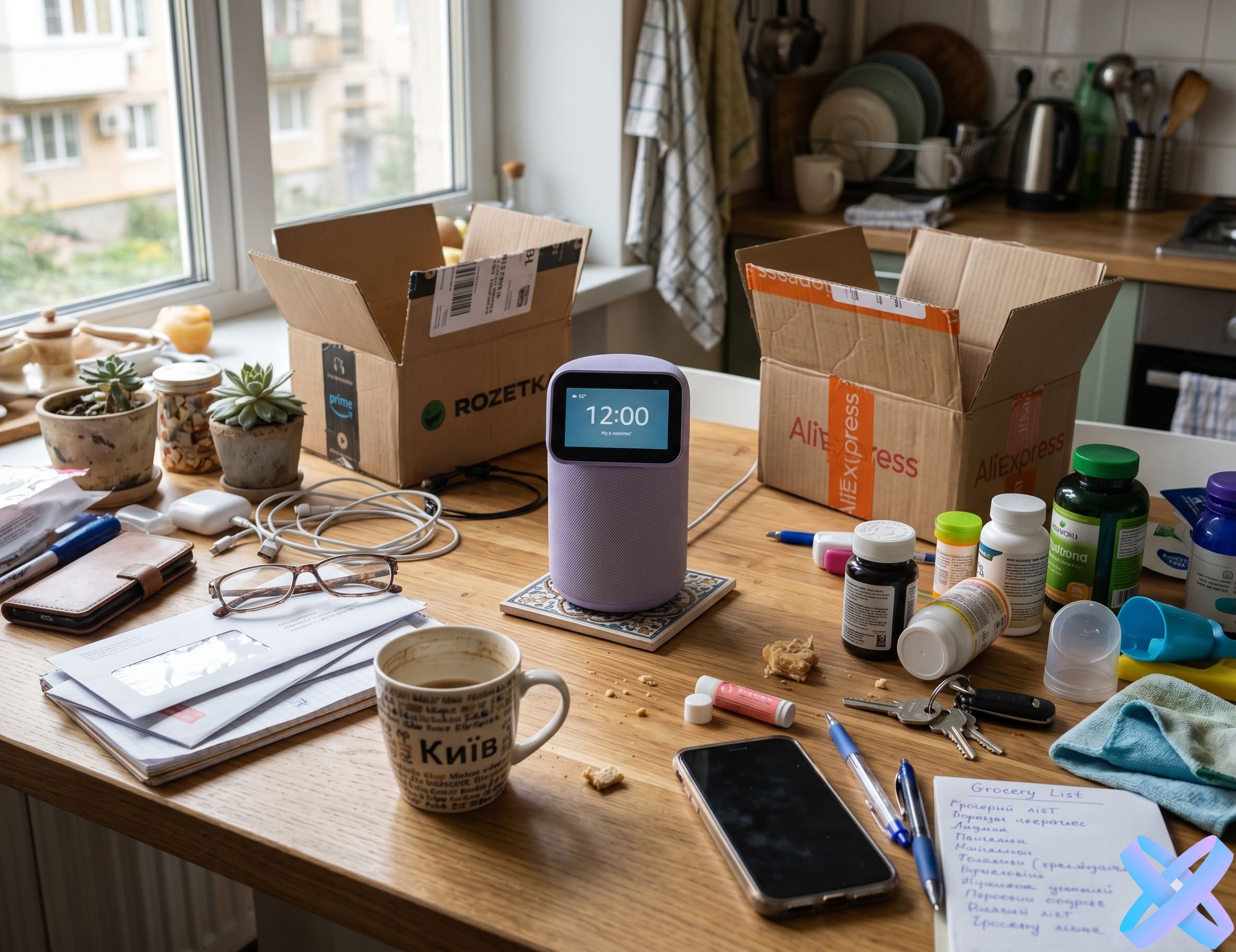
Write in simple words: "remove the person in the background", "delete the trash on the ground", "remove the object from the table".
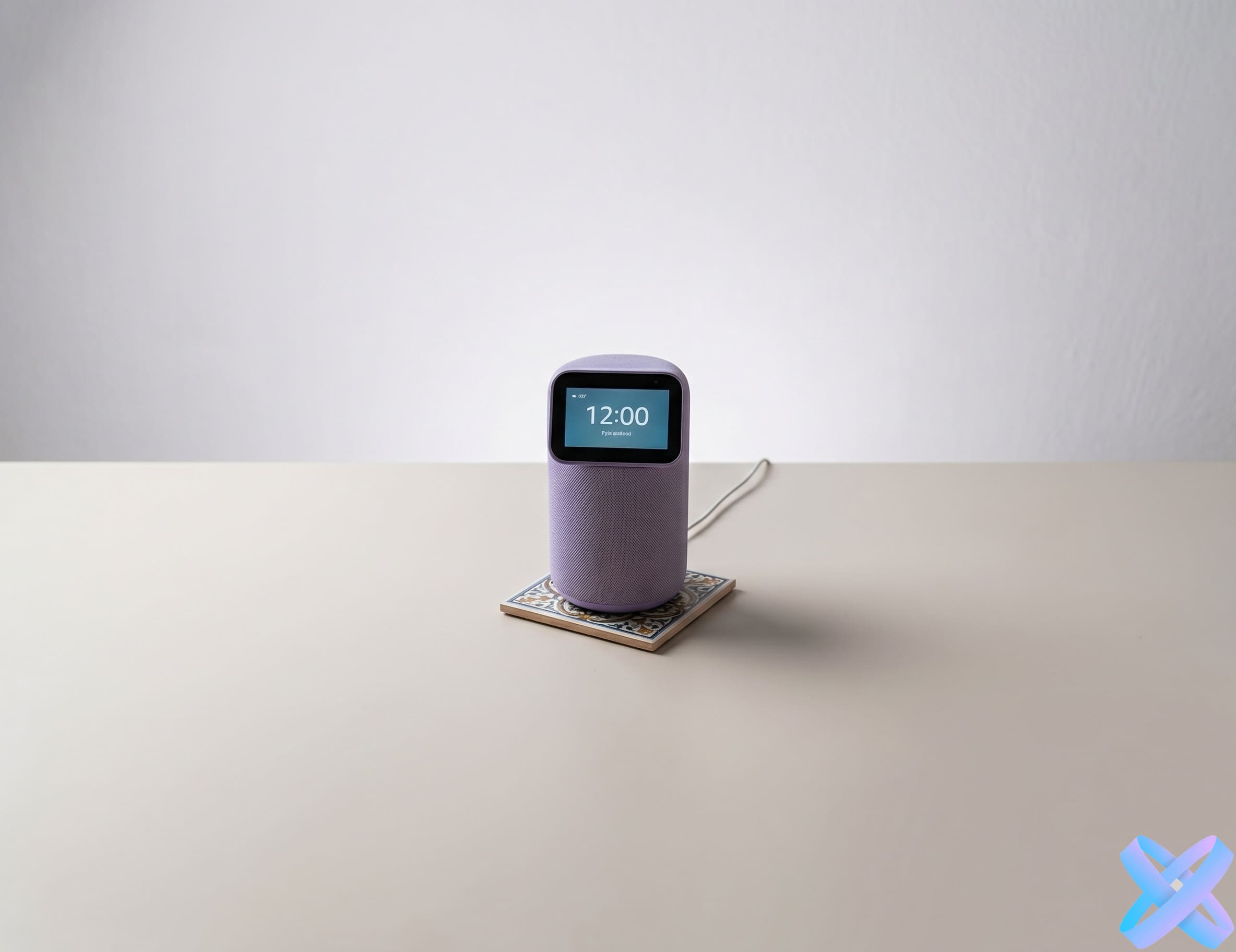
AI Agent will remove the selected object and try to naturally restore the background, texture, and lighting.
Suitable for travel photos, portraits, lifestyle shots, and images from public places.
You can remove items from tables, floors, sofas, walls, or the background.
Wires, trash, stains, random objects, interior elements, unwanted shadows or reflections.
AI Agent can help make the background cleaner and neater without completely replacing the scene.
You can clean up the space around the product and make the image more polished for listings or advertising.
Remove people in the background, random objects, trash, or details that ruin the photo.
Clean up frames for social media, make backgrounds neater, and remove visual noise.
Remove unwanted elements from product photos so the product looks cleaner and more professional.
Prepare clean images for websites, presentations, portfolios, and advertising materials.
Quickly fix small image defects without complex manual retouching.
AI Agent allows you to remove objects from photos online using a text prompt. You don't need to manually select areas, work with layers, or use complex retouching tools. Simply upload an image and write what needs to be removed: a person in the background, an unwanted object, trash, wires, spots, shadows, or other details that spoil the frame.
The main advantage of prompt-based object removal is descriptive precision. You can specify not only the object to remove, but also what is important to preserve: face, clothing, product, background, lighting, shadows, and overall composition. For example: "remove the object on the right side of the table, preserve the table surface and natural shadows." This approach helps AI Agent better understand the task and achieve a cleaner result.
The tool is suitable for portraits, product photos, travel shots, social media content, advertising materials, and everyday personal photos. AI Agent tries to restore the background after object removal so the image looks natural. This is a convenient way to quickly clean up photos without Photoshop, manual retouching, or installing additional software.
If there are many objects in the photo, it's better to remove the main unwanted object first, then make a second edit if needed.
The clearer the object and background, the more accurately AI Agent can restore the image.
A demo run is usually available. Additional generations may require registration or tokens.
Yes, you can remove a person in the background or an unwanted person in the frame. It's better to specify exactly who needs to be removed.
Yes, but for best results it's better to describe the objects as specifically as possible or remove them one by one.
AI Agent tries to restore the background, texture, shadows, and lighting so the result looks natural.
Typically JPG, PNG and WebP are supported.
No. In this version, the main scenario is describing the task in text. You write what needs to be removed, and AI Agent performs the edit.
Yes, you can clean up the background, remove unwanted objects, and make product images neater for listings or advertising.
Upload a photo, write what needs to be removed, and get a clean image with AI Agent.
🧹 Remove object from photo →SmartGenius Ai is proudly powered by WordPress