AI Agent Hero — demo

Edit photos online by text prompt

Upload a photo, write a simple command — and the AI Agent will change the image as you described: clothing, background, lighting, style, details, or quality.
  • No complex settings
  • Works directly in the browser
  • Describe any edit in words
  • Perfect for portraits, products, social media and ads
✨ Edit by text prompt
📸
Upload your photo
PNG, JPEG, WEBP up to 20 MB
Before/After Slider Block — AI Photo Editor

What you can change with a text prompt

Drag your mouse across the image — see how AI Agent transforms the photo
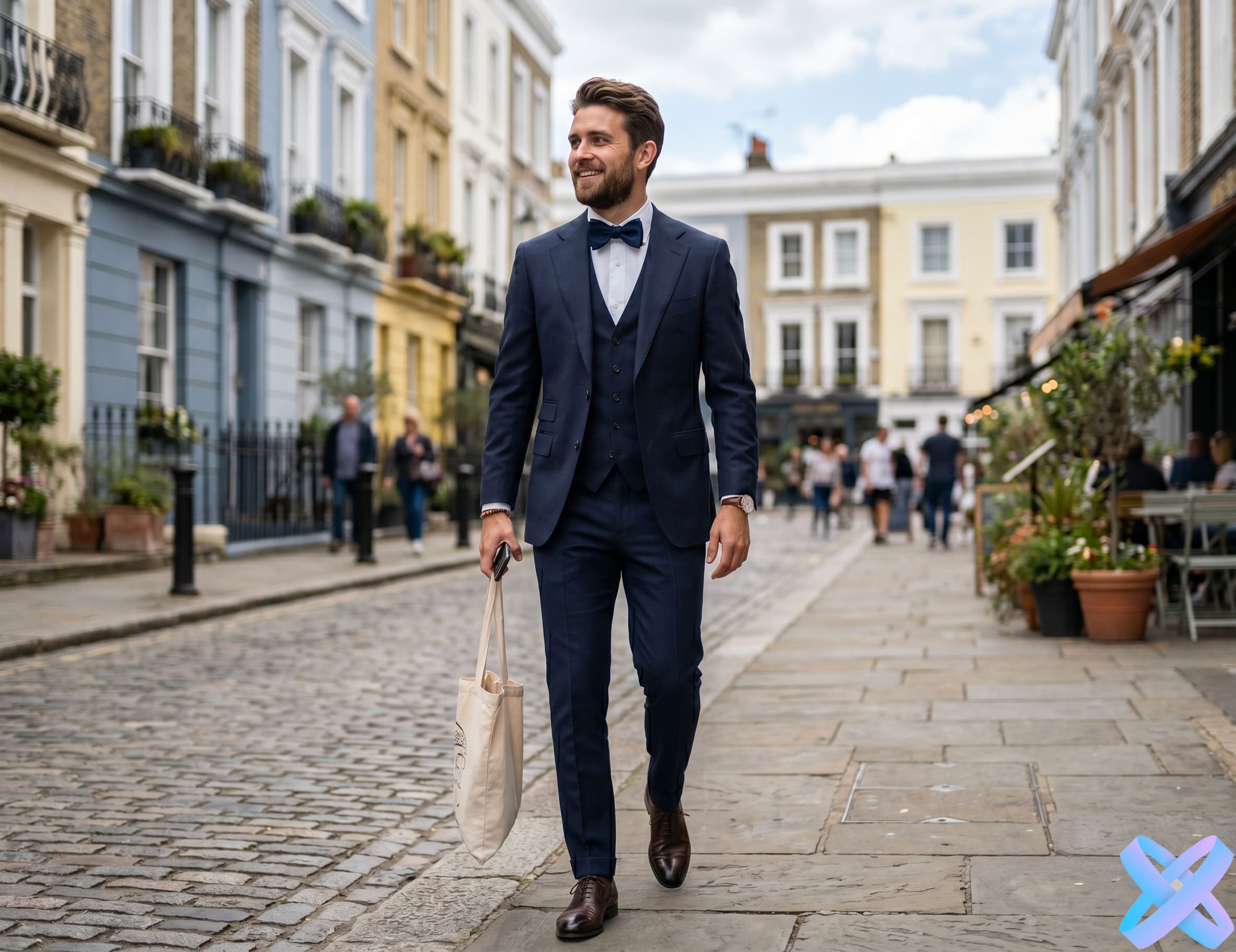
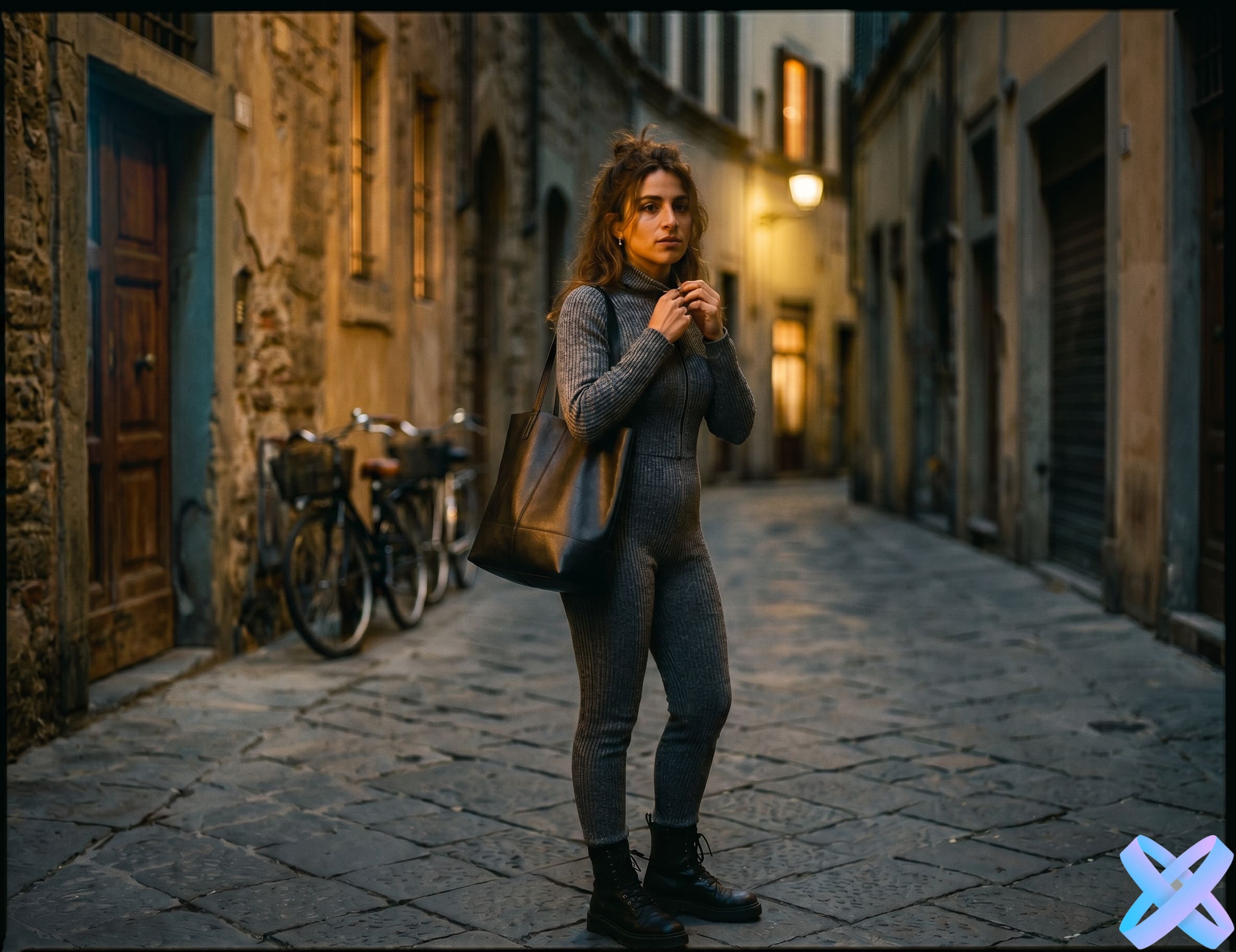
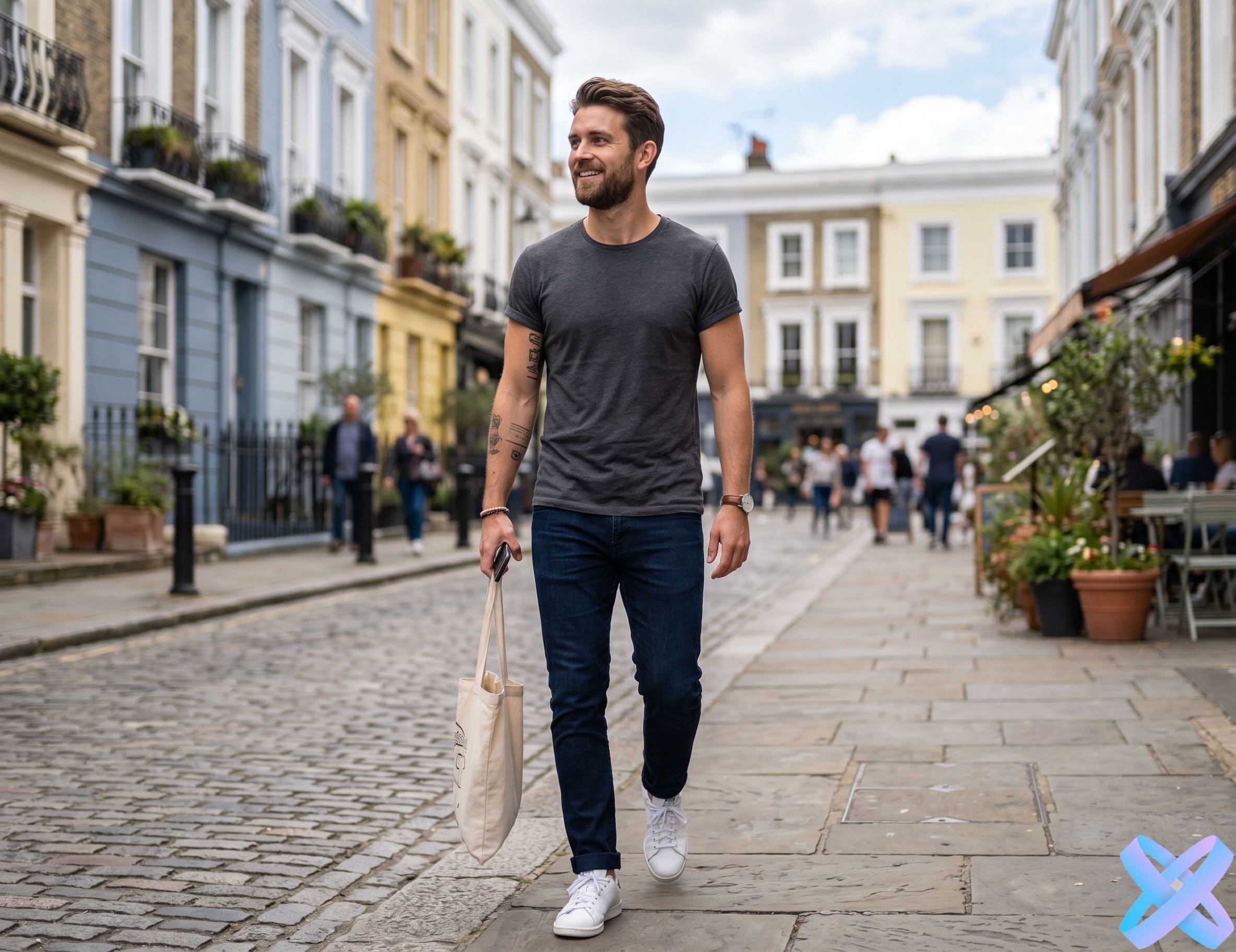
Before: casual clothes After: business style
BEFORE AFTER
👔 Clothing full style change
📝 Prompt
"Replace the t-shirt with an elegant dark blue suit, classic cut, add a bow tie"
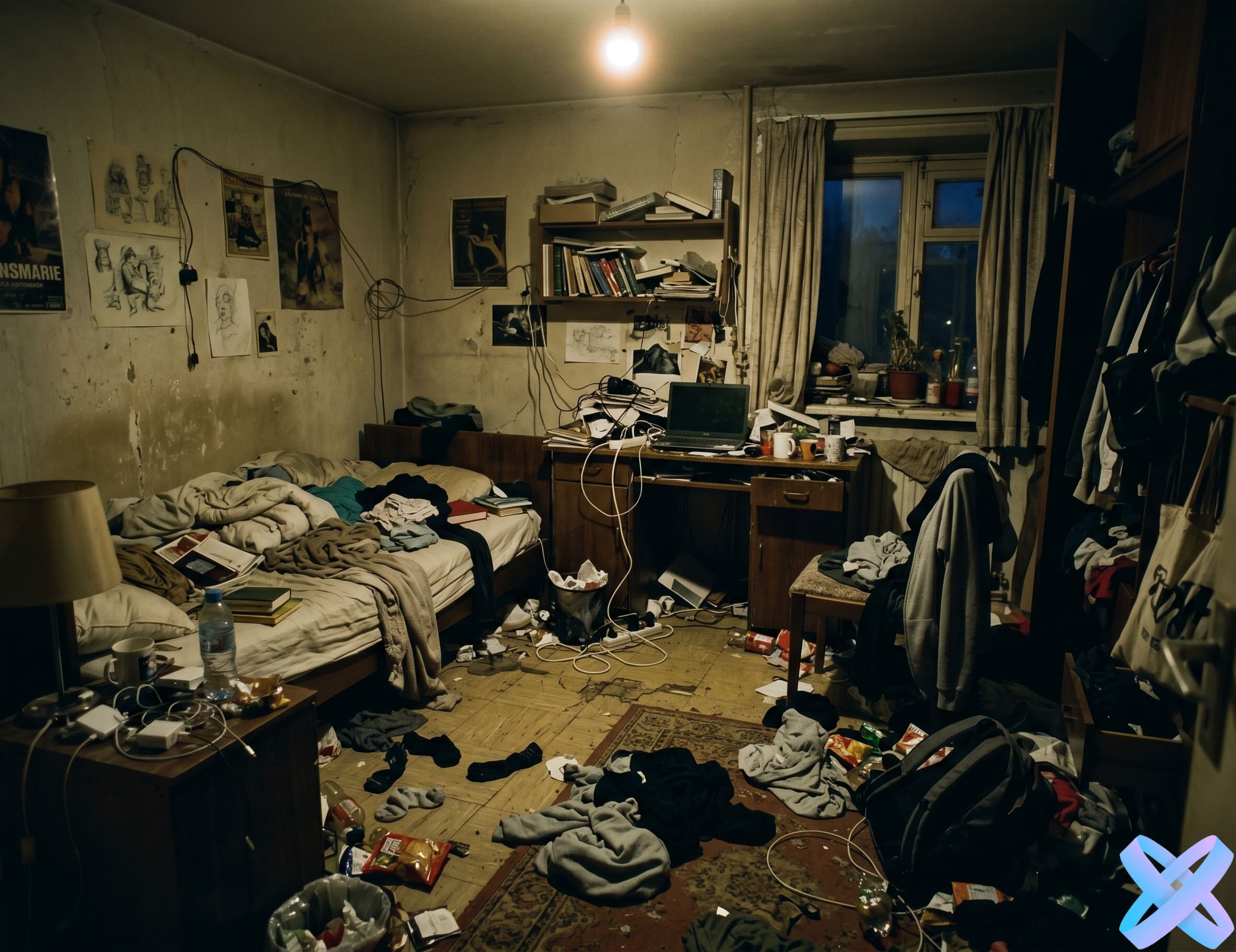
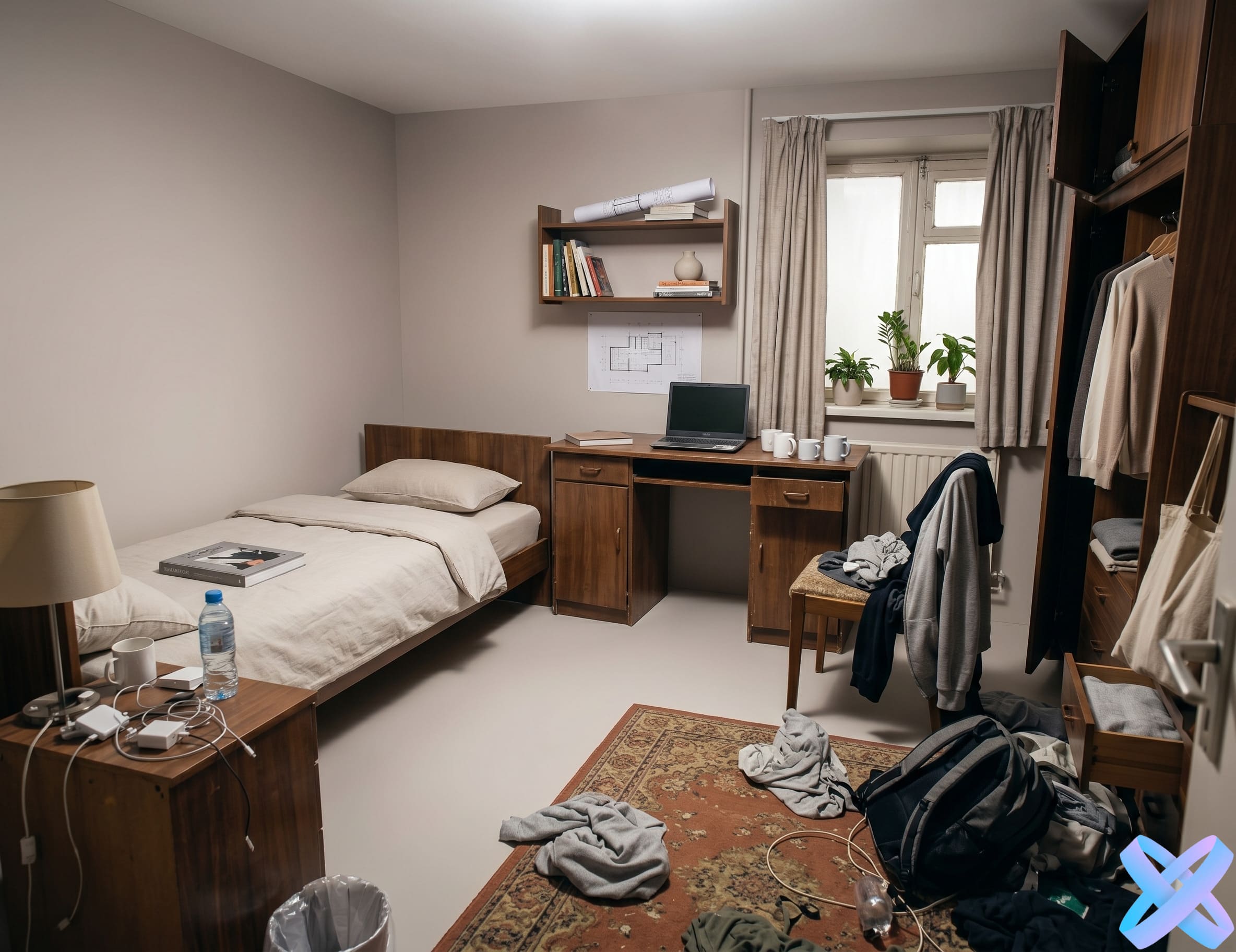
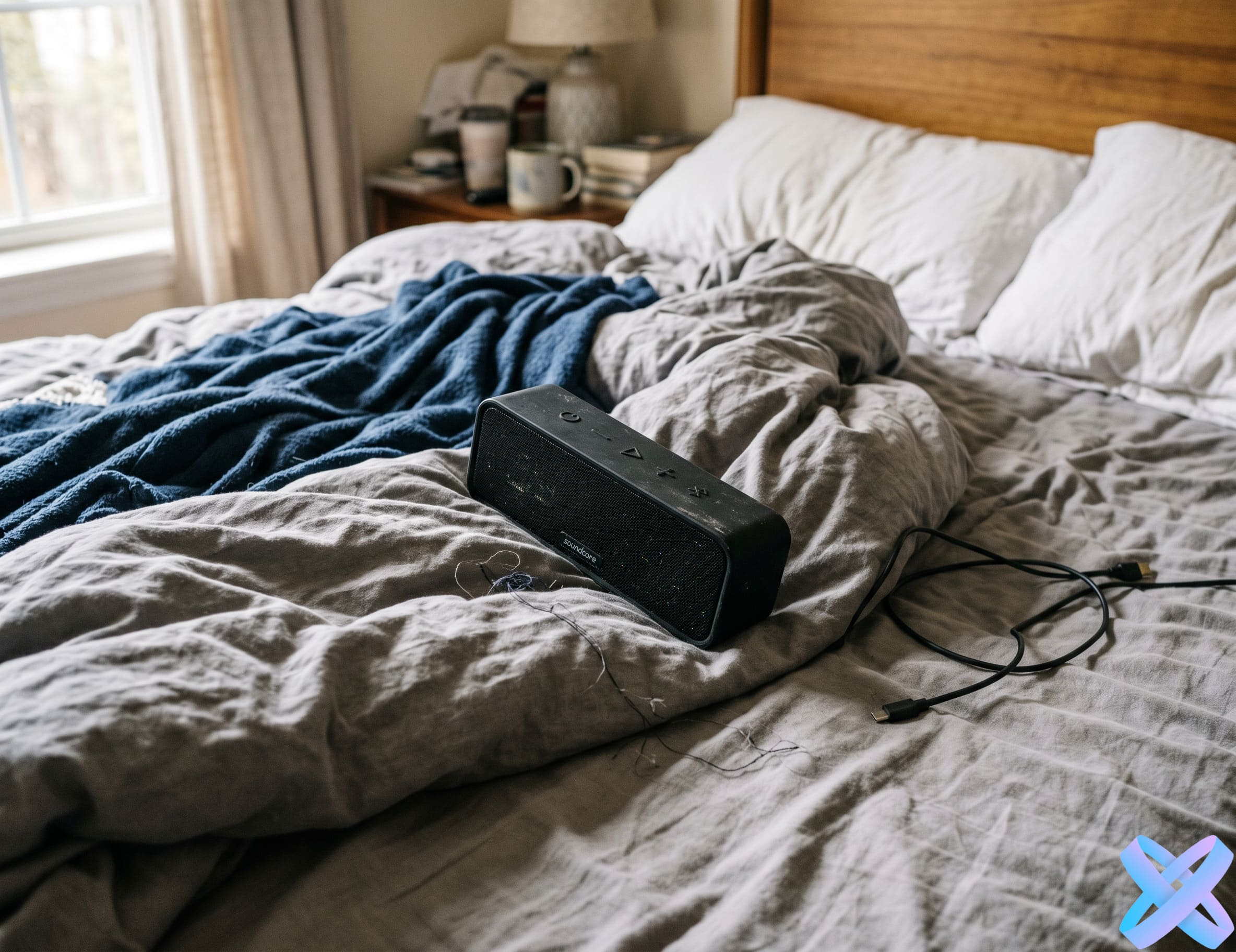
Before: home background After: studio scene
BEFORE AFTER
🎬 Background atmosphere
📝 Prompt
"Remove room clutter, set a neutral studio background with a soft gradient and professional lighting"
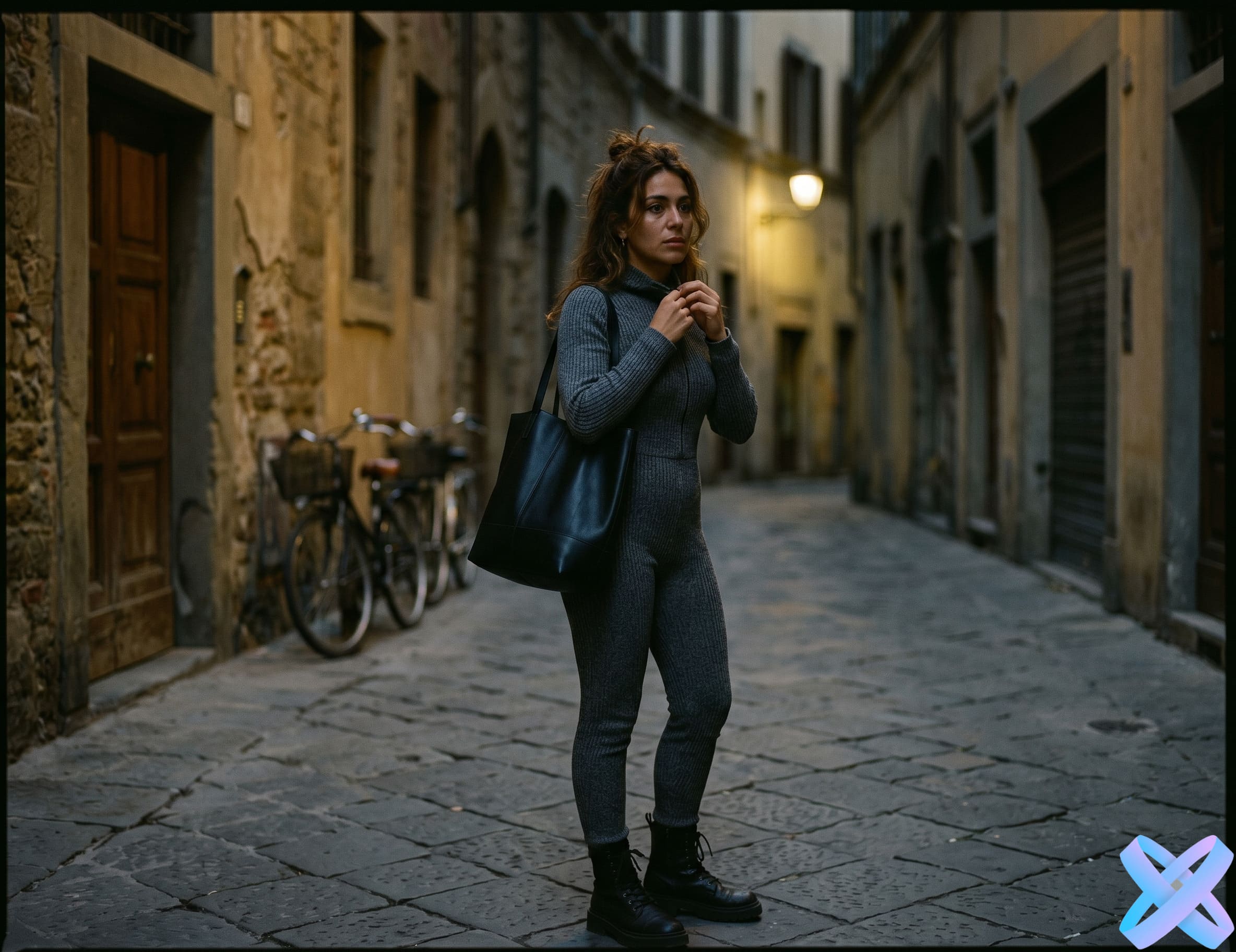
Before: dark image After: professional lighting
BEFORE AFTER
💡 Lighting professional light
📝 Prompt
"Create soft cinematic lighting, add warm highlights to the face, remove harsh shadows"
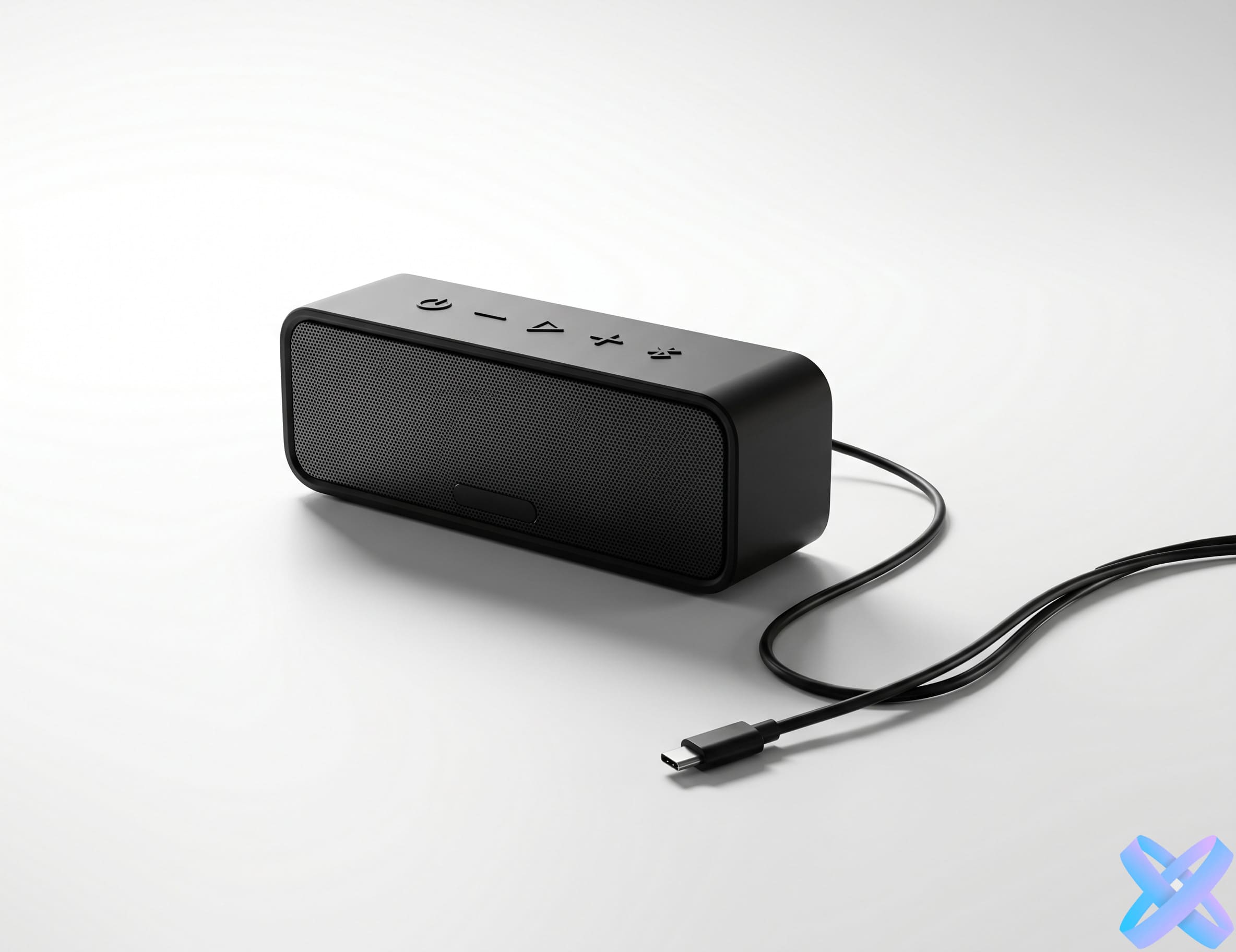
Before: ordinary product photo After: marketplace scene
BEFORE AFTER
📦 Marketplace Product commercial look
📝 Prompt
"Transform into a clean white background, add realistic shadow and accent lighting for a premium catalog"
How it works — AI Photo Editor

How to edit photos with a prompt

Just three simple steps — and your photo is ready
1
📸

Upload a photo

Choose an image from your phone or computer. Portraits, product photos, lifestyle shots, and everyday pictures are all supported.

2
✍️

Write what to change

Describe the edit in plain words: change the background, enhance lighting, modify clothing, remove an unwanted object, or make the photo more professional.

3

Get the result

The AI Agent will apply the changes, preserve important image details, and show the final version ready for download.

Prompt Examples — AI Photo Editor

Text prompt examples for photo editing

Just copy an example or click "Insert prompt" — the AI Agent will understand what needs to be done
📷 For portrait
"Make the photo more professional, enhance lighting, remove unwanted shadows, and keep the face unchanged."
👔 For clothing
"Replace casual clothes with a formal business suit, keep the pose, face, and background."
🎬 For background
"Replace the background with a modern bright studio, keep the person and natural lighting."
📦 For product
"Place the product on a minimalist advertising background with soft shadows and premium lighting."
📱 For social media
"Make the photo brighter, more stylish and cinematic, but without strongly altering the face."
🗑️ For object removal
"Remove the unwanted object in the background and carefully restore the background."
✓ Prompt inserted
All AI Agent Features — Internal Links
Use Cases — AI Photo Editor

What tasks is text-based photo editing suitable for

From personal social media to professional commerce — AI Agent can handle any task
📱✨

For social media

Create beautiful avatars, portraits, lifestyle photos and visuals for Instagram, TikTok, Telegram or other profiles.

💼📊

For business

Create more polished business portraits, photos for your website, resume, company profile or presentation.

🛍️📦

For marketplaces

Improve product listings, create advertising scenes, change backgrounds and make images more conversion-driven.

🎥🔥

For bloggers

Quickly change style, lighting, background, clothing or atmosphere without complex photo editors.

🏠📸

For everyday photos

Fix bad lighting, poor background, unwanted details, noise, blurriness or overall image appearance.

Почему AI Agent удобнее — AI Photo Editor

Почему редактировать фото текстом проще

Никаких слоёв, масок и кистей — просто описываете результат
🖥️ Обычный редактор
  • нужно искать нужный инструмент
  • нужно вручную выделять области
  • нужно разбираться в слоях и настройках
  • сложные правки занимают много времени
🤖✨ AI Agent
  • вы просто пишете, что нужно изменить
  • агент сам понимает задачу
  • можно объединить несколько правок в одном запросе
  • результат готов за несколько секунд
✨ Вместо десятков ручных действий
сделай деловой портрет на светлом фоне с мягким студийным светом
SEO Block — AI Photo Editor

Online photo editor by text prompt

AI Agent is an online tool for editing photos with text prompts. You don't need to understand complex settings, layers, or masks: just upload an image and describe what you want to change. The neural network can replace backgrounds, enhance lighting, change clothing, remove unwanted objects, make photos more professional, or prepare images for social media, websites, and advertising.

Prompt-based editing is especially useful when a standard preset isn't enough. For example, you can ask not just to "improve the photo," but be more specific: "create soft studio lighting, keep the face unchanged, and replace the background with light gray". This approach gives you more control over the result and allows you to create unique images without installing any software.

AI Agent is suitable for portraits, product photos, marketplace content, bloggers, entrepreneurs, and everyday users. The tool works online in your browser, supports popular image formats, and helps you quickly get the final version without manual editing. Use text prompts to explain the desired result to the neural network in simple words and edit photos faster than in classic photo editors.

Tips for better results — AI Photo Editor

How to write a good prompt for photo editing

The more precise your request, the better the result. Here are a few simple rules
Tip 1

Be specific

❌ Bad
"Make it beautiful"
✓ Better
"Create soft studio lighting, remove shadows on the face and keep natural skin color"
Tip 2

Specify what to preserve

✓ Example
"Keep the face, pose, body proportions and original composition"
Tip 3

Describe the style

✓ Example
"In a premium advertising photo style, minimalist background, soft shadows"
Tip 4

Don't overload the request

✓ Example
Better to have 1–3 clear edits at a time than an overly long list of changes
FAQ — AI Photo Editor

Frequently asked questions

Answers to key questions about text-based photo editing

Yes, you can try a demo run. More generations may require registration or tokens.

Portraits, product photos, everyday snapshots, social media images, and advertising materials are all suitable.

Popular formats are typically supported: JPG, PNG, and WebP.

Yes, you can write your prompt in plain English or other supported languages.

You can change background, clothing, lighting, style, image quality, remove unwanted objects, or make the photo more professional.

For such tasks, it's better to explicitly write in the prompt: "keep the face, facial features, and identity unchanged".

In a regular editor, you need to manually select tools and adjust the image. With AI Agent, you simply describe the desired result in text, and the neural network performs the edit automatically.

Quick AI Tools — AI Photo Editor
Final CTA — AI Photo Editor
🤖✨

Try text-based photo editing right now

Upload an image, write what you want to change, and get the finished result with AI Agent.

✍️ Edit photo by prompt
📸 PNG, JPEG, WEBP ⚡ up to 20 MB 🎯 free trial run