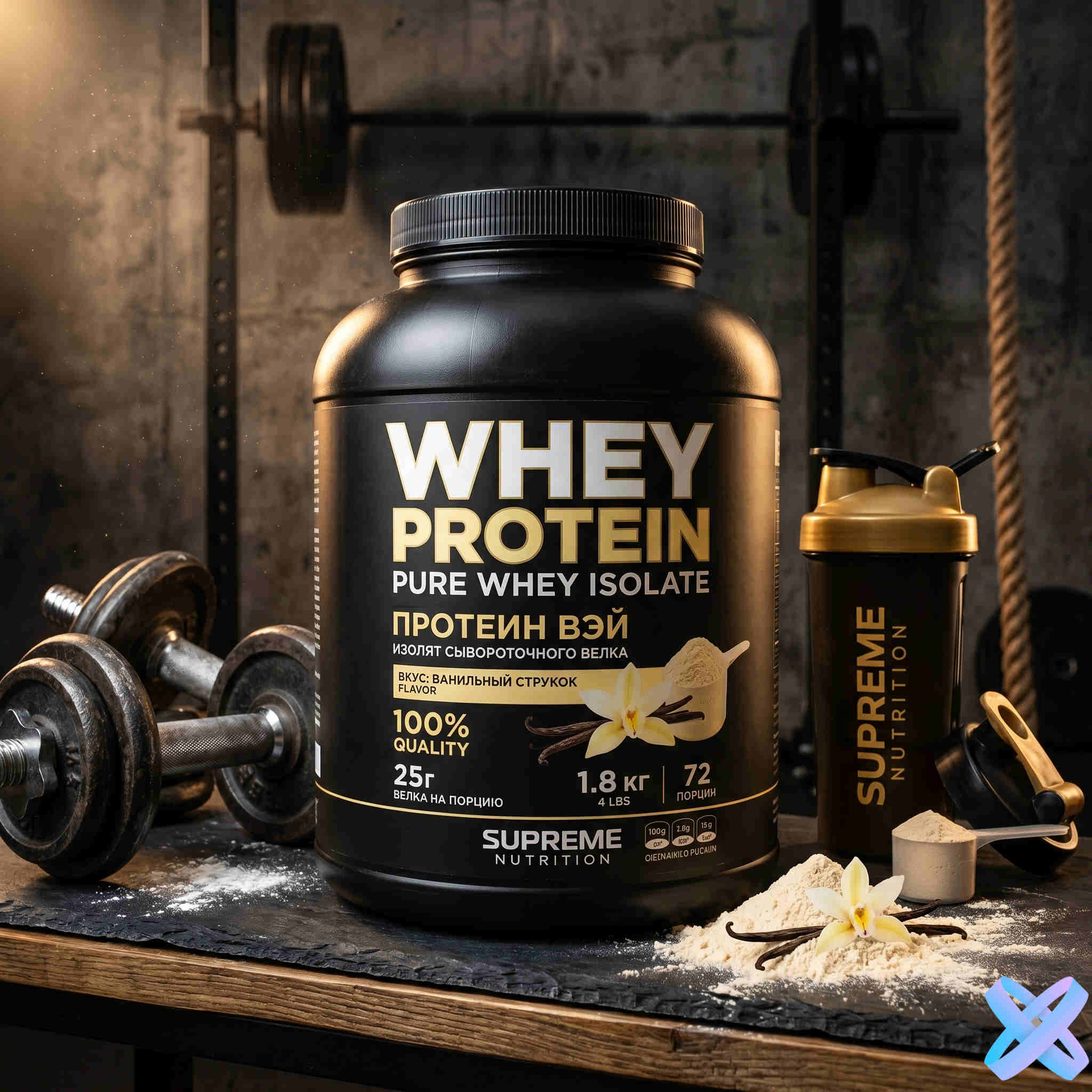
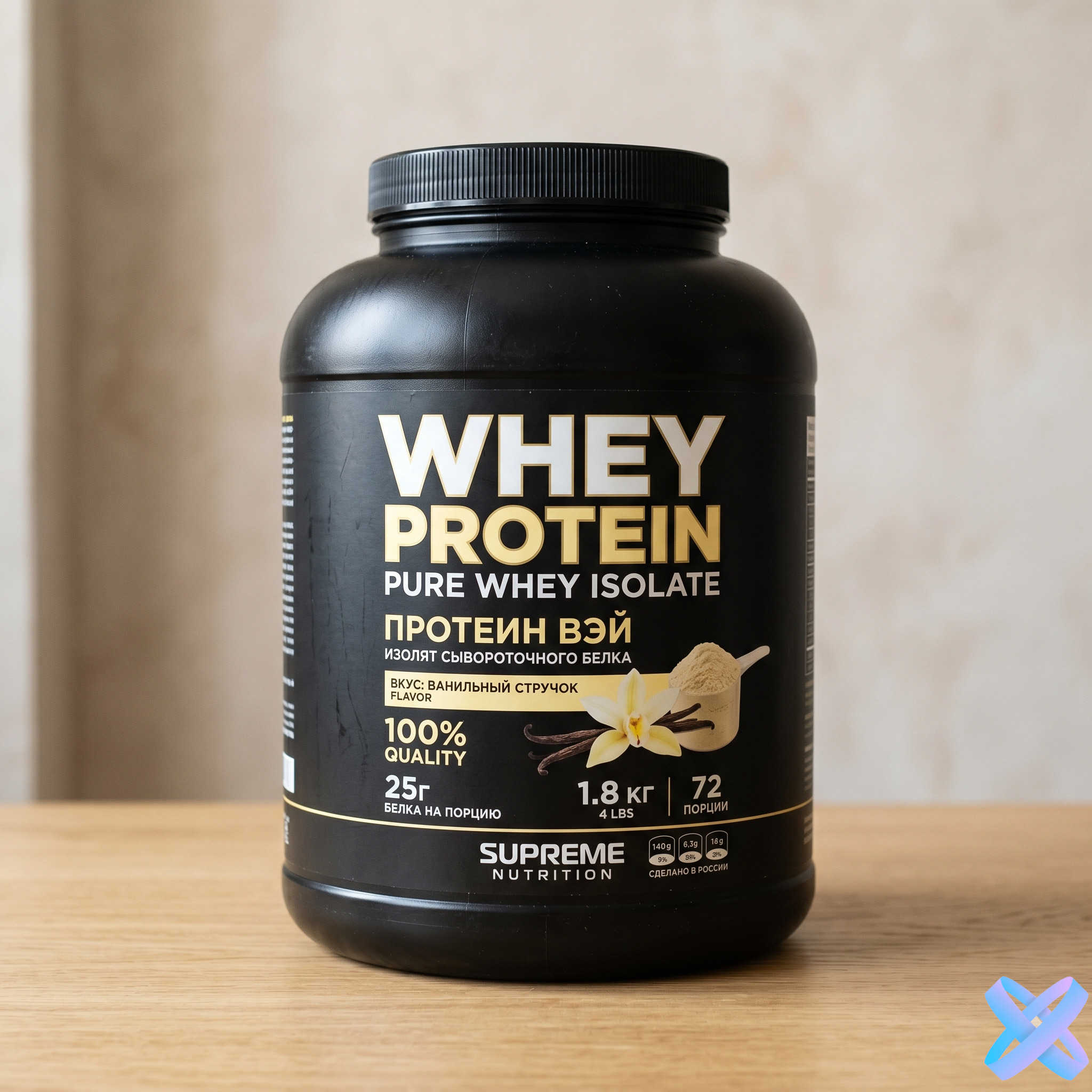
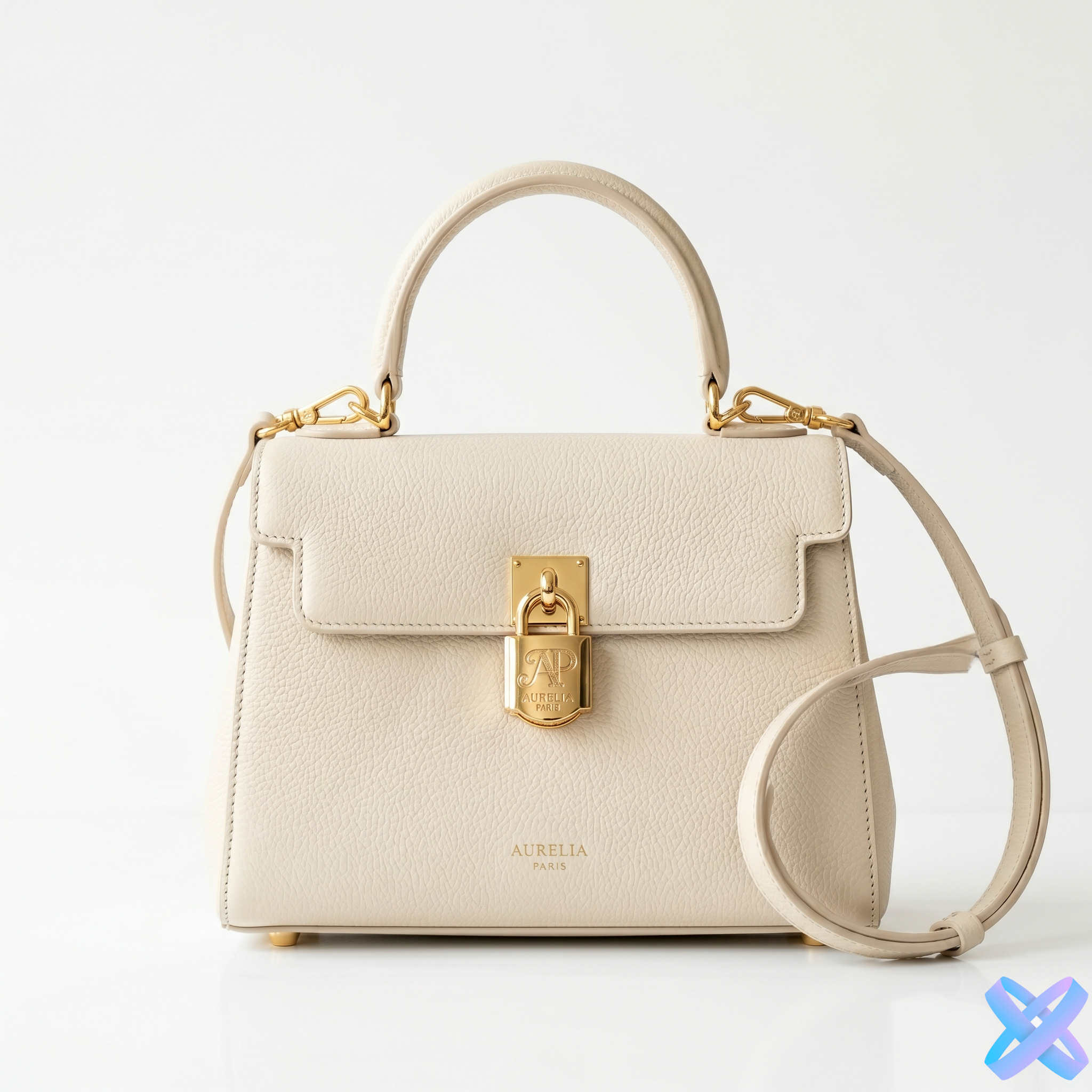
AI Product Photo Generator for Ads & Marketplaces
Turn an ordinary product photo into a commercial visual for marketplaces, advertising, social media, or landing pages. Upload the product and continue in Product Creative inside SmartGenius Editor.
Upload your product photo & get ready-made ad visuals
Choose a direction below or simply upload the product. Product Creative opens with your image already inside the Editor, where you can adjust scene, format, background, lighting, people, and composition.
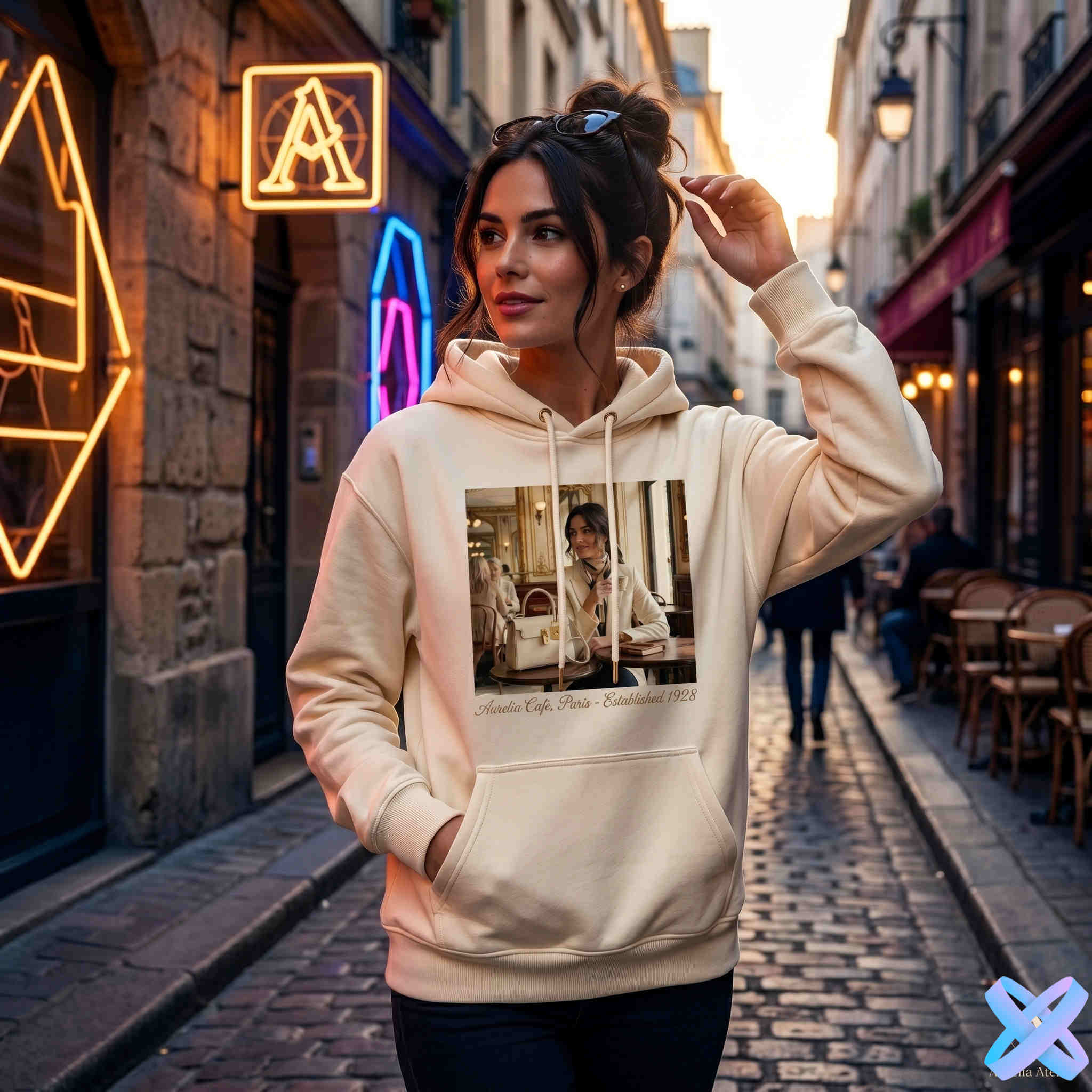
Transform ordinary product photos into professional ad visuals
See how ordinary product photos can become different commercial visuals. Each Before/After comparison keeps the image’s natural proportions.
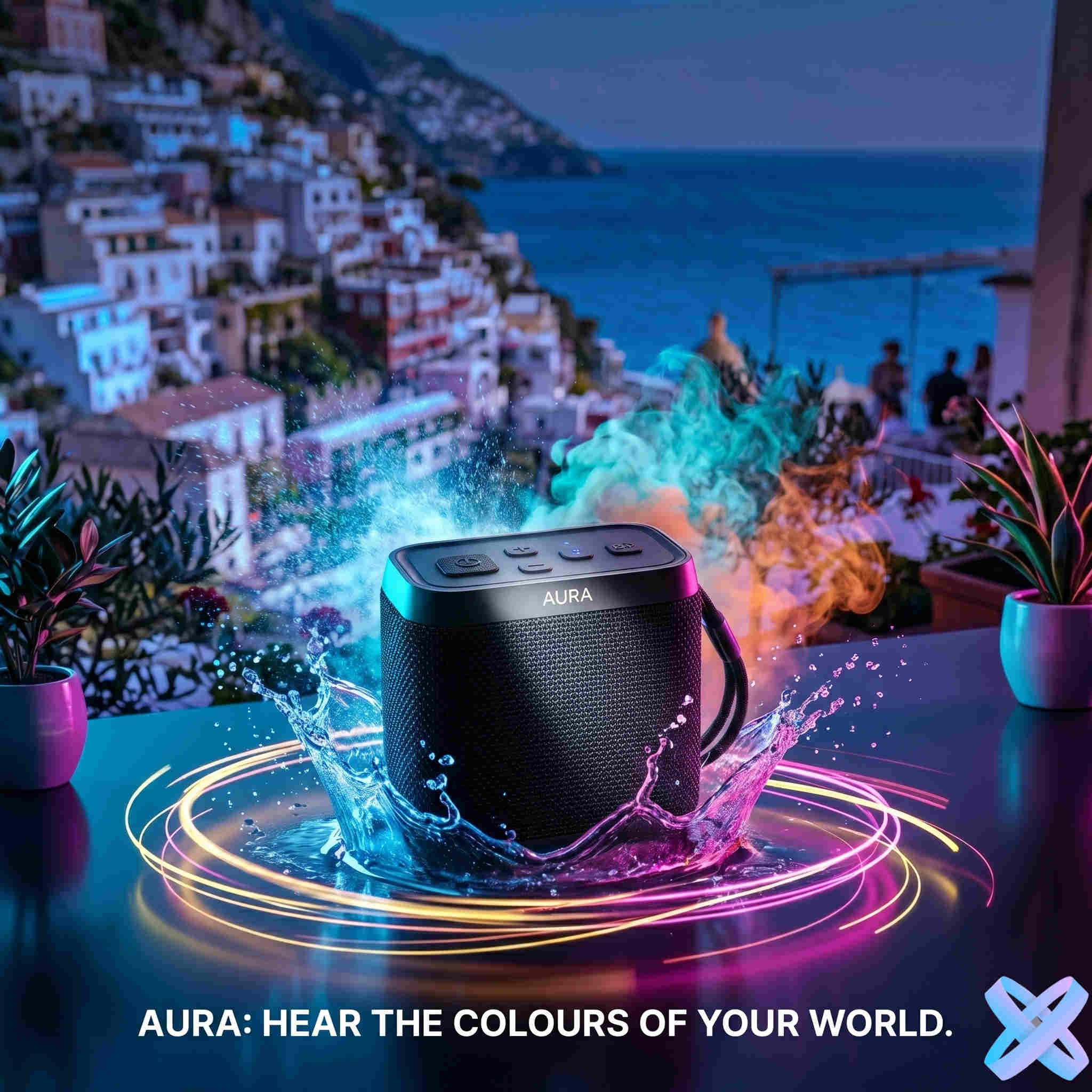
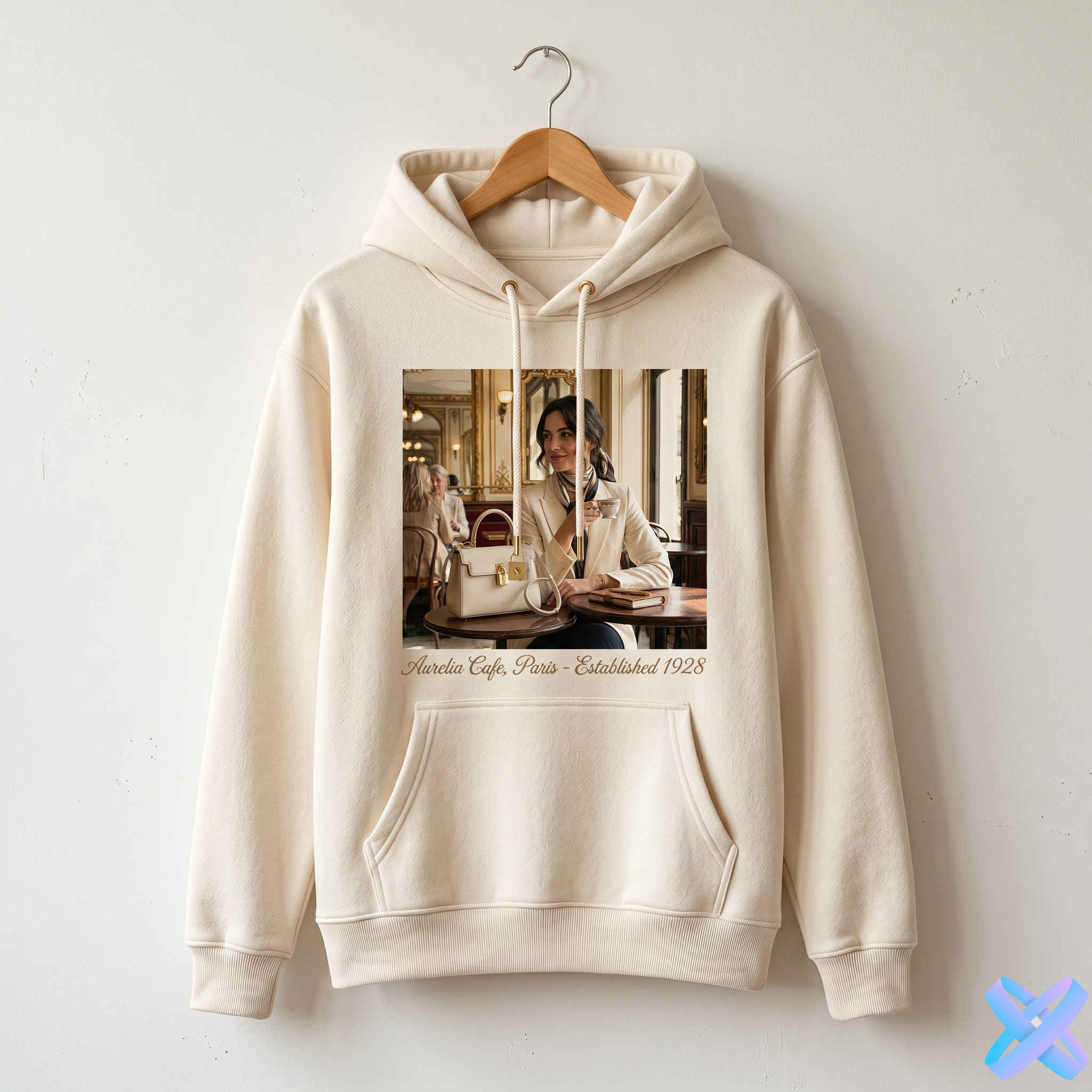
Ordinary photo → Ad scene
Turn a simple source photo into a more polished commercial scene.
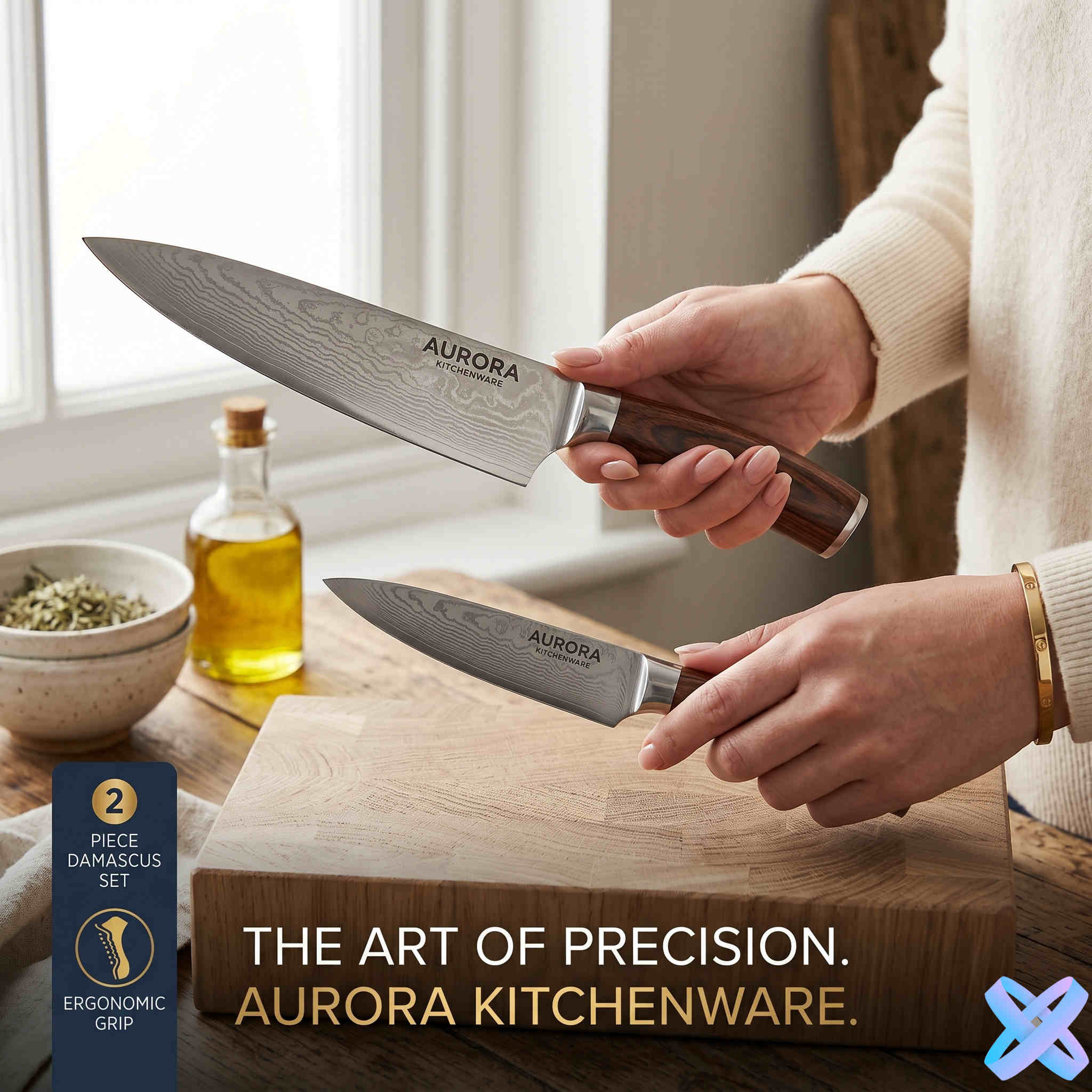
Product → In model’s hands
Useful for lifestyle presentation and product-in-use visuals.
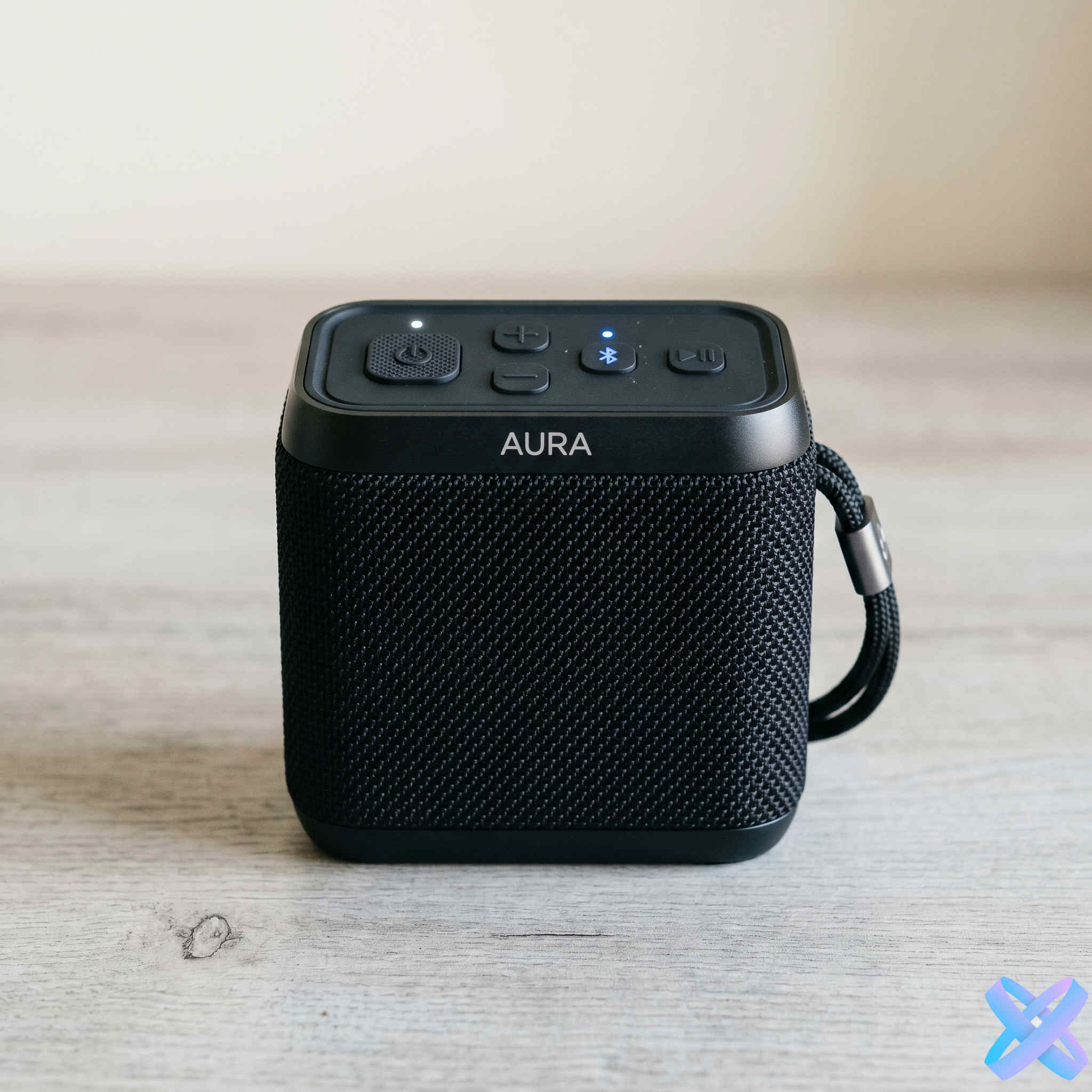
Product → Beautiful background
Change the environment while keeping the product as the hero.
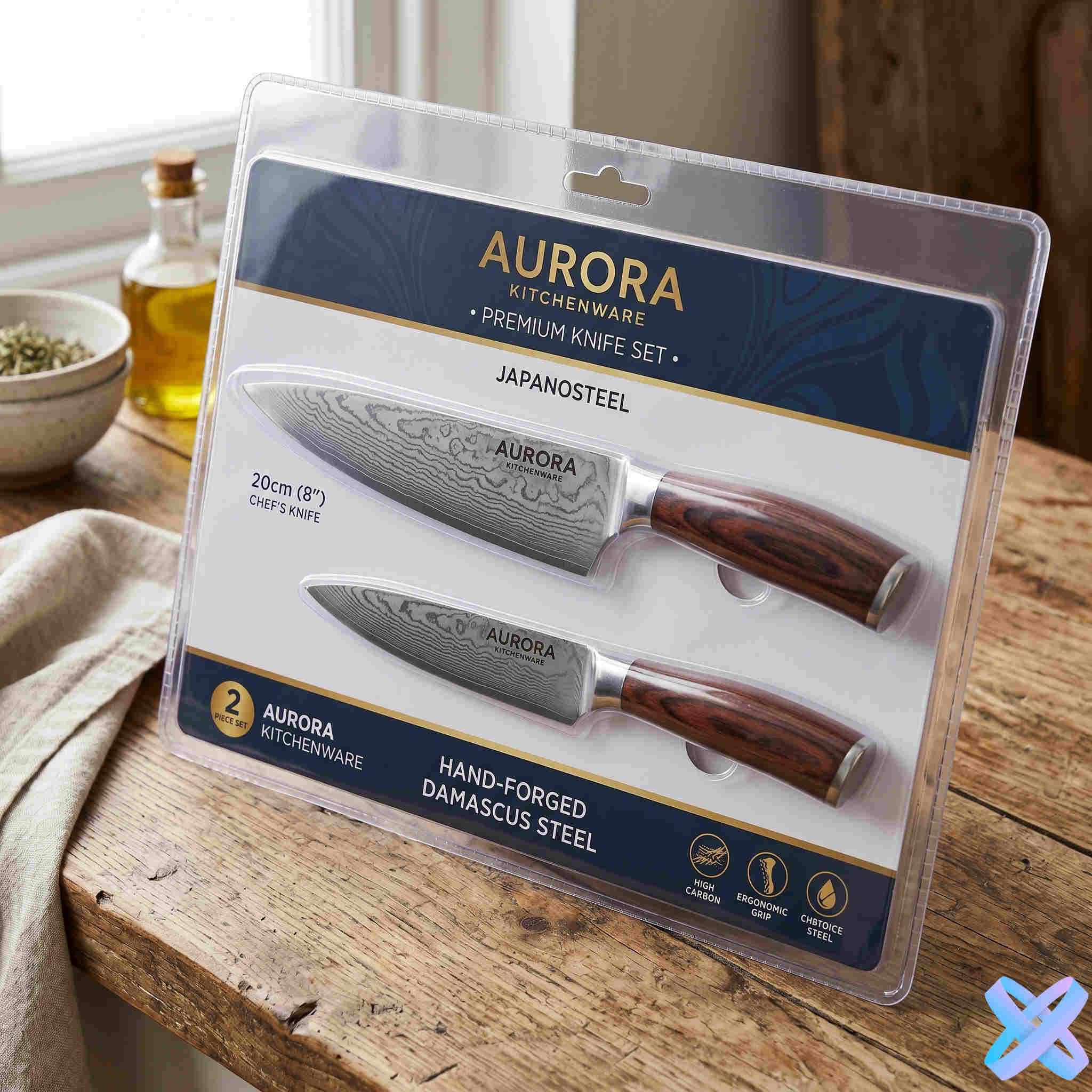
Product → Lifestyle scene
Place the product into a natural usage context.
Create product photos for ads, marketplaces & social media
Six examples form a varied commercial showcase while keeping each image’s natural proportions.
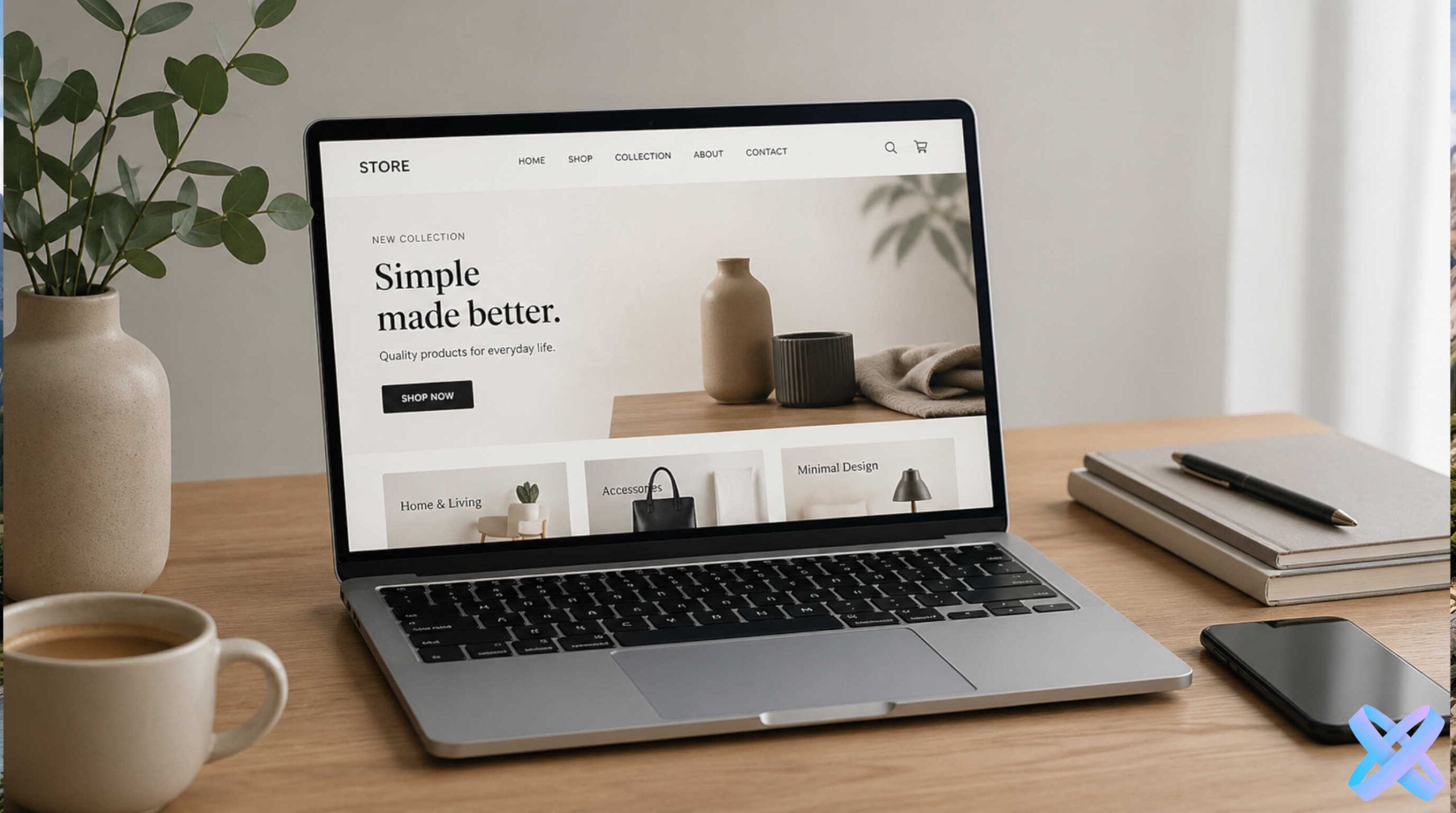
Product photos for online stores
Catalog, storefront, and product listing imagery.
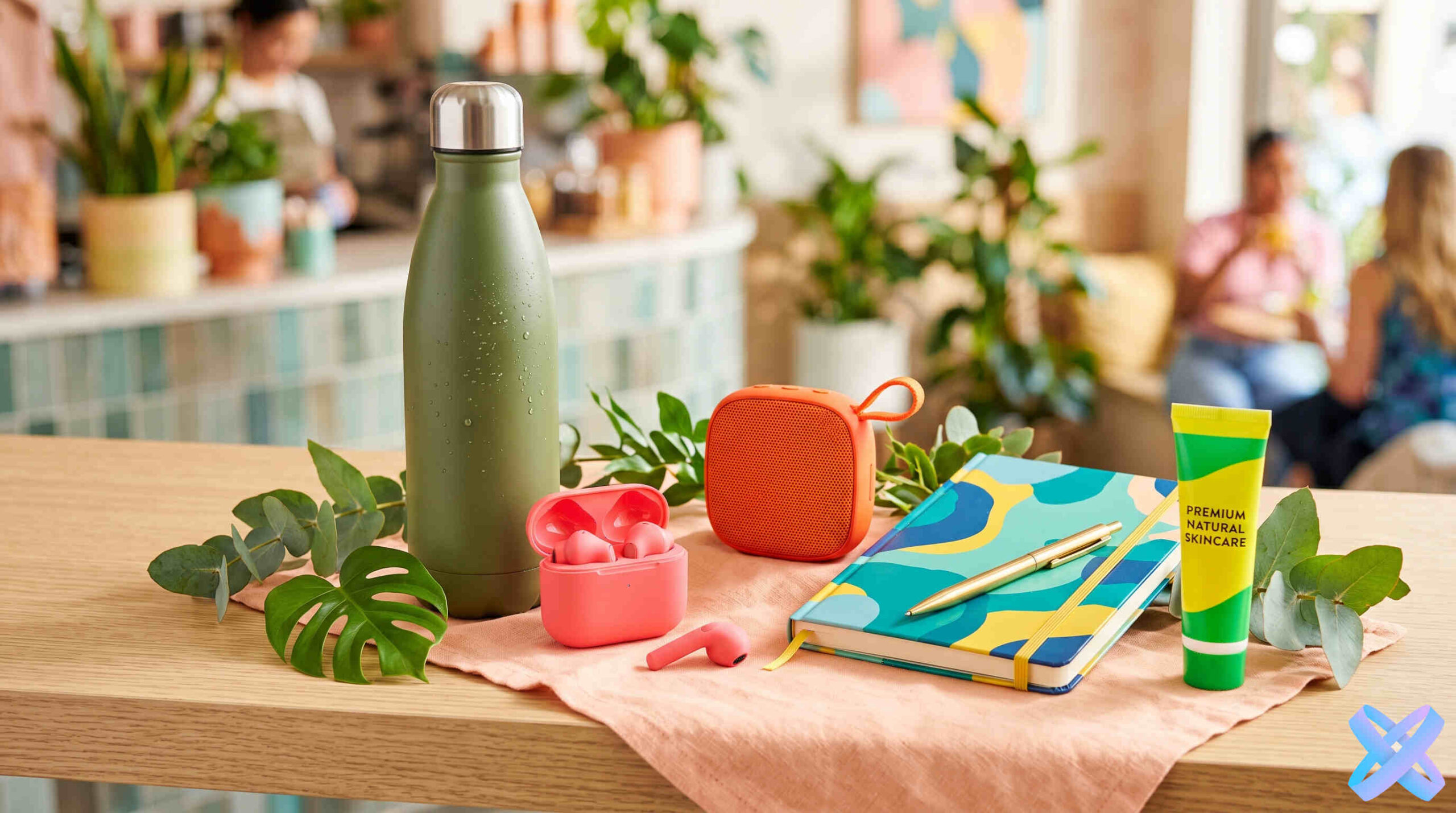
Ad creatives for Instagram & TikTok
Visuals for feeds, stories, and paid campaigns.
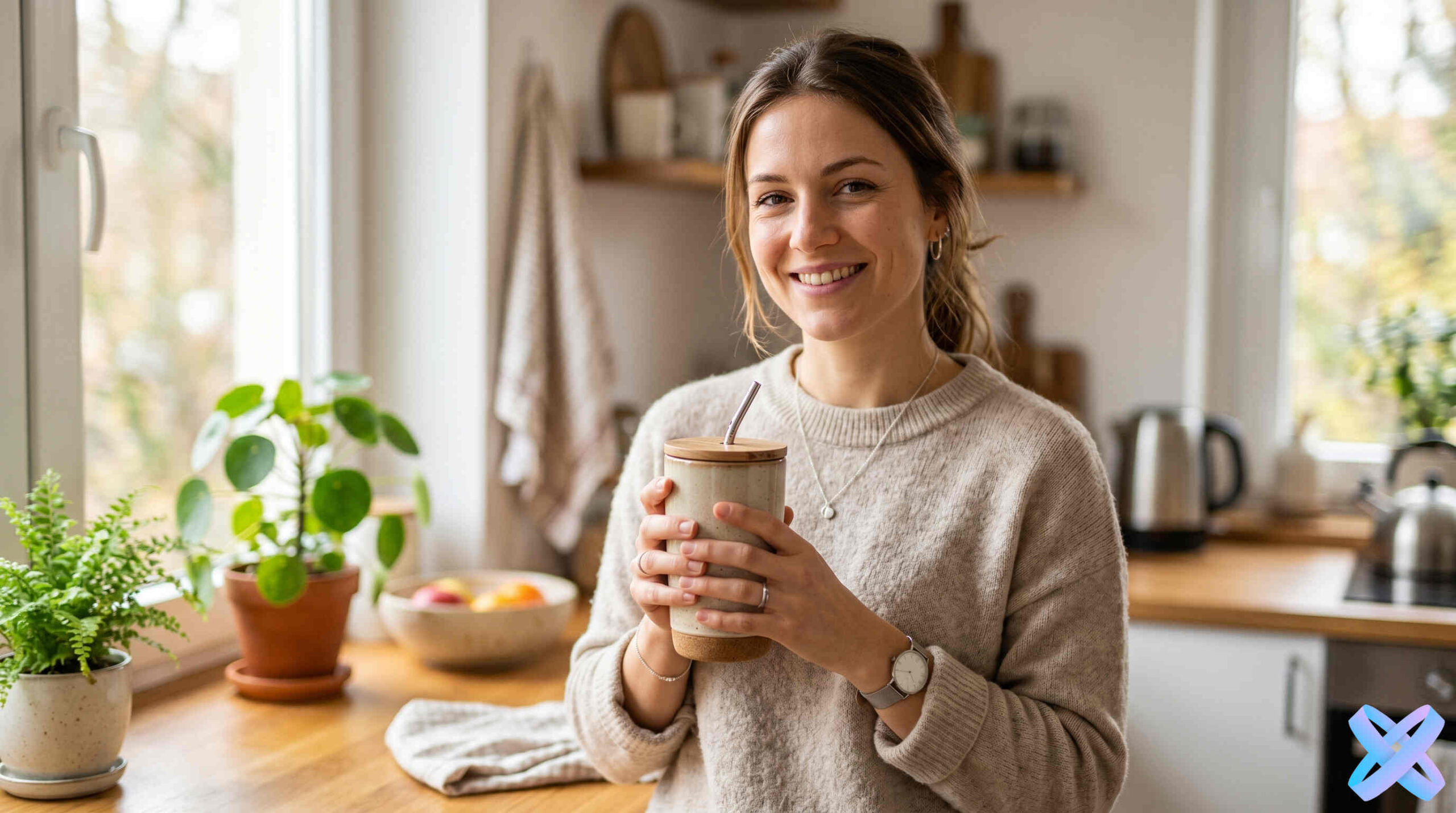
Lifestyle product photos
Products in interiors, hands, and natural usage scenes.
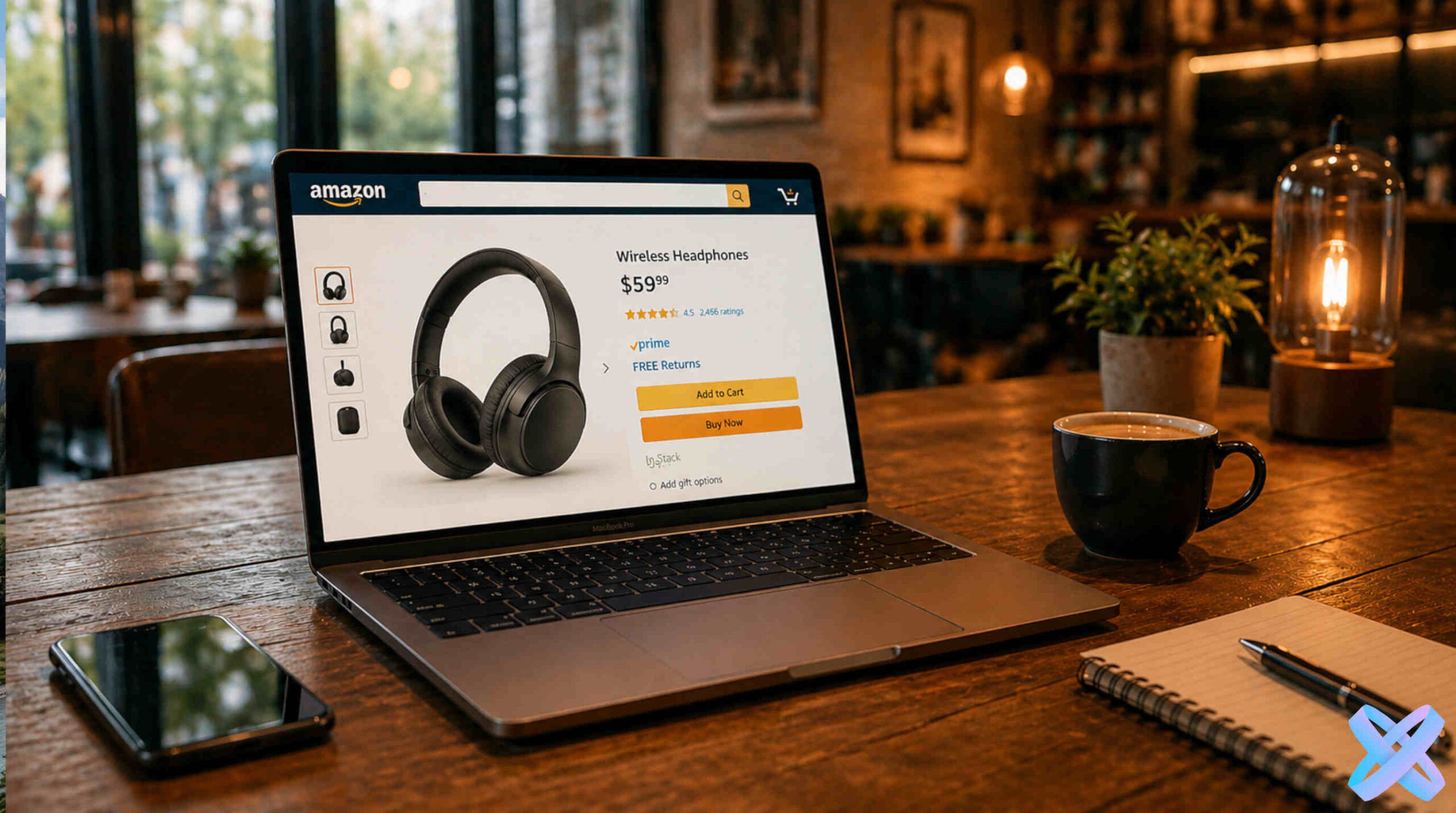
Product cards for marketplaces
Clean product-focused presentation for listings.
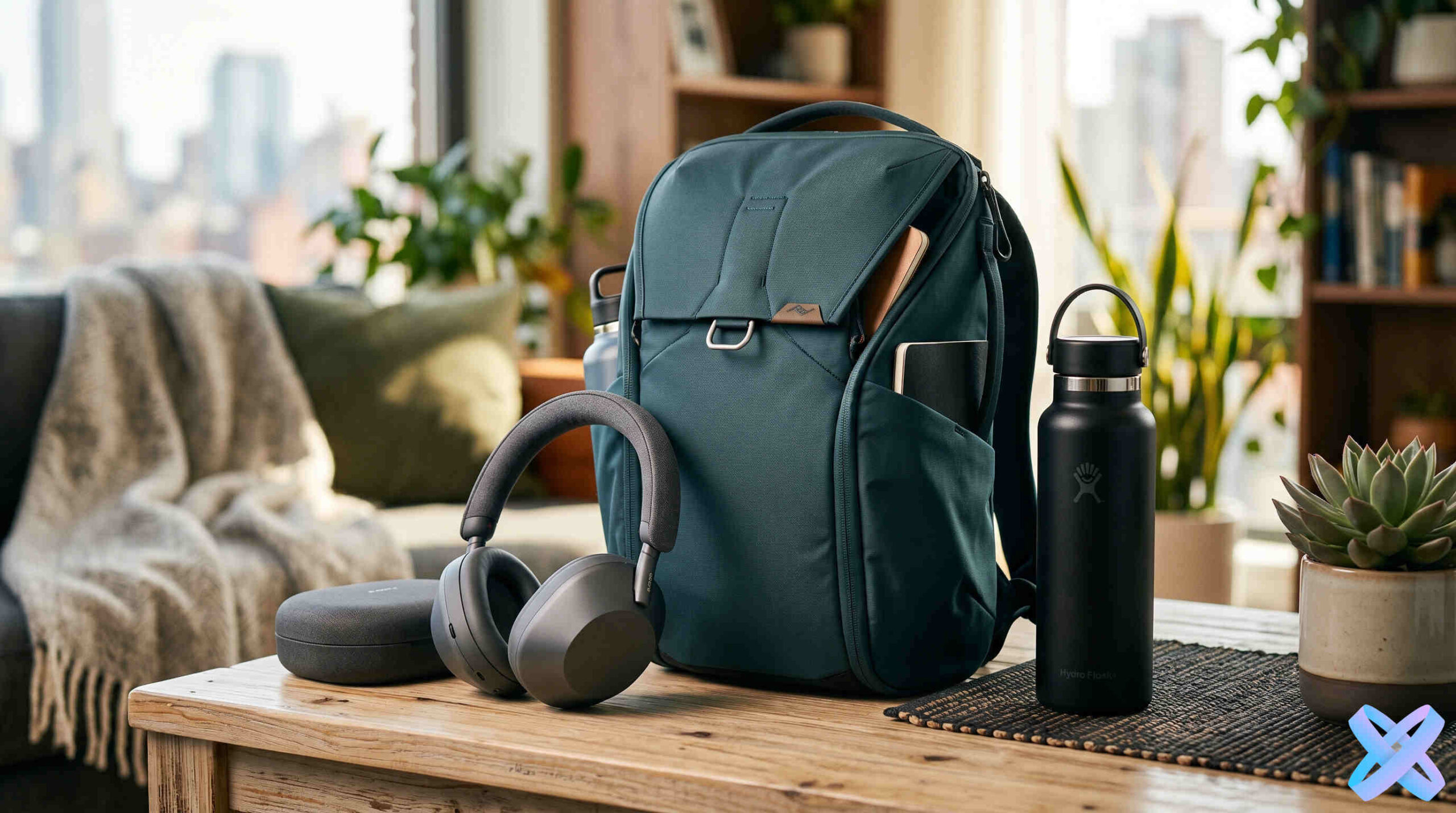
Conversion visuals for landing pages
Large campaign images and commercial scenes for promo pages.
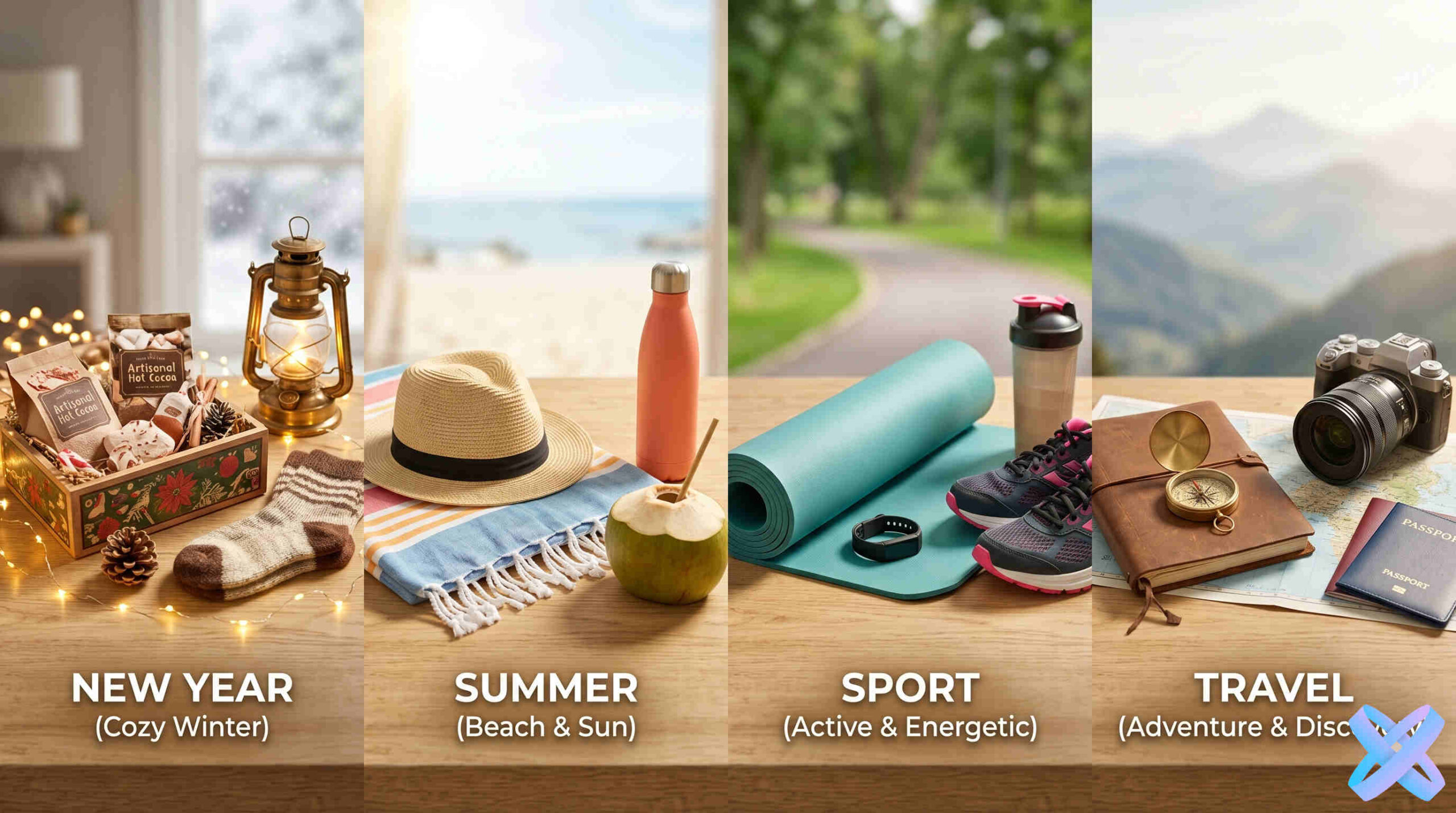
Seasonal & thematic visuals
One product across different campaigns, seasons, and concepts.
Prompt examples for product photo generation
Start with a clear business goal, then refine background, lighting, people, format, and composition inside Product Creative.
“Create an ad photo of the product in a fitness model’s hands”
REQUEST“Show the product on a premium dark background”
REQUEST“Create a lifestyle product photo on a beach”
REQUEST“Create a clean marketplace product card on white”
REQUEST“Create a vertical Instagram advertising visual”
REQUESTHow to create product photos with AI
One product source can become several commercial concepts without organizing a separate shoot for every variation.
Upload your product photo
Use a clear source where the product is easy to see.
Choose a direction
Marketplace, lifestyle, premium dark, social, or another commercial scenario.
Build the scene
Inside the Editor, adjust format, background, lighting, people, placement, and composition.
Save the result
Download the visual or keep refining it with other SmartGenius tools.
Other AI Tools for Photos
Continue a Product Creative result with other SmartGenius tools without turning the page into another generic tool catalog.
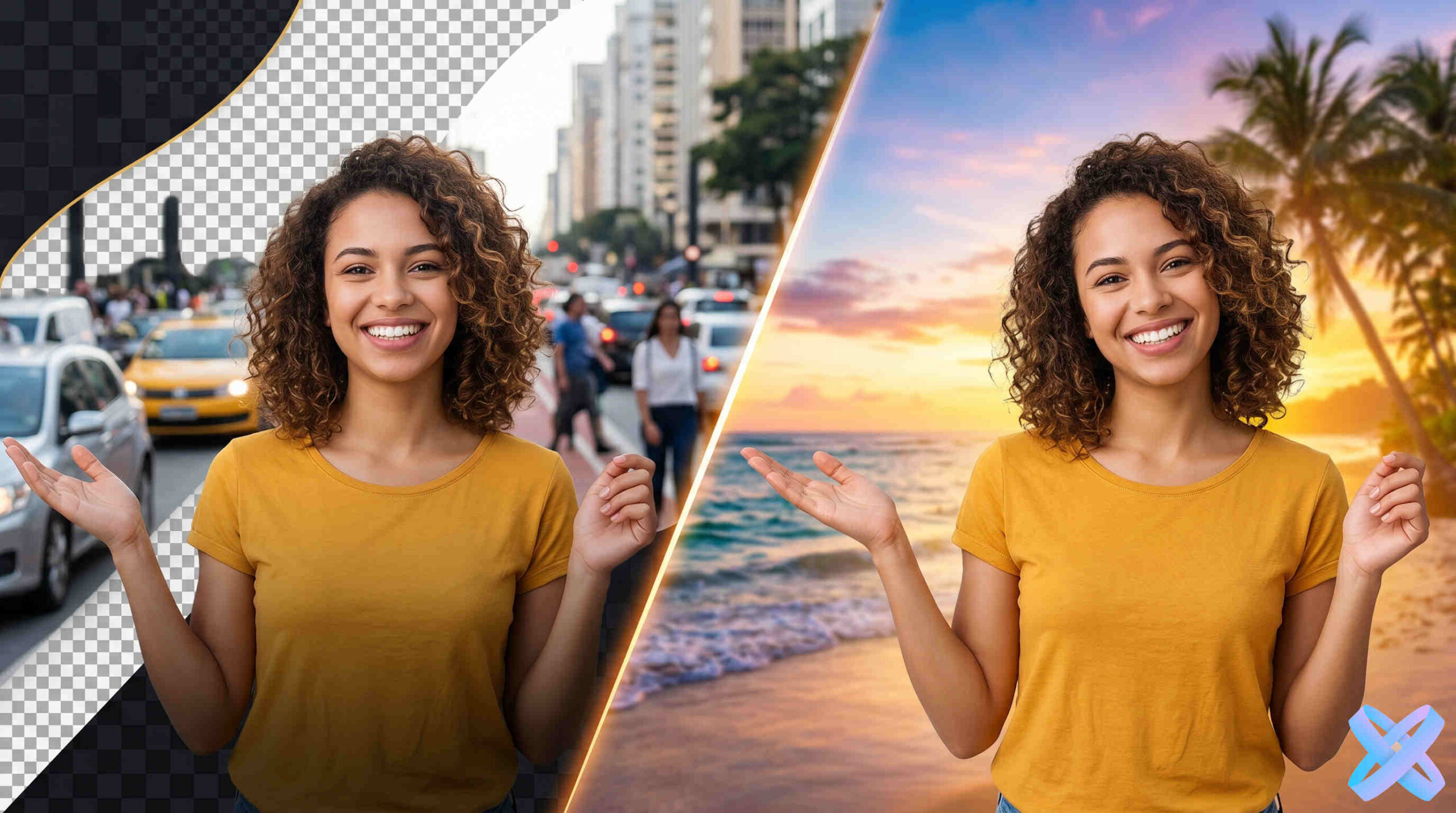
AI Background Changer
Replace the product environment.
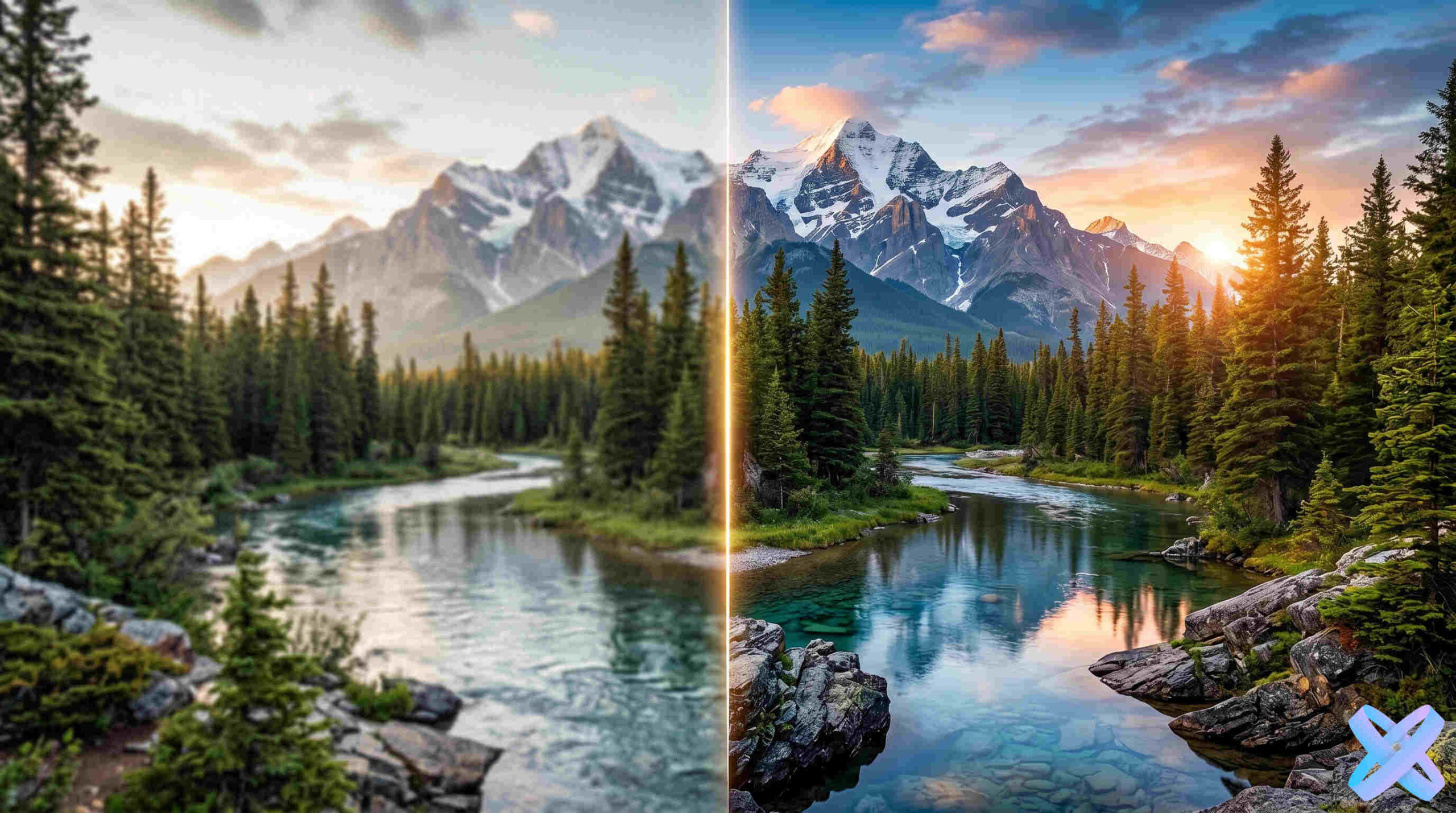
AI Photo Enhancement
Improve the source image quality.
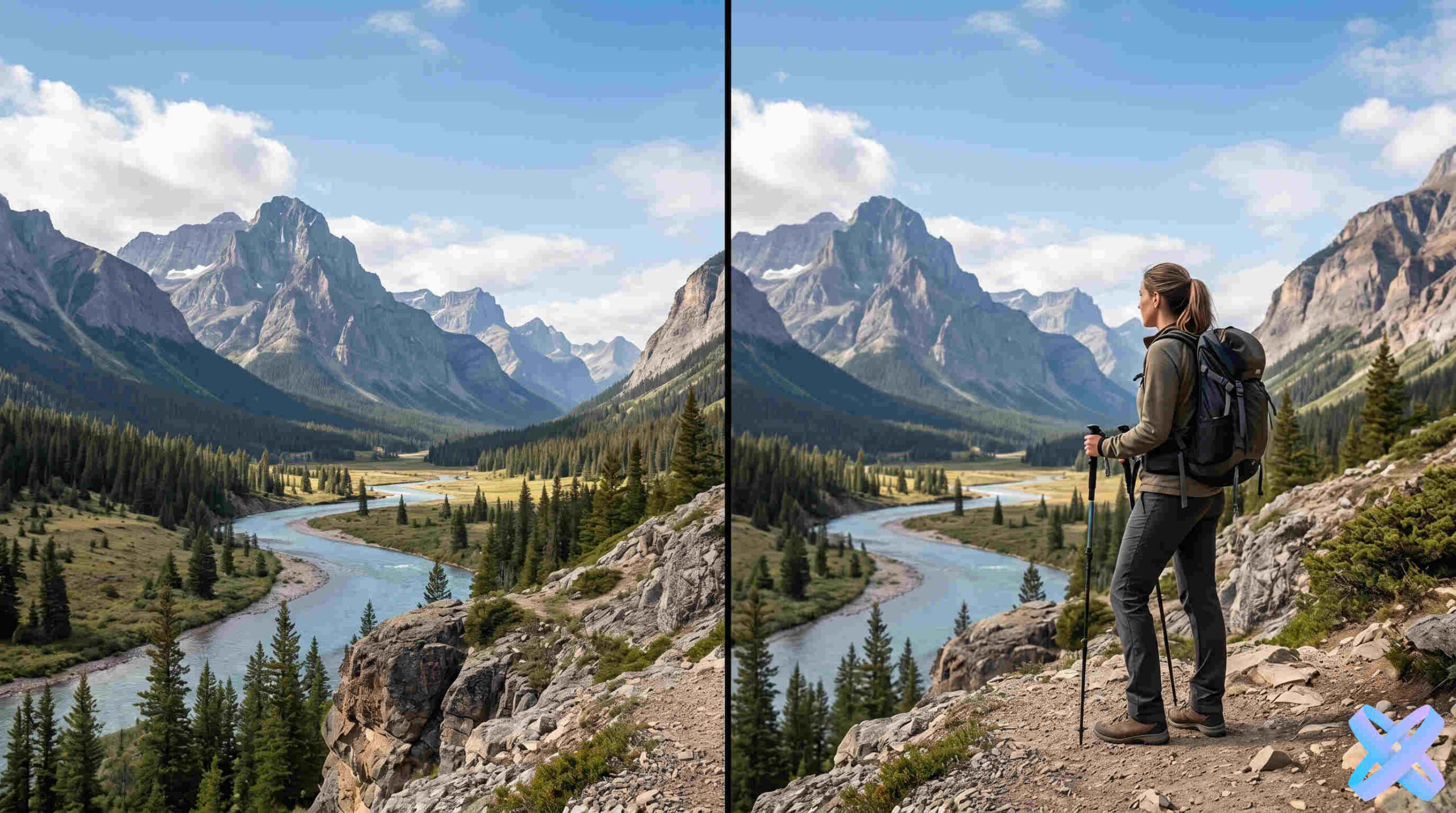
AI Add Person to Photo
Bring a person or model into the frame.
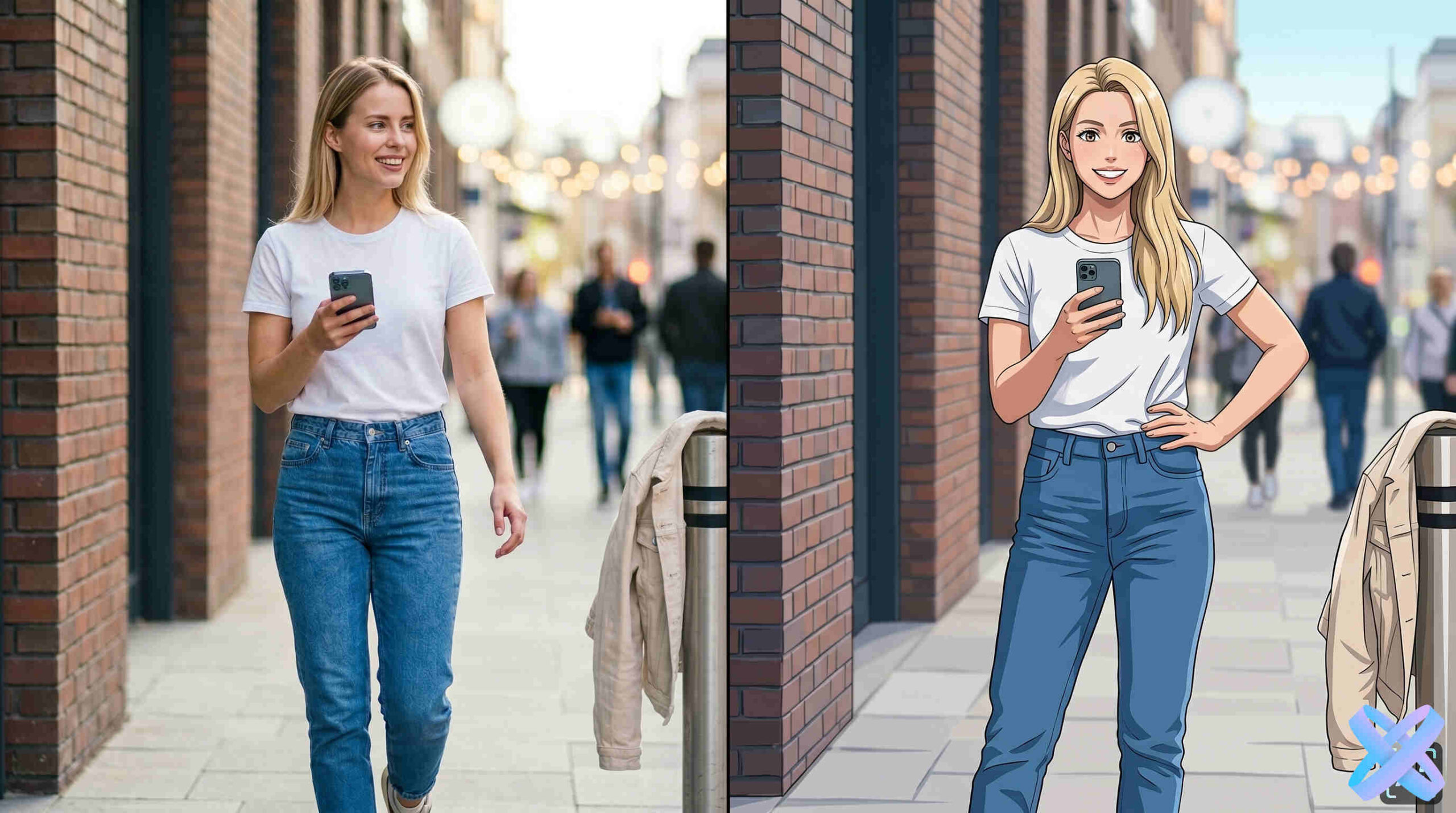
AI Photo Styles
Try a different visual treatment.
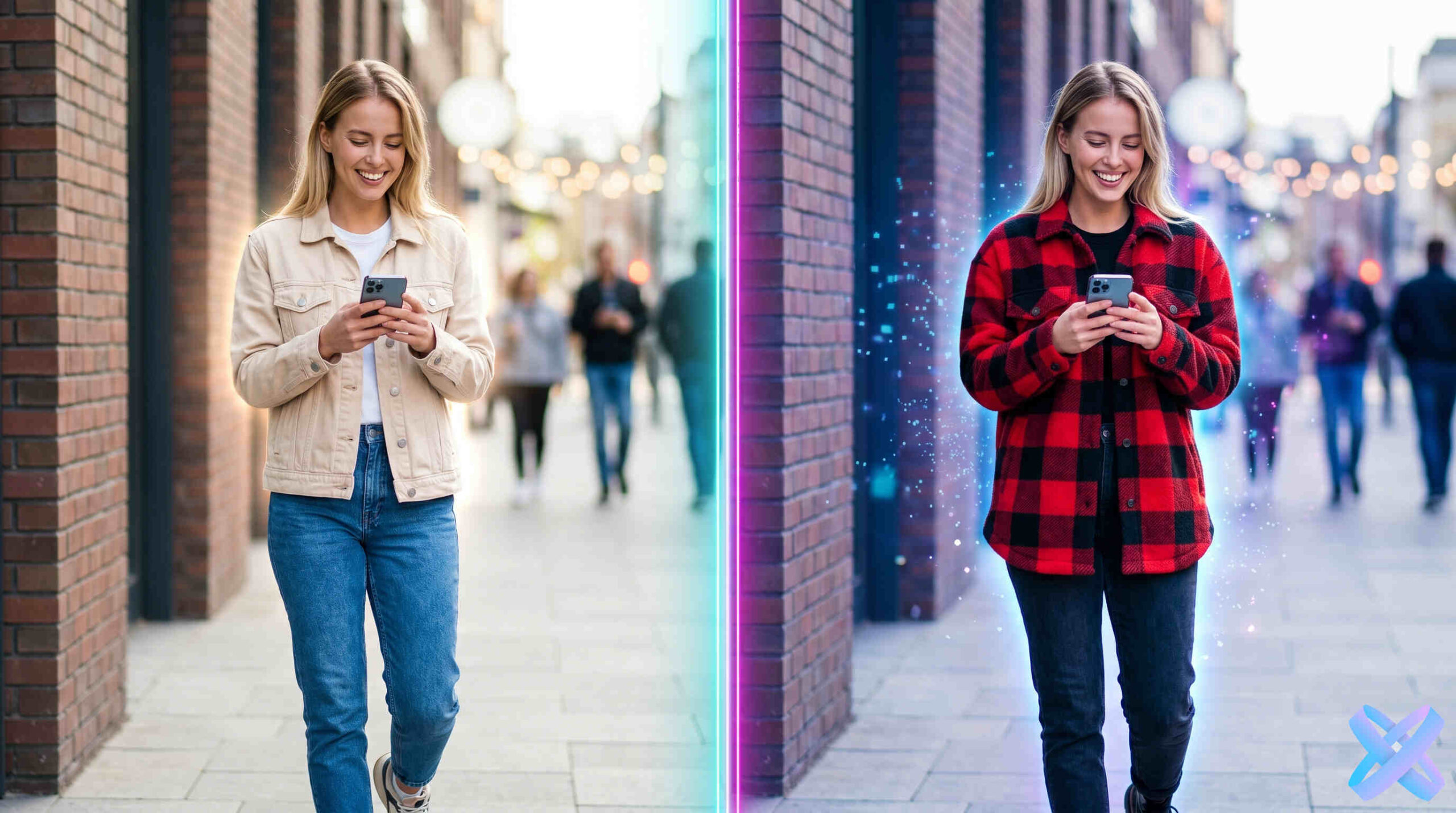
AI Clothing Swap
Change the model outfit in a commercial scene.
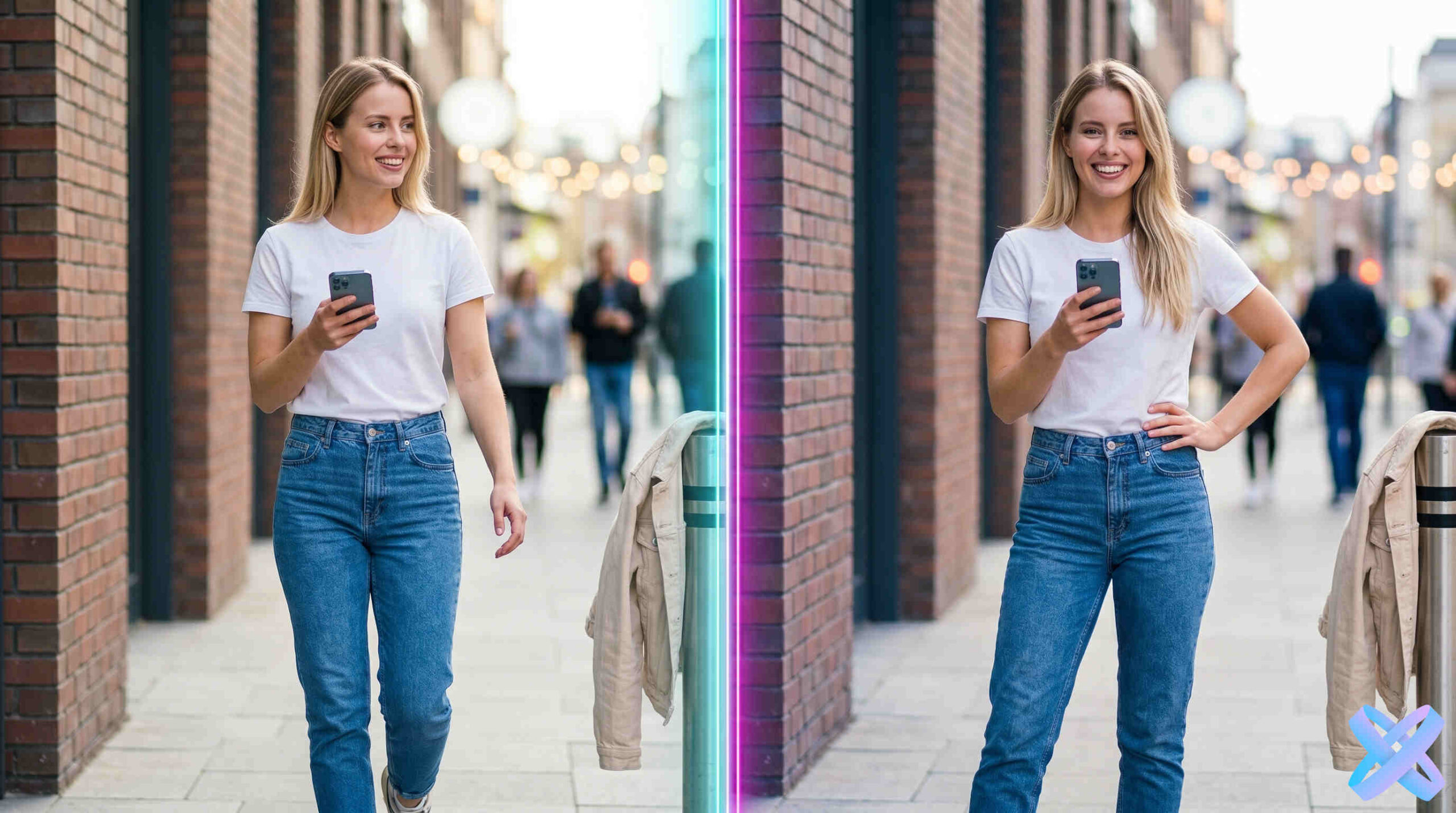
AI Pose Changer
Adjust model pose for a different angle.
Create product photos for every marketplace
Specialized tools for advertising, product cards, marketplaces, and commercial backgrounds.
Product Ad Photo
Commercial visuals for ads, landing pages, and social.
02Marketplace Product Photo
Clean catalog-focused product presentation.
03Ozon Product Photo
A dedicated product-card scenario for Ozon.
04Product Background
Create a different commercial environment around the product.
05Product Card
Build a visual for a product listing.
06Wildberries Product Photo
Prepare a product visual for Wildberries.
AI Product Photo Generator for Advertising & Online Stores
Product Creative is designed for sellers, brands, and marketers who need several commercial scenes from one product source.
What is an AI Product Photo Generator?
It is a tool for turning a source product photo into a new commercial visual. You choose the direction and settings, while AI rebuilds the environment around the product.
Who is the AI Product Photo Generator For?
Marketplace sellers, online stores, SMM teams, marketers, brands, and manufacturers that regularly need new product visuals.
Where is AI Product Photo Used?
Product listings, advertising, social media, landing pages, email campaigns, and seasonal promotions.
What Problems Does Product Photo Generator Solve?
New scenes, backgrounds, lifestyle presentation, model-based concepts, catalog visuals, and advertising compositions.
Advantages of AI Over Traditional Product Photography
AI is useful for fast variations and concept testing when a separate studio shoot for every idea would be inefficient.
How to Use AI for Product Cards and Advertising?
Start with a clear product photo, choose a commercial direction, configure the scene in the Editor, and compare several outputs before publishing.
Why SmartGenius for Product Photo Generation?
Product Creative lives inside the main Editor, so the result can continue into background, enhancement, people, clothing, pose, and other editing workflows.
Frequently Asked Questions
Can I upload an ordinary product photo?
Yes. A clear source where the product is visible works best.
Can I use it for marketplaces?
Yes, you can prepare different listing visuals. Always check the current requirements of the specific marketplace before publishing.
Can I add a model to the product photo?
Product Creative includes commercial people/placement scenarios such as a product in a model’s hands or near a model.
Will AI preserve the product?
The workflow is designed to keep the product as the main subject while changing the surrounding scene. Review the final image before publishing.
Can I create several versions?
Yes. Change the scene, format, lighting, background, and other settings to compare multiple directions.
Turn one product photo into a commercial visual
Upload the source and continue in Product Creative with the product already inside the Editor.
Upload your product photo & get ready-made ad visuals
Transform ordinary product photos into professional ad visuals
Ordinary photo → Ad scene
Simple background transforms into studio visual with professional lighting
Product → In model's hands
AI adds natural scene with a model holding the product
Product → Beautiful background
Replace boring background with stylish interior or landscape
Product → Lifestyle scene
Bring your product to life in its natural environment
Create product photos for ads, marketplaces & social media
Product photos for online stores
Professional images for catalogs, showcases, and product cards
Ad creatives for Instagram & TikTok
Bright, eye-catching visuals for social media and stories
Lifestyle product photos
Product in model's hands, in an interior, or natural environment
Product cards for marketplaces
Ready-made images for Amazon, eBay, Etsy, and more
Conversion visuals for landing pages
High-converting images for landing pages and promo sites
Seasonal & thematic visuals
New Year, summer, sports, travel — any occasion and mood
Prompt examples for product photo generation
How to create product photos with AI
Upload your product photo
Any photo on any background works. Smartphone or camera — doesn't matter.
Choose style or write a prompt
For example: “sporty girl holding a bottle”, “product on premium dark background”.
AI creates a new scene
The product remains the main object, background and environment change according to your prompt.
Download ready image
Use it for your store, ads, or social media. High resolution.
Other AI Tools for Photos
More AI tools
Create product photos for every marketplace
Prepare advertising visuals, product cards, backgrounds, and optimized images for Ozon, Wildberries, or other marketplaces.
Product Ad Photo
Create a compelling commercial product image for advertising, landing pages, or social media with clear product focus.
Open toolMarketplace Product Photo
Prepare a clean, informative product image suitable for catalog listings and marketplace requirements.
Open toolOzon Product Photo
Create a polished listing image with clear product presentation, a clean background, and visual emphasis for Ozon.
Open toolProduct Background
Replace the product surroundings with a suitable commercial scene while preserving shape, color, texture, and realistic shadows.
Open toolProduct Card
Build an attractive catalog visual with clear composition, product benefits, and a polished presentation.
Open toolWildberries Product Photo
Prepare a clear, eye-catching product image for Wildberries with a polished background and strong product presentation.
Open toolAI Product Photo Generator for Advertising & Online Stores
What is an AI Product Photo Generator?
AI product photo generator is a neural network tool that transforms ordinary product photos into professional advertising visuals. You don't need a studio, models, or expensive equipment. Just upload a product photo, describe the desired scene or choose a style, and artificial intelligence will create a new image, preserving the main object while changing the environment, background, lighting, or even adding a model.
This tool works on advanced deep learning models that analyze the shape, texture, and details of your product, then harmoniously place it into any scene — from studio minimalism to complex lifestyle compositions. The result can be used for product cards, ad banners, social media, and any other marketing materials.
Who is the AI Product Photo Generator For?
Product photo generator is becoming an indispensable tool for a wide range of professionals and entrepreneurs:
- Marketplace sellers (Amazon, eBay, Etsy, Walmart) — for creating high-quality product cards that increase clicks and conversions.
- Online store owners on Shopify, WooCommerce, and other platforms — for maintaining a consistent visual style across entire catalogs.
- SMM specialists — for generating content for Instagram, TikTok, Facebook, and other social networks.
- Marketers and advertisers — for fast A/B testing different creatives without a photoshoot budget.
- Brands and manufacturers — for creating seasonal collections, promo materials, and updating visual identity.
Where is AI Product Photo Used?
AI product photo finds application in dozens of digital commerce scenarios:
- Product cards — creating main photos, alternative angles, and images showing product in interior settings.
- Advertising — banners for Google Ads, Facebook Ads, TikTok Ads, and other platforms.
- Social media — posts, stories, carousels, Reels featuring products in action.
- Landing pages and promo pages — conversion-focused visuals for landing pages.
- Email marketing — eye-catching images for newsletters.
- Seasonal campaigns — holiday, summer, thematic visuals.
📊 Fact: Products with high-quality lifestyle photos receive 40-50% more views and clicks on marketplaces. AI generator lets you get such photos in minutes instead of weeks of waiting for a photoshoot.
What Problems Does Product Photo Generator Solve?
Create product photo online — this is not just background replacement, but a comprehensive business solution:
- Budget savings — a traditional photoshoot costs between $500 and $5000. AI does the same for pennies.
- Speed — generation takes 10–30 seconds instead of 1–2 weeks for photoshoot organization.
- Scalability — create hundreds of image variations for your entire catalog in a single day.
- Flexibility — instantly test different styles, backgrounds, models, and scenes.
- Seasonality — adapt visuals for any holiday or event without reshoots.
- Consistent style — maintain uniform design for all products in your catalog.
Advantages of AI Over Traditional Product Photography
Let's compare the classic approach and product image generator across key criteria:
- Cost: AI — from $0 to $50 per month for unlimited usage. Photo studio — from $500 per product.
- Time: AI — 10–30 seconds. Photoshoot — from 3 days to 3 weeks.
- Iterations: AI — unlimited regenerations. Photoshoot — reshoots are costly and time-consuming.
- Models and locations: AI — any models and places without restrictions. Photo studio — rentals, casting, permits.
- Seasonal updates: AI — one click and it's done. Photo studio — new shoot every quarter.
- Hypothesis testing: AI — test 20 hypotheses in one hour. Photoshoot — 2–3 options within budget.
How to Use AI for Product Cards and Advertising?
AI product cards are created in a few simple steps:
- Take a regular product photo with your smartphone — no professional background or lighting needed.
- Upload the image to the product photo generator.
- Write a prompt: for example, "show the product on a wooden table with coffee and a laptop" or "create a studio photo on a white background".
- Wait 10–30 seconds — AI will generate a new photo.
- Download the result and use it in your store, ads, or social media.
For advertising, you can quickly test different hypotheses: with model / without model, bright background / dark premium, smiling model / serious, different seasons and locations. Launch the best-performing options in your ad campaigns.
🚀 Recommendation: Start with 5–10 generations of one product in different styles. Run them as an A/B test in ads and determine which visual drives more conversions. This way you'll get not just beautiful photos, but mathematically proven creatives.
Why SmartGenius is the Best Choice for Product Photo Generation?
AI product photo generator from SmartGenius offers unique capabilities:
- Product shape preservation — our neural network accurately isolates and preserves the main object without distorting proportions and details.
- Natural language prompts — understands complex descriptions without loss of quality.
- High resolution — ready images suitable for print and high-definition banners.
- Unlimited generation — create as many variations as you need for testing.
- Privacy — uploaded photos are not used for model training without your consent.
Try the AI product photo generator today and see how easy it is to create professional visuals for your business. Create product photo online — now anyone can do it, regardless of budget and graphic design experience.
Key keywords: AI product photo generator, product image generator, AI photo for ecommerce, product photos for advertising, AI product cards, create product photo online.
Frequently Asked Questions
Yes, you can upload a simple photo, and AI will create a new scene or background. No professional photoshoot required — any clear product image will work.
Yes, you can create images for product cards, ads, and social media. The AI generator creates visuals that meet the requirements of Amazon, Etsy, Shopify, and other platforms.
Yes, you can describe a scene where a model holds or demonstrates the product. AI will realistically integrate the product into the model's hands while preserving its shape and details.
The tool's goal is to preserve the main product and only change the environment, style, or background. The object remains recognizable and clear — only the context changes.
Yes, you can generate different styles and test which works better for ads. Create up to 10 variations of the same scene in a couple of minutes and choose the best one.
AI processing terms
What is free and when do I need an account?
Guest AI edits are unavailable. A new account created after the offer started gets one successful free edit with any editor tool, including Premium. Further edits require tokens. This is one account-wide attempt, not one per page.
How do I pay for further edits?
Further AI edits use tokens at the tool rate. Technical failures should not consume a free attempt. Switching project modes does not reset used attempts. Purchased tokens and permanent Premium remain intact; Premium unlocks after a purchase.