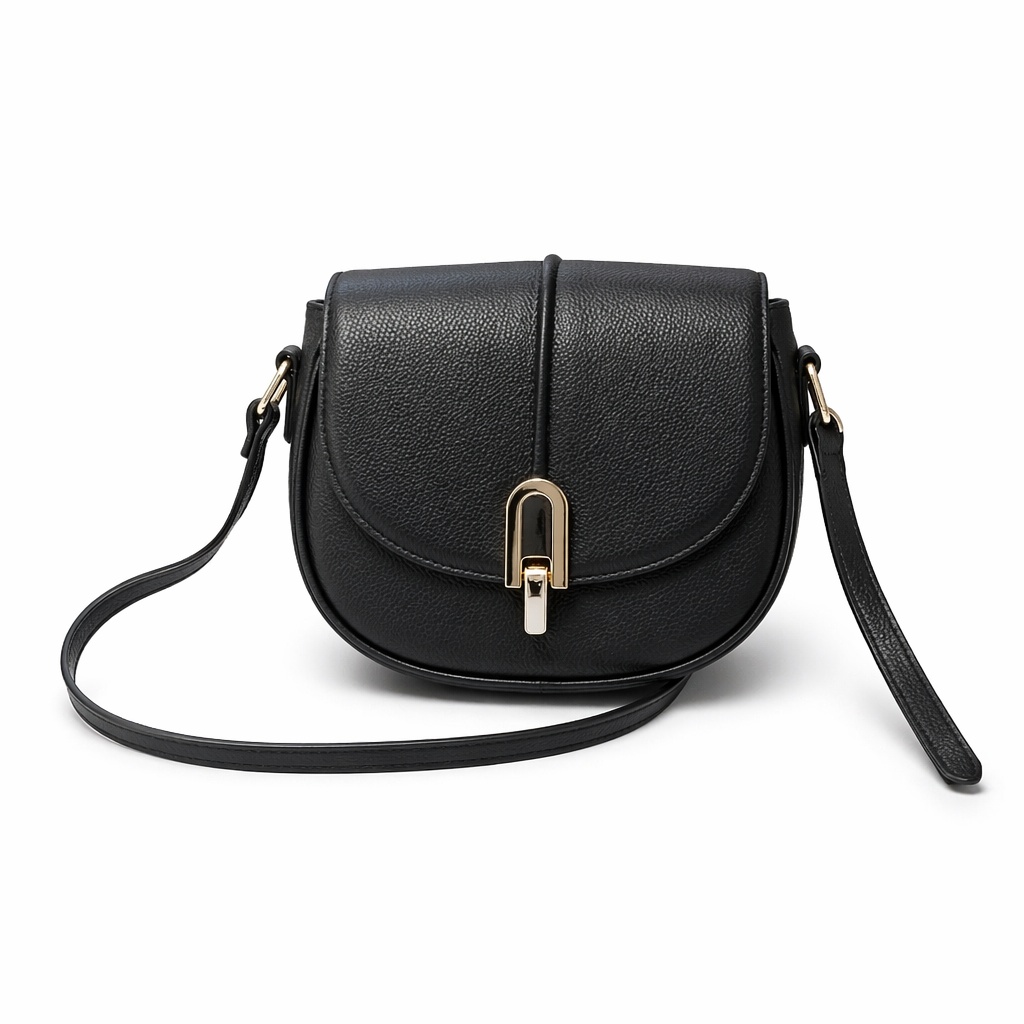
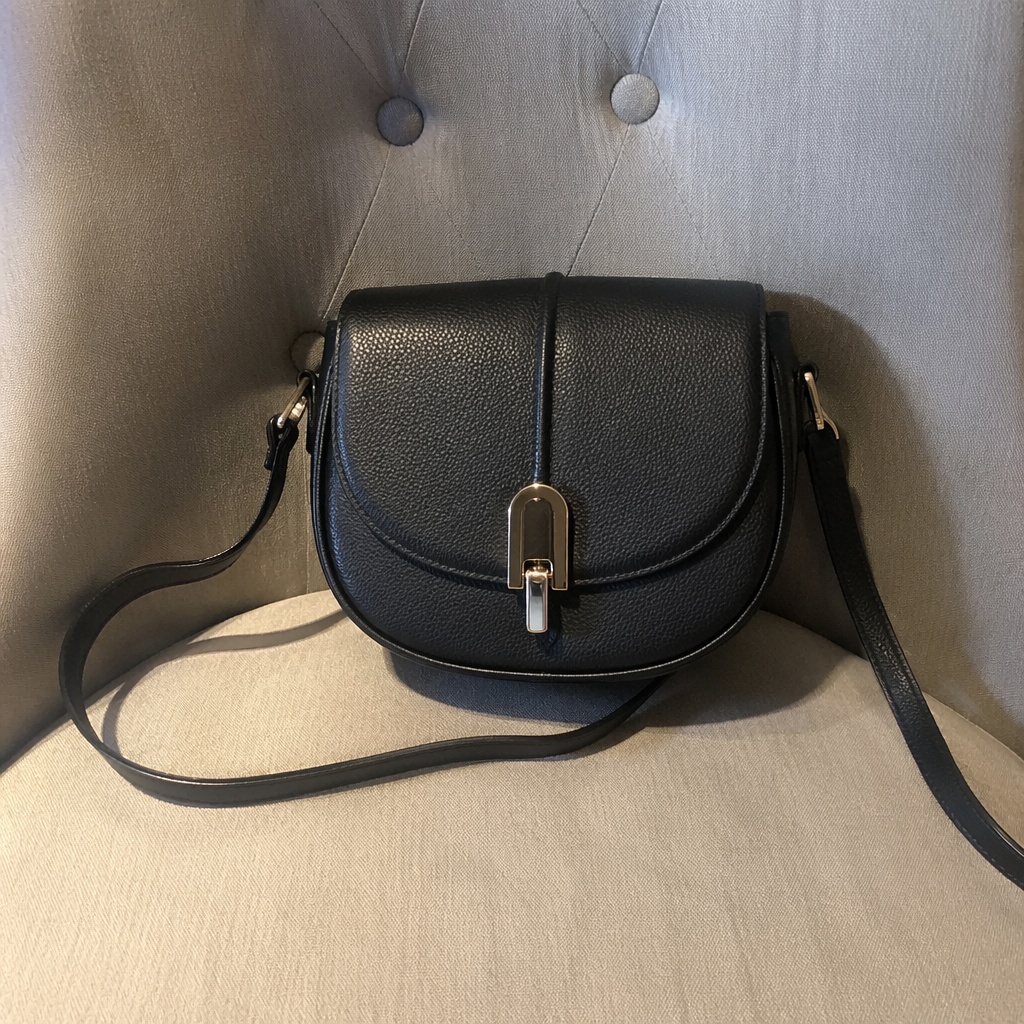
BeforeAfter
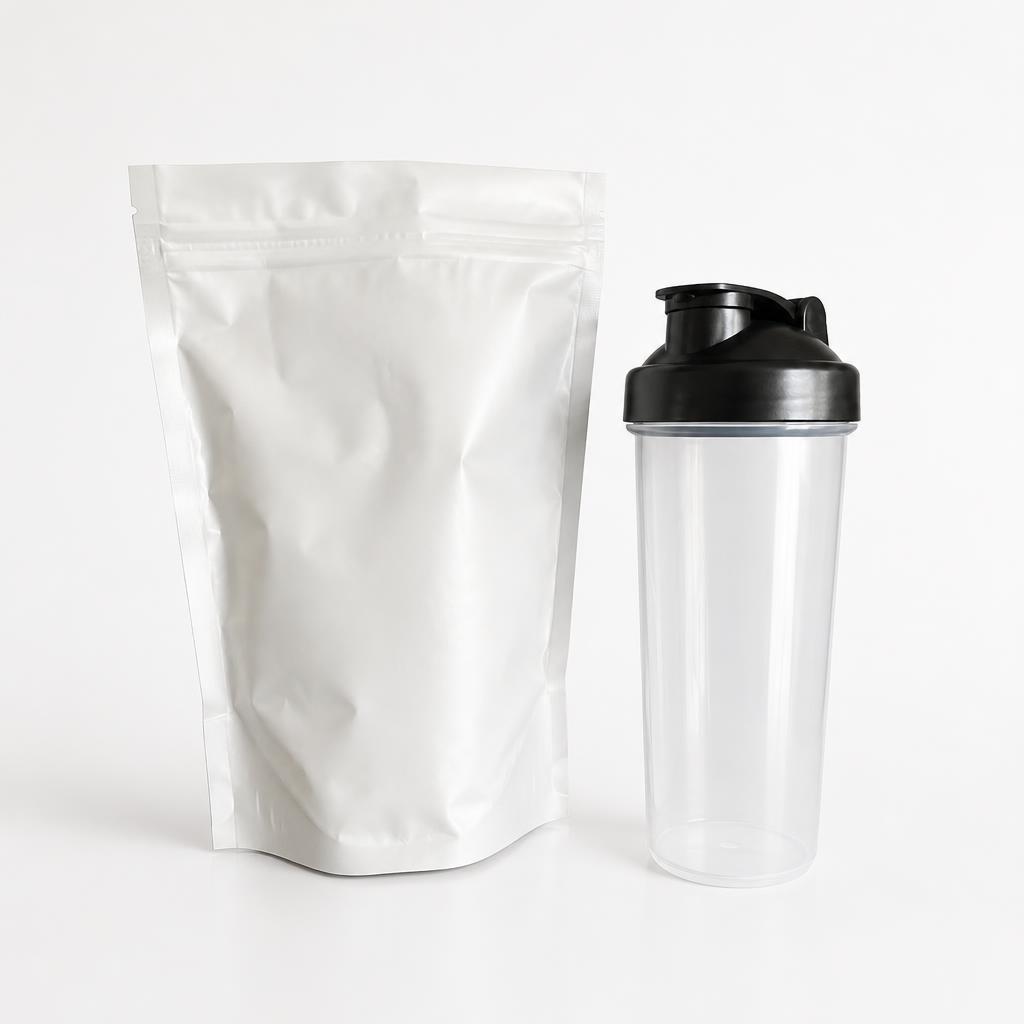
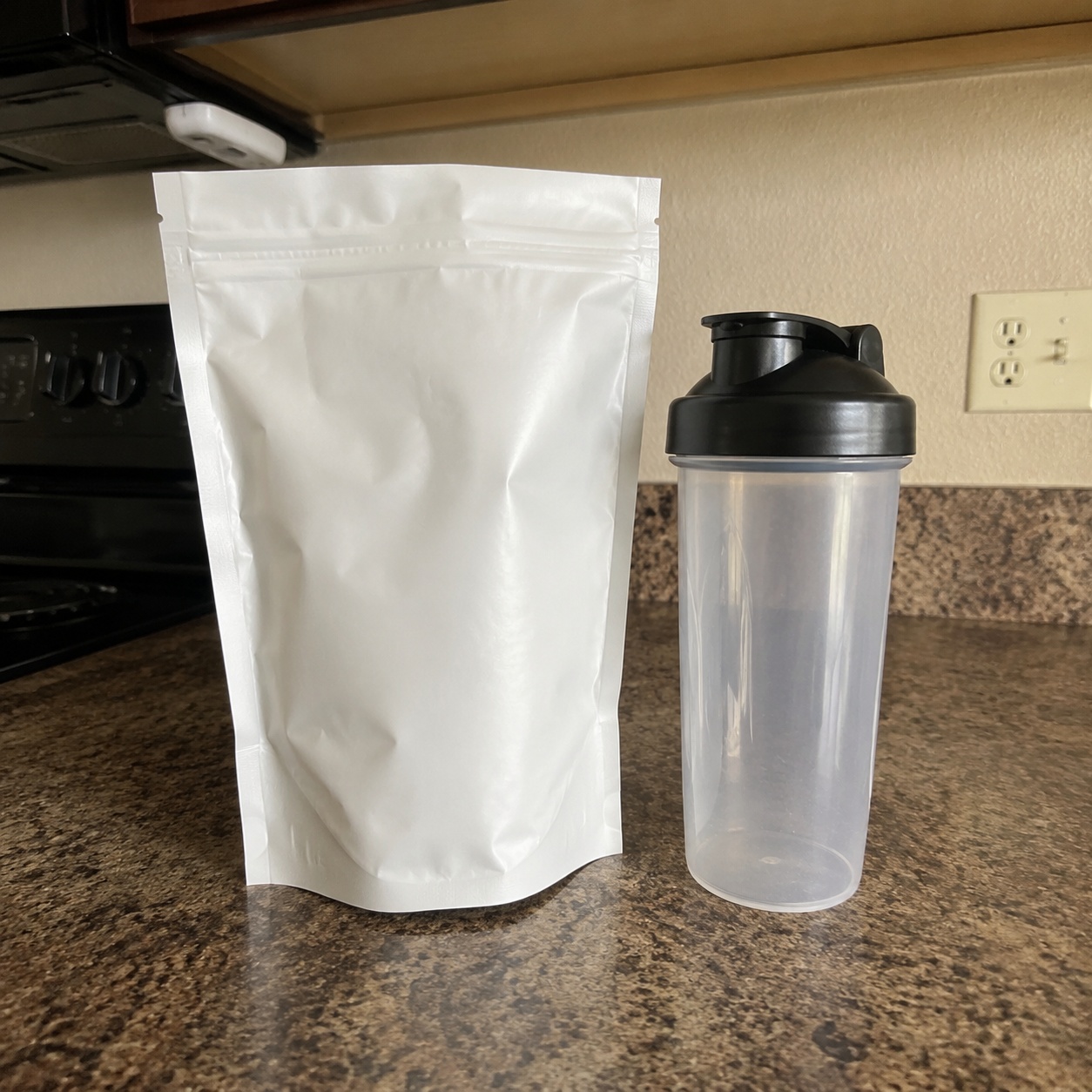
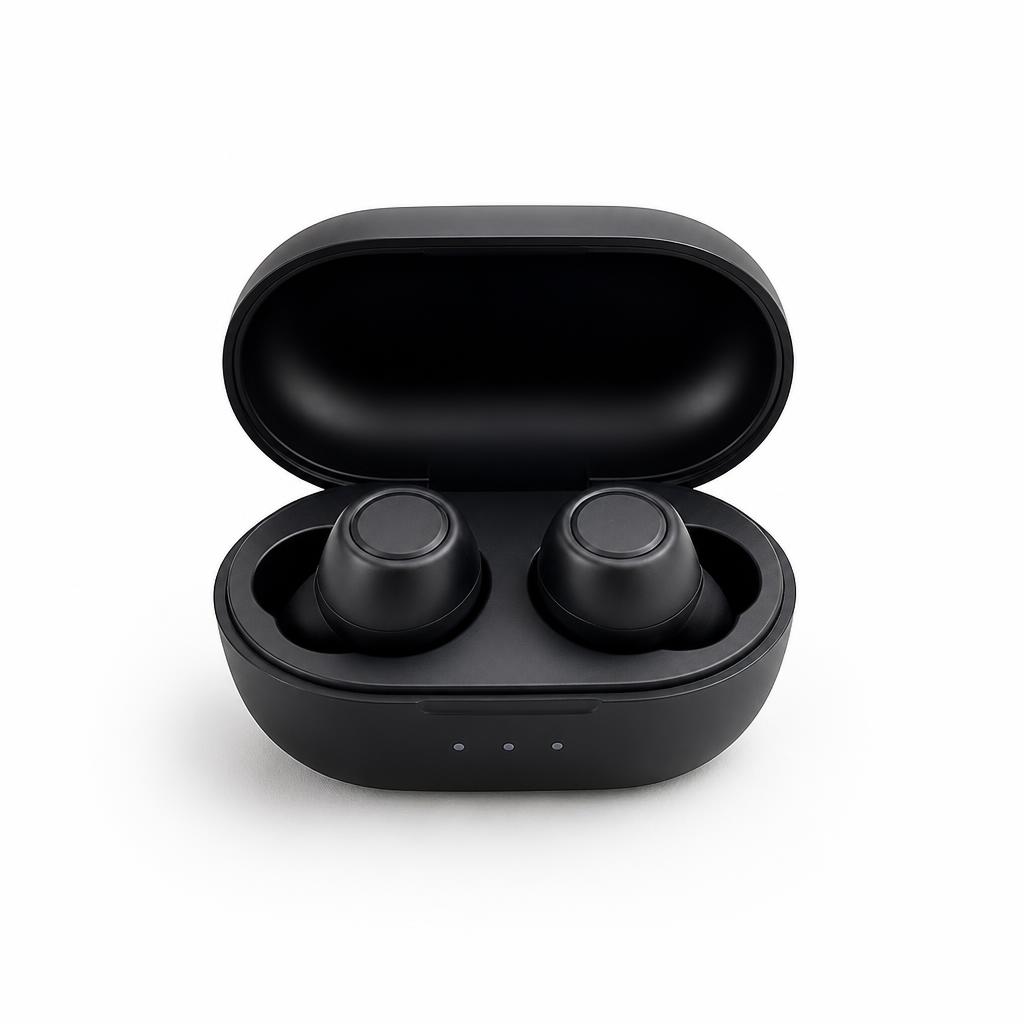
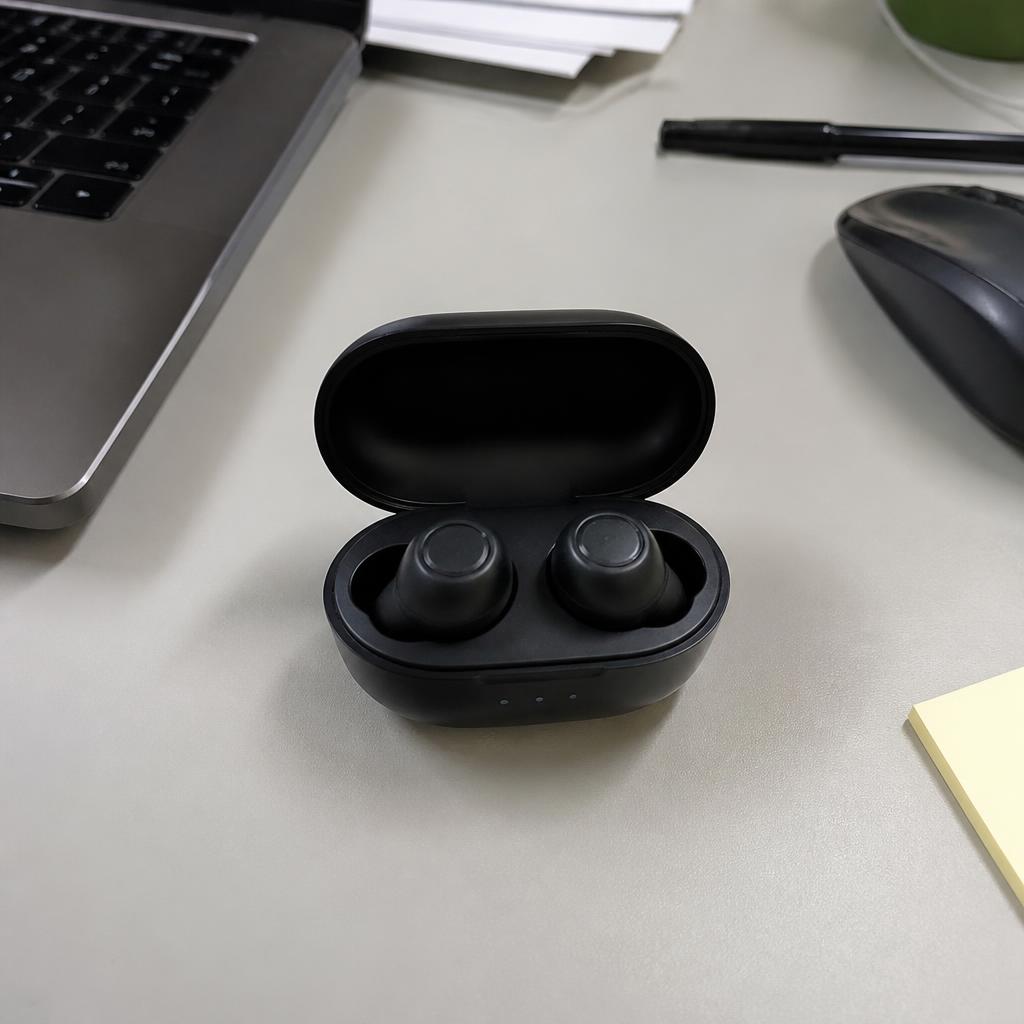
Create a clean Ozon listing image on a light neutral background. Center the item and preserve its real color, shape and included components.

Turn an ordinary snapshot into a clean primary image for an Ozon listing. AI removes distracting surroundings, balances framing and keeps the item recognizable.
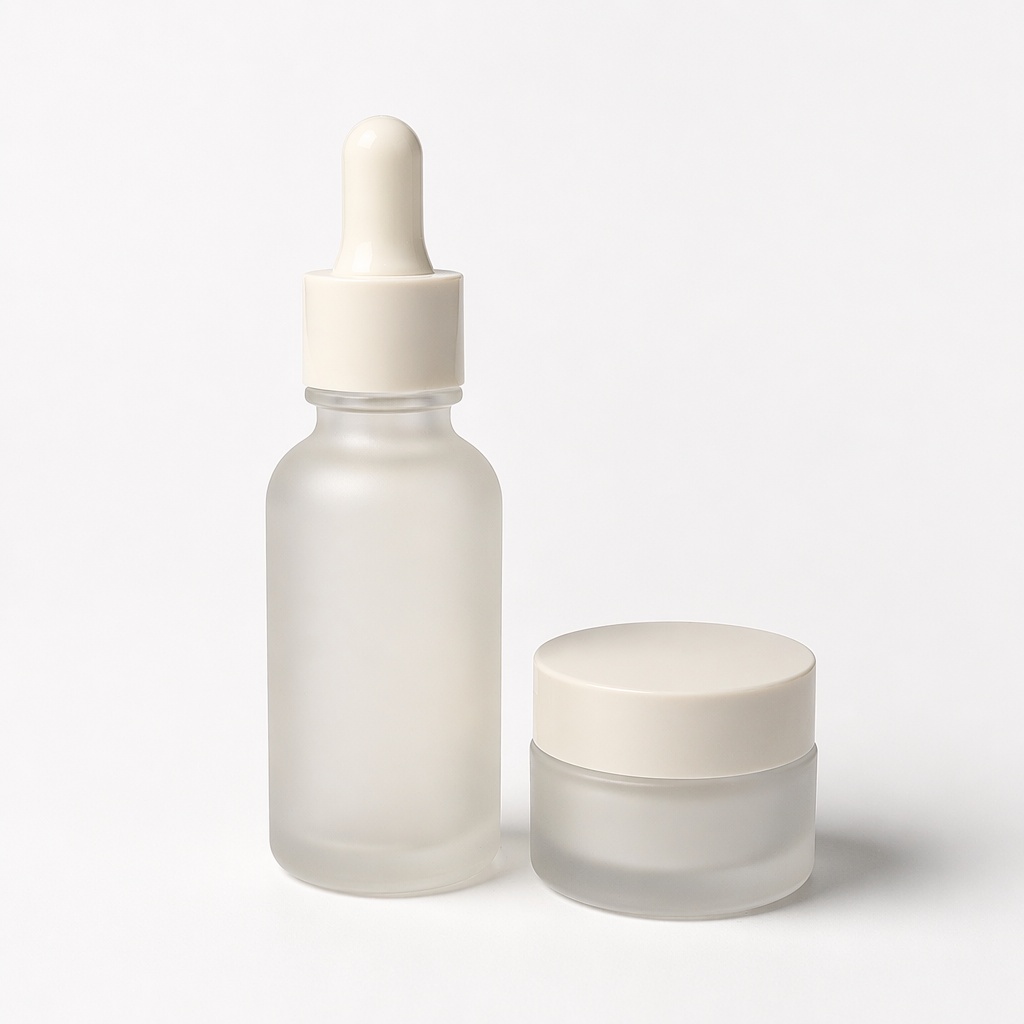
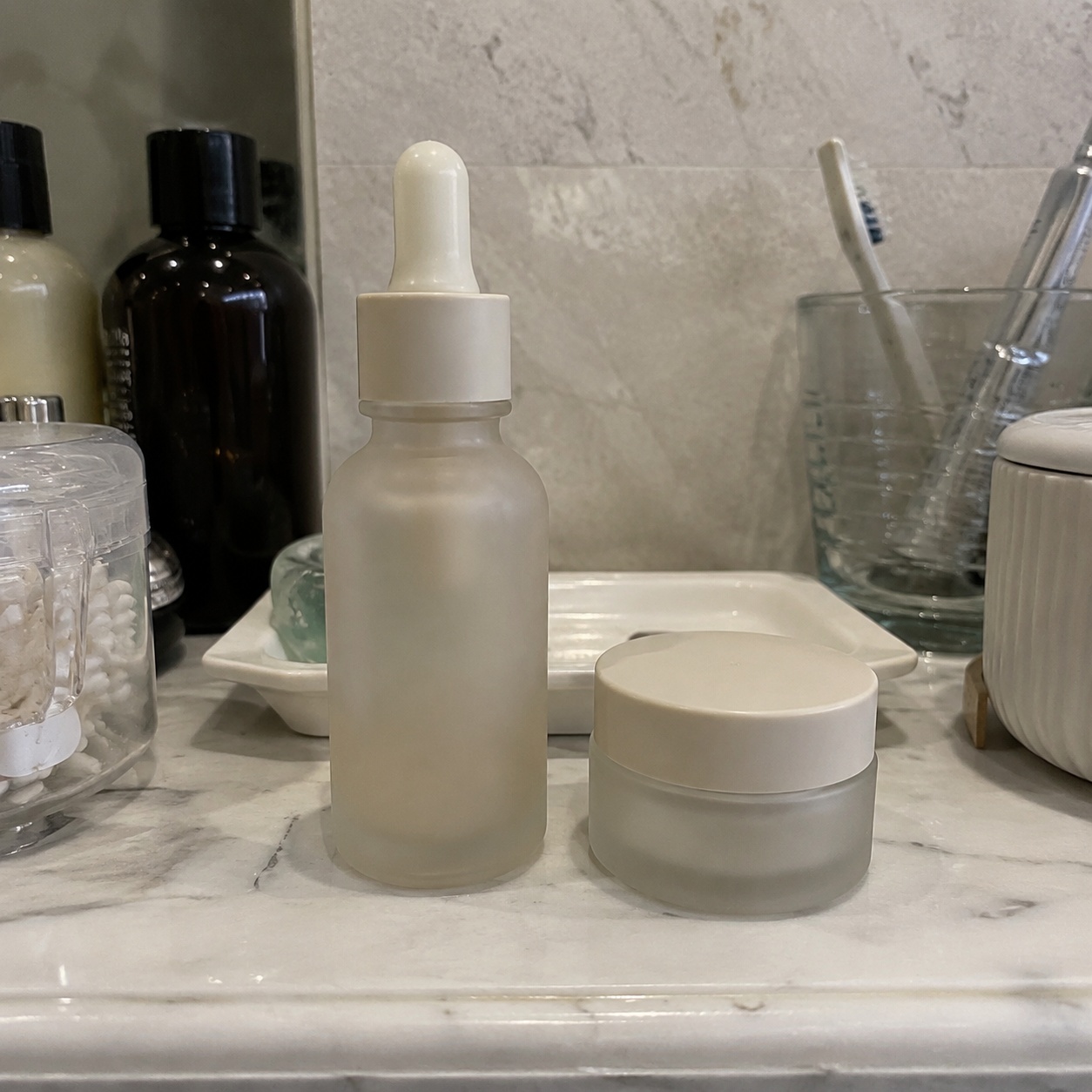
This workflow creates a neutral visual foundation for an Ozon listing by cleaning the background, clarifying composition and emphasizing the item.
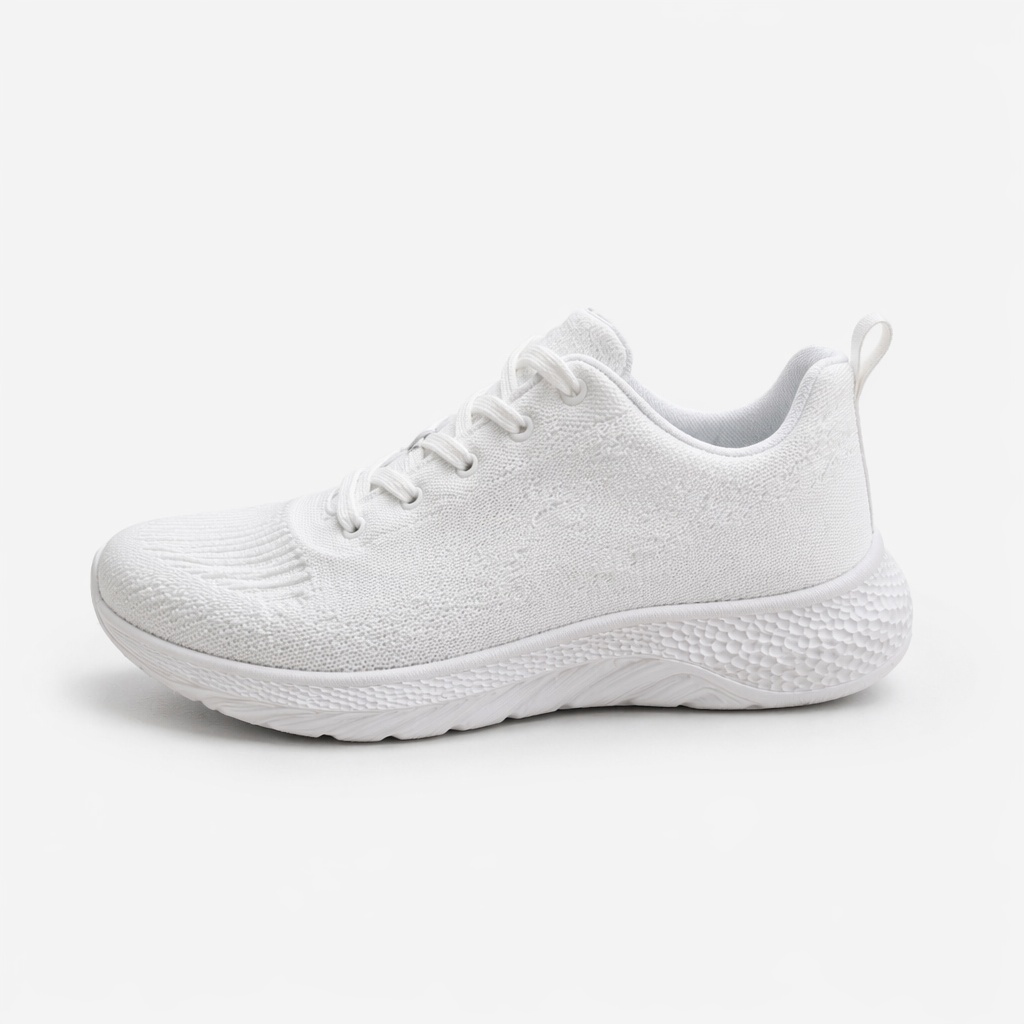
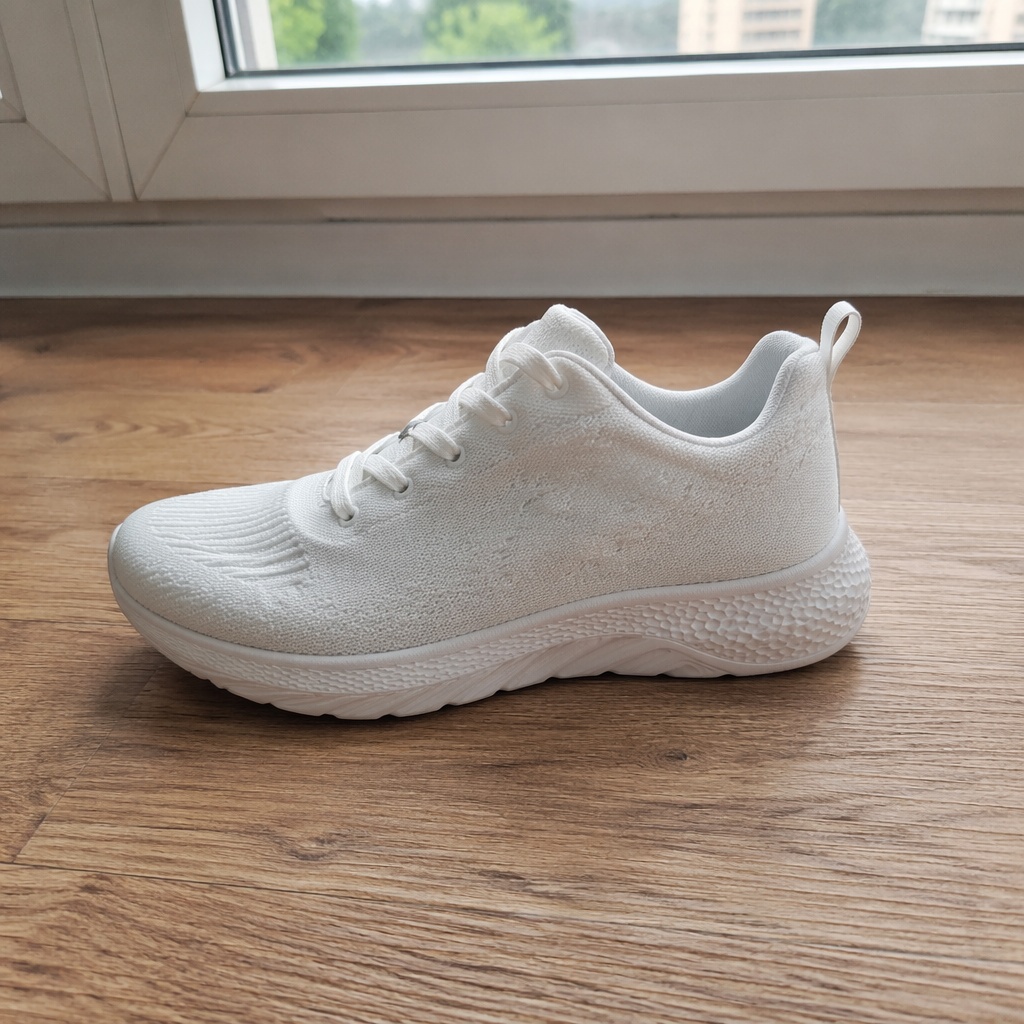
Use a large, sharp image with no cropped edges, severe glare or objects covering the product.
Ask for a light neutral background, centered placement and a natural contact shadow. Keep unnecessary decoration out of the primary image.
Review color, proportions, included parts, packaging and small details. Check Ozon’s current rules separately before publishing.
This workflow creates a neutral visual foundation for an Ozon listing by cleaning the background, clarifying composition and emphasizing the item.
It does not replace platform compliance checks, but it speeds up production of a clean base image that can be finished to the required format.
Make the item immediately recognizable.
Keep the light background from shifting real color or material.
Use a soft contact shadow that preserves volume.
Keep packaging, included parts and important details believable.
Review color, proportions, included parts, packaging and small details. Check Ozon’s current rules separately before publishing.
Create a clean first frame that is easy to recognize in search results.
Replace a casual home background with a more consistent catalog presentation.
Match scale, margins and lighting across versions of the same item.
Compare multiple compositions and choose the clearest option.
Manual preparation requires cutting out the item, restoring edges and matching background, color, scale and shadow for every image.
SmartGeniusAI speeds up creation of a clean listing base while leaving final product and platform checks in your control.
Create a clean Ozon listing image on a light neutral background. Center the item and preserve its real color, shape and included components.
Remove the home environment, add an even light background and a soft contact shadow. Keep packaging, text and proportions unchanged.
Prepare this image at the same scale, position and margins as the rest of the product series. Preserve natural perspective.
Create a minimal primary image without props or text so the item is immediately clear and remains photorealistic.
No. The tool prepares a visual foundation, but you still need to check current dimensions, background, text and category requirements.
Yes. Choose the background that separates the item clearly and fits current rules for your category.
AI aims to preserve them, but tiny text can be distorted. Zoom in and inspect the label before publishing.
Yes. Reuse the same scale, position, lighting and shadow instructions.
Yes, as long as it is sharp, free from severe glare and shows the entire product.
Create a clean product base first, then add specifications, icons and copy as separate design layers.
Upload a photo and prepare a clean visual foundation for an Ozon product listing.