
Add a Model to a Product Photo with AI
Place a product in a model’s hands, show apparel on a person or create a lifestyle advertising scene without a new shoot.
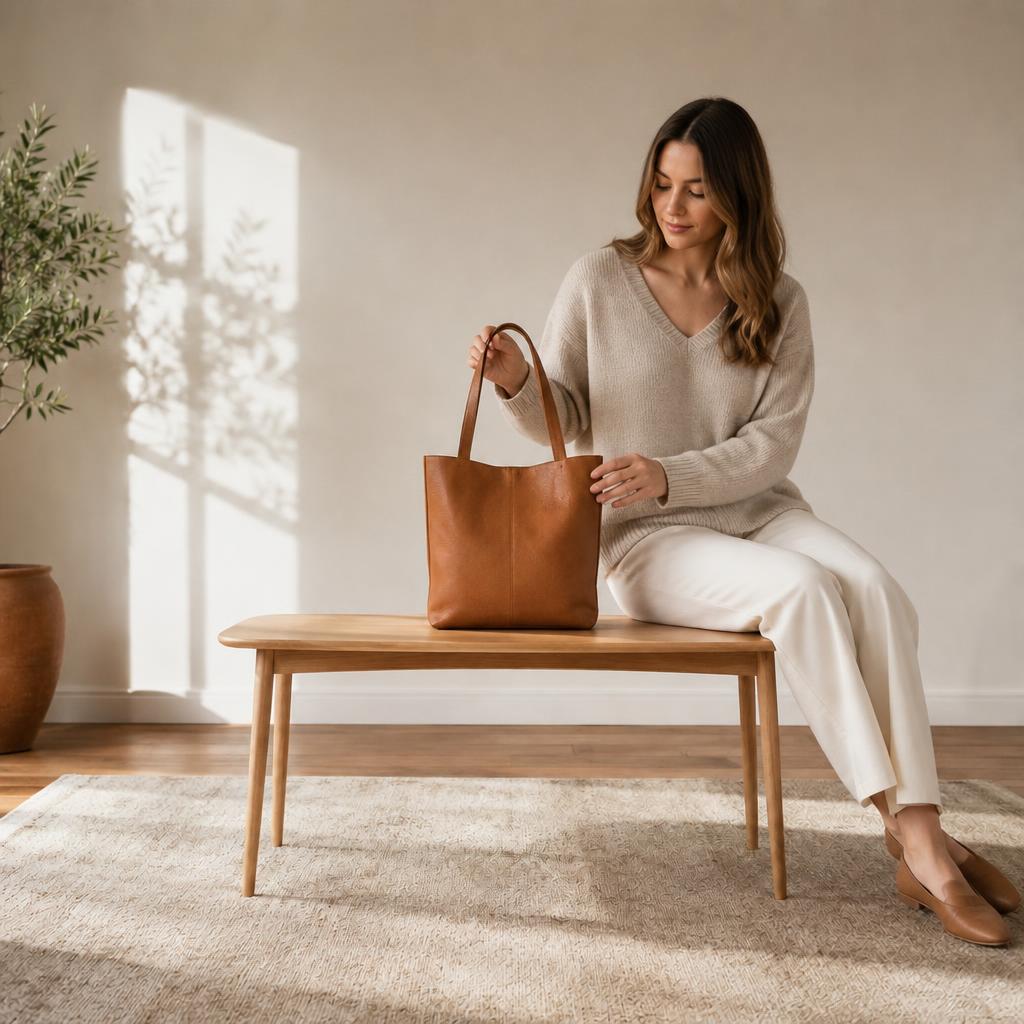
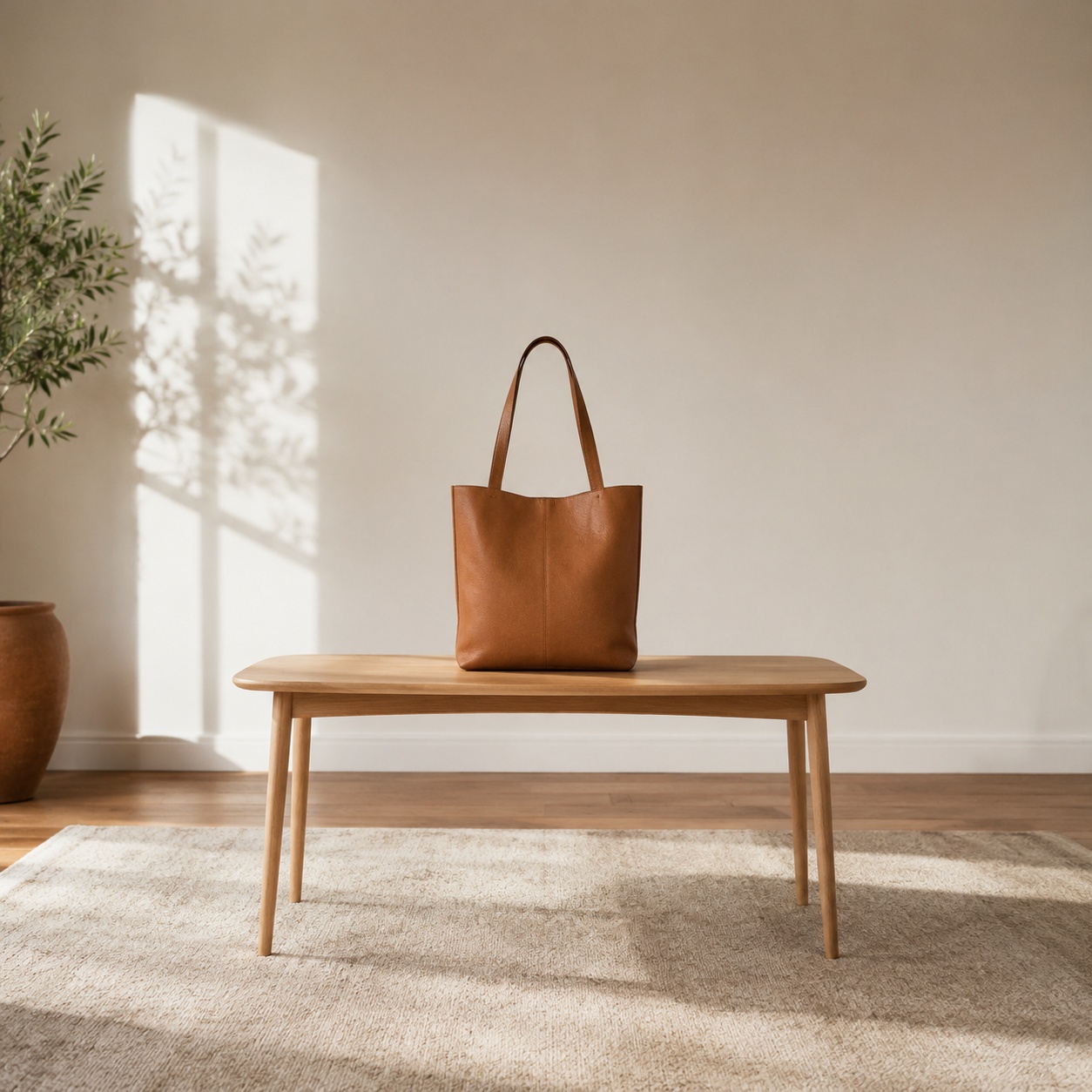
Examples of products with models
Check whether the model holds or wears the item correctly and whether shape, logo, material and proportions remain accurate.
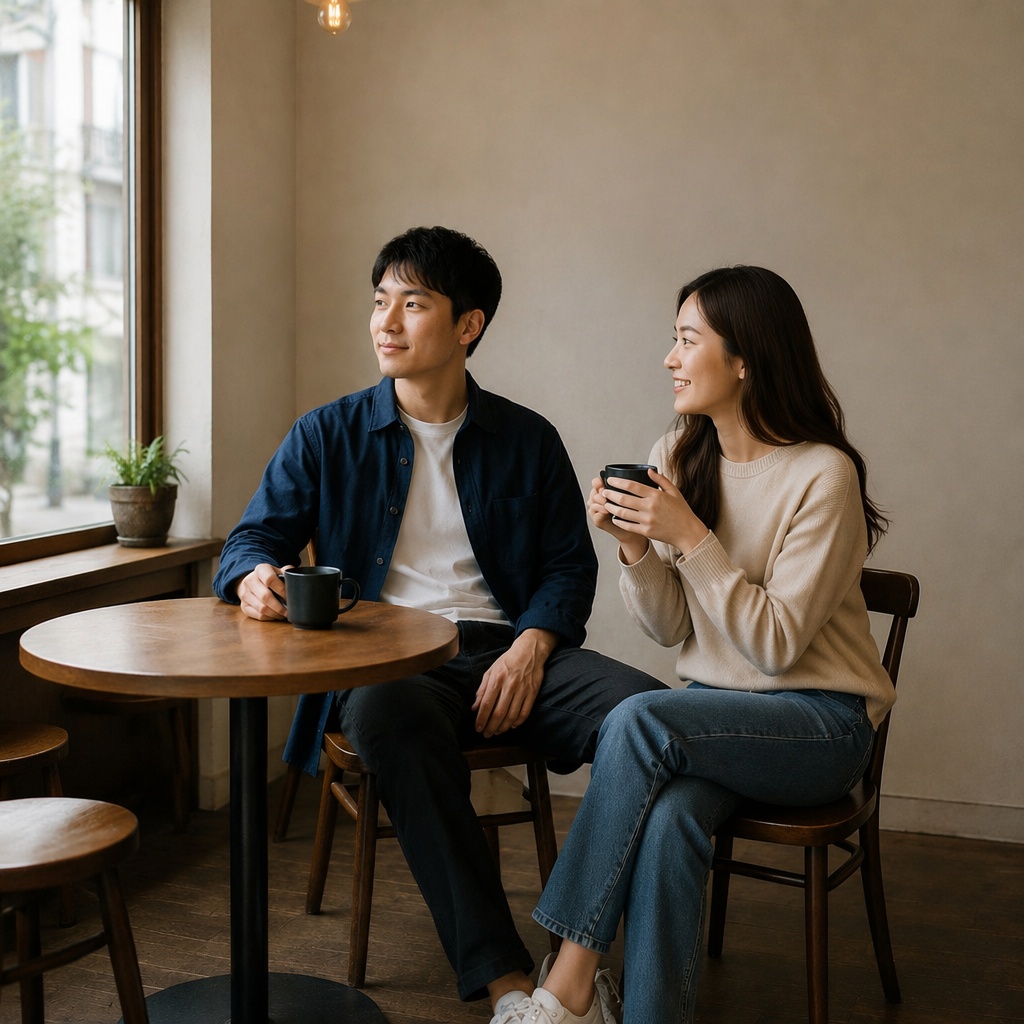
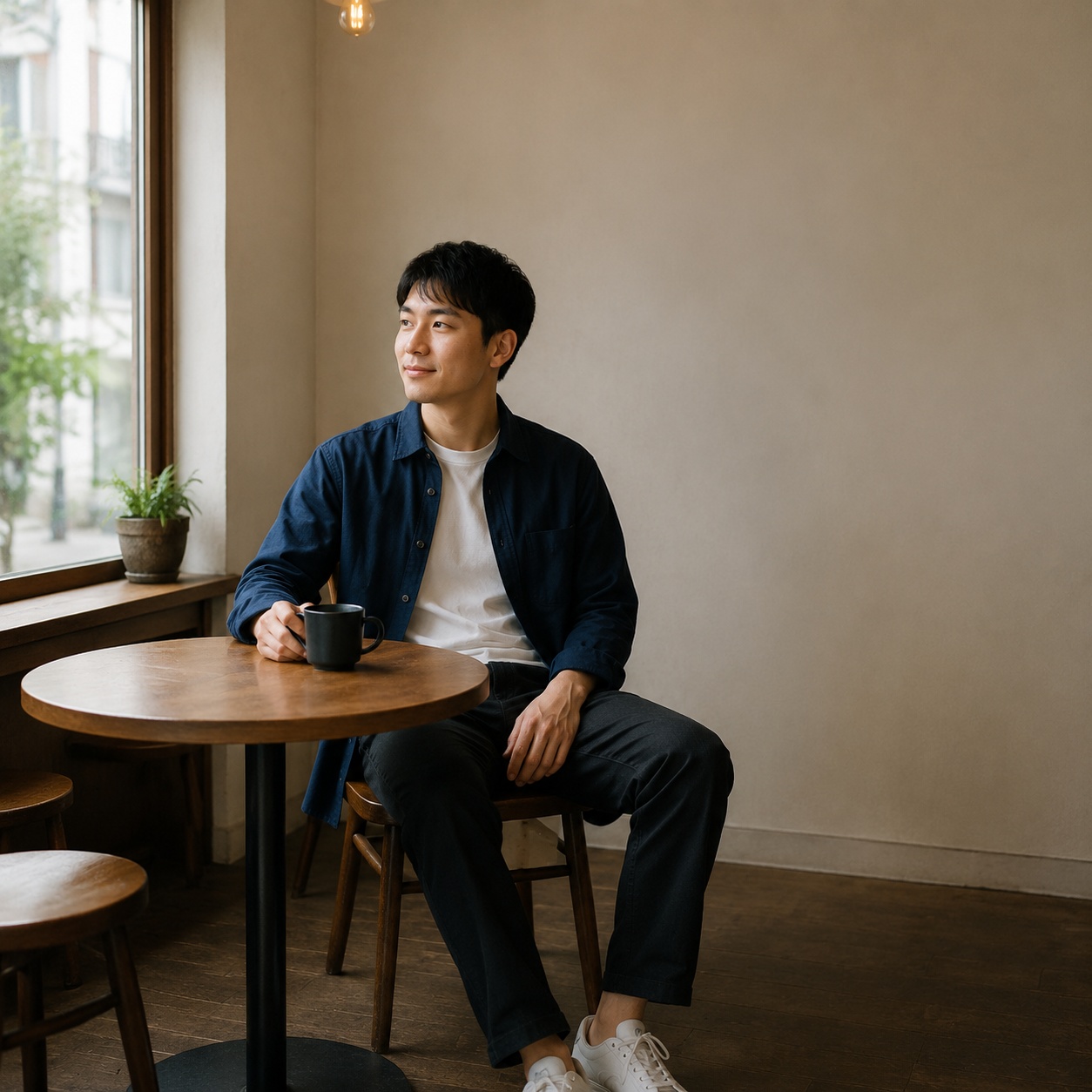
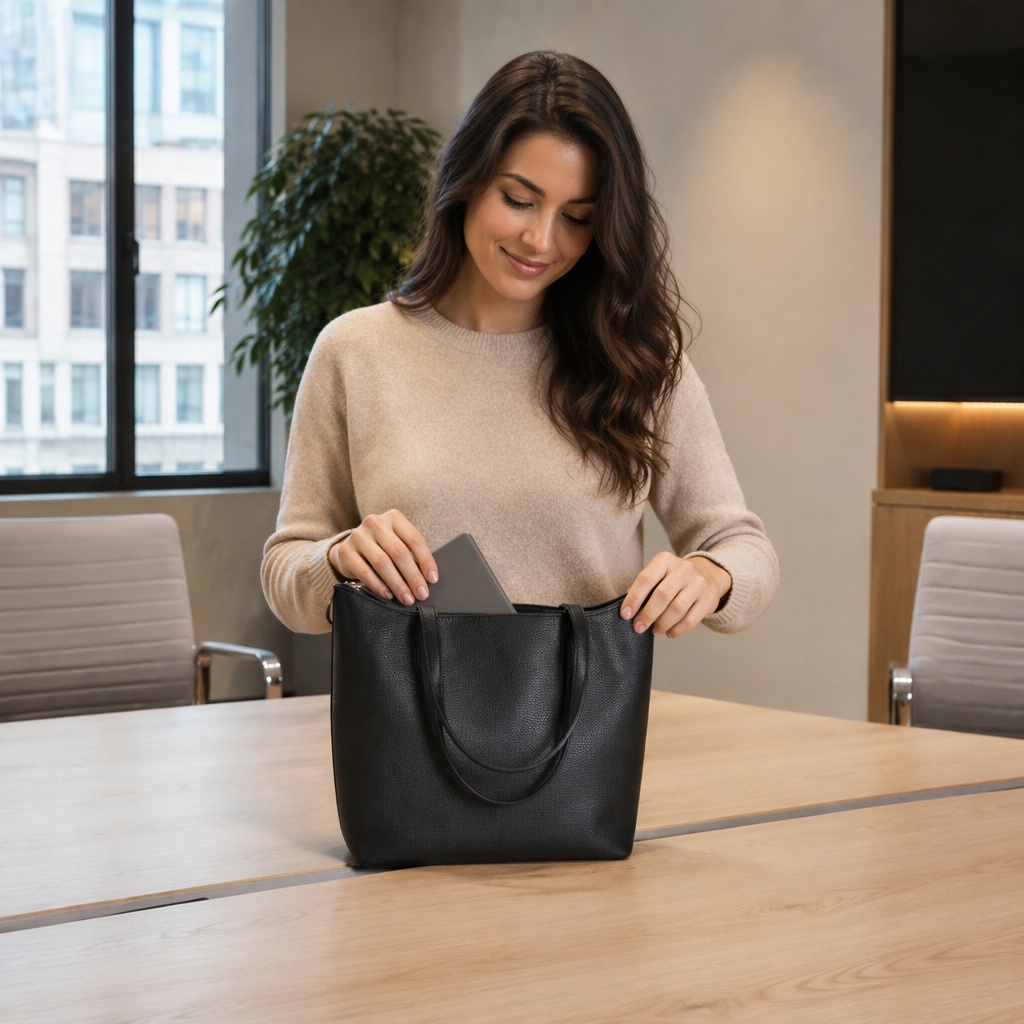
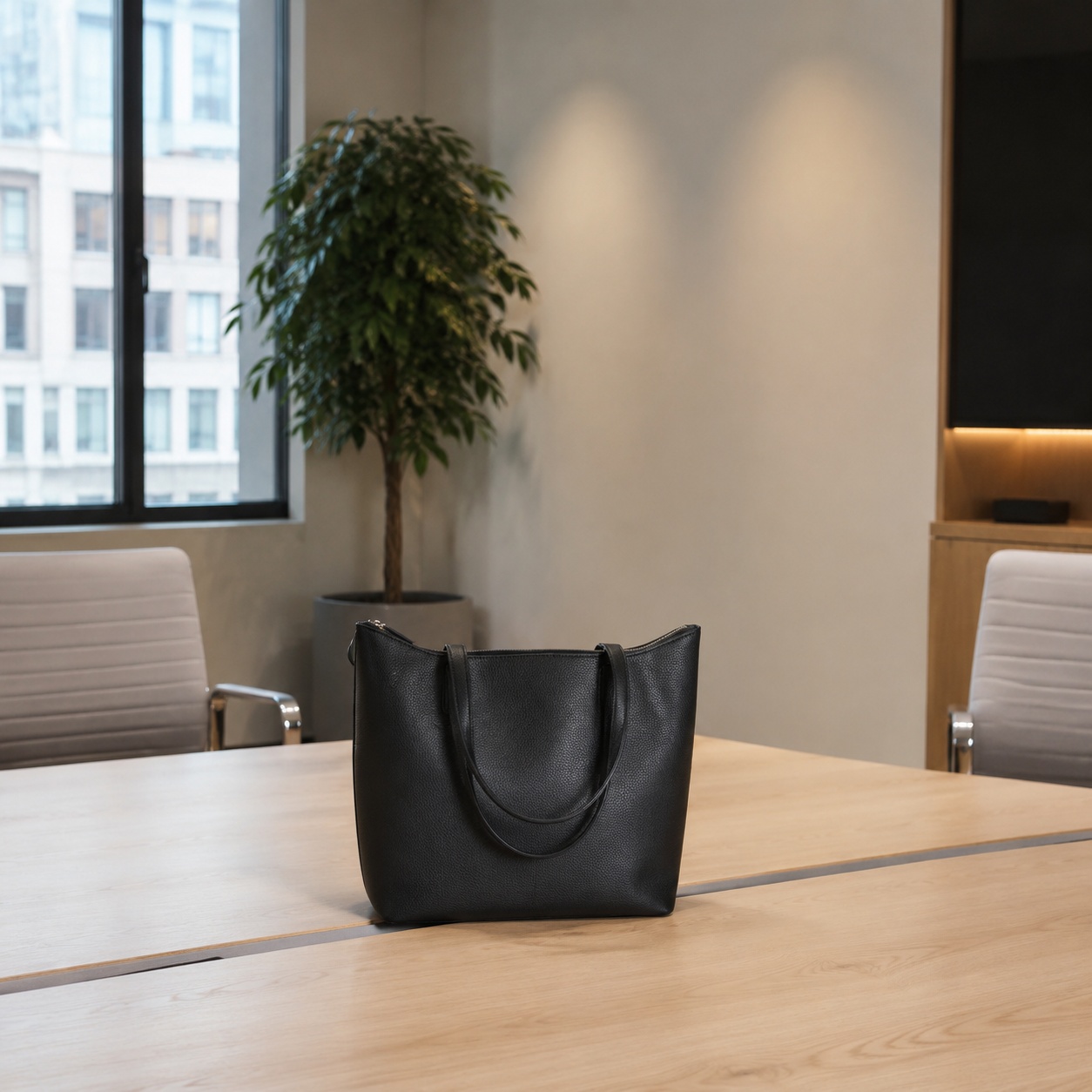
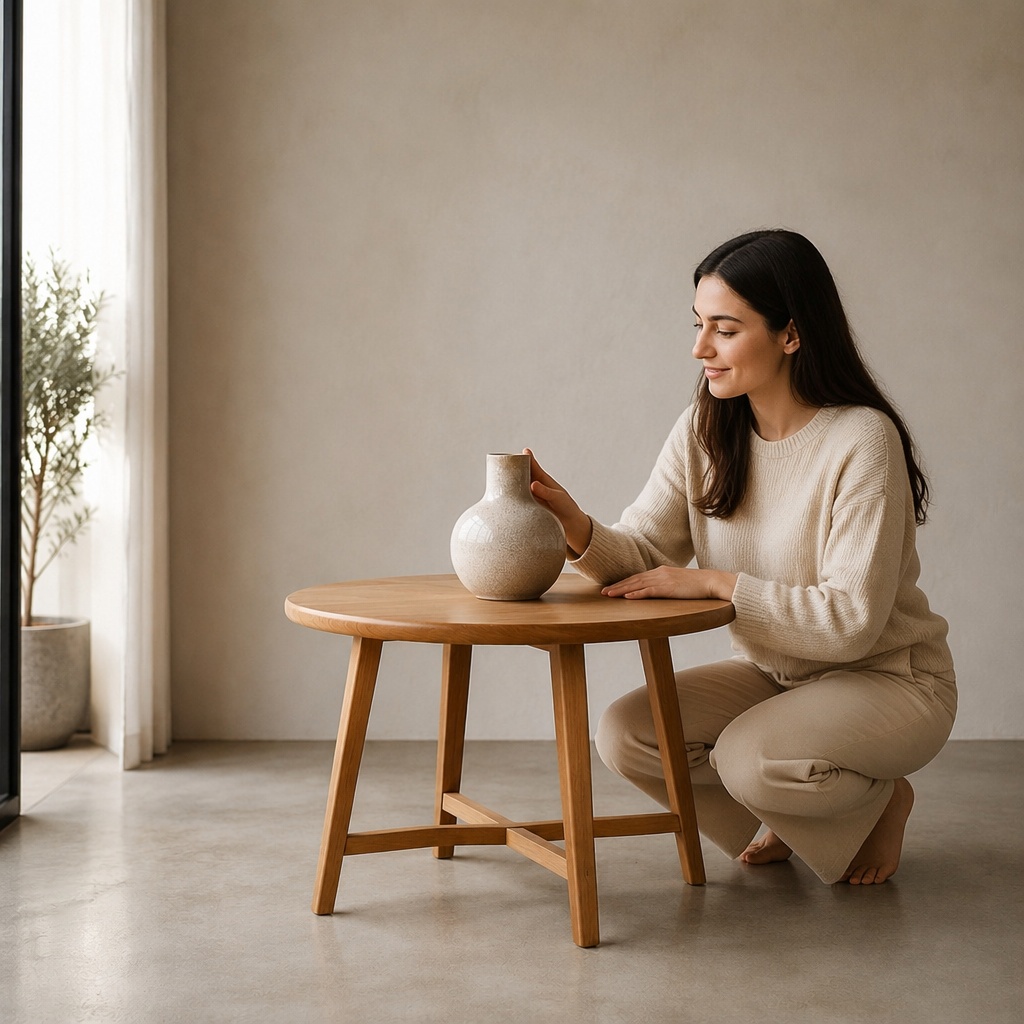
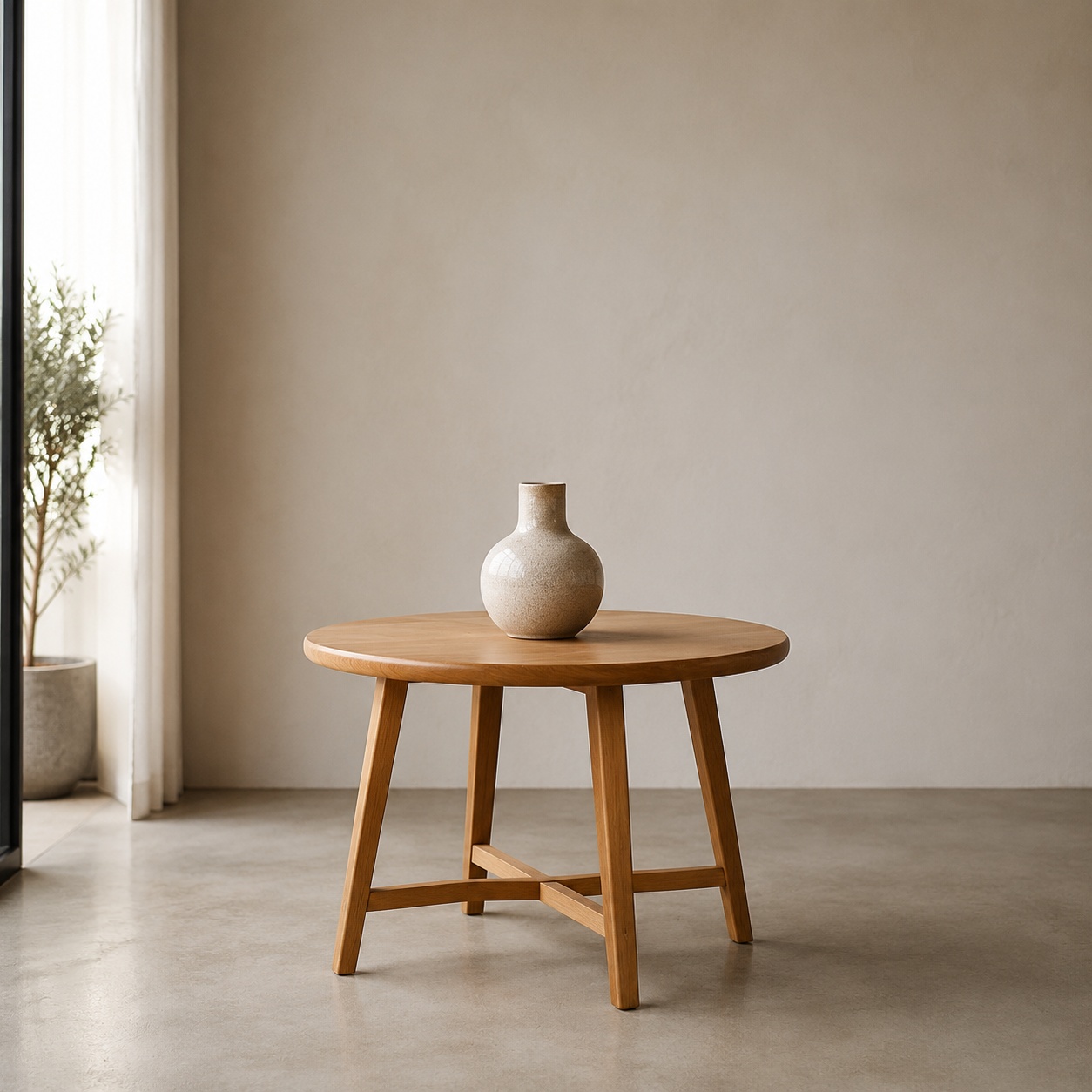
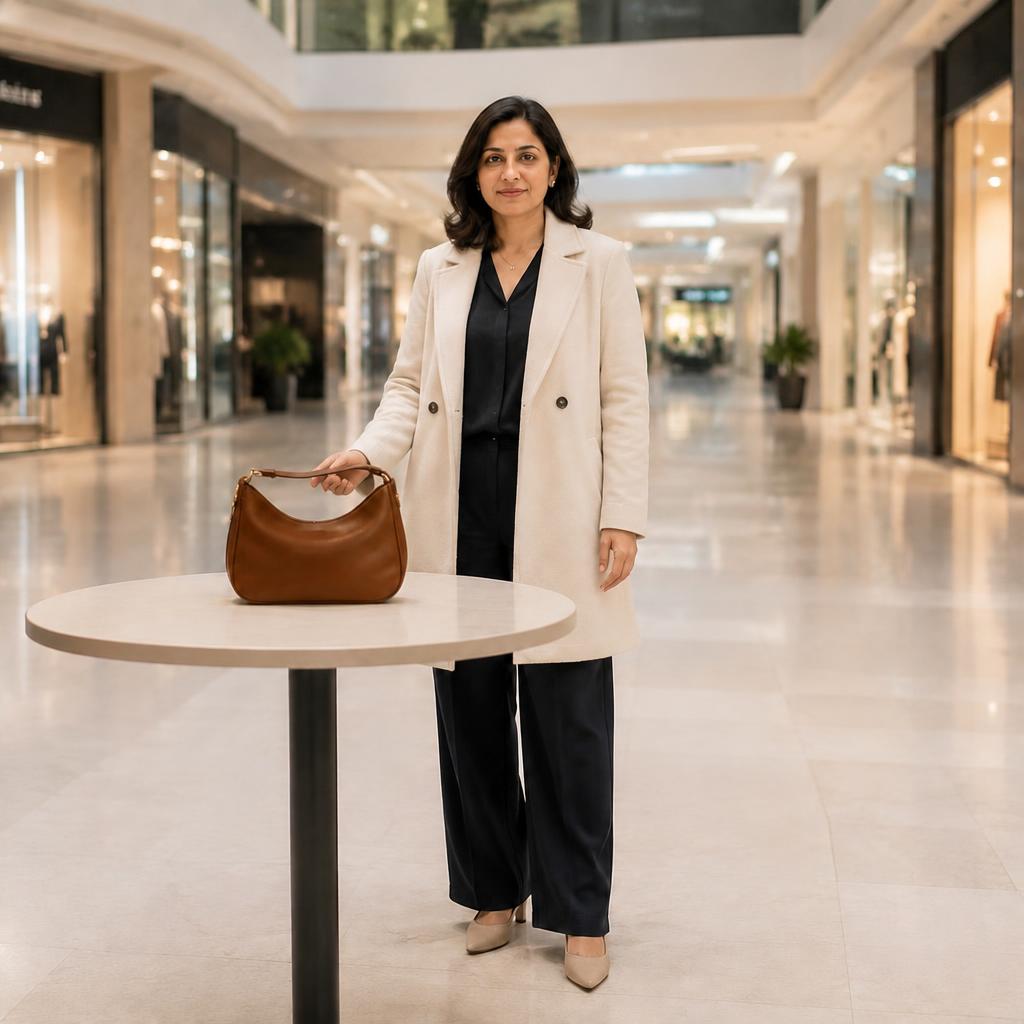
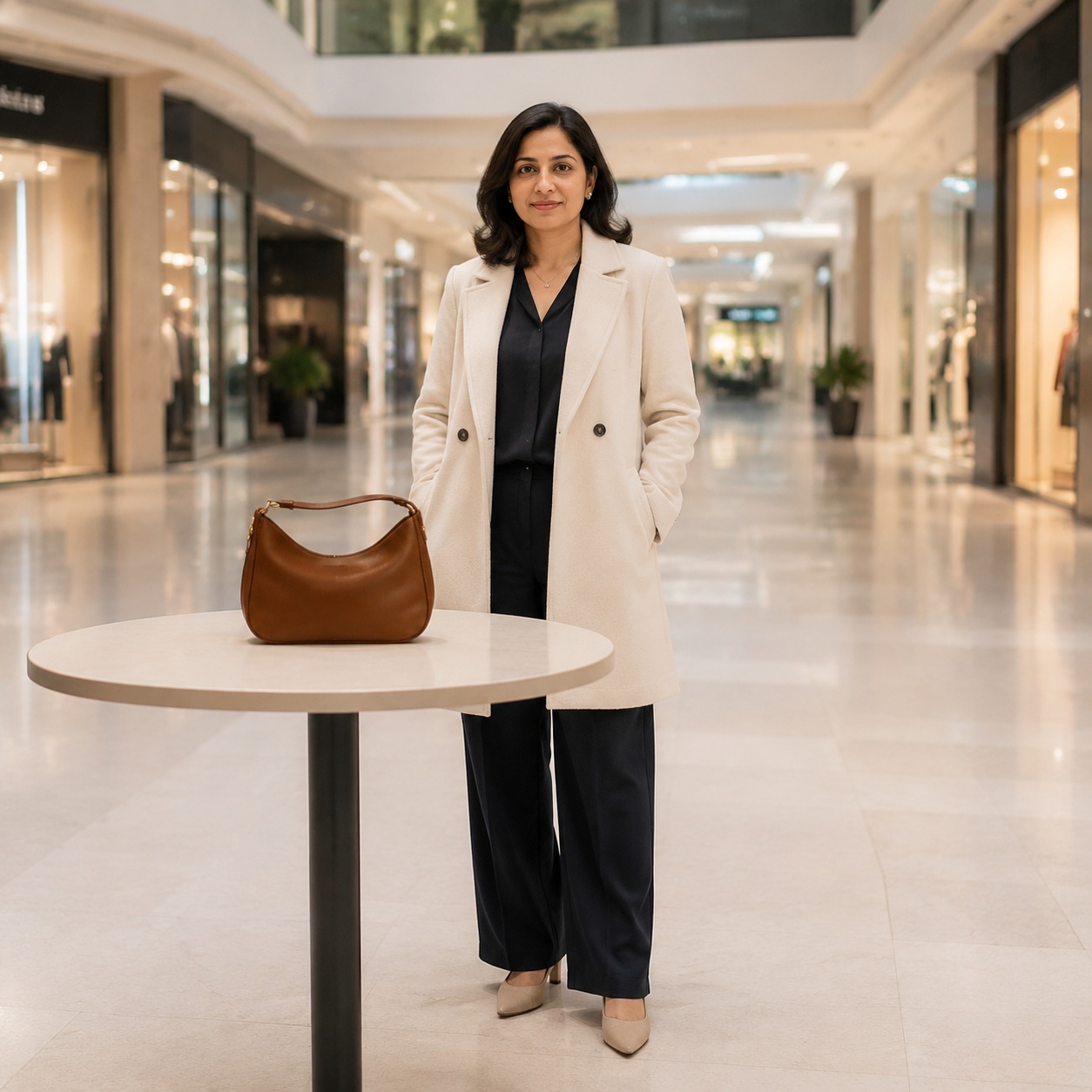
How to add a model to a product image
Upload a clean product photo
Clear edges, good resolution and neutral light help preserve product geometry and details.
Describe the interaction
State whether the model should hold, wear, present or use the product, plus the desired camera angle.
Inspect the product
Compare logo, color, geometry, text, part count and the way hands contact the item.
Why product accuracy matters
In a commercial image, the model is not the only thing to judge. The product remains the primary subject, so shape, color, branding and proportions must stay recognizable.
Small items require accurate fingers and grip, clothing requires faithful fit and fabric pattern, and large products require believable human scale.
How to prepare the product photo
Use an image without heavy glare, blown highlights or objects covering the product.
Any text or logo should be large and sharp enough to inspect.
Avoid changing product, background, model and composition all at once; split the workflow into steps.
Before publishing, zoom in and check the practical details: edges, face consistency, texture, shadows and whether the final image still matches the original camera perspective.
Four commercial-image checks
A strong result should sell the product rather than distract from it.
Business and content use cases
Product listings
Show the item in use for an online store or marketplace.
Advertising creatives
Create a scene for banners, paid ads or landing pages.
Catalogs and presentations
Expand product imagery with model shots without a separate shoot.
Social media
Build lifestyle content for posts, stories and product launches.
A model scene without a photo shoot
Traditional production
Requires a model, photographer, studio, props, retouching and multiple approval steps.
SmartGeniusAI
Lets you test several concepts quickly and choose a direction for publishing or refinement.
Source images to avoid
Product-model prompt ideas
Prompt idea 1
Add an adult model naturally holding the product with both hands, preserving exact shape, color and logo.
Prompt idea 2
Add an adult model using the item in a realistic lifestyle scene, matching grip, scale and commercial lighting.
Prompt idea 3
Show the garment on an adult model while preserving cut, texture, pattern and product color as closely as possible.
Prompt idea 4
Add a model beside the large product, preserving its dimensions and creating a clean commercial composition.
Frequently asked questions
Will the product logo stay accurate?
AI attempts to preserve it, but small text and detailed logos may distort. Review them separately.
Can I show clothing on a model?
Yes. Use a clear garment image and request preservation of cut, pattern, material and color.
Can I add hands holding the product?
Yes. Describe the grip and item position, then inspect fingers and contact areas carefully.
Is the result suitable for marketplaces?
It can work as an additional lifestyle visual, but platform rules and product accuracy still need separate review.
Can I change the background afterward?
Yes. First generate correct model-product interaction, then change the background in a separate step.
How can I improve realism?
Use a high-quality source image, a clear angle and one simple primary action.
Show your product with a model
Upload the product image and create a commercial scene with natural interaction.
AI processing terms
What is free and when do I need an account?
Guest AI edits are unavailable. A new account created after the offer started gets one successful free edit with any editor tool, including Premium. Further edits require tokens. This is one account-wide attempt, not one per page.
How do I pay for further edits?
Further AI edits use tokens at the tool rate. Technical failures should not consume a free attempt. Switching project modes does not reset used attempts. Purchased tokens and permanent Premium remain intact; Premium unlocks after a purchase.