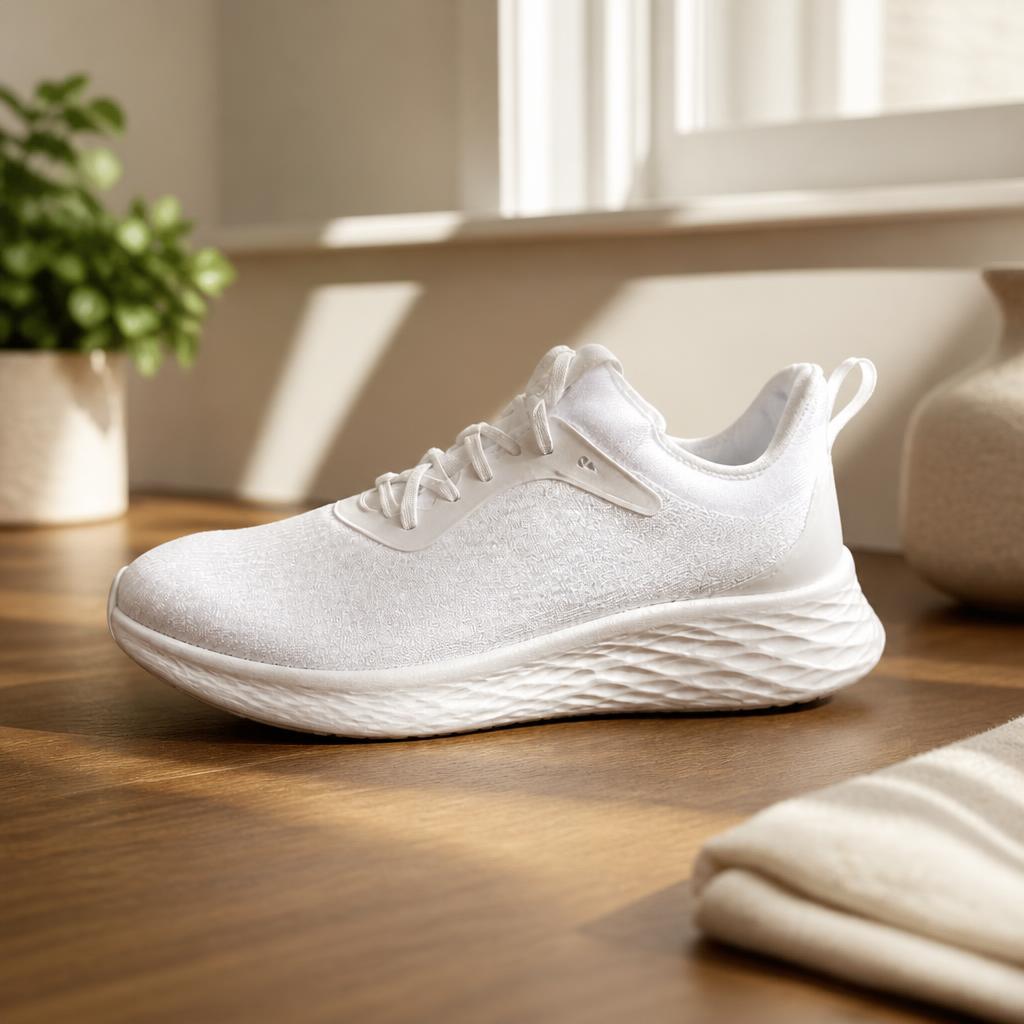
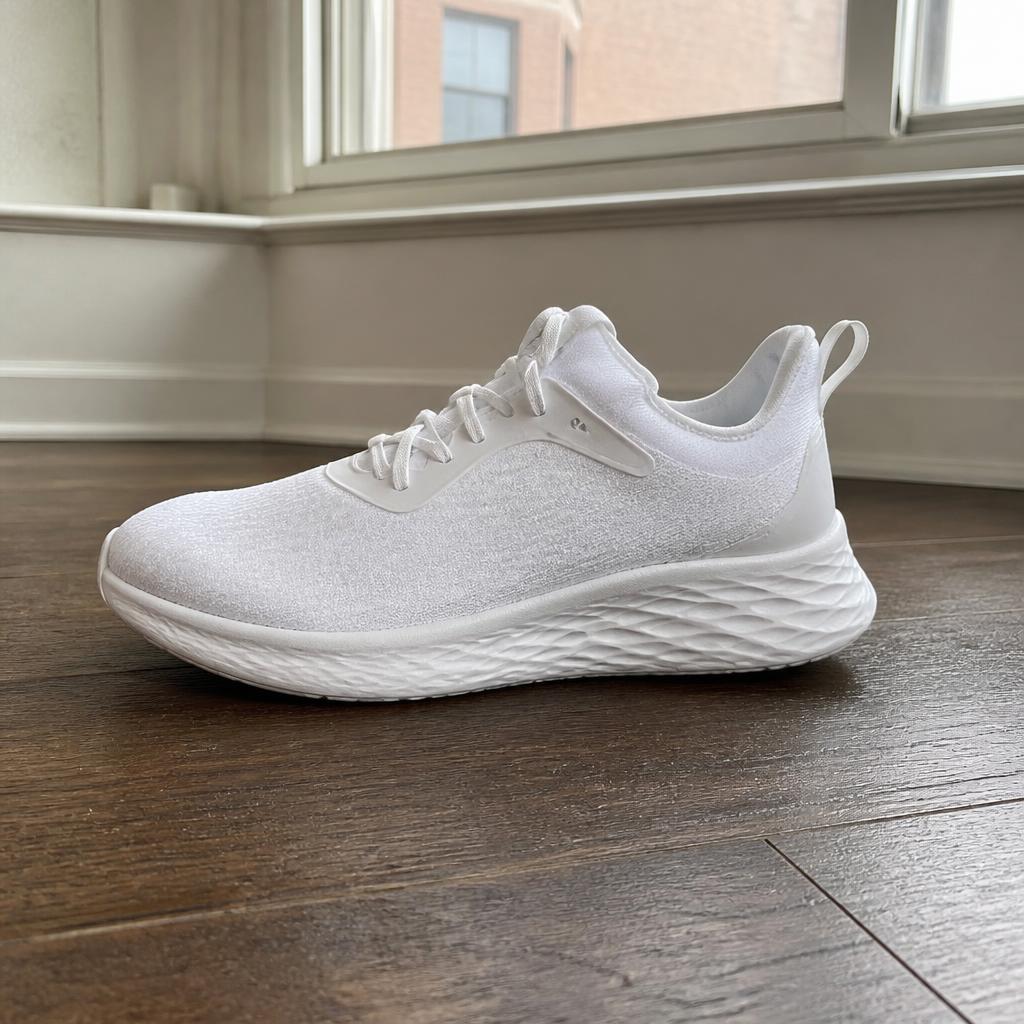
BeforeAfter
Create a premium advertising photo on a light stone pedestal with soft side lighting and a natural shadow. Keep product shape, color and packaging unchanged.

Turn a basic product snapshot into a polished commercial visual. AI rebuilds the scene, lighting and composition while keeping the product recognizable.
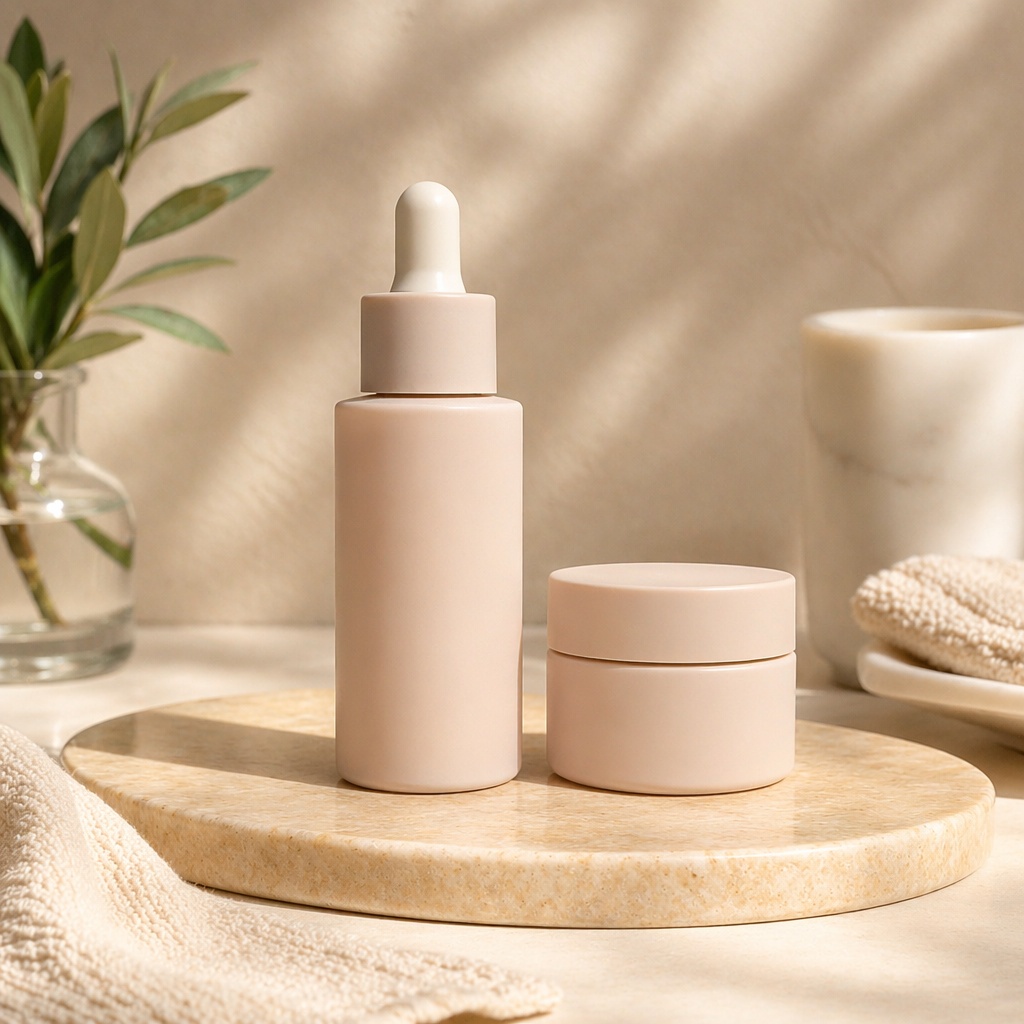
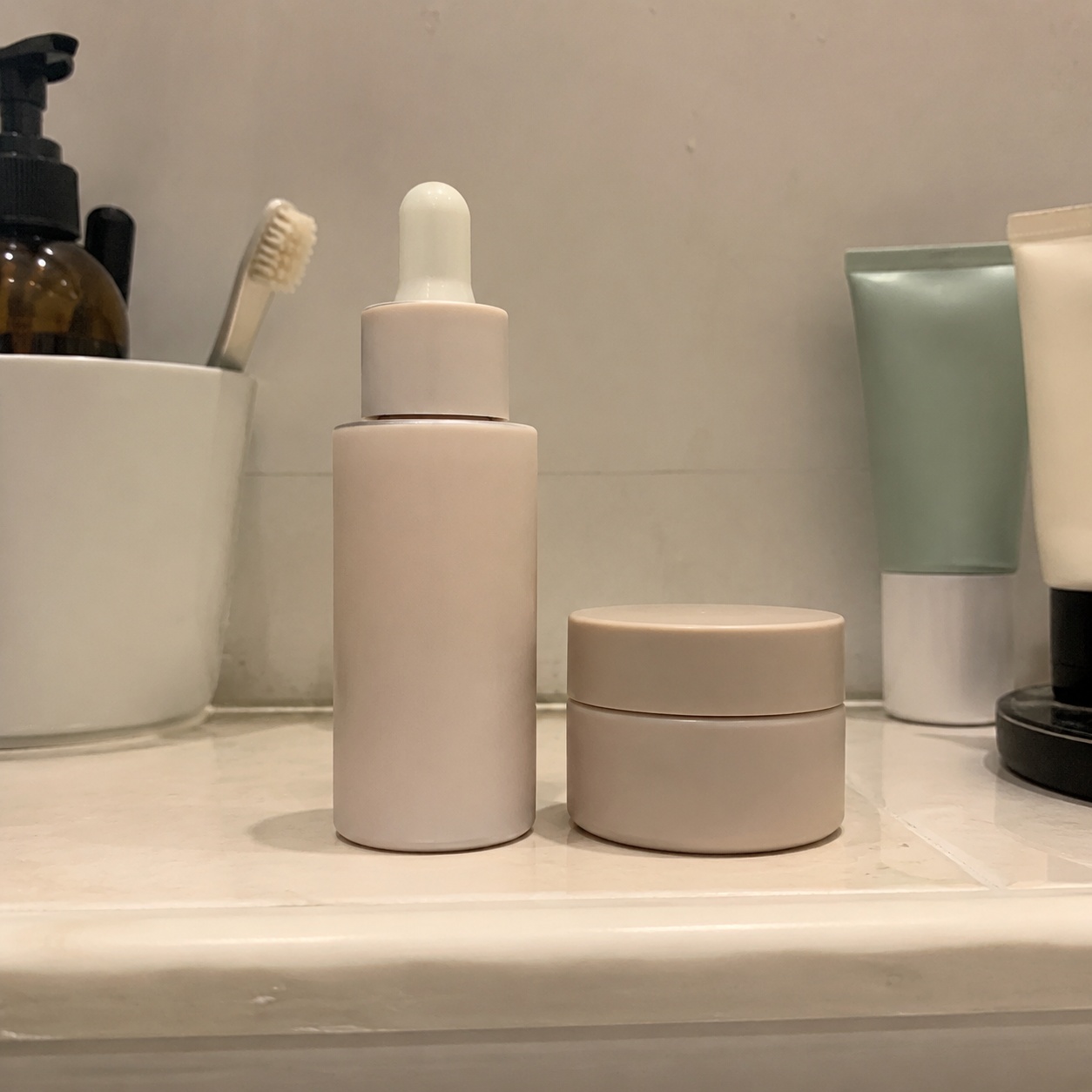
This workflow strengthens commercial presentation by rebuilding the background, light, depth and visual focus around the product.
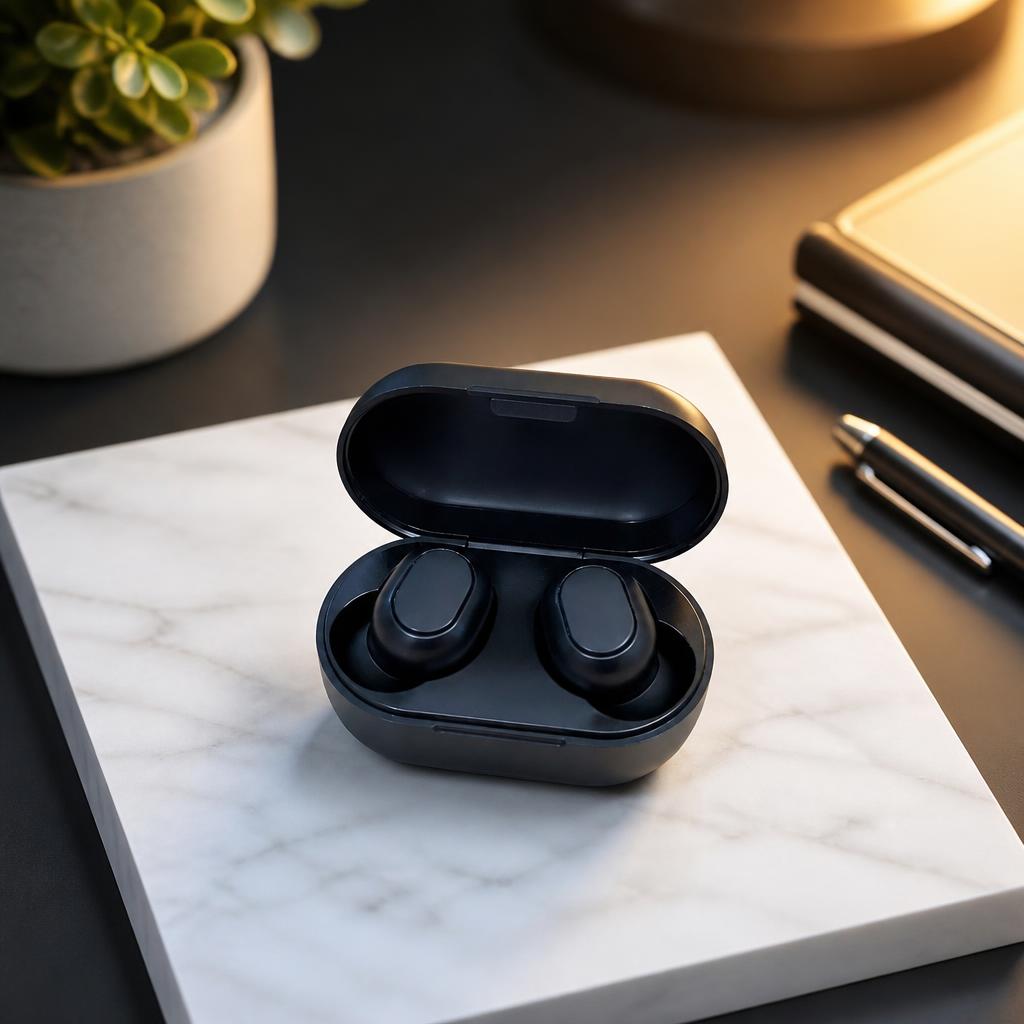
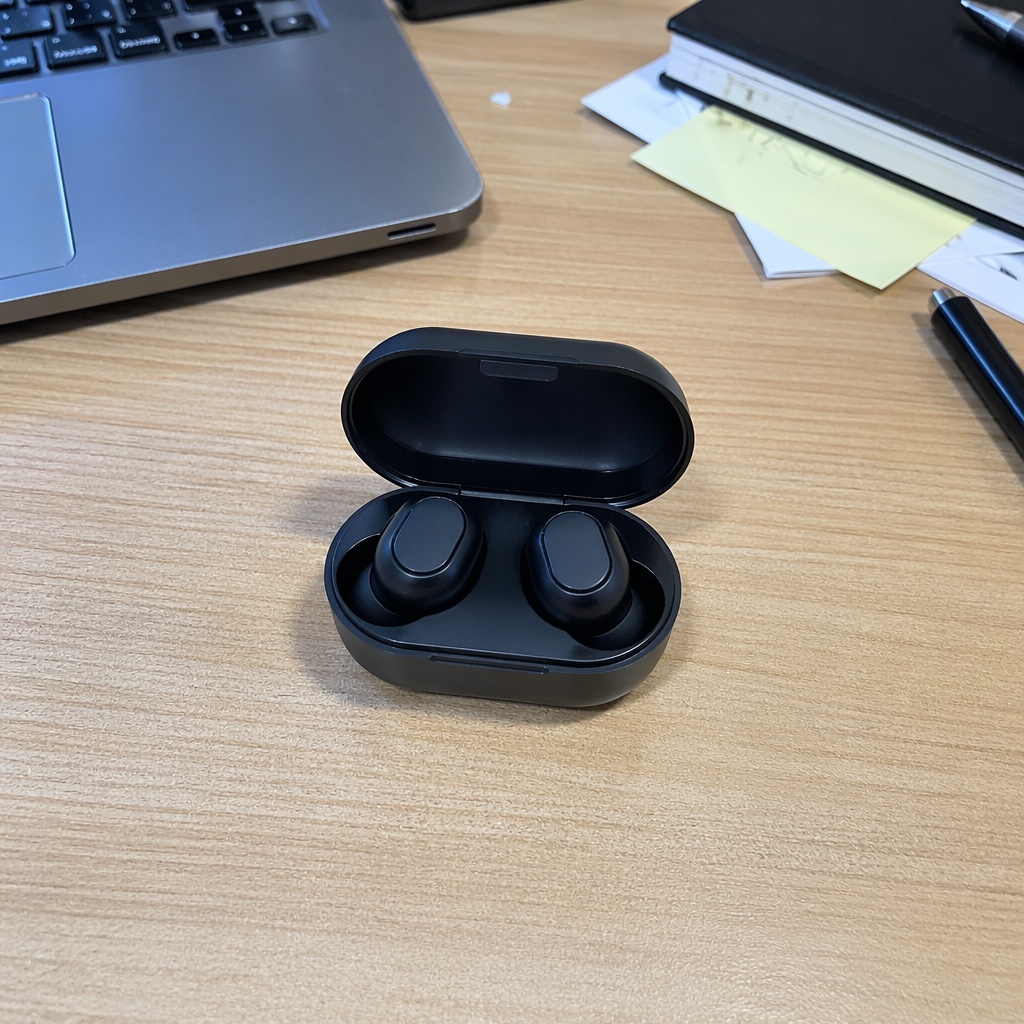
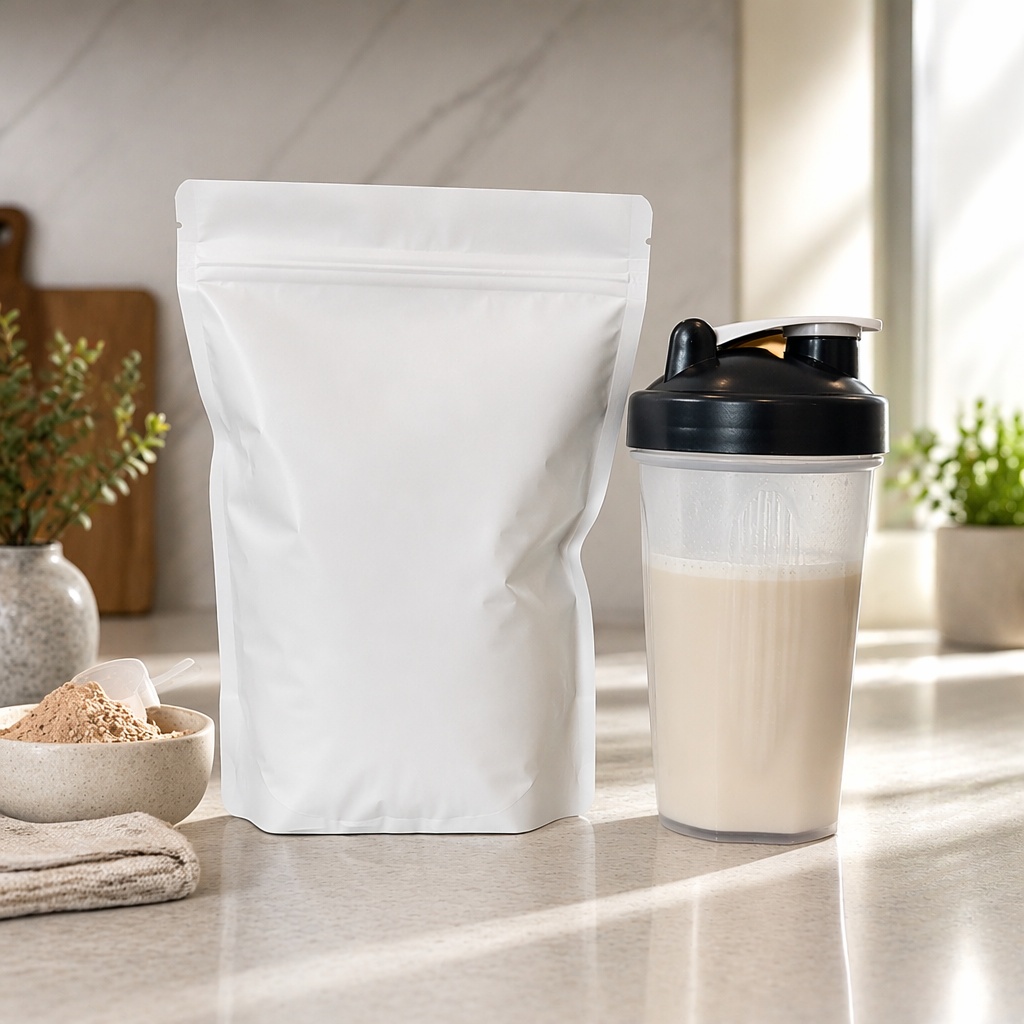
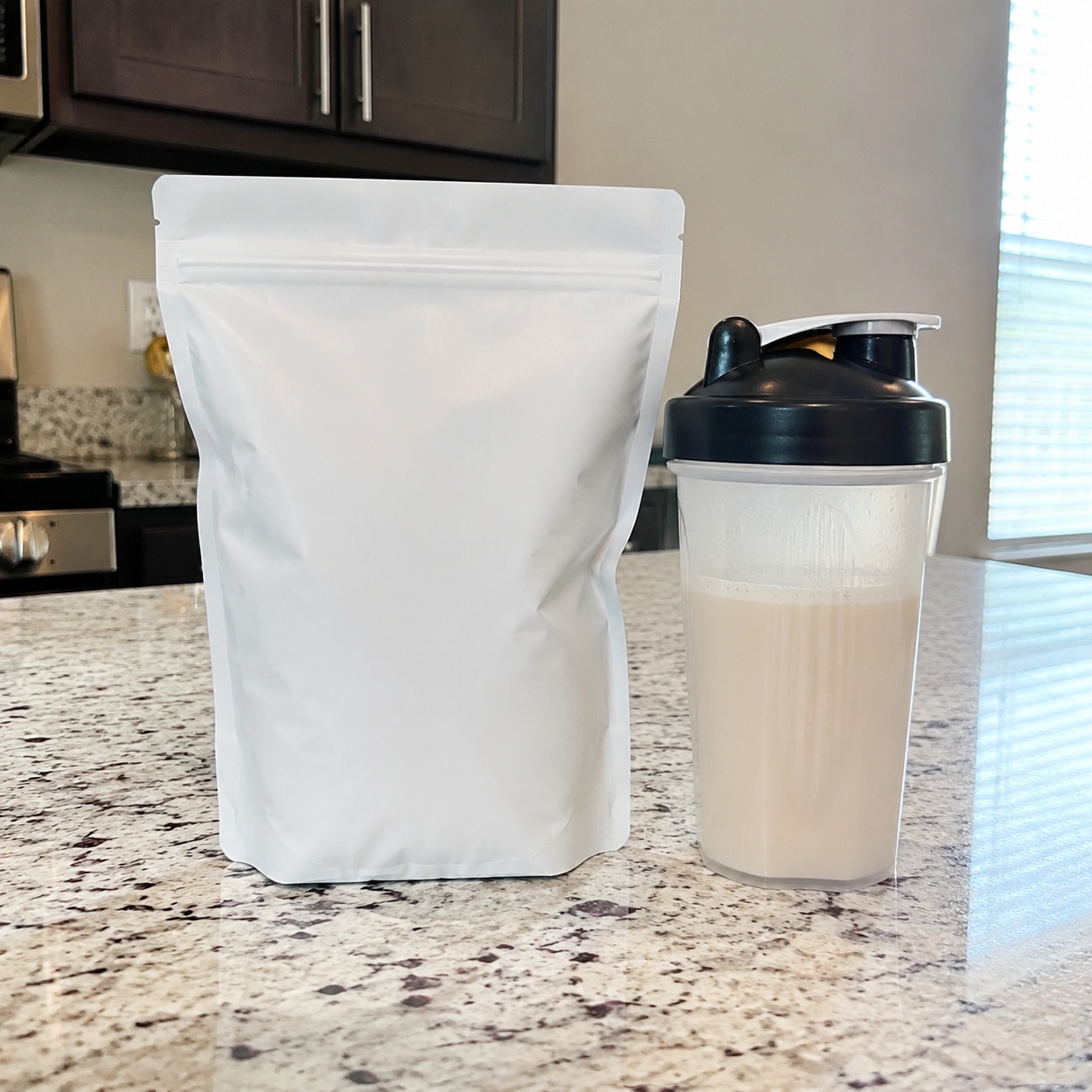
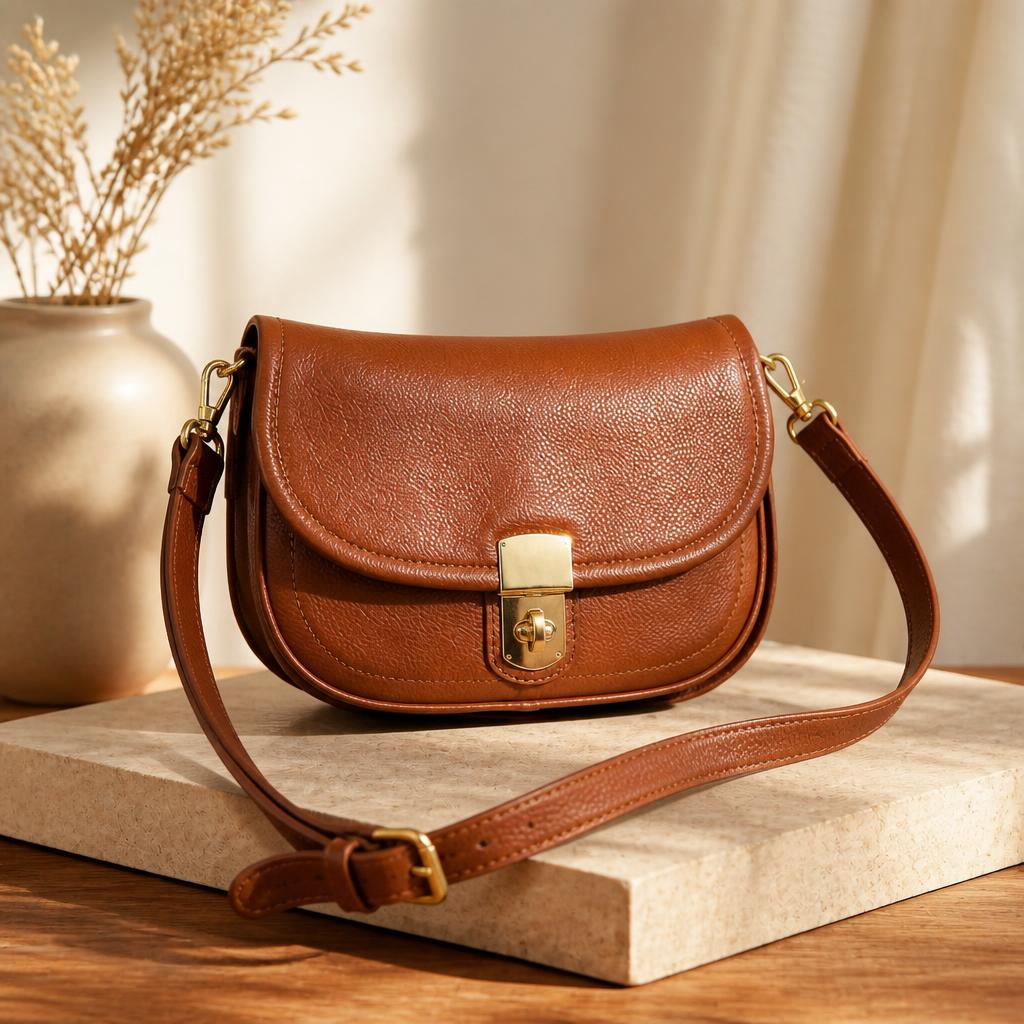
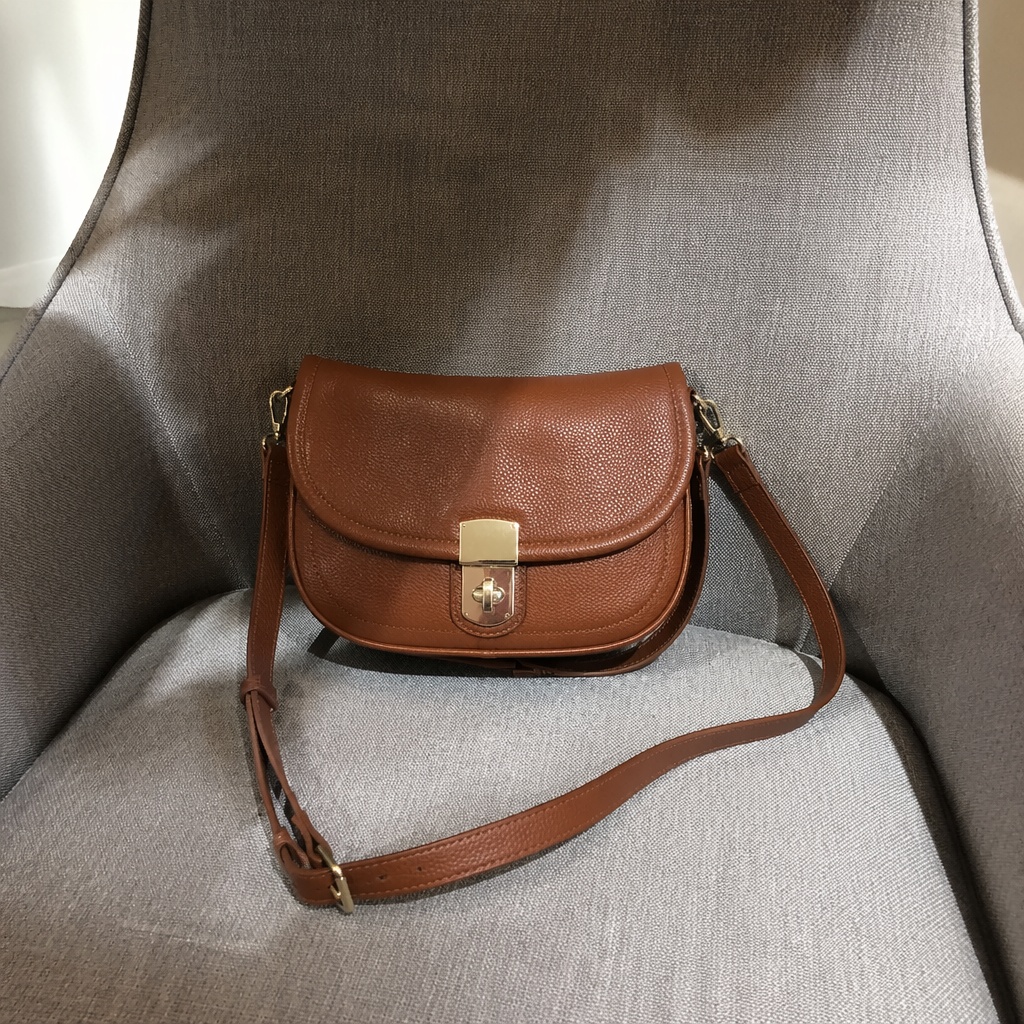
Use a sharp photo where the whole product is visible, unobstructed and clearly separated from the surroundings.
Describe the campaign mood: premium studio, warm lifestyle scene, high-tech lighting or a clean minimalist setup.
Compare shape, color, packaging, small details and shadows with the source. A stronger art direction should not redesign the product.
This workflow strengthens commercial presentation by rebuilding the background, light, depth and visual focus around the product.
It is more than background removal. The goal is an ad-ready scene that still looks like the real item customers will receive.
Keep the original product shape, color and packaging details.
Use props and background to support the item rather than compete with it.
Shape light to reveal material and volume without harsh clipping.
Leave useful negative space for a headline or call to action.
Compare shape, color, packaging, small details and shadows with the source. A stronger art direction should not redesign the product.
Create stronger visuals for feed posts, stories and paid campaigns.
Build scenes with room for headlines, benefits and a call to action.
Test several directions before investing in a full product shoot.
Adapt the atmosphere to a holiday, season or new campaign concept.
A new advertising image normally requires a set, props, lighting, reshooting and detailed manual retouching.
SmartGeniusAI creates new commercial directions from an existing photo so you can compare several concepts faster.
Create a premium advertising photo on a light stone pedestal with soft side lighting and a natural shadow. Keep product shape, color and packaging unchanged.
Place the product in a clean interior scene with warm morning light and subtle props. Keep the item as the clear focal point.
Create a modern ad visual on a dark gradient background with soft rim lighting. Do not add text, logos or new product details.
Place the product on the right and leave clean negative space on the left for campaign copy. Keep light, shadow and perspective realistic.
The workflow is designed to preserve shape, color and main details. Review packaging, proportions and small elements before publishing.
Yes. Test studio, lifestyle, minimalist and more dramatic campaign directions from the same source.
Yes, provided the product is sharp, fully visible and not blocked by other objects.
It is usually better to generate a clean scene first, then add price, logo and campaign text as separate design layers.
Upload a large, clear source and explicitly ask to preserve the label, packaging shape and product color.
Simplify the prompt, define background and lighting more precisely, or create another variation.
Upload a product photo and create a new advertising scene with stronger light, background and composition.